AFFiNE vs. AppFlowy vs. Anytype: The Ultimate Open-Source Comparison (2026 Edition)
In the rapidly evolving landscape of productivity software, the shift from proprietary giants like Notion to open-source, local-first solutions is undeniable. But with contenders like AFFiNE, AppFlowy, and Anytype all vying for the top spot, how do you choose?
We didn't just read the documentation; we put these tools to the test. From importing 5,000+ blocks of Notion data to testing real-time sync capabilities under unstable network conditions, we’ve analyzed the architecture, performance, and day-to-day usability of these three powerhouses.
Whether you are a developer looking for a self-hosted Notion alternative, a privacy advocate seeking local-first knowledge bases, or a team manager needing a whiteboard-project management hybrid, this guide provides the technical depth and honest comparison you need.
TL;DR: The Verdict (Quick Decision Guide)
Don't have time for the deep dive? Here is our "Decision Tree" based on our hands-on testing:
-
Choose AppFlowy if: You prioritize native app performance above all else. You are a solo user or developer who loves the speed of Rust, wants a strict text/Kanban structure, and prefers a clean, minimalist interface for personal task management.
-
Choose Anytype if: You are a privacy enthusiast or Web3 advocate. You want a fully decentralized, P2P network (IPFS) where data lives strictly on your devices. You enjoy tinkering with Object-based data structures (graphs) rather than traditional hierarchies.
-
Choose AFFiNE if: You need a "Notion + Miro" hybrid. You are a knowledge worker or team that needs to switch seamlessly between writing docs and brainstorming on an Edgeless Canvas. You require Google Docs-style real-time collaboration (CRDTs) and a stable web experience alongside local apps.
Under the Hood: Technical Architecture & Performance
To truly understand these tools, we must look at the technology that powers them. This is where the biggest differences lie.
AppFlowy: The Speed Demon (Rust + Flutter)
AppFlowy is built with Rust (backend) and Flutter (frontend).
-
The Pro: This architecture delivers exceptional native performance. During our tests, AppFlowy launched faster on desktop than the others and handled large lists with minimal lag.
-
The Trade-off: Being native-first means the web experience is secondary or non-existent in some contexts, making browser-based quick access harder.
Anytype: The Decentralized Graph (IPFS + P2P)
Anytype is built on the Any-Sync protocol, leveraging IPFS (InterPlanetary File System).
-
The Pro: It uses an "Object-based" architecture. Everything is an object (a task, a person, a note) linked in a graph. The privacy is unmatched due to its P2P nature.
-
The Trade-off: The learning curve is steep. Syncing across devices relies on peer-to-peer connections or encrypted backup nodes, which can occasionally result in sync conflicts if devices aren't online simultaneously.
AFFiNE: The Collaborative Hybrid (TypeScript + CRDTs)
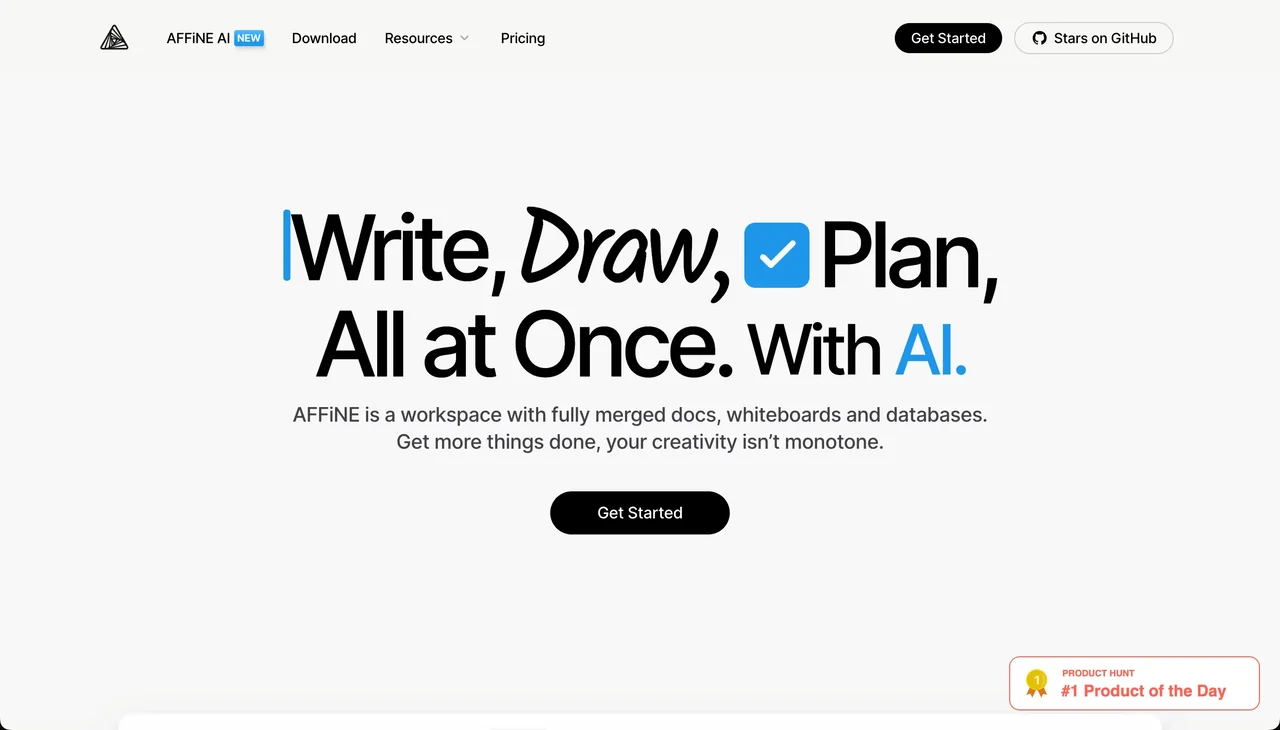 AFFiNE utilizes TypeScript and Rust, powered by BlockSuite and CRDTs (Conflict-free Replicated Data Types).
-
The Pro: CRDTs are the gold standard for real-time collaboration. This allows AFFiNE to offer "Local-first" speed while ensuring that if two team members edit a doc offline, the changes merge perfectly when online.
-
The Highlight: It supports a true "Edgeless" mode, rendering complex whiteboards and documents in the same view without performance drops.
Note-Taking & The "Canvas" Factor
We tested a specific scenario: Planning a Product Roadmap.
AppFlowy
AppFlowy feels the most like a traditional "Notion Clone" in terms of structure. You have pages, grids, and boards. It is excellent for structured data but feels rigid if you want to draw a diagram next to your text. You are confined to the block structure.
Anytype
Anytype forces you to think in "Objects." You don't just "create a page"; you create an "Object" and define its type. While powerful for building a personal Wikipedia, we found it slightly frictionless for quick brain dumps. The "Set" and "Collection" views are powerful but require setup time.
AFFiNE
AFFiNE shines here with its Edgeless Mode. We started by typing a project brief (Doc mode), then clicked a button to transform the page into a whiteboard. We could then draw flowcharts, add sticky notes, and connect them to the text blocks on the same screen. For creative workflows, this breaks the limitation of linear documents.
The "Notion Migration" Test
Since many users are migrating from Notion, we tested importing a workspace containing 50 pages, nested databases, and images.
-
AppFlowy: Handled basic text and Kanban boards well. However, complex relational databases required significant manual cleanup after import.
-
Anytype: The import process is unique because it tries to convert Notion blocks into Anytype Objects. The result was a bit chaotic for our test data, requiring us to redefine relationships between pages.
-
AFFiNE: Offered the most "1-to-1" visual fidelity. Because AFFiNE is block-based (similar to Notion), the layout, headers, and images were preserved accurately. The defining difference was that we could immediately "explode" these imported pages into a whiteboard view for reorganizing.
Collaboration & Teamwork capabilities
This is the deciding factor for teams versus individuals.
-
Anytype and AppFlowy are currently deeply rooted in "Personal Productivity." While they have introduced sharing features, they lack the granular, real-time, cursor-tracking collaboration that modern teams expect from Google Docs or Figma.
-
AFFiNE was built with Collaboration First. Thanks to its CRDT architecture, multiple users can edit the same whiteboard or document simultaneously. During our latency tests, AFFiNE handled conflict resolution (two people editing the same sentence) smoother than the P2P synchronization methods used by privacy-focused competitors.
Data Privacy & Self-Hosting
All three tools champion the "Local-first" philosophy—meaning you own your data, not the cloud provider.
| Feature | AFFiNE | AppFlowy | Anytype |
|---|---|---|---|
| Storage Model | Local + Cloud (Optional) | Local + Self-hosted Server | Local + P2P Encrypted Nodes |
| Encryption | Standard Encryption | Dependent on Server Setup | End-to-End (On-device keys) |
| Self-Hosting | Docker container available | extensive DIY options | Possible (Backup Node) |
| Best For | Teams wanting privacy + convenience | Developers wanting total control | Privacy maximalists |
Honest Take: If you are Edward Snowden, Anytype is your tool. If you are a developer who wants to tinker with your own server infrastructure, AppFlowy is a playground. If you are a business that needs GDPR compliance but also ease of use, AFFiNE's commercial cloud or self-hosted Docker container offers the best middle ground.
Pricing & Accessibility
-
AFFiNE: Free Pro version for individuals (generous limits). Paid plans focus on Cloud storage and advanced team collaboration features (AI, larger upload limits).
-
AppFlowy: Open-source core is free. They are introducing cloud services for those who don't want to self-host, but the core remains free.
-
Anytype: Completely free during beta. Future monetization will likely revolve around backup node storage and larger shared spaces.
Pricing and Accessibility
In the world of open-source productivity tools, understanding the pricing models and accessibility features is crucial for making an informed decision. Let's explore how AFFiNE, AppFlowy, and Anytype approach these aspects to cater to a diverse range of users.
AFFiNE Pricing
AFFiNE offers a competitive pricing model designed to accommodate both individual users and teams. It provides a free tier that includes basic features suitable for personal projects and small teams. For users requiring more advanced functionalities, AFFiNE offers premium plans that unlock additional features such as enhanced collaboration tools and increased data storage.
These premium plans are tailored to scale with the needs of growing teams, ensuring that users can expand their capabilities as their requirements evolve. AFFiNE’s pricing structure reflects its commitment to providing value across different user segments, making it a flexible choice for various productivity needs.
AppFlowy Cost
AppFlowy follows a straightforward pricing strategy, emphasizing its open-source roots. It offers a free version that provides core functionalities for note-taking and project management. This model is particularly appealing to users who prioritize flexibility and cost-effectiveness. While AppFlowy does not have a traditional premium tier, its open-source nature allows users to customize and extend the platform as needed, offering a unique value proposition. This approach ensures that even without additional costs, users can tailor the tool to suit their specific workflows, making AppFlowy a cost-effective solution for both individuals and teams.
Anytype Accessibility
Anytype stands out by offering a comprehensive platform with a focus on accessibility and privacy. It provides a free version that includes essential features, allowing users to explore its unique object-based system without financial commitment. Anytype’s dedication to accessibility is evident in its support for multiple platforms, ensuring users can access their data across various devices seamlessly. This commitment extends to its privacy-centric design, where data is stored locally, giving users full control over their information. Anytype’s accessibility features are designed to cater to a wide audience, ensuring that users with diverse needs can effectively utilize the platform.
In summary, while AFFiNE offers scalable premium plans for expanding teams, AppFlowy provides a cost-effective open-source solution, and Anytype emphasizes accessibility and privacy. Each tool’s pricing and accessibility approach caters to different user preferences, helping you choose the right productivity tool for your specific needs.
Use Cases and Ideal Scenarios
Choosing the right productivity tool often boils down to understanding the specific use cases each tool excels in. Whether you're managing complex projects, collaborating with a team, or structuring interconnected notes, AFFiNE, AppFlowy, and Anytype each offer unique strengths tailored to different scenarios.
AFFiNE Use Cases
For those engaged in creative projects that require a blend of writing, drawing, and planning, AFFiNE presents a compelling choice. Its integrated workspace allows users to consolidate various tasks within a single platform, minimizing the need for multiple applications. This makes it particularly effective for creative professionals who need to switch seamlessly between different modes of work, such as brainstorming on a whiteboard, drafting documents, and managing databases. AFFiNE's emphasis on privacy and local-first data storage further ensures that sensitive creative work remains secure.
AppFlowy Ideal Scenarios
AppFlowy is well-suited for teams that prioritize collaboration and simplicity. Its streamlined interface and focus on core functionalities like note-taking and project management make it ideal for teams that require efficient communication and task management without the distraction of unnecessary features.
The platform's offline capabilities ensure that team members can access and update information even without an internet connection, making it a reliable choice for remote teams or those operating in locations with unstable connectivity. This makes AppFlowy a strong contender for teams looking for a straightforward, reliable tool that supports collaboration and productivity in various environments.
Anytype Applications
For users who need to manage complex information structures and visualize relationships between data points, Anytype offers a unique solution. Its object-based system allows for intricate note-linking and the creation of a dynamic knowledge base. This is particularly beneficial for knowledge workers, researchers, or anyone who needs to organize large volumes of interrelated information.
Anytype's cross-platform support ensures that these complex data structures are accessible across all devices, providing flexibility and continuity in managing interconnected notes and projects. Its focus on privacy, with data stored locally, also appeals to users who handle sensitive information and require robust security measures.
In conclusion, AFFiNE, AppFlowy, and Anytype each offer distinct advantages for different productivity needs. Whether you're a creative professional, part of a collaborative team, or a knowledge manager, understanding these use cases can guide you in choosing the tool that best fits your workflow. As we proceed to the conclusion, we'll summarize the key differences and similarities to help you make an informed decision.
Conclusion: Which Tool Fits Your Workflow?
The era of "one tool fits all" is over. The best open-source productivity tool is the one that aligns with your mental model.
-
Go with AppFlowy if you want a faster, offline Notion and love the stability of native apps.
-
Go with Anytype if you want to build a personal knowledge graph and care deeply about decentralized web protocols.
-
Go with AFFiNE if you want a creative workspace that unifies docs, whiteboards, and databases, and you need robust features for team collaboration.
Ready to break free from linear documents? Start using AFFiNE today and experience the power of an Edgeless workspace.
Ultimately, choosing the right productivity tool depends on your specific needs. Consider what aspects of productivity are most important to you—whether it's collaboration, customization, offline access, or data privacy. Exploring the free versions or demos of each platform can provide valuable insight into how they align with your workflow. By evaluating these tools based on your unique requirements, you can make an informed decision that enhances your productivity and efficiency.
Frequently Asked Questions (FAQ)
1. Anytype vs. Notion: Why does "Local-first" matter for data ownership?
Unlike Notion, where your data resides on their servers, "Local-first" tools like Anytype and AFFiNE store data on your device. This means if the internet goes down, or the company disappears, you still have 100% access to your work.
2. Can I self-host AFFiNE for my team?
Yes. AFFiNE provides a Docker image that allows you to self-host the entire database and collaboration backend. This is a popular choice for enterprises requiring strict data governance.
3. Block-based vs. Object-based editor: Which is better?
Block-based (AFFiNE, AppFlowy, Notion) is intuitive—content is a stack of "Lego bricks." Object-based (Anytype) is a graph—content is a node connected to other nodes. Block-based is generally better for writing and planning; Object-based is better for archiving and complex knowledge management.
4. Does AppFlowy support real-time collaboration?
As of 2025, AppFlowy focuses heavily on offline-first capabilities. While sync exists, real-time concurrent collaboration (like seeing a colleague's cursor move) is a core strength of AFFiNE, whereas AppFlowy is still maturing in this area.
5. Is there a migration tool to move from Notion to AFFiNE?
Yes. AFFiNE includes a dedicated importer that handles HTML and Markdown formats exported from Notion, preserving your database structures and page layouts to minimize migration friction. Read More.