
Visual Assignment Tracker Template | Organize School Life with AFFiNE
We’ve all been there: The sudden panic at 11:00 PM when you realize a 10-page paper is due the next morning. In the chaotic world of academia, relying on memory—or a scattered collection of sticky notes—is a recipe for burnout.
A study by the American Psychological Association highlights that academic stress is a leading cause of mental health challenges among students (Source). The solution isn't just "working harder"; it's building a system that remembers your deadlines so you don't have to.
This guide goes beyond basic to-do lists. We will show you how to build a visual, multimodal assignment tracker using AFFiNE that adapts to your study style, ensuring you never miss a deadline again.
What is an Assignment Tracker?
An assignment tracker is a tool that helps students monitor and manage their assignments more successfully. It functions as a centralized system for students to record information about their projects, such as due dates, descriptions, priority levels, and current progress. This might be in the shape of a digital application, spreadsheet, or even a physical planner. The fundamental goal of an assignment tracker is to offer students with a clear picture of their academic duties, allowing them to stay focused and avoid missing important deadlines.
The advantages of utilizing an assignment tracker are numerous and significant. First and foremost, it helps you keep organized by collecting all of your responsibilities into one convenient spot. This structure helps students to know what has to be done and when, considerably reducing the likelihood of missing deadlines. An assignment tracker also helps students prioritize their activities based on urgency and relevance, allowing them to better utilize their time and resources. These trackers, which provide an organized method to managing assignments, can lead to greater academic achievement and lower stress levels, making the educational experience more manageable and pleasurable.
Why Traditional Planners Fail (And Why You Need a Digital Brain)
Before we build your tracker, let’s look at why standard tools often fall short:
-
Paper Planners: Great for writing, but they don't send reminders, and you can't rearrange tasks when a professor extends a deadline.
-
Basic Spreadsheets: Excellent for data, but terrible for context. You can't embed your lecture notes or PDF readings inside an Excel cell.
-
Simple To-Do Apps: Good for groceries, but they lack the "Big Picture" view needed for semester-long projects.
The AFFiNE Advantage: Structure Meets Creativity
You need a tool that combines the structure of a database (for dates and priorities) with the creativity of a whiteboard (for brainstorming essays). AFFiNE allows you to switch between these modes instantly, making it the perfect academic command center.
How Do You Keep Track of Assignments?
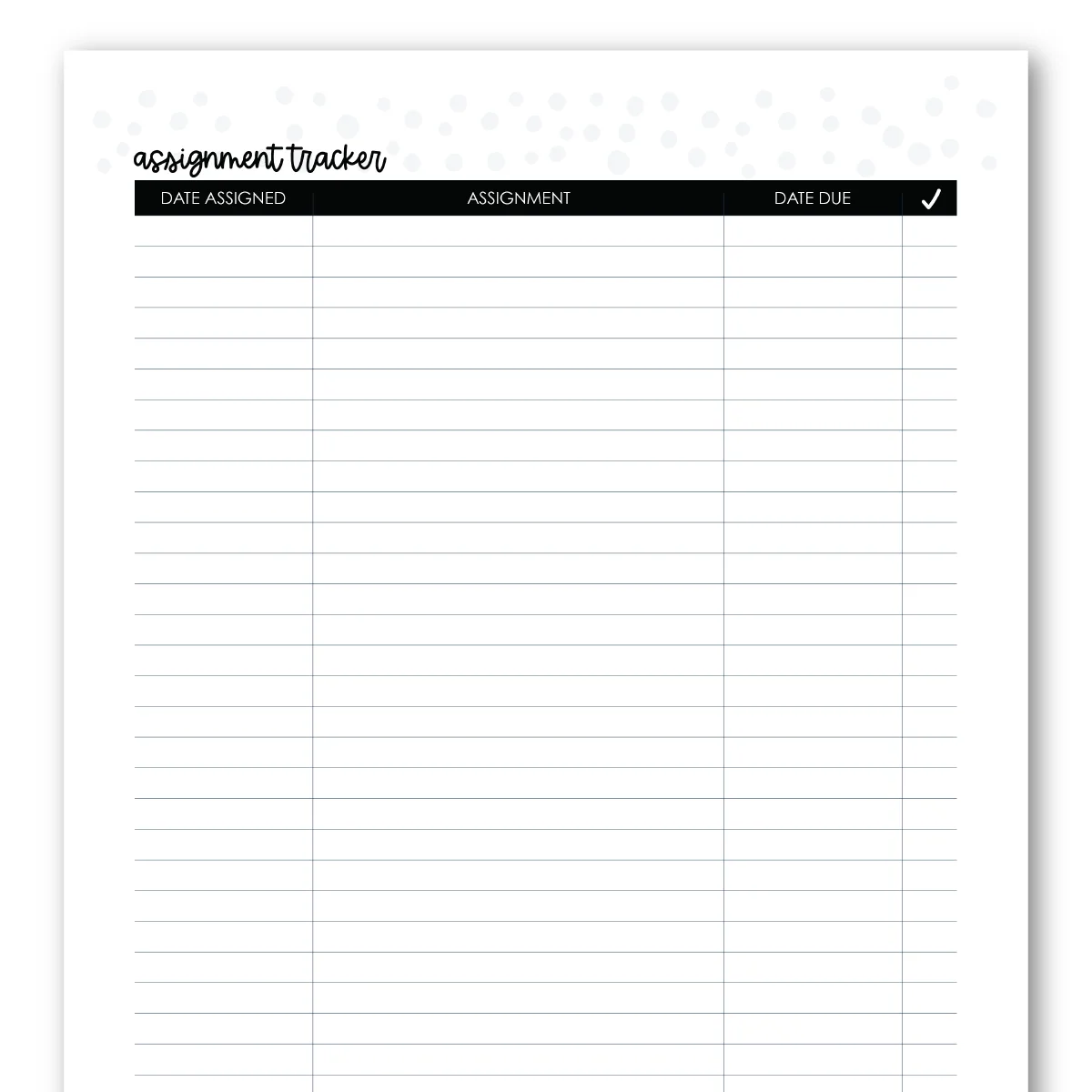 Keeping track of assignments may be done in a variety of ways, each adapted to individual preferences and needs. One popular way is to use digital tools like Notion, Trello, or Google Calendar. These methods provide for easy organization, fast modifications, and the ability to set due date reminders. They usually include features such as color coding and work prioritization to help with the tracking process. For those who want a physical experience, paper planners or traditional bullet notebooks remain useful. Handwriting assignments can assist enhance memory and comprehension, and many individuals like physically checking off completed work.
To make the most of any assignment tracking strategy, it is vital to follow best practices that increase effectiveness. First, update your tracker on a regular basis to ensure that all assignments and statuses are current. Set aside time each day or week to review your progress and adjust your priorities as necessary. This method not only keeps your tracker accurate, but it also allows you to prioritize what need immediate attention. Consider using visual cues, such as stressing important chores or creating a color-coded system, to quickly identify what requires your attention. By applying these strategies, students may develop a consistent habit of monitoring assignments, resulting in greater organization and time management.
How to Make an Assignment Tracker Template?
Creating an Assignment Tracker Template might help you stay organized and meet assignment deadlines. Whether you prefer contemporary tools like Google Sheets or Excel or a more traditional paper format, this easy step-by-step guide will help you construct a useful and efficient tracker sheet.
Step 1: Identify the Essential Columns
The first step in creating your tracker sheet is to identify the essential columns that will keep you organized. Here are some key columns to consider including:
• Assignment Title: Write down the name or description of each assignment.
• Due Date: Record the deadline for submission to stay on track.
• Status: Indicate the current state of the assignment (e.g., not started, in progress, completed).
• Priority: Assign a priority level (high, medium, low) to help focus on urgent tasks.
You can customize this list further by adding columns for notes, links to resources, or estimated time to complete, depending on your preferences.
Step 2: Set Up a Clear and Visually Appealing Layout
After you've identified your columns, it's time to put out your tracker sheet clearly. If you're using a digital tool, select a readable font and make the column heads stand out, possibly by bolding them or increasing the font size. If you prefer a paper format, try using graph paper to keep your entries perfectly aligned. A visually pleasing layout allows you to read and comprehend your assignments at a glance.
Step 3: Include Color Coding for Deadlines or Priority Levels
Incorporating color coding is a powerful way to enhance the visual appeal and usability of your tracker sheet. For instance, you could use:
• Red for assignments that are urgent or due soon.
• Yellow for medium-priority tasks that require attention but are not immediate.
• Green for lower-priority items that can be completed later.
If you’re using a digital format, most applications allow you to easily change cell colors. For a paper tracker, colored pens or highlighters work perfectly to signify different priority levels or deadlines.
Step 4: Keep It Updated and Review Regularly
The final step is to ensure that your tracker is routinely updated. Set aside time each day or week to evaluate your assignments, marking completed activities and adding new ones as needed. This approach not only keeps your tracker accurate, but it also helps you stay informed of looming deadlines. Also, take the time to alter priorities based on your workload and progress, so that your tracker remains a dynamic and useful tool for managing your responsibilities.
By following these steps, you may develop a unique assignment tracker that improves your organization and allows you to keep on top of your academic obligations.
Step-by-Step: How to Build a Smarter Assignment Tracker
Forget spending hours formatting. Follow this workflow to set up your semester in minutes.
Step 1: Centralize Your Syllabus (Table View)
Start by creating a Database in AFFiNE. Go through your course syllabus and input every single assignment, exam, and quiz.
Essential Columns to Include:
-
Assignment Name: Be specific (e.g., "History Midterm Essay").
-
Course: Use tags (e.g., #BIO101, #HIST202) to filter easily later.
-
Due Date: The most critical column.
-
Status: To Do, In Progress, Review, Done.
-
Priority: High, Medium, Low. (See our guide on Prioritization Techniques).
-
Attachments: Upload the assignment rubric PDF directly into the row.
Step 2: Visualize Your Workload (Kanban View)
A list of dates can be intimidating. Switch your database to Kanban View grouped by "Status."
- Why this works: It turns your work into a visual flow. Dragging a card from "In Progress" to "Done" provides a dopamine hit that keeps you motivated.
Step 3: The "Panic Prevention" Check (Calendar View)
Switch to Calendar View to see your month at a glance.
- Spot Bottlenecks: If you see three assignments due on the same Friday, you know weeks in advance that you need to start early. This prevents the dreaded "all-nighter."
Step 4: The Deep Dive (Edgeless Mode)
Here is where AFFiNE shines. For a complex project like a thesis:
-
Click on the assignment card to open it as a page.
-
Switch to Edgeless Mode (Whiteboard).
-
Brainstorm ideas, draw mind maps, and link references visually—all while keeping the deadline visible at the top.
3 Pro Tips for Using Your Tracker Effectively
1. The "Traffic Light" System
Use color coding in your priority column to trigger action:
-
🔴 Red (Urgent): Due within 48 hours. Drop everything else.
-
🟡 Yellow (Warning): Due this week. Start planning.
-
🟢 Green (Safe): Due next week or later.
2. Embed Your Resources
Don't waste time searching for files. In AFFiNE, you can embed Google Drive links, YouTube lecture videos, or Figma designs directly into your assignment card. This creates a "single source of truth" for your coursework.
3. Review Daily, Plan Weekly
-
Daily: Check your tracker every morning. Focus only on the "Red" and "Yellow" items.
-
Weekly: Every Sunday, look at the Calendar View for the upcoming week. (Need a template for this? Check our Weekly Schedule Guide).
Why Choose AFFiNE Over Other Tools?
While tools like Notion or Trello are popular, they force you to choose between a document or a board.
-
AFFiNE is Multimodal: Write your essay and plan your timeline in the same space.
-
Privacy First: AFFiNE supports local-first storage, meaning you own your data, and it works perfectly offline—ideal for spotty campus WiFi.
-
Free for Students: You get powerful features without the enterprise price tag.
Tips for Using Your Assignment Tracker Effectively
To get the most out of your assignment tracker, you must develop good usage habits. By following a few smart principles, you can ensure that your tracker is a dependable tool for improving your organization and productivity.
Consistency
Consistency is essential for efficiently using your assignment tracker. Regularly updating your tracker, preferably on a regular basis, can considerably increase its usefulness. Make it a practice to go over your projects at the same time every day, whether it's in the morning before you begin your responsibilities or in the evening as you wind down.
This regular participation not only maintains your knowledge up to date, but it also reinforces your awareness of future deadlines and allows you to prioritize your task. The more you integrate your tracker into your everyday routine, the more useful it becomes.
Setting Reminders
Another important technique is to schedule reminders for future deadlines. Whether you use a digital or paper-based assignment tracker, setting up a reminder system can help you stay on top of your work. Use the built-in reminder functions in digital applications like as Google Calendar or Notion to inform you a few days before an assignment is due.
If you prefer a paper planner, consider adding sticky notes or a separate reminder column to underline important dates. Setting reminders can help you avoid last-minute rushes and ensure that you have enough time for each project.
Customization
Lastly, don’t hesitate to customize your tracker to align with your personal preferences and study habits. Everyone has a unique approach to learning and organization, so tailoring your assignment tracker can enhance its usability. This may include adjusting the layout, adding specific categories, or employing color coding to signify priority levels or different subject areas.
If you’re using digital tools, take advantage of templates and customization options that allow you to create a tracker that resonates with your style. For paper planners, consider adding stickers or highlights to make tracking feel more engaging. Personalizing your assignment tracker not only makes it more functional but can also make the process more enjoyable.
By incorporating these tips into your routine, you can transform your assignment tracker into an indispensable tool for managing your academic responsibilities effectively. Consistency, proactive reminders, and personalization will empower you to stay organized, meet deadlines, and ultimately enhance your productivity.
Conclusion
An assignment tracker isn't just about deadlines; it's about reclaiming your mental space. By offloading the job of "remembering" to a smart system like AFFiNE, you free up your brain to focus on learning and creating.
Don't wait for the mid-semester slump. Set up your visual command center today.
Ready to boost your GPA?
Download AFFiNE for Free and start organizing your academic life now.
Frequently Asked Questions
1. What is the best free assignment tracker for students?
AFFiNE is a top choice because it combines a database (like Excel) with a whiteboard (like Miro) and documents (like Word). It offers a free tier that is robust enough for managing a full semester's workload.
2. How do I keep track of group projects?
In AFFiNE, you can invite classmates to your workspace. Assign specific tasks to members using the "Assignee" column in your tracker, and use the whiteboard feature to brainstorm ideas together in real-time.
3. Should I prioritize by due date or difficulty?
It depends. A common strategy is "Eat the Frog" (doing the hardest task first). However, we recommend sorting your tracker by Due Date (Ascending) first, then using a "Effort" tag to identify which upcoming tasks need the most energy.
4. Can I use this tracker offline?
Yes! Unlike web-only tools, AFFiNE is a local-first application. You can view and edit your assignment tracker anywhere, even without an internet connection, and it will sync when you're back online.
5. How detailed should my tracker be?
Start simple. Track the Name, Date, and Status. Over-complicating your tracker with too many tags can make it a chore to update. You can always add more properties (like "Grade Weight" or "Professor Email") later as you get comfortable.