5 Best Open Source Miro Alternatives (Self-Hosted & Free) | 2026 Guide
Miro is a web-based whiteboard application that facilitates visual collaboration, making it ideal for remote work. With features tailored for effective brainstorming sessions, such as the ability to create simple wireframes even without design expertise. However, it's important to note that Miro also has notable limitations.
For example, as a proprietary software, Miro's closed-source nature presents potential risks for users(Miro Open source alternatives don't have such issues). Some of the downsides include limited customization options, lack of transparency in the codebase, and dependency on the vendor for updates and bug fixes.
Additionally, users may not have the ability to audit or modify the source code, which could impact security, data privacy, and long-term sustainability. These considerations may be significant factors for users who prioritize open source solutions that offer greater control, transparency, and community-driven development.
In this article, we will explore the top 5 open-source Miro alternatives and highlight their main advantages over Miro alternative.
1.AFFiNE
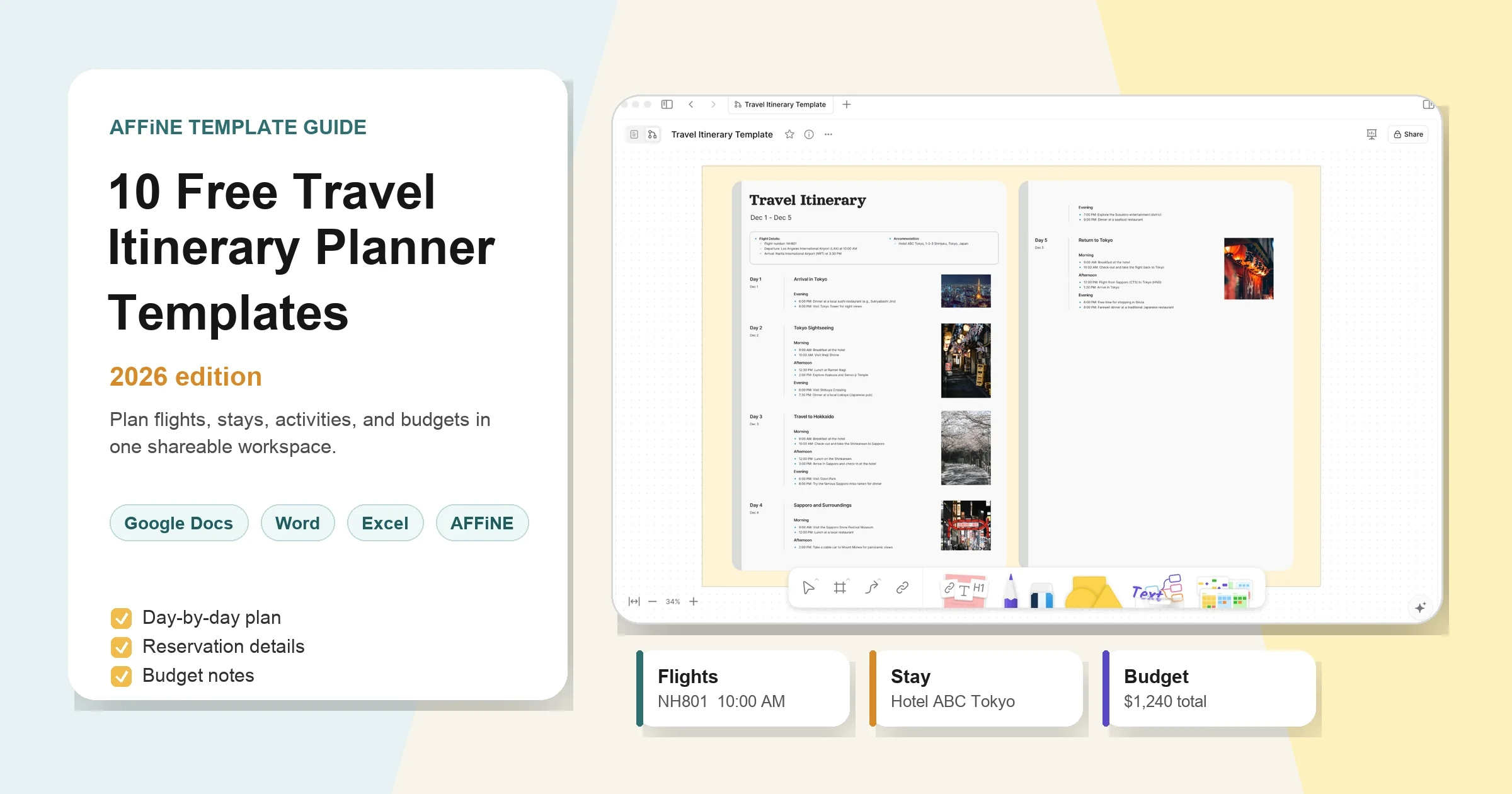
As the best of Miro Board Alternatives, AFFiNE's whiteboard(edgeless) mode, functioning as a whiteboard and project mangagement tool, offers users a secure and private workspace where they have absolute control over their data. In addition, AFFiNE's whiteboard mode offers a series of features, like shapes with the ability to edit its size, background, and boundary, pens with different colours, and connectors to visualize and connect your ideas. Learn how to export and share your online whiteboard.
One of the standout features of AFFiNE is its ability to seamlessly switch between paper mode and whiteboard mode (Page and Edgeless), making it a versatile tool for brainstorming, planning, and collaboration. In addition to this, it creates different workspaces for managing various types of data. Whether it’s your personal blog, a team repository, or a personal repository. As one of the best productivity tools,AFFiNE allows you to organize and manage different types of data simultaneously in separate workspaces. This provides a seamless and efficient way to keep your work organized and accessible, without the need for multiple platforms or tools.
In addition to those we mentioned above, the most significant advantages of AFFiNE is its free and open-source nature. Unlike proprietary software like Miro, which may come with licensing fees or restrictions on usage, AFFiNE is completely free to use and open-source.
This means that you can customize and modify the software to suit your specific needs, without any limitations on usage. This also ensures that your data and work are not tied to any proprietary software or vendor, providing you with complete flexibility and control.
However, though AFFiNE is an open source alternative to Miro, it may not offer the same comprehensive feature set as Miro, which is a mature and established visual collaboration platform. It takes time for AFFiNE to eventually catch Miro in the near future.
Here are some quick view of what you can do with AFFiNE.
-
Database
-
Easily create, organize, and track your daily note like never before. Say goodbye to complex processes and welcome an unprecedented ease-of-use way
-
-
Powerful Paper mode for notes taking & wiki
-
Build up your content like blocks and let your ideas run wild. Start with an empty space and show the blocks appearing, stacking up, and forming the building.
If you wanna know more about what you can do with the use of AFFiNE, can read:
-
-
Come and check with our latest beta version, enjoy your creative moments.
-
5 Best Free Daily Planner Apps for 2025 (Features, Price) | AFFiNE — All In One KnowledgeOS
-
For more things related to AFFiNE, Come and check out our website: AFFiNE — All In One KnowledgeOS
In the end, if you are currently Miro users or you are suffering from exports from Apps like Notion. Please check out this blog here. AFFiNE is an open source alternative to Notion, you can easily import data from Notion to AFFiNE.
2.Obsidian
Obsidian is a versatile knowledge management tool that mimics a virtual whiteboard, allowing users to visually organize and connect their ideas. Its network of interconnected notes enables a flexible and intuitive workflow, facilitating a holistic view of concepts and promoting insightful discoveries.
However, it's important to note that Obsidian's whiteboard functionality is not as robust as dedicated collaboration tools. While it lacks real-time basic collaboration features, Obsidian compensates with its vibrant plugin ecosystem, empowering users to customize their experience.
With various plugins and integrations, users can incorporate mind mapping, diagramming(advanced diagramming capabilies), and visual organization, expanding the whiteboard-like capabilities to suit their specific needs.
In summary, Obsidian offers a unique approach to knowledge management by emulating a digital whiteboard, allowing users to visually connect ideas and explore relationships. Though it may not excel in real-time collaboration, its flexibility and extensibility make it a valuable tool for individuals seeking a customizable and visual-oriented experience.
3.Excalidraw
Excalidraw is an open-source, web-based virtual whiteboard that allows users to create diagrams, mind maps, flowcharts, and other visual representations in a collaborative and interactive manner. It offers a simple and minimalist interface that resembles a traditional whiteboard, making it easy to use and navigate for both beginners and experienced users.
Excalidraw’s object library is relatively limited compared to Miro’s extensive collection of templates, widgets, and integrations. Miro offers a wide range of pre-designed templates for different use cases, making it possible to maintain a stable internet connection for specific industries or workflows.
In addition, it does not even offer the note taking ways, which may cause loads of inconviences compared with others apps like AFFiNE,which not only offering the Edgeless mode(whiteboard), but also offers a smooth transition to page mode so users can write with the support of blockhubs.
4. Penpot
Penpot is the first open-source design and prototyping platform that has rapidly evolved into a powerful competitor for visual collaboration. While primarily known as a Figma alternative, Penpot’s infinite canvas and vector-based tools make it an exceptional whiteboard solution for teams that bridge the gap between design and development.
It allows users to create flows, wireframes, and diagrams using open web standards (SVG), meaning your whiteboard sketches are not just static images but code-ready assets.
The most significant advantage of Penpot over Miro is its "Design as Code" philosophy. For technical teams, Penpot ensures that brainstorming sessions can translate directly into development without the "hand-off drift" often found in other tools. It is browser-based, supports real-time multiplayer collaboration, and allows for self-hosting, giving organizations full ownership of their design files and intellectual property.
However, Penpot is heavily skewed towards design and development workflows. While Miro offers a low barrier to entry for non-technical users (like HR or Sales) with its simple sticky notes and generic drag-and-drop interface, Penpot’s interface may feel slightly more complex due to its professional design tools. Additionally, Penpot currently lacks the massive library of agile and business management templates (like Kanban boards or Retrospective templates) that Miro provides out of the box.
5. OpenBoard
OpenBoard is a cross-platform interactive whiteboard application designed primarily for education and professional presentations. Unlike the other web-based tools on this list, OpenBoard is a desktop application (available for Windows, macOS, and Linux) that focuses on simplicity, stability, and handwriting input.
It mimics the experience of a physical blackboard, offering tools like rulers, protractors, and highlighters, making it the gold standard for teachers, tutors, and presenters who need to annotate content live without distractions.
OpenBoard’s main strength lies in its offline capability and privacy. Since it runs locally on your machine, there is zero dependency on an internet connection or a cloud vendor, ensuring that your data never leaves your device unless you choose to export it. It is completely free, with no "Freemium" tiers, and is optimized for use with styluses and interactive touch screens, offering a writing experience that is often superior to web-based whiteboards.
The major trade-off is the lack of real-time cloud collaboration. Miro thrives on allowing dozens of users to edit a board simultaneously from anywhere in the world; OpenBoard is designed for a "one-to-many" broadcast model (e.g., a teacher presenting to students). It does not natively support multi-user editing over the web. Furthermore, as a desktop app, it lacks the ecosystem of third-party integrations (like Slack, Jira, or Zoom) that Miro users often rely on.
Conclusion
Looking at open-source alternatives to Miro will give you powerful and flexible tools that can cater to different collaboration needs without the limitations of proprietary software. In 2025, the best open-source Miro alternatives are AFFiNE, Obsidian, Excalidraw, Penpot, and OpenBoard. Each of these has unique features, community-driven improvements, and the ability to customize your needs.
Whether you want a simple and intuitive interface like Excalidraw, professional design capabilities like Penpot, or an educational focus like OpenBoard, there is an open-source tool for you that ensures your data remains truly yours.