
Employee Review Template: 9 Steps To Fair, Clear Goals
An employee review template is a structured document managers use to evaluate performance, record evidence, align goals, and agree on development actions. A strong template does more than collect ratings: it explains the purpose of the review, defines fair scoring rules, asks for specific examples, and creates an audit trail for follow-up decisions.
Use this guide if you are building an annual review, mid-year review, 90-day review, manager review, self-assessment, or 360-degree feedback process. It is written for HR teams, founders, people managers, and operations leads who need a repeatable employee performance review template that is fair, easy to explain, and practical to run in AFFiNE or another workspace.
This is HR workflow guidance, not legal advice. Adapt compensation, promotion, retention, and recordkeeping decisions to your company policy and local employment rules.
Quick Answer: What Should an Employee Review Template Include?
| Template Section | What It Captures | Why It Matters |
|---|---|---|
| Purpose and cadence | Annual, mid-year, quarterly, probationary, or project-based review | Prevents the review from becoming a vague formality |
| Role expectations | Competencies, responsibilities, and behavioral indicators | Gives managers and employees the same standard |
| Goals and KPIs | SMART goals, baselines, data sources, and checkpoints | Makes performance measurable and reviewable |
| Evidence and feedback | Self-review, manager notes, peer input, and work samples | Reduces bias and supports fair decisions |
| Score calculation | Weights, rating bands, rationale, and calibration notes | Shows how the final rating was built |
| Follow-up plan | Development actions, owners, due dates, and support needed | Turns feedback into action |
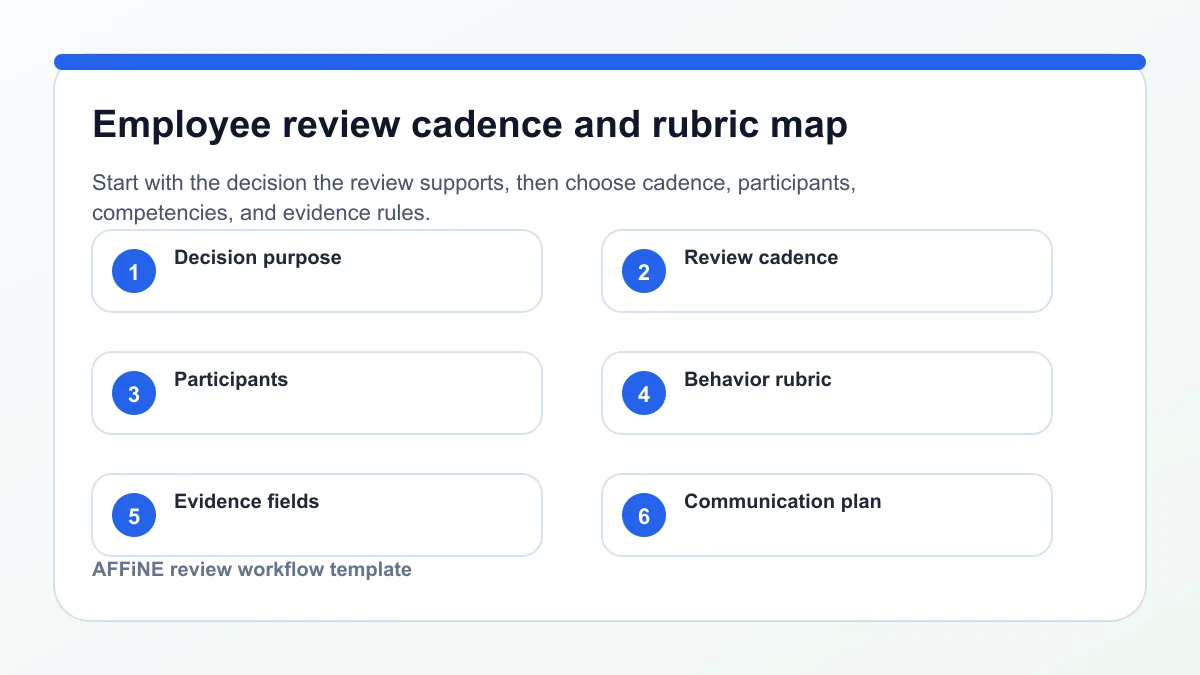
Step 1: Define Purpose and Cadence for Your Employee Review Template
When you think about launching or refining your employee review template , where do you start? Sounds complex, but the answer is simple: begin with the "why." Before filling in boxes or rating scales, clarify the purpose behind your template and how it fits your organization’s rhythms and goals. This foundation ensures that every section of your review process leads to meaningful, actionable outcomes.
Clarify Outcomes and Decisions
Imagine you’re a manager about to run a performance review. What decisions will this review inform? Is it about employee development, compensation, promotion, or performance improvement? By aligning the template for employee review with these core outcomes, you create a process that’s both fair and strategic. For example, a well-designed employee review template provides a structured record to guide development plans, support bonus eligibility, or document progress for a promotion. This clarity also supports legal compliance and builds trust across your workforce by reducing bias and increasing transparency.
• Development and growth planning
• Compensation and bonus decisions
• Promotion eligibility
• Performance improvement plans
• Succession planning
Design your review for decisions, not just documentation.
Choose Review Cadence and Scope
Not all reviews are created equal. The cadence—how often you run the review—should match your team’s workflow and business needs. Here are some common review cycles and when to use them:
• Annual review template: Comprehensive evaluation for compensation, promotions, and long-term development.
• Mid year review: Midpoint check-in to realign goals and address performance gaps before year-end.
• Quarterly review: Focused on short-term goals, blockers, and rapid feedback.
• Probationary (30/60/90 day): For new hires or role changes, ensuring onboarding success and early support.
| Cadence | Scope | Artifacts |
|---|---|---|
| Annual | Full year, all KPIs & competencies | Self-review, manager review, goals, development plan, 360° summary |
| Mid Year | 6 months, progress on goals | Self-review, manager review, updated goals |
| Quarterly | 3 months, specific objectives | Quick check-in, blockers, priorities |
| Probationary | First 30/60/90 days, onboarding | Onboarding checklist, training needs, fit assessment |
Select the Review Type
Who participates in the review process? The right review type ensures you gather the most relevant perspectives for each context. Consider these options:
• Manager-only: Traditional, direct supervisor evaluates performance.
• Manager plus self-review: Employees reflect on their own progress, encouraging ownership and dialogue.
• 360° input: Multiple viewpoints—peers, direct reports, and cross-functional partners—provide a holistic view, especially valuable for leadership roles.
Participants might include:
• Direct manager
• Employee (for self-assessment)
• Peers
• Direct reports (for managers/leaders)
Document and Communicate the Process
To build trust and ensure consistency, document how results will be used, who sees them, and when feedback will be delivered. Use clear labels in your performance review template such as:
• Purpose: Why this review is being conducted
• Scope: What period and which goals/competencies are covered
• Participants: Who is involved in the review and feedback
• Output: What decisions and next steps will be informed by the review
Include a brief note on confidentiality and review timelines to set expectations and reduce anxiety.
By defining the purpose and cadence of your employee review template, you lay the groundwork for a fair, effective, and actionable review process—one that supports your business goals and your people’s growth. In the next step, you’ll learn how to build a structure that drives consistent, unbiased evaluation across your team.
Step 2: Build Structure and a Fair Rating Rubric for Your Employee Review Template
When you’re aiming for a fair, actionable employee review, how do you make sure every evaluation is consistent and meaningful? The answer lies in a clear structure—one that combines a well-defined competency model, a behavior-anchored rating scale, and space for evidence and summary. Let’s break down how to build a performance evaluation template that eliminates ambiguity and bias, making each review count.
Define Competencies and Indicators
Imagine you’re reviewing two employees in similar roles. Without a shared set of expectations, your assessments can drift into subjectivity. That’s why every strong employee evaluation form starts with core competencies—typically five to eight categories that matter most for success in your organization. Common examples include:
• Results & Impact
• Communication
• Collaboration
• Ownership
• Role-Specific Skills
For each competency, outline what good performance looks like at every level. This clarity helps everyone understand what’s expected and how to demonstrate growth (Success Coaching).
| Competency | Level 1 Behavior | Level 2 | Level 3 | Level 4 | Level 5 |
|---|---|---|---|---|---|
| Results | Misses deadlines, incomplete work | Meets minimum expectations | Consistently delivers on goals | Exceeds goals, proactive problem-solving | Drives impactful outcomes, mentors others |
| Communication | Rarely shares updates | Shares basic information | Keeps team informed, clear writing | Facilitates discussions, adapts style | Influences across teams, exceptional clarity |
Create Behavior Anchors for Each Rating
Sounds technical? It’s actually practical. Behaviorally anchored rating scales (BARS) use specific, observable actions to define each level of performance for every competency. This approach keeps your performance appraisal template objective and actionable. For example, instead of rating “leadership” on a vague scale, you’d describe what leadership looks like at each level—from “rarely takes initiative” to “inspires and develops others.”
Here’s a quick guide to building your own rating scale:
• Choose a five-point scale (e.g., 1 = Needs Improvement, 5 = Exceptional)
• For each competency, define what each level looks like in action
• Use evidence fields to prompt raters to attach project links or work samples
By requiring evidence, you transform your performance review sheet from a checklist into a powerful tool for growth and accountability.
Write Overall Performance Summary Comments
After scoring, it’s time to bring the picture together with overall performance summary comments. This section of your performance evaluation template should prompt managers to balance recognition with candor and tie feedback to specific examples.
| Key Wins | Challenges | Risks | Support Needed | Manager Summary |
|---|---|---|---|---|
| [List specific achievements] | [Note ongoing obstacles] | [Highlight any concerns] | [Describe resources or coaching] | [Summarize overall performance and next steps] |
• “This year, you demonstrated strong ownership by…”
• “A key area for growth is…”
• “To support your development, I recommend…”
• “Your impact on [project/team] was evident through…”
These sentence starters help managers write clear, constructive feedback that employees can act on.
Quality Control and Documentation Tips
To ensure fairness and traceability, every employee review form should include these elements at the top:
• Date of review
• Employee role and department
• Reviewer name and title
Before finalizing, use a simple checklist to reduce bias and boost consistency:
Reviewer Checklist
• Did I use evidence for each rating?
• Are ratings based on behaviors, not personality?
• Did I provide balanced, actionable summary comments?
• Is the documentation complete and clear?
Clarity and consistency in your performance evaluation template build trust and drive real improvement.
By structuring your performance appraisal template with clear competencies, behavior anchors, and robust summary comments, you set the stage for fair, actionable, and motivating reviews. Next, you’ll learn how to turn role responsibilities into measurable KPIs and goals for even greater impact.
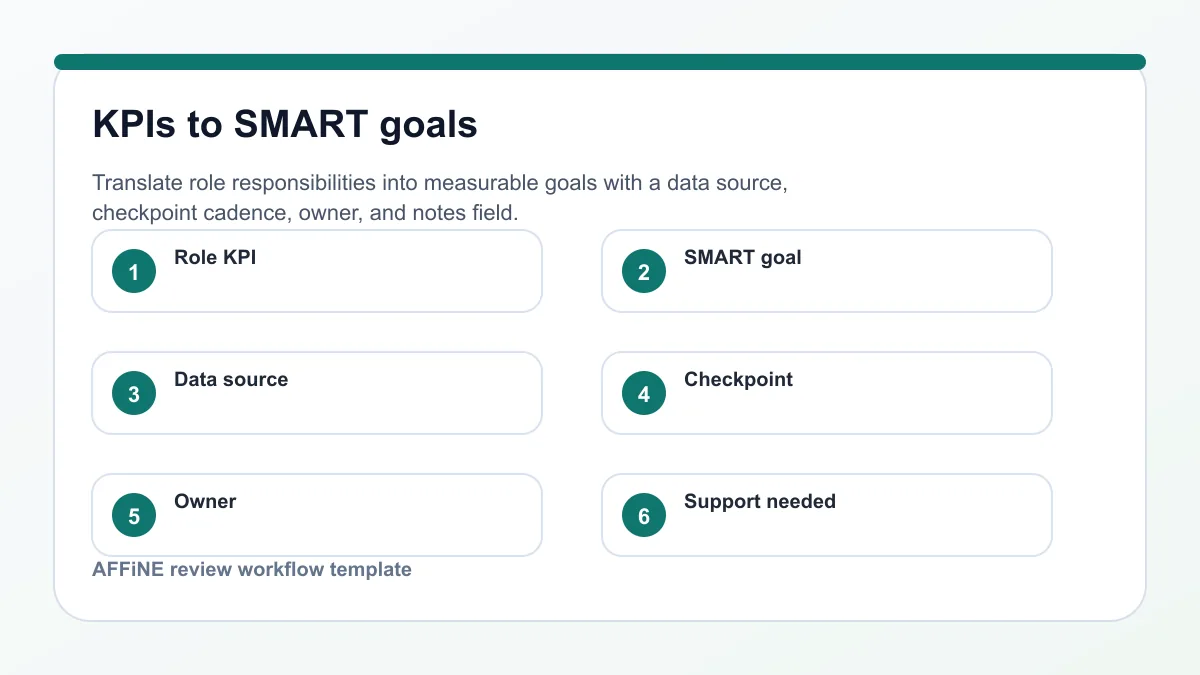
Step 3: Choose KPIs and Turn Them into Actionable Goals
When you hear "KPIs," do you picture a jumble of numbers or a clear roadmap for employee success? The real power of an employee performance evaluation template comes from translating everyday responsibilities into measurable, business-aligned goals. Let’s break down how to select the right KPIs, turn them into SMART goals, and ensure every metric is trackable and meaningful for your next review cycle.
Select Role-Specific KPIs
Not all roles are measured the same way. Imagine evaluating a sales rep and a software engineer with identical metrics—it just wouldn’t work. The first step is to identify 3–5 KPIs that truly matter for each position. These should reflect what drives impact in the role and how it supports your organization’s objectives. For example:
• Sales: Pipeline quality, win rate, quota attainment
• Engineering: Delivery predictability, code quality, incident participation
• Customer Experience: Resolution time, CSAT score, escalation prevention
Use this checklist to validate your KPI choices:
• Aligned to company strategy and team goals
• Controllable by the employee
• Observable and measurable
• Verifiable with reliable data
According to Hubstaff, high-quality KPIs connect individual performance directly to business outcomes, helping motivate employees and clarify expectations.
Convert KPIs Into SMART Goals
It’s easy to say, “Improve sales” or “Respond faster to customers,” but what does success actually look like? That’s where SMART goals come in: Specific, Measurable, Achievable, Relevant, and Time-bound. This framework turns KPIs into clear targets that make performance reviews more objective and actionable. For example:
• Vague goal: Improve customer satisfaction
• SMART goal: Increase CSAT score from 85% to 90% by the end of Q3, measured via post-interaction surveys
When you use a performance plan template , each KPI should have a corresponding SMART goal statement. Here’s how you might structure this in your performance evaluation sheet for employees :
| KPI | SMART Goal Statement | Data Source | Checkpoint Frequency | Owner | Notes |
|---|---|---|---|---|---|
| Pipeline Quality | Maintain at least 10 qualified leads monthly | CRM dashboard | Monthly | Sales Rep | Review lead sources quarterly |
| Code Quality | Reduce critical bugs by 20% over two quarters | Code review tool | Quarterly | Engineer | Link to code quality reports |
| Resolution Time | Resolve 90% of tickets within 24 hours | Helpdesk analytics | Monthly | CX Agent | Flag repeat issues for process review |
Adding a notes field under each KPI gives context, links to dashboards, or flags special circumstances—crucial for transparency and follow-up.
Define Evidence and Checkpoints
How do you know if a goal was truly met? Every performance report template should specify where the data comes from and how often progress is reviewed. This keeps reviews objective and reduces ambiguity. Consider documenting:
• Baseline measures (starting point)
• Target definitions (what counts as "achieved")
• Check-in dates (monthly, quarterly, etc.)
• Links to supporting artifacts (reports, dashboards, feedback)
Here’s a sample section for your performance plan template to organize next steps and support:
| Priorities | Risks | Dependencies | Support Needed |
|---|---|---|---|
| Complete onboarding for new CRM tool | Delayed vendor training | IT department availability | Extra coaching in first month |
Limiting the number of goals ensures your performance evaluation sheet for employees focuses on what matters most. Too many metrics can dilute clarity and overwhelm both managers and employees.
Clear, measurable goals transform your performance report format from a checklist into a roadmap for growth.
By carefully selecting KPIs, crafting SMART goals, and documenting evidence and checkpoints, you create a review process that is fair, actionable, and aligned with business success. Next, you’ll discover how to round out your employee review template with self-assessments and 360-degree feedback for a truly holistic evaluation.
Step 4: Add Self-Assessment and 360 Degree Feedback for a Complete Review
Ever felt like a performance review missed the full story? When you rely on just one viewpoint, blind spots are almost inevitable. That’s why top-performing teams enrich their employee review template with self-assessment and 360 degree feedback. This step brings in multiple perspectives, ensuring fairness and driving deeper growth for everyone involved.
Design Your 360 Degree Feedback Flow
Picture this: an employee is evaluated not only by their manager, but also by peers, direct reports, and even cross-functional partners. This is the heart of a 360 degree feedback template. The process is structured to ensure feedback is comprehensive, relevant, and actionable. Here’s how a typical 360 flow works:
-
Select rater groups (manager, peers, direct reports, cross-functional partners)
-
Invite raters and communicate the purpose and confidentiality of the process
-
Distribute the employee feedback form or survey, focusing on observable behaviors and key competencies
-
Collect and anonymize responses where policy allows
-
Synthesize results into a report, highlighting patterns and key insights
-
Review findings in a meeting, develop an action plan, and schedule follow-ups
According to Explorance, a well-run 360 process is built on clear communication, trust, and a focus on development—not just ratings. Confidentiality and a supportive environment are crucial for honest, useful feedback.
| Rater Type | Questions | Examples Of Evidence | Anonymity Rules |
|---|---|---|---|
| Manager | Leadership, results, development | Project outcomes, coaching logs | Named or anonymous |
| Peer | Collaboration, communication | Joint projects, meeting notes | Anonymous preferred |
| Direct Report | Supportiveness, delegation | Feedback sessions, team surveys | Anonymous required |
| Cross-Functional Partner | Influence, adaptability | Initiatives, cross-team results | Anonymous preferred |
When providing feedback, focus on specific behaviors and outcomes—avoid generalities and keep comments respectful.
Craft Focused Self Evaluation Prompts
You’ll notice that self-reflection can be tough—some employees find it hard to pinpoint strengths or areas for improvement. A clear self evaluation template or employee self appraisal template helps guide honest, productive responses. Here are practical prompts to include:
• Top Wins: What achievements are you most proud of this period?
• Biggest Challenges: Where did you face obstacles, and how did you address them?
• What I Learned: What new skills or insights did you gain?
• Where I Need Support: What resources or coaching would help you grow?
• Goals I Propose: What are your top priorities for the next review cycle?
These fields encourage employees to take ownership of their growth and align their goals with business needs, as highlighted in PerformYard. A structured employee feedback template ensures that responses are thorough and actionable.
Summarize Multi-Source Insights for Action
Once feedback is collected from all sources, the next challenge is synthesis. Imagine sorting through dozens of comments—how do you spot the real themes? A strong employee evaluation forms process tags feedback by competency (e.g., Communication, Ownership, Collaboration) and highlights both strengths and growth areas. In your manager summary, reference these themes and include selected quotes (anonymized if needed) to illustrate key points.
For example, if multiple raters mention an employee’s ability to resolve conflicts, tag this under “Collaboration” and summarize with: “Peers consistently noted your skill in mediating disagreements and finding common ground.”
After summarizing, work with the employee to co-create an action plan that addresses both recognized strengths and targeted improvements. This approach is supported by best practices in multi-source feedback reporting (CFEP Surveys).
Specific, multi-perspective feedback—when synthesized well—drives growth and builds trust across your team.
By integrating self-reflection and 360 degree input, your employee review template becomes a powerful tool for holistic development, reducing bias and uncovering hidden strengths. In the next section, you’ll learn how to turn all this insight into clear, balanced comments that drive action and improvement.
Step 5: Write Balanced Comments with Evidence for Effective Employee Reviews
When you sit down to complete an employee review, do you ever wonder how to strike the right balance between recognition and candor? Sounds tricky, but with the right approach, you can turn every comment into a catalyst for growth. In this section, you’ll discover how to craft evidence-based feedback that’s specific, actionable, and fair—making your employee review template a tool for real improvement.
Use Evidence-Based Comment Starters
Ever read a review that said, “great attitude” or “needs to improve communication”—but left you guessing what actually happened? Vague feedback leaves employees confused and disengaged. Effective performance review examples show that the best comments are rooted in facts, not just opinions. Here’s how to get started:
• Strength observed: “Demonstrated impact by [describe action], resulting in [specific outcome].”
• Growth area: “To improve [skill/competency], focus on [action], as seen in [example or situation].”
• Development goal: “Over the next cycle, will [describe new behavior or skill], supported by [resource or plan].”
Notice how these performance review feedback samples move beyond adjectives and instead link directly to evidence and results. This approach is at the heart of good employee review examples and makes feedback both fair and actionable.
Balance Strengths and Growth Areas
Imagine reading only praise or only criticism—neither tells the full story. Balanced employee review examples highlight both what’s working and where there’s room for growth. Here’s a quick way to ensure your overall performance comments hit both notes:
• Start with a recent achievement or positive behavior
• Reference a specific challenge or area for development
• Connect feedback to a real example from the review period
• End with a forward-looking action or support plan
"You consistently delivered high-quality project updates ahead of schedule, which helped keep the team aligned. To further improve, focus on sharing more context during cross-department meetings, as there were a few instances where follow-up questions arose. Over the next quarter, aim to provide brief background summaries in your presentations."
By following this structure, your employee performance review examples become more meaningful and easier for employees to act on (Quantum Workplace).
Link Feedback to Specific Goals
Want your feedback to drive results? Connect each comment to a concrete goal or competency from your employee review template. This not only clarifies expectations but also shows employees how their daily work ties back to organizational success. For instance:
• “Your initiative in redesigning the onboarding process led to a 20% decrease in new hire ramp-up time. Let’s build on this by exploring ways to automate the welcome email series next quarter.”
• “While your attention to detail is strong, there were three instances where project documentation was delayed. Setting a recurring calendar reminder may help ensure timely updates moving forward.”
These sample employee comments on performance review examples illustrate how feedback, when tied to goals, becomes a powerful motivator for improvement.
| Comment Type | Where It Belongs |
|---|---|
| Strength/Achievement | Competency, KPI, Overall |
| Growth Area | Competency, KPI |
| Development Goal/Next Step | Overall, Development Plan |
Checklist for Consistent, Actionable Comments
Before finalizing your yearly performance review examples , run through this quick checklist to ensure every comment is clear and constructive:
• Does it mention specific evidence or examples?
• Is the impact of the behavior or result named?
• Does it suggest a next step or development plan?
• Is the tone respectful and neutral?
By using this approach, you’ll notice your feedback is not only easier for employees to understand but also more effective at driving real progress.
Mastering balanced, evidence-based feedback is a cornerstone of any strong employee review template. Next, you’ll see how to translate these detailed comments into fair, transparent scores and clear outcomes—ensuring every review leads to meaningful action.
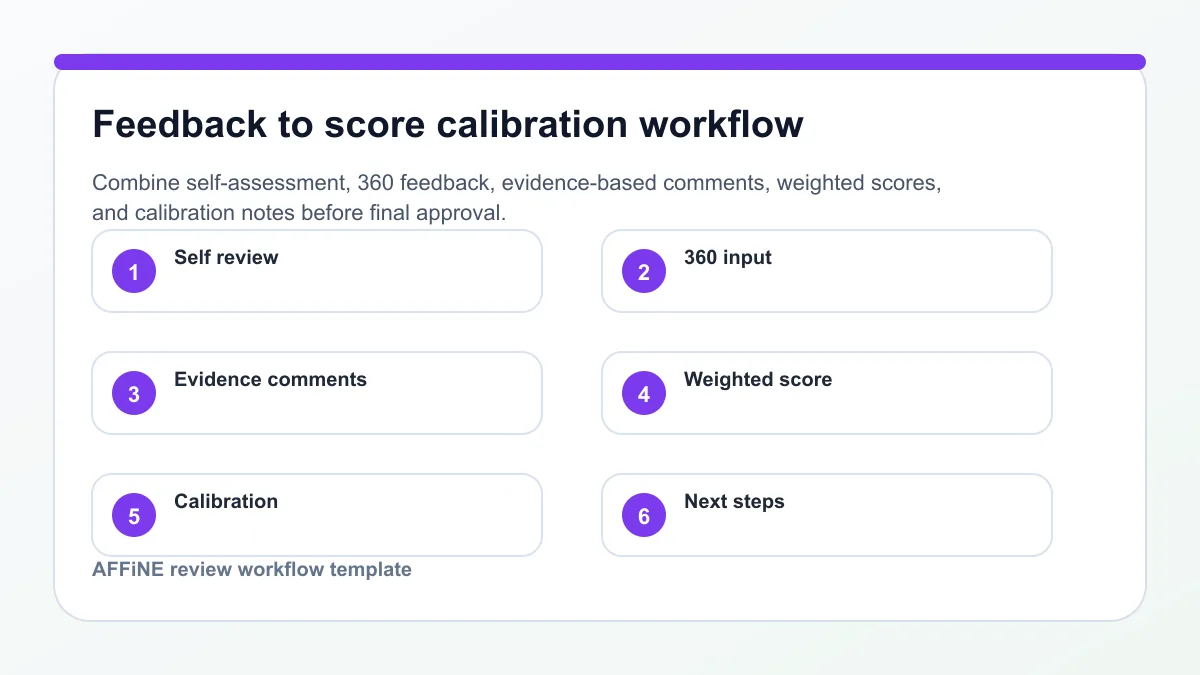
Step 6: Calculate Scores and Interpret Outcomes for Transparent Employee Reviews
When it comes time to translate all your careful observations and comments into a final rating, do you wonder how to keep things fair and crystal clear? You’re not alone. Scoring is often the most sensitive part of any employee review template , but with the right framework, you can ensure that each decision is transparent, objective, and actionable. Let’s break down how to use a performance evaluation form to calculate results and explain what those numbers actually mean for employees and your organization.
Define Components and Weights
Imagine you’re reviewing a team member who excels at teamwork but is still developing technical skills. How do you balance these differences? The answer lies in defining the right components and assigning weights that reflect your organization’s priorities. Common components in a performance review template include:
• Competencies (e.g., skills, behaviors, values)
• Goals (progress on agreed objectives)
• KPIs (key performance indicators)
• 360 Summary or feedback (if included)
Each component is given a weight—think of it as its share of the total score. For example, some organizations might weigh competencies at 50%, goals at 25%, and KPIs at 25% (Lanteria). Your HR policy should define these numbers, but the approach remains the same: weights must add up to 100% so every area is fairly represented.
| Component | Weight (%) | Score | Weighted Score | Notes |
|---|---|---|---|---|
| Competencies | 50 | 4.0 | 2.0 | Based on behavior rubric |
| Goals | 25 | 3.5 | 0.875 | SMART goals completion |
| KPIs | 25 | 4.2 | 1.05 | Key metrics achieved |
| 360 Summary | 0 (if not used) | - | - | Optional |
By documenting these weights in your performance review form , you make it easy for everyone to see how the final result is built.
Calculate Overall Scores
Sounds complicated? It’s actually straightforward when you use a formula. For each component, multiply the section score by its weight (expressed as a decimal), then add up the weighted scores. Here’s the basic formula, as recommended by industry best practices:
• Overall Score = (Competency Score × Competency Weight) + (Goal Score × Goal Weight) + (KPI Score × KPI Weight)
For example, if an employee’s scores and weights are as shown in the table above, the Overall Score would be: (4.0 × 0.5) + (3.5 × 0.25) + (4.2 × 0.25) = 2.0 + 0.875 + 1.05 = 3.925.
In many performance evaluation templates , you’ll see this calculation automated, but it’s important to show the math for full transparency. If your system allows, provide both the calculated and manual (manager-adjusted) score, with a rationale required for any changes.
Interpret Bands and Next Steps
Now that you have a score, what does it mean? That’s where performance bands come in. These bands—sometimes labeled as "Outstanding," "Exceeds Expectations," "Meets Expectations," and so on—translate numbers into clear, actionable categories. Each band should have a definition, associated actions, and documentation requirements.
| Band | Description | Typical Actions | Documentation Required |
|---|---|---|---|
| Outstanding | Consistently exceeds all key goals and competencies | Promotion consideration, top-tier bonus | Evidence of impact, peer/manager endorsements |
| Exceeds Expectations | Often exceeds goals, strong demonstration of competencies | Merit increase, advanced projects | Examples of above-target results |
| Meets Expectations | Reliably achieves most goals, solid performance | Standard raise, continued responsibilities | Completed review form |
| Needs Improvement | Misses key goals or competencies | Performance improvement plan, coaching | Development plan, follow-up dates |
Assigning bands in your performance appraisal form helps employees understand their standing and what comes next. It also ensures consistency across the company.
"Performance bands are the categories in which employees are classified according to their performance and proficiency in the organization."
Quality and Transparency Tips
• Always require a brief rationale for the final score and link to specific evidence or comments from the review period.
• Document the process for handling disputes or calibration adjustments—who reviews, who approves, and how decisions are communicated.
• Maintain a record of both the calculated and final (approved) score for audit and compliance purposes.
By following this approach in your performance review sample , you create a process that’s easy to understand, hard to dispute, and strongly tied to real outcomes—whether that’s a raise, promotion, or a new development plan.
Next, you’ll see how to run the review meeting itself—ensuring both sides are prepared, the conversation is productive, and everyone leaves with clear commitments for the future.
Step 7: Run the Review Meeting with Confidence and Clarity
When it’s time to sit down for the employee review meeting, do you ever wonder how to make it truly productive—not just a formality? The secret is preparation, structure, and open dialogue. By following a clear process, you’ll turn your employee performance review template into a springboard for growth, engagement, and shared commitment.
Pre-Meeting Preparation Checklist
Imagine walking into a meeting where both sides know what to expect. That’s the power of good prep. Before the session, make sure to:
• Share the completed employee performance review template , self-assessment, and any 360-degree feedback at least a few days in advance.
• Ask the employee to reflect on two recent wins and two areas for growth.
• Review the relevant artifacts—goal sheets, evidence links, and development plans—so everyone arrives informed.
• Block out enough time for a focused, unhurried discussion—especially for more comprehensive reviews like an annual performance review or yearly performance review form.
Preparation helps reduce anxiety and ensures the conversation is grounded in facts, not surprises.
In-Meeting Agenda and Sample Scripts
Sounds formal? Actually, a structured agenda makes the meeting feel purposeful and respectful. Here’s a proven flow you can use for any review, whether it’s a 90 day review template, a mid-year checkpoint, or a manager performance review template:
-
Welcome and Purpose: Set a positive tone and explain the meeting’s goals.
-
Wins: Celebrate successes and progress toward goals.
-
Growth Areas: Discuss challenges, using evidence from the review template.
-
Goals: Align on next steps and new objectives.
-
Compensation (if applicable): Address salary or bonus discussions, if part of this cycle.
-
Support: Identify resources or development needed.
-
Next Steps: Summarize decisions and action items.
Here are some script starters to keep the conversation open and constructive:
“What’s one area you’re proud of, and what made it work?”
“Here’s an example I observed; how do you see it?”
“What support would help you reach your next goal?”
For difficult moments—like disagreement or unexpected feedback—use these short scripts:
• Acknowledge: “I hear that you see this differently, and I want to understand your perspective.”
• Ask: “Can you share more about how you experienced this situation?”
• Align: “Let’s agree on what success looks like for the next period.”
By sticking to a clear agenda and using open questions, you’ll notice the meeting stays focused and productive—even if tough topics arise (Indeed).
Post-Meeting Follow-Up Plan
What happens after the meeting is just as important as the conversation itself. To ensure momentum and accountability, always:
• Send a summary of key points, decisions, and agreed goals (minutes).
• Attach and organize supporting artifacts, such as evidence links, goal sheets, and development plans.
• Schedule follow-up check-ins—these might be 30, 60, or 90 days out, especially after a 90 day performance review template or probationary review.
• Document who attended, the duration, and any next milestones for a clear audit trail.
Here’s a quick checklist of artifacts to attach for reference:
• Completed employee performance review sample
• Self-assessment and 360 summary
• Evidence links (project reports, feedback)
• Updated goal sheet
• Development plan
By following up, you reinforce that the review is not a one-time event but part of an ongoing, supportive process.
"A well-run review meeting turns feedback into action and commitment—making your employee review template a living document, not just a form."
With this approach, every review—whether it’s an annual performance review, a 90 day review template, or an employee performance review template—becomes a positive, forward-looking experience. Next, you’ll learn how to set up and customize your review templates for even greater efficiency and consistency.
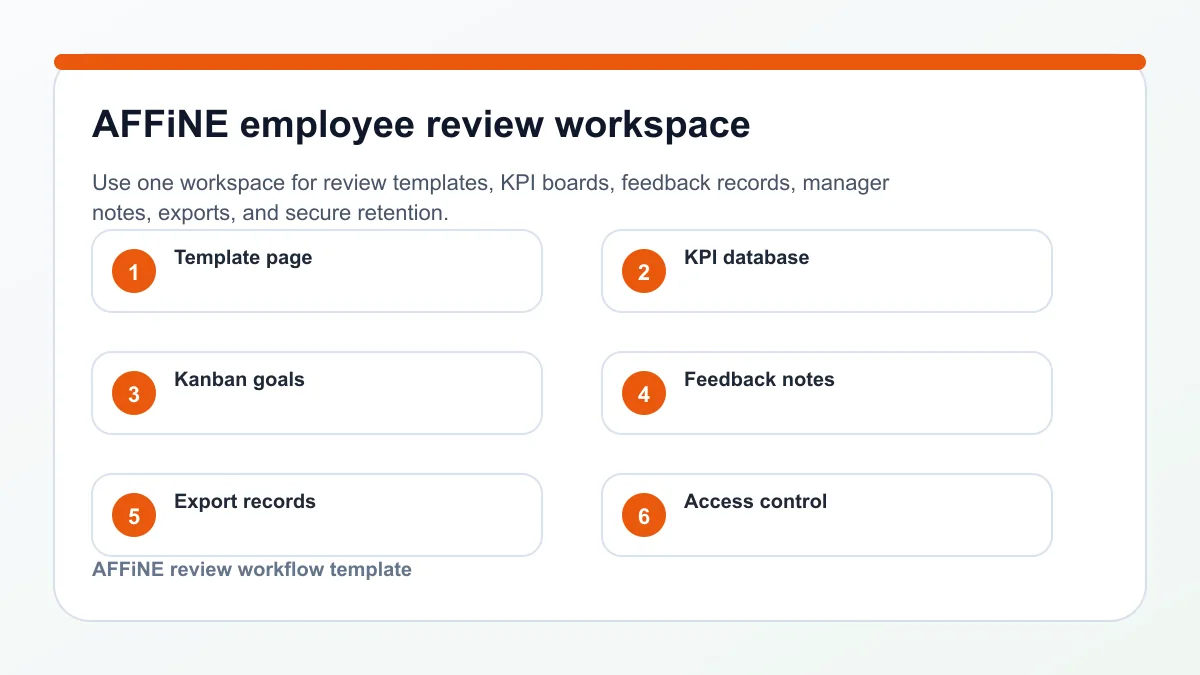
Step 8: Set Up and Customize Your Employee Review Templates in AFFiNE
Ever wish you could manage every aspect of your employee review process—templates, feedback, goals, and documentation—in one secure, flexible workspace? Imagine saying goodbye to scattered files and app-hopping. With AFFiNE, you can centralize your entire employee review template workflow, from initial setup to final audit, all while keeping your data private and accessible even offline.
Set Up Your Review Workspace in AFFiNE
Getting started is simple, whether you’re building a performance review template for employees from scratch or customizing an existing one. Here’s how you can streamline your review process:
• Visit the AFFiNE templates hub and duplicate a ready-made template employee evaluation workflow to jumpstart your setup.
• Organize your workspace by creating folders for each review cycle—annual, mid-year, or probationary—making it easy to find and manage all your employee review templates.
• Set permissions for HR, managers, and employees to ensure confidentiality and control over sensitive information.
• Enable offline mode so you can work on reviews securely, even without internet access—ideal for confidential or high-stakes evaluations.
By consolidating your process in AFFiNE, you eliminate version confusion and create a clear audit trail for every staff review form you generate.
Customize Templates with Blocks and Databases
Need more than a generic printable employee performance review template? AFFiNE’s block-based editor lets you tailor every section to your needs. For example, you can:
• Drag and drop blocks to build out rubric tables, evidence fields, and summary comment sections.
• Add a database for tracking KPIs, goals, and review outcomes, linking each entry to supporting documents or whiteboards.
• Insert AI-powered blocks that suggest comment starters or summarize 360-degree feedback—saving time and boosting consistency.
• Design custom workflows for self-reviews, peer feedback, and manager assessments, all within one workspace.
This flexibility means your employee review template word can evolve with your organization—no more outdated forms or disconnected spreadsheets.
| Tool | Privacy Model | Offline Access | AI Support | Template Breadth | Pricing |
|---|---|---|---|---|---|
| AFFiNE | Local-first, user-owned | Full offline mode | Integrated AI partner | Comprehensive (reviews, Kanban, docs, whiteboards) | Free tier; premium for advanced features |
| Typical Word/PDF | Cloud or device-based | Partial (depends on storage) | Manual editing only | Basic forms | Free/one-time purchase |
| Spreadsheet Tools | Cloud or device-based | Partial | Limited (formulas, no AI) | Scorecards, basic tables | Free/paid options |
As you can see, AFFiNE stands out by offering a privacy-first, offline-capable, and AI-enhanced environment that supports both standard and advanced free performance review template needs.
Plan and Track Goals with Kanban and Visual Boards
Imagine turning static reviews into living documents. With AFFiNE, you can:
• Build Kanban boards to visualize employee goals, progress, and blockers in real time.
• Link review artifacts—like feedback forms, goal sheets, and evidence—to each employee’s record for easy reference during check-ins.
• Use whiteboards for collaborative brainstorming on development plans or calibration notes.
• Export printable employee performance review templates as PDFs or HTML for official records or face-to-face meetings.
This integrated approach transforms your staff review form into a dynamic tool for ongoing growth, not just a yearly checkbox.
When you centralize and customize your employee review process in AFFiNE, you gain privacy, flexibility, and confidence—making every review fair and actionable.
Ready for the next step? In the final chapter, you’ll learn how to launch your program, ensure consistency, and maintain secure records for lasting impact.
Step 9: Launch, Audit, and Maintain Records for Sustainable Employee Review Programs
When your employee review template is ready, how do you make sure it’s actually used well—and stands up to scrutiny months or years later? Imagine rolling out a new process, only to find inconsistencies, lost forms, or confusion about who can access sensitive data. That’s why the final step isn’t just about launching your process, but also about auditing for fairness and securely maintaining every record. Here’s how to bring it all together for long-term success.
Launch Your Program and Train Managers
Ready to get started? A smooth rollout is key to adoption and compliance. Here’s a practical sequence to launch your employee review forms across the organization:
-
Share finalized templates—such as your personnel evaluation form and employee review forms —with all relevant stakeholders, including HR, managers, and employees.
-
Provide a concise one-pager or video walkthrough explaining how to use each form, what to document, and where to store completed reviews.
-
Host short training sessions or distribute a quick start guide to ensure managers understand rating scales, evidence requirements, and confidentiality rules. For digital templates, walk through how to fill out and save a printable employee evaluation form or export a staff evaluation form pdf.
-
Set clear deadlines for each review cycle and communicate how questions or corrections will be handled.
Rolling out your process with clear instructions and accessible resources helps everyone feel confident and reduces errors from the start.
Audit for Consistency and Bias
Launching is just the beginning. How do you ensure every employee evaluation form is filled out fairly, free from bias, and follows your intended process? Regular audits and calibration are essential. Here’s how you can keep quality high:
• Sample completed reviews each month, checking for evidence-backed ratings and balanced feedback.
• Calibrate scores across teams—bring managers together to review anonymized cases and align on standards.
• Document any discrepancies or trends, and provide feedback or retraining as needed.
• Encourage managers to use behavior-based language, not personal traits, for every review.
Record behaviors, not traits.
This approach helps ensure your free performance evaluation forms are tools for growth, not sources of bias or confusion.
Maintain Records and Improve
What happens to all those forms once the review cycle is over? Secure recordkeeping is not just about compliance—it’s about trust and future-proofing your process. Here’s a sample retention matrix to clarify what to keep, who owns it, and for how long:
| Document Type | Owner | Access Level | Retention Period | Storage Location |
|---|---|---|---|---|
| Employee Evaluation Form PDF | HR | Confidential / Role-based | 5 years (or per policy) | HRIS / Secure Drive |
| Self-Assessment | Manager / HR | Private | 30 days post-review | Manager’s Secure Folder |
| Improvement Plans | Manager / HR | Confidential | Until resolved + 1 year | HRIS / Secure Drive |
| Printable Employee Evaluation Form | HR | Restricted | 5 years | Physical or Digital Archive |
| Staff Evaluation Form PDF | HR | Confidential | 5 years | HRIS / Secure Drive |
Whether you use AFFiNE, another digital platform, or paper-based employee evaluation form pdf free , always standardize version naming and keep a change log for each template iteration. Limit access to sensitive records with role-based permissions and follow your company’s compliance policies for corrections, appeals, and retention timelines (Virginia DHRM).
Continuous Improvement and Feedback
After each review cycle, collect feedback from managers and employees to identify pain points or gaps. Update your personnel evaluation form and training materials as needed, and communicate changes clearly. This keeps your process relevant and responsive to evolving business needs.
• Purpose and cadence defined
• Structure and rubric built
• KPIs and goals set
• 360 and self-assessment added
• Balanced comments with evidence
• Scores and outcomes calculated
• Meetings run and documented
• Templates customized and records maintained
By following these steps, you ensure your employee review process is not just a one-time event, but a repeatable, auditable, and fair system—ready to support your team’s growth for years to come.
Employee Review Template FAQs
1. What is a good example of an employee review comment?
A good employee review comment is specific, evidence-based, and tied to business impact. For example: "You demonstrated ownership by leading the onboarding project, resolving two cross-team blockers, and delivering the launch checklist three days early." Avoid labels like "great attitude" unless you can connect them to observable behavior.
2. How do you write a staff review that is fair and actionable?
To write a fair staff review, start with role expectations, use the same rating rubric for comparable roles, cite concrete examples, separate behavior from personality, and end with a development plan. The employee should be able to see what happened, why it mattered, and what will change next.
3. What should be included in an employee review template?
An employee review template should include purpose, review period, participants, competencies, goals, KPIs, evidence fields, self-assessment prompts, manager comments, scoring weights, performance bands, meeting notes, and follow-up actions. Add confidentiality and recordkeeping fields when reviews affect pay, promotion, or compliance.
4. How often should employee reviews be conducted?
Most teams use annual or mid-year reviews for formal decisions, then add quarterly check-ins for goals and blockers. New hires often need 30, 60, and 90-day reviews. The right cadence depends on how quickly goals change and whether the review informs development, compensation, promotion, or performance improvement.
5. How can AFFiNE improve the employee review process?
AFFiNE helps teams keep review templates, goal boards, KPI databases, feedback notes, and supporting evidence in one workspace. Managers can link notes to goals, use visual boards for development plans, export final records, and keep sensitive review work organized without scattering files across separate documents and spreadsheets.
