Best Assignment Tracker for College Students: Apps & Guide
Every student knows the feeling: It’s Sunday night, you’re relaxing, and suddenly a panic wave hits you—you forgot a major paper was due at midnight. Whether you are a freshman navigating your first semester or a parent managing a homeschool assignment tracker, the chaos of syllabi, dates, and readings can be overwhelming.
You don't need to work harder; you need a system. You need a reliable assignment tracker.
In this ultimate guide, we will explore how to create an assignment tracker, list the best assignment tracker apps for 2026, and provide you with strategies to manage your homework efficiently.
What is an Assignment Tracker and Why Do You Need One?
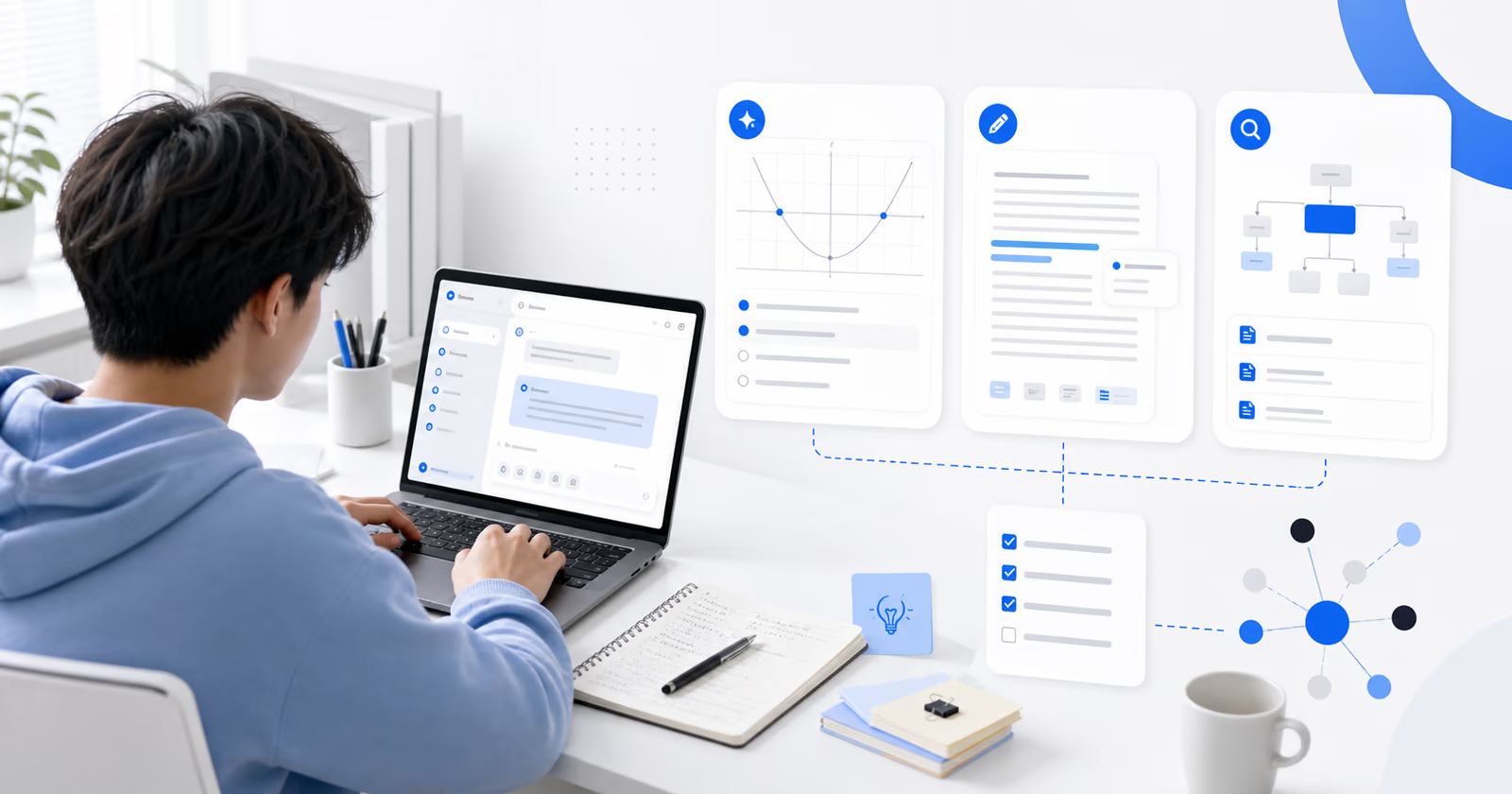
An assignment tracker is more than just a to-do list. It is a dedicated system—digital or physical—designed to log every task, essay, exam, and reading required for your classes.
The "Syllabus Shock" in College
For college students, the transition from high school is brutal. You aren't reminded daily about homework. A college assignment tracker acts as your central command center. It helps you:
-
Visualize Workload: See if three exams land on the same day.
-
Prioritize: Distinguish between a 5% quiz and a 40% final paper.
-
Reduce Anxiety: Offload the dates from your brain into a trusted system.
Whether you are looking for a school assignment tracker for high school or a complex assignment progress tracker for a PhD thesis, the core principle is the same: Capture everything, miss nothing.
Top 3 Best Assignment Tracker Apps
Gone are the days of scribbling in a paper agenda that gets lost at the bottom of your backpack. The best assignment tracker for college is digital, accessible from your phone and laptop, and adaptable to your workflow.
Here are the top contenders for the best assignment tracker app:
1. AFFiNE: The Best All-in-One Workspace
If you are looking for a free assignment tracker that does more than just list dates, AFFiNE is the top recommendation for 2026.
Why it’s the reliable assignment tracker for students: Most apps force you to choose: do you want a database (like Excel) or a whiteboard (like Miro)? AFFiNE gives you both.
-
Edgeless Mode (Whiteboard): Perfect for mind-mapping your essay topics or visually planning your semester timeline.
-
Kanban & Table Views: Turn your visual plan into a structured task assignment tracker with one click.
-
Offline First: Wi-Fi down in the dorms? No problem. AFFiNE works offline and syncs when you’re back online.
It is an assignment tracker website and app that grows with you. You can attach your lecture notes directly inside the assignment card, keeping your research and your due dates in one place.
2. Google Sheets / Excel
For those who love raw data, a spreadsheet is a classic online assignment tracker.
-
Pros: Highly customizable formulas.
-
Cons: Mobile experience is clunky; no place to write notes or brainstorm; requires manual setup.
3. Native Reminders Apps (Apple/Google)
-
Pros: Simple and built-in.
-
Cons: Lacks the "Big Picture" view. You can’t see a weekly assignment tracker view effectively, making it hard to spot bottlenecks.
Why AFFiNE is the Best Assignment Tracker (The Open Source Advantage)
In a market flooded with generic apps, AFFiNE stands out because it puts ownership first.
1. True Ownership & Open Source
Unlike proprietary software that holds your data hostage, AFFiNE is Open Source. You can check the code on GitHub. Built on robust technologies like BlockSuite (for the editor) and OctoBase (for local-first collaboration), it is the preferred choice for CS students and privacy-conscious users.
2. Cross-Platform Freedom
A student assignment tracker must live where you study. Whether you are taking notes on an iPad in a lecture hall or writing a paper on a Windows gaming rig, AFFiNE syncs seamlessly.
-
Mobile: Download for iOS & Android to check due dates on the go.
-
Desktop: Get the full power app for Mac & Windows.
3. Community-Driven Growth
You are not alone in organizing your semester. Join the AFFiNE Community to connect with other students. You can find inspiration, ask for advice on setting up a homeschool assignment tracker, or share your own workflow.
How to Make an Assignment Tracker Fast (Step-by-Step)
Searching for "how to make an assignment tracker" or "how to create an assignment tracker"? You don’t need to spend hours designing. Here is the fastest way to build a robust system using a modern tool like AFFiNE.
Step 1: Gather Your Data (The Syllabus Sweep)
Don’t start tracking until you have every syllabus. Sit down at the start of the semester and input everything. This is the golden rule of a student assignment tracker.
Level Up: The Secret Weapon for Research Papers
A great college assignment tracker doesn't just track dates; it helps you do the work. When you are drowning in browser tabs for a research paper, copying links manually is a waste of time.
Enter the AFFiNE Web Clipper.
Unlike basic to-do lists, the Web Clipper allows you to effortlessly save articles from any webpage directly into your AFFiNE workspace without interrupting your flow.
-
Intelligent Capture: Automatically capture article content along with key details, not just the URL.
-
Context in One Place: Keep your bibliography, reading materials, and your due date tracker side-by-side.
This feature transforms AFFiNE from a simple checklist into a powerful student assignment tracker and research database combined.
Step 2: Set Up Your Columns (Properties)
In your assignment tracker app, create a database or table with these essential columns:
-
Task Name: (e.g., "History 101 Midterm Essay")
-
Course/Class: (Use color-coded tags)
-
Due Date: (Crucial for the assignment due date tracker)
-
Status: (To Do, In Progress, Done)
-
Priority: (High, Medium, Low)
-
Type: (Exam, Reading, Paper, Lab)
Step 3: Choose Your View
This is where assignment tracker apps like AFFiNE shine.
-
The Calendar View: Use this as your assignment tracker calendar. It helps you see upcoming deadlines at a glance.
-
The Kanban View: Use this as your assignment progress tracker. Drag cards from "To Do" to "Done"—it’s incredibly satisfying.
Step 4: The "Do Date" vs. "Due Date"
A pro tip for your task assignment tracker: Add a column for "Start Date." If a paper is due on Friday (Due Date), you might want to start it on Monday (Do Date).
Master Your Schedule: From Weekly Overviews to Daily Focus
A static list isn't enough. To truly manage your workload, your class assignment tracker template needs to adapt to your changing needs. It’s not about choosing between a weekly or daily planner—it’s about having a system that does both.
The Strategic View: Weekly Assignment Tracker
-
The Goal: Visualizing the battlefield.
-
Why you need it: College schedules are erratic. By using a weekly assignment tracker view (like a Kanban board), you can spot bottlenecks—like three exams landing on the same Friday—and adjust your workload before panic sets in. It gives you the flexibility to shift Tuesday's reading to Wednesday without losing track.
The Tactical View: Daily Assignment Tracker
-
The Goal: Getting things done.
-
Why you need it: When it’s time to focus, the big picture can be distracting. A daily assignment tracker breaks your day into manageable blocks (e.g., "9:00 AM - Research," "10:30 AM - Draft Intro"). This structure is a lifesaver for homeschool assignment tracker users or anyone fighting procrastination.
One Database, Multiple Views
Why start from scratch for each style? With AFFiNE Templates, you don't have to choose. You can input your data once and instantly switch between a high-level weekly calendar and a focused daily list.
-
Explore AFFiNE Templates: Browse our library specifically designed to include both weekly overviews and daily focus modes.
-
Official Docs: Learn how to customize these views to fit your unique brain, ensuring you get the most out of the best assignment tracker app.
Looking for a ready-to-use solution? Check out AFFiNE’s assignment tracker templates to skip the setup and start working immediately.
Advanced Strategies: Managing the "Assignment Tracker Planner"
Having the best assignment tracker app is useless if you don't check it. Here is how to maintain your system.
1. The "Inbox Zero" Method for Homework
Treat your homework assignment tracker like an inbox. Every time a professor mentions a new task, capture it immediately via the mobile assignment tracker app. Do not trust your memory.
2. Color Coding
In your assignment tracker planner, assign a specific color to each class.
-
Math = Blue
-
English = Red
-
Science = Green This visual cue helps your brain instantly recognize what subject requires attention when looking at your assignment tracker online.
3. Review Routine
Set a recurring task in your tracker called "Weekly Review." Every Sunday, mark off what is done and update the status of your assignment progress tracker.
Conclusion
Surviving the academic year isn't about intelligence; it's about organization. By setting up a reliable assignment tracker today, you are saving your future self from stress and all-nighters.
Whether you choose a simple spreadsheet or a powerful, visual workspace like AFFiNE, the key is consistency.
Ready to get those A's? Stop worrying about missed deadlines. Download AFFiNE for Free and create your ultimate student assignment tracker in minutes.
FAQ: People Also Ask
Q: What should be included in an assignment tracker?
A: To be effective, your tracker must include the Course Name, Assignment Details, Due Date, and Priority Status. Using a flexible app like AFFiNE allows you to also add "Do Dates" and attach research links directly to the task.
Q: How do I create an assignment tracker in Excel?
A: You can set up columns for Subject, Deadline, and Status manually. However, Excel lacks visual reminders and note-taking features. Using a dedicated assignment tracker website like AFFiNE is often faster and mobile-friendly.
Q: Is there an assignment tracker that works offline?
A: Yes. Unlike Google Sheets, AFFiNE supports offline access. This makes it the best assignment tracker app for students who need to check their schedule in lecture halls with poor Wi-Fi.
Q: Can I use one tracker for both school and personal tasks?
A: Absolutely. With AFFiNE’s Kanban views, you can have a "School" column and a "Life" column in the same database, or separate them into different pages while keeping everything in one app.