The Ultimate Guide to Technical Documentation: Best Practices & Tools
Understanding Technical Documentation and Its Strategic Value
Ever opened a software tool, stared at the interface, and wondered, "Now what?" You're not alone. That moment of confusion is precisely why technical documentation exists. It transforms complexity into clarity, guiding users from bewilderment to productivity.
So, what is technical documentation exactly? At its core, it refers to any document that explains the use, functionality, creation, or architecture of a product or process. Think of it as the bridge connecting complex technical requirements to the product roadmap—whether they're developers integrating an API, end-users navigating software, or stakeholders evaluating system capabilities.
The documentation serves a fundamental purpose: making technical information accessible and actionable. When done right, it empowers users to achieve their goals without frustration. When done poorly—or not at all—it leaves them stranded.
Why Technical Documentation Matters in Modern Development
You might think documentation is just a "nice to have." Think again. The business impact of quality documentation is substantial and measurable.
-
Reduced Support Costs: Research suggests up to 60% of support tickets could be resolved through effective self-service documentation.
-
Faster Onboarding: New developers don't need to interrupt colleagues with basic questions.
-
Higher Adoption: Users who understand a product's capabilities actually use them.
Pro Tip: Good documentation is easy to use, easy to understand, and easy to find. It is infrastructure, not overhead.
Essential Types of Technical Documentation for Different Audiences
When you're building a documentation strategy, starting with document formats is a common mistake. Instead, focus on the audience. A developer integrating your API has completely different needs than an end-user troubleshooting an error.
1. Developer-Focused Documentation (The "How-To-Build")
Developers want precision, code examples that actually work, and the ability to jump directly to what they need.
-
API References: Technical facts about endpoints, parameters, and response formats.
-
SDK Guides: Explaining how to use code in specific languages.
-
Architecture Decision Records (ADRs): Capturing the "why" behind technical choices.
-
Code Documentation: Inline comments and auto-generated docs.
Need a tool for this? Check out our list of Best Technical Documentation Software for Developers to find the right fit for your stack.
2. End-User Documentation (The "How-To-Use")
Users are often impatient and goal-focused. They want to solve a problem, not learn system architecture.
-
Quick Start Guides: The shortest path to the "Aha!" moment.
-
User Manuals: Comprehensive references covering all features.
-
Troubleshooting Guides: Problem-solution formats for specific errors.
-
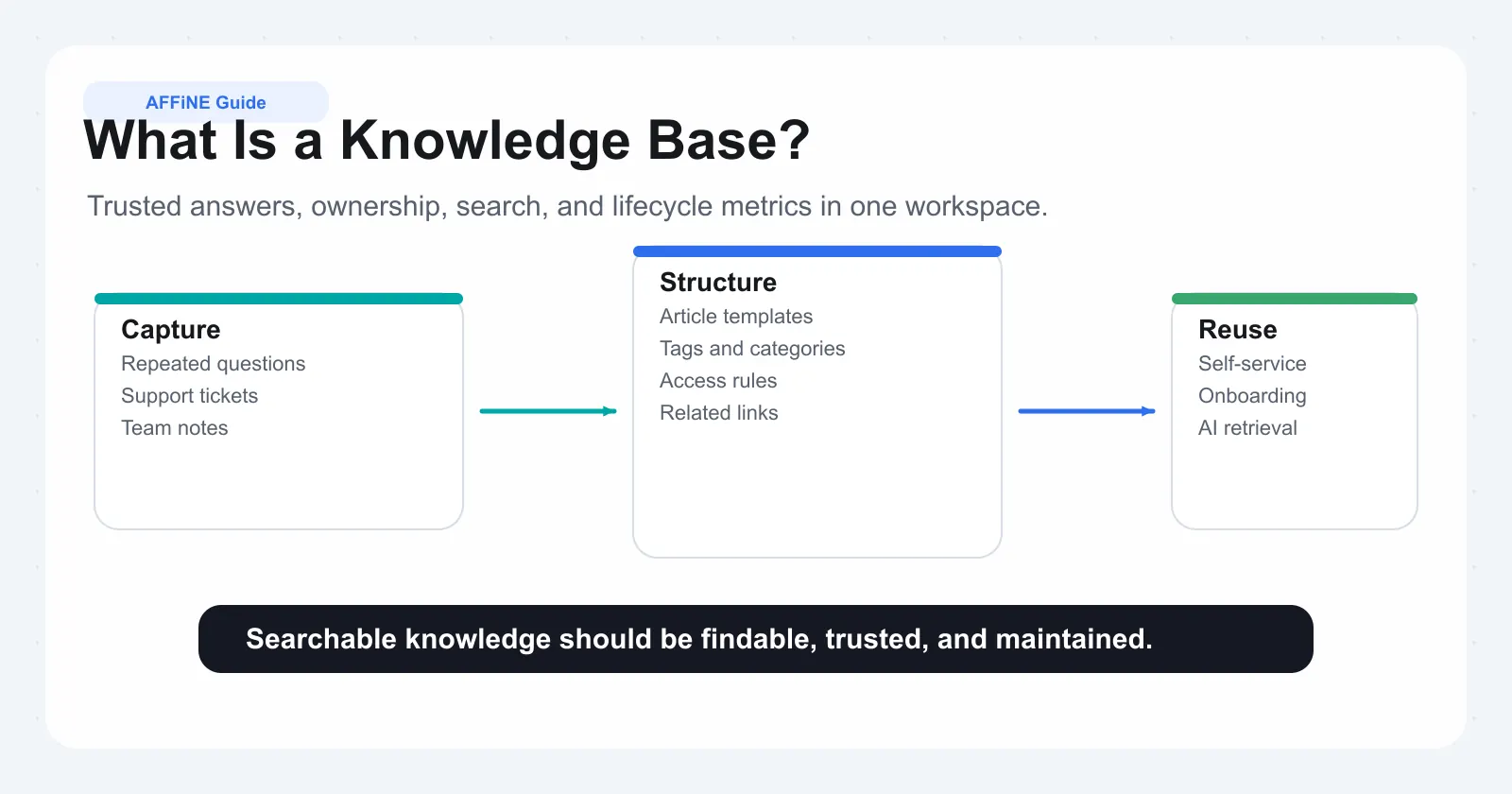
Knowledge Bases: Searchable collections of articles. If you need the broader operating model behind them, start with what a knowledge base is and this knowledge base blueprint.
Optimization Tip: A well-structured help center and FAQ structure can significantly reduce repetitive support inquiries.
3. Stakeholder & Process Documentation (The "How-It-Works")
-
Product Requirements Documents (PRDs): Defining what a system should do.
-
System Design Docs: Explaining data flows and dependencies.
-
Runbooks: Step-by-step guides for operational tasks.
Strategic Planning: Defining Scope and Audience
Before writing, you need a plan. A scattershot approach creates "documentation debt"—content that exists but serves no one.
Conducting Thorough Audience Analysis
Different audiences require fundamentally different approaches.
-
Define Segments: Developers vs. End-Users vs. Executives.
-
Analyze Skill Levels: Do they need basic concepts or just the raw data?
-
Create Personas: "Sarah the Junior Dev" vs. "Marcus the CTO."
Mapping Content to Needs:
-
Beginners need context and "Getting Started" guides.
-
Experts need searchable references and cheat sheets.
Mastering Technical Writing Style and Clarity
The goal of technical writing isn't literary elegance; it's frictionless comprehension.
Voice and Tone Standards
-
Active Voice: "Update the configuration file" (Better) vs. "The configuration file should be updated" (Worse).
-
Second Person: Address the reader as "you."
-
Directness: Avoid fluff. Get to the point.
Mastering Mechanics
-
Sentence Structure: Keep it short. One idea per sentence.
-
Code Formatting: Always use proper indentation and syntax highlighting.
-
Terminology: Be consistent. Don't call it a "project" on page one and a "workspace" on page two.
Example: Improving an API Description
-
Bad: "Use GET /users to get users. Returns JSON."
-
Good: "Retrieve a list of all users in your organization:
GET /api/v2/users. This endpoint returns a JSON array of user objects."
Quality Assurance: Review Processes
Documentation without review is just a draft. Errors in docs erode trust faster than bugs in code.
Establishing Quality Gates
-
Technical Accuracy: Test every code sample. Copy-paste it and run it.
-
Completeness: Are prerequisites listed?
-
Visual Validation: Are screenshots current? (Outdated screenshots are a major trust killer).
Fact: A single undocumented API endpoint cost one organization over $100,000 annually in lost productivity. Accuracy pays.
Tools and Technologies: The Modern Stack
Choosing the right tool is critical. The landscape ranges from simple wikis to "Docs-as-Code" solutions.
1. Visual Documentation & Architecture
Technical documentation isn't just text. It's diagrams, flowcharts, and schema maps. This is where many traditional tools fail—they separate the text from the visual context.
Top Choice: AFFiNE
For software architecture and system dependency mapping, AFFiNE stands out by combining docs, whiteboards, and databases in one canvas.
-
Why it works: You can write your API spec and draw the system architecture diagram right next to it. No context switching.
-
Use Case: Use the Component Diagram Template to visualize software dependencies directly within your documentation. For network-heavy systems, pair architecture docs with a network traffic flow documentation template so readers can see packet movement, routing dependencies, and operational bottlenecks alongside the written spec.
2. Traditional Wikis
- Confluence/Notion: Good for general internal docs but can become disorganized quickly without strict governance.
3. Docs-as-Code (Static Site Generators)
-
Docusaurus / MkDocs: Best for developer-facing public documentation.
-
GitBook: Syncs directly with GitHub, keeping code and docs aligned.
| Category | Recommended Tool | Best For |
|---|---|---|
| Integrated Workspace | AFFiNE | Unified docs + diagrams + data. |
| Public API Docs | ReadMe / GitBook | Developer experience & interactivity. |
| Internal Wiki | Confluence | Enterprise-scale knowledge management. |
| Docs-as-Code | Docusaurus | Open source projects & engineering teams. |
Implementing Documentation Practices
How do you get buy-in for documentation in a fast-paced environment?
Overcoming "We Don't Have Time"
Reframing documentation as a time-saver, not a cost.
-
Calculate the Cost: If a senior engineer spends 2 hours/week explaining the same architecture, that's 100+ hours a year. Documentation solves this.
-
Start Small: Don't try to document everything. Pick the one area that causes the most pain (e.g., Onboarding or Deployment) and fix that first.
Documentation Maturity Model
-
Ad-Hoc: Docs exist sporadically in emails/Slack.
-
Reactive: Docs are created only when users complain.
-
Defined: Standard templates and ownership exist.
-
Optimized: Docs are a strategic asset, measured by metrics like "Ticket Deflection Rate."
Frequently Asked Questions
1. What is the difference between user guides and technical references?
User guides are task-oriented (e.g., "How to reset your password"), focusing on achieving a specific goal. Technical references are information-oriented (e.g., "Password strictness parameters"), focusing on facts, specifications, and limitations.
2. How often should technical documentation be updated?
Ideally, documentation should be updated simultaneously with product releases. At a minimum, establish a quarterly review cycle for high-traffic pages to verify accuracy, test code samples, and update screenshots.
3. What is "Docs-as-Code"?
Docs-as-Code is a philosophy where documentation is written in lightweight formats (like Markdown), stored in version control systems (like Git), and follows the same workflow as software development (reviews, automated testing, deployment).
4. How do I measure the success of my documentation?
Track metrics such as Search Usage (are people looking for it?), Time on Page (are they reading it?), Bounce Rate, and most importantly, Support Ticket Deflection (did support volume drop after publishing?).