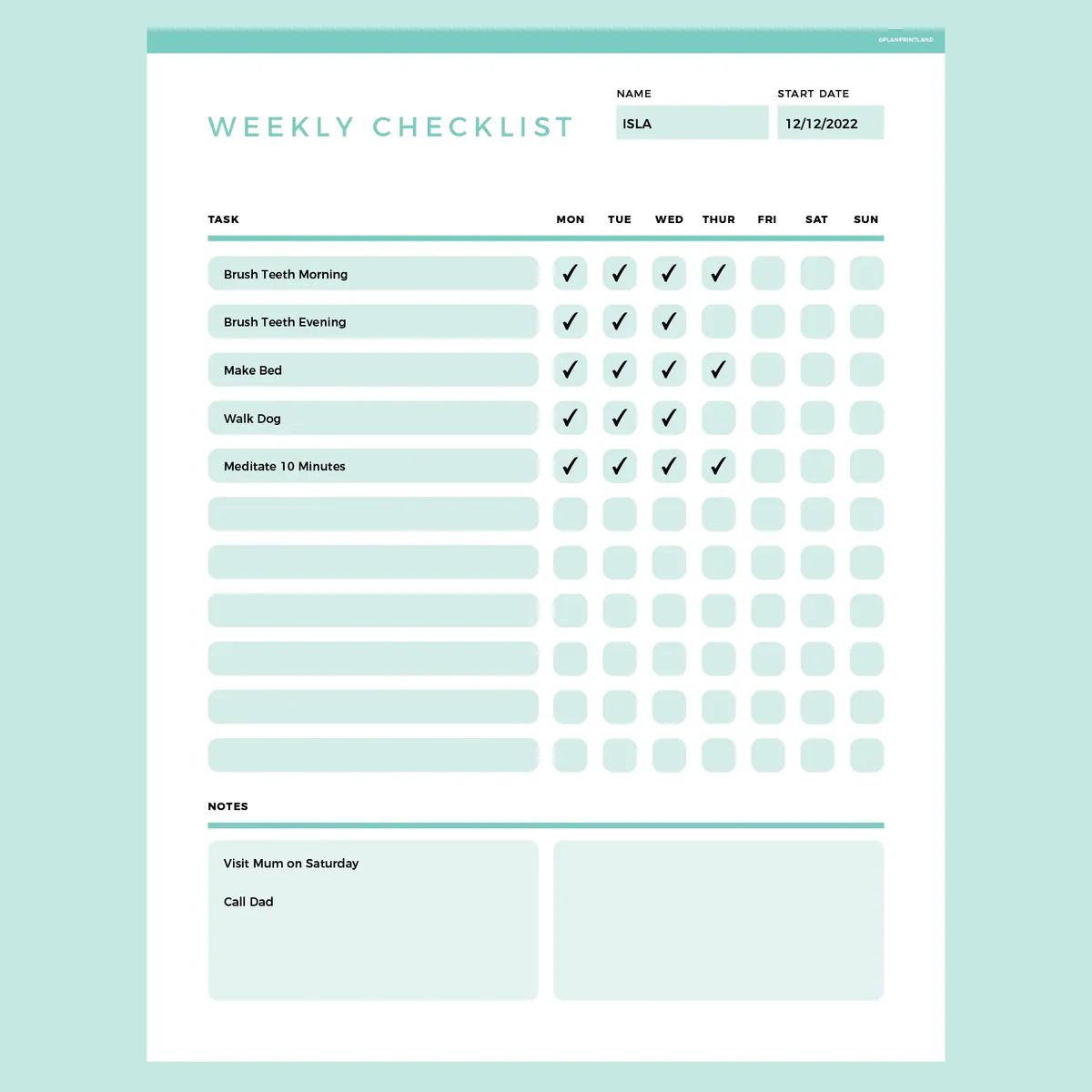
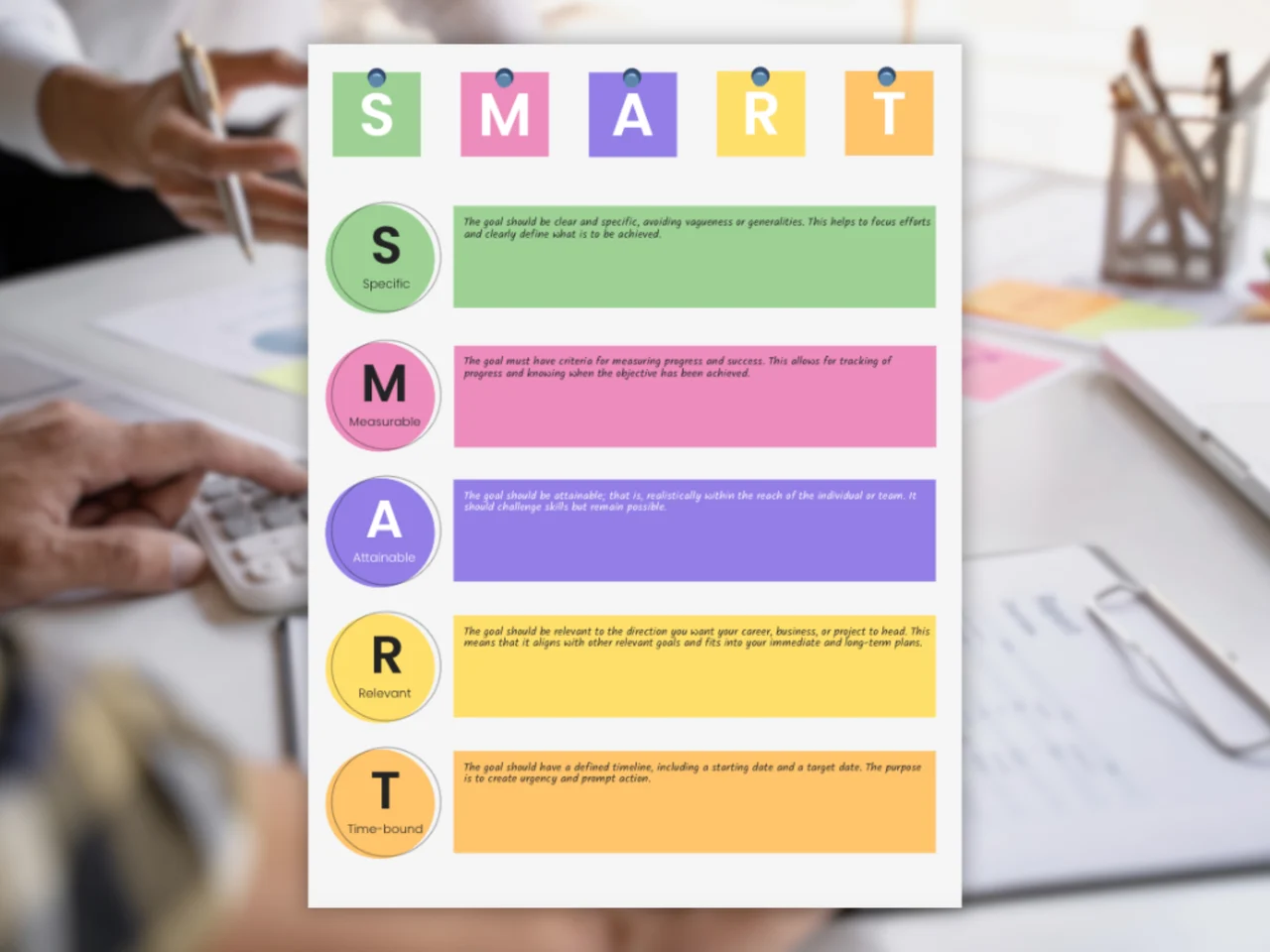
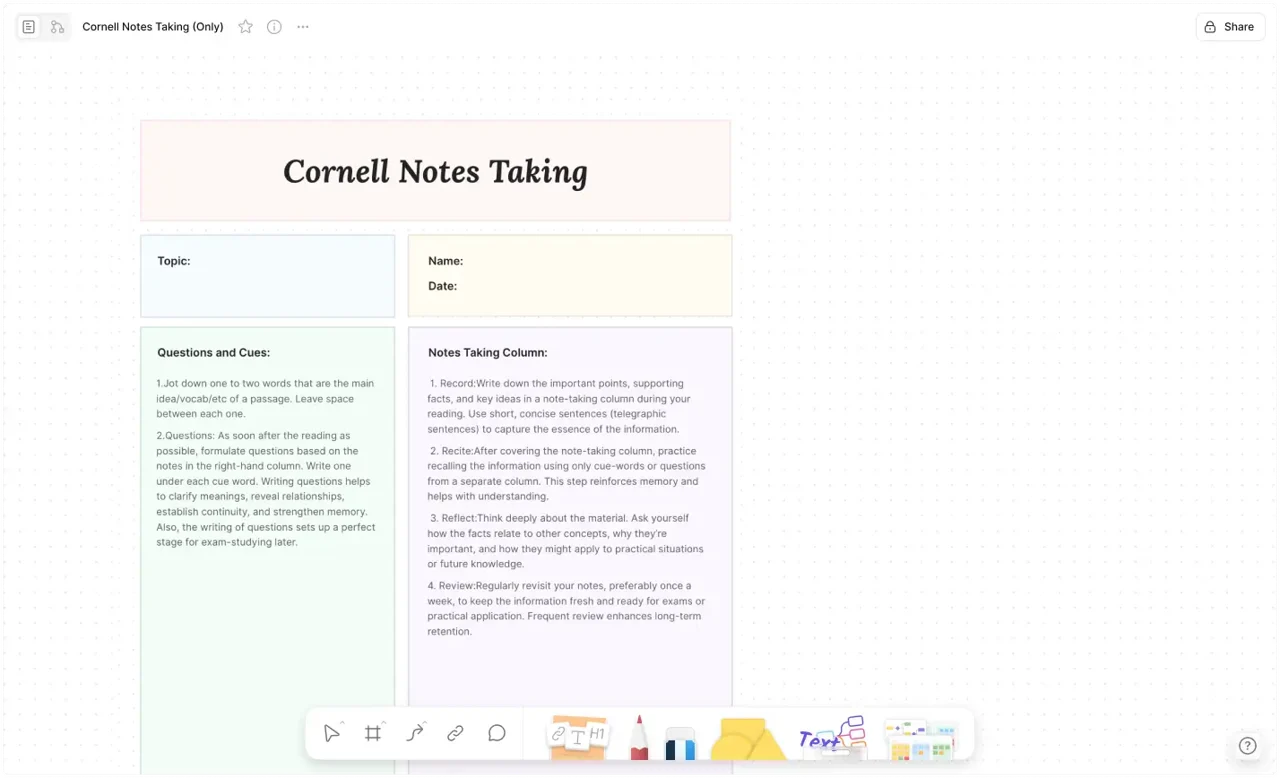
We all juggle too many things. Whether you are managing a complex project launch, packing for a trip, or just trying to survive a busy Monday, relying on your memory is a recipe for disaster.
This is where the Checklist Template comes in. But we aren't talking about a boring, static PDF or a rigid Excel spreadsheet.
We present the AFFiNE Interactive Checklist Template—a dynamic productivity tool designed to reduce cognitive load and ensure you never miss a step. Unlike static slides or paper lists, this template lives in your workspace, allowing you to tick boxes, drag tasks, and visualize progress in real-time.
Why You Need a "Smart" Checklist
In his best-selling book The Checklist Manifesto, surgeon Atul Gawande explains that even experts make mistakes due to the complexity of modern life. A simple checklist is the most powerful tool to prevent failure.
However, digital checklists in AFFiNE take this a step further by offering:
-
Context: Attach notes, images, and links directly to a checkbox.
-
flexibility: Switch instantly between a simple "List View" and a "Kanban Board" status view.
-
Collaboration: Share the checklist with your team and track who completed what.
Features of This Template
This template is designed for those who demand functionality over fluff. It leverages AFFiNE's "Knowledge OS" capabilities to give you a command center for your tasks.
1. Multi-View Support
Don't just list tasks; manage them.
-
Table View: Great for adding details like "Due Date," "Priority," and "Assignee."
-
Kanban View: Drag tasks from "To-Do" to "In Progress" to "Done."
-
Edgeless Mode: Place your checklist on a whiteboard alongside your brainstorming notes and mood boards.
2. Ready-to-Use Categories
The template comes pre-structured with sections for different needs:
-
Daily Routine: Morning/Evening rituals to build habits.
-
Project Launch: A step-by-step critical path for professionals.
-
Meeting Prep: Ensure you never go into a meeting unprepared.
3. 100% Customizable
Unlike rigid apps, AFFiNE lets you change everything. Need a "Urgency" tag? Add it. Want to color-code tasks by department? Done. The template is merely a starting point for your unique workflow.
How to Use This Template Effectively
Step 1: The Brain Dump
Start by listing every single action item in the "Inbox" section of the template. Don't worry about order yet.
Step 2: Group and Prioritize
Use AFFiNE's drag-and-drop feature to move items into categories (e.g., "Work," "Personal," "Urgent").
Step 3: Execution Mode
Switch to specific views to avoid overwhelm. If you are in deep work mode, filter the checklist to show only "High Priority" items.
Step 4: The "Done" Dopamine
There is nothing more satisfying than clicking a checkbox. In AFFiNE, completed items can be set to strikethrough or vanish automatically, keeping your board clean.
Frequently Asked Questions (FAQ)
Here are answers to common questions about maximizing productivity with checklists.
1. What makes a checklist effective?
An effective checklist must be precise, efficient, and easy to use. It shouldn't try to spell out every single sub-step (which turns it into a manual), but rather provide "killer items"—the critical steps that, if missed, would cause failure. It should also have a clear "pause point" where you stop and verify the list before proceeding.
2. Should I use a paper checklist or a digital app?
While paper is great for focus (no notifications), digital checklists like AFFiNE are superior for recurring tasks. You don't need to rewrite your "Weekly Review" list every Sunday; you simply uncheck the boxes or duplicate the template. Digital tools also allow for searching, tagging, and attaching files.
3. How do I create a reusable checklist template?
In AFFiNE, once you have built a checklist you like (e.g., "Travel Packing List"), you can save that page as a Template. The next time you travel, you just click "Insert Template," and a fresh, un-ticked version appears instantly. This saves hours of repetitive typing over time.
4. What is the difference between a To-Do List and a Checklist?
A To-Do List is usually a collection of one-off tasks (e.g., "Call Mom," "Buy Milk"). A Checklist is a standardized process for a recurring activity (e.g., "New Employee Onboarding," "YouTube Video Upload Protocol"). Checklists are about process compliance and quality assurance; To-Do lists are about capturing ad-hoc tasks.
5. Can I use this template for team projects?
Yes. AFFiNE is built for collaboration. You can assign specific rows in the checklist to different team members. Unlike a static Excel file where you get version conflicts, your team can check off items on the same canvas in real-time, ensuring everyone knows the project status.
Get Organized Now
Stop letting tasks slip through the cracks. Elevate your productivity with a system that works as hard as you do.
👉 [Click here to clone the Ultimate Checklist Template to your AFFiNE workspace.]
(Free, No Sign-up required to view)