Knowledge Base FAQ Template
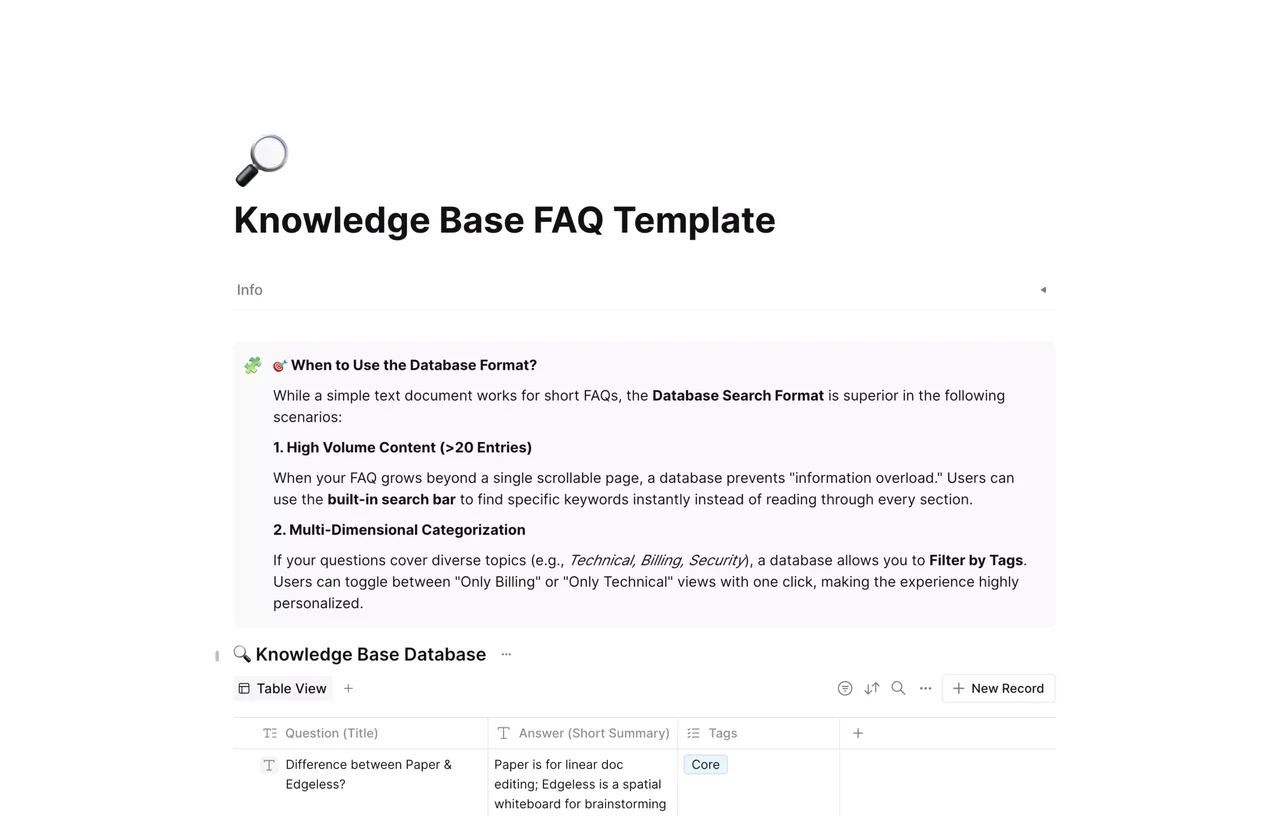
Free knowledge base FAQ template in AFFiNE: a searchable database of questions, short answers and tags, with guidance on when a database beats a plain FAQ page.

Reviewed by AllenContent Operations Manager
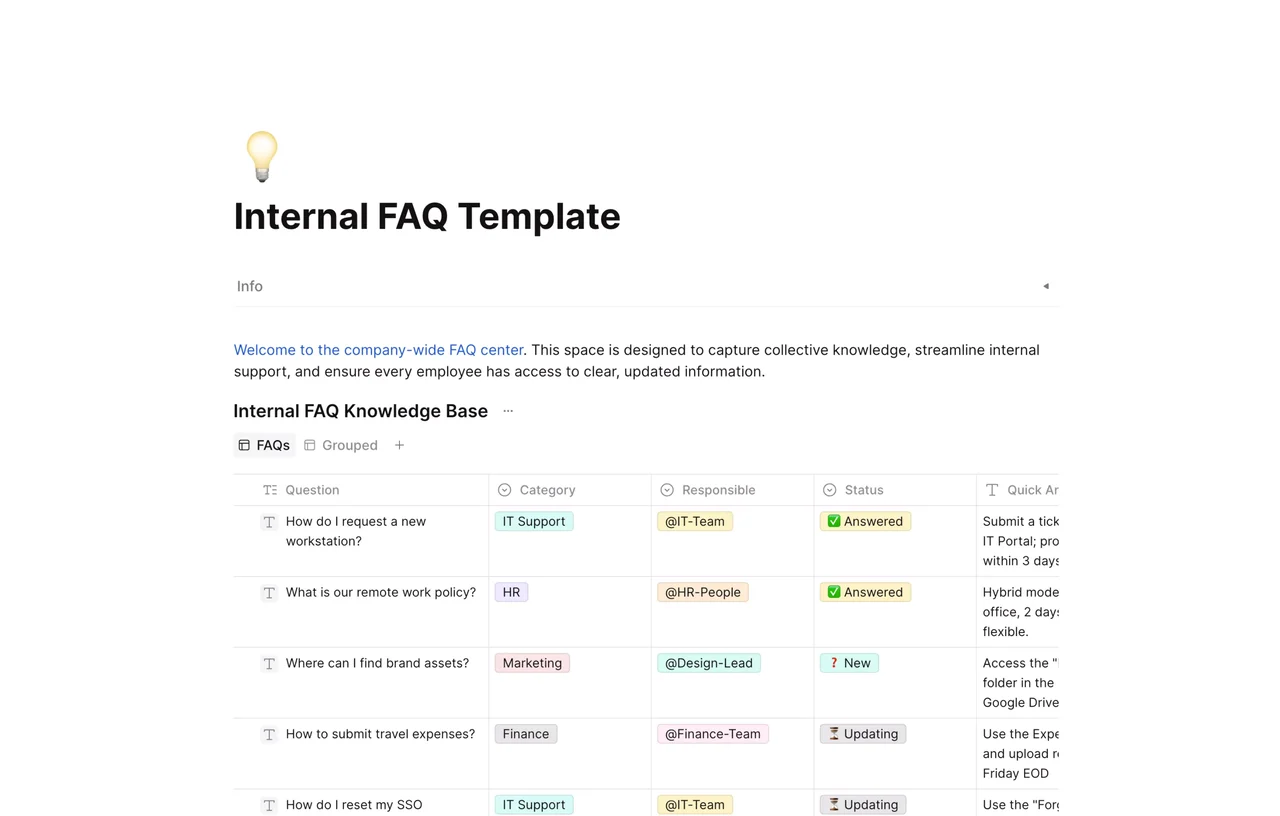
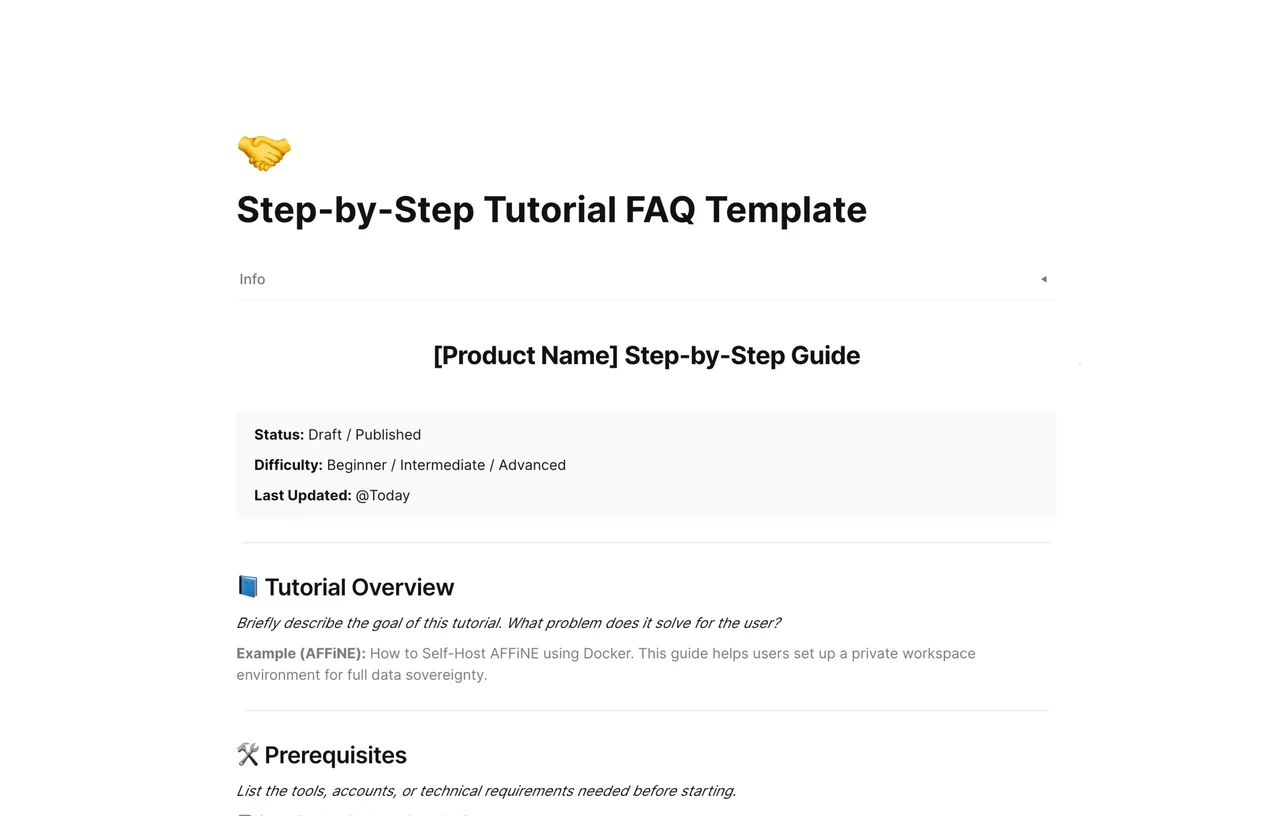
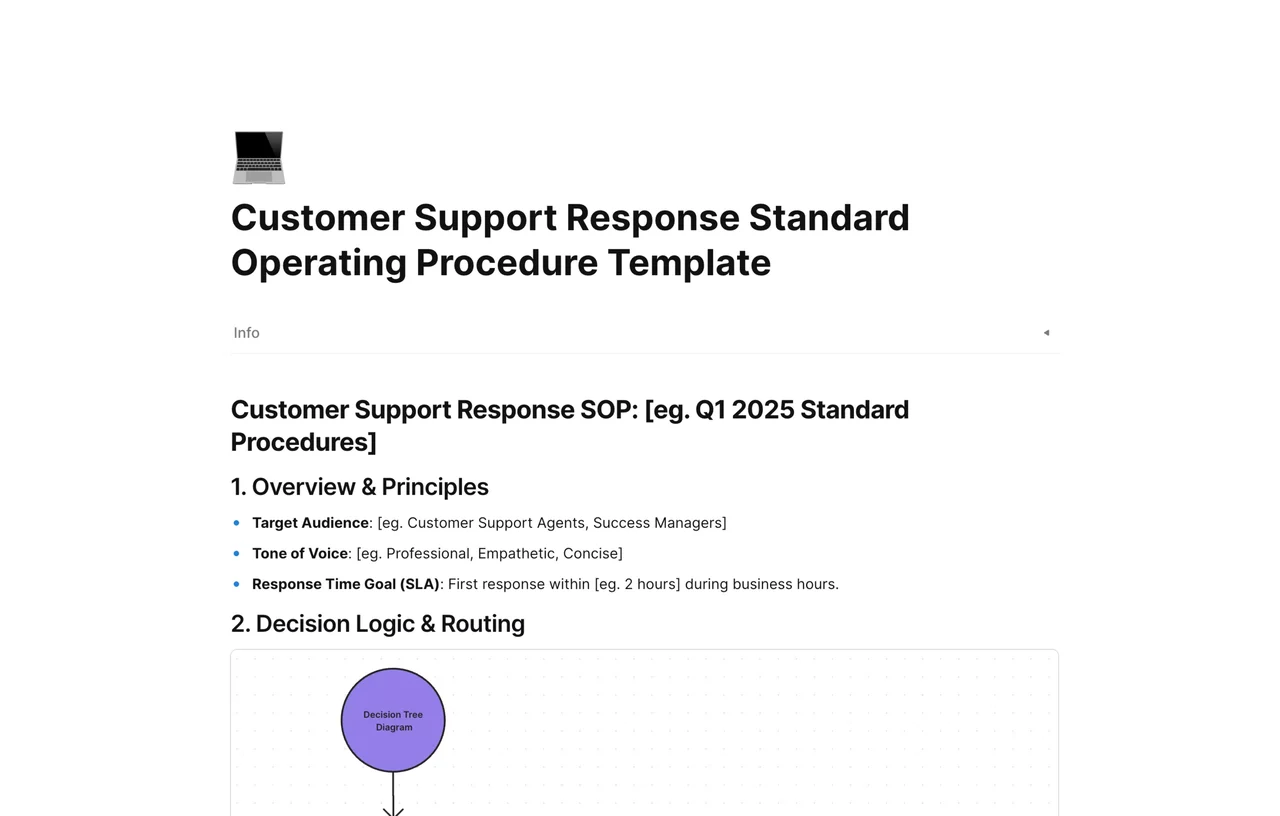
A knowledge base FAQ template is a ready-made structure for storing frequently asked questions and their answers so customers or teammates can find answers on their own. This AFFiNE template uses a searchable database rather than a long page: each question is a row with a short answer summary and tags, and a guidance callout explains when the database format works better than a plain text FAQ.
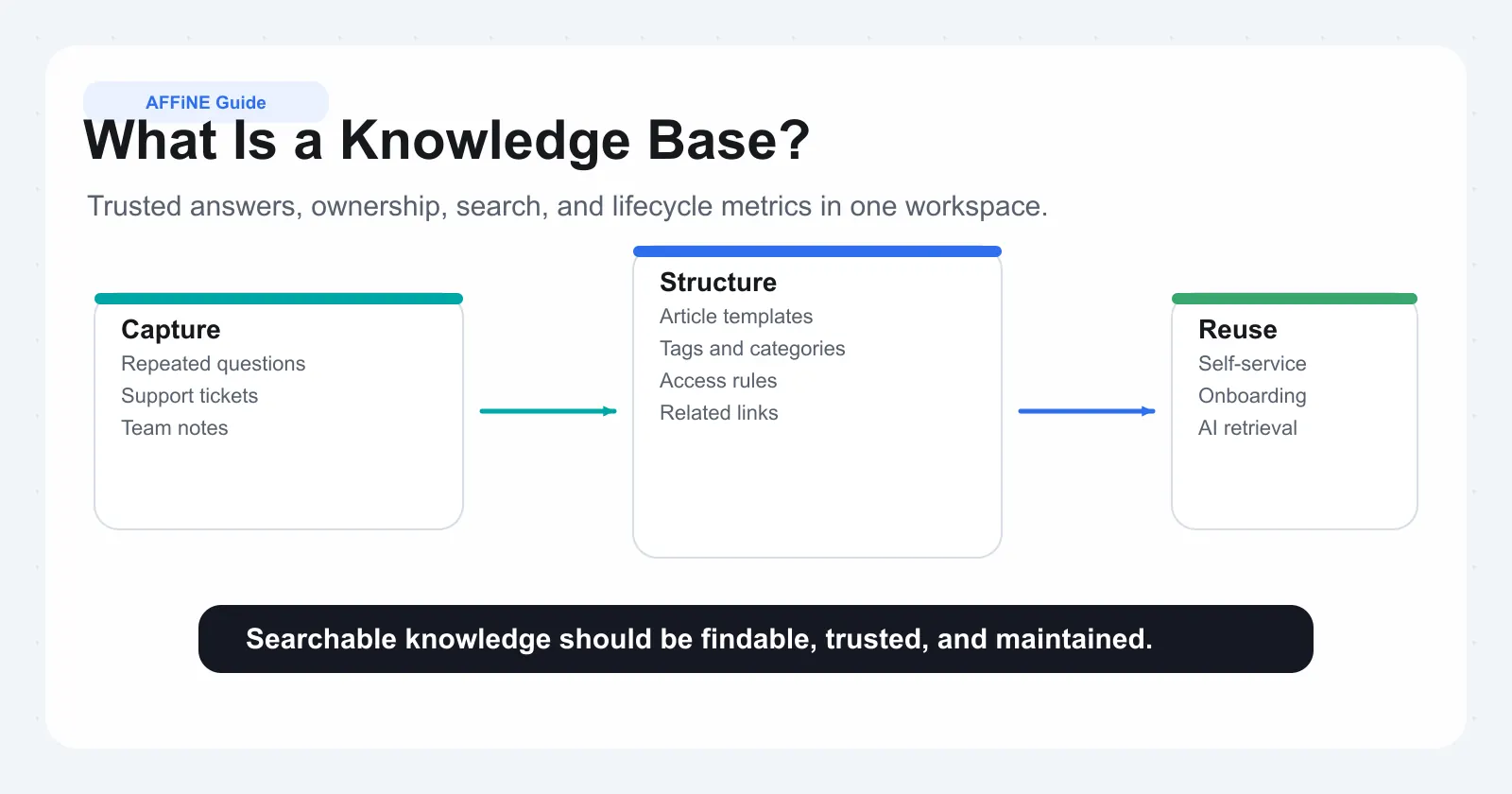
Top knowledge base guides agree on a few practices: use the customer's own wording in the question, answer in the first sentence, keep one question per entry, and link to a longer how-to or troubleshooting article when the answer needs steps. Write in plain language and avoid internal jargon. Our guides on how to create a knowledge base and the best FAQ templates for customer support go deeper.
An FAQ is a list of short answers to common questions. A knowledge base is a larger library that also includes how-to guides, troubleshooting articles, and documentation; an FAQ is often one part of it.
Group questions by topic with tags or categories, put the most common questions first, and make the list searchable. In this template, tags and filtered database views handle the grouping.
Review it whenever your product, pricing, or policies change, and on a regular schedule such as monthly or quarterly. Remove outdated answers rather than leaving them in place.
Use a database when you have many entries or several topics, because readers can search and filter. For a short list of a dozen or so questions, a plain page with one toggle per question is easier to read: make each question a toggle list item and put the answer inside it.
See more layouts in the FAQ template collection.