Pomodoro Technique: Efficiency Tracker
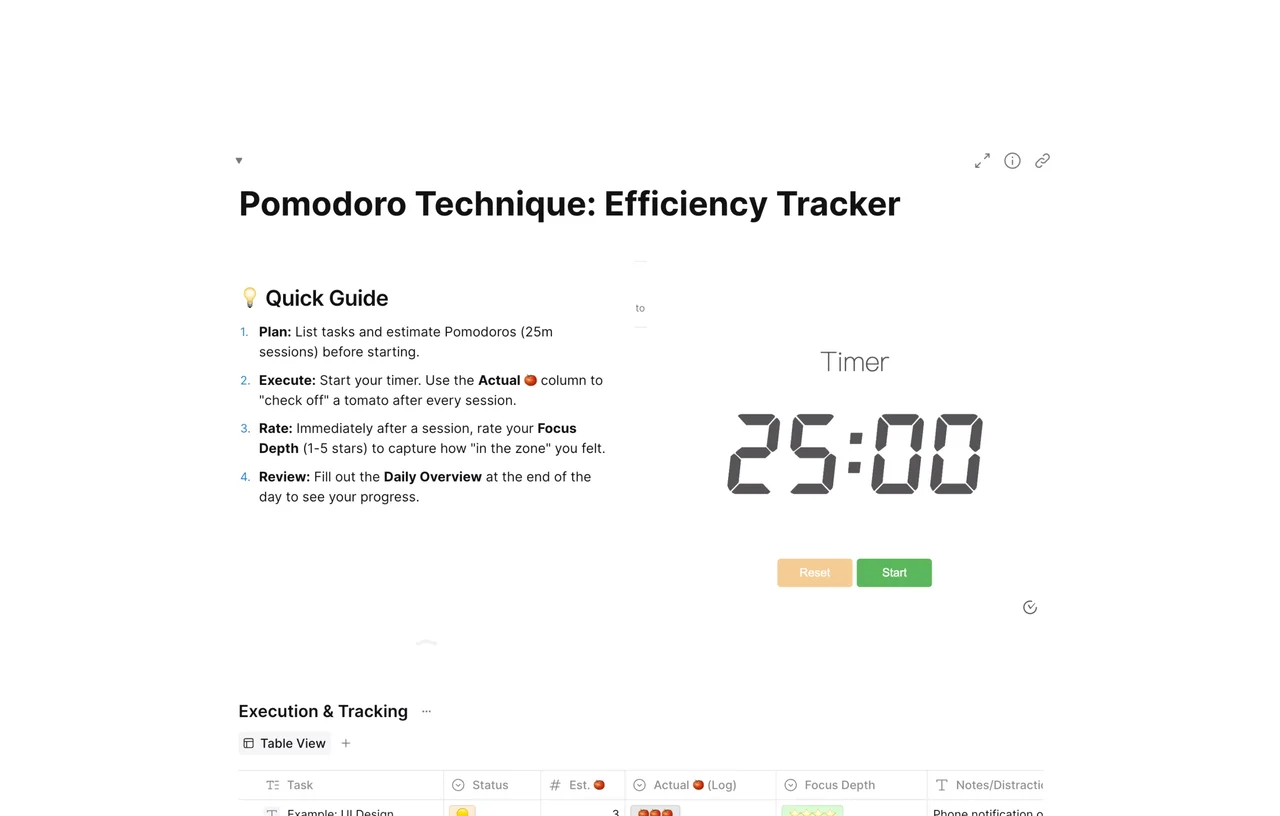
A Pomodoro tracker for AFFiNE with a built-in 25-minute timer and a task table for estimated vs. actual Pomodoros, focus depth ratings, and distractions.

Reviewed by AllenContent Operations Manager
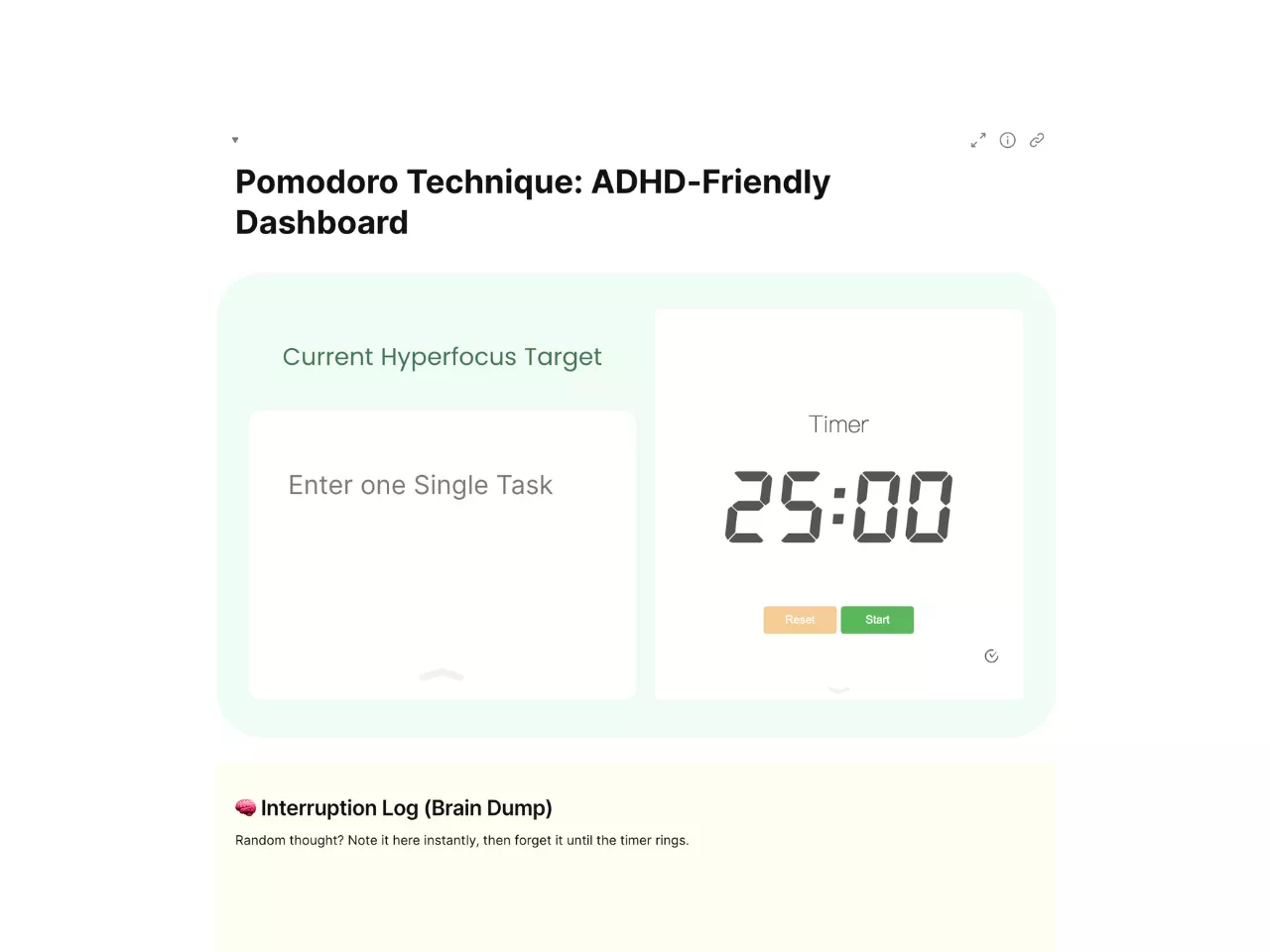
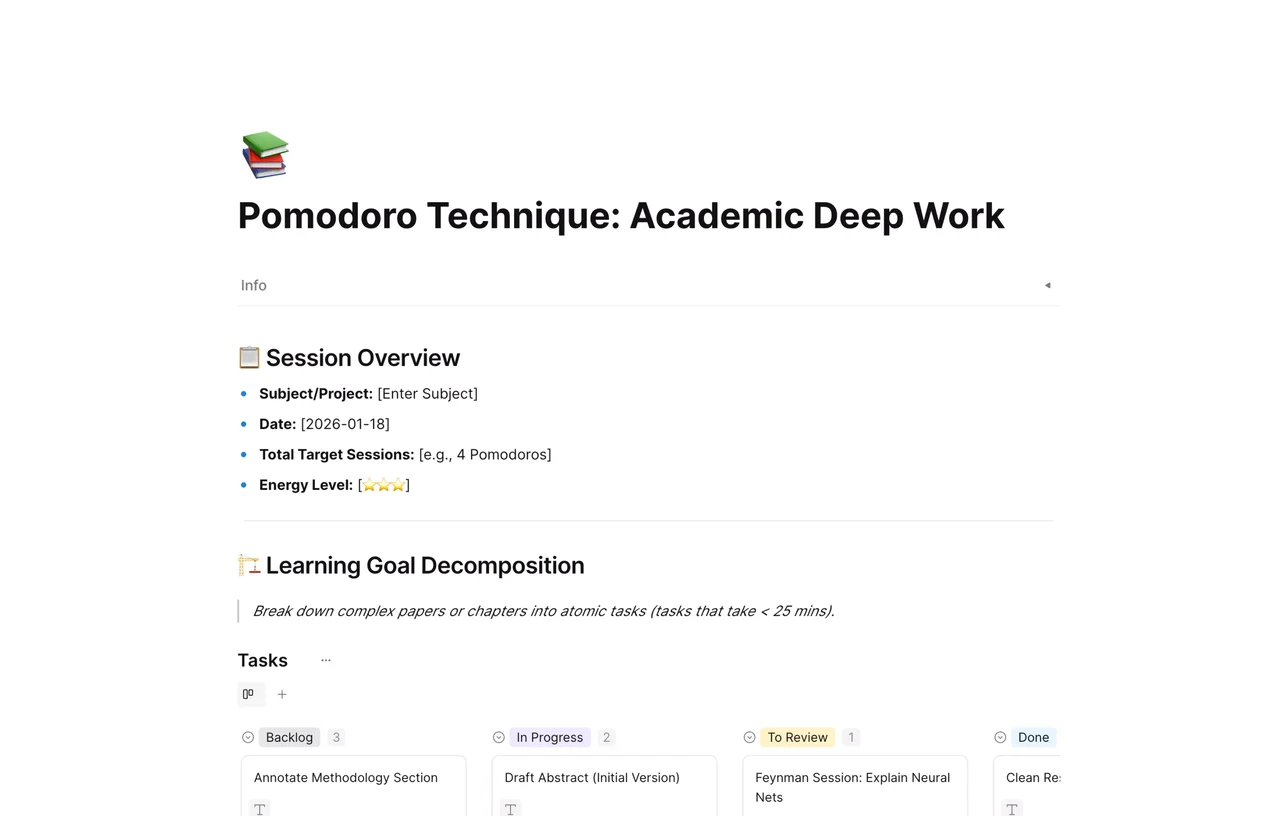
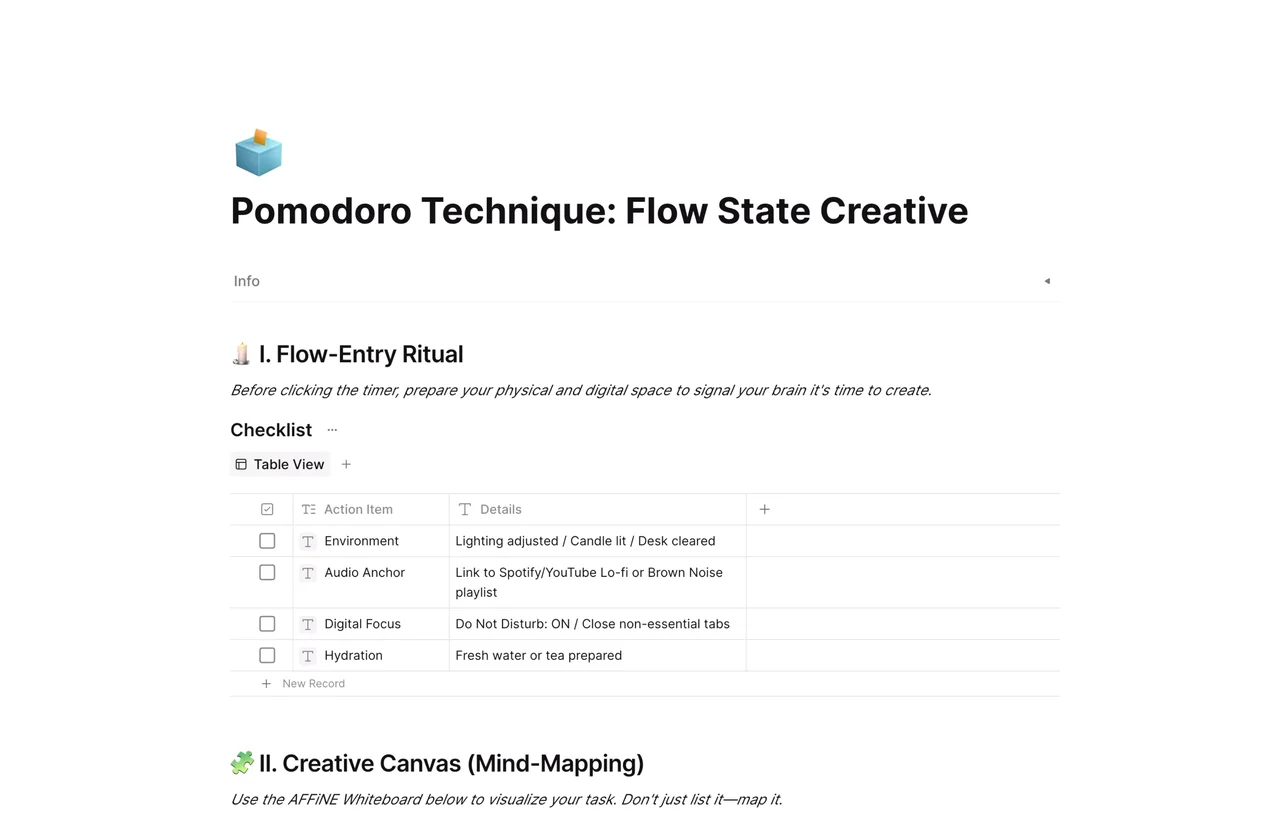
A Pomodoro tracker is a log where you estimate how many 25-minute focus sessions (Pomodoros) each task needs and then record how many you actually used. This AFFiNE template combines a built-in 25:00 timer, a short quick guide, and a task table with estimated and actual Pomodoros, focus depth ratings, and distraction notes, plus a daily overview to review at the end of the day.
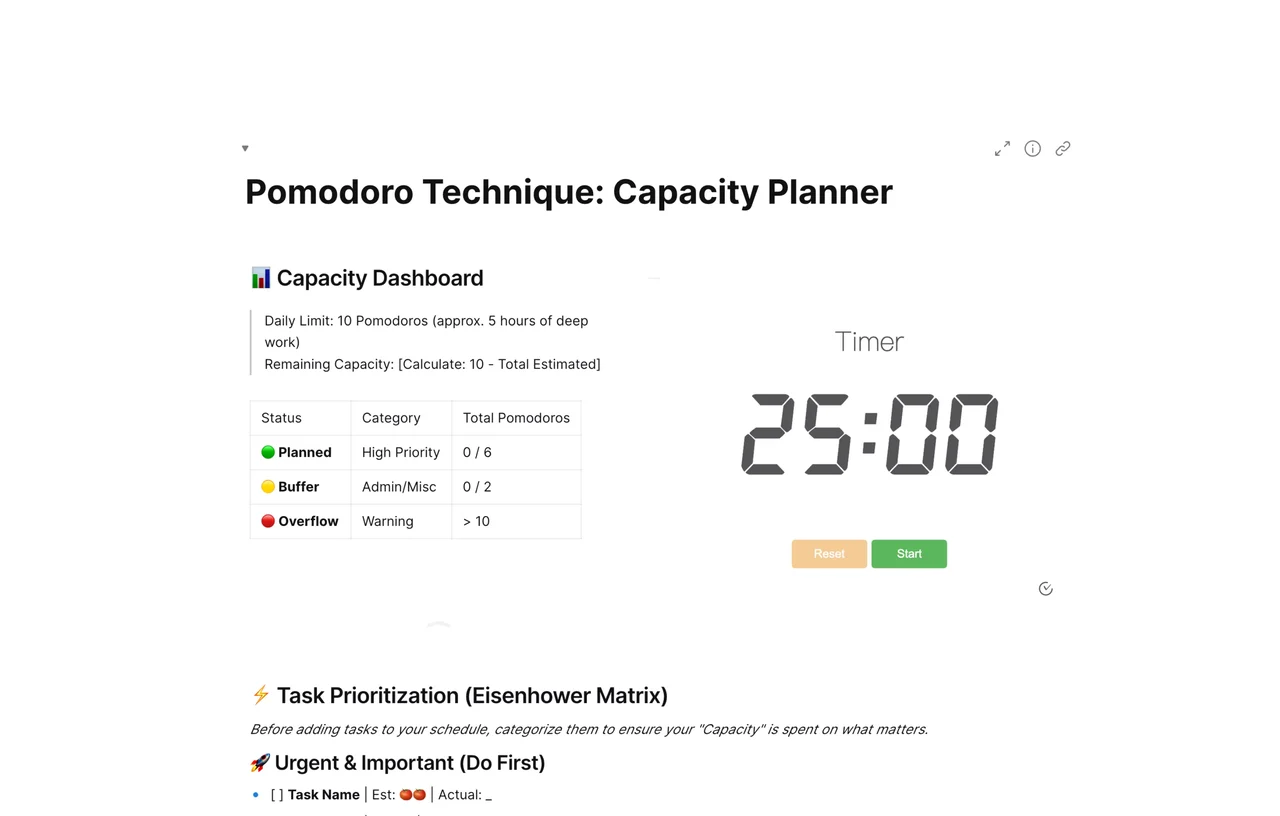
The Pomodoro Technique was developed by Francesco Cirillo in the late 1980s and is named after the tomato-shaped kitchen timer he used as a student (EBSCO Research Starters). The usual pattern is 25 minutes of focused work followed by a short break of about 5 minutes, with a longer break after four sessions. Tracking estimates against actuals is what turns the timer into a planning tool. To plan the day before you start, see the Pomodoro capacity planner.
It records how many focus sessions each task takes, so you can compare estimates with reality, spot distractions, and plan future days more accurately.
One Pomodoro is traditionally 25 minutes of focused work, followed by a short break of about 5 minutes. You can change the timer length if another interval suits you better.
There is no fixed number. Many people find 8 to 12 sessions a realistic day of focused work; your own log is the best guide.
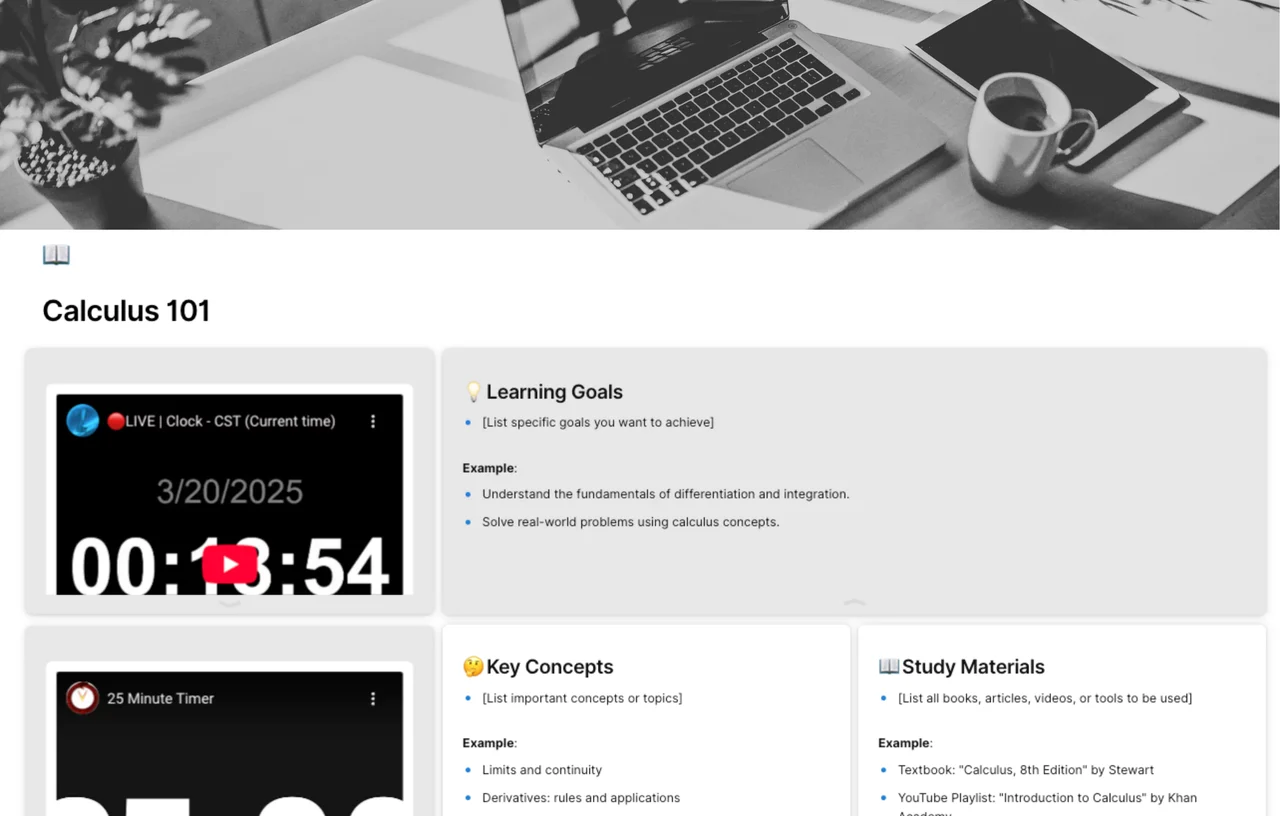
Yes. List each subject or chapter as a task, estimate sessions, and log them. The academic deep work Pomodoro template is built specifically for study.
More layouts are in the Pomodoro Technique templates collection, and our time-blocking template guide shows how to fit sessions into a calendar.