AFFiNE Enterprise: Private Cloud, Self-Hosted, and Secure Team Workspace
Docs, whiteboards and AI, running as a service you operate — in your datacenter or a private cloud reviewed with our team. Workspace data stays where your policies say it must live.
- Data stays on your infrastructure
- Offline & intranet licensing
- SSO via OIDC
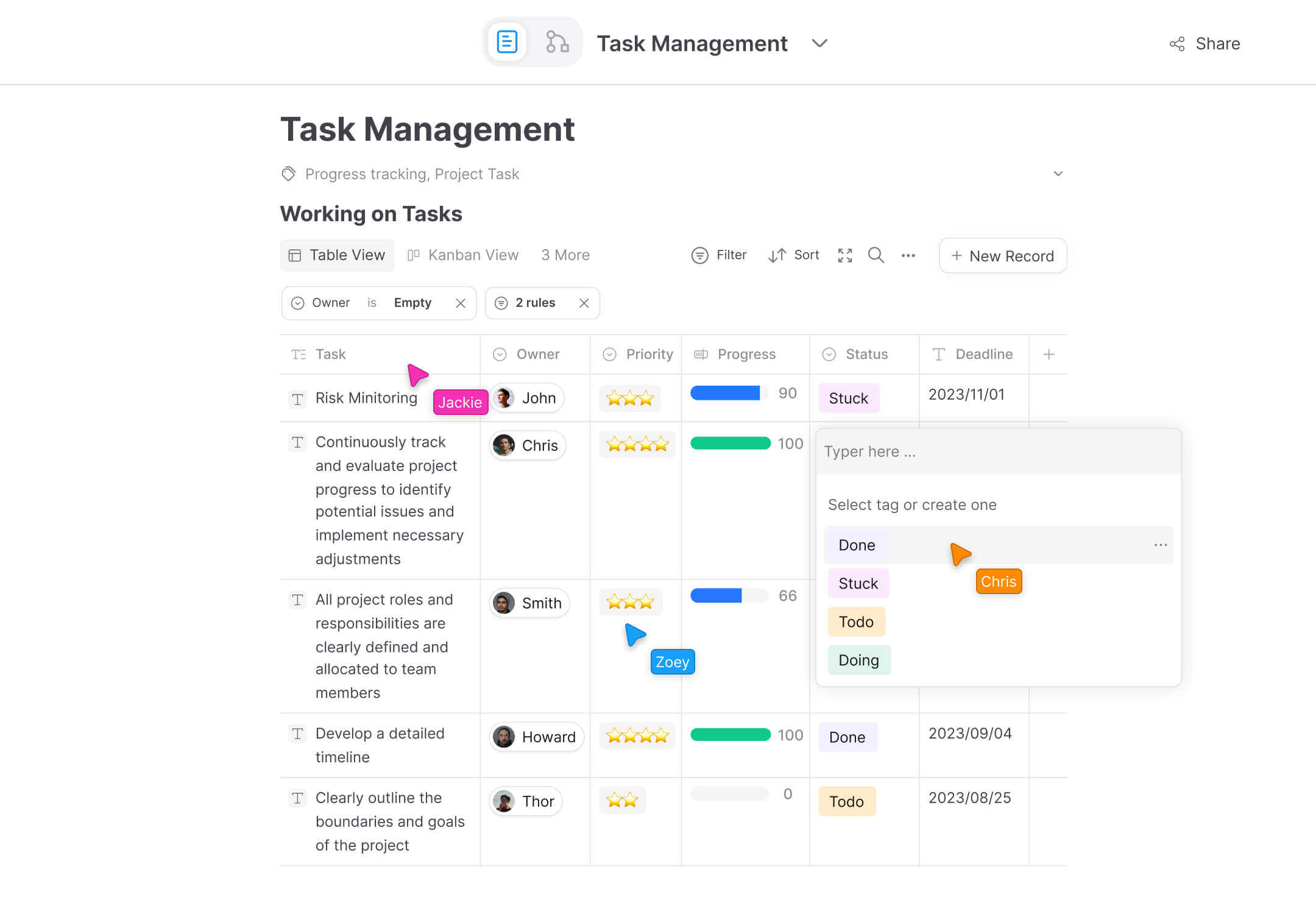
Built for teams where data location is non-negotiable
Most workspace tools ask you to trust their cloud. AFFiNE gives you a second path: the same collaborative docs, whiteboards and AI, running on infrastructure you control — your servers, your object storage, your PostgreSQL. That's what regulated teams and security-conscious enterprises need to pass a review.
AFFiNE Enterprise covers what the standard Team plan doesn't: 100+ seats, custom contracts and procurement, private-cloud architecture reviews, and networks where software has to work without calling home.
What an enterprise deployment gets you
Data residency by default
Workspace docs and uploads stay on your infrastructure: local filesystem, your own S3-compatible bucket or Cloudflare R2, plus a PostgreSQL you operate.
Storage configuration docsDeploy where you need
Docker Compose is the officially supported path — one release-tagged config runs the full stack on a VPS, in your datacenter, or inside your private cloud.
Deployment guideOffline & intranet licensing
An Installable License activates team seats straight from workspace settings — no calls to AFFiNE's license servers. Built for restricted networks.
Team license docsSign in with your identity provider
SSO via OIDC, plus Google and GitHub OAuth. Workspace roles and per-document access levels keep editing and review separate.
OAuth & OIDC docsBring your own AI — or run none
Point AFFiNE AI at your own provider — your API keys, base URL and model IDs — or keep AI disabled entirely. It's a config switch.
AI configuration docsBackups you can verify
pg_dump for the database, the blob directory for uploads, exported configuration — and a documented test-restore to prove it all works.
Backup & restore docsProcurement, contracts and licensing
Enterprise agreements are custom by design — scoped on a call, not a checkout page.
- Custom contracts and invoicing for 100+ seat deployments
- A dedicated point of contact through evaluation and rollout
- Security review support — the editor is MIT-licensed and auditable
- Self-host and cloud hybrid options, with SLA available on request
- Commercial Code License for OEM, white-label and embedded use
From pilot to rollout
Most enterprise evaluations follow the same four moves. We can walk them with you, or you can run them self-serve from the docs.
Scope a pilot
Pick one team and a real workload. A pilot workspace with genuine docs and boards tells you more in two weeks than a feature checklist ever will.
Deploy on your infrastructure
Stand up the Docker Compose stack in your environment, connect storage and PostgreSQL, and wire sign-in to your identity provider via OIDC.
Bring your content over
Import from Notion via its HTML or Markdown export. Coming from Confluence or another wiki, bring Markdown or HTML exports — and validate the result inside the pilot before wider rollout.
License and scale
Free self-hosting covers up to 10 seats per workspace. Beyond that, activate a Team subscription — or an Installable License for restricted networks — and expand team by team.
Frequently asked questions
Where does our data live if we self-host AFFiNE?
On infrastructure you operate. Workspace docs and uploaded files are stored on the server's filesystem by default, with out-of-the-box support for S3-compatible object storage and Cloudflare R2, and the database is a PostgreSQL instance you run. Storage locations are set through the admin panel and environment configuration.
Can AFFiNE run in an intranet without internet access?
Yes. The standard Team plan verifies license keys online, so for air-gapped or restricted networks AFFiNE offers an Installable License instead: you purchase it once and install it from the workspace license settings panel, with no connection to AFFiNE's license service required.
Is AFFiNE open source?
The editor and most of the codebase are MIT-licensed and auditable. The backend server uses the AFFiNE Enterprise Edition (EE) license: you may review its source code, while modifying, compiling or redistributing it requires a commercial agreement. For OEM, white-label or embedded scenarios, that's what the Code License covers.
Which single sign-on options are supported?
Self-hosted AFFiNE supports sign-in via OIDC, plus Google and GitHub OAuth, configured from the admin panel. If your policies require multi-factor authentication, enforce it at your identity provider — AFFiNE delegates authentication to the IdP you connect.
How does enterprise pricing work?
Self-hosting is free for up to 10 seats per workspace. The Team tier is $10 per seat per month billed annually ($12 billed monthly) for 10+ seats. Deployments at 100+ seats, regulated environments and custom contract requirements are scoped individually — schedule a call and we'll put numbers to your setup.
Can we use our own AI models, or turn AI off?
Both. The admin console lets you set provider API keys, base URLs and model IDs, so AFFiNE AI runs against an endpoint you choose — tested with GPT-5.x, Claude 4.x and Gemini 2.5, with no guarantee for other models. If you don't want AI features at all, they can stay disabled in the server configuration.
Talk through your deployment
Bring your seat count, network constraints and compliance questions — we'll map them to a concrete architecture and a contract that fits, usually in one call.
Last updated: July 13, 2026