Cornell Notes Template
Explore free Cornell notes templates for AFFiNE, PDF-style study notes, and digital active recall. Learn the cue, notes, summary, and review workflow.
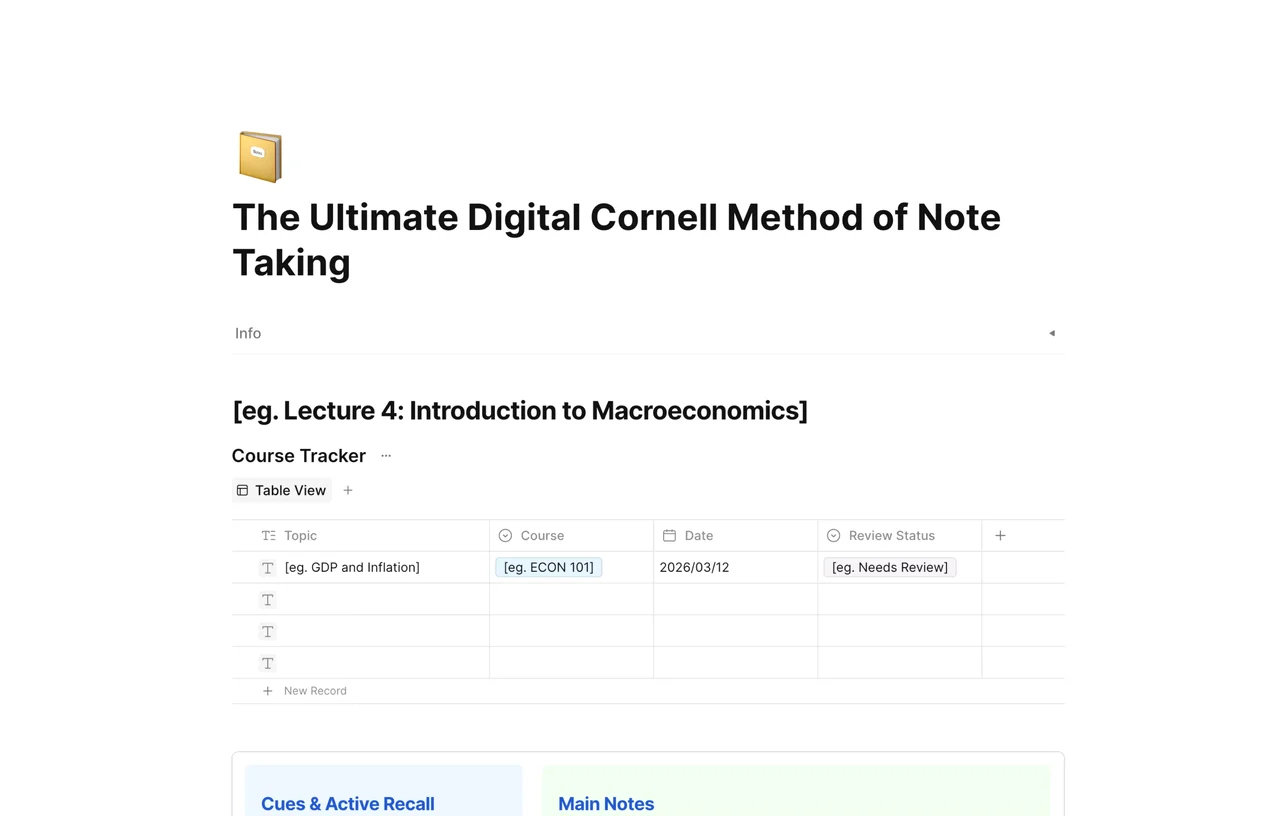
Study smarter with the Cornell Notes Template, your new best friend in academic success. Suitable for students of all ages and subjects, this template takes the famous Cornell Note-Taking System and makes it simple and easy to use, whether you prefer Google Docs, Word or a PDF.
Walk into your next class or meeting with a tool that organizes your thoughts and helps you understand and retain information. The Cornell Notes Template is just that - a structured and efficient way of note taking that has helped thousands of students and professionals.
For students and professionals alike, the Cornell Notes Template gets you engaged with the material. By dividing your notes into 3 sections - cues, notes, and summaries - it helps you focus on the main ideas and make connections, and learning becomes more fun.
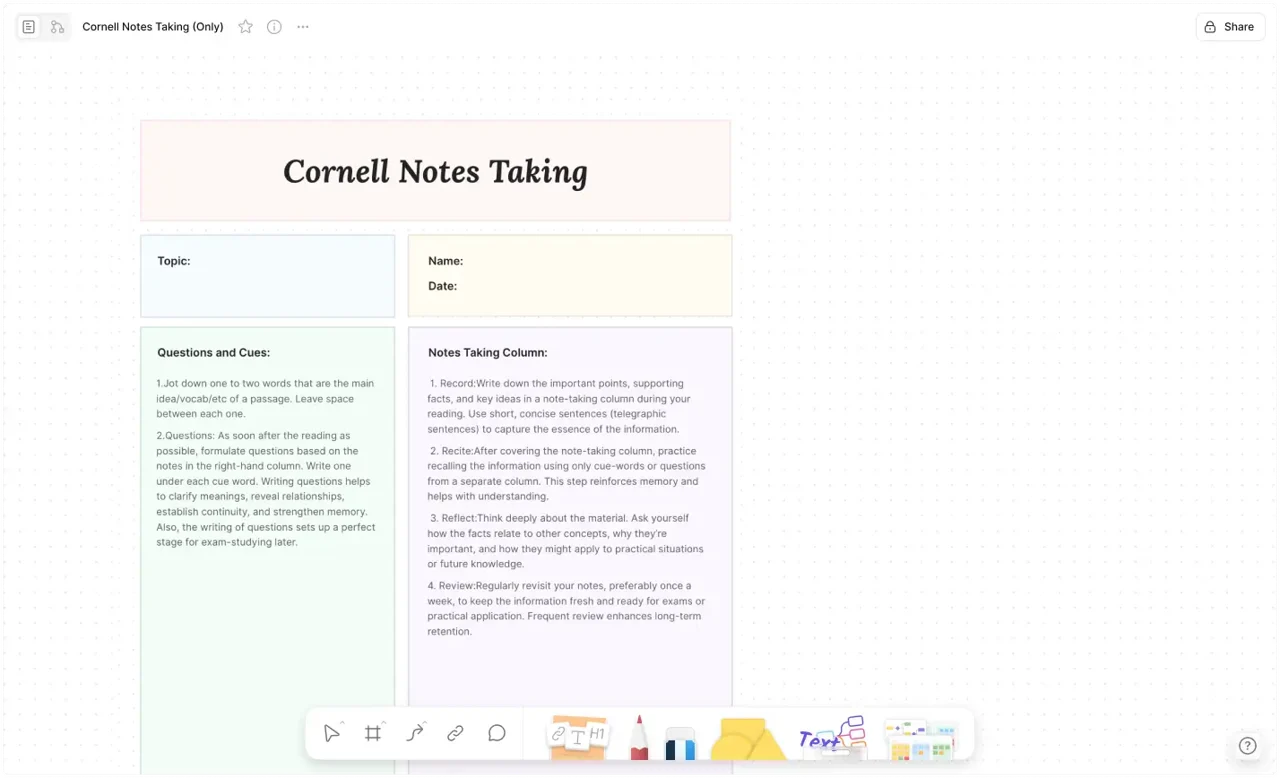
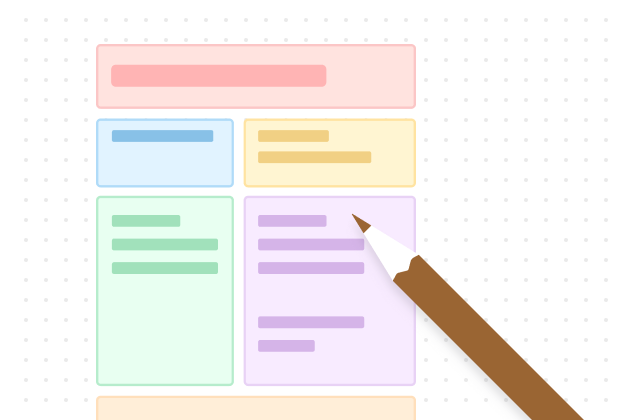
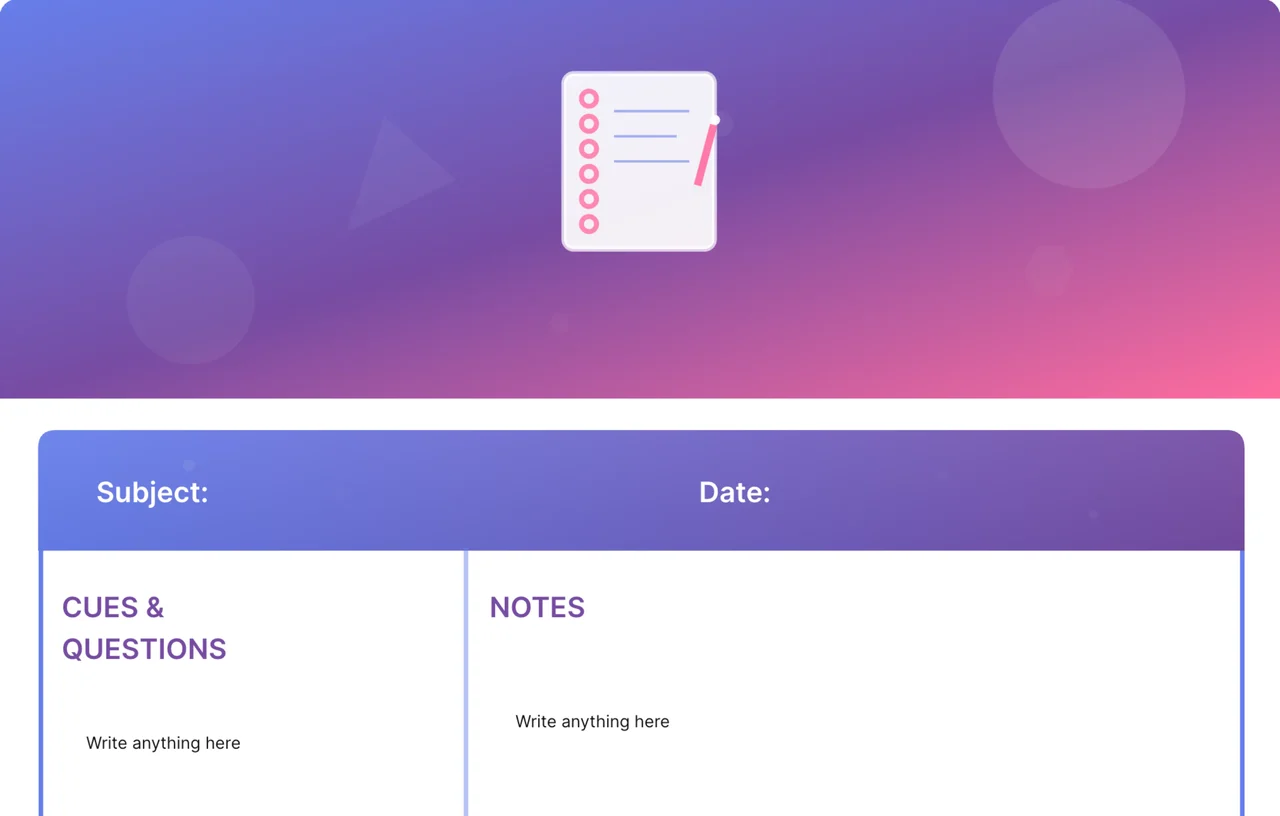
The Cornell Notes Template is all about the layout. On the right, the "Notes" section is where you write down the details during the lecture or meeting. On the left, the "Cues" section is where you reflect on the key points or questions, and get more engaged. At the bottom, the "Summary" section is where you summarise your understanding and reinforce the information in your brain.
Whether you're a visual learner who likes to use color coding or a verbal learner who prefers written words, this template fits your style. It's available in Google Docs, Word and PDF so you can drop it into your current note taking habits no matter what platform you use.
From middle school students doing their first research project to college students studying for finals, and even professionals attending workshops - the Cornell Notes Template is a universal tool. It's great for breaking down complex topics into smaller chunks, so you can absorb information across all subjects.
Imagine studying for exams with ease, thanks to the notes you've taken using the Cornell template. No more trudging through pages of messy scribbles. Instead you have concise notes to review quickly. This saves time and reduces study stress.
The Cornell Notes Template is not just a layout; it is a repeatable study workflow. With its simple design and evidence-based structure, it is useful for anyone who wants notes that are easier to review, connect, and remember.
Take notes in the main notes column during class or reading — capture ideas and connections, not transcripts.
After the session, write cues in the left column: key terms, likely exam questions, and prompts.
Cover the notes column and quiz yourself from the cues alone.
Write a two-to-three sentence summary at the bottom in your own words.
Use the notes area during class, reading, or a meeting. After the session, move key terms, likely exam questions, or decision prompts into the cue column. Then write a short summary at the bottom in your own words. That final summary is what turns a page of notes into a reviewable study asset.
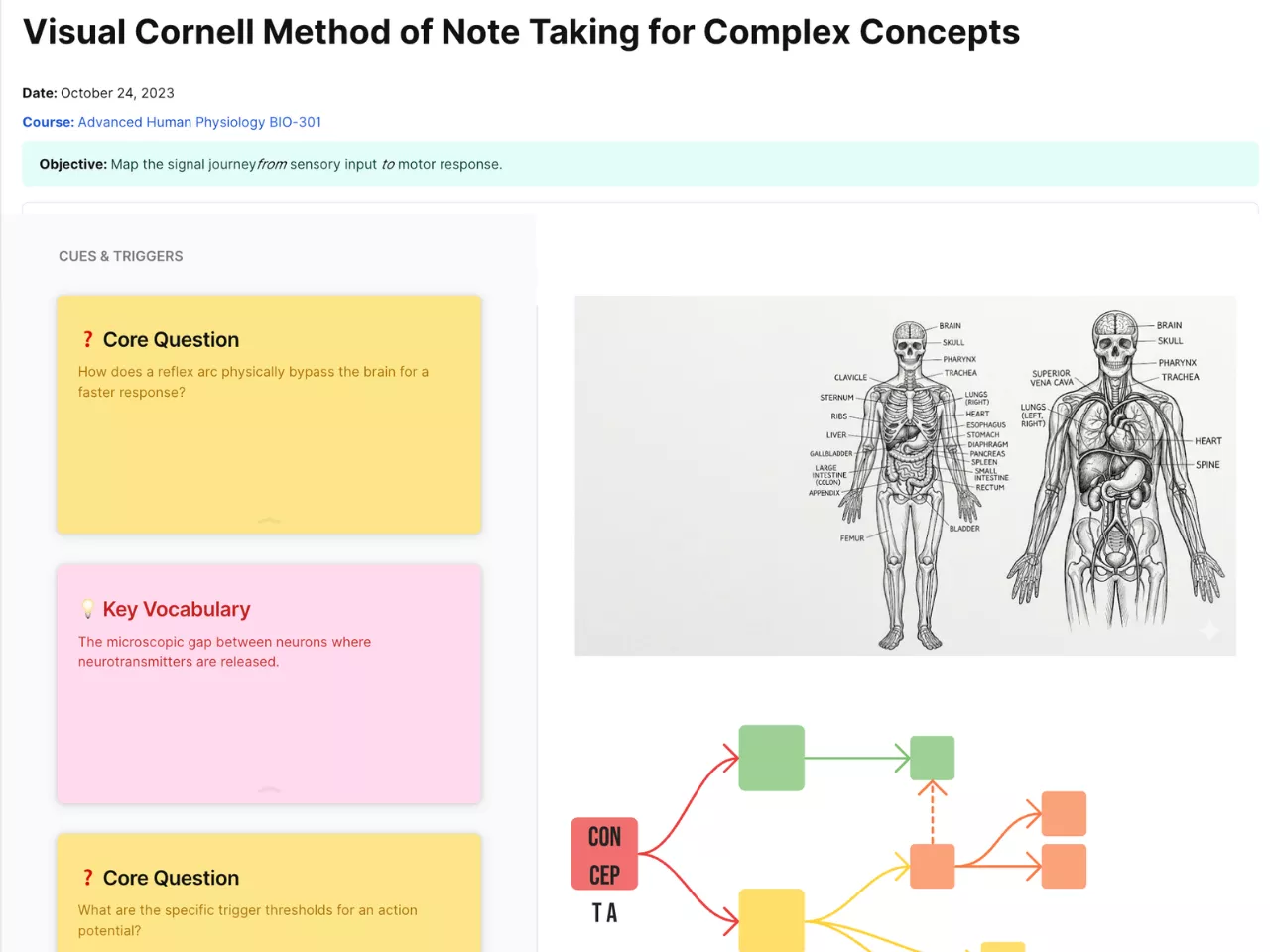
AFFiNE makes the method more flexible than a PDF or blank Google Docs file. You can duplicate the template for every lecture, link related topics across pages, add diagrams on the whiteboard, and connect the note to the Visual Cornell Method Template or the Ultimate Digital Cornell Method when you need more diagram space or a screen-first review workflow.
For visual subjects, open the page in Edgeless Mode and place formulas, diagrams, mind maps, or screenshots near the Cornell structure. For text-heavy subjects, keep the page clean and use links to connect concepts across weeks.
A good Cornell notes workflow does not stop when the lecture ends. Review the cue column after 24 hours, again before the next class, and once more before exams or presentations. If a cue is too vague, rewrite it as a question. If a summary feels weak, revisit the notes area and reduce the page again.
For more examples, read the Cornell note taking method guide, Cornell note taking example, or Cornell note template guide.
Use Cornell notes when you need to review material later, not just capture it once. The method is strongest for lectures, textbooks, interviews, workshops, exam prep, and meetings where key questions matter. It is less useful for raw brainstorming, long-form drafting, or visual-only mood boards.
If a topic is dense, do not try to summarize every sentence. Capture the main ideas during the session, then reduce them into cues afterward. That second pass is where the learning happens. In AFFiNE, you can make that easier by linking each Cornell note to related readings, assignments, or concept maps.
Cornell notes usually have a main notes area, a cue column for questions or keywords, and a summary section at the bottom. The structure supports review and active recall.
Yes. Digital Cornell notes are especially useful when you want search, links, diagrams, reusable templates, and connected study pages.
Reduce the notes into questions, cover the notes area, answer from the cue column, then check your recall. Finish by rewriting the summary if your understanding changed.
This template is built for AFFiNE rather than Word — and that is the point: unlike a fixed Word or Docs table, the rows stretch as you type, every page links to related lectures, and the cue column works as a live self-quiz. If you need a document copy, export any page to PDF.
Yes — download the ready-to-print Cornell notes PDF directly, no sign-up needed. Or duplicate the template and export any page as a PDF with your own notes on it; the digital copy stays searchable and linked to the rest of your notes.