Free Cornell Notes Templates: Word, PDF & Digital
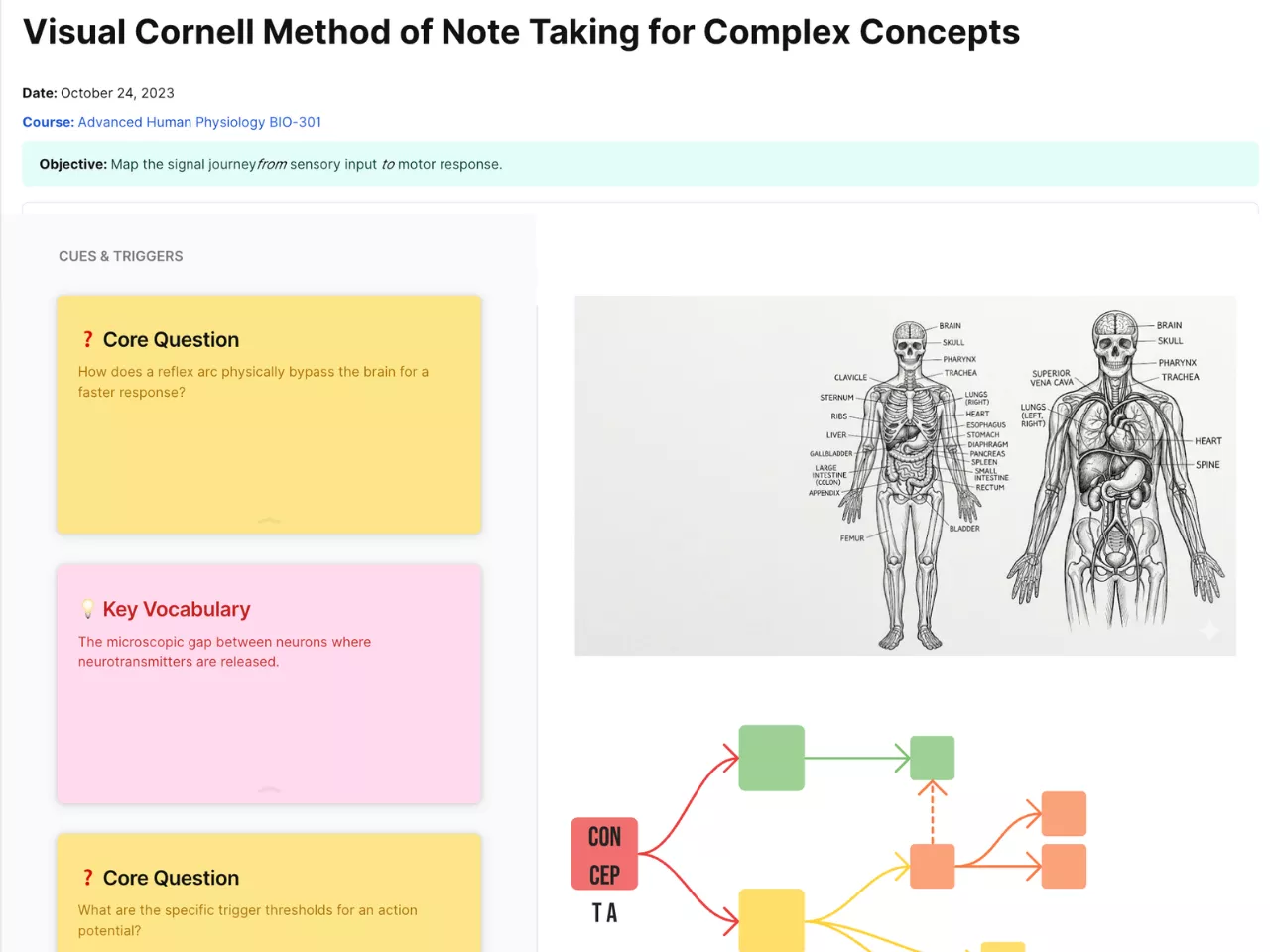
Visual Cornell Method of Note Taking for Complex Concepts
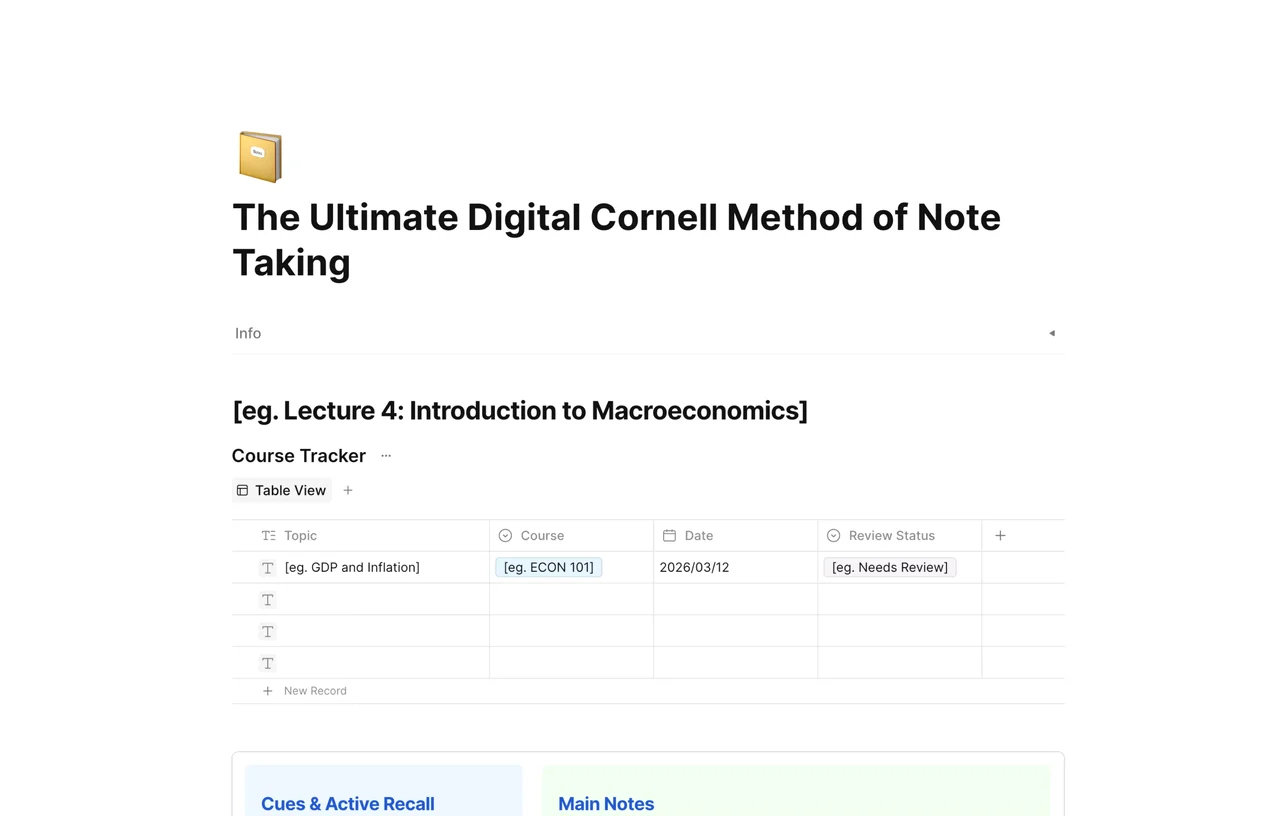
The Ultimate Digital Cornell Method of Note Taking
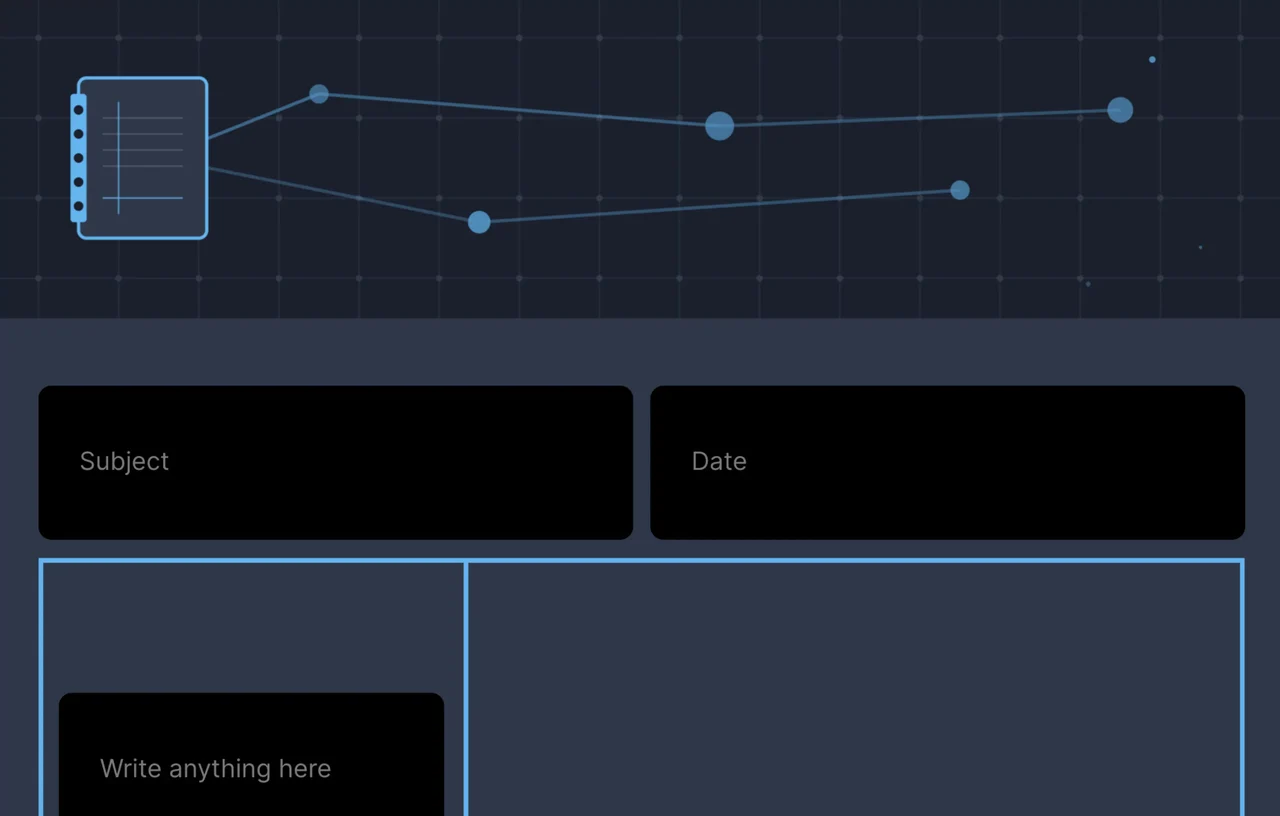
Dark Theme Cornell Notes Notebook - Night Mode
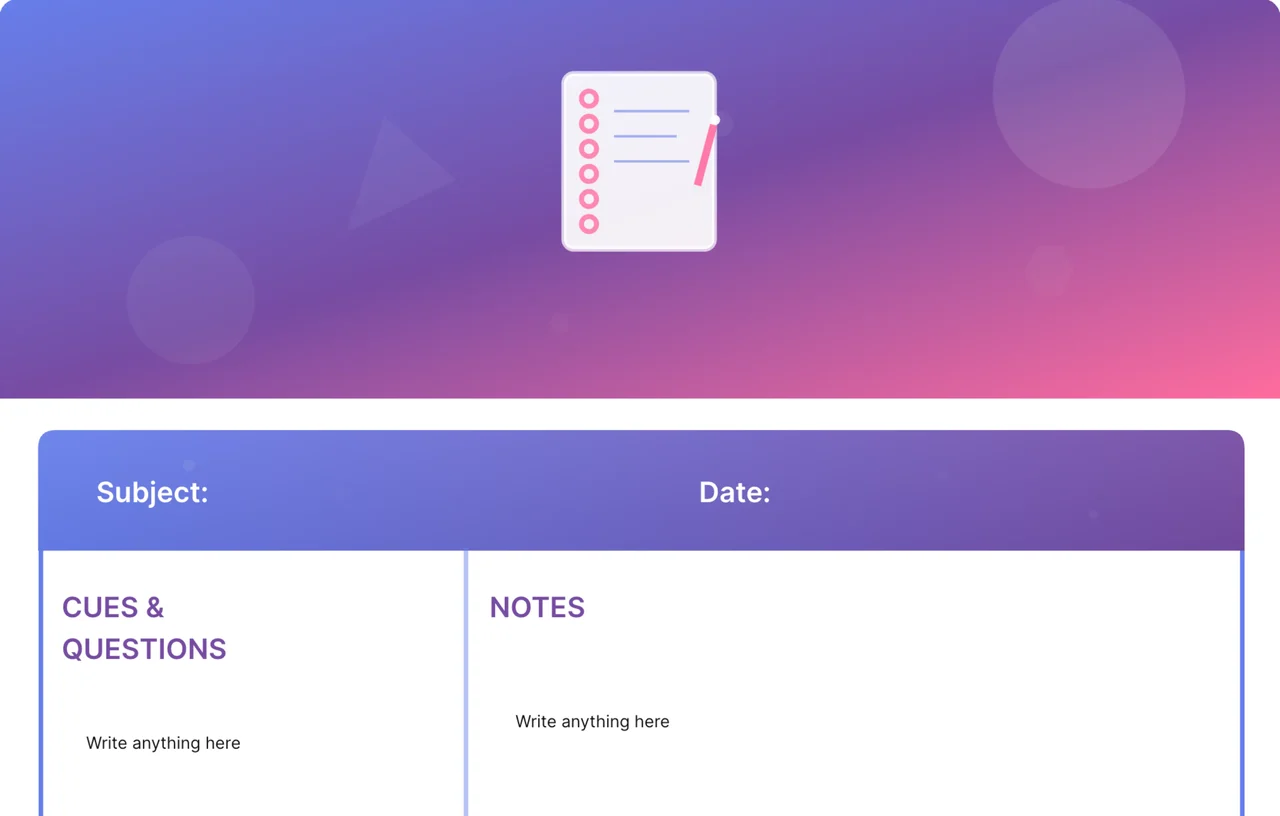
Modern Gradient Cornell Notes Notebook - Colorful & Dynamic
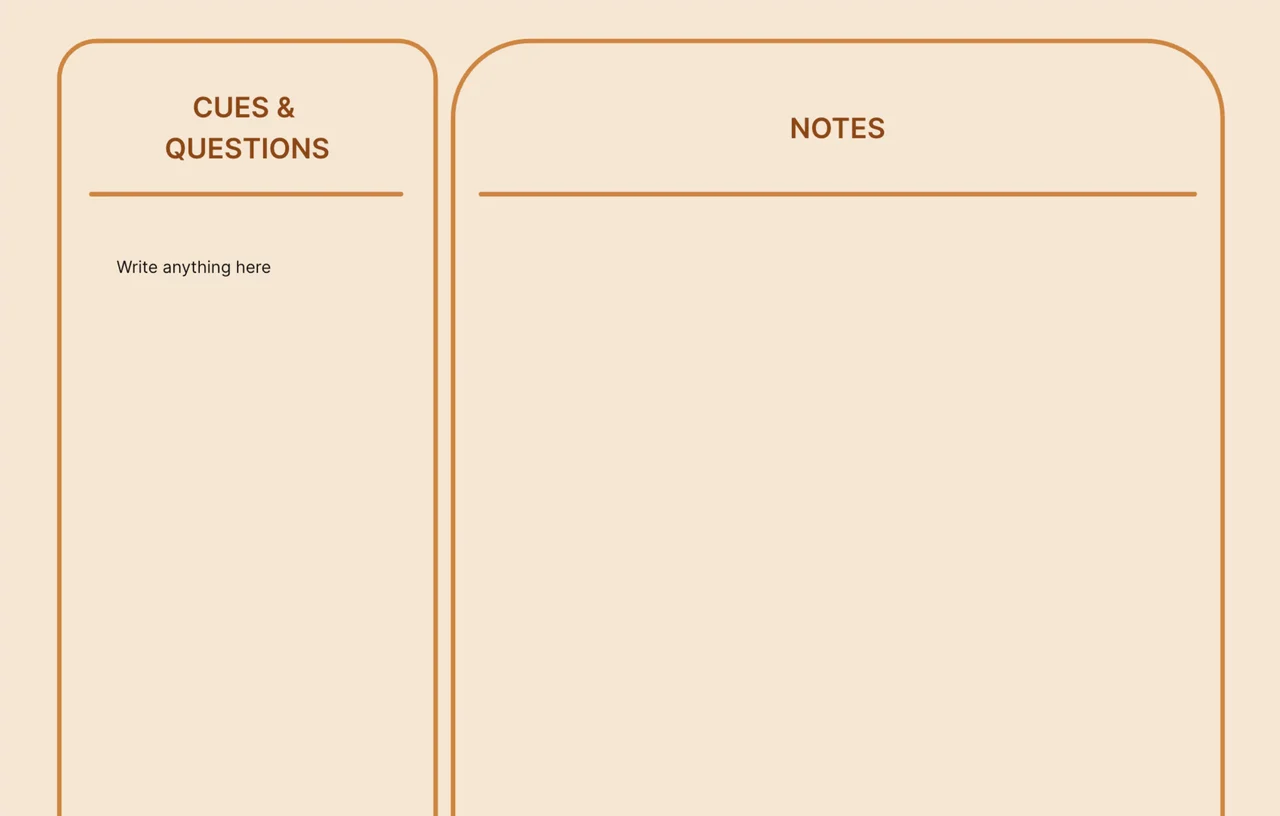
Vintage Cornell Notes Notebook - Classic Retro
Cornell Notes Templates
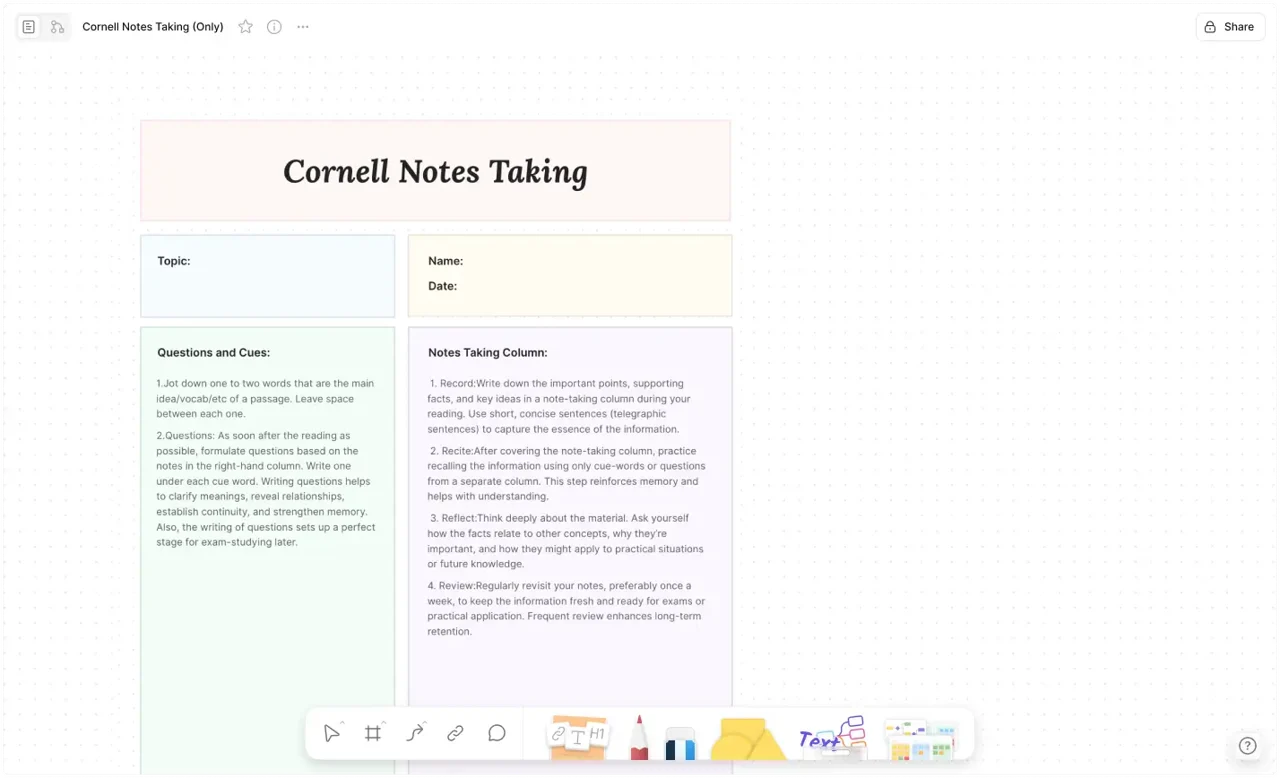
The Cornell method splits a page into cues, notes, and summary, so review becomes faster than rewriting. This collection gathers AFFiNE's free Cornell notes templates for lectures, reading, language learning, and exam prep, so you can apply the method without ruling pages by hand.
Each template opens in AFFiNE: duplicate a layout, type your notes in the right column, write cue questions on the left, and add a summary at the bottom. Your notes stay editable, searchable, and synced across desktop and phone, ready to review before the next class or meeting.
Pick a layout below that fits how you study.
How to Take Cornell Notes
-
Divide the page into three zones: a wide notes column on the right, a narrow cue column on the left, and a summary strip at the bottom — every template here has this done already.
-
During class or reading, write only in the notes column. Capture ideas, definitions, and examples in your own words instead of transcribing.
-
Within a day, fill the cue column with key terms and the questions an exam would ask about each chunk of notes.
-
Cover the notes column and answer your cues from memory, uncovering to check. This retrieval step is where the method earns its reputation.
-
Write a two-to-three sentence summary at the bottom. If you cannot summarize the page, that page is not learned yet.
Cornell Notes in Word, Google Docs, PDF, or AFFiNE
Most people searching for a Cornell notes template land on a Word file or a printable PDF. Those work — until the table row runs out of space mid-lecture, or the printed page ends up in a pile you never review. A fixed layout was a constraint of paper, not part of the method.
The templates in this collection keep the Cornell structure but drop the constraints: rows stretch as you type, every page links to the lecture before it, cue questions work as a live self-quiz, and search covers every note you have ever taken. When you do want paper, export any page as a PDF and print it — you get the printable version without maintaining a separate Word file.
Which Cornell Template Should You Pick?
Start with the classic Cornell Notes Template if you want the standard three-zone page ready to duplicate for every lecture. Visual thinkers who diagram concepts should try the Visual Cornell Method template, which pairs the cue-and-summary discipline with a whiteboard canvas for complex topics. The digital Cornell method notebook structures a full course, not just a page. And if you spend evenings in front of a screen, there are dark theme, modern gradient, and vintage notebook styles that keep the same structure with a different look.
FAQ
What is the Cornell note-taking method?
The Cornell method divides a page into a wide notes column, a narrow cue column for questions, and a summary at the bottom. It is designed to make review and recall easier than re-reading raw notes.
Are these Cornell notes templates free?
Yes. Every Cornell notes template in this collection is free to duplicate into your AFFiNE workspace and edit. Tailor the cue column, summary, and styling to fit your subject.
How do I review Cornell notes effectively?
Cover the notes column and use the cue questions to recall what you wrote, then check by uncovering the notes. Rewriting the summary in your own words helps lock in the material.
Is there a Cornell notes template for Word or Google Docs?
You can rule a Cornell table in Word or Docs, but fixed table rows fight the method: they overflow mid-lecture and cannot quiz you back. These templates keep the same three-zone layout in an editable page that stretches as you type — and export to PDF whenever you need a document copy.
Can I print these Cornell notes templates?
Yes — download the ready-to-print Cornell notes PDF directly, no sign-up needed. You can also duplicate any template and export your own filled pages as PDFs; many students print blank sheets for class and keep the digital copy for review, search, and linking related lectures.
What is an AVID Cornell notes template?
AVID programs teach Cornell notes with an added revision cycle — students mark up their notes, exchange questions, and reflect after each class. Any template in this collection supports that workflow: use the cue column for the question exchange and add a reflection line under the summary.