Writing a research paper is hard enough without worrying about one-inch margins, running heads, and hanging indents. Whether you are a college student tackling your first psychology paper or a researcher preparing a manuscript, getting the format right is half the battle.
To help you save time, we have prepared a free, fully editable APA 7th Edition template. Skip the formatting setup and jump straight into your writing.
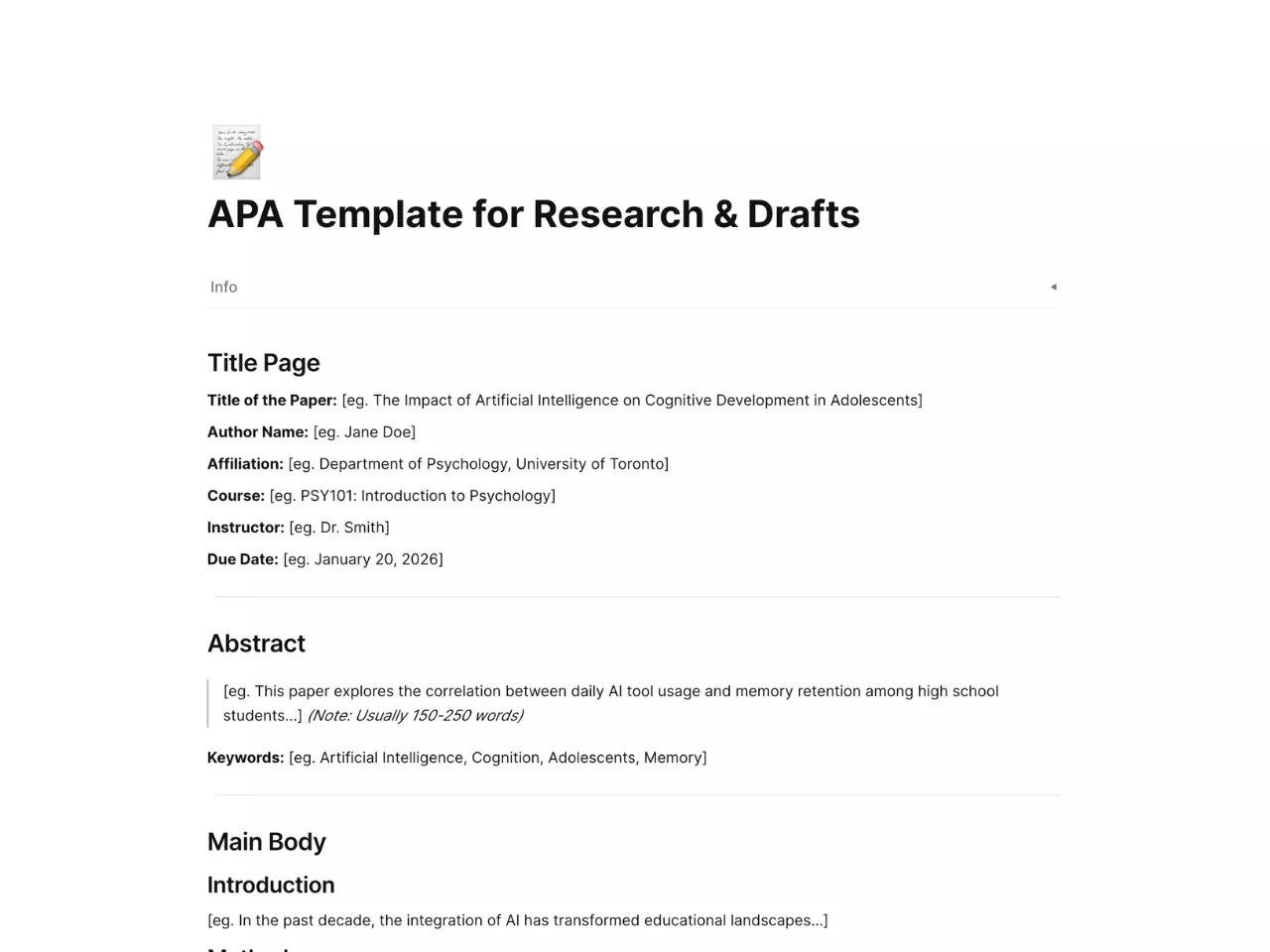
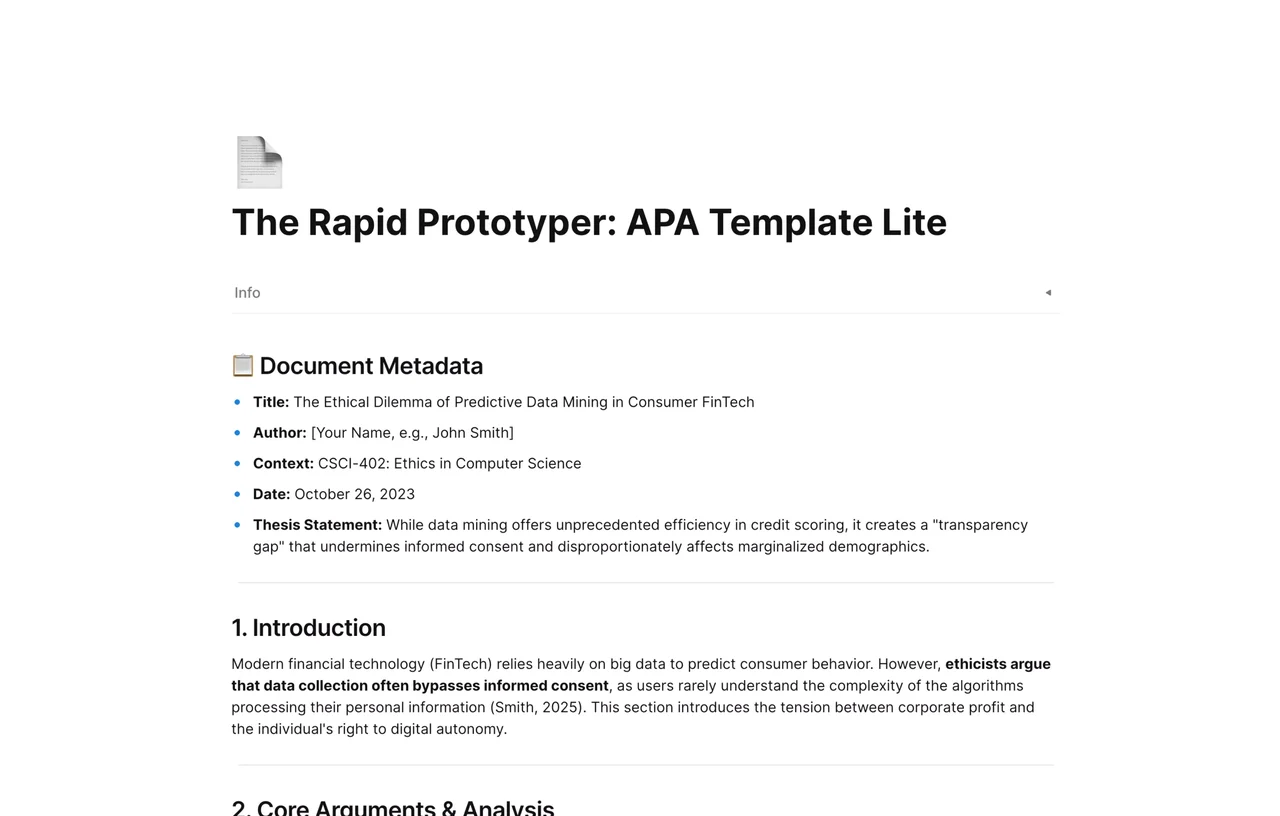
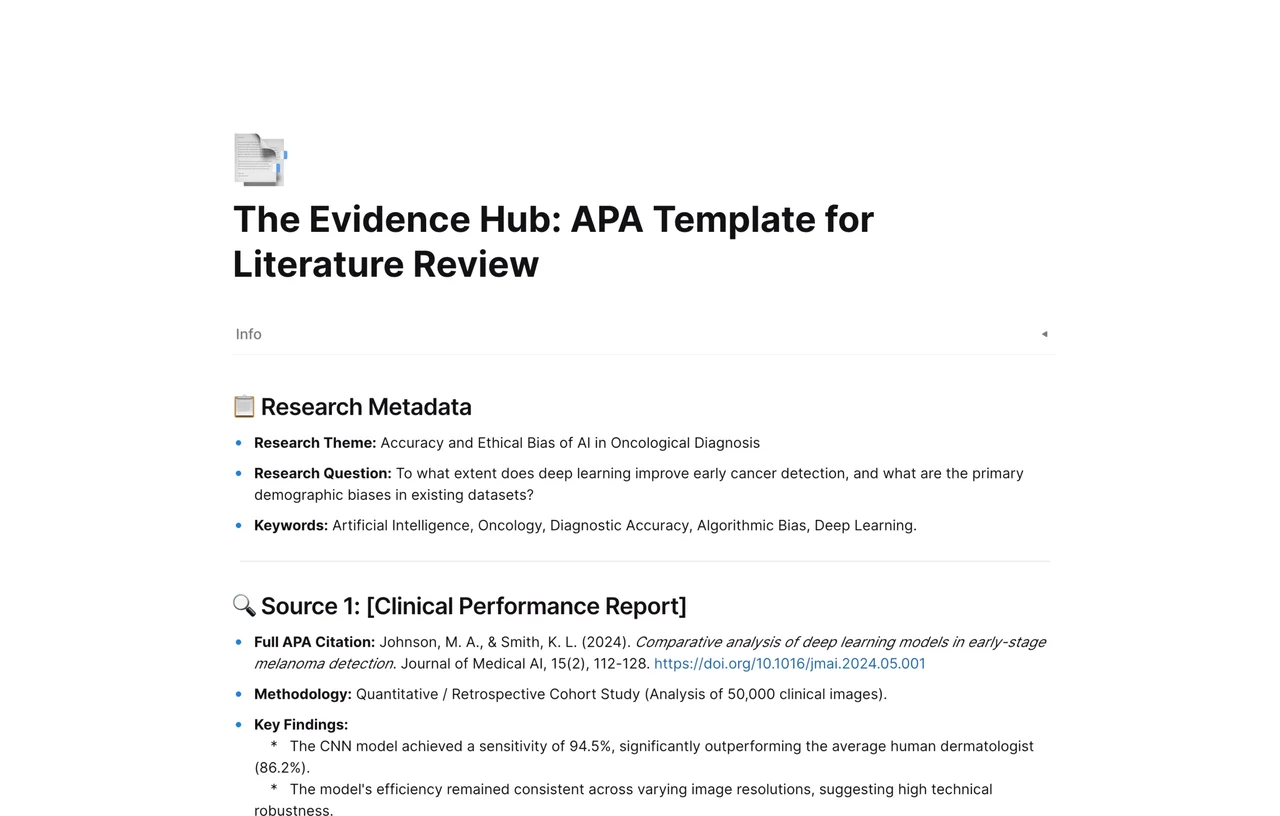
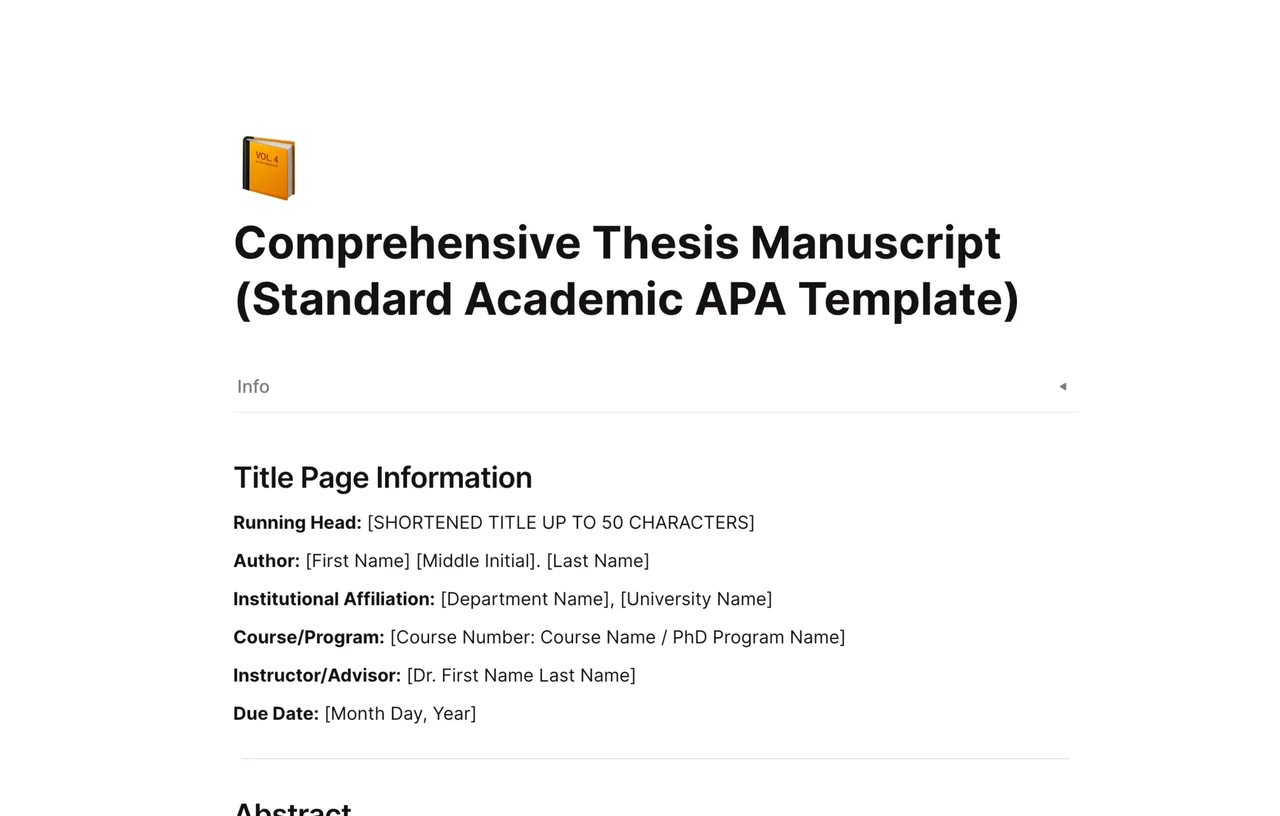
Choose the format that works best for your workflow. These templates are pre-formatted with strict adherence to the Publication Manual of the American Psychological Association (7th ed.).
🚀 Use in AFFiNE (All-in-One Workspace)
Our template adheres to the latest APA 7th Edition guidelines and includes pre-set formatting for:
Title Page: Correct placement of title, author, affiliation, and course info.
Margins & Spacing: 1-inch margins and double-spacing pre-configured.
Font Styles: Uses accessible fonts (Times New Roman 12pt or Arial 11pt).
Headings: H1, H2, and H3 styles already defined.
Reference List: Automatic hanging indents.
Let’s face it: APA Style has a lot of specific rules. Using a validated template ensures:
Consistency: Your fonts and headings remain uniform.
Accuracy: Page numbers (top right) and citations are positioned exactly where specificed by APAStyle.org.
Efficiency: Instead of manually adjusting ruler settings, you focus on your arguments.
If you prefer to build your document from scratch, here are the core settings you need to verify in your word processor:
Margins: 1 inch on all sides.
Line Spacing: Double-space the entire document, including the abstract and references.
Student Title Page: Include paper title, author name, department/university, course number, instructor name, and assignment due date.
Running Head: Note for Students: A running head is not required for student papers unless requested. Professional papers require a shortened title (max 50 chars) flush left in the header.
While Word and Google Docs are standard, they often require you to switch between apps—one for notes, another for citations, and a third for drafting.
AFFiNE unifies this process. It is the best alternative to Notion and Miro for researchers.
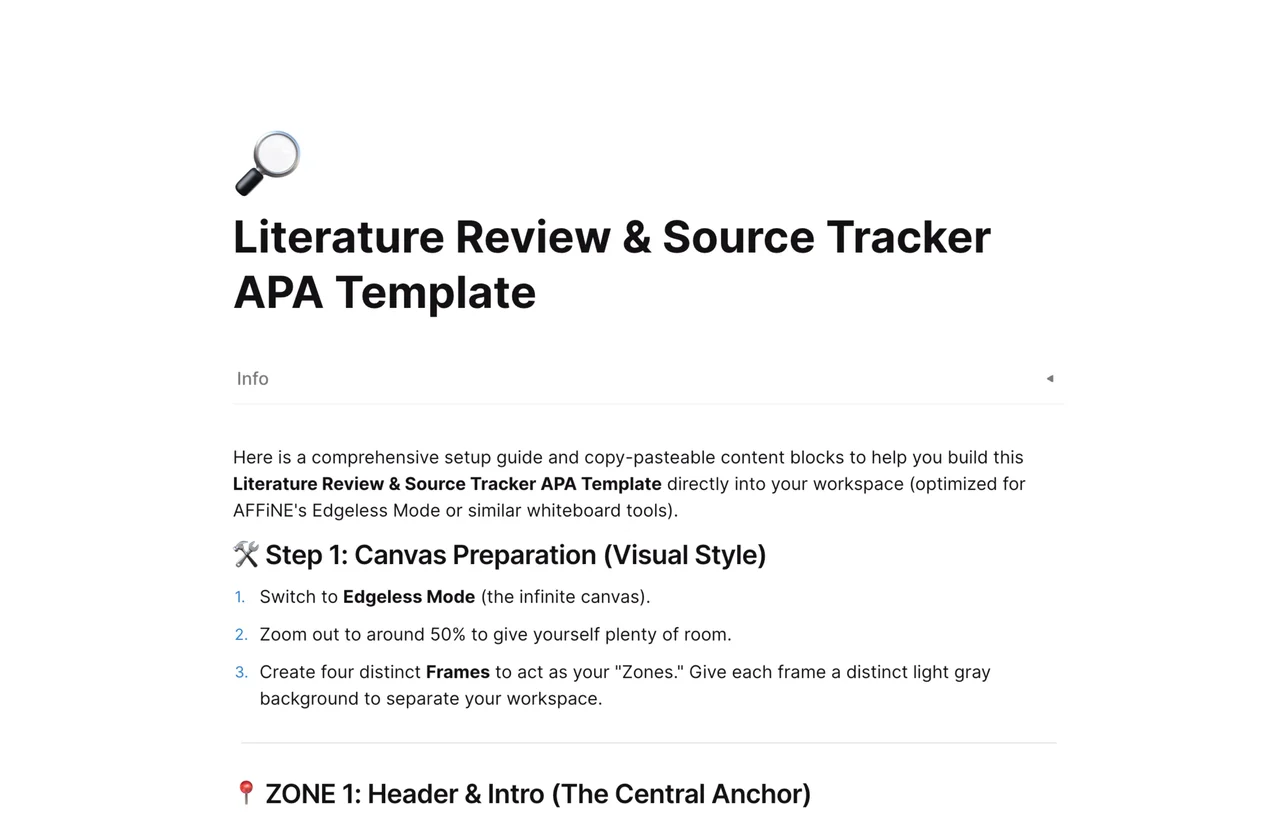
Visual Reference Management: Use Edgeless Mode (whiteboard) to map out your arguments, drag-and-drop PDFs, and visually organize your citation web before writing.
Distraction-Free Writing: Switch to Page Mode for a clean, block-based editor that handles long-form text effortlessly.
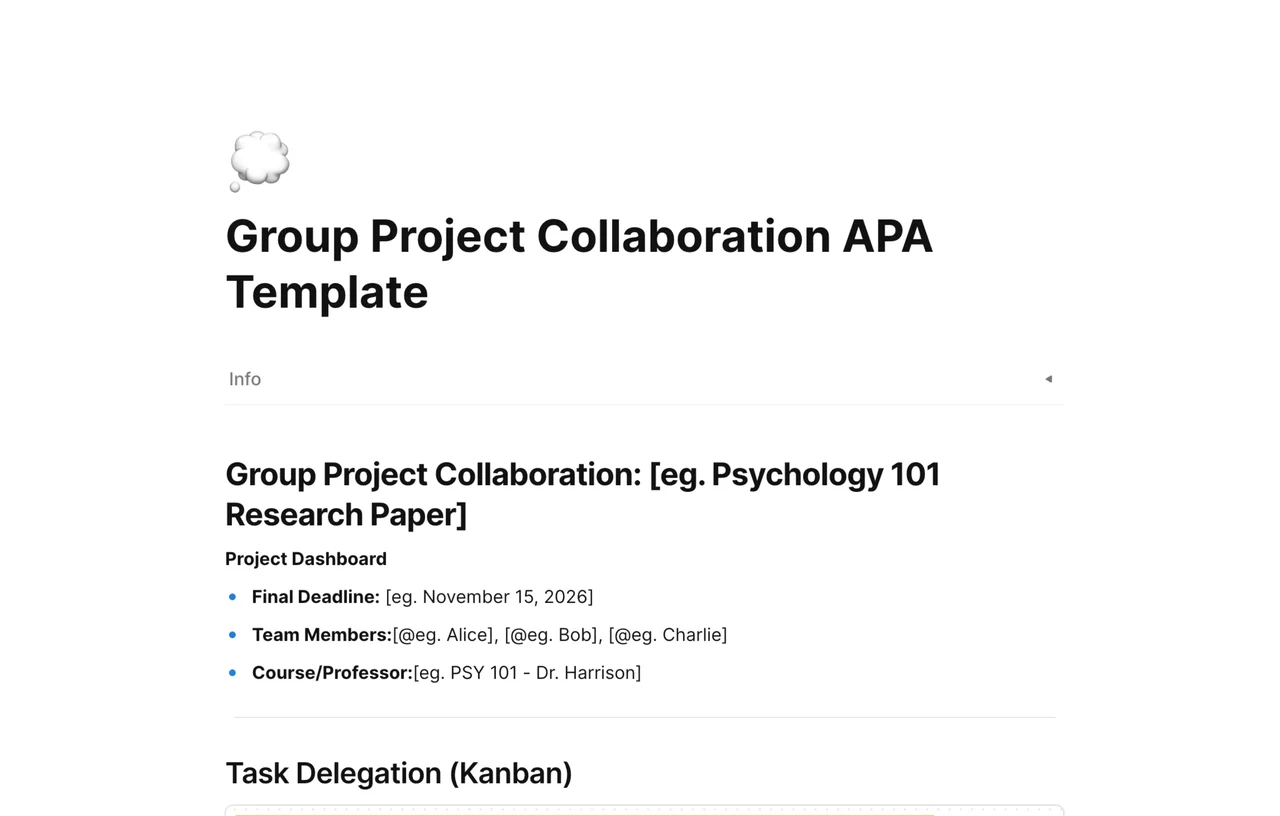
One-Click Templates: Import our APA Template directly into your workspace and invite classmates to collaborate in real-time.
In the 7th Edition of APA Style, student papers usually do not require a running head unless explicitly requested by an instructor. Professional papers still require a shortened version of the title in the header.
Your reference list must start on a new page. The label "References" should be bold and centered. All entries must use a hanging indent (first line flush left, subsequent lines indented 0.5 inches). Tip: Our downloadable template has this style built-in.
Yes. While this template is optimized for students, it is fully customizable. You can easily add an Abstract page and a professional running head to meet submission standards for academic journals.
Yes, the .docx file works perfectly on Microsoft Word for both Windows and Mac, as well as Pages for Mac. The Google Docs link works in any browser.