APA 7 Student Paper Template for Word and PDF
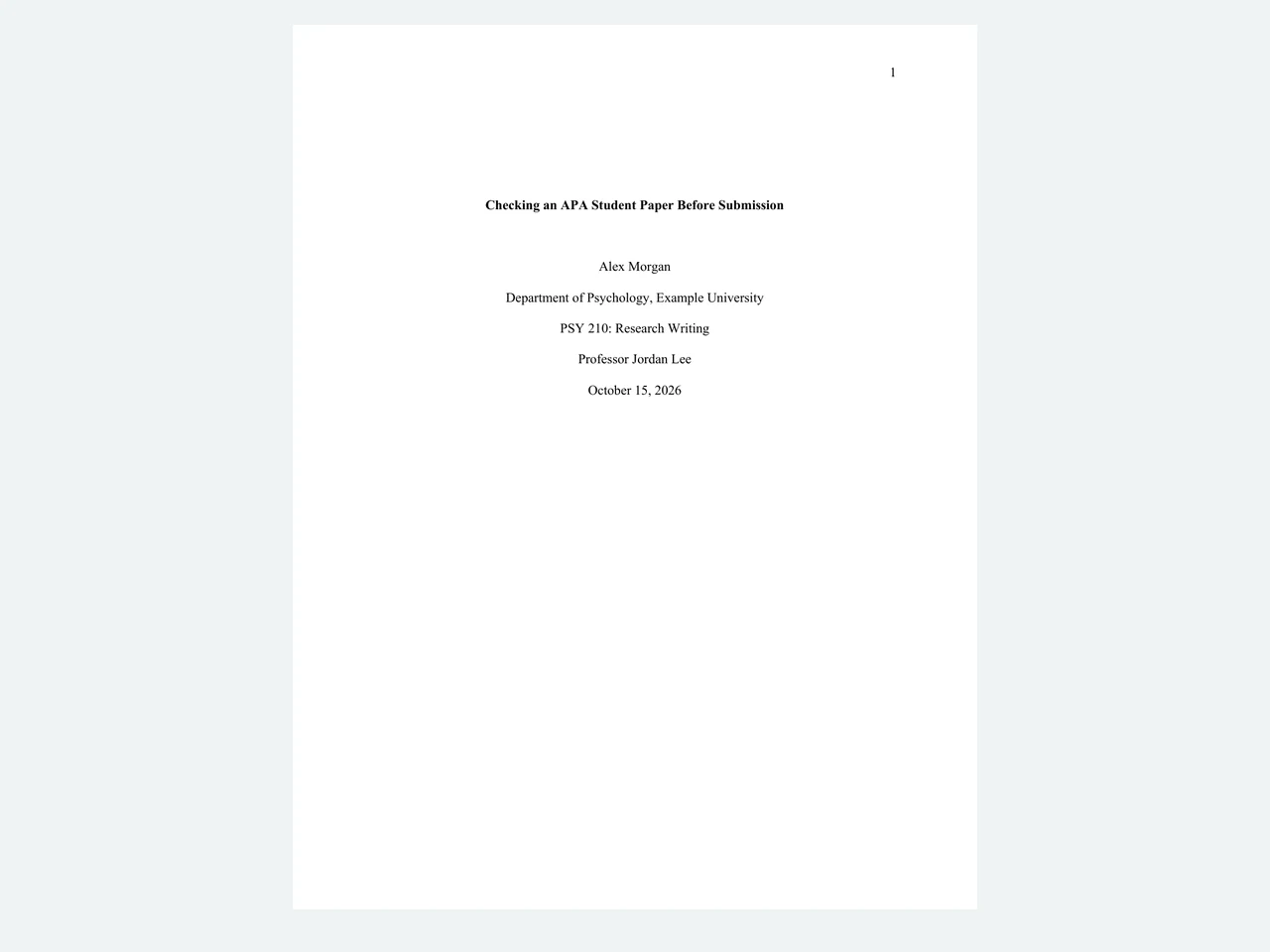
This APA 7 student-paper template is a three-page starting file for a course paper: a title page, a body with heading styles, and a references page. Students can edit the DOCX, use the PDF to check the layout, and compare a fully filled fictional example. It helps with structure; you still verify sources and assignment rules.
Download the student-paper files: blank Word template · blank PDF · filled Word example · filled PDF example. The filled student, course, and university are fictional. The two Purdue OWL sources cited in its paper are real and linked in the references.
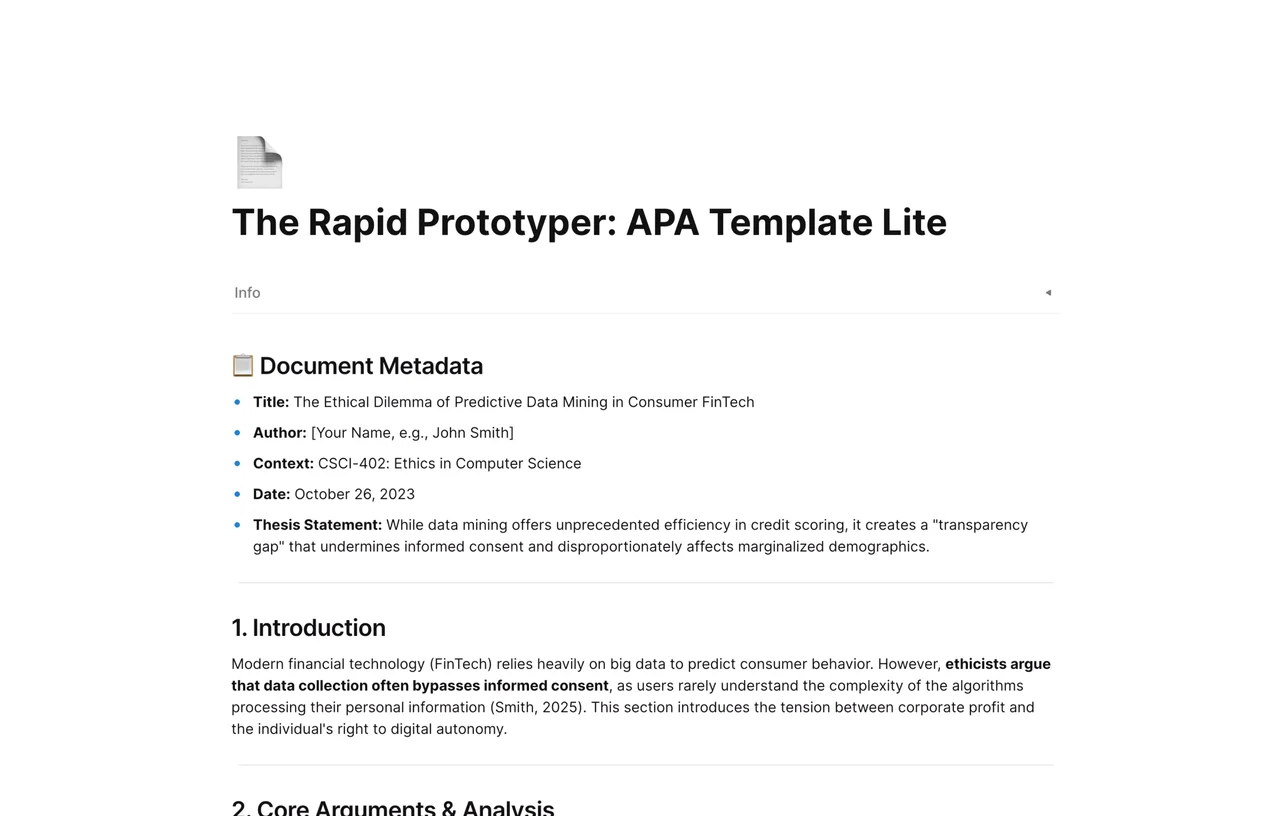
The page's Download Word and Preview PDF buttons open the same v1 files shown below. Open the separate AFFiNE outline starts a workspace draft; that workspace is a different layout from the formatted Word submission file.
What Is in the File?
| Part | Editable Word file | Check before submission |
|---|
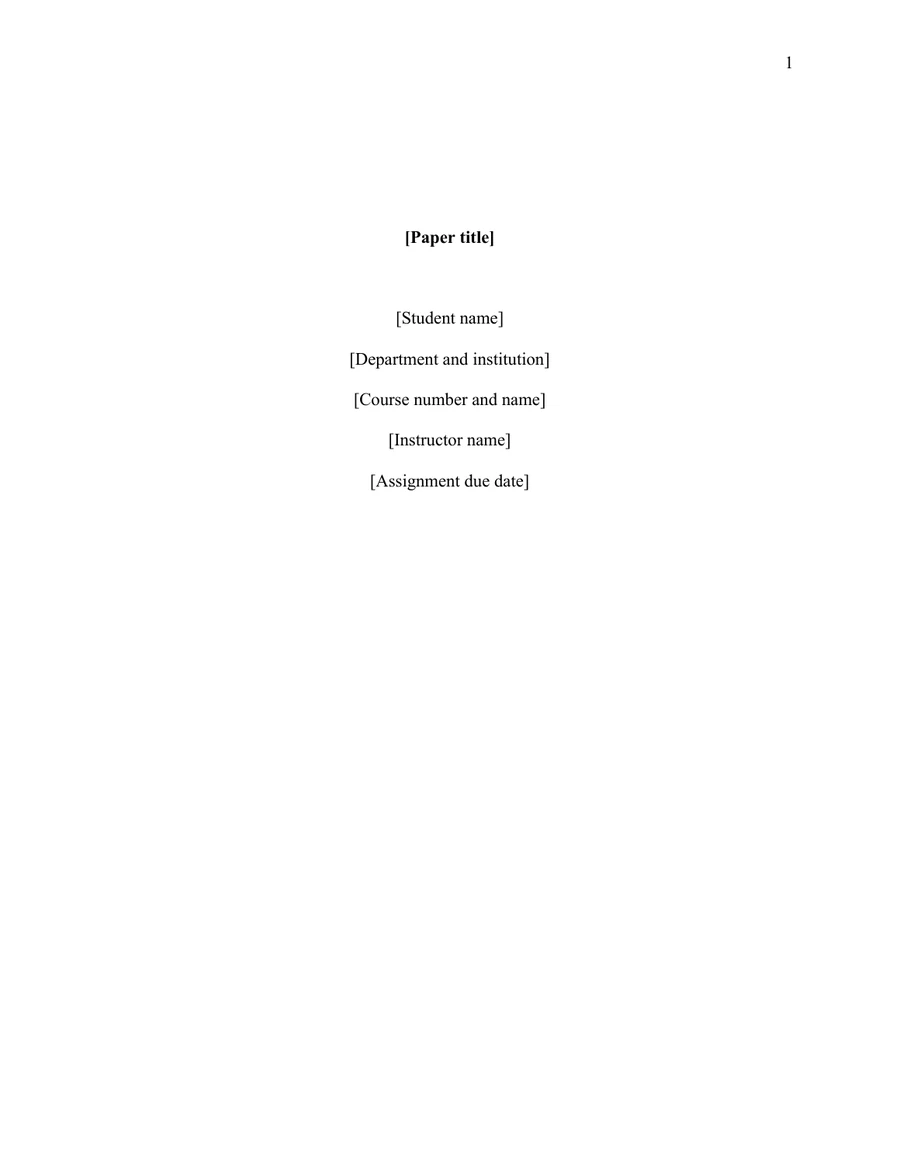
| Student title page | Paper title; student name; department and institution; course; instructor; due date | Replace all bracketed text. Keep the page number in the upper-right header. |
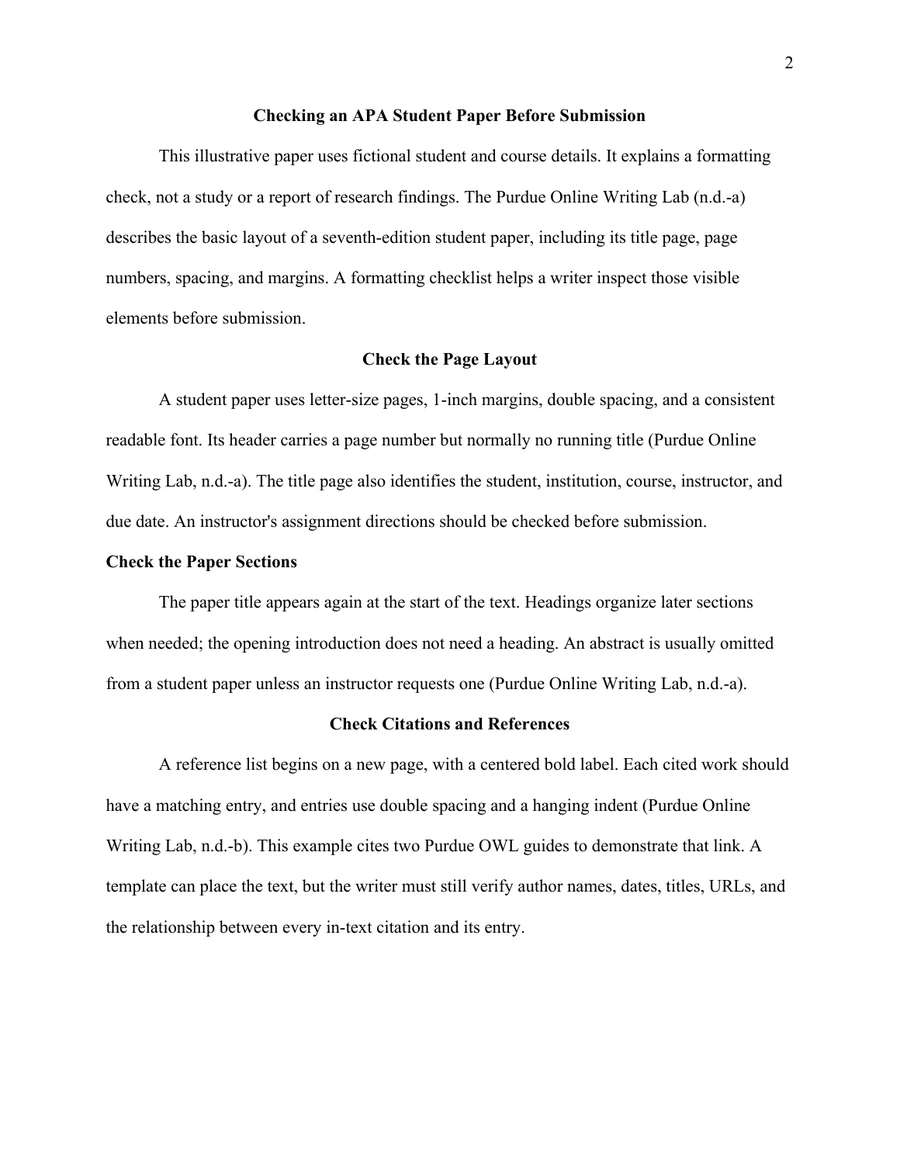
| Body | Repeated paper title, introduction text, Level 1 and Level 2 heading styles | Keep the introduction unlabelled. Add headings only where they help the paper. |
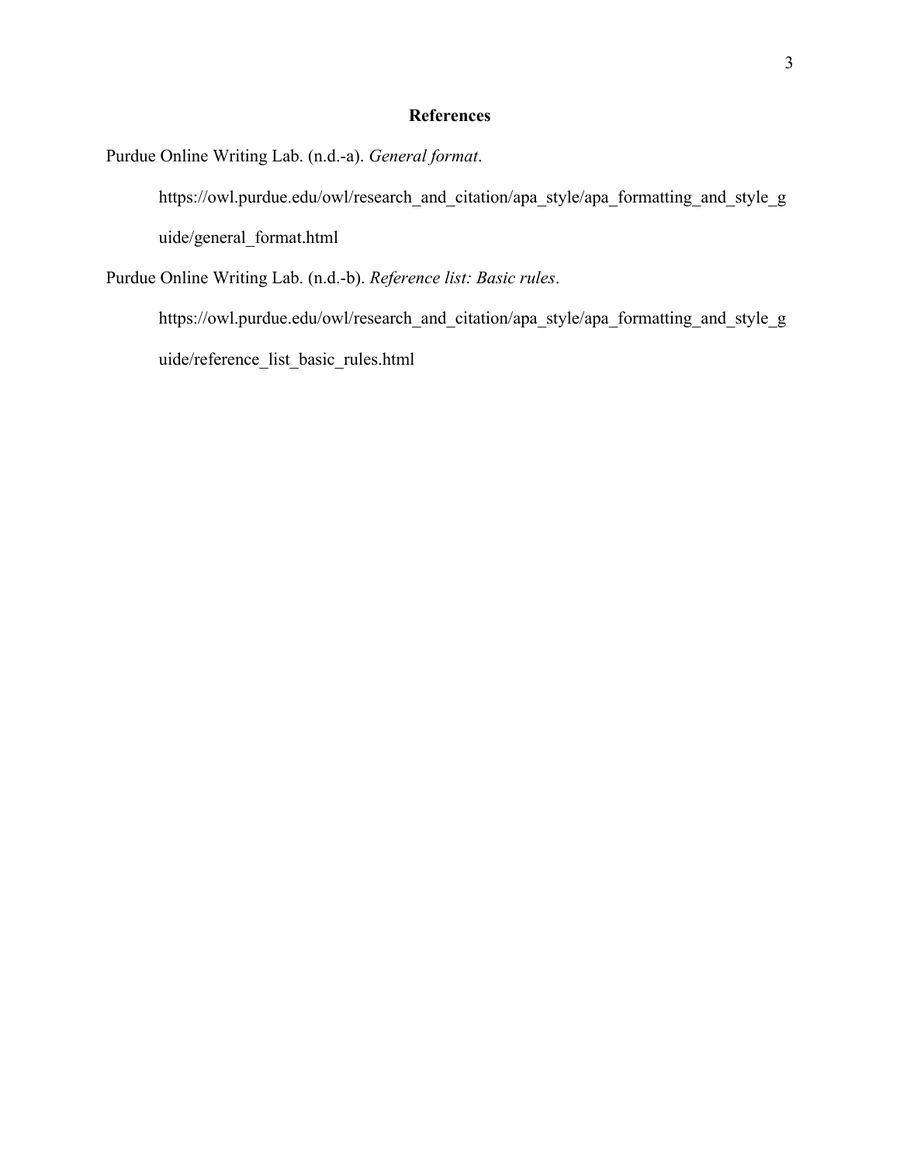
| References | A new page with a centered bold label and a hanging-indent example | Replace the placeholder with real entries and match every in-text citation. |
| Page setup | US Letter, 1-inch margins, Times New Roman 12 pt, double-spaced paragraphs | Follow any course-specific page, font, or abstract instruction first. |
Fill It in Step by Step
- Open the blank DOCX in Word. Replace the title-page placeholders with your own details; keep the paper title centered and bold.
- On page 2, replace the bracketed introduction prompt with your opening paragraph. Add your argument and sources. Use the built-in heading styles in order: Level 1 for main sections, Level 2 for subsections.
- Replace the reference placeholder on page 3. Every source cited in the text needs a corresponding entry, and every reference entry should be cited in the text. Check author, date, title, URL or DOI against the source.
- Review the final pages at 100% zoom, including the page number, double spacing, reference hanging indents, and any lines pushed to a new page. Export a fresh PDF for submission if requested.
The example paper, “Checking an APA Student Paper Before Submission,” names a fictional student, university, course, and instructor. Its introduction explains that it is an illustration, not a study. Two body sections check page layout and citation/reference matching, citing Purdue Online Writing Lab's general-format guide and reference-list rules. The final page lists both real sources with hanging indents; there are no invented findings or DOIs.
Student Paper Versus Professional Paper
This file is for an APA 7 student paper. It does not include a professional author note or a running title. Purdue OWL says professional papers differ mainly in the title page and running head, while citation practices are the same. For a journal or professional manuscript, follow the publisher's instructions and the student and professional sample papers. Do not relabel this student file as a professional-paper template.
- US Letter paper, 1-inch margins, consistent readable font, double-spaced text.
- Page number at the top right of every page; no student running title unless the instructor asks.
- Student title page has title, author, affiliation, course, instructor, and due date.
- Body starts with the paper title; heading levels follow the section hierarchy. Abstract only if requested.
- References start on a new page, with a centered bold label, double spacing, and 0.5-inch hanging indents.
- Every in-text citation and reference entry matches the actual source. Course and teacher directions take priority.
FAQ
Can I download this APA template as a Word file?
Yes. The blank DOCX is an actual editable Word file with title-page fields, body styles, page-number field, and a references page. The PDF is for printing and checking the page layout.
Does a student paper need an abstract or running head?
Usually neither. The APA 7 student-paper header normally shows only the page number, and an abstract is normally unnecessary unless an instructor requests one. Check the assignment before deleting or adding a section.
Does this template create correct APA citations?
No. The example demonstrates author-date citations and matching references using real Purdue OWL pages. You must verify each citation and reference from its original source; no template can validate your research for you.
Can I use the DOCX in Google Docs?
You may try importing the DOCX yourself, but a Google Docs import has not been validated for this file. Recheck page numbers, margins, spacing, headings, and references after import. This page offers Word and PDF downloads only.
Can I use this file for a professional paper?
Use it only as a student-paper starting point. Professional APA 7 papers need different title-page elements, an author note, and a running title; a journal may impose additional rules.