Transform how your team documents processes with our ready-to-use Standard Operating Procedure (SOP) templates. Designed exclusively for Affine, these templates leverage the power of Online Whiteboard Mode and Page Mode to combine visual flowcharts with detailed textual instructions in a single, unified workspace.
Why manage SOPs in Affine?
Visual & Linear Combined: Don't just write about the process—draw it. Use Affine's Edgeless mode to map out workflows alongside your text instructions.
Single Source of Truth: Move away from scattered Word files. Keep your SOPs live, searchable, and interconnected within your Affine knowledge base.
Actionable Blocks: Turn static text into actionable checklists and to-do items that your team can track directly within the doc.
Our collection is designed to suit various operational needs, from technical development to HR onboarding.
Standardize your daily operations to ensure consistency and quality.
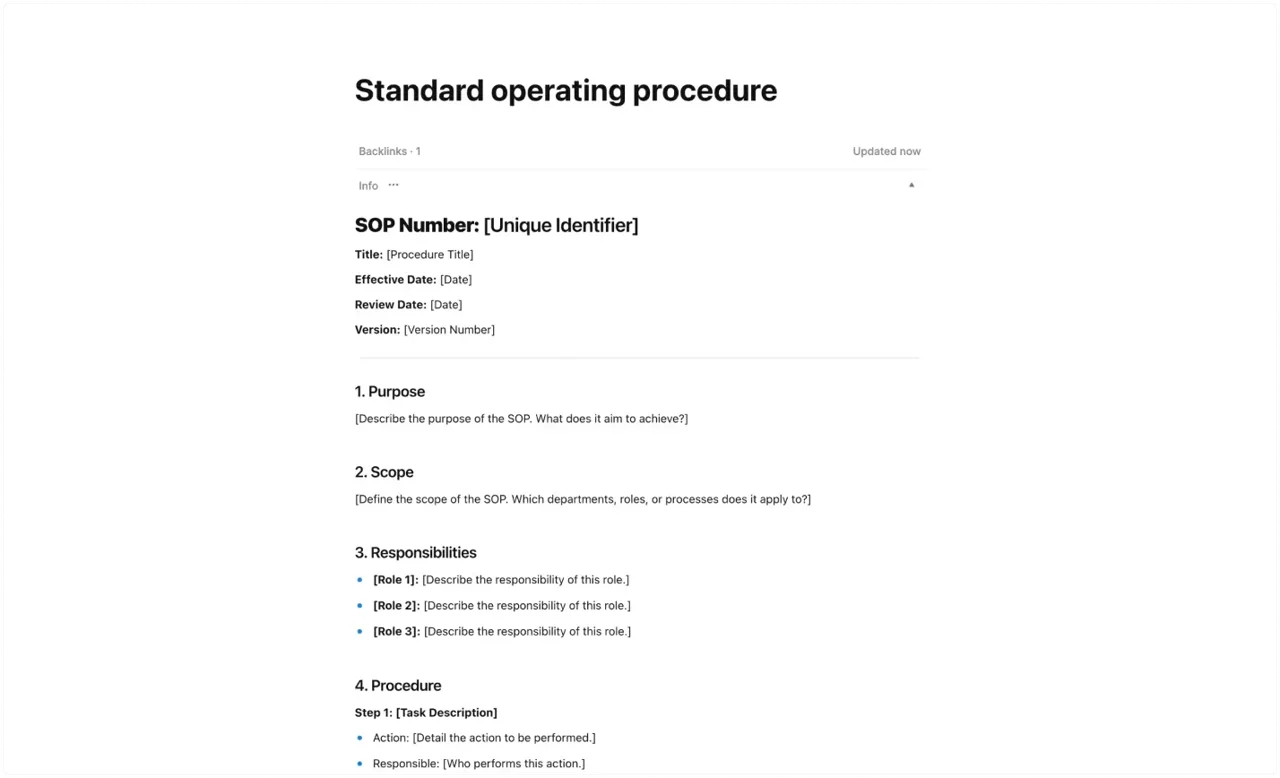
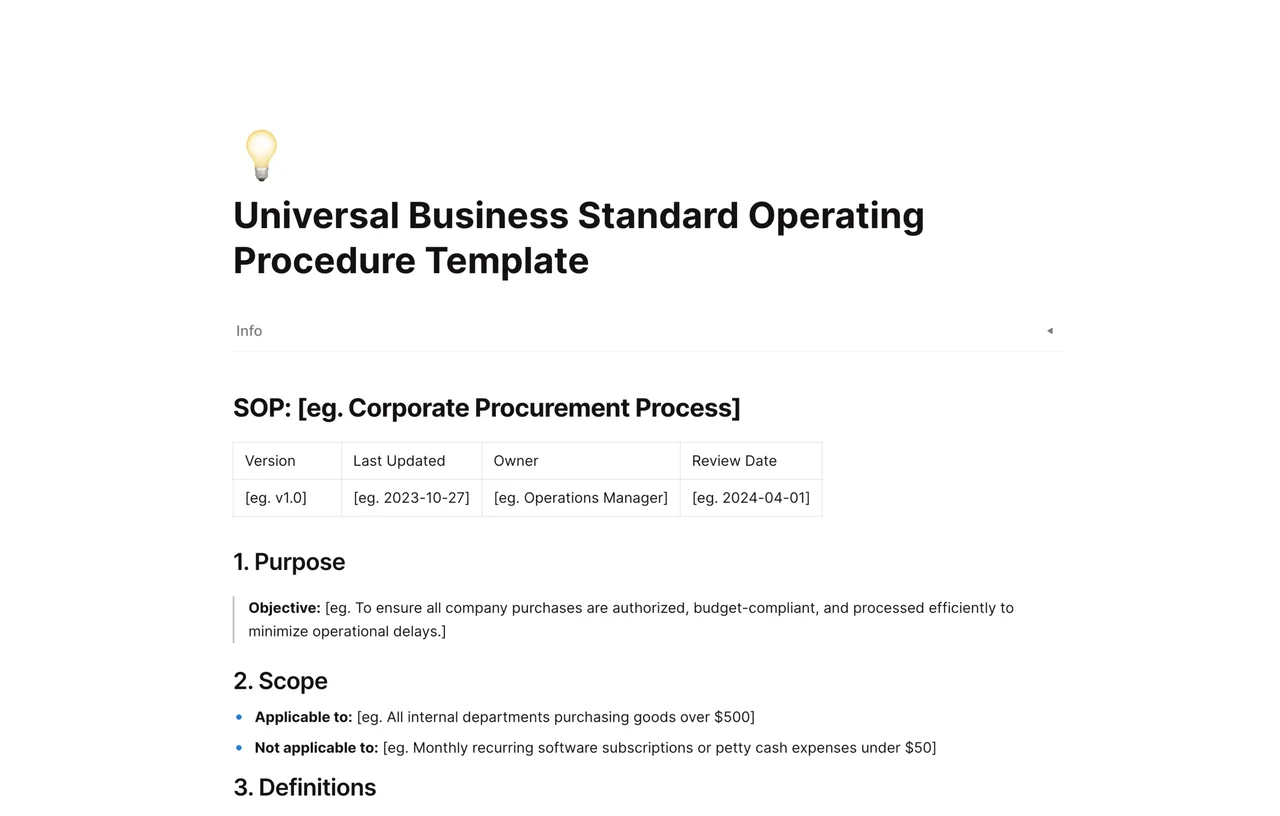
Standard Operating Procedure (Basic): A clean, structured framework covering Purpose, Scope, Procedures, and Responsibilities. perfect for any general process.
Meeting & Communication Protocols: Define how your remote team communicates, including meeting cadences and tool usage guidelines.
Leverage Affine's code blocks and diagramming tools for engineering workflows.
Incident Response Plan: A visual playbook for handling system outages, combining architecture diagrams (Edgeless) with step-by-step resolution guides.
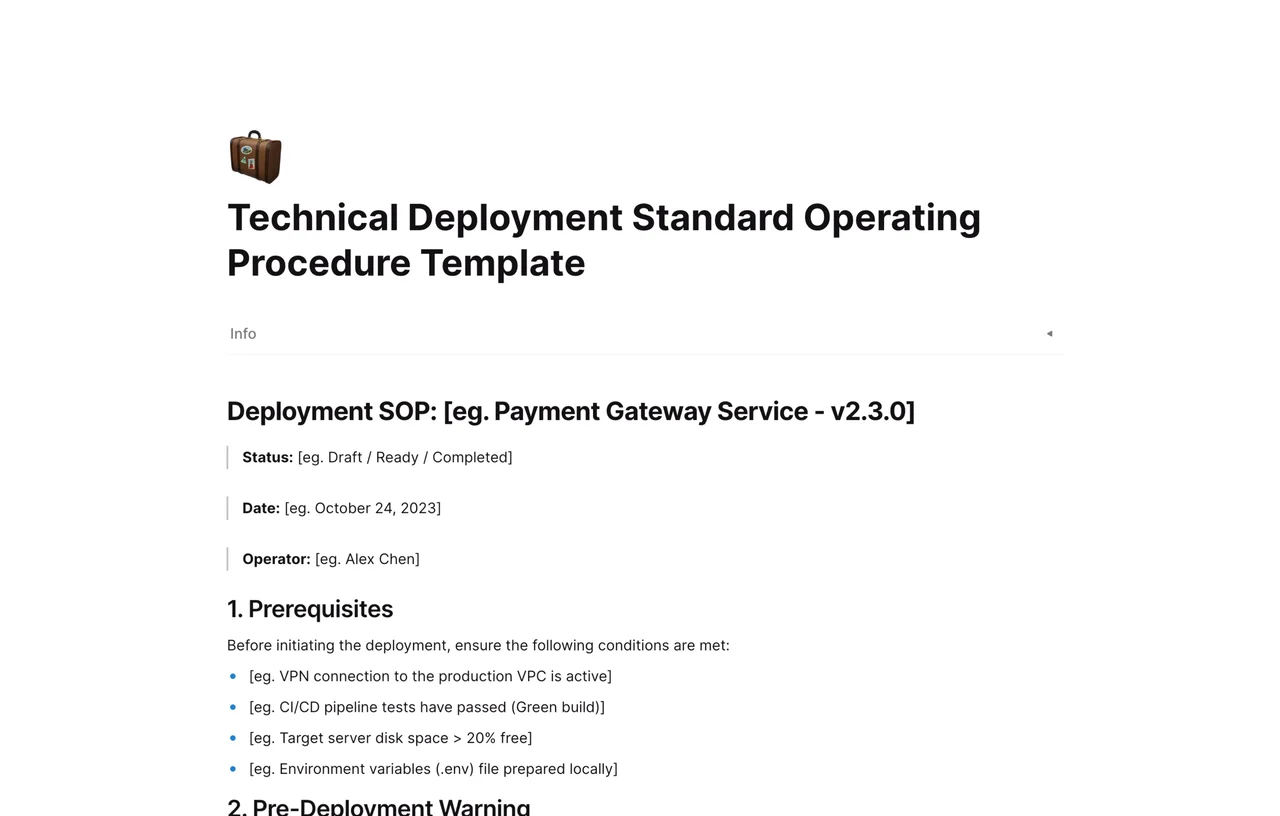
Deployment Pipeline: Document your CI/CD process visually, ensuring every engineer knows the path from commit to production.
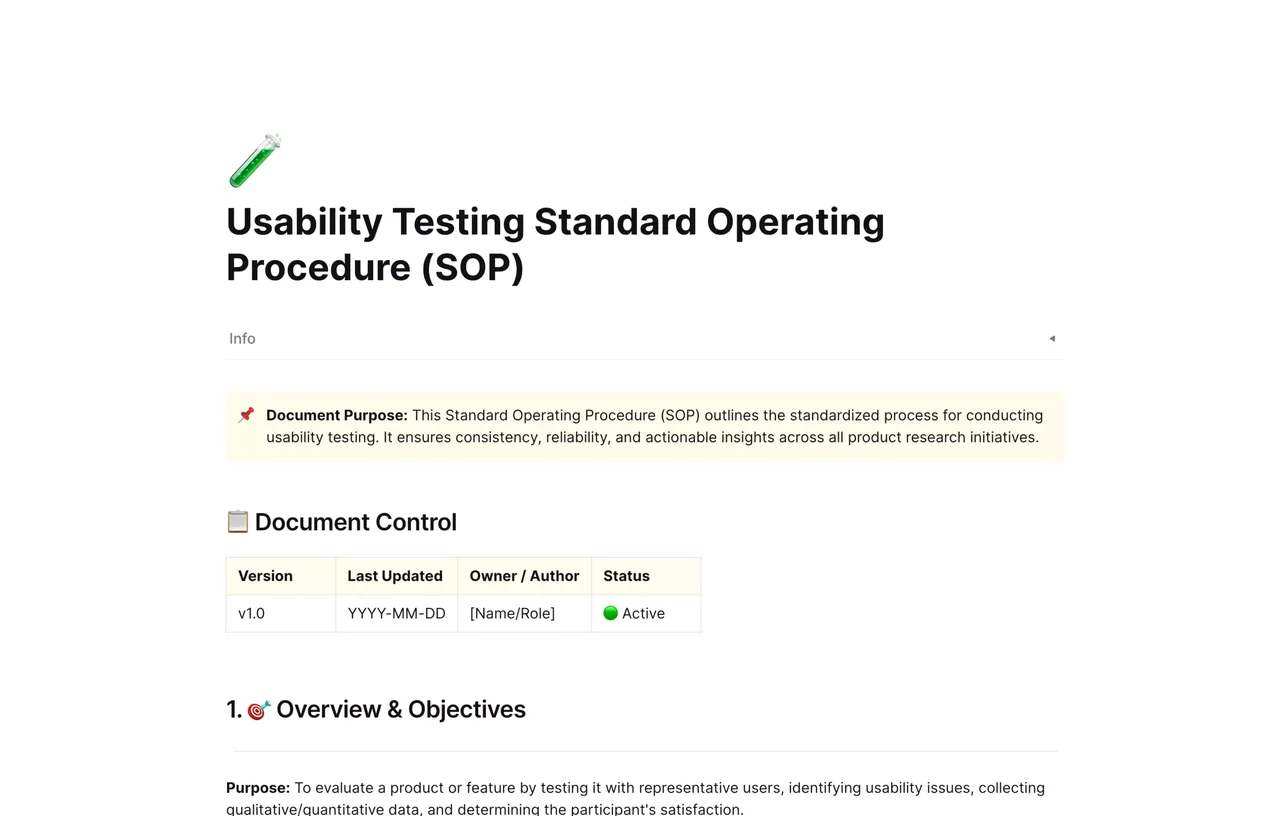
QA Testing Procedures: structured checklists for manual and automated testing cycles.
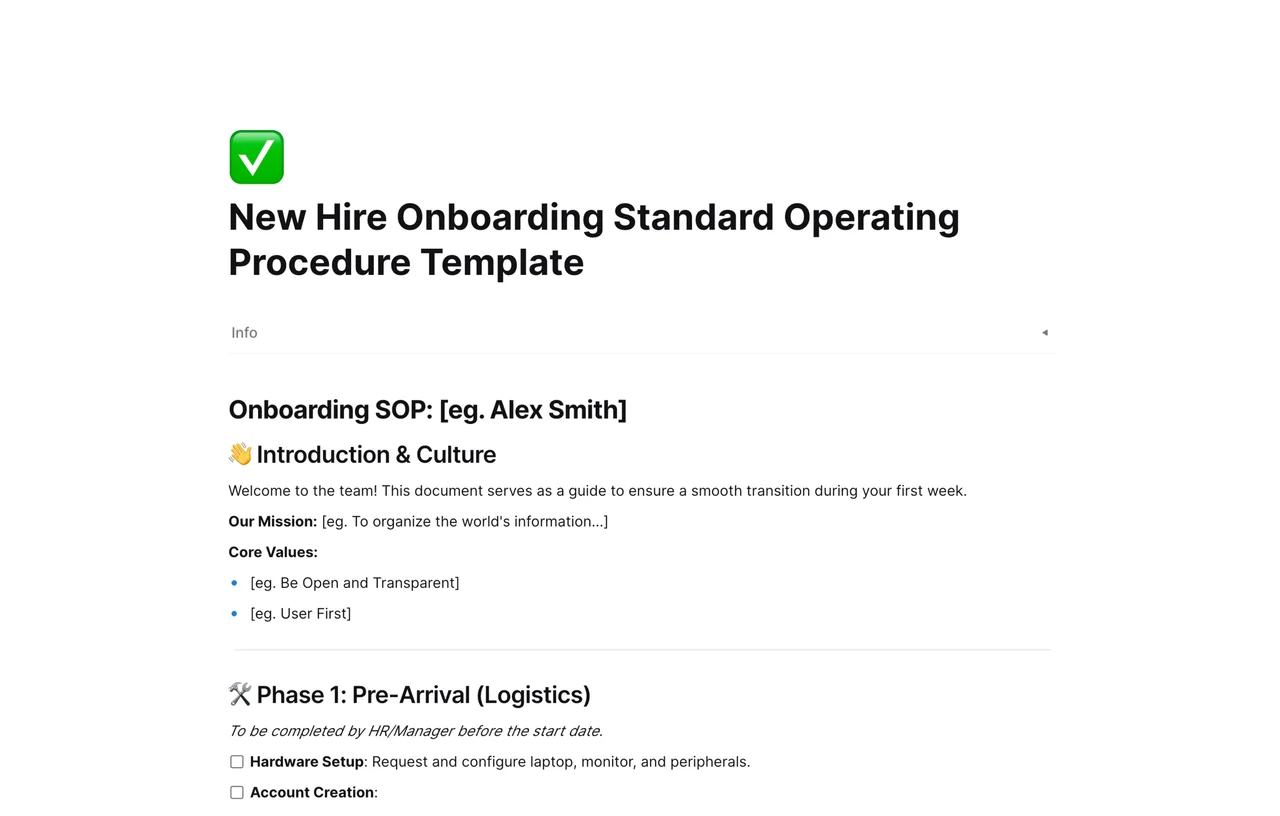
New Employee Onboarding: A visual roadmap for new hires, linking to all necessary documents, tools, and access rights in your workspace.
Performance Review Process: A private, structured template for conducting and documenting quarterly reviews.
Unlike traditional document editors, Affine templates give you a multi-dimensional view of your processes. Here is how our templates are structured to maximize clarity:
Most people learn visually. Our templates often start with a whiteboard view where you can:
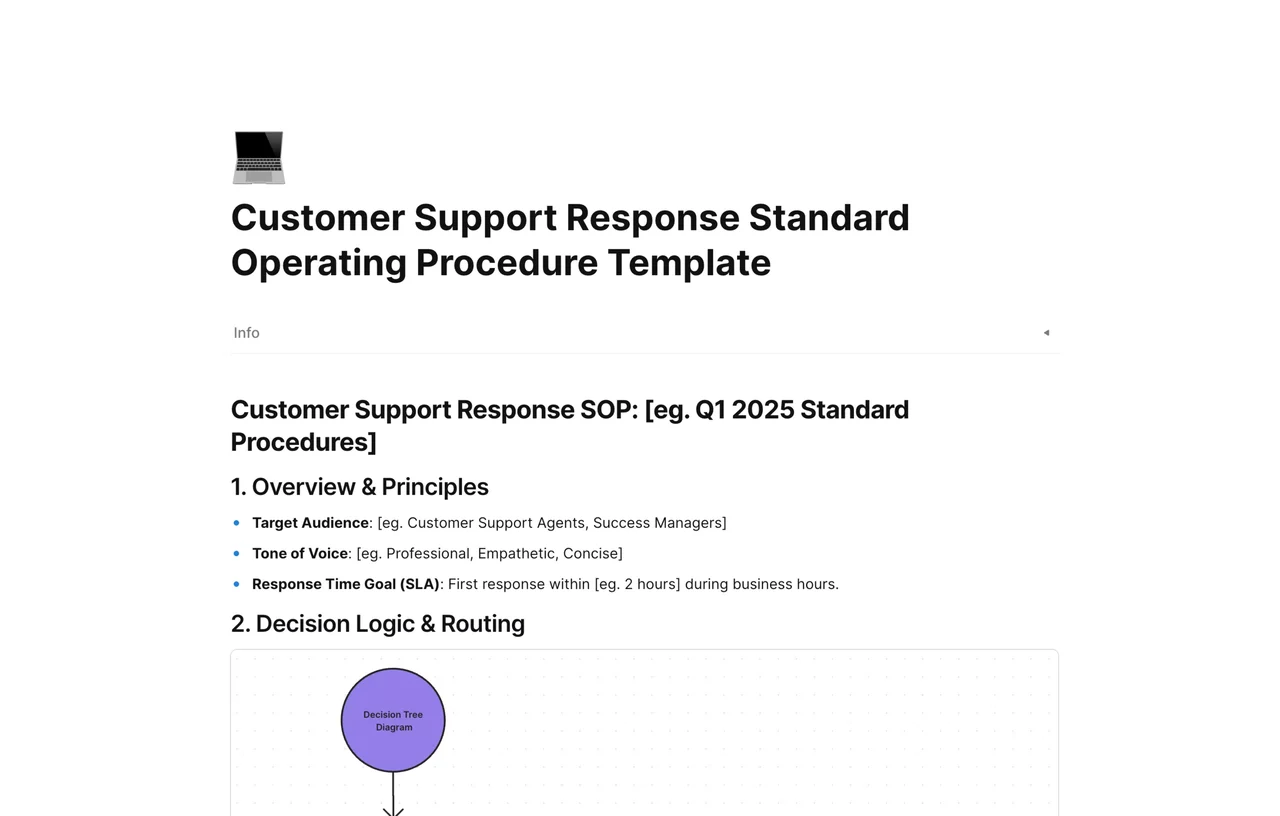
Map the Flow: Use shapes and connectors to visualize the decision tree or process flow.
Mind Map: Brainstorm potential bottlenecks before finalizing the procedure.
Switch to Page Mode for the detailed execution steps.
Meta Data: Use page properties to track the "Owner," "Last Reviewed Date," and "Department."
Step-by-Step Instructions: Utilizing bullet points and numbered lists for clarity.
Embedded Media: Directly embed Loom videos or images to demonstrate complex tasks.
Don't let the SOP sit on a digital shelf. Our templates include checkbox blocks that allow team members to actively tick off steps as they complete them during critical operations.
Getting started is instant. No file downloads or compatibility issues.
Select a Template: Browse the collection above and find the one that fits your current need.
Apply to Workspace: Click to duplicate the template directly into your Affine workspace.
Customize in Edgeless Mode: Ungroup the visual elements to adjust the flowchart to match your actual workflow.
Refine the Text: Update the placeholders with your specific instructions, roles, and tools.
Link & Connect: Use bi-directional links to connect this SOP to related documents (e.g., link an "Employee Handbook" page inside the "Onboarding SOP").
Yes. While these templates shine within the Affine environment, you can export your finished SOPs to PDF for printing or Markdown for backup purposes.
Affine supports real-time collaboration. You can invite your team members to the workspace to co-edit the SOP, leave comments on specific blocks, and visualize changes instantly.
Absolutely. Affine is designed for knowledge-heavy teams. You can use the whiteboard features to draw UML diagrams, network topologies, or database schemas directly inside the SOP document, eliminating the need for external tools like Visio or Lucidchart.
Affine offers a generous free plan that allows you to use these templates and build your local-first knowledge base. For advanced cloud collaboration features, check our pricing page.