Whether you're managing a complex product launch, running a design sprint, or just trying to keep your freelance gigs organized, starting from scratch is often the hardest part.
According to the Project Management Institute (PMI), bad planning accounts for 11% of all resource waste. That’s why we’ve curated a dynamic, ever-growing collection of Free Project Planning Templates designed to bring clarity to the chaos.
From Visual Work Breakdown Structures (WBS) to Agile Sprint boards, our templates are completely free, fully customizable, and built to leverage AFFiNE's unique ability to switch between edgeless whiteboards and structured databases.
![Image: A split screen showing a messy notebook vs an organized AFFiNE Project Plan. Alt Text: Comparison between manual planning and AFFiNE digital project planning templates]
A solid project plan is more than just a to-do list; it is the roadmap for your team's success. Without a clear structure, deadlines slip, scope creep sets in, and communication breaks down.
Using a pre-built Project Planning template allows you to skip the tedious setup phase and dive straight into execution. Unlike rigid Excel sheets, AFFiNE templates give you the best of both worlds:
Visual Ideation: Use the Whiteboard mode to brainstorm, draw mind maps, and map out dependencies visually.
Structured Execution: Switch to the Table View (Kanban or List) to assign owners, set status updates, and track progress with precision.
Our library is constantly updated to ensure you have the right framework for any methodology. Here are the most popular free templates you can access right now:
Best for: Project Managers handling complex deliverables (Construction, Event Planning, Hardware Launches).
How it works: Decompose your massive project into smaller, manageable work packages visually on a whiteboard, then convert them into a tracker.
Key Feature: Hierarchical breakdown structure that links directly to tasks.
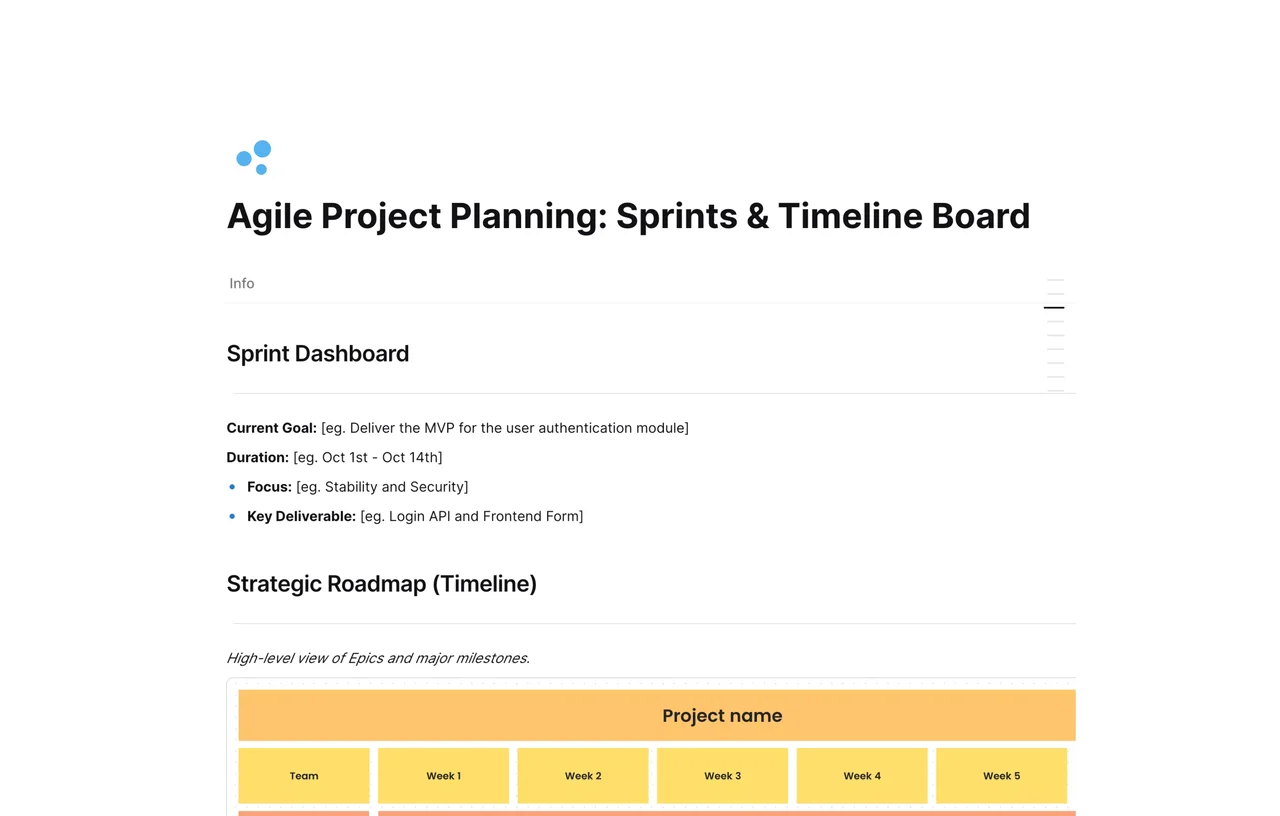
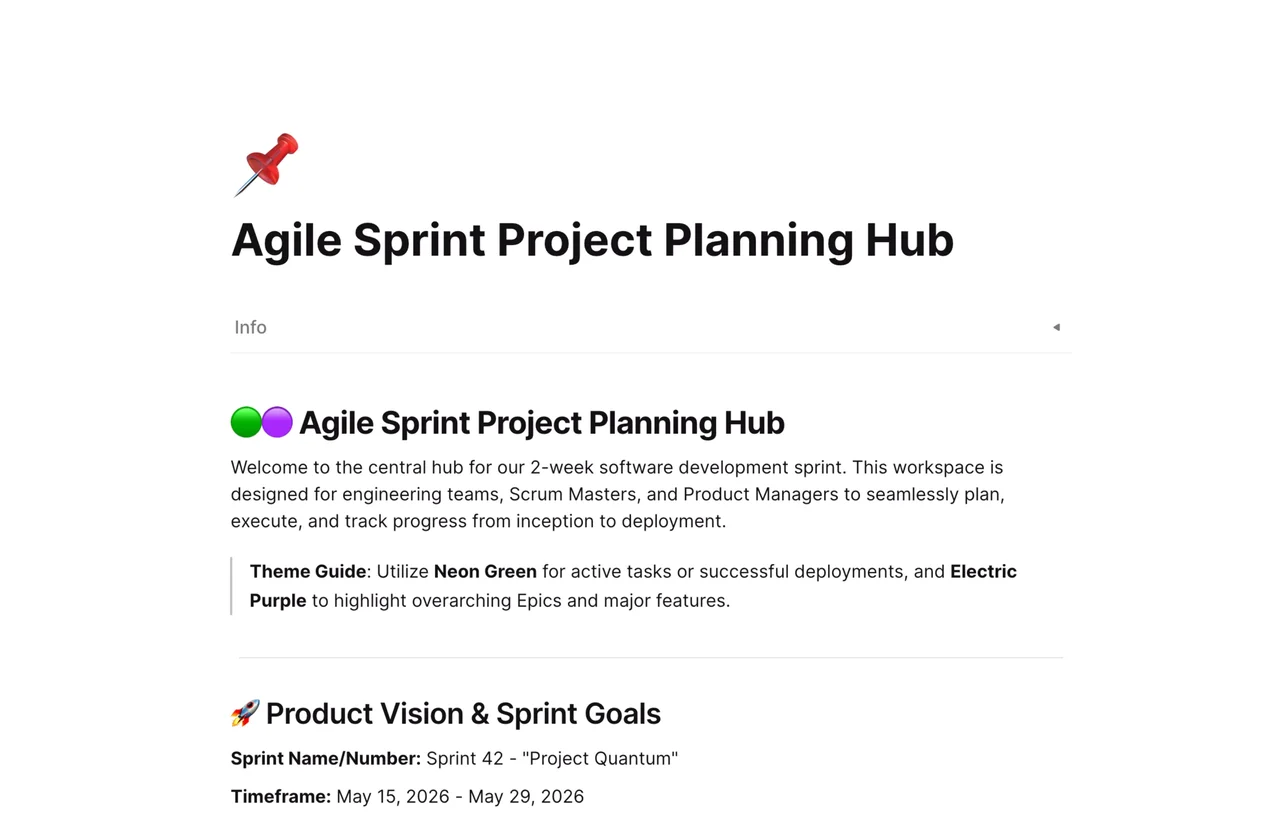
Best for: Software development, Dev teams, and Creative agencies working in Scrum.
How it works: Track your backlog, active sprints, and retrospectives in one unified view. Move cards from "To Do" to "Done" effortlessly.
Key Feature: Integrated columns for Story Points and Priority tags.
![Image: Screenshot of an Agile Sprint Board in AFFiNE. Alt Text: Agile Project Planning Template showing Kanban board view]
Best for: Product Managers and Startups.
How it works: Visualize your Q1-Q4 goals. Connect your high-level strategy (Whiteboard) with your daily execution tasks (Table).
Key Feature: Gantt-chart style visualization capabilities.
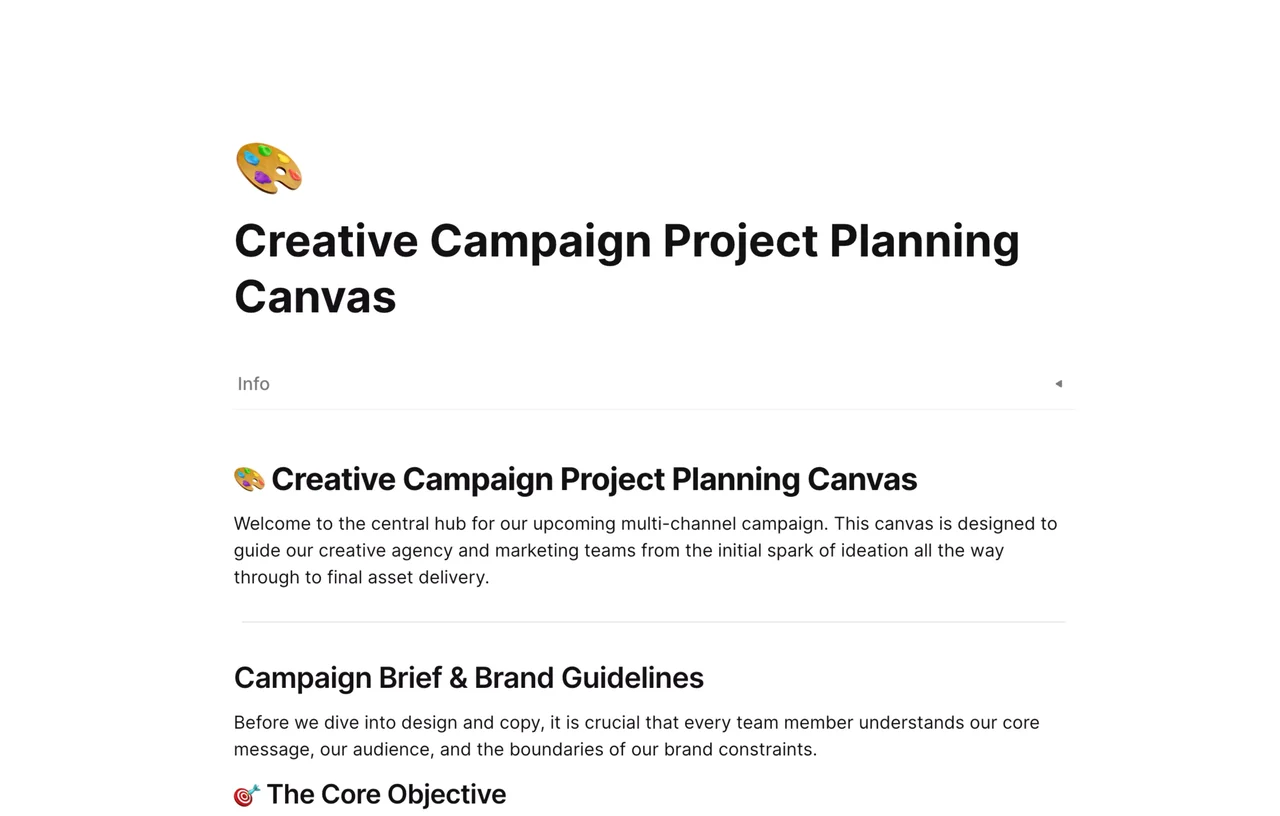
Best for: Marketing teams and Content Creators.
How it works: Manage content calendars, social media assets, and launch dates. Embed your design files directly into the plan.
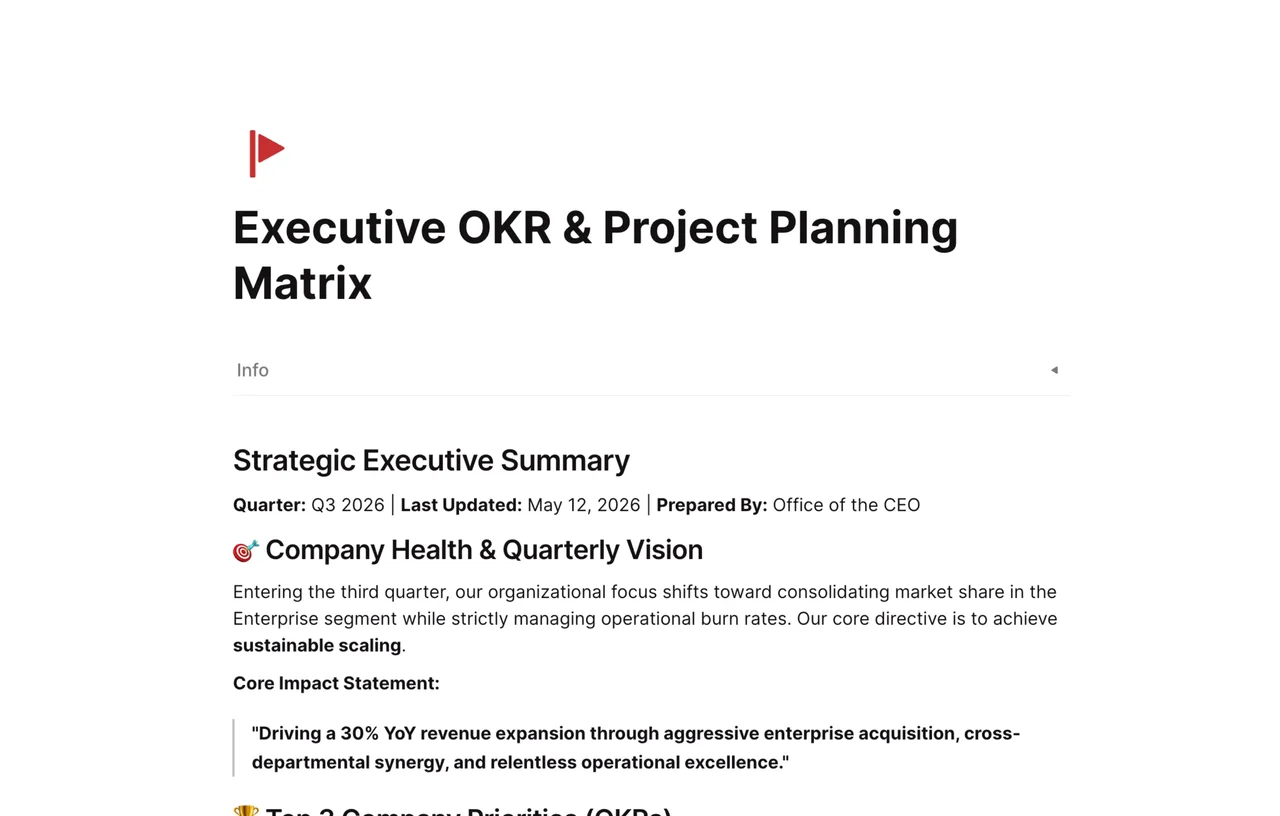
Best for: Leadership and HR teams.
How it works: Align team goals with company objectives. meaningful transparency across departments.
💡 Pro Tip: Because this is a living collection, we add new tools weekly. Check out the full Template Gallery here to find the latest additions.
The beauty of AFFiNE is flexibility. Most project management tools force you into a specific workflow. We adapt to you.
Once you select a free template from our list, here is how to make it yours:
Add Custom Properties: Need a column for "Budget," "Client Approval," or "Risk Level"? Just click + in the Table View to add it instantly.
Switch Views: Prefer to see tasks by "Assignee" rather than "Status"? Toggle between Kanban, Table, and List views in one click.
Embed Context: Don't just list tasks. Embed detailed documentation, Figma files, YouTube meeting recordings, and assets directly into the project rows.
Stop juggling multiple apps (like Miro + Trello + Notion). Start planning smarter with a workspace that unifies them all.
Q: Are these project planning templates really free?
A: Yes! All templates in the AFFiNE collection are free to use for individual users and teams starting out.
Q: Can I export these templates to PDF or Markdown?
A: Absolutely. AFFiNE supports robust export options, allowing you to share your project plans as PDFs, PNGs, or Markdown files for offline use.
Q: Is AFFiNE better than Excel for project planning?
A: While Excel is great for numbers, it lacks visual collaboration. AFFiNE allows you to draw, diagram, and manage databases in one place, reducing context switching.
Don't let bad planning derail your next big idea.
👉 Explore the Free Template Collection
Get started in seconds. No credit card required.