Kanban Boards and Eisenhower Grids
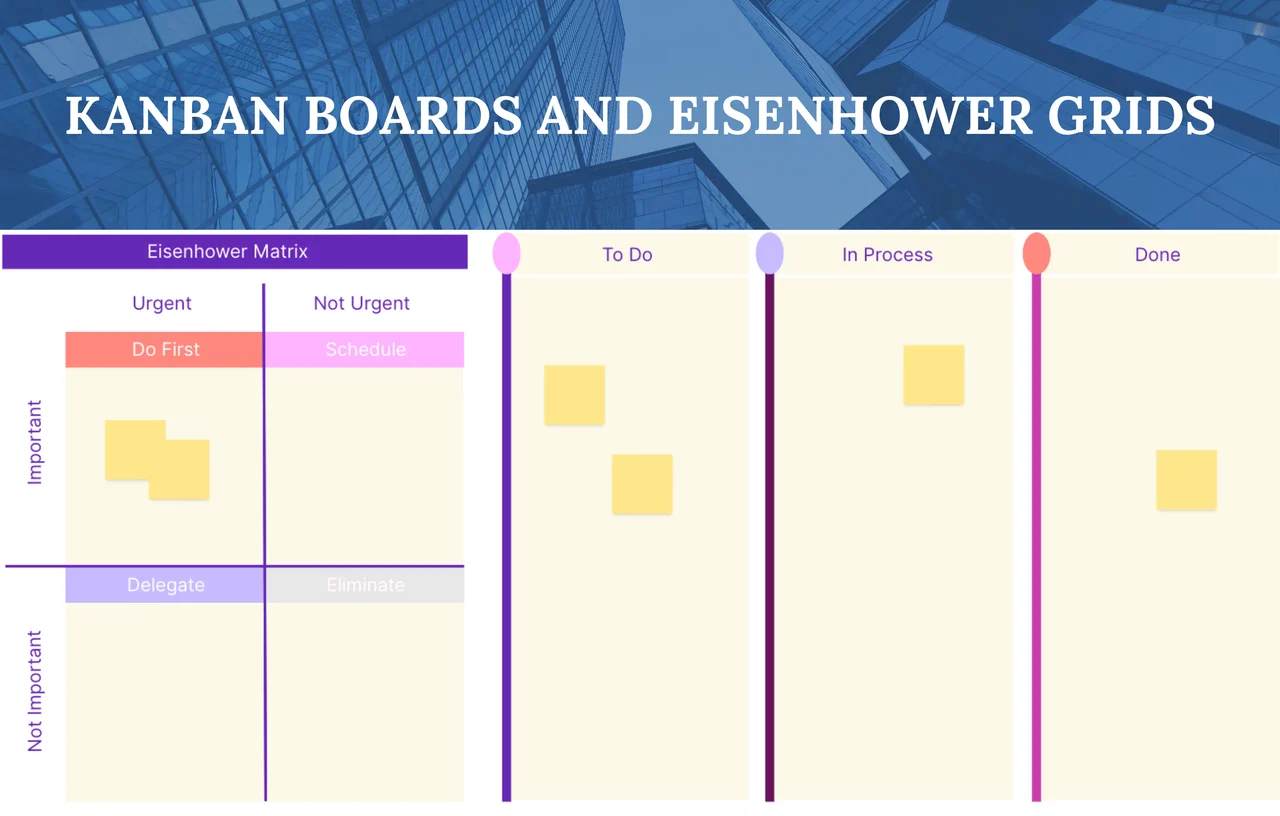
Free Kanban board template with a built-in Eisenhower matrix. Track tasks across To Do, In Progress, and Done, then prioritize by urgency and importance.
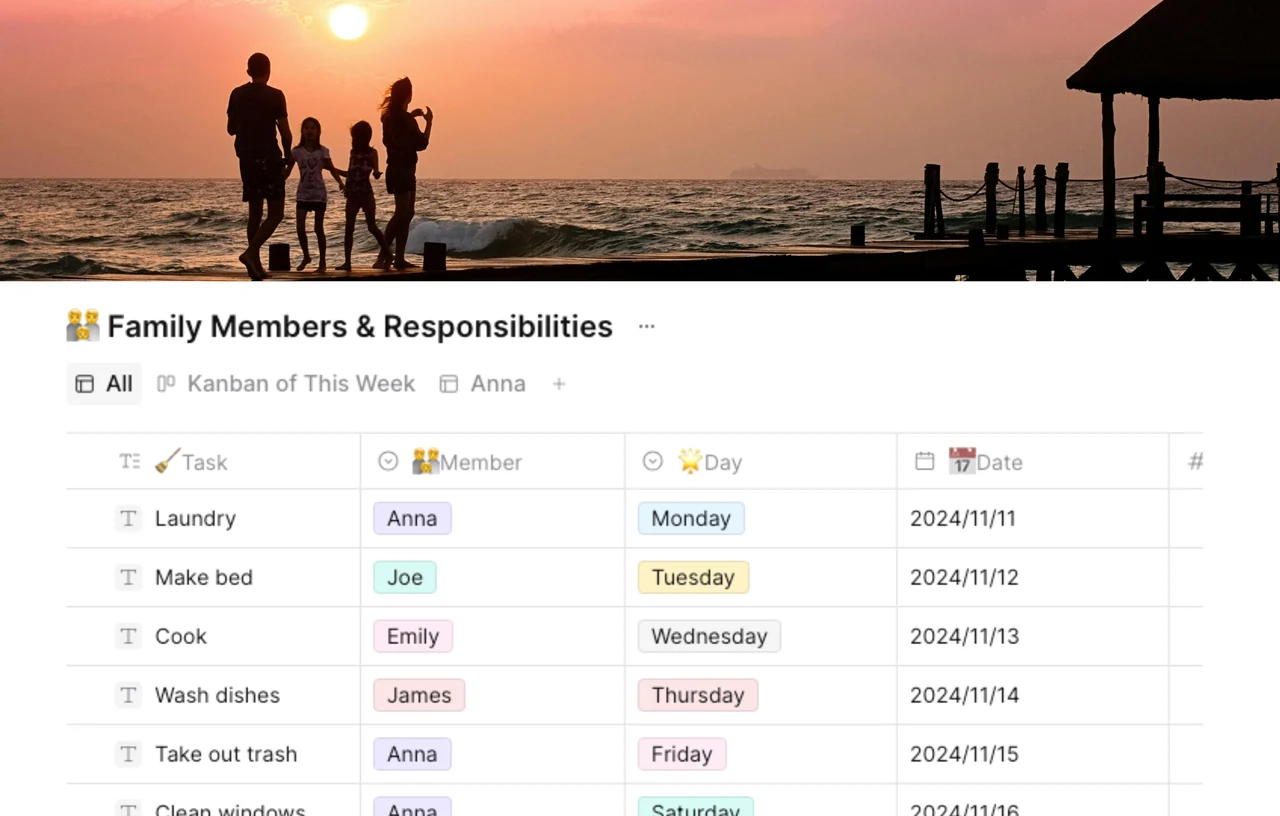
Kanban boards and Eisenhower gridsare two powerful tools that help individuals and teams manage tasks and prioritize responsibilities effectively.
A Kanban board is a visual task management system that displays tasks in various stages of progress. Typically divided into columns labeled "To Do," "In Progress," and "Done," Kanban boards allow users to see the status of tasks at a glance. This method promotes transparency and collaboration, making it easy to identify bottlenecks and streamline workflows. Kanban boards can be physical (like a whiteboard) or digital (using apps and software), adapting to different preferences and team sizes.
Clarity: Provides a clear view of tasks and their statuses.
Flexibility: Easily adaptable to changing priorities and workloads.
Collaboration: Encourages teamwork and communication among members.
The Eisenhower grid, also known as the Eisenhower Matrix, is a prioritization tool that allows users to categorize tasks depending on their urgency and importance. It splits tasks into four quadrants.
Urgent and Important: Tasks to be done immediately.
Important but Not Urgent: Tasks to schedule for later.
Urgent but Not Important: Tasks to delegate if possible.
Not Urgent and Not Important: Tasks to eliminate.
This paradigm supports decision-making by ensuring that users focus on what is genuinely important rather than becoming bogged down in less crucial activities.
Prioritization: Helps you discriminate between what need immediate attention and what can wait.
Focus: Promotes attention on high-impact tasks.
Time Management: Aids in the efficient use of time and resources.
Kanban boards used with Eisenhower grids can increase efficiency even further. The Eisenhower grid helps prioritize work, whereas the Kanban board visualizes task status. This combination enables a streamlined approach to managing both the "what" and the "how" of job fulfillment, resulting in a more structured and efficient workflow.
Individuals and teams can use these two approaches to successfully manage their work, resulting in increased productivity and less stress. Whether you use a Kanban board, an Eisenhower grid, or both, these tools will revolutionize your approach to task management!
Duplicate the template to your AFFiNE workspace with the Use this template button.
Add every open task to the To Do column — one card per task, with an owner and a due date.
Sort each card on the Eisenhower grid: urgent and important tasks stay at the top of To Do, important-but-not-urgent ones get scheduled, urgent-but-unimportant ones get delegated, and the rest get deleted.
Move cards through In Progress to Done as you work, and clear the board in a short weekly review.
A Kanban board tracks the status of work — tasks move across To Do, In Progress, and Done columns. An Eisenhower matrix ranks tasks by urgency and importance before you start. Kanban answers "where is this task now"; the Eisenhower grid answers "is this task worth doing, and when."
Yes — that is exactly what this template combines. Triage new tasks on the Eisenhower grid first, so only work that is genuinely important enters the Kanban board. The grid filters, the board tracks.
Yes. Duplicate it into a free AFFiNE workspace and use unlimited cards and columns. The board works in Page mode for lists and on the Edgeless canvas when you want to arrange cards spatially.