
Free Kanban Board Software & Apps: Free Plan Limits
What changed (Nov 14, 2026): Rewrote the comparison around free-plan limits: rechecked members, boards, storage and self-hosting for every tool on official pages, added a comparison table, methodology, a choose-by-situation table, FAQs, sources and dated screenshots. Removed ProofHub (no free plan), added Jira, KanbanFlow, Kanboard and WeKan, moved AFFiNE out of first place with a disclosure, and retitled the guide.
A free kanban board is easy to find. A free kanban board that still works once your team, your board count or your file attachments grow is harder, because every vendor draws the line somewhere different: Trello caps boards per Workspace, Asana caps people, ClickUp caps storage, and the open-source tools leave hosting to you.
This guide compares 10 free kanban board apps on the limits that decide whether the free plan is enough: how many members you can invite, how many boards or projects you get, how much you can store, and whether you can self-host. Every limit below was checked on the vendor's own pricing page or repository on November 13, 2026.
Disclosure: AFFiNE publishes this article and is one of the tools compared. We list it for one specific case (a kanban board that lives next to your docs and whiteboard), not as the best dedicated kanban tool, and we note where it falls short.
Free kanban board apps compared by free-plan limits
| Tool | Free plan: members | Boards or projects | Storage and files | Open source or self-host | Paid plans from | Checked |
|---|---|---|---|---|---|---|
| Trello | Up to 10 collaborators per Workspace | Up to 10 boards per Workspace, unlimited cards | Unlimited storage, 10 MB per file | No | $5 per user a month, billed annually | Nov 13, 2026 |
| Jira | Up to 10 users | Unlimited projects and tasks | 2 GB | No (cloud) | Standard, priced per user | Nov 13, 2026 |
| KanbanFlow | Boards can be shared with anyone | Unlimited boards and tasks | No file attachments on Free | No | $5 per user a month | Nov 13, 2026 |
| Asana | Up to 2 users (Personal plan) | Unlimited tasks and projects | Unlimited, 100 MB per file | No | $10.99 per user a month, billed annually | Nov 13, 2026 |
| ClickUp | Unlimited members | Unlimited tasks, 5 Spaces | 60 MB total | No | $9 per user a month (Core) | Nov 13, 2026 |
| MeisterTask | Unlimited team members | Up to 3 projects per team | Not stated on the pricing page | No | $13 per user a month (Pro) | Nov 13, 2026 |
| Kanboard | No limit (you host it) | No limit | Limited by your server | Yes, MIT license, self-hosted | Free; no hosted plan | Nov 13, 2026 |
| WeKan | No limit (you host it) | No limit | Limited by your server | Yes, MIT license, self-hosted | Free; paid commercial support | Nov 13, 2026 |
| Zenhub | Up to 50 users | 1 workspace, up to 2 GitHub repositories, 250 issues | Uses GitHub issues | No | $4.99 per user a month, billed yearly | Nov 13, 2026 |
| AFFiNE | Up to 3 members per cloud workspace | Unlimited local workspaces | 10 GB cloud, 10 MB per file | MIT-licensed editor; self-hosting available | Pro $6.75 a month, billed annually | Nov 13, 2026 |
Notes on the free limits:
- Prices change. The paid prices above are the entry plans as listed on November 13, 2026. Jira and Monday.com show prices that depend on team size, so check the calculator for your own headcount.
- "Members" means different things. Trello counts collaborators per Workspace, Asana counts users on the plan, and MeisterTask limits projects rather than people.
- Self-hosted tools are free, not costless. Kanboard and WeKan have no user or board limits because you run the server, the updates and the backups yourself.
How we chose and checked these tools
We started from the tools in the previous version of this article and the tools that appear most often for "free kanban board" and "kanban app" searches, then kept only tools with a free plan that has no time limit. For each one we:
- Read the current pricing page, or the repository and license for open-source tools, and recorded the free-plan limits in the table above.
- Checked whether the free plan includes the kanban features people ask about most: a board view, WIP (work-in-progress) limits, swimlanes, attachments and a mobile app.
- Took a screenshot of each vendor's public product page on November 13, 2026. These are the vendors' own marketing pages, not our accounts. The AFFiNE screenshot is from our demo workspace and is dated in its caption.
We did not run each tool for a long period, and we did not rate them on a score. Where a vendor's page did not state a limit, the table says so instead of guessing.
Removed from this list: ProofHub, which appeared in the earlier version, has no free plan. It offers a 14-day free trial, and its Essential plan costs $45 a month billed annually for unlimited users.
Which free kanban board fits your situation?
| If you are… | Start with | Why |
|---|---|---|
| One person managing your own tasks | KanbanFlow or Trello | Both are quick to start; KanbanFlow gives unlimited boards and WIP limits for free |
| A small team of up to 10 people | Trello or Jira | Both are free for up to 10 people; Jira adds backlog, timeline and automation |
| A team larger than 10 on a zero budget | ClickUp or MeisterTask | Both allow unlimited members, but with storage or project caps |
| A software team working in GitHub | Zenhub or Jira | Zenhub puts the board on top of GitHub issues |
| A team that must keep data on its own servers | Kanboard or WeKan | Open source, MIT-licensed, no seat limits |
| A team that wants the board inside its docs | AFFiNE | The kanban board is a view of a database inside a doc or whiteboard |
If you are still deciding whether a board is the right method at all, our guide to how the Kanban method works covers columns, WIP limits and flow.
1. Trello
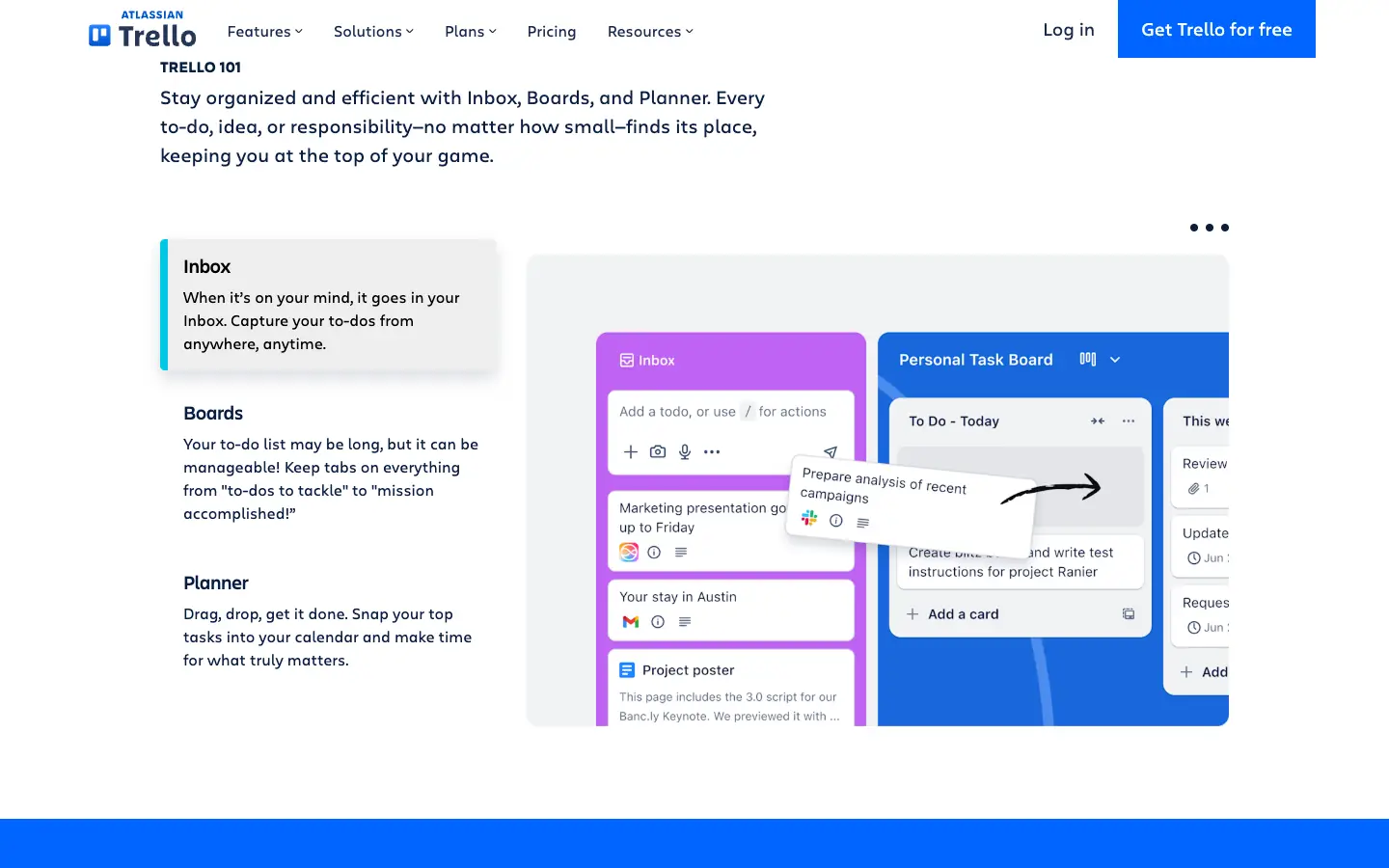
Trello is the simplest way to put cards in columns and share them. The Free plan allows up to 10 collaborators per Workspace and up to 10 boards per Workspace, with unlimited cards, unlimited Power-Ups, unlimited storage at 10 MB per file and 250 Workspace command runs (automations) a month. It includes iOS and Android apps. Standard costs $5 per user a month billed annually ($6 monthly) and removes the board limit.
- Choose it if: you want a board your whole team understands in five minutes.
- Watch out for: the 10-board and 10-collaborator caps, and that calendar and timeline views are paid (Premium).
2. Jira
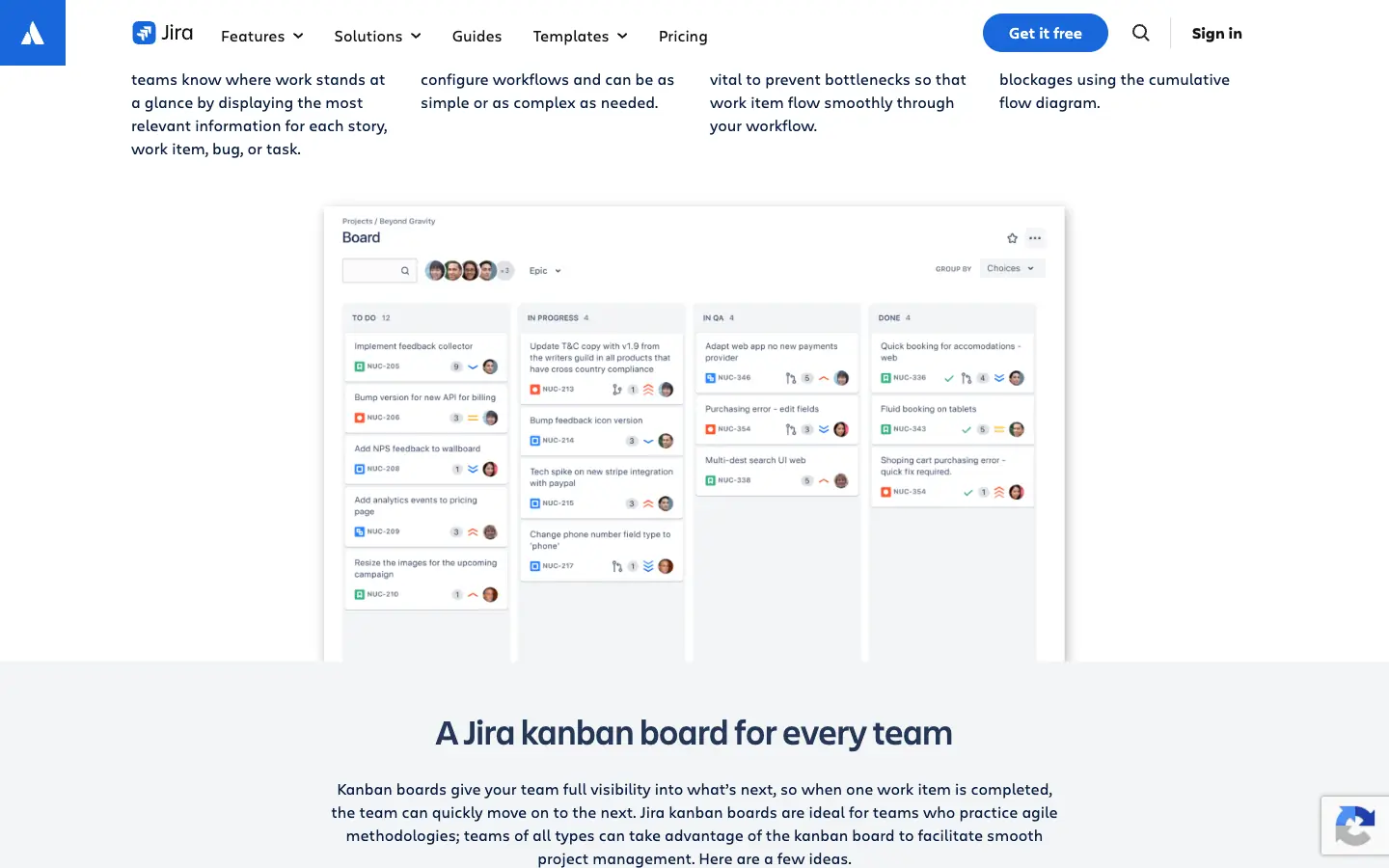
Jira is Atlassian's work tracker for software and business teams. Its Free plan is free forever for up to 10 users and includes unlimited projects and tasks; backlog, list, board, timeline and calendar views; 150 automation steps a month and 2 GB of storage. Support on Free comes from the Atlassian Community. Paid Standard is priced per user and the price shown depends on team size and billing cycle.
- Choose it if: your team runs sprints or bug triage and wants room to grow into a larger process.
- Watch out for: a steeper setup than Trello, and the hard stop at 10 users.
3. KanbanFlow
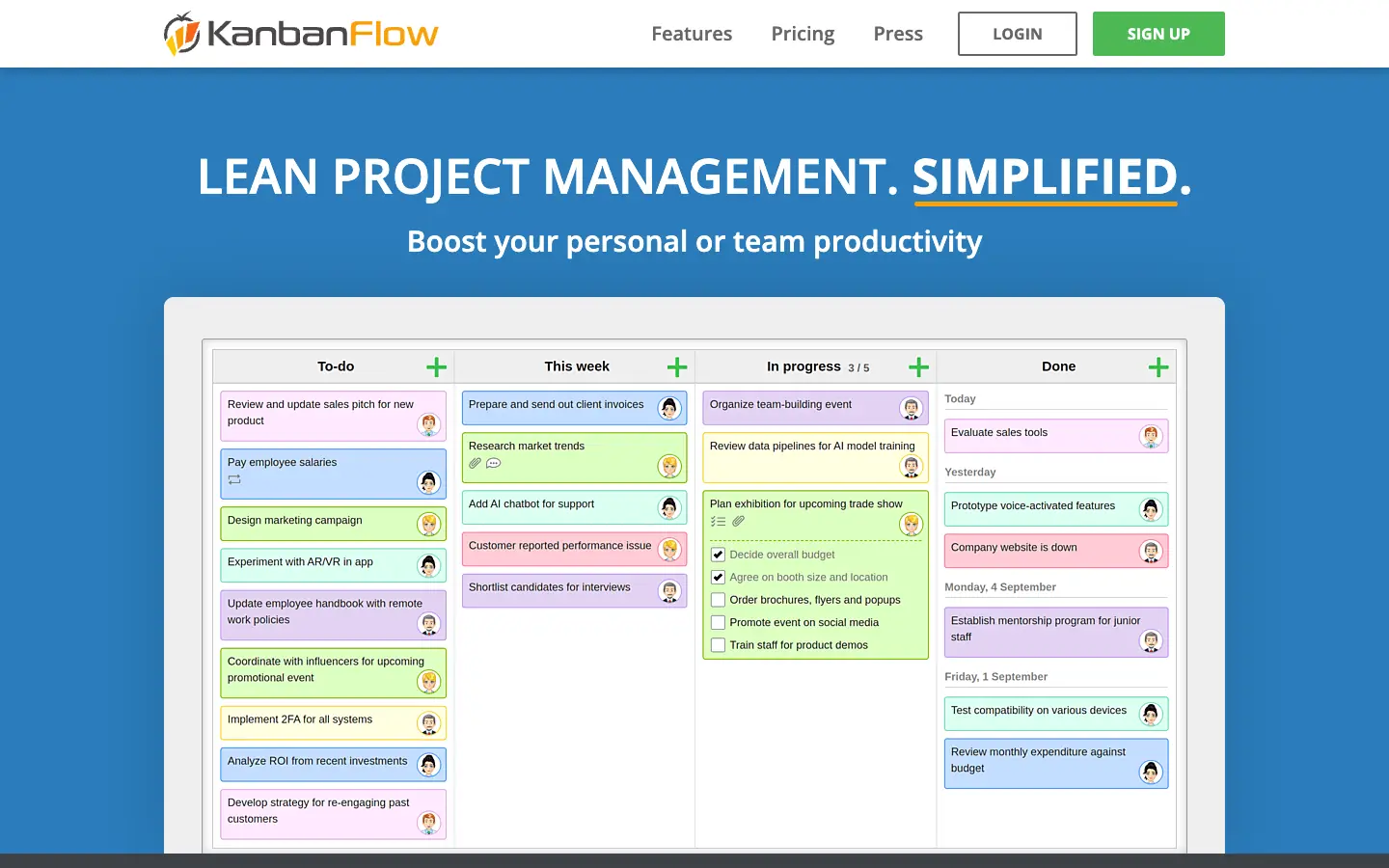
KanbanFlow is a lean kanban app with a built-in Pomodoro timer. The Free version has no time limit and includes unlimited boards and tasks, WIP limits, subtasks, recurring tasks, a stopwatch and Pomodoro timer, and a time-spent report. Swimlanes, file attachments, search, custom fields and the Excel and CSV export are Premium features. Premium costs $5 per user a month, with a 10% discount for yearly billing, and can be switched on for only some boards.
- Choose it if: you want WIP limits and time tracking on a free plan.
- Watch out for: no attachments or search on Free, and a plainer interface than Trello.
4. Asana
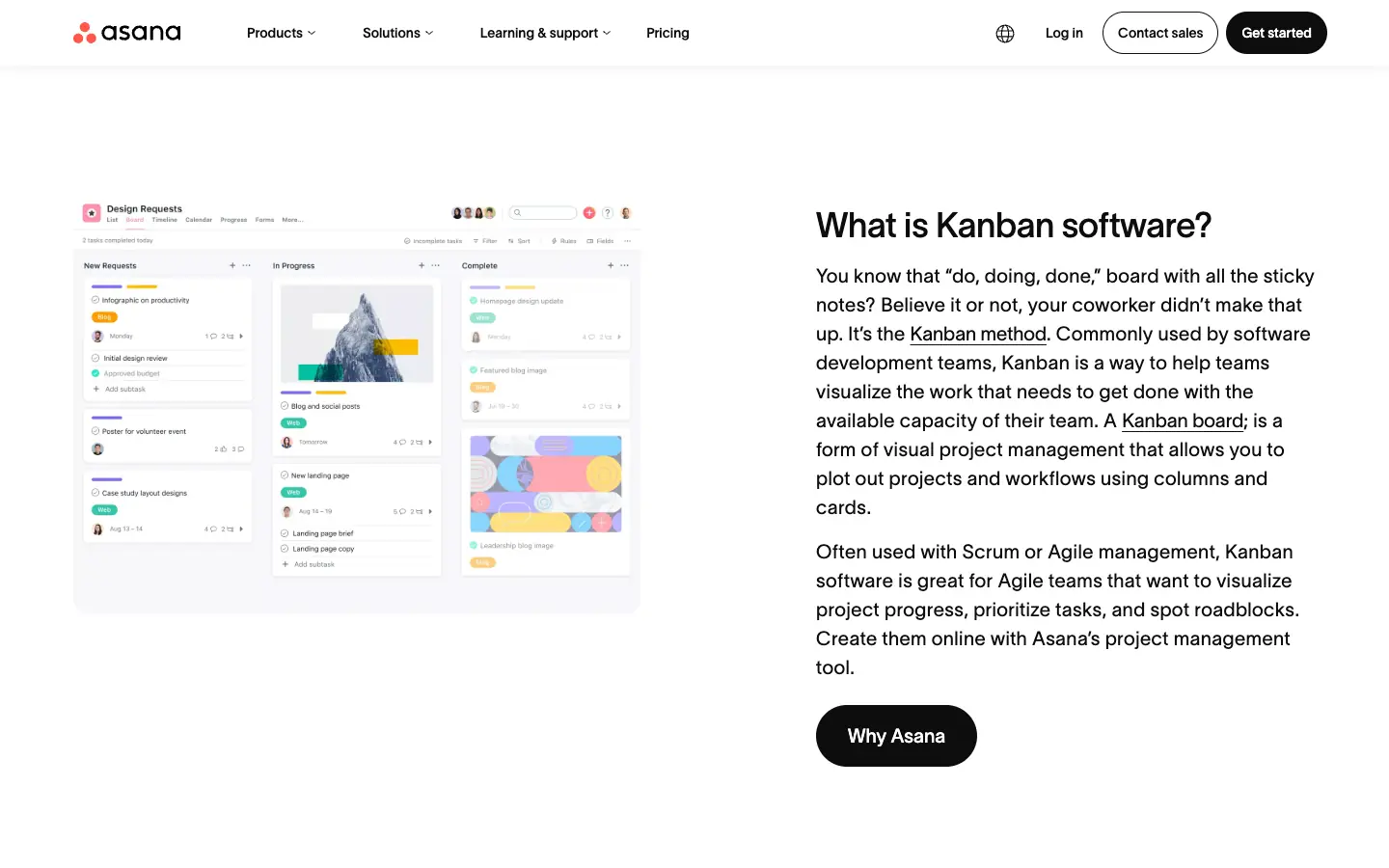
Asana has a board view on every plan. Its free Personal plan is now aimed at "one or two people": it allows 2 users, unlimited tasks and projects, list, board and calendar views, unlimited storage with a 100 MB file limit, and 100+ free integrations. Starter costs $10.99 per user a month billed annually and removes the seat limit, adding timeline and Gantt views, dashboards, forms and unlimited automations.
- Choose it if: you work alone or in a pair and may move to Asana's list and timeline views later.
- Watch out for: the free plan is no longer a team plan; a third person means paying.
5. ClickUp
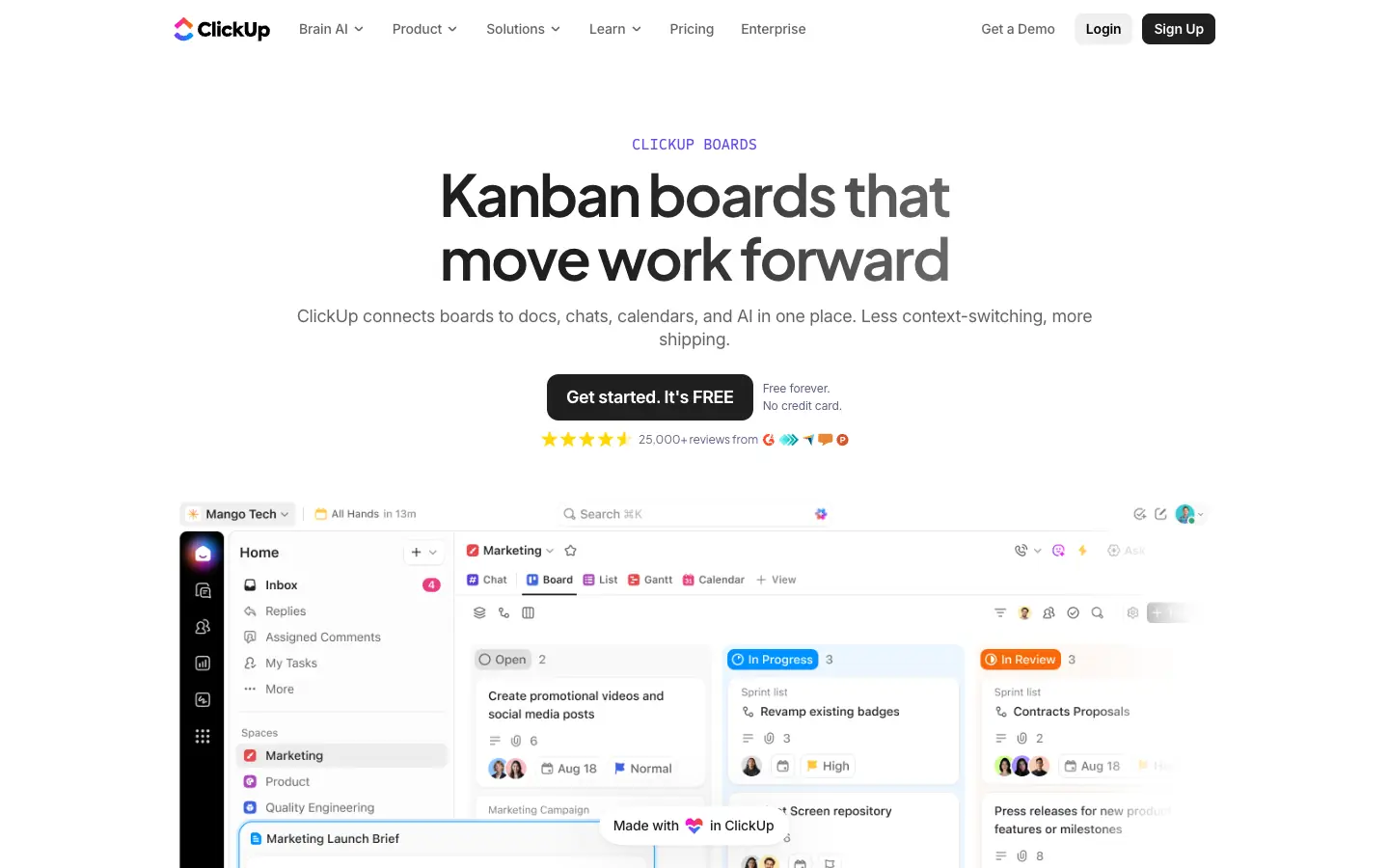
ClickUp bundles boards with docs, chat, sprints and time tracking. The Free Forever plan allows unlimited members and guests, unlimited tasks, kanban boards, calendar view, sprint management and collaborative docs. The catches are 60 MB of total file storage and 5 Spaces. Core costs $9 per user a month and adds unlimited storage, Gantt charts and 1,000 automations a month.
- Choose it if: a larger team needs a free board and you rarely attach files.
- Watch out for: the 60 MB storage cap, and a busy interface if all you want is a board.
6. MeisterTask
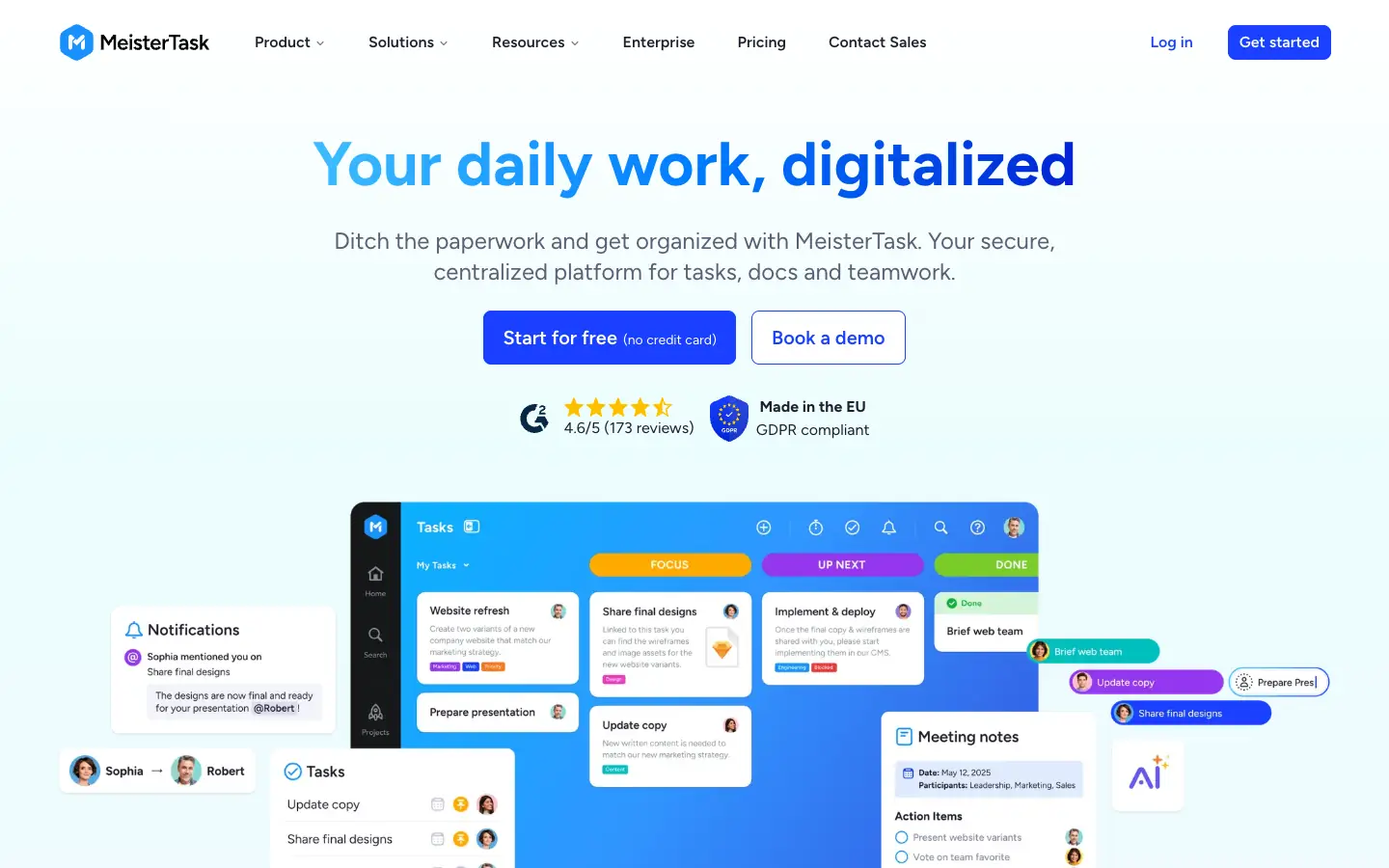
MeisterTask is a kanban-style task manager from Meister, which describes itself as made in the EU. The Free plan includes unlimited tasks and team members but only 3 projects and 5 notes per team, 5 Content Manager seats, imports from Asana and Trello, and mobile and desktop apps. Pro costs $13 per user a month and Business $25.
- Choose it if: you want a polished board from an EU-based vendor, and three projects are enough.
- Watch out for: the 3-project cap is reached quickly by teams with several clients.
7. Kanboard
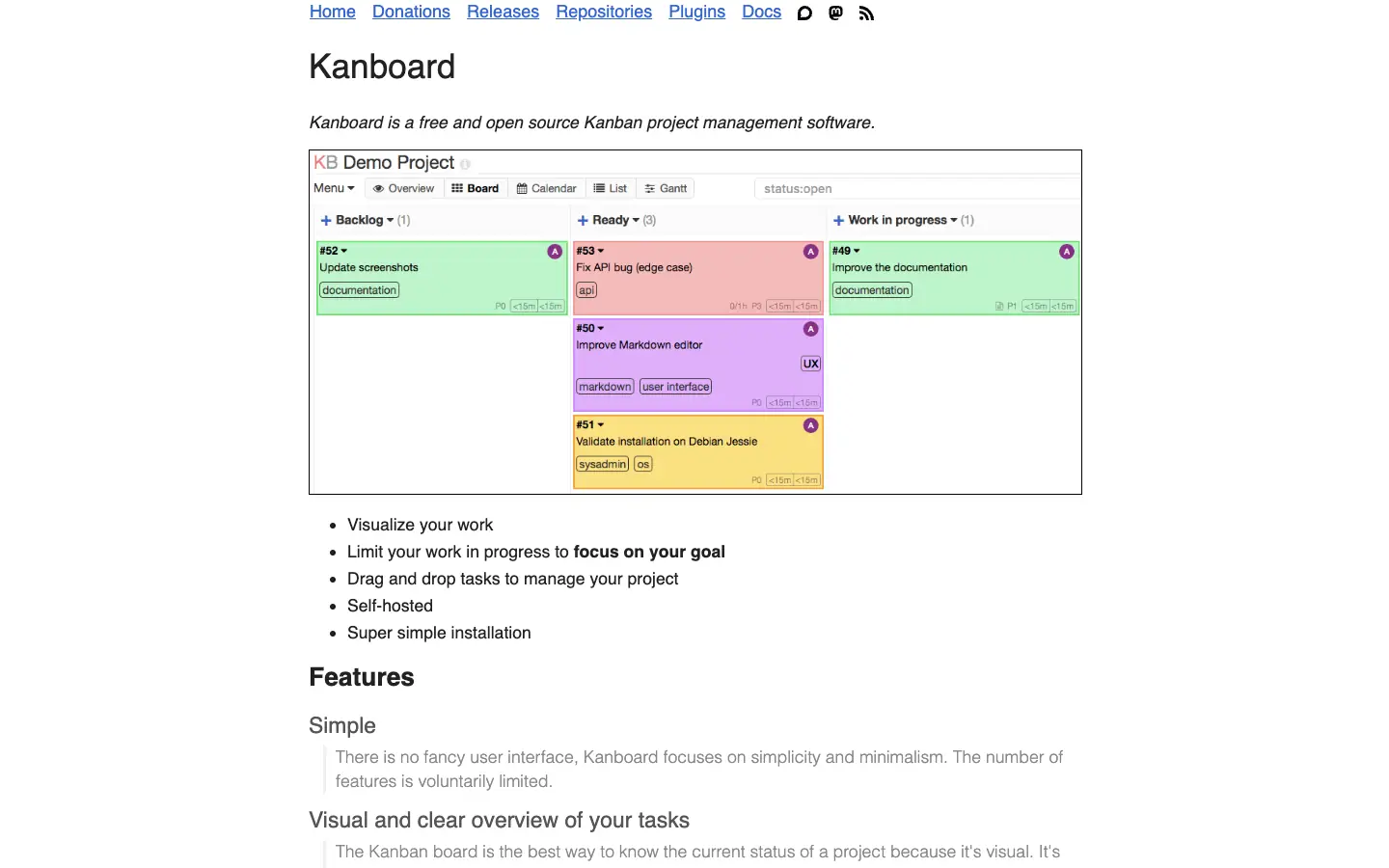
Kanboard is free, open-source kanban software under the MIT license that you install on your own server. It focuses on the core of the method: drag-and-drop boards, column WIP limits that highlight a column when you go over, a filter query language, subtasks, Markdown descriptions and automatic actions. Its GitHub repository says the application is in maintenance mode, which means bug and security fixes rather than new features; release 1.2.57 shipped on October 31, 2026.
- Choose it if: you want a lightweight, self-hosted board with WIP limits and no seat limits.
- Watch out for: no hosted free plan, a deliberately minimal interface, and no new features planned.
8. WeKan
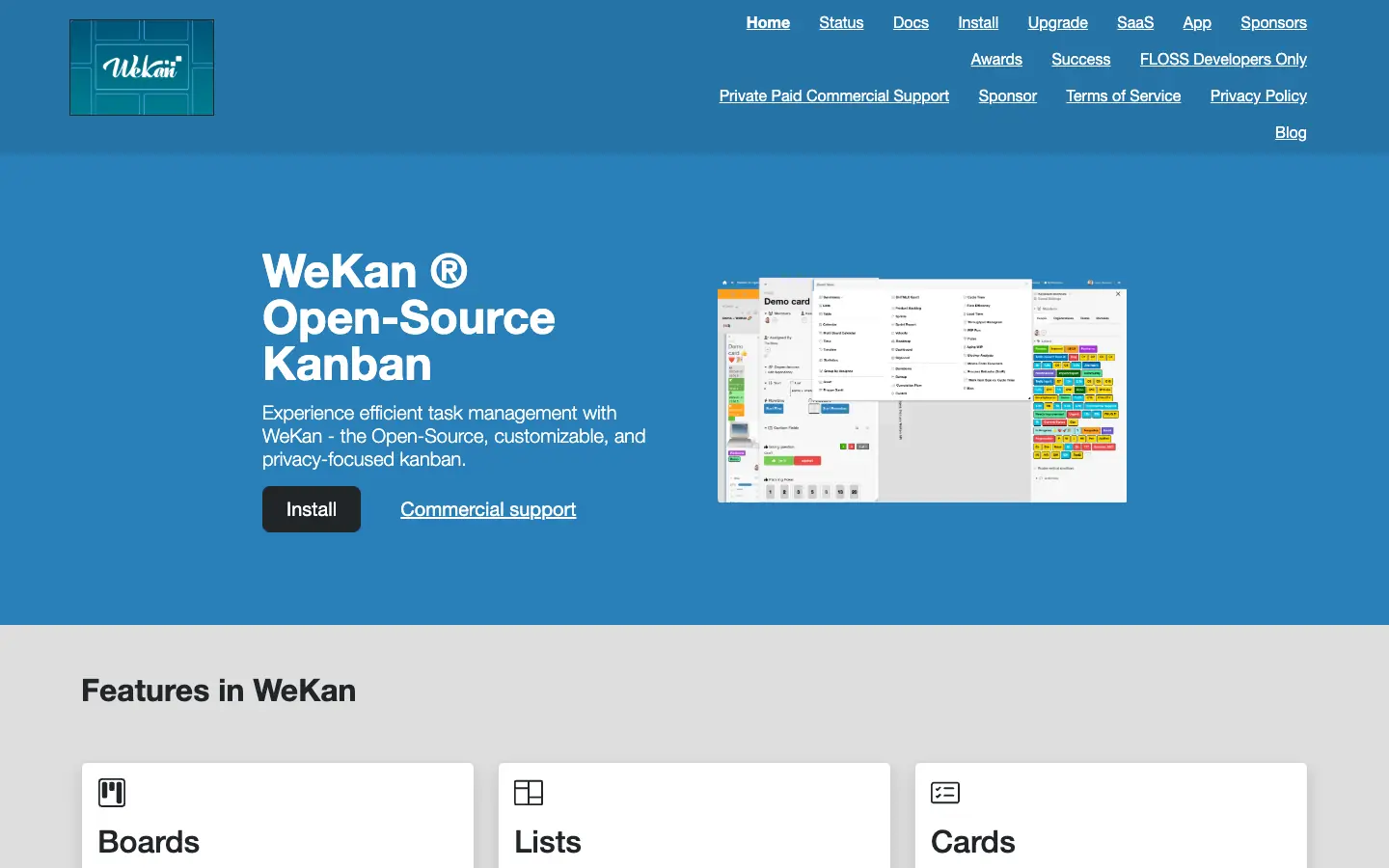
WeKan is an open-source, Trello-style kanban board under the MIT license, built for self-hosting. Boards, lists and cards work much like Trello, with labels, checklists, attachments, comments, custom fields and board- or user-level permissions. The WeKan repository is actively developed: version 13.10 was tagged on November 13, 2026. Commercial support is offered through the WeKan site.
- Choose it if: you want a Trello-like board on your own servers, for example for data-protection reasons.
- Watch out for: you run installation, upgrades and backups yourself.
9. Zenhub
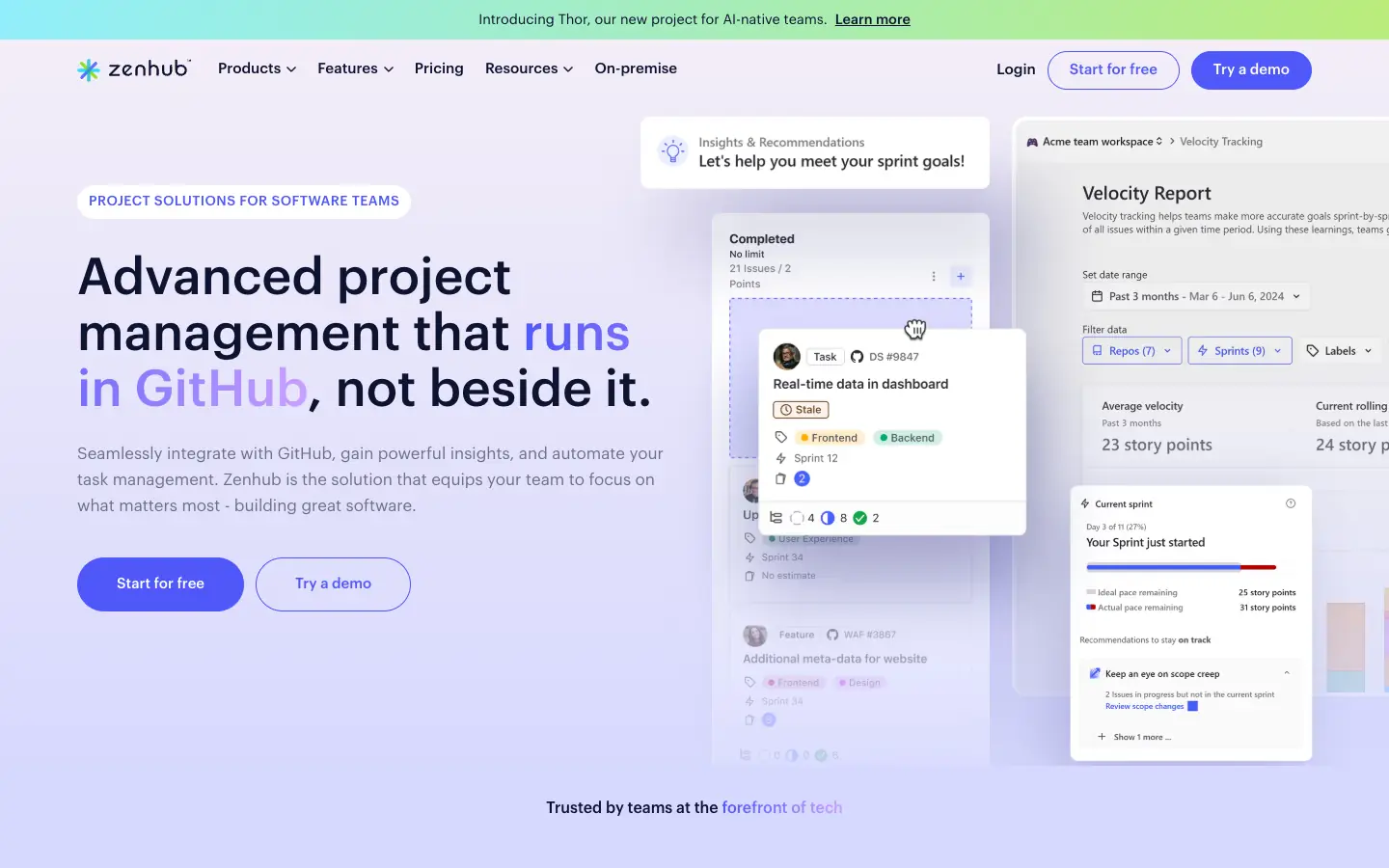
Zenhub builds boards on top of GitHub issues, so developers do not maintain a second tracker. The Free plan includes 1 team workspace, up to 50 users, 1 connected GitHub organization, up to 2 repositories and up to 250 issues, plus automated sprint planning, estimates and planning poker. Teams costs $4.99 per user a month billed yearly and raises the limits to 50 repositories and 5,000 issues.
- Choose it if: your work already lives in GitHub issues.
- Watch out for: the 2-repository and 250-issue caps, and that non-developers need GitHub access.
10. AFFiNE
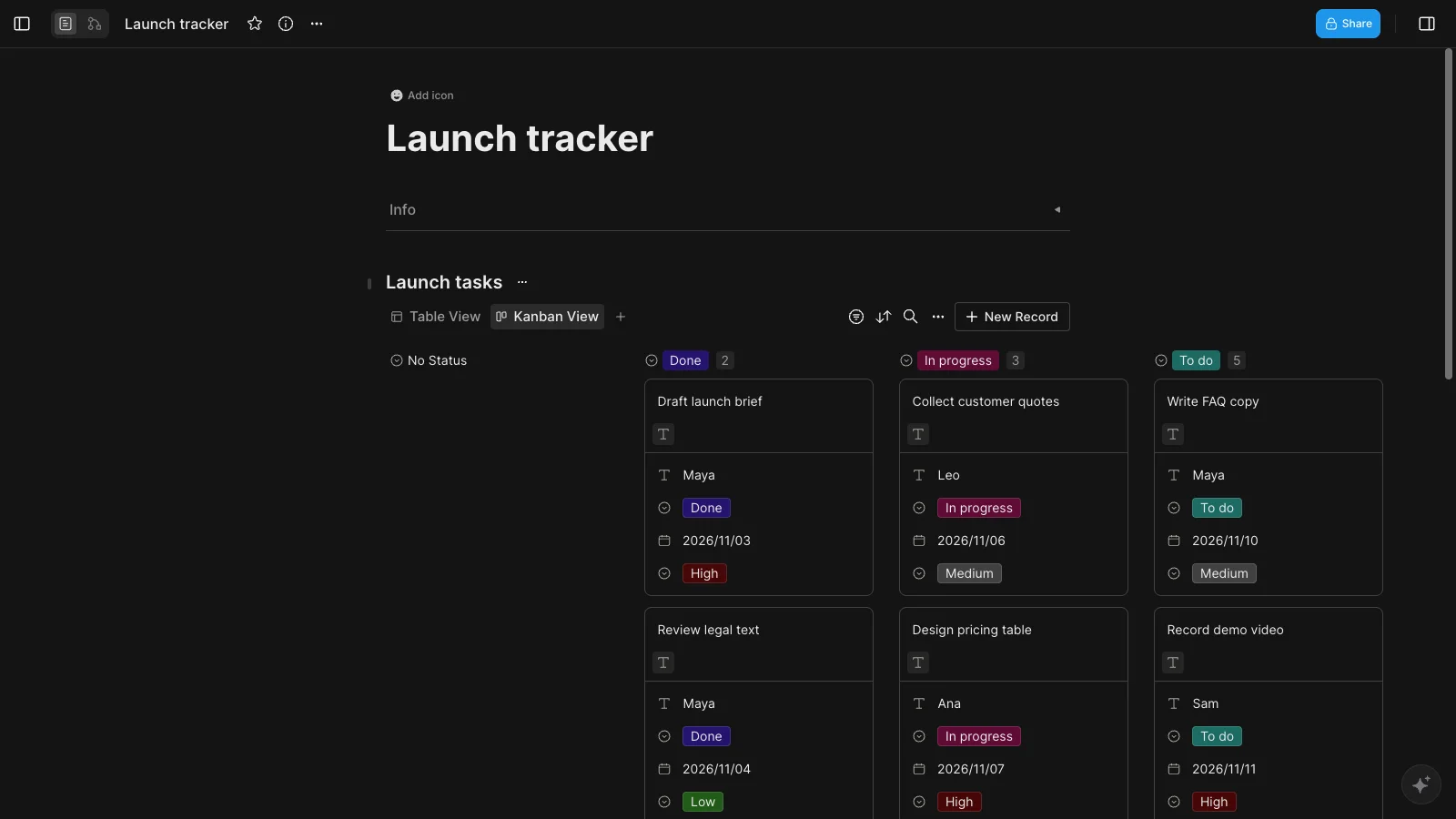
AFFiNE is our product, and it is not a dedicated kanban tool. It is a docs and whiteboard workspace in which a database block can be shown as a table or as a Kanban view grouped by a property such as Status. That makes it useful when the board belongs to a document: a launch plan with its task board underneath, or meeting notes whose action items sit on a board on the same page. You can start from our free Kanban board and Eisenhower grid template.
According to the pricing page, local workspaces are free and unlimited. The free cloud plan includes 10 GB of storage, a 10 MB file limit, up to 3 members per workspace and 7 days of version history. Pro costs $6.75 a month billed annually. The editor is MIT-licensed and AFFiNE can be self-hosted.
- Choose it if: you want tasks, notes and a whiteboard in one place rather than another tool.
- Watch out for: we found no WIP limits, swimlanes or flow reports such as cumulative flow or cycle time, and the free cloud plan allows only 3 members per workspace.
Also checked, but not in the top 10
- Monday.com: the Free plan allows up to 2 seats and up to 3 boards, which makes it a trial for most teams rather than a free kanban tool.
- Wrike: the Free plan includes a drag-and-drop board view and web, desktop and mobile apps. Wrike is a full project-management suite, so it is more than most people need for a simple board.
- Kanban Tool: the Free plan allows 2 boards and 2 users, with no file attachments.
- Focalboard: the open-source Trello alternative from Mattermost; its standalone repository says it is currently not maintained, so we do not recommend starting new boards on it.
Free kanban board templates
If you want a ready-made board instead of a blank one, start with our free Kanban board template guide, which shows 10 board examples with recommended columns for tasks, sprints, content, study and client work. For more layouts, see these free kanban board templates for project tracking, content calendars and personal tasks. For broader comparisons, see the Trello alternatives for project management and our task management software comparison.
Frequently asked questions
Is there a completely free kanban board app?
Yes. Kanboard and WeKan are open source under the MIT license and have no user or board limits, but you host them yourself. Among hosted apps, KanbanFlow's free version has no time limit and unlimited boards, and Trello, Jira and ClickUp all have permanent free plans with limits on boards, users or storage.
What is the best free kanban board for a small team?
For up to 10 people, Trello and Jira are the usual choices: both are free for 10 people, Trello is simpler and Jira has more process features. If your team is larger than 10 and has no budget, ClickUp allows unlimited members on its free plan but only 60 MB of storage.
Which free kanban boards can I self-host?
Kanboard and WeKan are both MIT-licensed and designed to run on your own server. Kanboard is in maintenance mode, while WeKan is actively developed. AFFiNE can also be self-hosted, but its kanban board is a database view rather than a dedicated kanban tool.
Which free kanban apps have WIP limits?
KanbanFlow includes WIP limits on its free version, and Kanboard highlights a column when it goes over its task limit.
Is Trello still free?
Yes. On November 13, 2026, Trello's Free plan allowed up to 10 collaborators per Workspace, up to 10 boards per Workspace, unlimited cards and 10 MB per file. Unlimited boards require Standard at $5 per user a month billed annually.
Does AFFiNE have a kanban board?
Yes. Any AFFiNE database can be switched to a Kanban view and grouped by a property such as Status, inside a doc or on the whiteboard. It does not have WIP limits or swimlanes, so teams that run a strict Kanban process are better served by a dedicated tool.
Sources
All checked on November 13, 2026:
- Trello: Pricing
- Jira: Pricing, Kanban boards
- KanbanFlow: Pricing
- Asana: Pricing, Kanban boards
- ClickUp: Pricing, Kanban board
- MeisterTask: Pricing
- Kanboard: Website, GitHub repository
- WeKan: Website, GitHub repository
- Zenhub: Pricing
- AFFiNE: Pricing
- Also checked: ProofHub pricing, ProofHub free trial, Monday.com pricing, Wrike pricing, Kanban Tool pricing, Focalboard repository


