Agile Sprint Board Template with 6-Week Roadmap (Free)
Plan a sprint and the next six weeks on one AFFiNE page, with a filled two-week example, capacity math, blank and filled PDFs, and a backlog CSV.

Reviewed by AllenContent Operations Manager

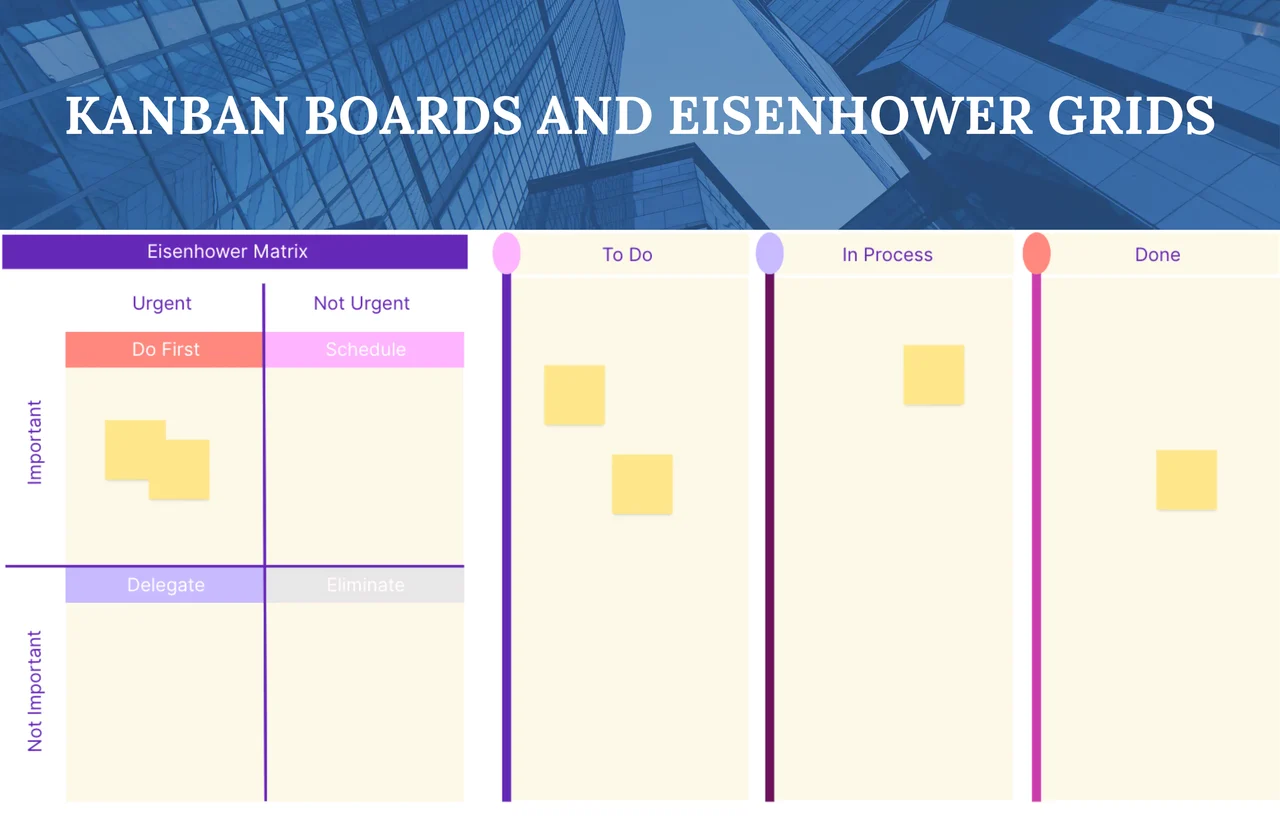

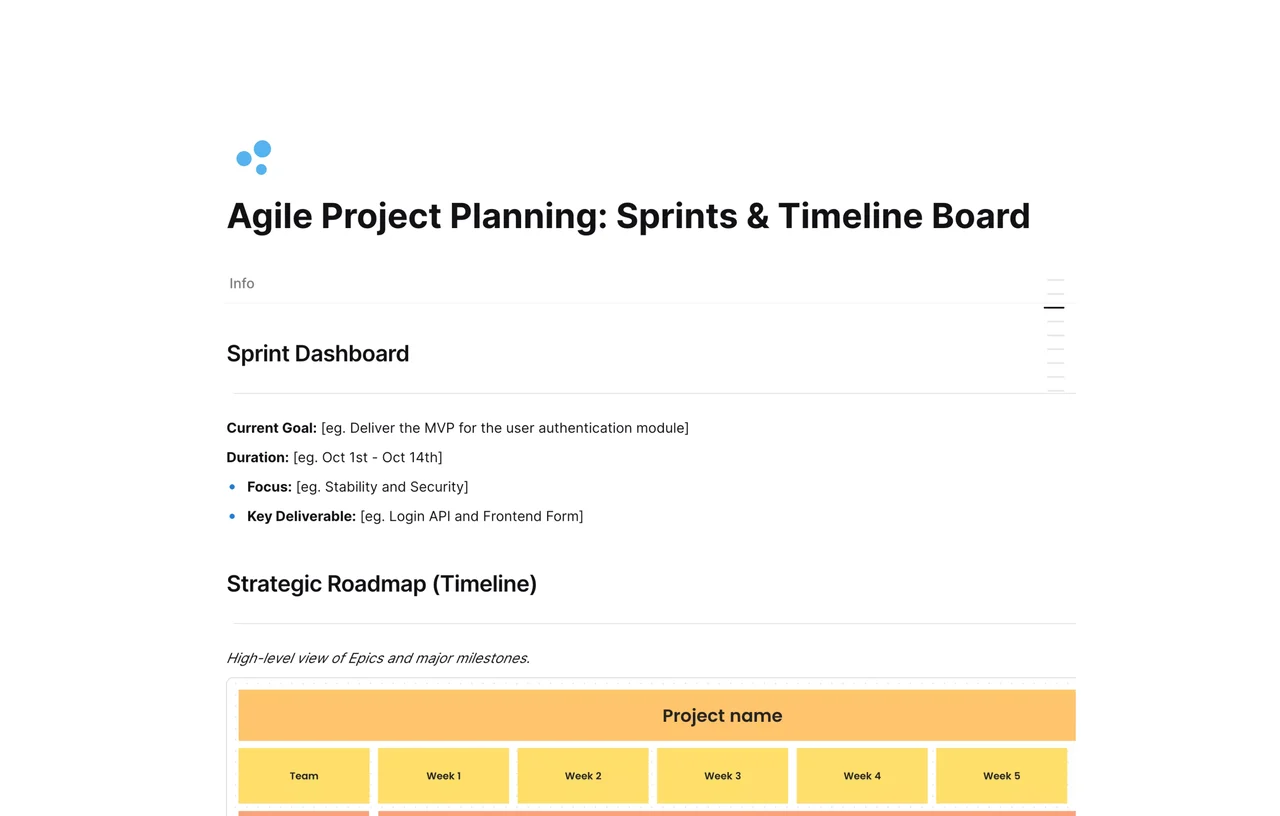
An agile sprint planning template is a one-page plan for the sprint goal, the sprint dates, and the backlog items a team commits to, set against a longer roadmap. This AFFiNE template combines a Sprint Dashboard, a six-week roadmap timeline, and a story point backlog. Below you also get a filled two-week example, PDFs, and a CSV.
The priority field is named "Column" in the template. Rename it to Priority if that is clearer for your team.
Example data: Brightpath, Maya, Alex, Ravi, Noor, Lee, Jordan, and every number below are fictional. The example shows how the template's fields fit together. It is not part of the AFFiNE template, and it is not a benchmark for your team.
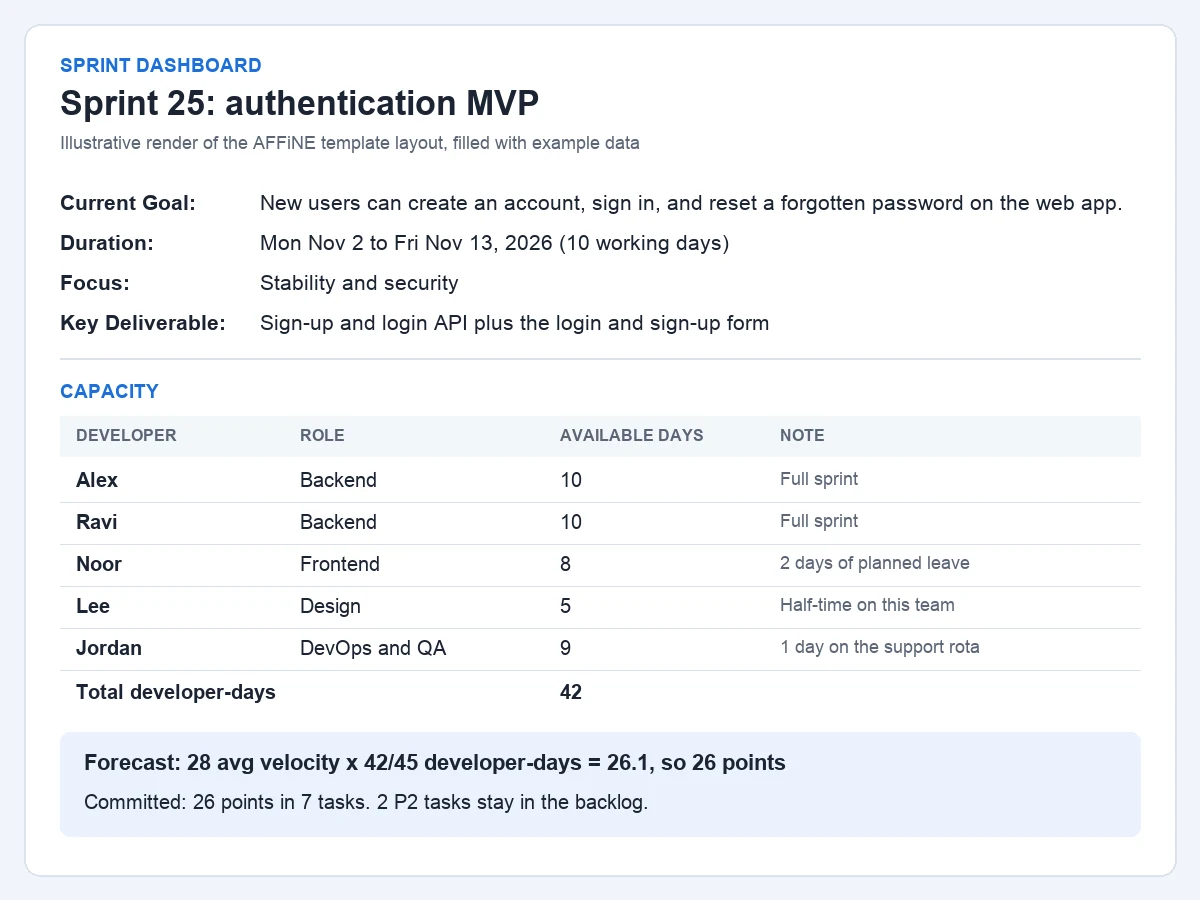
Maya is the Product Owner, so her time is not counted in developer capacity.
| Developer | Role | Available days | Note |
|---|---|---|---|
| Alex | Backend | 10 | Full sprint |
| Ravi | Backend | 10 | Full sprint |
| Noor | Frontend | 8 | 2 days of planned leave |
| Lee | Design | 5 | Half-time on this team |
| Jordan | DevOps and QA | 9 | 1 day on the support rota |
| Total | 42 |
The team completed 30, 26, and 28 points in its last three sprints, an average of 28 points. Those sprints averaged 45 developer-days. The forecast for this sprint is 28 x (42 / 45) = 26.1, rounded down to 26 points.
Story points and velocity are common team practices; the Scrum Guide does not define them. It does say that "the more the Developers know about their past performance, their upcoming capacity, and their Definition of Done, the more confident they will be in their Sprint forecasts."
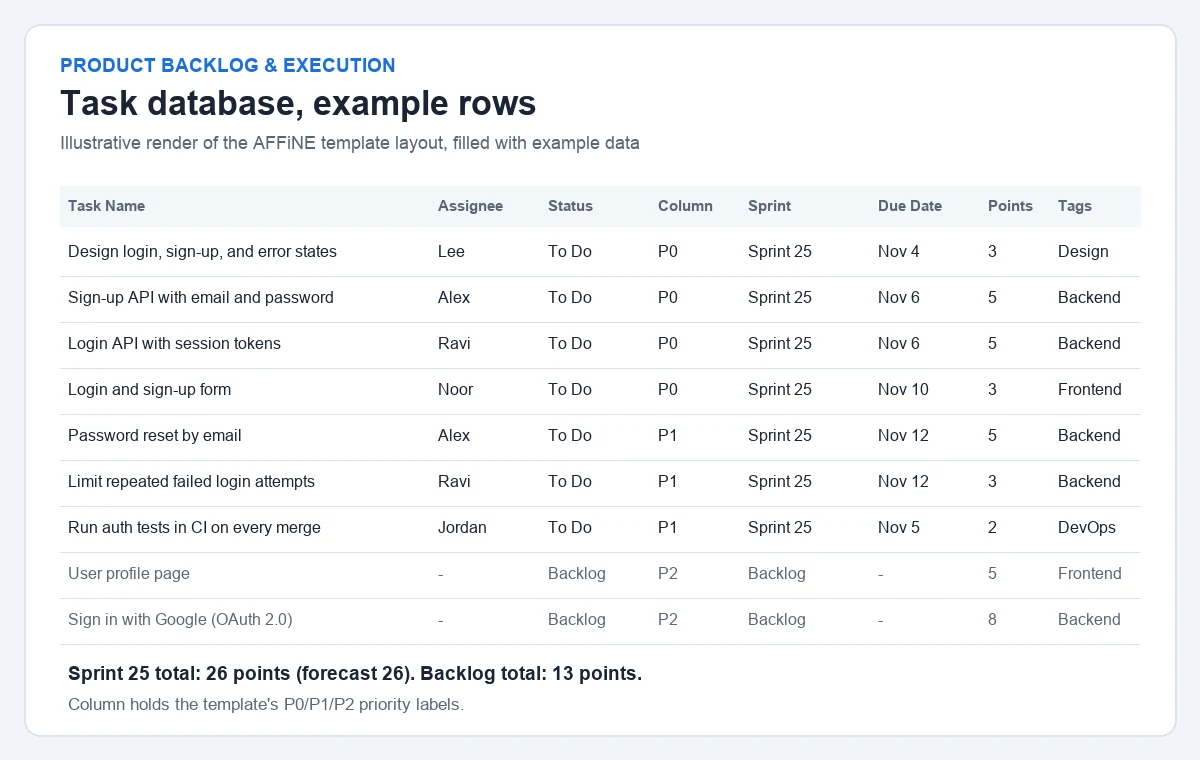
| Task Name | Assignee | Status | Column | Sprint | Due Date | Story Points | Tags |
|---|---|---|---|---|---|---|---|
| Design login, sign-up, and error states | Lee | To Do | P0 | Sprint 25 | 2026-11-04 | 3 | Design |
| Sign-up API with email and password | Alex | To Do | P0 | Sprint 25 | 2026-11-06 | 5 | Backend |
| Login API with session tokens | Ravi | To Do | P0 | Sprint 25 | 2026-11-06 | 5 | Backend |
| Login and sign-up form | Noor | To Do | P0 | Sprint 25 | 2026-11-10 | 3 | Frontend |
| Password reset by email | Alex | To Do | P1 | Sprint 25 | 2026-11-12 | 5 | Backend |
| Limit repeated failed login attempts | Ravi | To Do | P1 | Sprint 25 | 2026-11-12 | 3 | Backend |
| Run auth tests in CI on every merge | Jordan | To Do | P1 | Sprint 25 | 2026-11-05 | 2 | DevOps |
| User profile page | Backlog | P2 | Backlog | 5 | Frontend | ||
| Sign in with Google (OAuth 2.0) | Backlog | P2 | Backlog | 8 | Backend |
The seven Sprint 25 tasks add up to 3 + 5 + 5 + 3 + 5 + 3 + 2 = 26 points, equal to the forecast. The two P2 tasks (13 points) stay in the backlog. Committing exactly to the forecast leaves no buffer, so a team that often carries work over should commit below it.
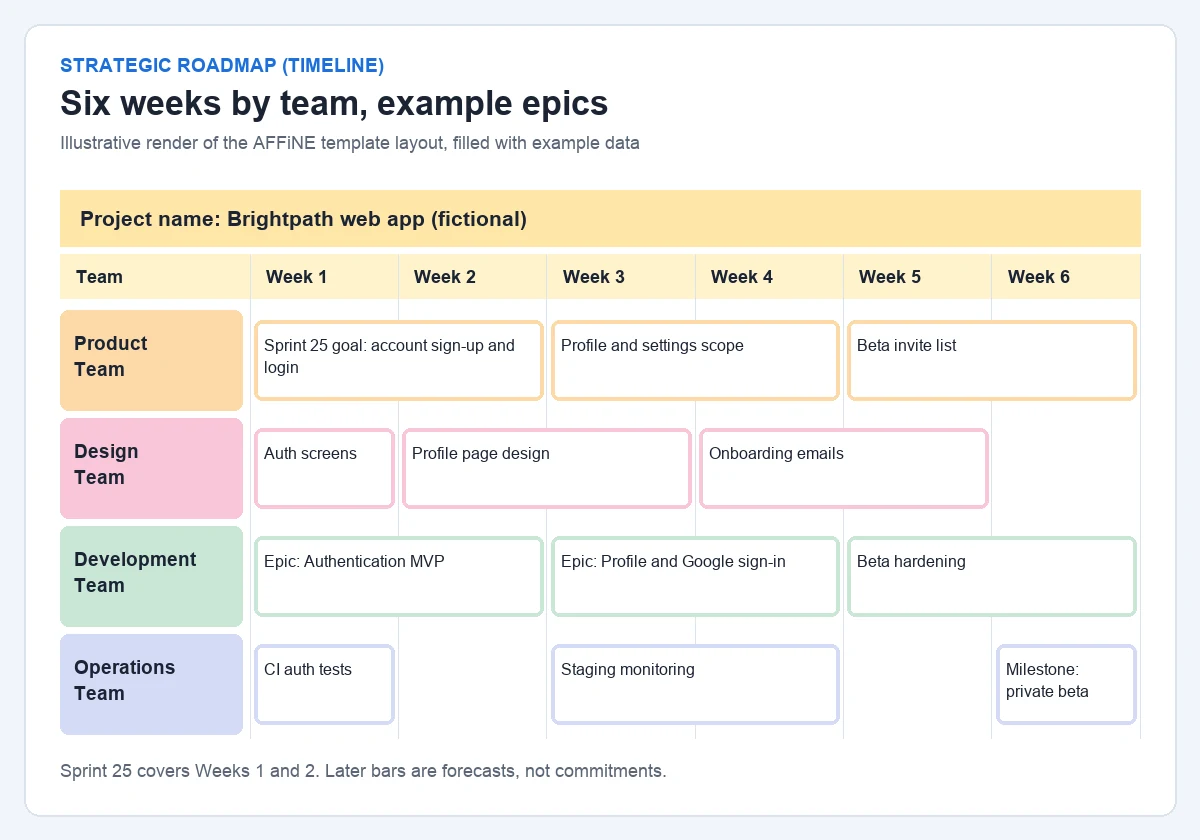
Sprint 25 covers Weeks 1 and 2 of the timeline. The later bars show what the team expects to work on next, such as profile pages, Google sign-in, and a private beta milestone in Week 6. They are forecasts, not commitments.
| Variant | How to adapt this template | Good fit when |
|---|---|---|
| 1-week sprint | Set Duration to five working days and treat each week column as one sprint. Select fewer tasks and keep planning short. | Priorities change often, or the team is new to sprints and wants fast feedback. |
| 2-week sprint | Use the filled example as is: one sprint spans two week columns. | Work items take several days and the team wants room to finish a meaningful increment. |
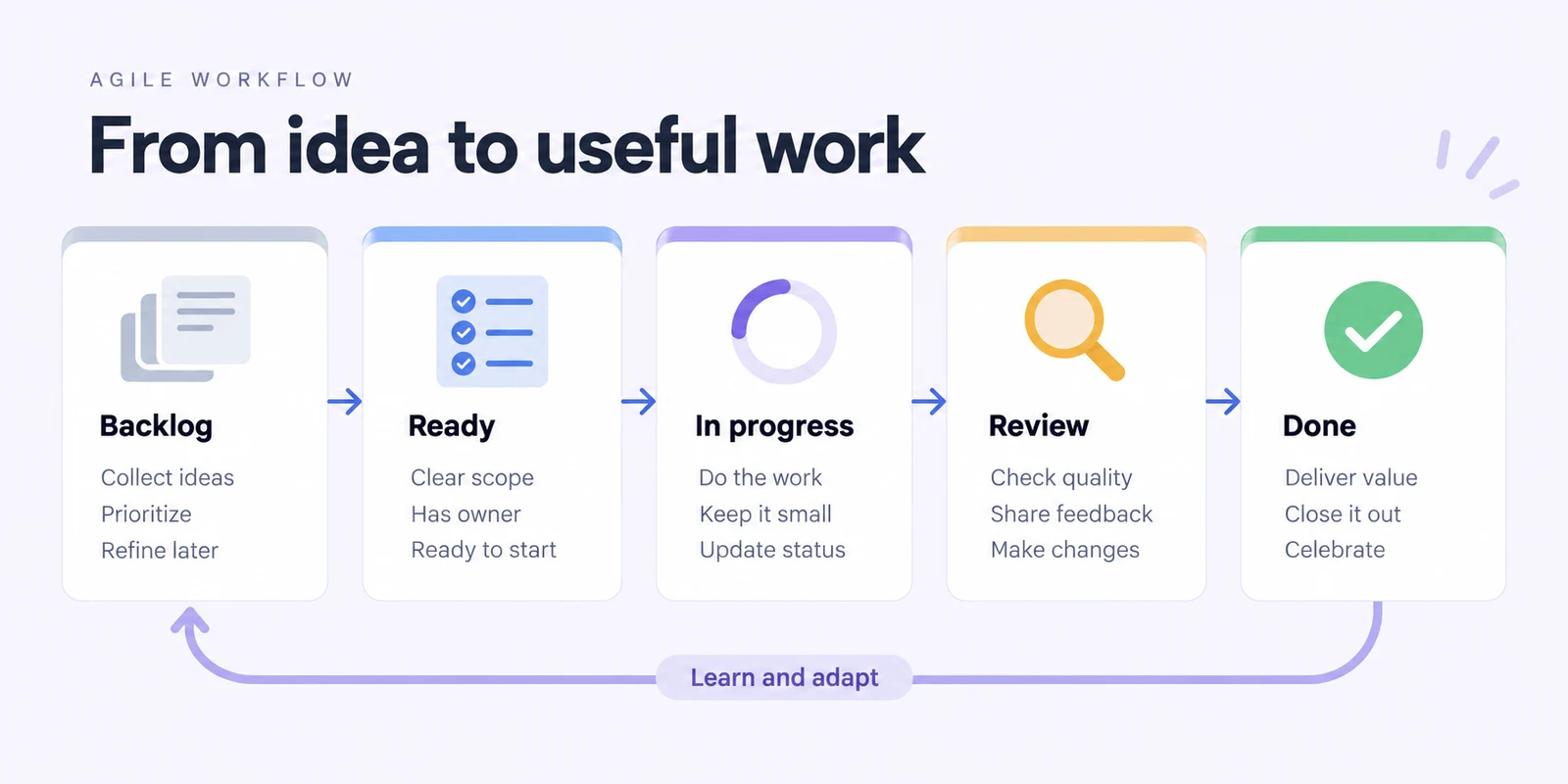
| Kanban | Ignore the Sprint field and Duration. Use Status as your workflow states and write a work-in-progress limit next to In Progress. The template does not enforce the limit for you. | Work arrives continuously, such as support or maintenance, and fixed sprints add little. |
| Multi-team | Keep one shared backlog and one roadmap. Use the team rows in the timeline, and add a Team field to the database if Tags are not enough. | Several teams work on the same product and need to see each other's milestones. |
The Scrum Guide says that sprints are "fixed length events of one month or less," so choose one length and keep it. For several teams on one product, it says they "should share the same Product Goal, Product Backlog, and Product Owner." For Kanban, the Kanban Guide asks teams to define "how WIP will be controlled from started to finished." For a board built for continuous flow, see the Kanban board template.
| Sprint plan | Roadmap | |
|---|---|---|
| Time span | One sprint, one month or less | Several weeks or months |
| Question it answers | What will we deliver this sprint, and why? | What are we working toward, and roughly when? |
| Level of detail | Individual tasks, owners, story points, due dates | Epics and milestones |
| How often it changes | Updated daily during the sprint | Reviewed at sprint boundaries or when priorities shift |
| Where it lives in this template | Sprint Dashboard plus the Task database rows set to the current sprint | Strategic Roadmap (Timeline) grid |
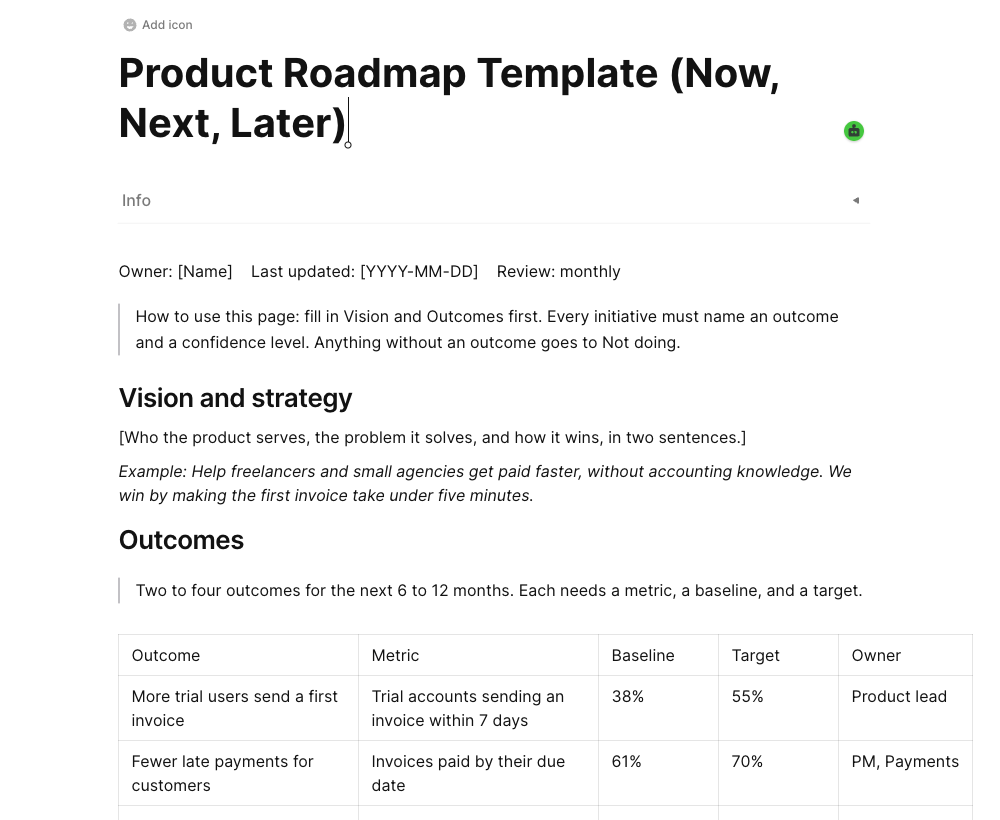
Keep stories in the database and epics on the timeline, so the roadmap stays readable. If you need a quarter-level plan with themes and releases, use the product roadmap template instead.
The PDFs are printable worksheets, not fillable forms. They are separate from the editable AFFiNE template: Use this template and Preview open the original page, which starts with placeholder text rather than the example data. The CSV opens in a spreadsheet app; importing it into AFFiNE has not been tested.
It should include a sprint goal, the sprint dates, the backlog items the team commits to, estimates such as story points, an owner and status for each item, and a note on capacity. This template adds a six-week roadmap timeline and a retrospective section.
The Scrum Guide describes sprints as fixed-length events of one month or less. Many teams choose one or two weeks. Pick a length that lets you finish a useful increment and keep it consistent so your velocity numbers stay comparable.
Count the days each developer is available in the sprint, then compare that with past sprints. In the example, 42 developer-days against a 45-day average and an average velocity of 28 points gives a forecast of 26 points.
Yes. Ignore the sprint dates and the Sprint field, use the Status values as a continuous flow, and set a work-in-progress limit for In Progress. For a dedicated board, see the Kanban board template.
No. The PDFs follow the template's dashboard, backlog, roadmap, and retrospective sections, add a capacity block, and leave out the Visual Workspace. They are static printouts. Use this template opens the editable AFFiNE page, which has placeholder text, a whiteboard roadmap, and a Task database.