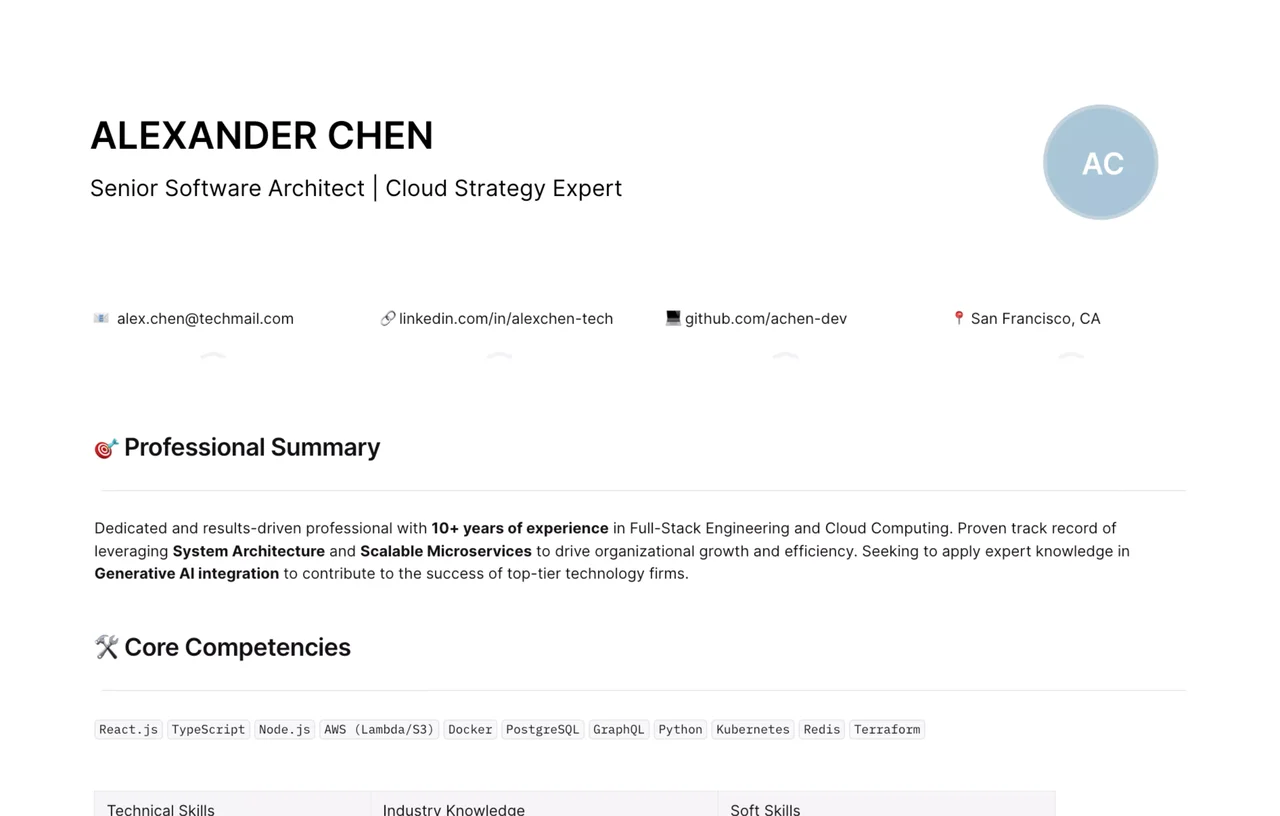
Whether you're a seasoned professional looking to pivot your career or a recent graduate applying for your first role, the job market in 2026 is more competitive than ever. Your resume is your first impression—you have roughly 6 seconds to capture a recruiter's attention. You shouldn't waste hours wrestling with formatting in traditional word processors.

That’s why we’ve curated a diverse collection of free resume templates hosted in AFFiNE (an all-in-one workspace). From strict ATS-compliant formats to creative visual portfolios, this collection gives you the flexibility to build a CV that truly represents you—completely for free.

![Image: Collage of various resume templates including minimalist, creative, and technical styles]

Why Do You Need a Professional Resume Template?

Starting from a blank page is daunting and risky. A well-structured editable resume template ensures your information is organized in a hierarchy that recruiters (and robots) can easily process.

1. Beat the Bots (ATS Optimization)

75% of resumes are rejected by Applicant Tracking Systems (ATS) before a human ever sees them.

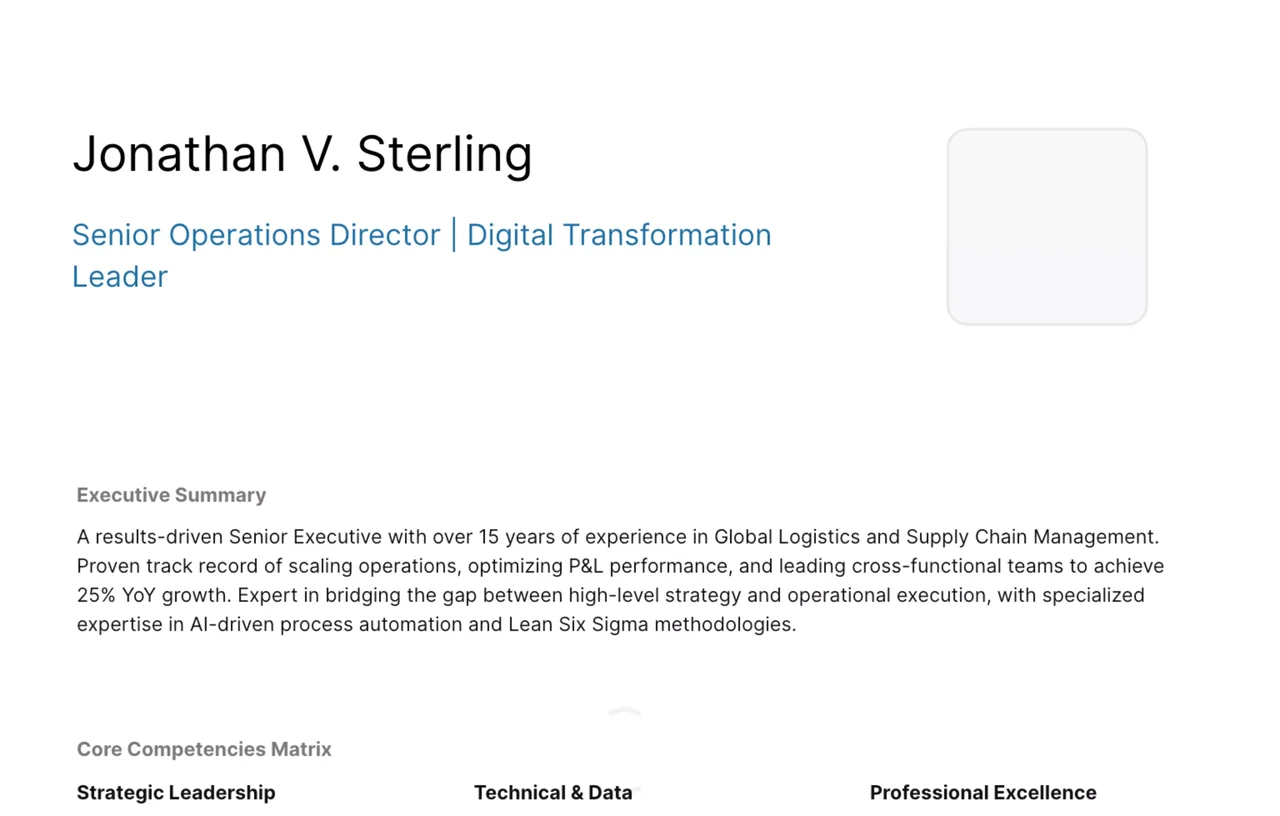
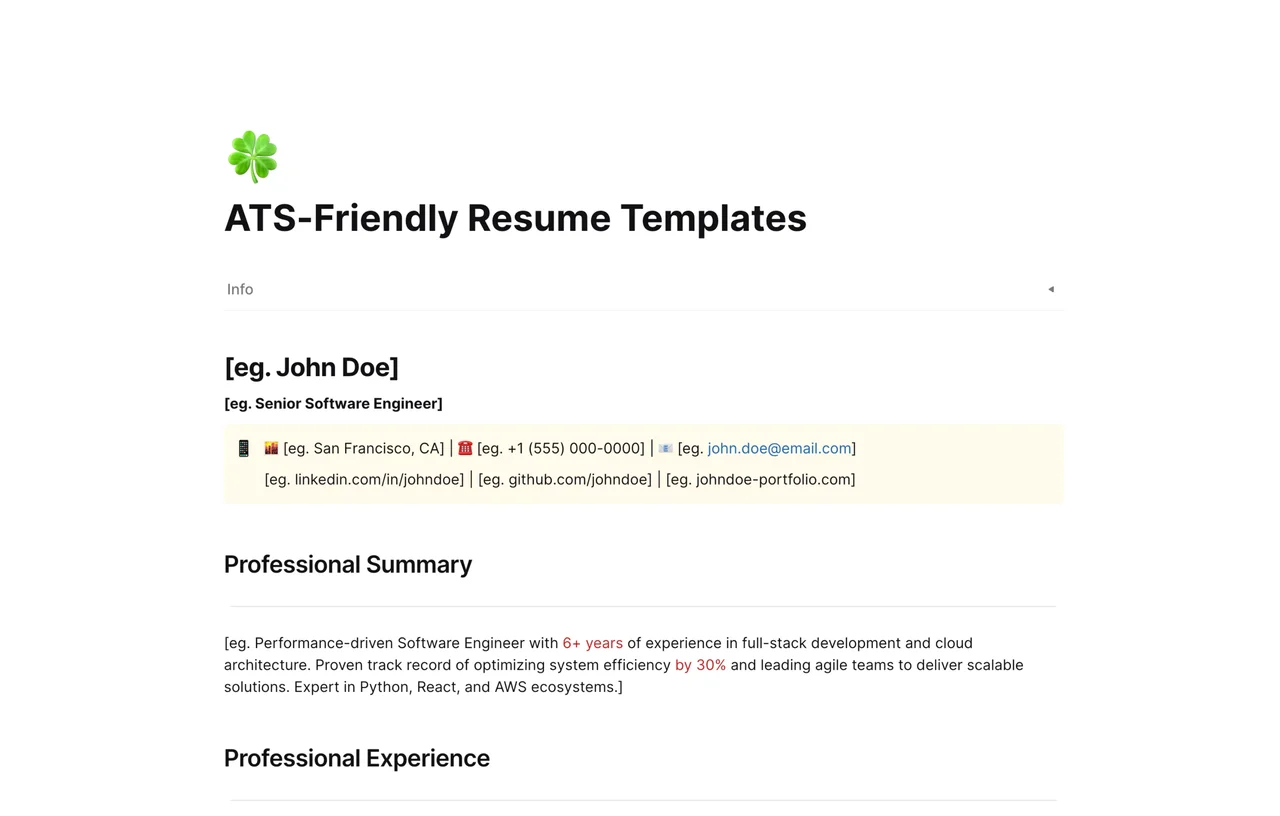
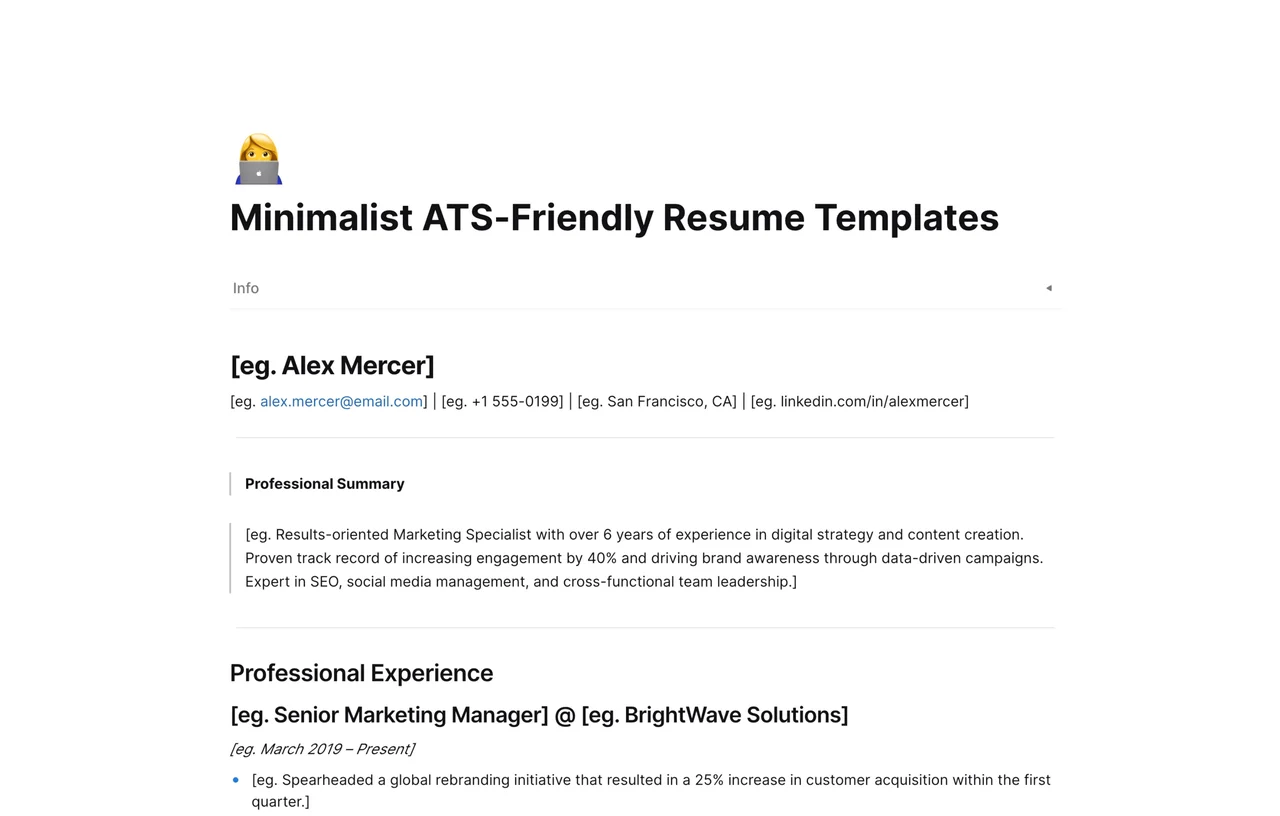
  • The Solution: Our Minimalist ATS-Friendly Resume templates avoid complex columns, graphics, and unreadable fonts that confuse scanning software.

  • [Pro Tip]: Stick to standard headings like "Experience" and "Education." ATS bots may not recognize "My Journey" or "Knowledge Base."

2. Showcase Your Style (Visual Resumes)

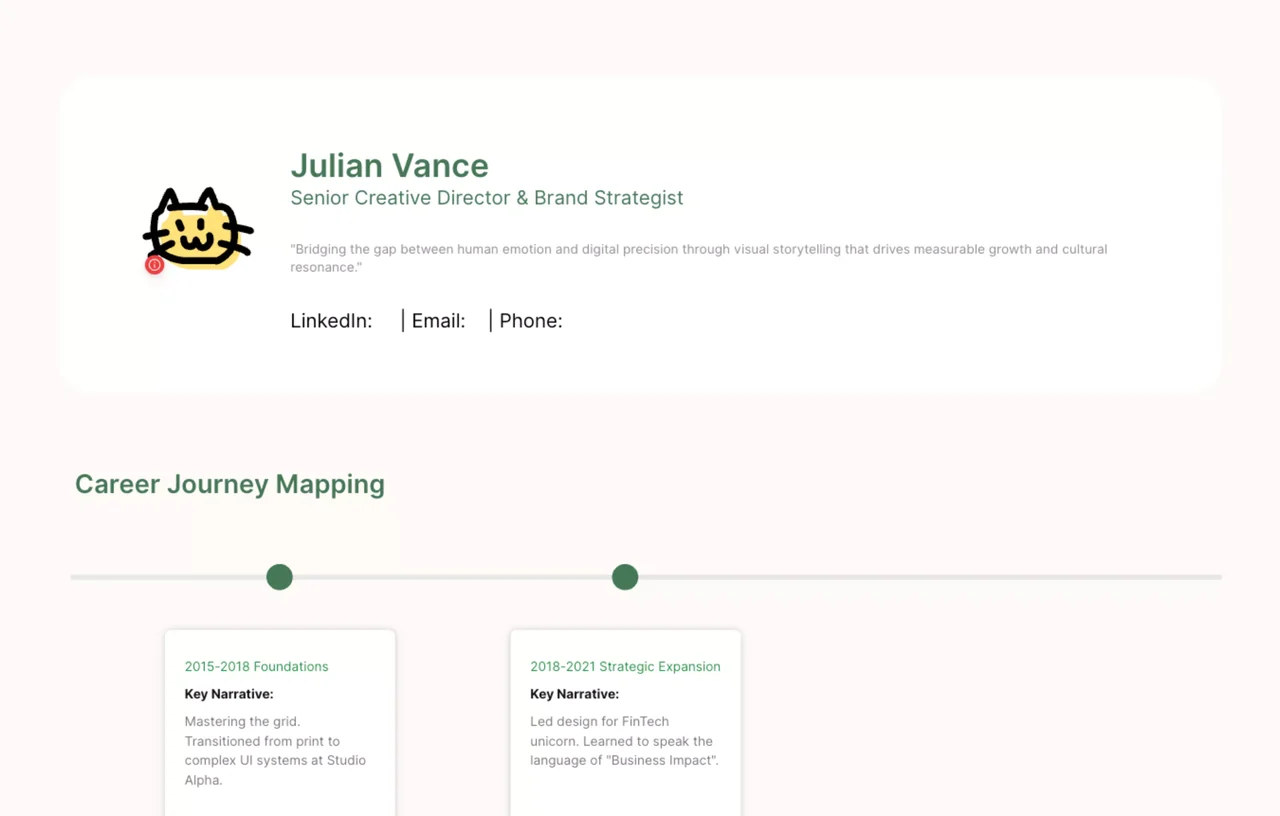
For roles in UI/UX design, marketing, or content creation, a standard text document isn't enough.

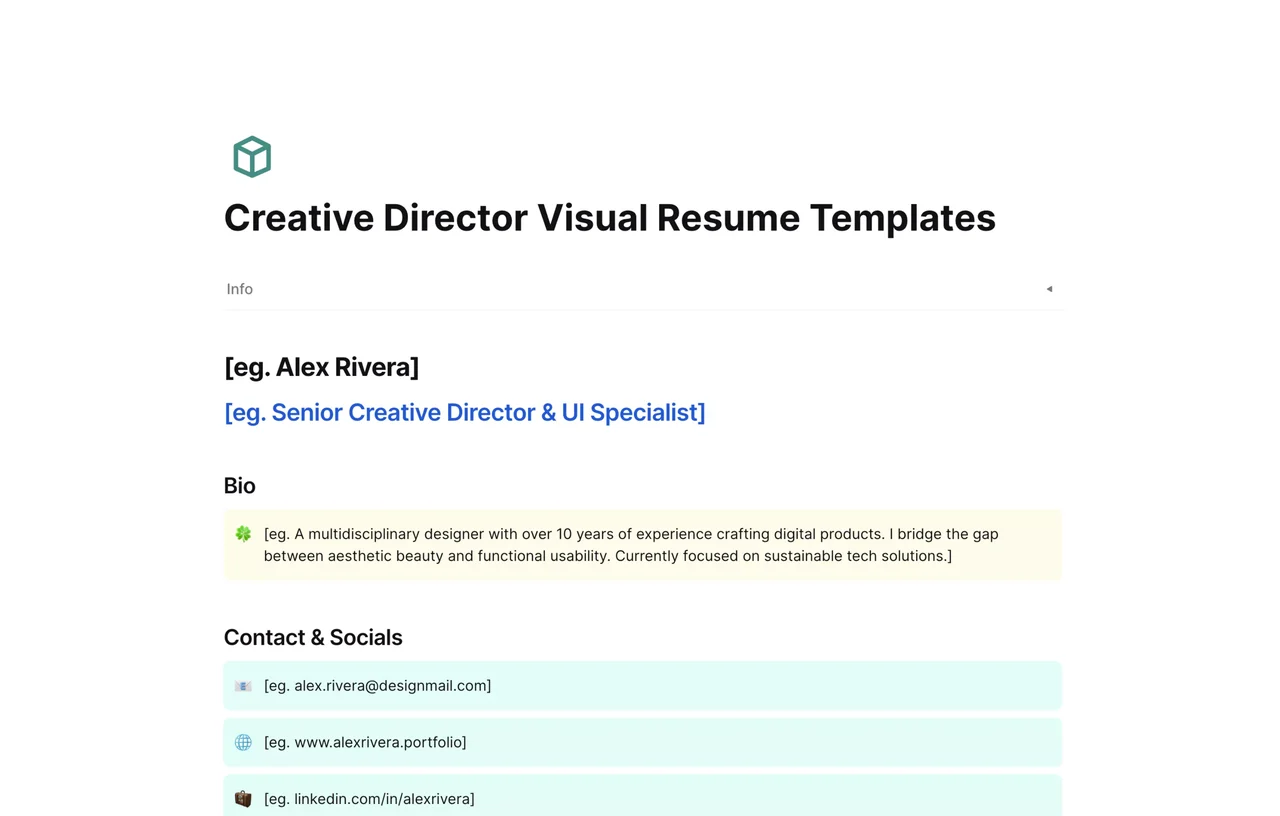
  • The Solution: Our Creative Director Visual Resume Templates leverage AFFiNE's Edgeless Mode (Whiteboard). You can drag and drop portfolio pieces, create mind maps of your skills, and present a visual story alongside your text.
3. Developer Ready (Markdown CVs)

If you are a coder, you prefer efficiency over drag-and-drop.

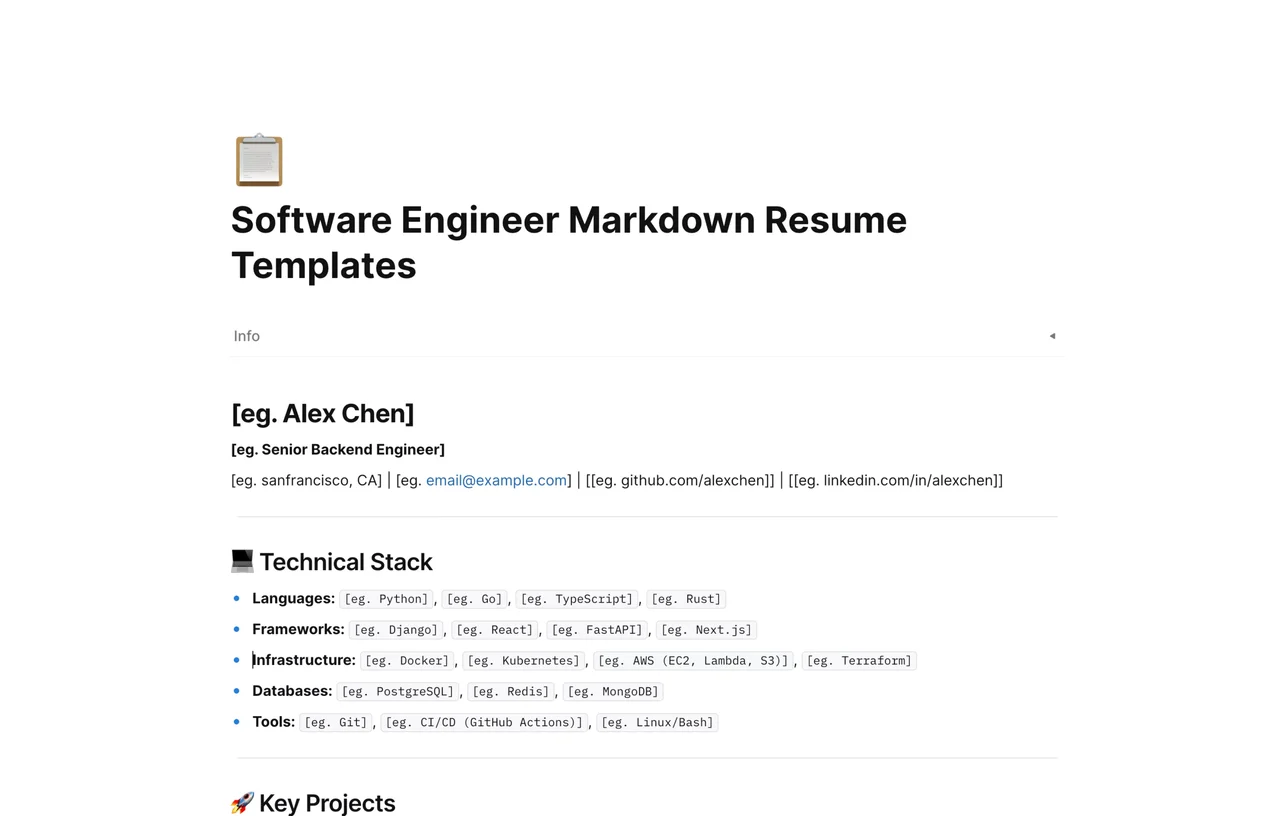
  • The Solution: Our Software Engineer Markdown Resume Templates allow you to write your CV in code-friendly Markdown.
    • Syntax highlighting included.
    • Easy to version control (Git-friendly workflow).
    • Export to PDF instantly.

![Image: Screenshot comparing a standard text resume vs. a Markdown syntax highlighted resume in AFFiNE]

How to Organize Your Job Search with AFFiNE?

Finding a job is a project, not just a document. Unlike generic template sites where you download a static file, AFFiNE combines documents, databases, and whiteboards to manage your entire career move.

The "Master Resume" Strategy

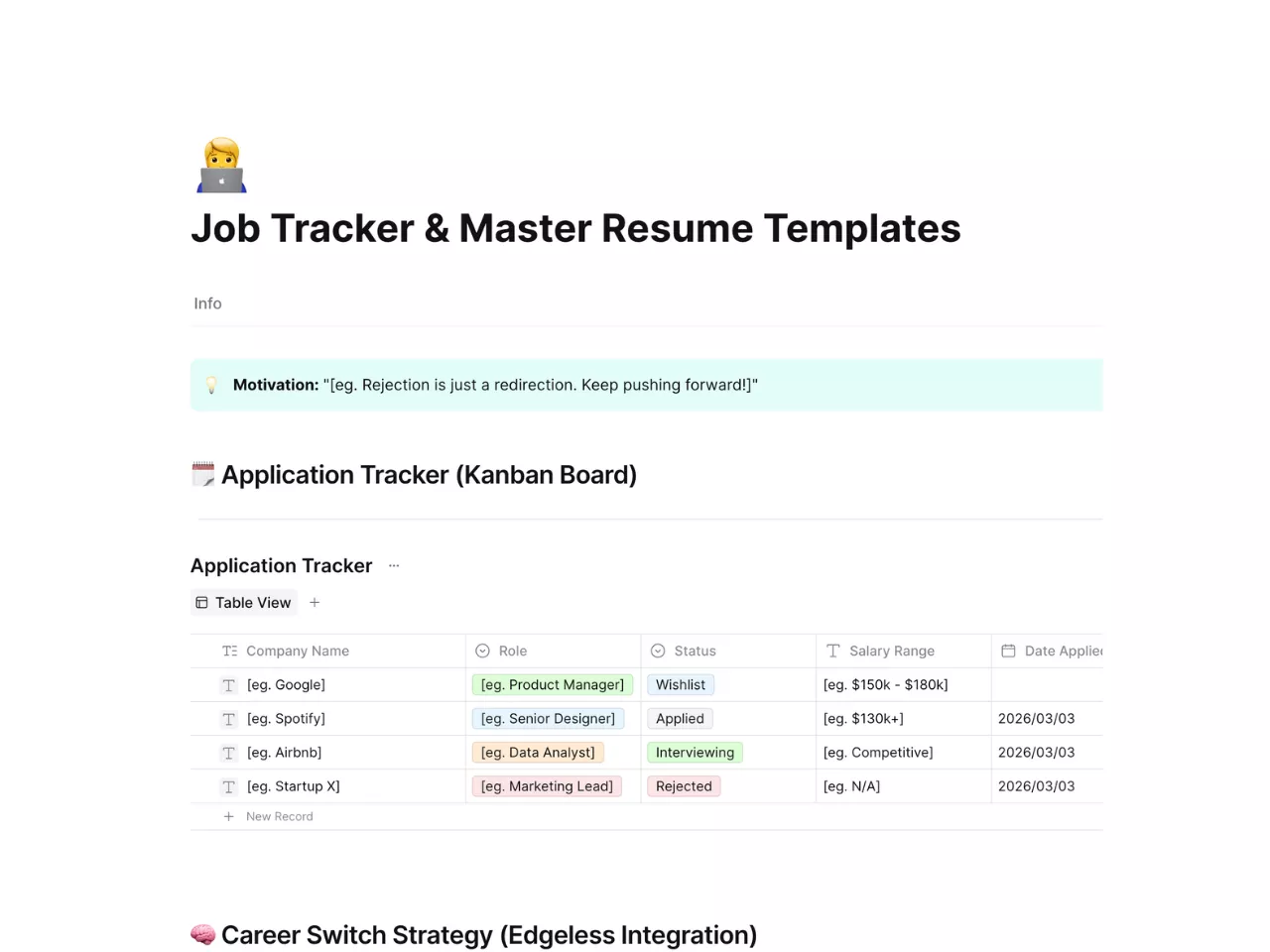
Included in this collection is the Job Tracker & Master Resume Template.

  1. Centralize Your Data: Keep a "Master Resume" with every skill, project, and experience you've ever had.

  2. Tailor Effectively: Copy-paste relevant sections from your Master Resume into tailored versions for specific job applications without losing your original data.

  3. Track Applications: Use AFFiNE’s Kanban Database view to log the status of every application.

    • Columns included: Company, Role, Date Applied, Status (Applied -> Interview -> Offer).

What Is Included in This Free Collection?

We believe in providing high-quality resources that grow with your needs. This collection is 100% free, fully editable, and continuously updated for 2026 hiring trends.

Top Templates Available Now:

  • 📄 The "Classic Professional": Best for corporate jobs (Finance, Law, Admin). Clean, serif fonts, highly readable.

  • 🚀 The "Tech Minimalist": A Markdown-based layout perfect for Full-Stack Developers and Data Scientists.

  • 🎨 The "Visual Storyteller": A whiteboard-based layout for creatives to mix text with image galleries.

  • 📊 The "Job Hunt Command Center": A template combining your resume with a Job Application Tracker.

![Image: Preview of the Job Hunt Command Center template showing the database view]

Frequently Asked Questions (FAQ)

Q: Are these resume templates really free?

A: Yes. All templates in the AFFiNE collection are completely free to duplicate and edit. There are no hidden paywalls for exporting to PDF.

Q: Which resume format is best for 2026?

A: For most online applications, a Reverse-Chronological format saved as a PDF is best. It is the most ATS-friendly. However, having a web-based or visual portfolio link (which you can create in AFFiNE) is a great addition for your email signature.

Q: Can I convert Markdown to PDF for my resume?

A: Absolutely. AFFiNE allows you to write in Markdown and export the final document as a high-quality PDF, ensuring your layout stays intact across all devices.