ATS-Friendly Resume Templates
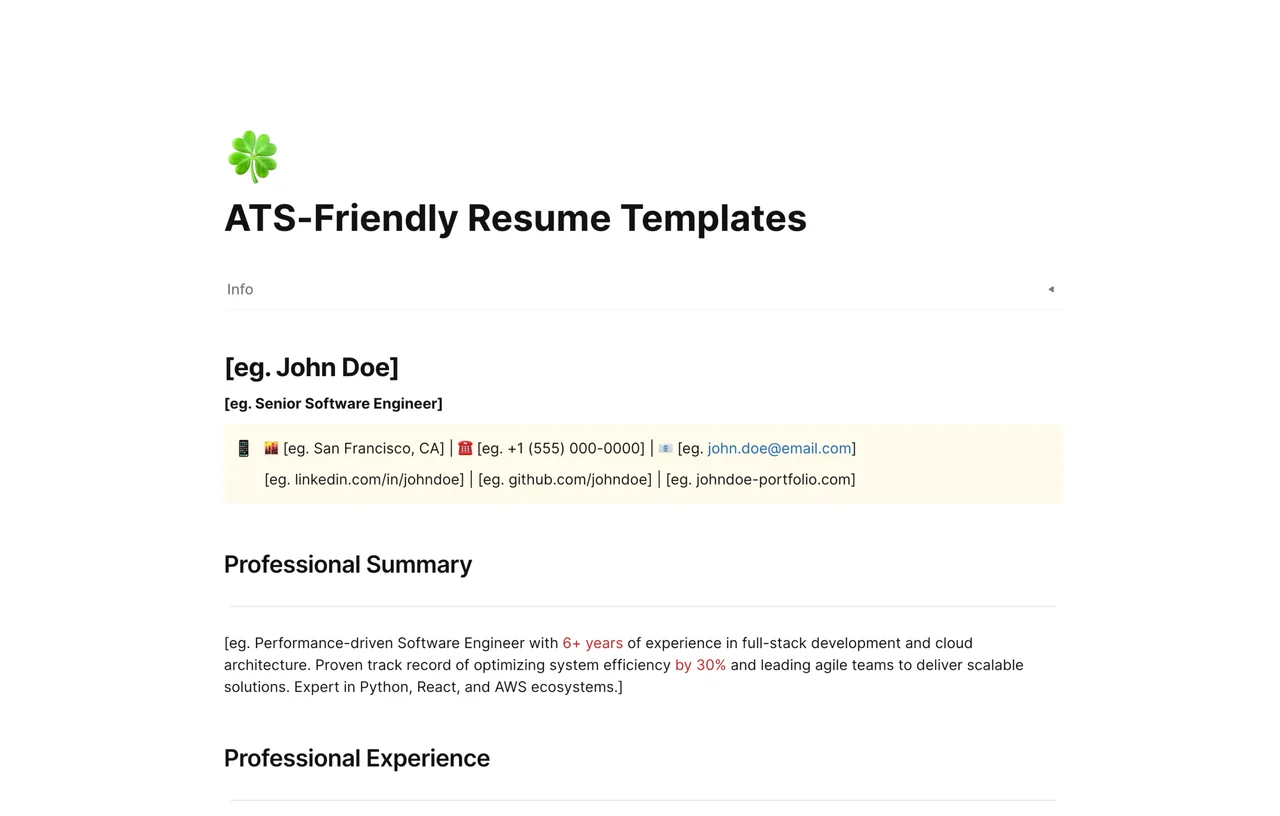
A free single-column ATS-friendly resume template for AFFiNE with standard headings and plain text formatting. Tailor it for each job and export it as a PDF.

Reviewed by AllenContent Operations Manager
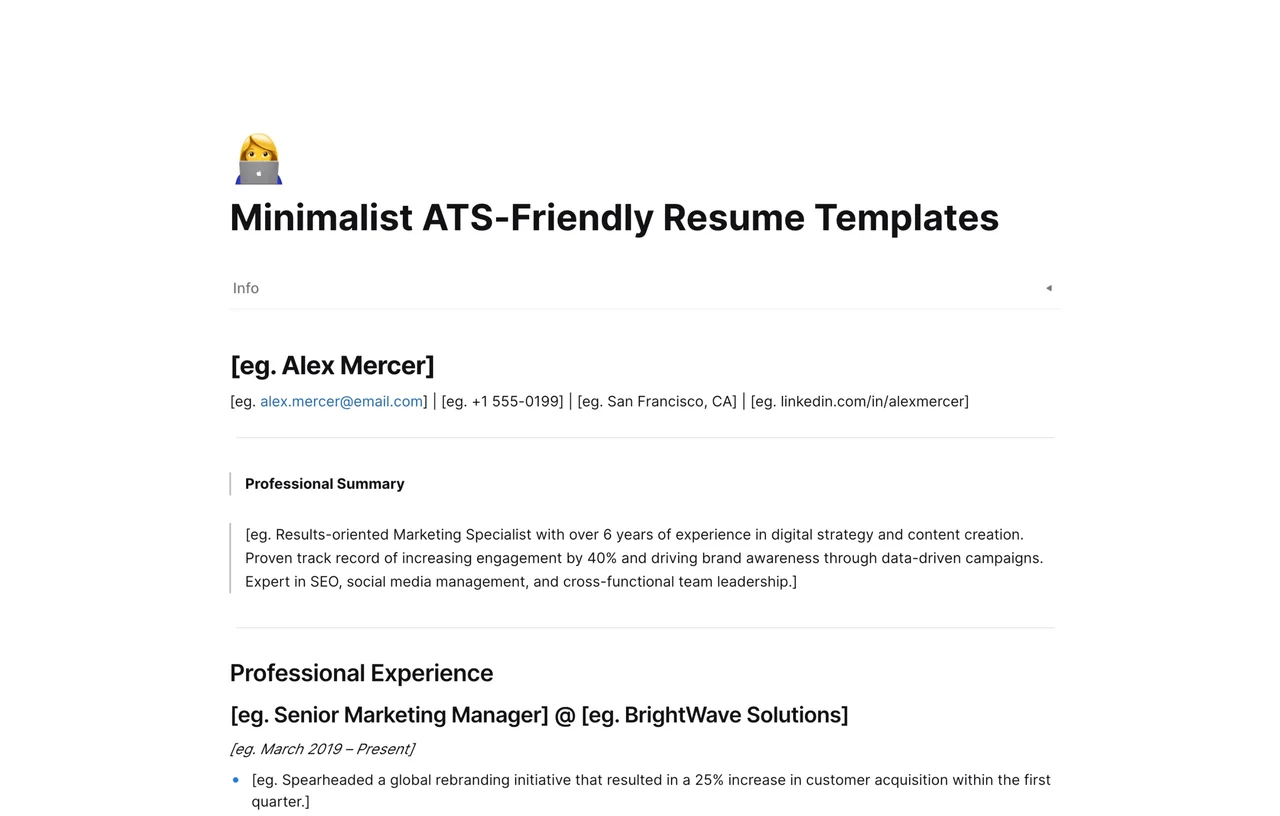
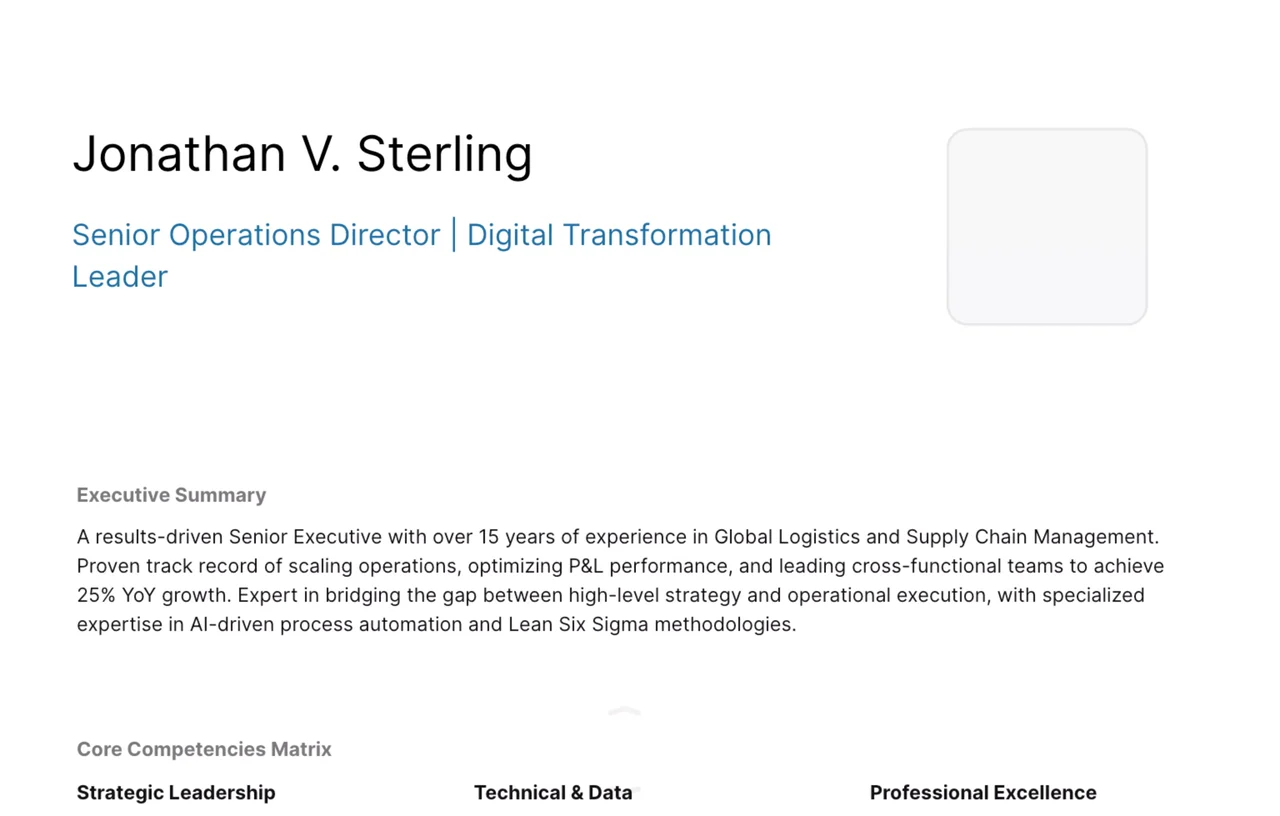
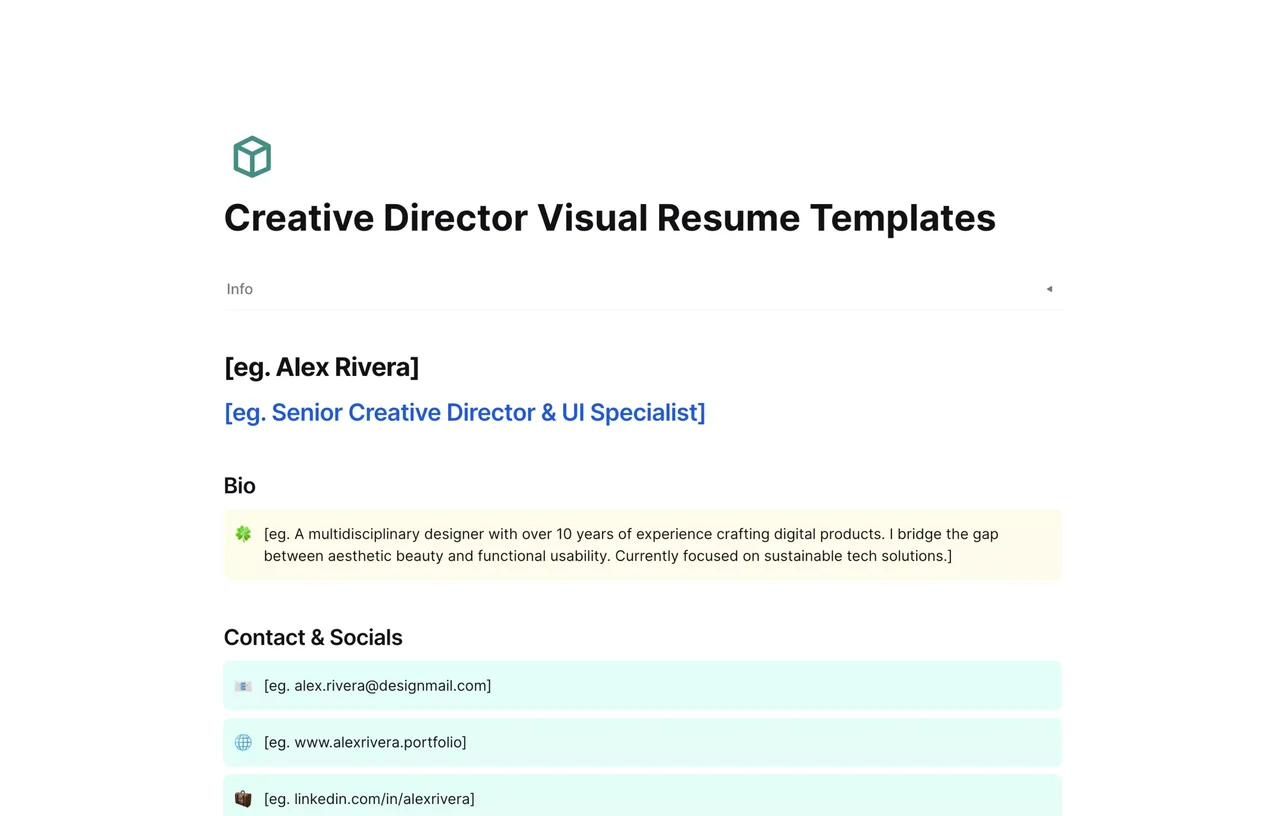
An ATS-friendly resume template is a resume layout that an applicant tracking system (ATS) can read correctly: a single column, standard section headings, plain text instead of graphics, and no important content inside tables or text boxes. This AFFiNE template gives you a minimal single-column resume page with conventional headings that you can edit, duplicate for each job, and export.
No template can guarantee that a specific employer's system will rank your resume or that a recruiter will call you. What a clean format does is reduce the chance that your information is parsed incorrectly, so your experience and skills are what get evaluated.
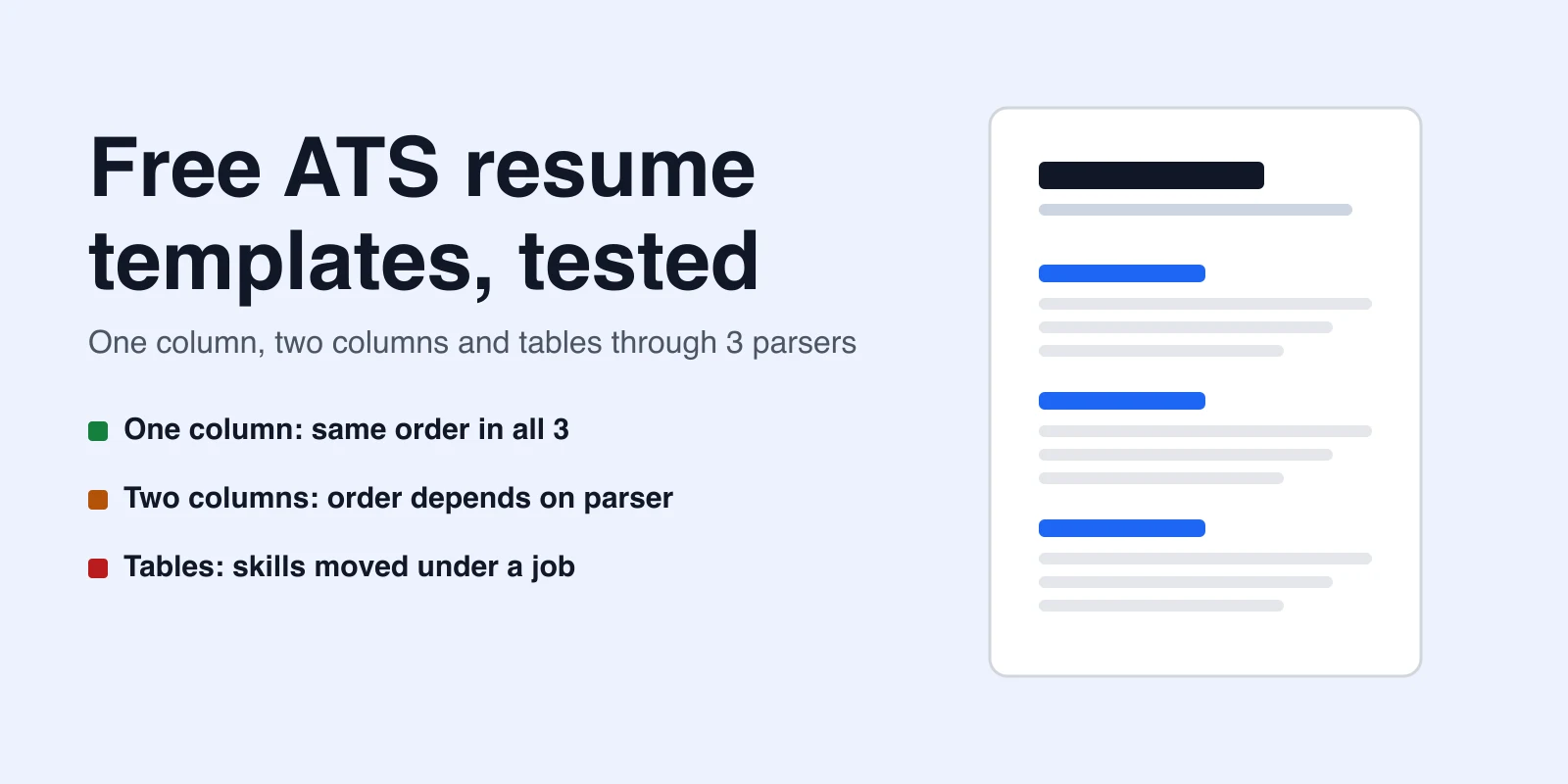
Use common fonts and simple bullet points. Spell out acronyms once, such as "Search Engine Optimization (SEO)." Put dates in a consistent format and avoid placing key information in headers, footers, or images. For a longer walkthrough, read our ATS resume template guide, which includes a parse test of one-column, two-column and table layouts.
A simple single-column layout, standard section headings, readable fonts, and text that is not locked inside images, tables, or text boxes. Relevant keywords from the job description also help both the ATS and the recruiter.
No. Each employer configures its system differently, and humans usually make the final decision. A clean format only helps make sure your information is read correctly.
Follow the job posting. Most modern systems accept text-based PDFs, but if an employer asks for a .docx file, provide that format.
You can keep one base version, but tailoring the summary, skills, and bullet points to each posting usually makes your resume more relevant.
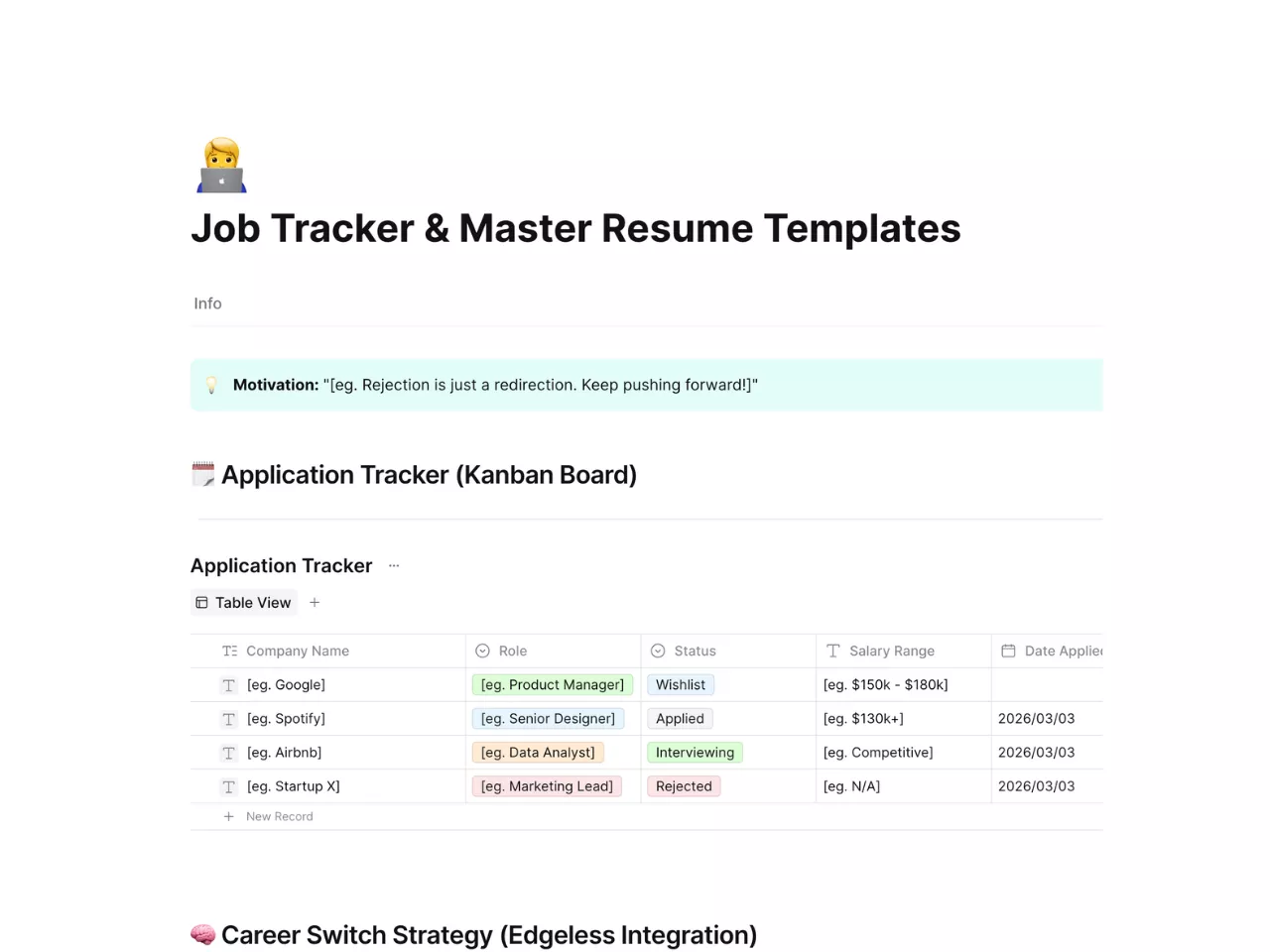
See more options in our resume templates, including the minimalist ATS-friendly resume template and the job tracker and master resume template.