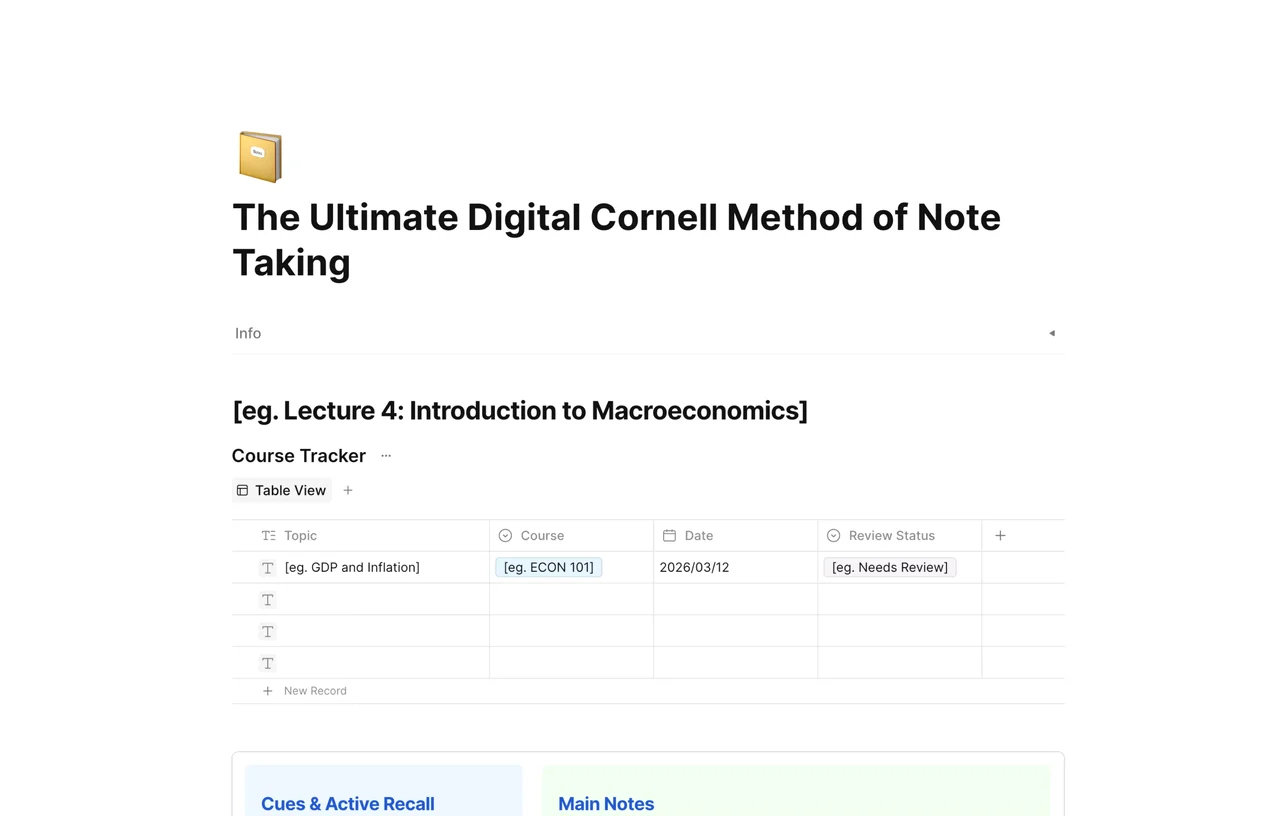
The Ultimate Digital Cornell Method of Note Taking
Unlock peak productivity with our Ultimate Digital Cornell Method template. Master active recall & organize your thoughts seamlessly in AFFiNE's unified workspace. Try it free!
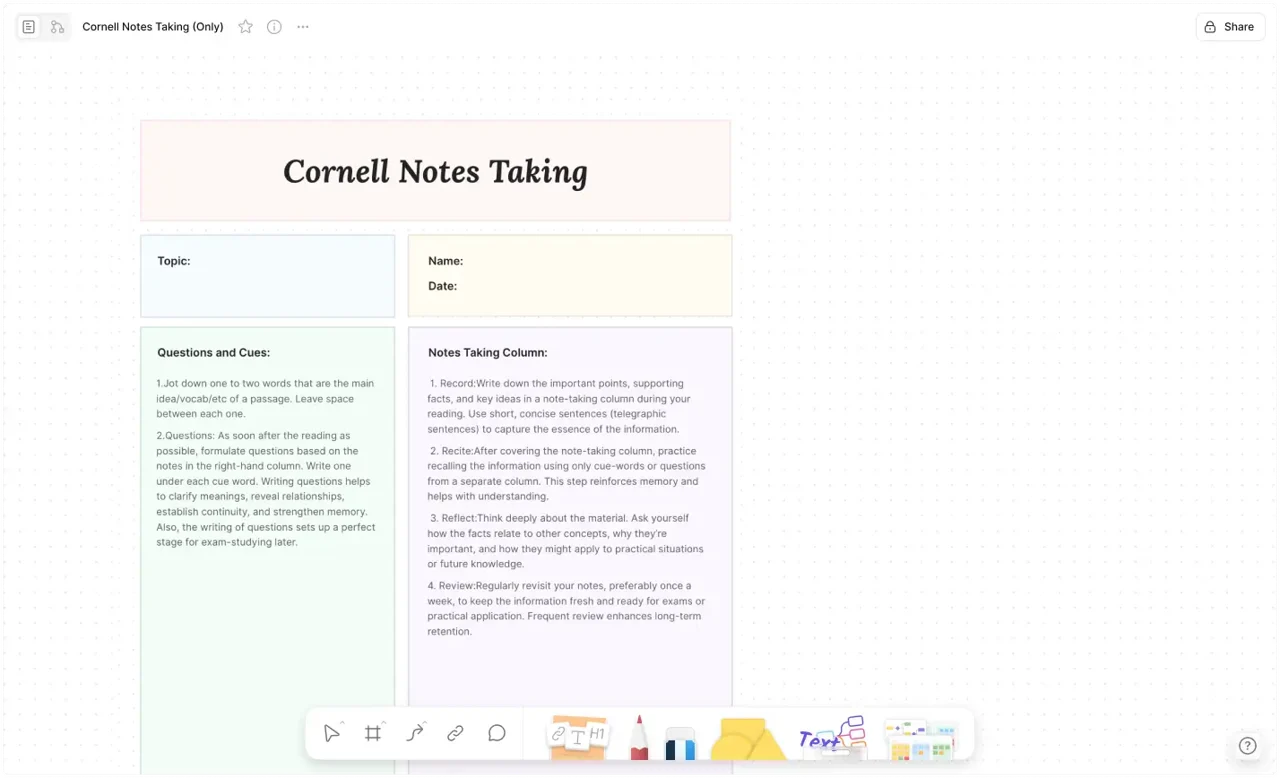
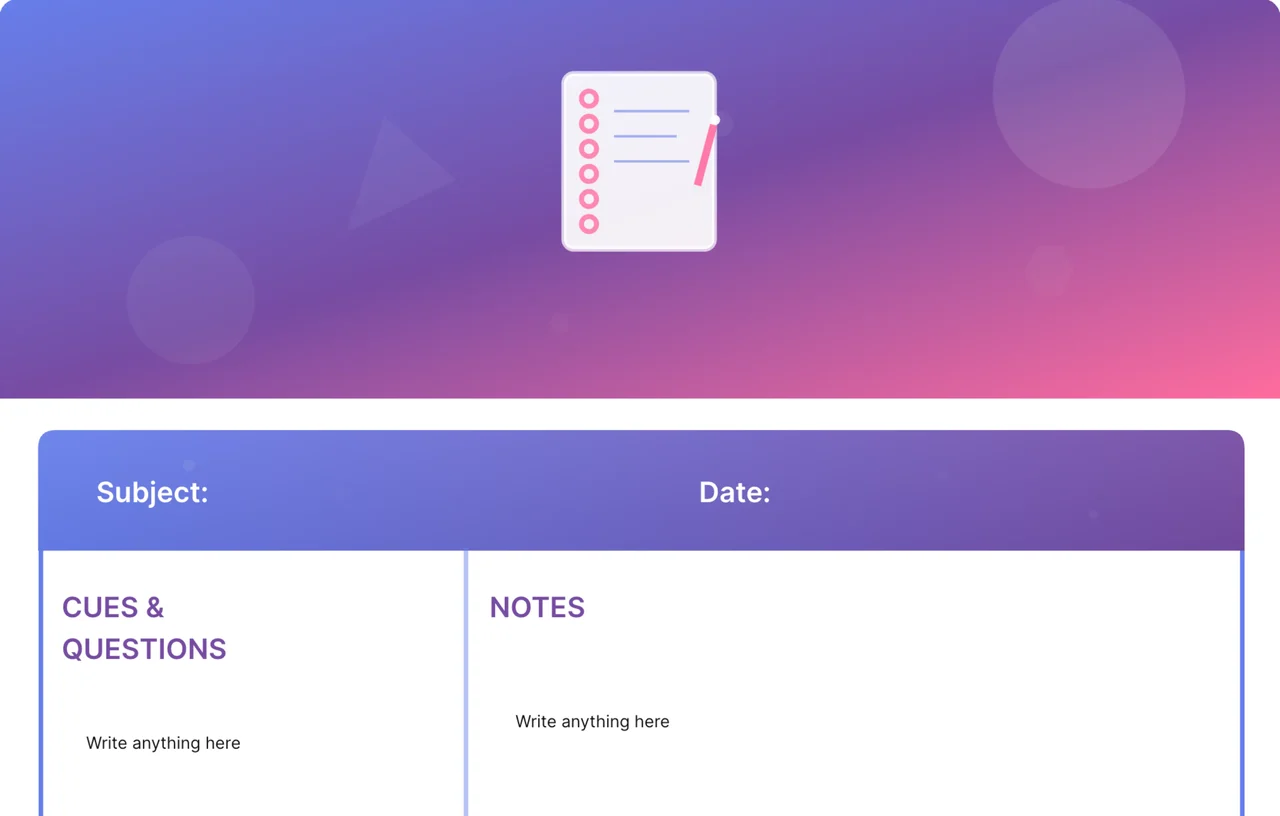
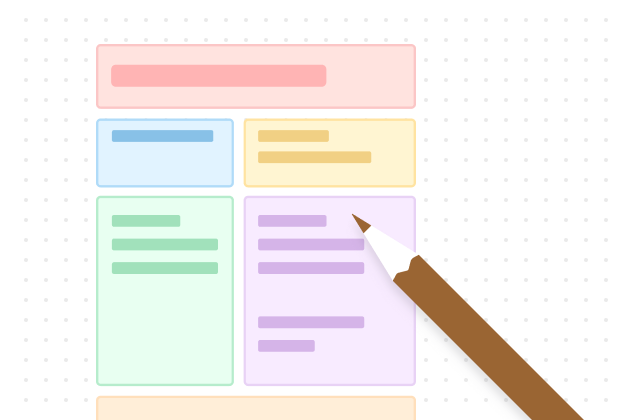
Looking for a more efficient way to retain information? The Ultimate Digital Cornell Method of Note Taking template brings the world-renowned academic system developed at Cornell University into the digital age. If you want the workflow before the layout, start with the Cornell note-taking method guide. Then use this digital version when a standard Cornell Notes Template feels too static for your study system.
Whether you are a student preparing for exams or a professional managing complex projects, this template is your secret weapon for Active Recall and Information Synthesis.
The Cornell Method is scientifically proven to improve memory retention. By utilizing this digital template in AFFiNE, you aren't just writing; you're building a searchable, scalable, and interconnected knowledge base.
The left-hand "Cue" column is where the magic happens. Here, you list keywords, prompts, or questions. In AFFiNE, you can use these cues to quickly filter through your notes or use them as flashcard prompts for self-testing. This reinforces the Active Recall process, ensuring knowledge sticks for the long term.
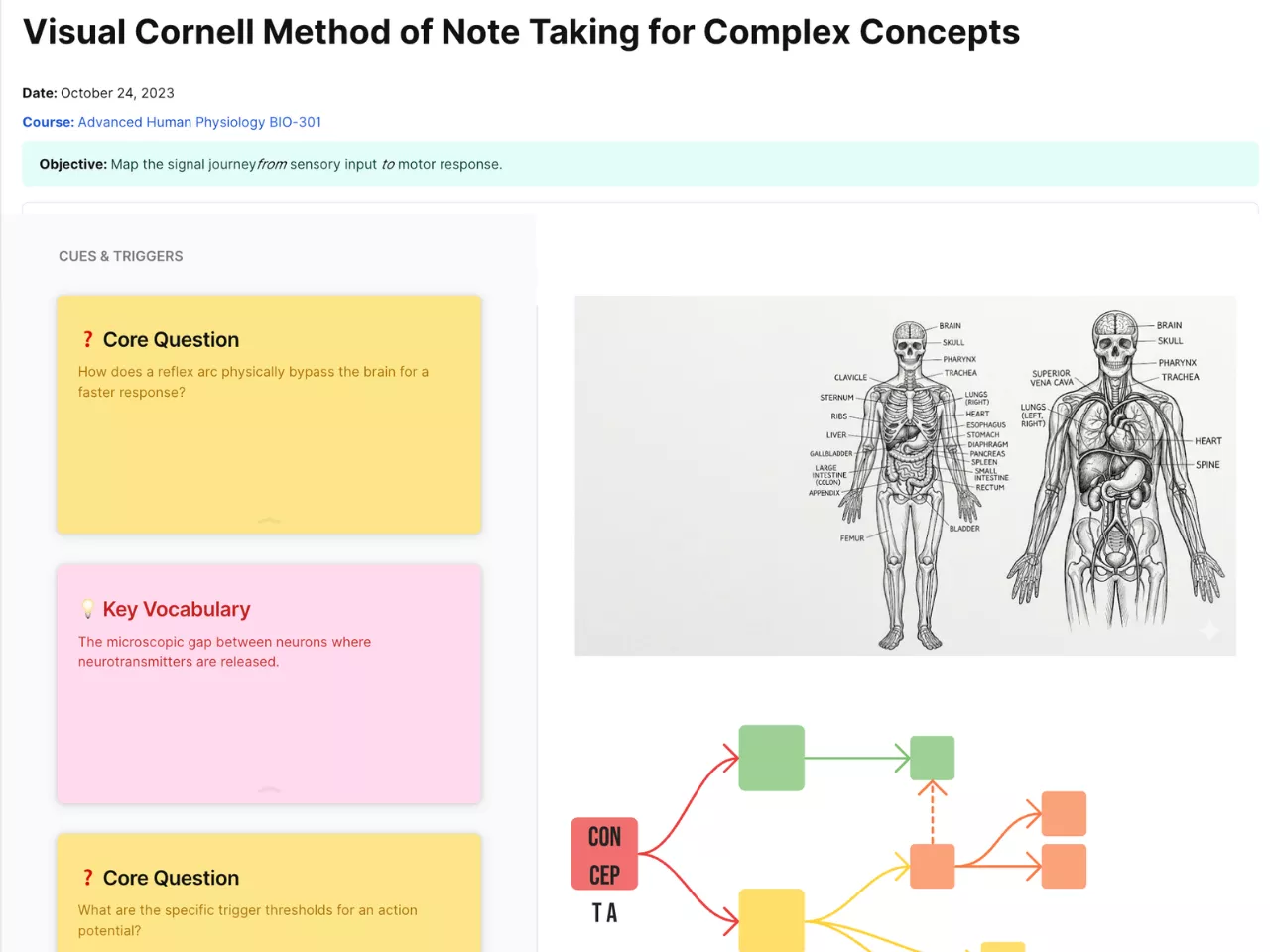
The main notes section in AFFiNE isn't limited to plain text. You can embed images, create databases, or pair this layout with the Visual Cornell Method Template when you need to brainstorm diagrams beside your notes. If you want to see how a completed page reads during review, study this Cornell note-taking example and then adapt the workflow here to your own subject.
The bottom section is dedicated to the "Summary." This is where you distill the entire page into 2-3 essential sentences. By forcing yourself to summarize, you engage in Higher-Order Thinking, ensuring you've actually mastered the material rather than just transcribing it.
To maximize your productivity, we recommend a 3-step workflow with this template:
Step 1: Record. During your meeting or lecture, capture the main ideas in the right-hand column.
Step 2: Review. Within 24 hours, create "Cues" on the left to summarize key points into questions.
Step 3: Recite & Reflect. Cover the notes, answer your cue questions, and write your final summary at the bottom.