
6 Best AI Tools for Video Ads in 2027
What is the best AI tool for video ads? Our top pick is a marketing studio built to turn a single product into ready-to-post content, with templates for product shots, motion, UGC-style videos, TikTok, ads, posters and marketplace listings in one place. Creatify, Invideo AI, HeyGen, Canva and Runway are strong alternatives for more specific jobs.
A small-business campaign rarely needs just one video. You might need a product ad, a few social clips, a poster and a marketplace image that all look like they belong together.
The right AI tool depends on where you're starting and what you need to make. Below, we compare six options on what they make, how you start and who they suit best.
Key Takeaways
-
Our top pick is the best overall AI tool for video ads, covering product shots, motion, UGC, TikTok, ads, posters and marketplace content in one studio.
-
Creatify suits marketers who want to build ads from a product page.
-
Invideo AI suits teams that want to fine-tune a generated video on a full timeline.
-
HeyGen suits avatar-led, presenter-style product explainers.
-
Canva suits coordinating branded social designs around an ad.
-
Runway suits teams already running paid campaigns on Meta, Google and TikTok.
The Best AI Video Ad Tools at a Glance
| Tool | Best for | How you start | Standout feature |
|---|---|---|---|
| Higgsfield Marketing Studio | Product video ads and full campaign content | Your product, a template, a product link or an ad reference | Templates across product shot, motion, UGC, TikTok, ads, posters and marketplace |
| Creatify | URL-based ad creation | A product-page URL | URL-to-video ad workflow |
| Invideo AI | Editing a generated cut | A prompt or brief | Full multitrack timeline editor |
| HeyGen | Presenter-led explainers | A script and an avatar | AI avatar videos |
| Canva | Branded social designs | Photos, designs and short clips | Design editor with Brand Kit |
| Runway | Paid-campaign iteration | Brand kit and ad accounts | Runway Ads with approval before publishing |
How We Chose These Tools
We compared each tool on four things that matter most for small-business video ads. These were the kinds of marketing content it makes, how easy it is to start from what you already have, how much control you get to refine the result and how well it fits short ads and social formats.
Features were checked on each vendor's own product and pricing pages in November.
1. Higgsfield Marketing Studio: Best Overall AI Tool for Video Ads
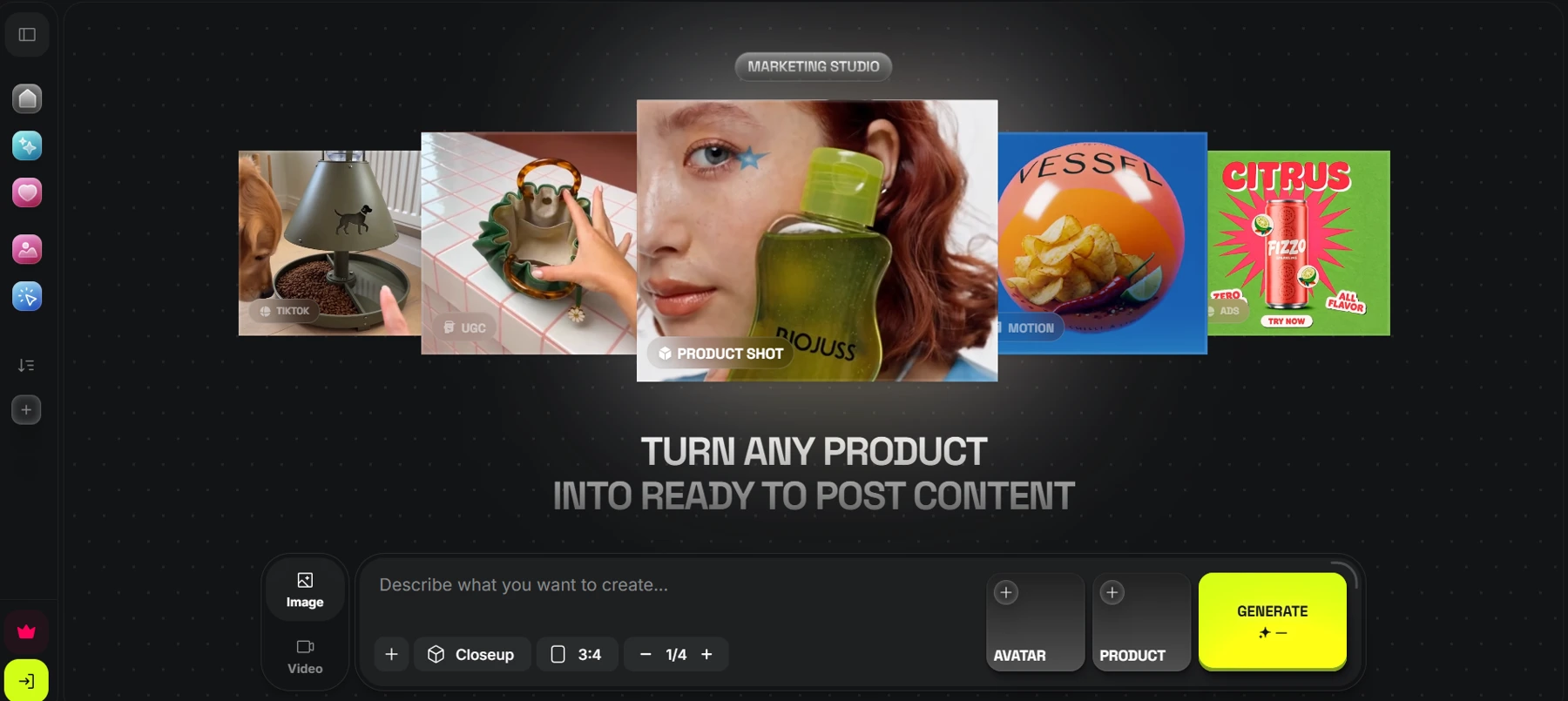
Higgsfield Marketing Studio is built around one clear promise: turn any product into ready-to-post content. It generates marketing videos, storyboards and images, so a single product can become a video ad, a social clip, a poster and a marketplace image without switching tools.
Key Features
-
Templates for every campaign format: Product shot, motion, UGC, TikTok, ads, posters and marketplace templates, with filters for images or videos.
-
Product motion and UGC video: Templates range from product motion like Green Tea Macro to UGC videos like Before and After.
-
Product Link and Ad Reference tools: Start from your product or from an ad style you want to reference.
-
Projects, generations and favorites: Keep campaign work organized, revisit past generations and save the templates you like.
Best For
Small businesses, e-commerce brands and marketers who want product video ads plus matching social, poster and marketplace content from one studio.
Things to Know
Results depend on the template and product imagery you choose. Pick a template that fits how you want your product shown, then review each generation before you post it.
2. Creatify: Best for Building Ads From a Product Page
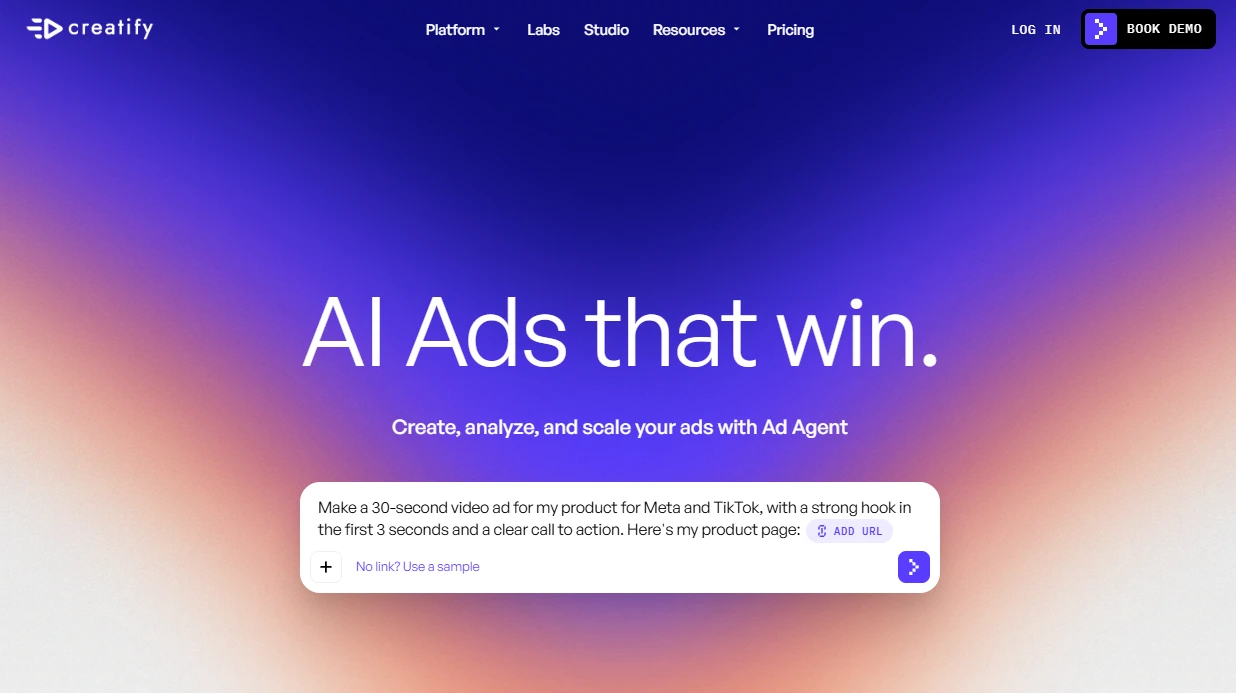
Creatify is an AI ad platform that turns a product URL into a video ad. It's a good fit if your product page already has strong images and copy you want to reuse.
Key Features
-
AI video ads, avatar videos, image ads and AI script generation
-
A URL-to-video workflow that starts from your product page
-
A library of AI actors and ad templates
-
A free plan with monthly credits to test the workflow
Best For
Online sellers who want to turn existing product listings into ads quickly.
Things to Know
The free plan includes 10 credits a month, enough for up to two video ads, and its exports carry a watermark. Check that your listing is accurate before using it as source material.
3. Invideo AI: Best for Editing a Generated Cut
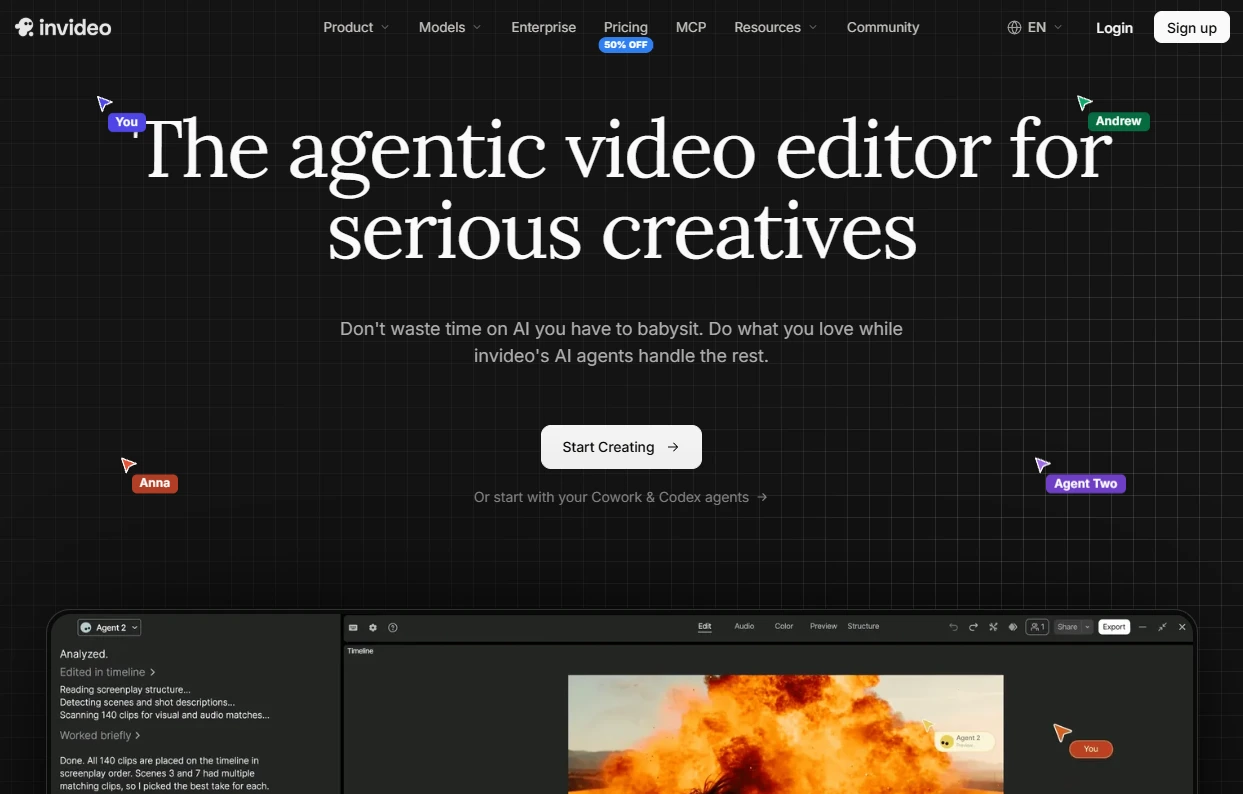
Invideo AI turns a written prompt into a video, then lets you refine it on a full timeline. It suits marketers who expect to tweak the first draft rather than publish it as is.
Key Features
-
Prompt-to-video generation using a choice of AI models
-
A full multitrack timeline editor with color, audio and 3D tools
-
AI agents that assemble a first edit for you
-
Credit allowances per seat on each paid plan
Best For
Teams that want hands-on control over cuts, captions and audio after the AI does the first pass.
Things to Know
Plans are sold as monthly credits per seat, and the Starter plan lists 400 credits per seat each month. Unused credits don't roll over.
4. HeyGen: Best for Presenter-Led Product Explainers
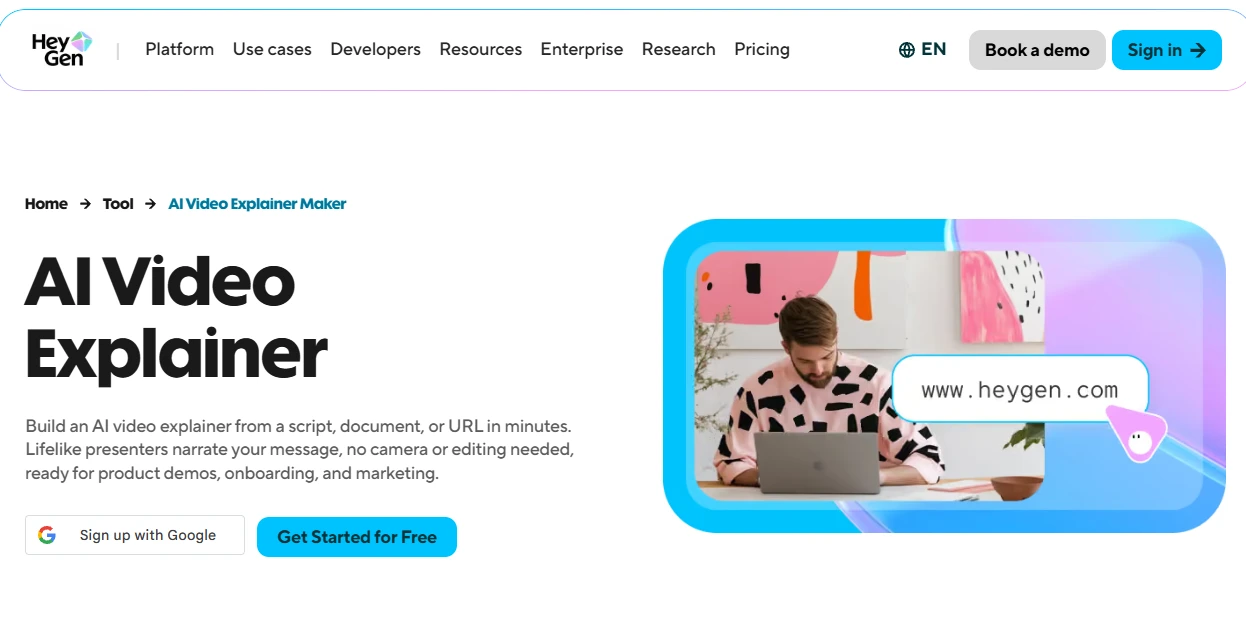
HeyGen creates videos with AI avatars, so a presenter can explain your product from a script. It works well when your message benefits from a spokesperson.
Key Features
-
AI avatar videos built from a script
-
A free plan for testing the format
-
Watermark removal and 1080p export from the Creator plan
-
4K export on the Pro plan
Best For
Brands that want a talking-head explainer, product walkthrough or announcement video.
Things to Know
The free plan includes three watermarked videos a month. Keep AI presenters clearly framed as spokespeople, not real customer testimonials.
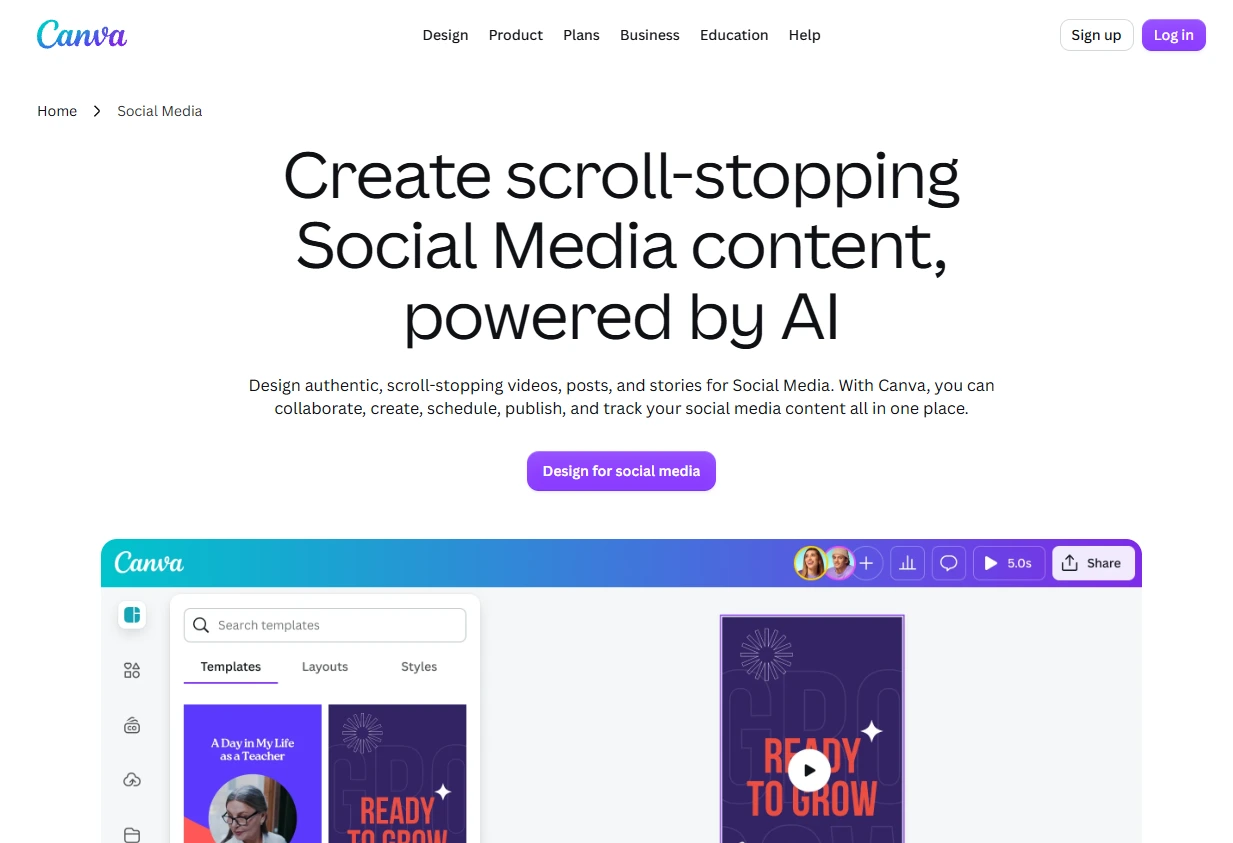
5. Canva: Best for Coordinated Social Designs
Canva is a design editor where you can combine product photos, text and short clips. It shines when you need the posters, social posts and listing images that sit around your main ad.
Key Features
-
A drag-and-drop design editor for social posts, posters and more
-
Brand Kit on paid plans to keep colors, fonts and logos consistent
-
Content scheduling on paid plans
-
Short AI-generated video clips you can drop into designs
Best For
Small teams that want every social asset to match their brand.
Things to Know
Canva's AI video clips are short, so you'll still assemble the finished ad in the editor. If captions are part of your plan too, these social media post generators can help with the copy.
6. Runway: Best for Iterating on Paid Campaigns
Runway is an AI video platform whose Runway Ads feature connects directly to your ad accounts. It's aimed at teams already running paid campaigns and testing creative.
Key Features
-
Runway Ads connects Meta, Google and TikTok ad accounts
-
Generates new ad variants and uses performance data to shape the next round
-
One dashboard across your connected ad accounts
-
Every ad needs team approval before it goes live
Best For
Performance marketers who want to generate, approve and publish ad variants in one place.
Things to Know
Runway Ads is included with paid Runway plans, so it's a better fit once you have ad accounts and a review process set up.
How to Choose the Right AI Tool for Video Ads
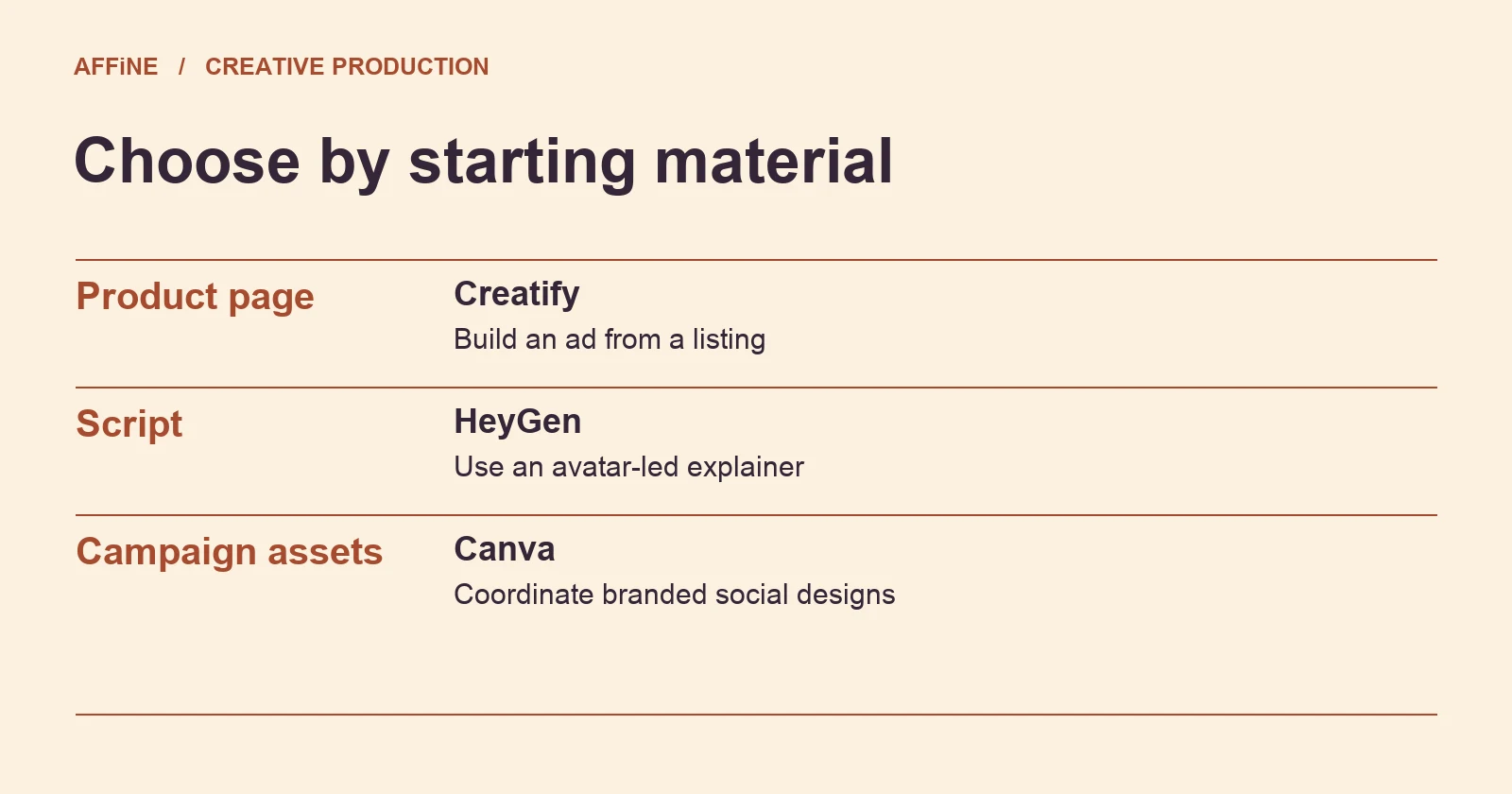
Start with what you have and what you need to make. If you want product video ads plus matching social, poster and marketplace content, start with our top pick.
If your product page is your best asset, try Creatify. If you know you'll edit heavily, Invideo AI's timeline helps, and if you need a presenter, choose HeyGen.
Building a full set of branded social designs? Canva fits.
Already running paid campaigns across Meta, Google and TikTok? Look at Runway Ads.
Whichever tool you choose, review every video before it goes live. Check product details, prices, offers, captions and any claims, and make sure your assets and music are cleared for use.
Conclusion
For most small businesses and marketers, our top pick is the best AI tool for video ads. It brings product shots, product motion, UGC-style videos, TikTok, ads, posters and marketplace content together, so one product can power a whole campaign.
The other five tools each solve a narrower job well. They cover URL-based ads, timeline editing, avatar presenters, branded designs and paid-campaign testing.
FAQs
What is the best AI tool for video ads? Our top pick is the best AI tool for video ads in 2027. It turns a product into ready-to-post content, with templates for product shots, motion, UGC, TikTok, ads, posters and marketplace listings.
Which AI tool is best for UGC-style video ads? Our top pick includes a dedicated UGC template category, such as Before and After videos, alongside product shot and product motion templates.
Can AI make video ads from a product page? Yes. Creatify offers a URL-to-video workflow, and our top pick includes a Product Link tool for starting from your product.
Do I still need to review AI-generated ads? Yes. Check product details, offers, captions and claims before publishing. The Federal Trade Commission's rule on fake reviews and testimonials bans testimonials from people who don't exist, including AI-generated ones, so never present an AI presenter or creator-style video as a real customer.