Obsidian MCP: Setup Routes, Limits, and Alternatives (2026)
Obsidian still does not ship a first-party MCP server, but its Local REST API community plugin now includes a built-in Streamable HTTP MCP endpoint. That means Claude Code, Cursor, and other compatible clients can connect directly to the plugin — a separate community bridge server is no longer the default. The endpoint is local and API-key protected; Obsidian must remain open.
This guide covers the current direct route, the filesystem alternative, the security and Canvas limits that matter, and when a first-party, whiteboard-aware server like AFFiNE's built-in MCP is the better fit.
Is there an official Obsidian MCP server?
As of August 2026, Obsidian does not ship a first-party MCP server. The company provides an official CLI for automation, while MCP access remains community-maintained. That distinction matters: you are responsible for reviewing the plugin, its declared tools, and every client that receives content from your vault.
The most direct current route has one server layer:
- The Local REST API community plugin runs inside Obsidian and exposes both its REST API and a built-in MCP server at
https://127.0.0.1:27124/mcp/. - Any MCP client that supports Streamable HTTP can connect with an
Authorization: Bearer <your-api-key>header. Claude Desktop supports remote custom connectors, but those connections originate in Anthropic's cloud and require a publicly reachable server. Because this plugin exposes127.0.0.1, its README instead uses Claude Desktop's separate local MCP configuration with themcp-remoteHTTP-to-stdio bridge.
Because the plugin runs inside the desktop app, it can use live vault metadata, the active file, tags, and the command palette. The endpoint stops when Obsidian closes.
Setup route 1: Local REST API's built-in MCP server (recommended)
The plugin's current built-in endpoint makes a separate third-party Obsidian MCP server unnecessary for clients with Streamable HTTP support:
- Install the plugin. In Obsidian, open Settings → Community plugins, install and enable “Local REST API,” then open its settings to copy the API key and certificate.
- Choose HTTPS or local HTTP deliberately. The default
https://127.0.0.1:27124/mcp/endpoint uses a self-signed certificate. Trust that certificate in the OS or client. If that is impossible, the plugin can exposehttp://127.0.0.1:27123/mcp/, but only enable unencrypted HTTP on a machine and network you control. - Connect Claude Code directly. Use the command documented by the plugin; the Claude Code MCP reference explains the same transport and header flags:
claude mcp add --transport http obsidian https://127.0.0.1:27124/mcp/ \
  --header "Authorization: Bearer <your-api-key>"
Cursor can use the same URL and header in its MCP JSON. Claude Desktop's account-level remote connector cannot reach this 127.0.0.1 URL because that connection is cloud-brokered. For this local endpoint, use the plugin's documented mcp-remote entry in claude_desktop_config.json.
- Approve and test. Ask something only your vault can answer: “Search my vault for the meeting notes about the pricing change and summarize the decision.” Confirm that the assistant calls search and then reads only the relevant notes.
The built-in server declares read, write, move, copy, delete, search, tag, active-file, and command-execution tools. Review that live list before connecting, leave confirmation prompts enabled for mutations, and rotate the API key if it is exposed. A localhost endpoint protects network reachability; it does not stop a cloud-hosted AI client from receiving note content that a tool returns, so also review the client's data policy.
Setup route 2: the filesystem route
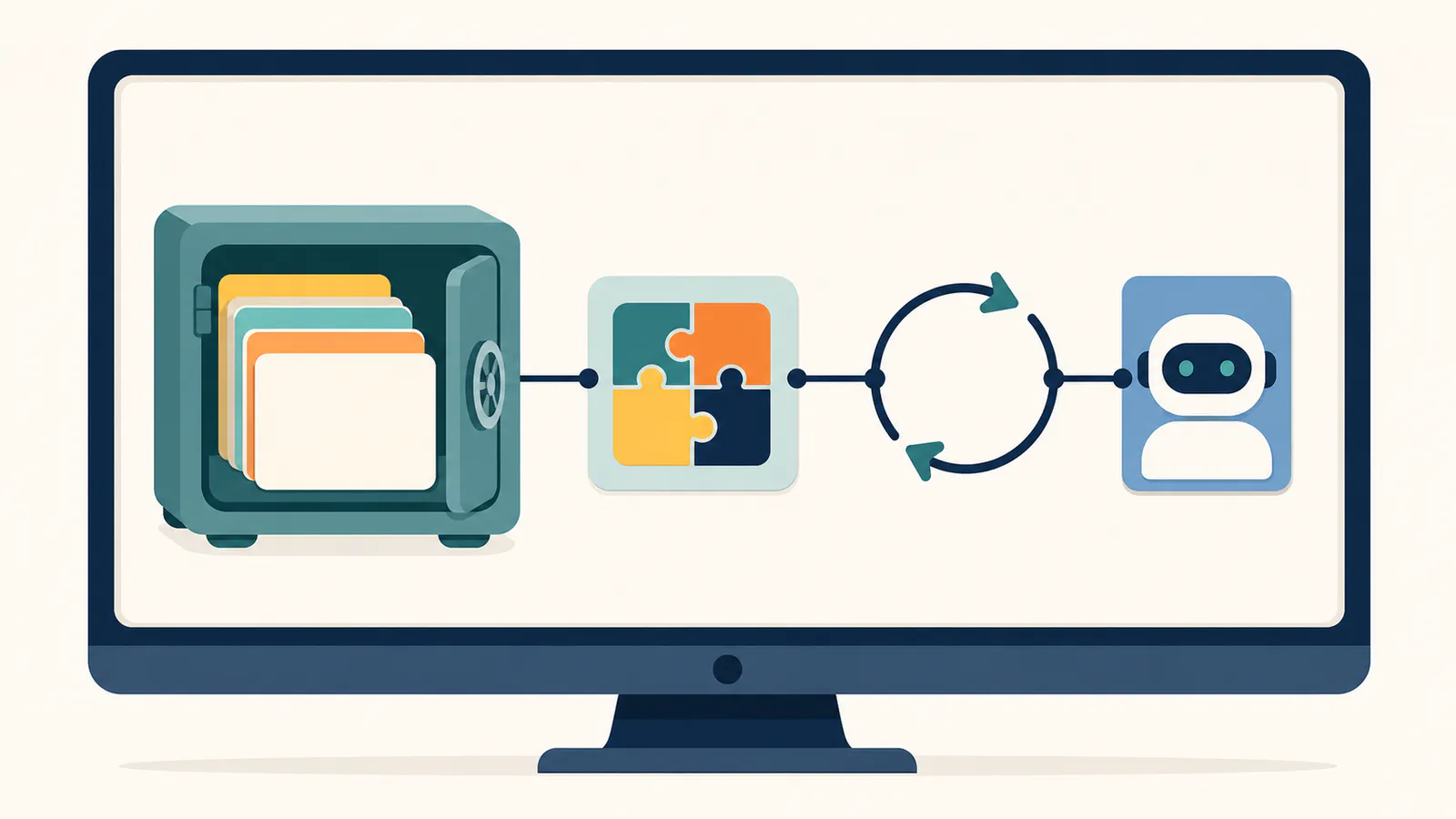
Because an Obsidian vault is a folder of Markdown files, you can skip Obsidian entirely and point a generic filesystem MCP server at the vault directory. This works even when the app is closed, and for plain reading it is the simplest possible setup.
The trade-off: the filesystem route sees files, not a vault. Anything Obsidian computes — backlinks, tags resolved across folders, plugin-generated content — is invisible, and write operations bypass Obsidian's own safeguards. Use it for read-mostly access on a machine where the app is not always open; use the REST route when you want vault-aware behavior.
What Obsidian MCP servers do well
Obsidian MCP servers do three things genuinely well: local-first search over local notes, instant reuse of a vault you already keep, and clean composition with other servers.
- A local endpoint for local notes. The vault service stays on your machine and does not require a hosted Obsidian endpoint. Note content returned to a cloud-hosted assistant can still leave the machine under that client's data policy, so “local endpoint” is not the same as “local inference.”
- Fits an existing Obsidian habit. If years of notes already live in your vault, ten minutes of setup makes them available to Claude Code and Claude Desktop without migration.
- Composable with the rest of the ecosystem. A vault server alongside GitHub and browser servers — the standard mix from our best MCP servers shortlist — covers notes, code, and web in one assistant.
The limits worth knowing
The Obsidian MCP route has five structural limits: the app must be running, Canvas is exposed as raw JSON rather than board-aware retrieval, whole-vault analysis hits context limits, capabilities vary by connector, and access means one vault on one machine.
- The desktop app must be running for the REST route. On a laptop that sleeps, your assistant's memory sleeps with it. There is no hosted endpoint to fall back on.
- Canvas is exposed as raw JSON, not board-aware retrieval. A connector can read a
.canvasfile or match text inside it, but the built-in tools do not provide semantic, spatial, or frame-aware Canvas search. The client receives JSON rather than a meaningful map of the board. - Whole-vault questions hit context limits. A recurring report in Obsidian's own community forum: on vaults of several thousand notes, "summarize everything about X" sessions crawl and stall against token limits. MCP search is built for targeted retrieval — find, read, and synthesize a handful of notes — not corpus-wide analytics; batch analysis over thousands of files is a job for an indexed pipeline, not a chat session.
- Capabilities differ by connector and version. The current Local REST API built-in server declares broad file operations, search, tags, active-file access, and command execution. Older external bridges expose different subsets. Read the live tool list after every material update — tool descriptions and mutation scope are part of your prompt and security surface.
- One vault, one machine. The REST route serves the vault on the computer where Obsidian runs. Team knowledge or multi-device access needs a different architecture.
When a first-party server fits better
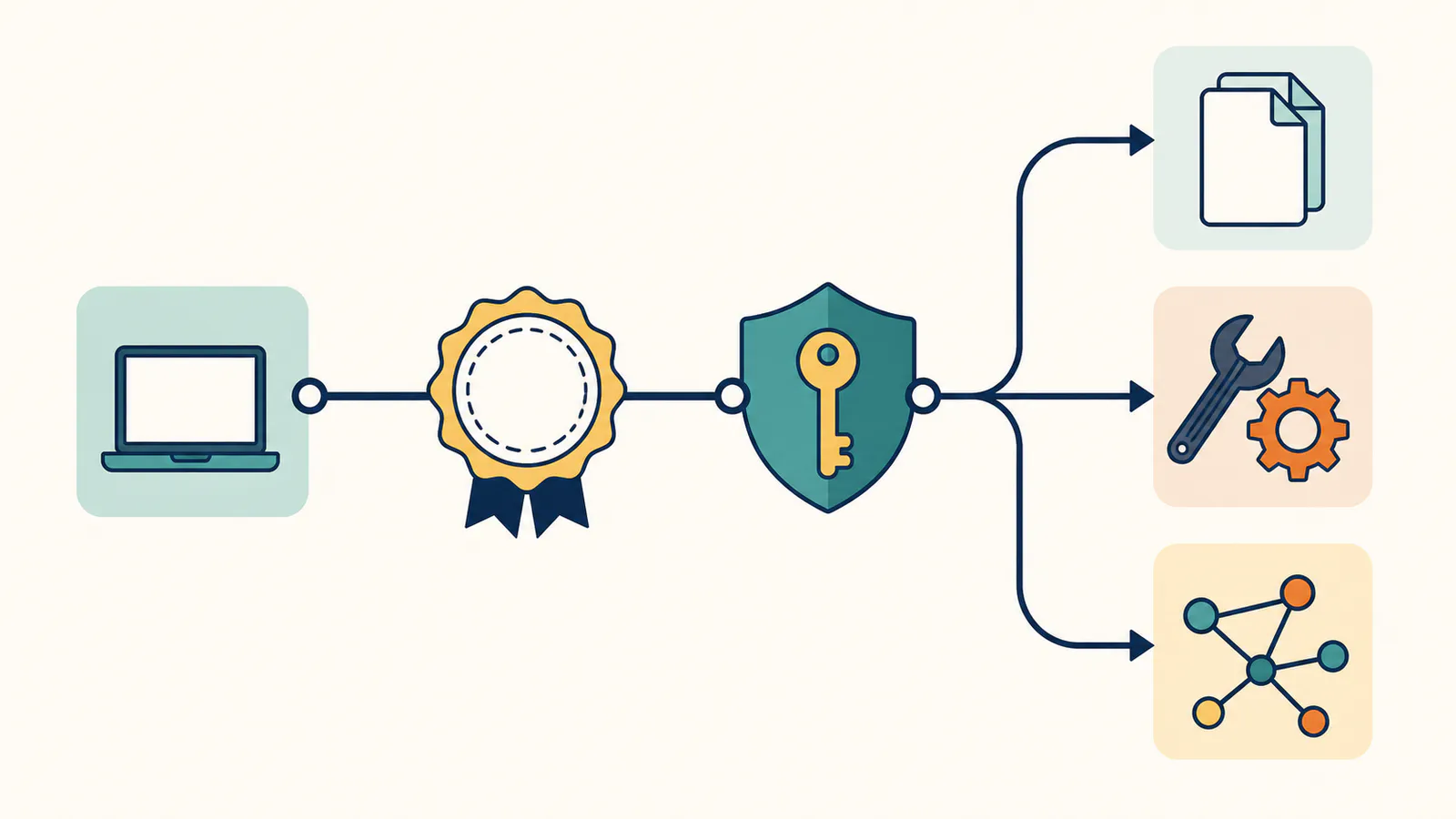
The Obsidian route optimizes for local Markdown on one machine. AFFiNE starts from a different premise: docs and whiteboards live in one workspace, and the MCP server is part of the product rather than a community add-on.
| Obsidian (community servers) | AFFiNE MCP | |
|---|---|---|
| Server | Community Local REST API plugin with a built-in MCP endpoint; external bridges remain optional | First-party, built into the app |
| Availability | Desktop app must be running | Hosted endpoint (Cloud or your self-hosted instance) |
| Whiteboards | Raw Canvas JSON; no semantic or spatial board retrieval | Search indexes canvas text, returns element and frame locators |
| Credentials | Plugin API key, managed by you | Per-client credentials with expiry and revocation, read-only by default |
| Team access | Single machine, single vault | Workspace-scoped with your permissions |
| Cost | Free community plugin | Free on Cloud and self-hosted with AI features enabled |
Comparison reflects publicly documented capabilities as of August 2026.
The honest split: stay on the Obsidian route if your notes are personal, local, and text-only — it is a good route, and it keeps everything on your disk, including with a self-hosted AFFiNE as a parallel option for team content. Move to a first-party server when the desktop-must-be-running constraint bites, when your team needs shared access, or when the knowledge worth searching includes diagrams and sticky-note clusters rather than prose alone.
FAQ
Is there an official Obsidian MCP server?
No — as of August 2026, Obsidian ships an official CLI but no first-party MCP server. The community Local REST API plugin now includes its own MCP endpoint, so a separate bridge server is no longer necessary for clients that support Streamable HTTP.
How do I connect Obsidian to Claude?
Install and enable the Local REST API community plugin, copy its API key, and connect Claude Code directly to https://127.0.0.1:27124/mcp/ with the API key in an Authorization Bearer header. Trust the plugin's self-signed certificate, keep Obsidian running, and test with a search question about your own notes. Claude Desktop's cloud-brokered remote connector cannot reach this localhost URL, so use the plugin's documented local mcp-remote configuration.
Does Obsidian MCP work when the app is closed?
Not on the REST API route — the plugin only answers while the desktop app runs. The alternative is pointing a filesystem MCP server at the vault folder, which works with the app closed but sees plain files without backlinks, tags, or any vault-aware behavior.
Can an MCP server read Obsidian Canvas boards?
Only as raw JSON. A connector may read a .canvas file or match its text, but the current plugin does not expose board-aware semantic or spatial retrieval. If visual boards are where your decisions live, AFFiNE's MCP search indexes whiteboard text and returns element and frame locators instead of an undifferentiated JSON document.
Does Obsidian MCP work with Obsidian Sync or on mobile?
Sync is fine; mobile is not. An MCP server reads the vault copy on the machine where it runs, so whether that copy syncs through Obsidian Sync, iCloud, or git changes nothing. But the plugin endpoint is desktop-bound in practice, so there is no realistic route to serving MCP from the phone app; notes that must stay reachable away from the desk are the hosted-endpoint case in the comparison above.
Which Obsidian MCP server should I use?
Start with the Local REST API plugin's built-in MCP endpoint if your client supports Streamable HTTP and you want vault-aware behavior while Obsidian runs. Use a filesystem server for read-mostly access when the app must stay closed; consider an external bridge only for a client compatibility gap. In every case, check recent maintenance, the live tool list, and which write, delete, or command tools require approval.
Is it safe to connect a community MCP server to my vault?
Treat it like installing any community plugin with file access: check maintenance activity, inspect the live tool list, keep confirmation prompts on for write, delete, move, and command execution, and rotate exposed API keys. Also review the AI client's data policy, because note content returned from a localhost tool may still be sent to a cloud model. Our MCP security best practices guide covers the full checklist.
If your vault is where your thinking lives, connect it — the local-first trade-offs are real but knowable. And if part of that thinking happens on boards rather than in prose, give your assistant the workspace that can search both.