Notion MCP: How It Works, Setup, and Limits (2026)
Notion MCP is Notion's official Model Context Protocol server: connect it once, and AI assistants like Claude, ChatGPT, and Cursor can search your pages, query your databases, and work with your workspace content through one standard interface. Setup takes a few minutes and uses OAuth, not API-key copy-paste.
This guide covers what Notion MCP actually exposes, how to connect it to each major client, the limits that surprise people — and when a different server, like AFFiNE's whiteboard-aware MCP, is the better fit for how your team's knowledge actually looks.
What is Notion MCP?
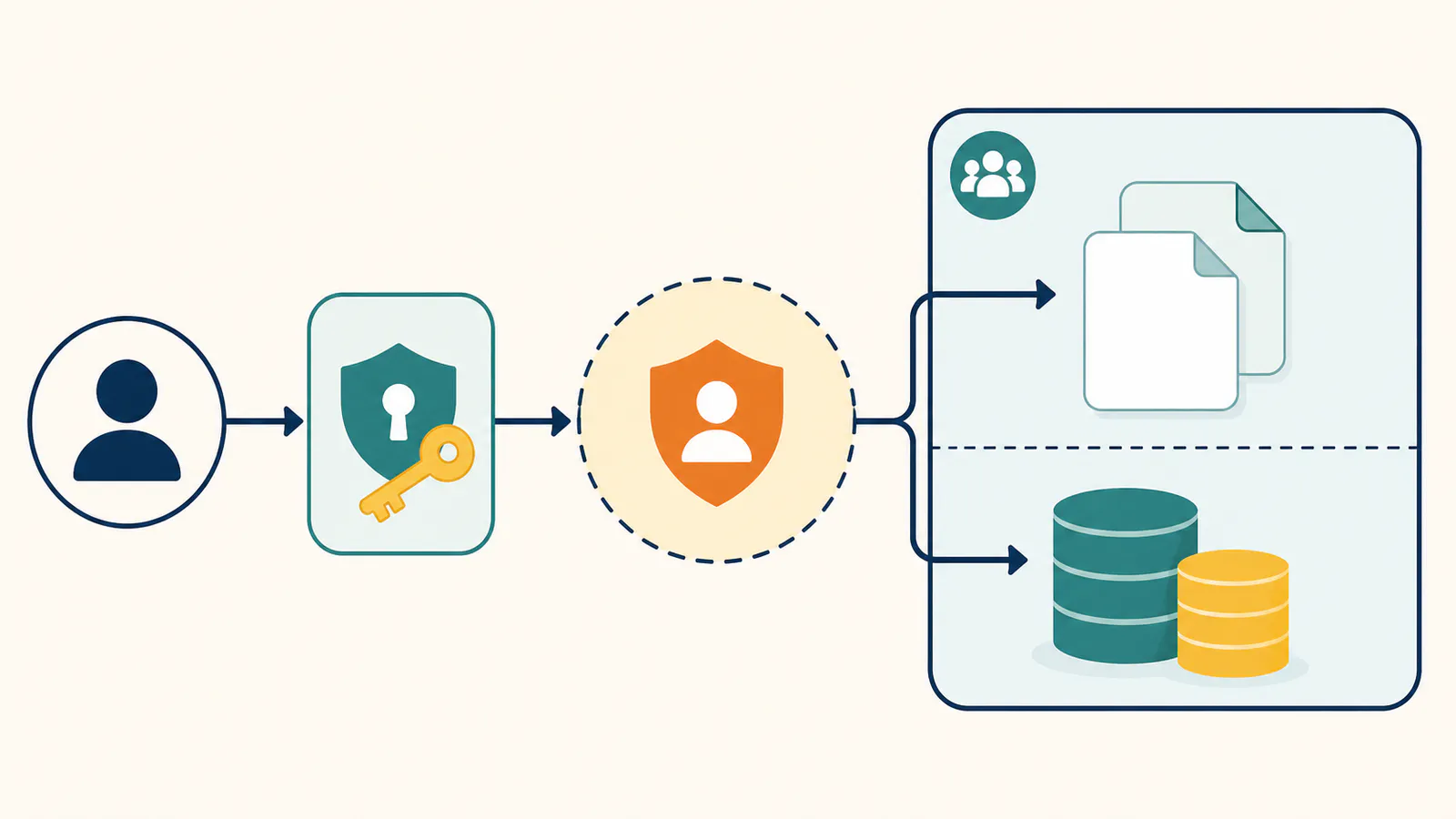
Notion MCP is Notion's hosted MCP server. Instead of every AI app writing a custom Notion integration, the server exposes workspace capabilities as typed tools any MCP client can call: searching pages, reading content, querying databases, and creating or updating pages with the full workspace permissions of the Notion user who authorizes it.
Two details matter before you connect:
- It is hosted by Notion. You authorize access through your Notion account, and the server runs on Notion's infrastructure. There is no supported way to run the current official server yourself — an earlier open-source server exists but is deprecated.
- The signed-in user is the permission boundary. The hosted server receives the full workspace permissions of the Notion user who completes OAuth; it does not present a per-page picker during authorization. Use a lower-privilege or dedicated Notion account when the assistant should see less.
What can you do with Notion MCP?
The practical wins fall into three buckets:
- Ask questions against real notes. "What did we decide about onboarding pricing?" answers from the actual meeting page instead of the model's guess.
- Query databases like a colleague would. Filter the tasks database for overdue items, summarize the CRM pipeline, list launch blockers — structured queries phrased in plain language.
- Draft into the workspace. Assistants can create pages or append content where you allow it: meeting summaries filed to the right database, research notes drafted in place.
How to connect Notion MCP
The official connection flow is similar across clients — add the hosted server, complete OAuth in the browser, and approve the client:
- Claude (Desktop and claude.ai): add Notion from the connectors directory, or add a custom connector pointing at Notion's MCP endpoint. Authorize in the OAuth window.
- Claude Code: add the server from the terminal —
claude mcp add --transport http notion https://mcp.notion.com/mcp— then complete the OAuth prompt on first use. - Cursor: add Notion's server to
~/.cursor/mcp.json, restart, authorize. - ChatGPT: connectors support MCP servers; custom servers require developer mode. Authorize with your Notion account when prompted.
After connecting, test with something you know the answer to: "find the page where we compared vendor quotes and list the finalists." If the assistant cannot find it, confirm that the signed-in account can find the page in Notion, then check the client's tool permissions and the server's current tool availability.
Permissions and plan access to check before connecting
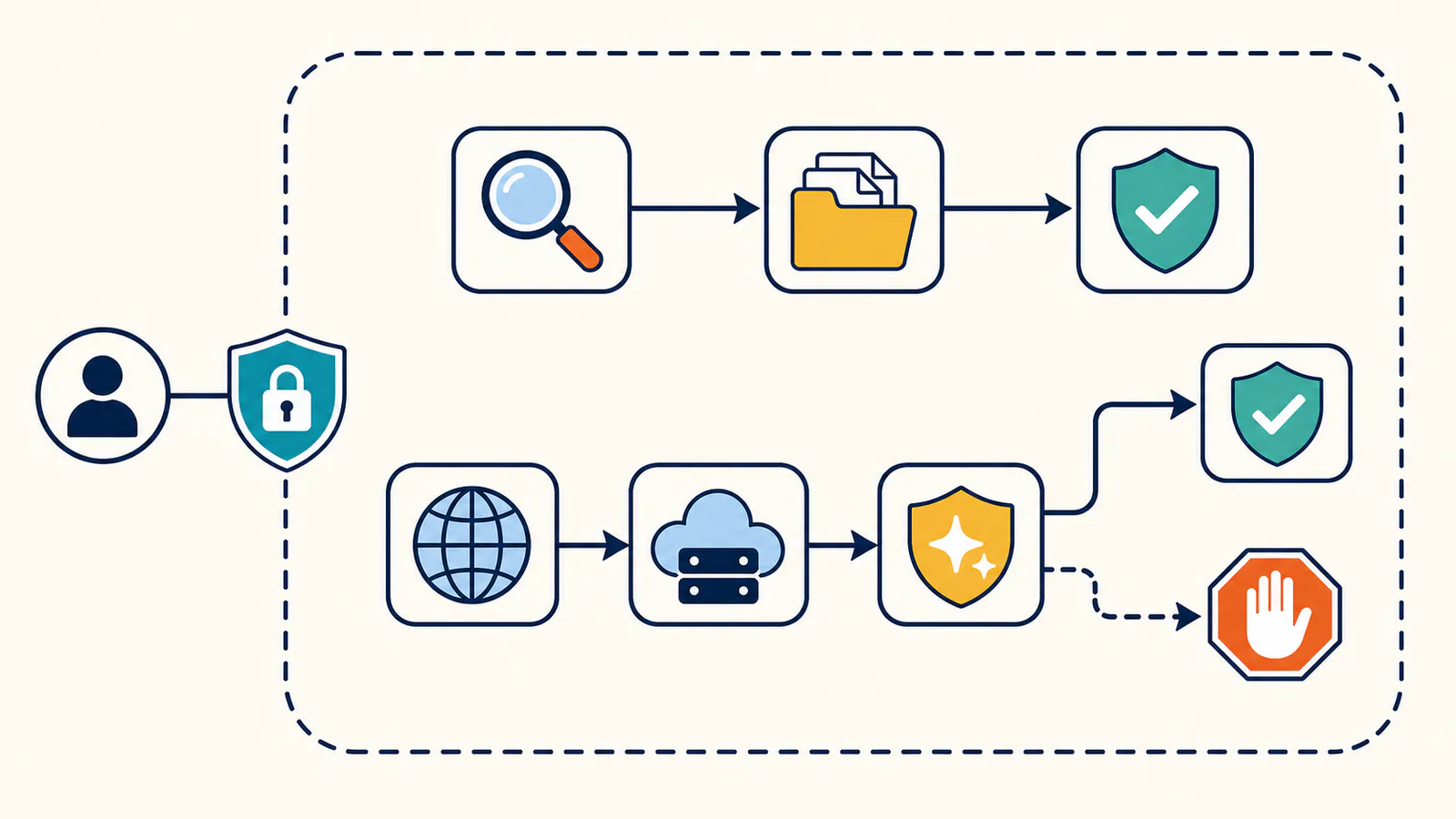
Notion's security guidance is explicit: the hosted MCP server can act with the full permissions of the user who signs in. Enterprise owners can approve or block MCP clients, but the safest day-to-day boundary is still the OAuth identity itself. Use a dedicated low-permission account for narrower access, review requested actions before approval, and revoke connections you no longer use.
Search within Notion pages is broadly available, while search across connected sources such as Slack, Google Drive, or Jira depends on Notion AI and plan access. Tool availability can also vary by workspace; Notion's supported-tools reference is the source of truth.
Notion MCP limits worth knowing
Notion MCP is solid at what it models. The friction shows up at the edges:
- Hosted-only. There is no self-hosted path for the current official server. If your compliance posture requires knowledge infrastructure on your own machines, that is a structural mismatch, not a settings problem.
- Text and databases, not canvases. Notion's data model is pages and databases. Visual thinking — whiteboards, diagrams, sticky-note clusters — is not something the server can search, because it is not something the product models.
- No service-account bearer token for the hosted server. The supported hosted flow is user-based OAuth, so unattended or headless automation needs a different integration design.
- Deeper AI search is a paid feature. Notion's own AI-powered connected search across external apps belongs to Notion's AI plans; the MCP server gives assistants tool access, not a free ride on those features.
None of these are dealbreakers for a team that lives in Notion databases. They become dealbreakers when your knowledge is visual, or when self-hosting is non-negotiable.
When AFFiNE MCP is the better fit
AFFiNE approaches the same problem — make your workspace legible to AI assistants — from a different starting point: docs and whiteboards are one workspace, and the built-in MCP server treats both as first-class.
| Notion MCP | AFFiNE MCP | |
|---|---|---|
| Server | Official, hosted by Notion | Official, built into the app |
| Self-hosting | Not supported (current server) | Yes — same server code on self-hosted instances |
| Whiteboards | Not in the data model | Search indexes canvas text, returns element and frame locators |
| Search | Notion content within the signed-in user's full permissions; connected-source search depends on Notion AI | Keyword + semantic across the workspace, with your permissions |
| Credentials | User OAuth; the connection inherits that user's workspace permissions | Per-client credentials with expiry and revocation, read-only by default |
| Cost to connect | Free to connect | Free on Cloud and self-hosted with AI features enabled |
Comparison reflects publicly documented capabilities as of August 2026.
The whiteboard difference is the one teams feel first. Decisions rarely live in prose alone — they live in the diagram from the architecture review, the sticky-note cluster from the retro. A server that can search where the thinking happened answers questions the text-only server cannot. And because AFFiNE's server is part of the workspace itself, the setup is a copy-paste: Settings → Integrations → MCP Server → Create credential → paste the generated JSON into your client.
If you are weighing the two products more broadly — not just their MCP servers — the honest split is: Notion for database-heavy operations teams, AFFiNE for teams whose knowledge mixes documents with visual work and who may need self-hosting. For the AI-access layer specifically, the table above is the decision.
FAQ
Is Notion MCP free?
Connecting Notion's MCP server is free with a Notion account, and core tool access works on free workspaces. Notion's own AI features, like connected AI search across external apps, belong to paid AI plans — the MCP connection does not unlock those.
Does Notion MCP work with ChatGPT?
Yes. ChatGPT supports MCP connectors, with custom MCP servers available in developer mode. Claude, Claude Code, Cursor, and Cline connect as well — that is the point of MCP: one server, every compatible assistant.
Can I self-host Notion MCP?
No. The current official server is hosted by Notion, and the earlier open-source server is deprecated. If self-hosting your AI-accessible knowledge base matters, AFFiNE ships the same MCP server on self-hosted instances as on AFFiNE Cloud.
Can Notion MCP search whiteboards or diagrams?
No — Notion's data model is pages and databases, so there is no canvas content to search. AFFiNE's MCP server indexes whiteboard text on its Edgeless canvas and returns element and frame locators, so assistants can find diagrams and sticky-note clusters, not just prose.
What is the difference between Notion MCP and the Notion API?
The API is Notion's programmatic interface for developers writing code. The MCP server wraps workspace capabilities as typed tools that AI assistants discover and call on their own. Most teams need no code at all to use MCP — setup is an OAuth grant plus a configuration snippet.
Connect the server that matches where your team's decisions actually live. If that is databases, Notion MCP will serve you well. If it is documents and the whiteboard where the plan took shape, give your assistants both — setup takes minutes, with no separate MCP charge when AI features are enabled.