9 Best Personal Knowledge Management (PKM) Apps in 2026
What changed (Nov 17, 2026): Added a Quick Picks table and a short "What Is a PKM App?" section that groups apps by how they organize notes, replacing the long general introduction to PKM and its benefits, which now lives in the personal knowledge management guide. Added links to Obsidian alternatives, Obsidian vs Notion, a Zettelkasten template, and digital garden apps, and marked links to other websites as nofollow. Added a dated screenshot of each vendor's official website for Obsidian, Heptabase, Reflect, Tana Outliner, Logseq, Notion, Anytype, and Capacities, replacing three older images. Also added a How We Evaluated section, Best for and Not ideal if notes plus export and offline details for each app, export and offline columns in the comparison table, an Also Worth Considering section with Roam Research, Evernote, Zotero, and Bear, and four FAQs; rewrote the Obsidian, Heptabase, Tana Outliner, and Logseq descriptions, covered the Logseq database beta, and rechecked prices on November 17, 2026.
Personal knowledge management (PKM) apps, also called PKMS software, help you capture notes, link related ideas, and find them again when a project needs them. This guide compares 9 PKM apps by free plan, platforms, where your notes live, and how each one charges for AI. If you want the method before the software, start with our guide to how to build a PKM system in 14 days.
Quick Picks
| If you want | Start with | Why |
|---|---|---|
| A free app with local files | Obsidian | Free, with Markdown files on your device and a large community plugin library |
| Open-source outlining | Logseq | Free and open source, with daily journals and block references |
| Visual research on whiteboards | Heptabase | Notes become cards that you arrange and link on whiteboards |
| Docs, a whiteboard, and databases in one workspace | AFFiNE | Notes, an edgeless canvas, and table or kanban views share one local-first workspace |
| Structure without building databases | Capacities | Object types such as people, books, and meetings come ready to use |
| Typed fields and live searches | Tana Outliner | Supertags turn outline nodes into structured records |
| Private, encrypted notes | Anytype | On-device encryption, local network sync, and self-hosting |
| A personal wiki that can grow into a team wiki | Notion | Pages, linked databases, and sharing in one cloud workspace |
| Fast daily notes on a Mac | Reflect | Daily notes and backlinks stored as local Markdown files |
What Is a PKM App?
A PKM app is software for personal knowledge management: capturing what you may need again, adding enough context to understand it, and retrieving it when a question or project calls for it. Most PKM apps organize notes in one of five ways:
-
Files and folders: plain Markdown files that you own and can open in other apps (Obsidian, Reflect).
-
Outlines and blocks: every bullet can be linked, referenced, or tagged (Logseq, Tana Outliner).
-
Pages and databases: notes become pages or rows with properties and views (Notion, AFFiNE).
-
Canvases and cards: notes sit next to each other on a whiteboard, as in many visual note-taking apps (Heptabase, AFFiNE).
-
Objects and types: each note has a type, such as Book or Person, with its own fields (Capacities, Anytype).
Finding information again is the main payoff. The McKinsey Global Institute estimated in 2012 that interaction workers spend nearly 20 percent of the workweek looking for internal information or tracking down colleagues who can help. Pick the structure that matches how you search for things, and adapt a method such as the Zettelkasten method or a second brain organized with PARA instead of copying someone else's setup.
How We Evaluated
We compared the 9 apps on the same seven points, using each vendor's own pricing page, help center, product pages, and release notes:
-
Capture: quick capture, web clipping, and mobile apps.
-
Structure: files, outlines, databases, canvases, or typed objects.
-
Connections: backlinks, graph views, whiteboards, and queries.
-
Ownership: where notes are stored and which export formats are available.
-
Offline use: whether you can read and edit notes without a connection.
-
Platforms: web, desktop, and mobile apps.
-
Price and AI: the free plan, the cheapest paid plan, and how AI is billed.
This is a research-based comparison, not a hands-on benchmark: for this update we did not run timed tests in every app. The Best for and Not ideal if notes under each app come from what the vendor documents, such as missing platforms, paid-only features, or beta status. Allen wrote the comparison and Vincent reviewed it. Prices change often, so check the vendor's pricing page before you buy.
9 Best Personal Knowledge Management Apps for 2026
Prices, plans, platforms, export formats, and offline support below were checked against each vendor's official site and help center on November 17, 2026, and the screenshots of each vendor's website were captured the same day. Disclosure: AFFiNE is our product, which is why it appears first; the other entries are researched as described in How We Evaluated.
1. AFFiNE
AFFiNE combines docs, an edgeless whiteboard, and databases in one local-first workspace, so you can write a note, lay it out on a canvas next to related ideas, and track follow-up tasks without switching apps. Its editor is MIT-licensed, and the backend used for cloud sync and self-hosting is source-available. For a walkthrough of a PKM setup in AFFiNE, see personal knowledge management with AFFiNE, or start from a free Zettelkasten template.
Key Features:
Page mode for writing. Docs support headings, backlinks, and embedded tables, so long-form notes and reading notes live in one place.
Edgeless whiteboard for visual thinking. Text, shapes, images, and brush strokes share one canvas, which suits brainstorming and mapping how notes relate.
Databases for tracking. Table and kanban views help you track reading lists, projects, or tasks, and you can invite others to a workspace when a note needs to be shared.
Presentation mode. Frames on the whiteboard become slides, so you can present what you have collected without exporting it to another tool.
-
Pricing: Free plan with unlimited local workspaces and 10 GB of cloud storage; Pro is $6.75/month billed annually; AFFiNE AI is an add-on at $8.9/month billed annually
-
Key PKM Attributes: Docs and whiteboard in one workspace, databases, backlinks, and presentation mode
-
Supported Platforms: Web, Windows, macOS, Linux, iOS, and Android
-
Ease of Mastery: Moderate; docs are quick to start, while the whiteboard and databases take some exploring
-
Export and Offline: Markdown, HTML, PNG, and Snapshot export; local workspaces work offline
-
Best for: People who want writing, a whiteboard, and lightweight databases in one app, with the option to self-host
-
Not ideal if: You rely on a large community plugin library like Obsidian's, or want AI without a paid add-on
2. Obsidian
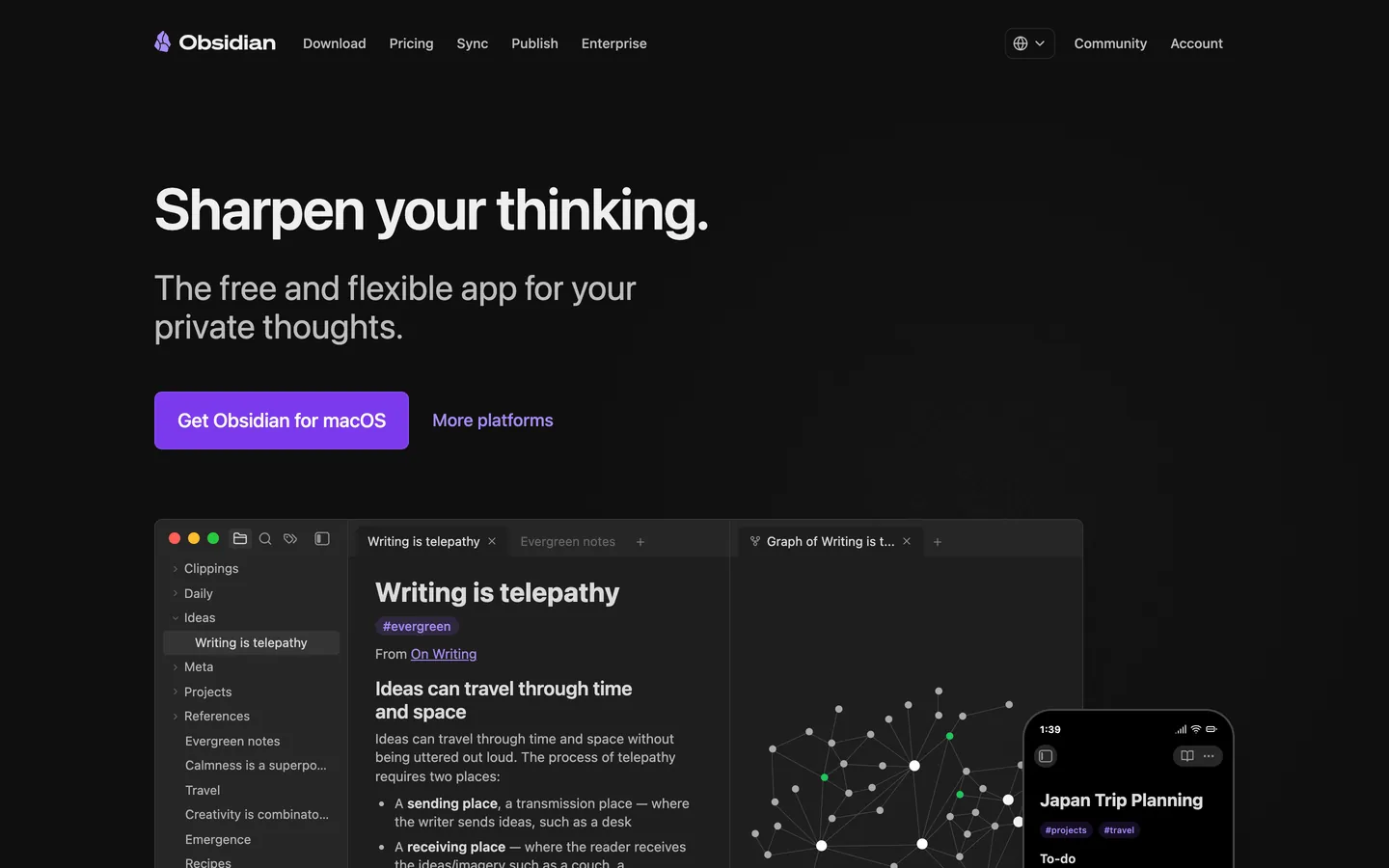
Obsidian stores notes as plain Markdown files in a local folder called a vault, so you can open them in any text editor and keep them if you stop using the app. Links between notes build backlinks and a graph view, and Canvas gives you an open board for laying out notes visually.
Its community directory listed about 10,500 plugins and 1,037 themes on November 17, 2026, so you can shape Obsidian into anything from a research database to a daily journal. If plugin upkeep or Sync pricing is the problem, compare Obsidian alternatives by import support and free-plan limits.
-
Pricing: Free; optional Sync ($4/user/month) and Publish ($8/site/month), billed annually
-
Key PKM Attributes: Graph view, backlinks, Canvas, properties, and community plugins
-
Supported Platforms: iOS, Android, Windows, Mac, Linux
-
Ease of Mastery: Moderate; the basics are quick, while plugins and properties take longer
-
Export and Offline: Notes are already Markdown files on your device, so they work offline
-
Best for: Writers and researchers who want plain files they control and are willing to configure plugins
-
Not ideal if: You want free sync between devices without setting up iCloud, Git, or another method, or need to edit notes with others at the same time
3. Heptabase
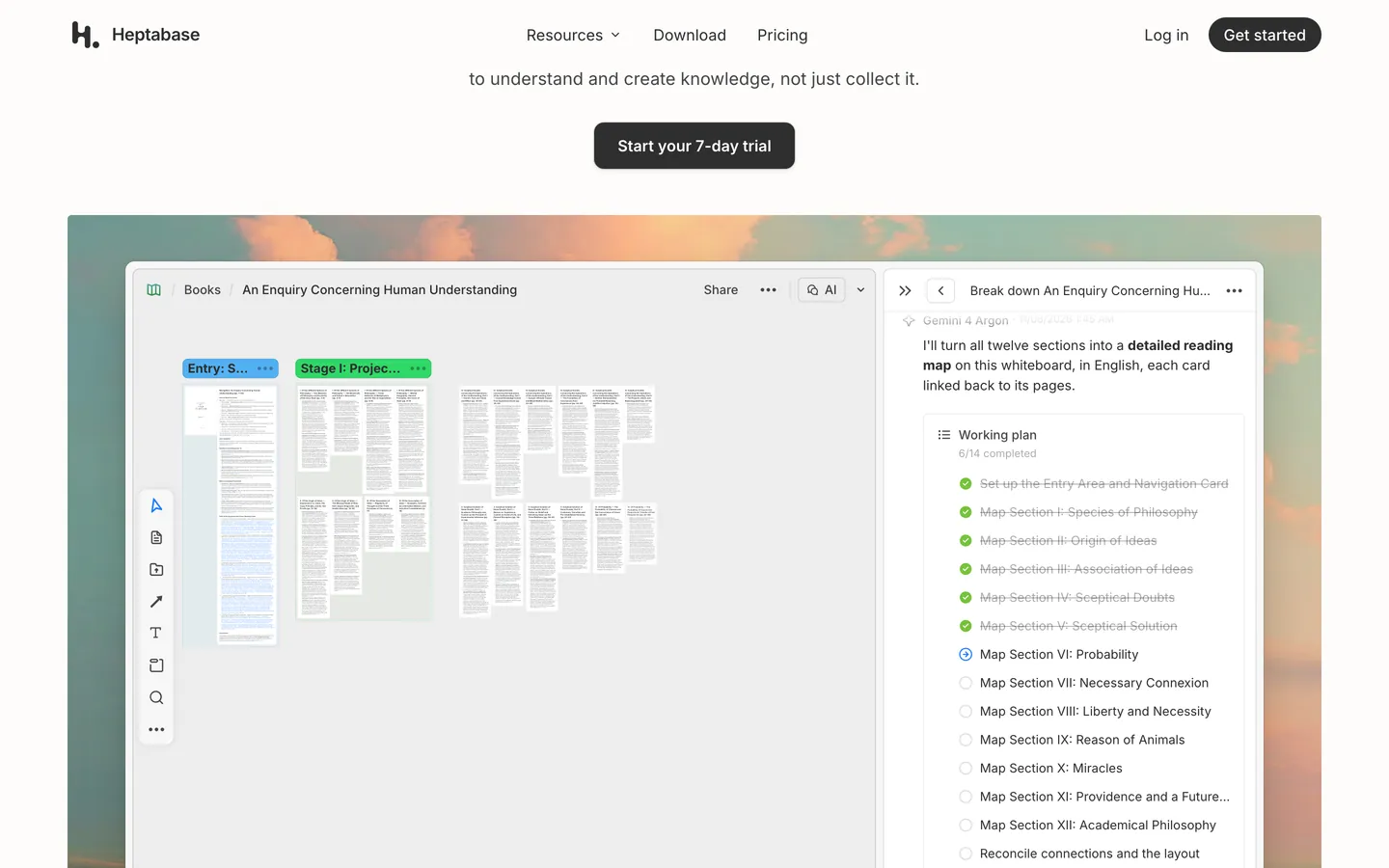
Heptabase is built for visual research. Each note is a card that you can place on one or more whiteboards, group into sections or mind maps, and link to other cards. PDF highlights and YouTube transcripts become cards too, so sources sit next to your own notes.
The desktop app keeps a local database for offline use and syncs to Heptabase's cloud, and Settings → Backup exports all notes as Markdown. AI runs on monthly credits: Pro uses Gemini models, while Premium adds GPT and Claude models and an AI tutor.
-
Pricing: Pro $8.99/month and Premium $17.99/month billed yearly ($11.99 and $23.99 billed monthly); Premium+ adds more AI credits; 7-day trial, no free plan
-
Key PKM Attributes: Whiteboards, cards, bi-directional links, and PDF and video highlights
-
Supported Platforms: Web, macOS, Windows, Linux, iOS, and Android
-
Ease of Mastery: Moderate; whiteboards are intuitive, but organizing a large card library takes planning
-
Export and Offline: Markdown export; the desktop app works offline
-
Best for: Students and researchers who read PDFs and want to map ideas visually
-
Not ideal if: You want a free plan or plain files on disk; there is only a 7-day trial, and notes live in Heptabase's own database
4. Reflect
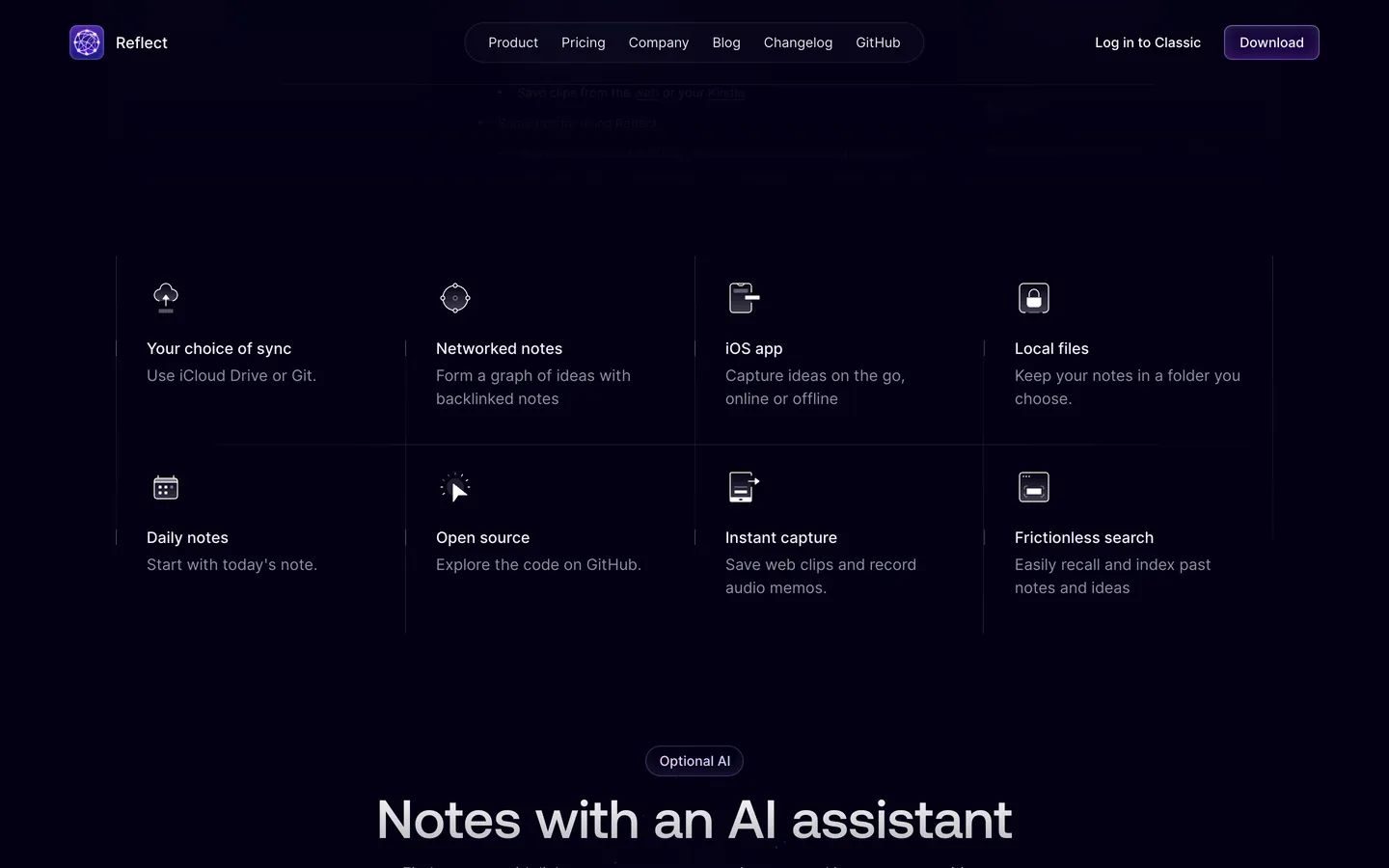
Reflect is a networked note-taking app built around daily notes and backlinks. It is now open source and keeps your notes as local Markdown files in a folder you choose, synced through iCloud Drive or Git.
AI is optional. You connect your own API key, requests go directly to your provider, and the assistant can answer questions with links to your notes, summarize text, and pull action items from meeting notes. Notes marked private are excluded from AI access.
-
Pricing: Free on Mac; paid subscription for the iPhone and iPad app; AI usage is billed by your own provider
-
Key PKM Attributes: Daily notes, backlinks, local Markdown files, and optional AI
-
Supported Platforms: Mac, iPhone, and iPad, plus a Chrome web clipper on Mac
-
Ease of Mastery: Relatively easy; daily notes and backlinks work without setup
-
Export and Offline: Notes are local Markdown files and work offline
-
Best for: Mac and iPhone users who want fast daily notes with backlinks and no setup
-
Not ideal if: You use Windows, Linux, or Android, or want AI without managing your own API key
5. Tana Outliner
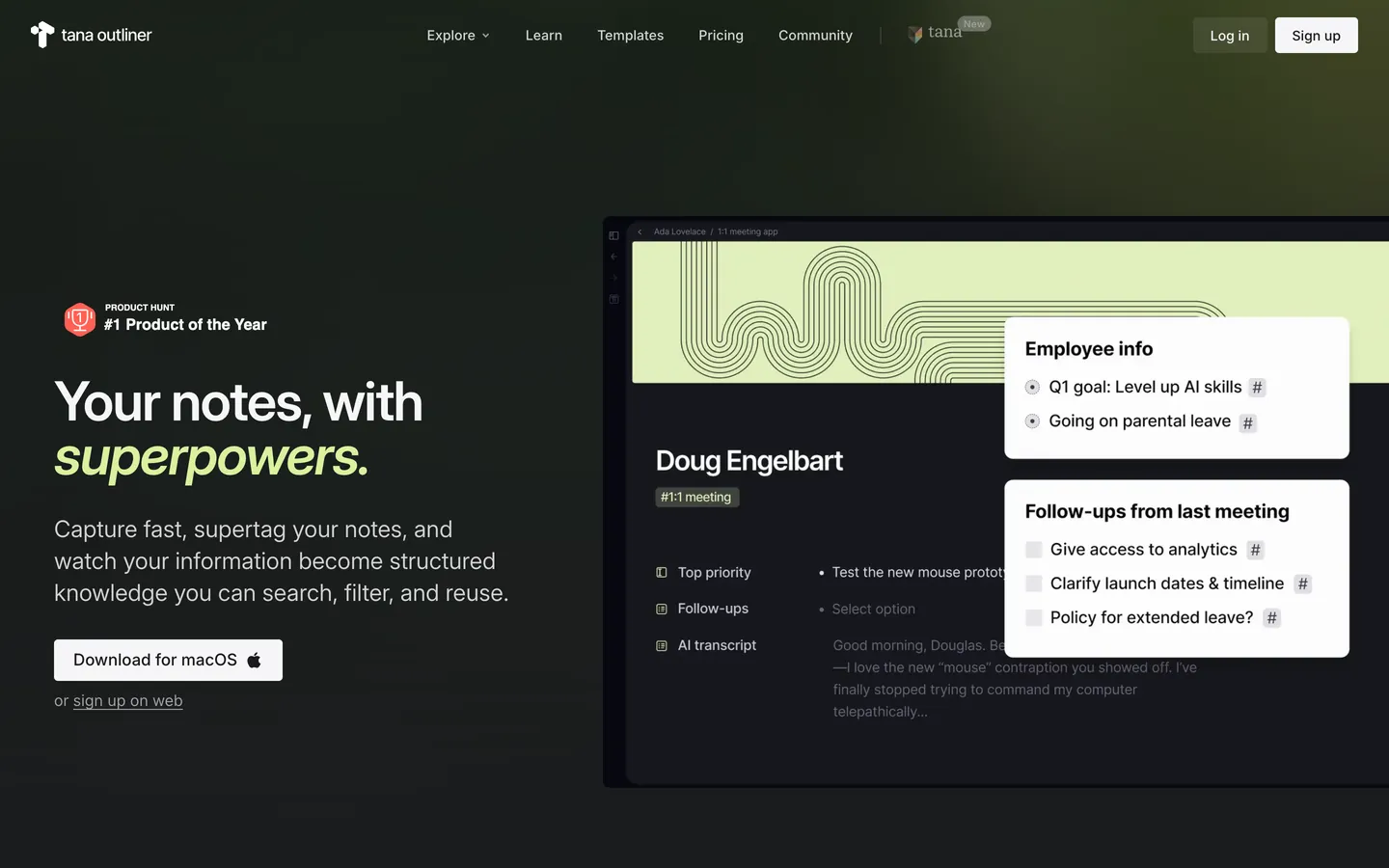
Tana Outliner treats every bullet as a node. Supertags turn nodes into structured records with fields, such as a meeting with attendees and action items, and live searches collect every node that matches a tag or field, so one meeting note can feed your task list and project pages without copying.
In March 2026 the company moved this note-taking product to Tana Outliner at outliner.tana.inc, and tana.inc now hosts its separate AI meeting product. The desktop app works offline in your personal workspaces; the mobile apps can capture new notes offline but cannot yet show existing ones.
-
Pricing: Free plan with 500 AI credits a month; Plus from $8/month and Pro from $14/month, billed yearly, each with a 14-day trial
-
Key PKM Attributes: Supertags, fields, live searches, and daily notes
-
Supported Platforms: Desktop apps for macOS and Windows, plus iOS and Android apps for capture on the go
-
Ease of Mastery: Steep; supertags, fields, and live searches take time to learn
-
Export and Offline: Markdown or JSON export; the desktop app works offline
-
Best for: People who want notes, tasks, and meetings in one structured outline and enjoy designing a system
-
Not ideal if: You want plain local files or a gentle learning curve
6. Logseq
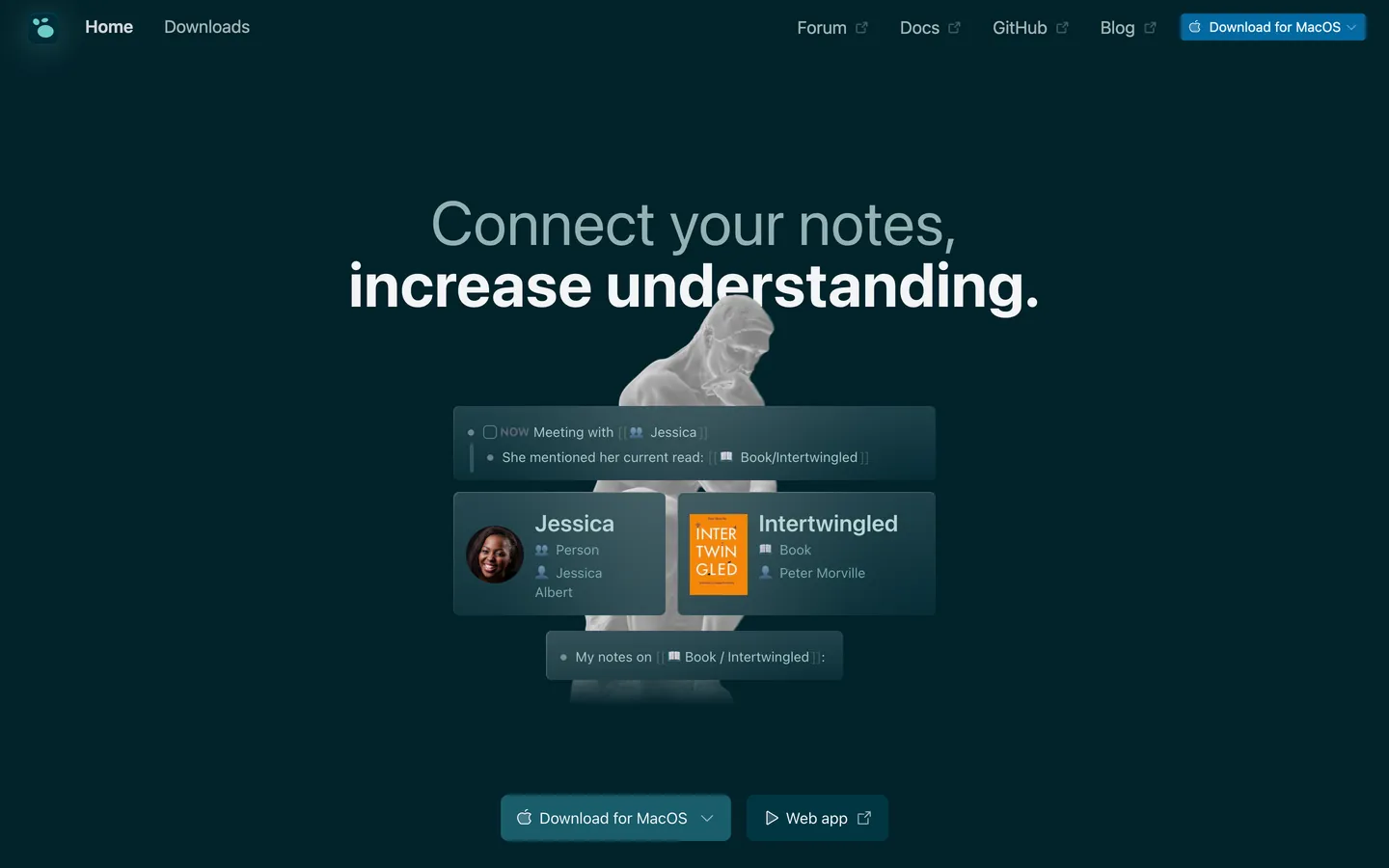
Logseq is a free, open-source outliner built around daily journals, block references, and queries, with whiteboards, PDF annotation, and flashcards for study. The original version stores each page as a Markdown file on your device, which is why it is often compared with Obsidian.
Logseq is moving to a database version. The latest release, 2.0.2 from October 7, 2026, is that version in beta: it keeps notes in a local SQLite database instead of Markdown files, adds a web app at app.logseq.com, and can still export to Markdown. The Logseq team warns that data loss is possible during the beta, so keep backups and check which version you install.
-
Pricing: Free and open source for personal use; built-in sync is still in testing
-
Key PKM Attributes: Journals, block references, queries, and whiteboards
-
Supported Platforms: Web (database version), macOS, Windows, Linux, iOS, and Android
-
Ease of Mastery: Challenging; block references and queries take practice
-
Export and Offline: Markdown files in the original version and Markdown export in the database version; works offline
-
Best for: Students and developers who think in outlines and want a free, open-source app
-
Not ideal if: You need stable built-in sync today, or want to avoid a storage format change while the database version is in beta
7. Notion
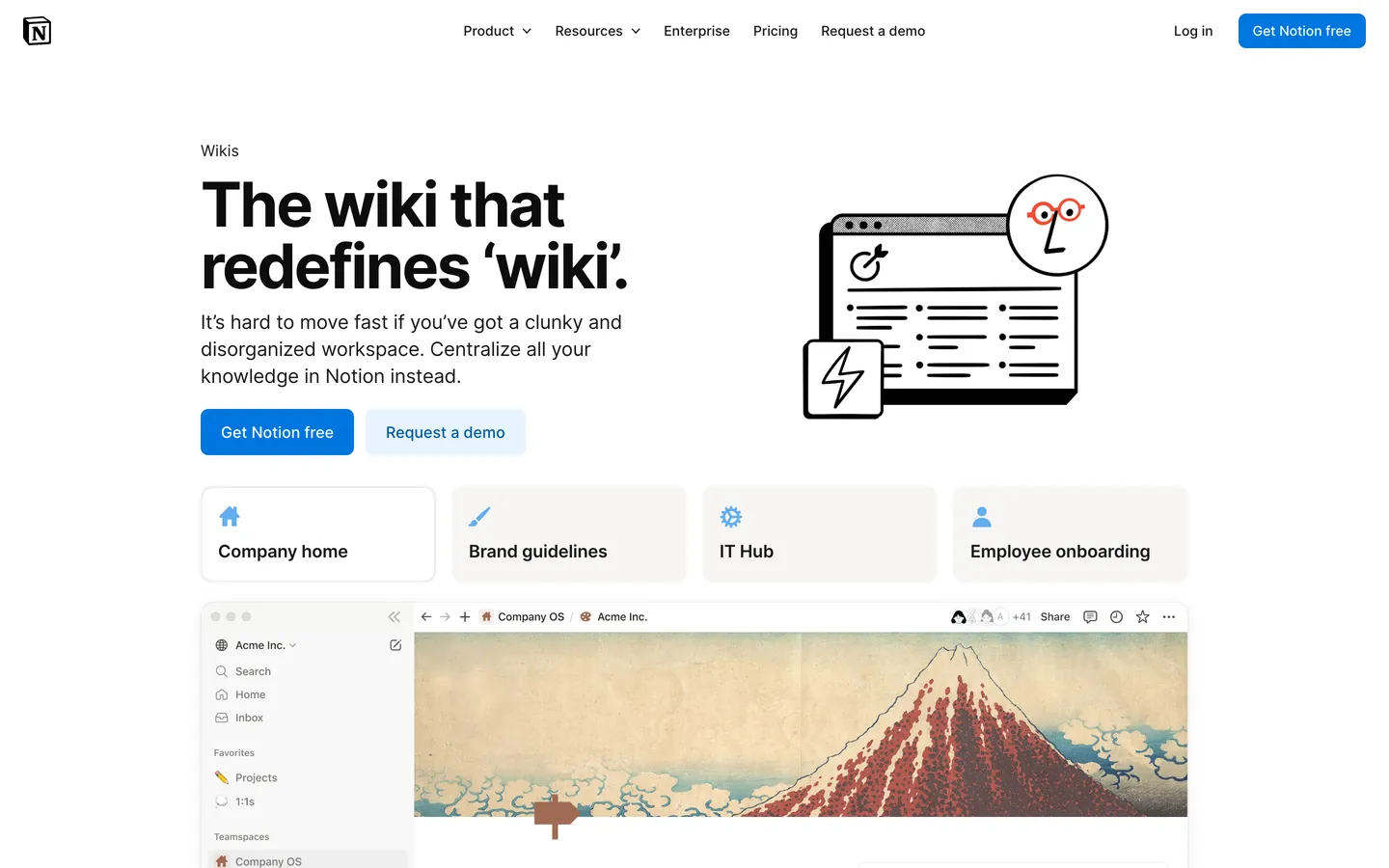
Notion combines pages, wikis, and databases in one workspace, which makes it a flexible PKM home for people who like to design their own system with templates, linked databases, and views. Because the same workspace scales to a team wiki, it is a common choice when personal notes later need to become shared documentation. It is cloud-first rather than local-first, so it suits people who value structure and collaboration over owning plain files. For a head-to-head on offline use, pricing, and databases, see Obsidian vs Notion.
-
Pricing: Free plan; Plus ($10/seat/month) and Business ($20/seat/month) billed annually, or $12 and $24 billed monthly; Enterprise (custom pricing)
-
Key PKM Attributes: Databases, linked pages, templates, and Notion AI (trial on Free and Plus)
-
Supported Platforms: Web, macOS, Windows, iOS, and Android
-
Ease of Mastery: Easy to start; a database-driven system takes longer to build
-
Export and Offline: HTML, Markdown, and CSV export; pages you download work offline in the desktop and mobile apps
-
Best for: People whose personal notes may later become a shared team wiki or database
-
Not ideal if: You want local files, or full Notion AI without moving to the Business plan
8. Anytype
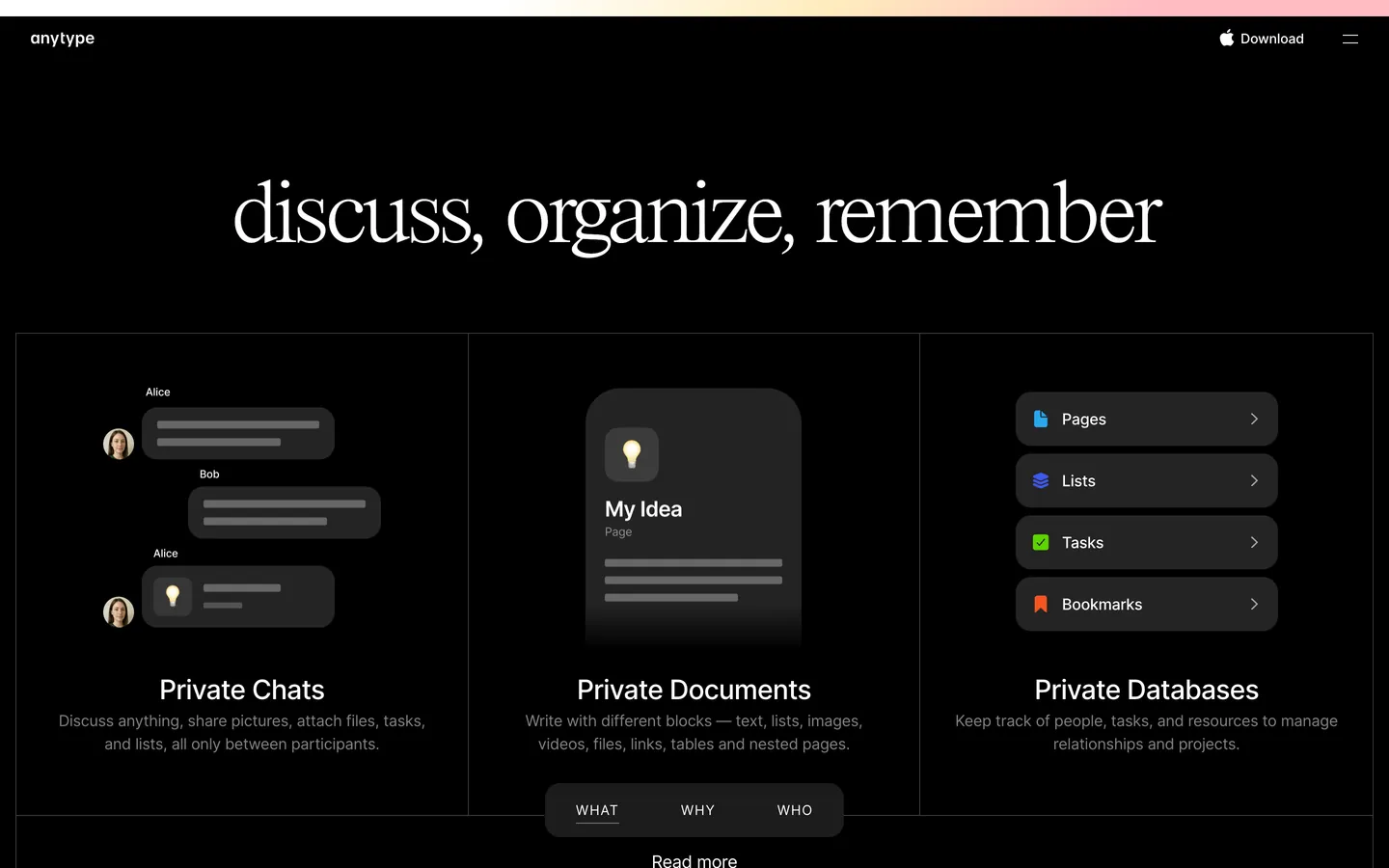
Anytype is a local-first workspace that organizes notes as objects with types and relations, so a book, a person, and a project can each have their own fields and link to each other. It encrypts data on your device, can sync over local networks, and lets you self-host your own network instead of using Anytype's.
-
Pricing: Free plan with 100 MB of remote storage and 10 shared channels; Plus ($4/month), Pro ($8/month), and Ultra ($16/month) add storage and unlimited shared channels
-
Key PKM Attributes: Object types, relations, offline-first storage, and self-hosting
-
Supported Platforms: macOS, Windows, Linux, iOS, and Android (no web app)
-
Ease of Mastery: Moderate; the object model takes some time to learn
-
Export and Offline: Markdown and Any-Block export; works offline first
-
Best for: Privacy-minded users who want encrypted, local-first notes with types and relations
-
Not ideal if: You need a web app for browser access
9. Capacities
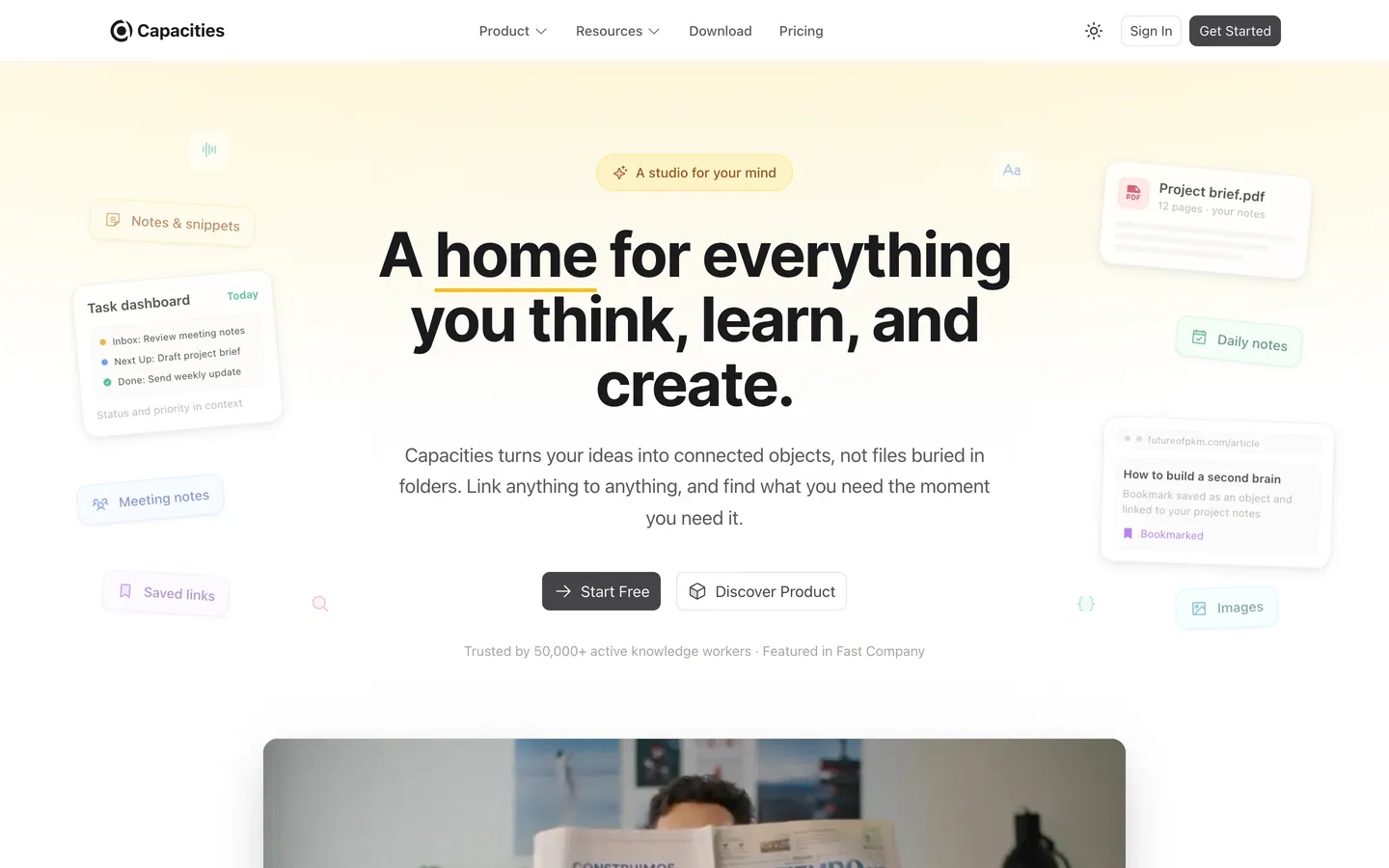
Capacities organizes your ideas as connected objects instead of files and folders. People, books, meetings, and ideas each get their own object type, which gives you structure without building databases yourself.
-
Pricing: Basic is free (unlimited objects, sync across devices, full-text search, offline support); Pro is $9.99/month billed monthly and adds the AI assistant, whiteboards, task management, and calendar integration
-
Key PKM Attributes: Custom object types, smart queries, and AI on Pro
-
Supported Platforms: Web, macOS, Windows, Linux, iOS, and Android
-
Ease of Mastery: Easy to start; custom object types take some planning
-
Export and Offline: Markdown and CSV export; offline support on every plan
-
Best for: People who want structure for books, people, and meetings without building databases
-
Not ideal if: You want notes stored as files on your own disk, or AI without a paid plan
Also Worth Considering
These apps come up often in other PKM comparisons. They are not ranked above because they cover a narrower job or have a limited free plan. Prices were checked on November 17, 2026.
-
Roam Research: the outliner that popularized backlinks and daily notes for networked thought. There is no free plan; Pro is $15/month or $165/year after a 31-day trial, and the Believer plan is $500 for five years.
-
Evernote: a long-standing note app with a web clipper, document search, and tasks. The free plan is limited to 50 notes, 1 notebook, and 1 device; Starter is $99/year and Advanced is $249.99/year.
-
Zotero: a free, open-source reference manager for collecting, annotating, and citing sources, which pairs well with any PKM app for research. Zotero Storage includes 300 MB free; 2 GB costs $20/year.
-
Bear: a Markdown note app for Mac, iPhone, and iPad with tags and a clean editor. Local notes are free; Bear Pro adds iCloud sync and more export formats for $2.99/month or $29.99/year until November 24, 2026, when the price for new subscribers becomes $3.99/month or $39.99/year with Bear Web included.
How to Choose a PKM App
Most people pick a PKM app for its features and abandon it because of friction. Check these points before you commit:
-
Capture: how fast you can save a thought, a web clip, or a voice note on the device you carry.
-
Structure: whether you prefer folders, tags, typed objects, or databases, and whether the app forces one.
-
Connections: backlinks, graph views, or whiteboards that help you find related notes later.
-
Search: full-text search that finds a note in seconds, even years from now.
-
Ownership: local files or export formats that let you leave without losing your notes.
-
Sharing: whether you will ever need to collaborate or publish part of your knowledge base.
These map to the 4 Cs of knowledge management: capture, curate, connect, and communicate.
| App | Free option | Platforms | Where notes live | Export | Works offline | Best for |
|---|---|---|---|---|---|---|
| AFFiNE | Free plan | Web, desktop, mobile | Local-first with optional cloud | Markdown, HTML, PNG, Snapshot | Yes | Notes, whiteboards, and databases in one place |
| Obsidian | Free | Desktop, mobile | Local Markdown files | Notes are Markdown files | Yes | Plugin-driven linked notes |
| Heptabase | 7-day trial | Web, desktop, mobile | Cloud sync with a local copy on desktop | Markdown | Desktop app | Visual research on whiteboards |
| Reflect | Free on Mac | Mac, iPhone, iPad | Local Markdown files | Notes are Markdown files | Yes | Daily notes on Apple devices |
| Tana Outliner | Free plan | Desktop, mobile | Cloud | Markdown, JSON | Desktop app; mobile capture only | Structured outlines with supertags |
| Logseq | Free | Web, desktop, mobile | Local Markdown files, or a local database in the beta | Markdown | Yes | Open-source outlining |
| Notion | Free plan | Web, desktop, mobile | Cloud | HTML, Markdown, CSV | Pages you download | Databases and personal wikis |
| Anytype | Free plan | Desktop, mobile | On device, encrypted | Markdown, Any-Block | Yes | Private object-based notes |
| Capacities | Free plan | Web, desktop, mobile | Cloud with offline support | Markdown, CSV | Yes | Object-based notes without database setup |
AI Features in PKM Apps
AI in PKM apps is usually priced in one of three ways: monthly credits, a paid add-on, or your own API key. The table below summarizes what each vendor's official site listed on November 17, 2026.
| App | How AI is offered | What it does | Cost |
|---|---|---|---|
| AFFiNE | AFFiNE AI add-on | Writes and rewrites text, translates, finds action items, and turns outlines into mind maps or slides (beta) | $8.9/month billed annually |
| Heptabase | AI agent with monthly credits | Pro uses Gemini models with 100 credits a month; Premium adds GPT and Claude models, an AI tutor, and 1,800 credits a month | Included in Pro and Premium |
| Tana Outliner | Credits on every plan | AI chat with your notes plus meeting and voice transcription; Plus adds a choice of OpenAI, Anthropic, and Google models | Free 500, Plus 2,000, and Pro 5,000 credits a month |
| Reflect | Your own API key | Answers with links to your notes, summaries, action items from meeting notes, and voice transcription | Billed by your AI provider |
| Notion | Notion AI and Notion Agent | Free and Plus include a trial; Business adds Notion Agent, AI Meeting Notes, and monthly AI credits per seat | Business is $20/seat/month |
| Capacities | AI assistant on Pro | AI assistant and image, PDF, and weblink analysis with a monthly AI budget for light use; the Plus power-up adds a larger budget | Pro is $9.99/month; Plus is $8.33/month billed annually |
Obsidian, Logseq, and Anytype do not list a built-in AI assistant on the official pricing and product pages we checked. If you want AI over your notes, check how much of your knowledge base the assistant can read and whether private notes can be excluded, as Reflect allows.
Which PKM App Should You Choose?
If you want plain files you fully control, start with Obsidian, Reflect on a Mac, or the original file-based version of Logseq. If you think visually, try Heptabase or a whiteboard-based workspace such as AFFiNE. If you want structure, Tana Outliner, Capacities, Anytype, and Notion each give you types or databases in a different way. If AI matters most, compare how each app charges for it: credits (Heptabase, Tana Outliner, Notion), a paid add-on (AFFiNE, Capacities Plus), or your own API key (Reflect). For research, Heptabase handles PDFs on whiteboards and Zotero manages citations alongside any of these apps; for writing, Obsidian and Reflect keep drafts as plain Markdown files. Whichever you pick, start with one area of your life, capture daily for two weeks, and then review what you actually searched for before adding more structure.
For a step-by-step setup, see how to organize a personal knowledge base and compare dedicated second brain apps. If you want to publish part of your notes as a public site, see our picks for sharing a digital garden.
Frequently Asked Questions
What is the best free PKM app?
Obsidian, Logseq, and Anytype are free and keep notes on your device, which makes them strong free choices for long-term personal notes. Notion, Capacities, Tana Outliner, and AFFiNE also have free plans; check storage and AI limits before you commit.
Is Tana still a PKM tool?
Yes, under a new name. In March 2026 Tana moved its note-taking outliner to Tana Outliner at outliner.tana.inc, and the original tana.inc site now hosts a separate AI meeting product. Supertags, nodes, and the outliner workflow continue in Tana Outliner.
Which PKM apps have AI features?
Heptabase, Tana Outliner, Notion, Capacities, and AFFiNE offer AI on some plans, usually metered by monthly credits or sold as an add-on. Reflect uses your own API key, so your AI provider bills you directly. Obsidian, Logseq, and Anytype do not list a built-in AI assistant on their official pricing and product pages.
What are the 4 Cs of knowledge management?
Capture, curate, connect, and communicate. Capture means recording ideas as they occur, curate means organizing them so they can be found, connect means linking related notes to find new insights, and communicate means sharing what you know with others.
What is the difference between PKM and PKMS?
PKM, personal knowledge management, is the practice of capturing, organizing, and reusing what you learn. A PKMS, a personal knowledge management system, is the setup you use to do it: usually an app plus your own rules for capture, tags or folders, and reviews. The apps in this guide are PKMS software; the method is up to you.
Is Obsidian or Notion better for PKM?
Obsidian is better if you want free Markdown files on your device that work offline and you are comfortable adding plugins. Notion is better if you want databases, templates, and an easy path to sharing pages with a team, and you are fine with cloud storage.
Can I use a PKM app with a team?
Yes, but some apps are built for it and others are not. Notion, AFFiNE, Heptabase, and Tana Outliner let you invite collaborators, and Anytype shares through spaces and channels. Obsidian and Reflect are mainly single-user apps, and collaboration in Logseq's database version is still in alpha. If shared documentation is the main goal, compare team knowledge management software instead.
How do I move my notes from one PKM app to another?
Export first, then import. Every app in this guide can export or already stores notes as Markdown, so Markdown is the safest common format. Before you switch, export a test set of notes, check that links, images, and tags survive, and keep the original export as a backup. Database views, whiteboards, and supertags rarely transfer exactly, so plan to rebuild them.