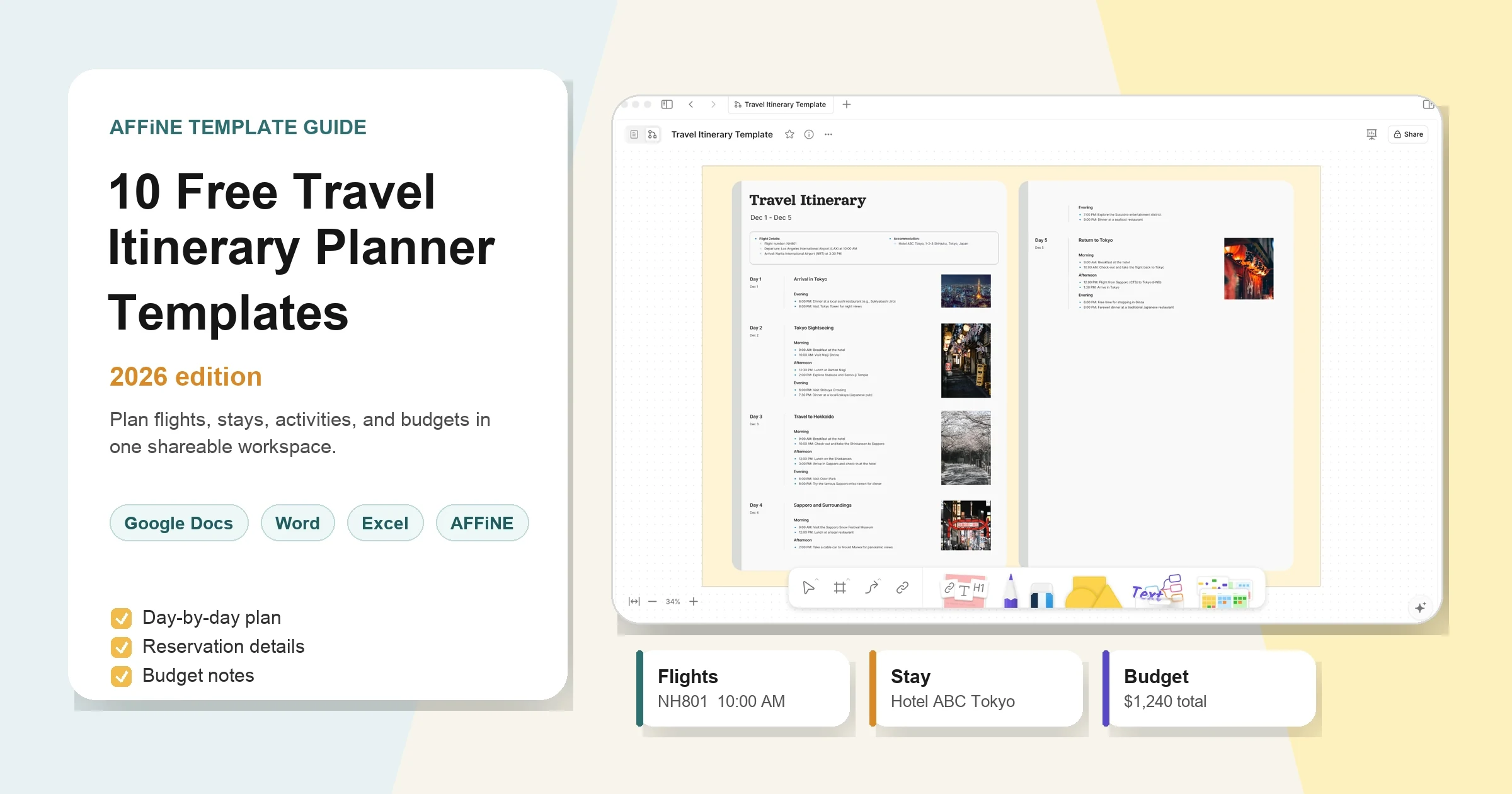
Free Trip Itinerary Templates: Daily Plans & Examples
A trip itinerary template organizes your travel dates, transport, accommodation, and daily plans in one reusable document. It should show what is booked, where you need to be, and what can change. Add a budget and a backup plan, and it becomes a practical reference for the whole trip.
Start with an editable AFFiNE template, download the blank CSV planners below, or copy the tables into a document. This guide includes a filled three-day example and adaptations for family vacations, road trips, business travel, and multi-city routes.
Choose a Free Trip Itinerary Template
Choose by the decisions you need to manage. A weekend away needs a short daily schedule; a road trip also needs driving legs and stops.
| Your trip | Starting point | Details to add before departure |
|---|---|---|
| Weekend or solo trip | Copy the blank daily itinerary below | Arrival, hotel address, one main activity per day, return journey |
| Family or group vacation | Browse AFFiNE travel itinerary templates | Meeting points, booking owners, shared costs, rest breaks |
| Road trip | Road trip itinerary template | Driving legs, fuel or charging stops, parking, overnight stops |
| Business trip | Business trip itinerary template | Meeting time zones, venue contacts, preparation time, receipt links |
| Conference trip | Conference itinerary template | Session rooms, parallel-session choices, networking, follow-up tasks |
| Outdoor trip | Adventure travel itinerary template | Trail or activity details, equipment, weather alternatives, return plan |
| Multi-city trip | Duplicate the daily table for each destination | Transfer days, station names, check-out and check-in times |
The AFFiNE links open template pages with a preview and a Use this template action. The tables on this page can also be copied without an AFFiNE account. For a broader selection of designs and providers, see our travel itinerary planner template roundup.
Copy or Download a Blank Trip Itinerary
Use these two free files if you prefer a spreadsheet:
- Download the daily trip itinerary CSV: nine blank time blocks across three days, with columns for location, transport, booking status, owner, and backup plans.
- Download the trip budget CSV: categories for transport, accommodation, food, activities, and other costs, with estimated, actual, and paid amounts.
These are plain CSV files, not formatted Excel workbooks: they contain no formulas, styling, or automatic booking imports. Open them in Excel or import them into Google Sheets, then save a working copy in your preferred format. Duplicate rows for longer trips.
Trip overview to copy
Keep this summary above the daily schedule so arrival details are easy to find.
| Field | Your trip details |
|---|---|
| Destination and dates | [City or route; departure and return dates] |
| Travelers and main contact | [Names; contact method; trip coordinator] |
| Arrival and departure | [Flight or train number; terminal or station; local date and time] |
| Accommodation | [Name; full address; check-in and check-out times; contact] |
| Local transport | [Airport transfer; rental pickup; transit or map link] |
| Budget and currency | [Total target; currency; shared-cost agreement] |
| Important contacts | [Accommodation contact; local emergency number; insurer contact] |
| Latest revision | [Updated date and time; person responsible] |
Daily itinerary to copy
Use one table per date. Label times in the destination's local time zone and mark each activity as booked, planned, or optional.
| Time or block | Activity and location | Transport or buffer | Status and owner | Backup or notes |
|---|---|---|---|---|
| Morning | [Activity; address or map link] | [Travel time; arrival buffer] | [Booked/planned/optional; name] | [Ticket link or alternative] |
| Afternoon | [Activity; address or map link] | [Travel time; rest break] | [Booked/planned/optional; name] | [Meal or accessibility notes] |
| Evening | [Activity; address or map link] | [Return route; last service to check] | [Booked/planned/optional; name] | [Meeting point or alternative] |
For a printable version, copy the overview and daily table into Word or Google Docs. Replace placeholders, shorten long links to readable labels, and check the print preview. Keep reservation references in a private copy if the itinerary will circulate beyond your travel group.
Google Docs, Sheets, Excel, PDF, or AFFiNE?
Choose the format around the work you expect to do. A readable travel brief and a spreadsheet for splitting expenses solve different problems.
| Format | Best use | How to start | What to watch |
|---|---|---|---|
| Google Docs or Word | A short itinerary with notes, addresses, and a printable schedule | Copy the overview and daily table into a document | Costs need separate calculations |
| Google Sheets or Excel | Sorting activities, comparing costs, and tracking shared expenses | Open or import the CSV files above | Wide tables can be awkward on a phone; set up formulas yourself |
| PDF or paper | A stable departure-day reference | Export or print your completed document | Update it again when bookings change |
| AFFiNE | Keeping itinerary notes and visual planning together | Open a linked template or build a document from the tables | Check sharing permissions and prepare an offline copy before leaving |
| Notion | Keeping the itinerary in an existing Notion workspace | Recreate the fields in a page or travel database | Keep the final travel-day view simple for companions |
In Google Sheets, open a blank spreadsheet and use File → Import to upload a CSV. Google's spreadsheet import instructions explain the available options. For a document-first approach, our Google Docs itinerary guide covers that workflow in more detail.
If you want a different ready-made file layout, Smartsheet's itinerary library offers travel templates in formats including Excel, Word, and PDF. Check the format listed beside the individual template before downloading.
What Should a Trip Itinerary Include?
The essentials are travel dates, transport, accommodation, daily activities, booking details, costs, and contacts. Make the itinerary useful at the moment you need it: a hotel name alone is less helpful than its address, check-in time, and arrival instructions.
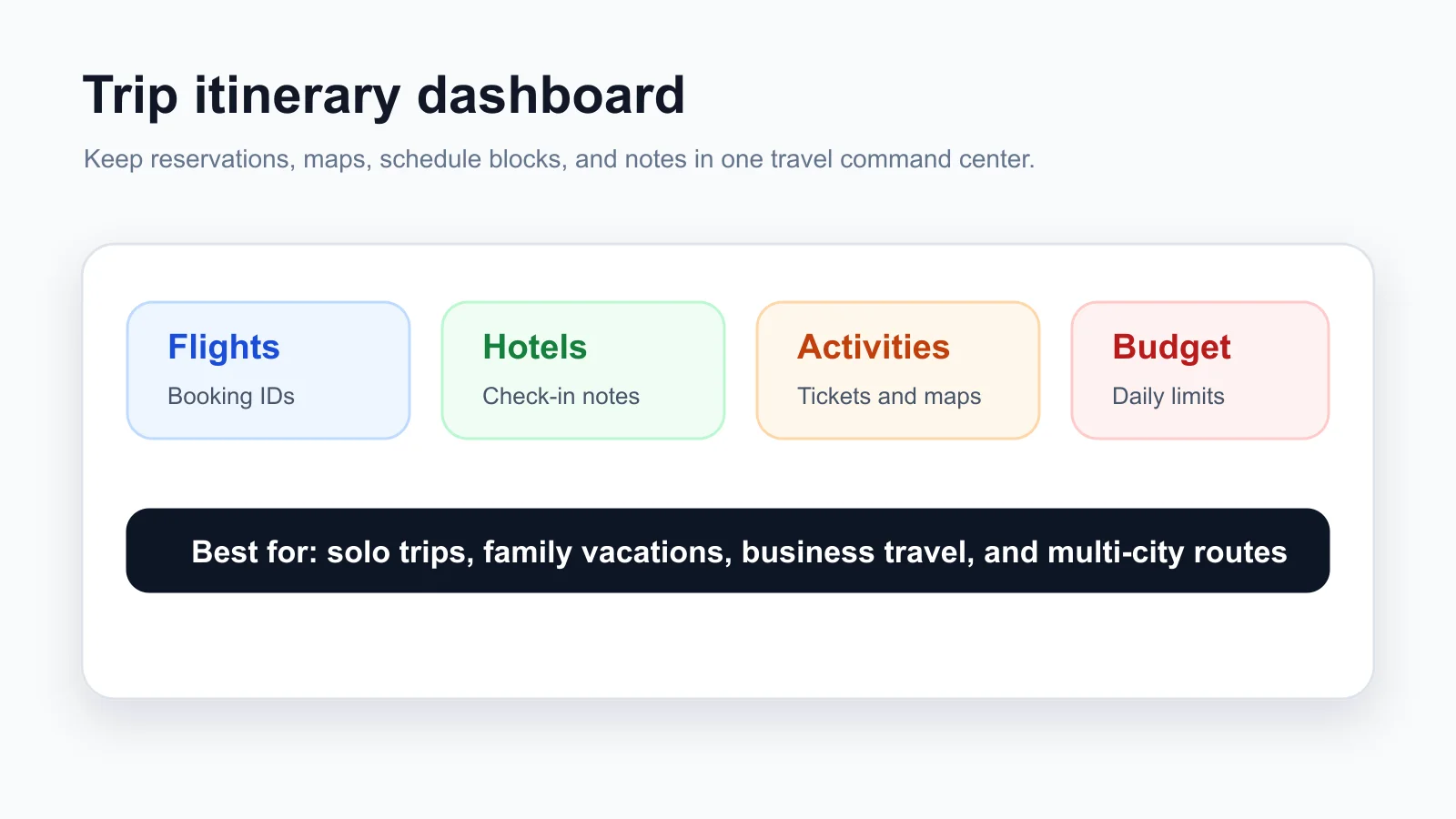
- Transport: record both departure and arrival dates, local times, terminal or station names, and the transfer to your accommodation. An overnight journey may arrive on a different date.
- Accommodation: include the address, check-in window, luggage-storage arrangements if needed, and the next morning's check-out time.
- Activities: distinguish timed tickets from ideas. Add location links and realistic travel time between places.
- Bookings: keep the confirmation link, booking owner, payment status, and cancellation deadline together. Copy deadlines from the actual reservation.
- Budget: separate estimated spending from confirmed costs and outstanding payments. Label the currency on every expense.
- Packing and contacts: keep a short departure checklist and useful contact numbers. Store passport scans, payment details, and sensitive personal information separately from a broadly shared itinerary.
A Filled Three-Day Trip Itinerary Example
This fictional city-break example shows how fixed bookings and flexible time can coexist. The times are planning examples, not verified attraction hours or transport schedules. Replace them with your confirmed details.
Trip overview: Two travelers, Friday to Sunday, staying at one hotel. Friday arrival is scheduled for 10:00; hotel check-in starts at 15:00; Sunday's train departs at 17:00. All times use the destination's local time.
| Day and time | Plan | Transport, buffer, and booking notes |
|---|---|---|
| Friday, 10:00–12:00 | Arrive and transfer to the hotel area | Allow for arrival procedures and the transfer; confirm luggage storage |
| Friday, 12:00–15:00 | Lunch and an optional neighborhood walk | Stay near the hotel; choose a cafe if arrival is delayed |
| Friday, 15:00–17:00 | Check in and rest | Keep this block free of prepaid activities |
| Friday, evening | Dinner near the hotel | Flexible venue; save the route back |
| Saturday, morning | One prebooked museum visit | Put the actual entry time and ticket link in the final plan |
| Saturday, afternoon | Lunch and a park or indoor alternative | Include travel time and a rest break; decide based on weather |
| Saturday, evening | Dinner with the group | Record a meeting point and who holds the reservation |
| Sunday, morning | Check out and store luggage | Confirm storage and collection arrangements with the hotel |
| Sunday, 12:00–14:30 | Lunch and a short optional activity | Stay within easy reach of luggage pickup |
| Sunday, 14:30–17:00 | Collect bags, transfer, and board the train | Work backward from the carrier's boarding requirements and your route |
The useful pattern is a light arrival day, one main activity on the full day, and a departure day built around the return journey. Extend it to five or seven days by repeating the daily table, with a separate transfer block whenever you change cities.
How to Customize a Trip Itinerary in AFFiNE
Use the template as a structure, then fill it from confirmed reservations. If you are still choosing destinations, a travel vision board can help collect ideas before you turn them into a schedule.
- Choose a base template. Open a travel template page, review its preview, and use the template action to start your own itinerary.
- Enter fixed bookings. Add confirmed travel dates, transport times, accommodation addresses, and timed activities before filling flexible blocks.
- Build each day. Group nearby activities, allow for transfers and breaks, and give each day an optional alternative.
- Assign responsibilities. Record who manages each booking, who updates the schedule, and how shared expenses will be tracked.
- Prepare the travel copy. Check access with a companion, add a last-updated date, and save a readable offline copy of the essential details.
Keep research notes separate from the final schedule. A long list of restaurants is useful during planning, but the departure-day view should show the chosen meeting point and booking time first.
Budget, Group Travel, and Multi-City Adjustments
Track costs without counting deposits twice
For each expense, record the currency, estimated total, confirmed or actual total, amount already paid, booking owner, and who participates in the split. A paid deposit is part of the total cost, not an extra expense.
For example, suppose a hotel costs 600 in one currency for three travelers sharing equally. A deposit of 150 leaves 450 payable to the hotel; each traveler's total share is 200. Record who paid the deposit before settling the group balance. These are illustrative numbers, not travel-price estimates.
The budget CSV provides these fields but does not calculate balances. In your spreadsheet, calculate the remaining booking payment as confirmed total minus amount paid. Keep mixed currencies separate until you select and record a conversion rate. For unequal splits, record each person's agreed share rather than dividing everything by the group size.
Adapt the itinerary for your travel group
- Family vacation: add meal and rest windows, luggage or stroller considerations, and alternatives when someone needs a shorter day. Check access requirements directly with venues.
- Group trip: choose one schedule owner, mark optional activities, and name a meeting point for anyone taking a different route. Get agreement before adding prepaid group activities.
- Road trip: account for stops as well as driving time. Record parking, fuel or charging options, and the next overnight destination; recheck routes before departure.
- Business trip: add preparation time before meetings, local contact details, and links to receipts. Keep confidential meeting notes separate from the shared travel brief.
Treat a city transfer as its own itinerary block
A multi-city schedule needs the whole transfer: check out, collect luggage, reach the correct station or airport, travel, find local transport, and check in again. Record arrival and departure in their respective local time zones. Avoid treating a train's arrival time as the moment you are ready for sightseeing.
Make a Printable and Offline Travel Copy
Keep one editable master itinerary and a shorter travel copy. The travel copy should include your next transport leg, accommodation address, daily anchor activities, meeting points, and important contacts. Put the revision date near the top so companions can recognize an old version.
For Google Docs, File → Download lets you choose an export format; Google's download and printing guidance also explains saving a PDF. Check page breaks and whether the table fits on the page before printing. For a wide spreadsheet, print only the relevant columns or use landscape orientation.
Before leaving, open the saved file on the device you will carry, with its internet connection disabled. Confirm that the essential addresses and booking details are visible. Links to online maps or tickets may still require a connection, so save those items separately as needed. Repeat the export after an important booking changes.
Trip Itinerary Templates FAQ
What is the best free trip itinerary template?
Choose a template that matches the trip and is easy for everyone to read. Use a daily table for a short vacation, a route-based plan for a road trip, and a schedule with booking owners for group travel. The free CSV files and copyable tables above are useful starting points.
What should a travel itinerary include?
Include dates, destination, transport times, accommodation addresses, daily activities, booking details, budget, and important contacts. Label time zones and distinguish confirmed reservations from optional plans. Add travel time between activities and an alternative when weather or delays change the day.
How do I make a trip itinerary in Google Docs?
Create a blank document, copy the trip overview and daily table from this guide, and replace the placeholders. Duplicate the daily table for each date. Add addresses and reservation links, check sharing permissions, and export a PDF when the travel plan is ready.
Can I use these templates in Excel or Google Sheets?
Yes. Open the downloadable CSV files in Excel or import them into Google Sheets. They provide editable columns for the daily schedule and budget, but no formulas or formatting. Save a working copy as a spreadsheet before adding calculations, extra sheets, or styling.
How do I print a trip itinerary or save it as a PDF?
Copy the overview and daily schedule into a document, fill in your trip details, and use its PDF export or print option. Check that tables fit within the page and remove unnecessary columns. Include the revision date and keep a private version for sensitive booking information.
Can I use a trip itinerary offline?
A downloaded PDF or printed itinerary works without an internet connection. For an editable app document, prepare offline access in advance and test it on your travel device. Do not assume that linked maps, tickets, or attachments will be available just because the itinerary opens.
How do I share an itinerary with travel companions?
Share one master document, give editing access only to people maintaining the plan, and test the link with a companion. Assign a schedule owner and send an updated travel copy after major changes. Keep personal documents and payment details outside any public sharing link.
Can one itinerary template handle several destinations?
Yes. Keep one trip overview, then repeat the daily schedule for each destination. Add a separate transfer block between cities with check-out, luggage collection, transport, arrival, and check-in details. Label each location's local date and time, especially for overnight or cross-time-zone journeys.
Start With Your Next Confirmed Booking
Choose an AFFiNE travel itinerary template or download the blank planners above. Add your arrival, accommodation, and return journey first, then build the daily plan around them. Leave enough flexible space for the trip you actually want to take.