One Pager Template
Free one pager template for AFFiNE with a title, headline card, visual card, and call to action. Use it for project briefs, product sheets, pitches, and school one-pagers.

Reviewed by AllenContent Operations Manager




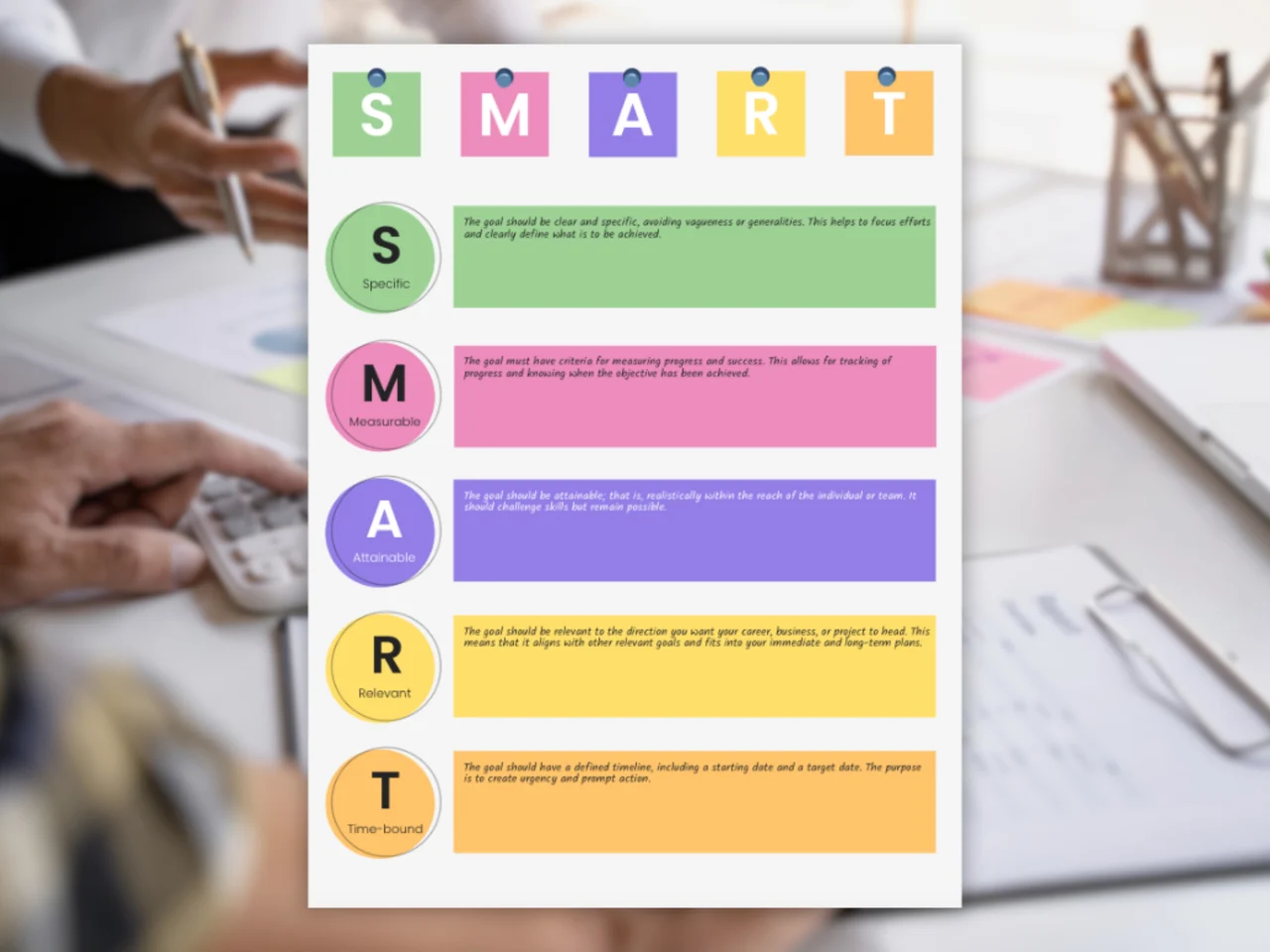
A one pager template is a single-page document layout that summarizes a project, product, company, or proposal so a reader can grasp the main points quickly. This AFFiNE template gives you an editable page with a banner image, a title, and content cards you can replace with your own headline, summary, visuals, and call to action. It is an AFFiNE edgeless page, so you can move blocks freely and export the finished page as PDF or PNG.
When a one pager needs to expand into a deck, AFFiNE’s presentation maker for one-page briefs can turn the same outline into slide structure and speaker notes. For inspiration, see these one-pager examples and blank one-pager layouts. If you need a more specific format, try the Harvard One Pager Template or the Startup Investor Pitch One Pager, or browse the one pager template collection. Not sure this layout fits? Compare nine free one pager templates by goal and see a worked example of filling one in.
Most one-pagers include a headline, a short overview of the problem and solution, key points or results, a supporting visual, and a call to action with contact details.
It should fit on a single page. If the essentials do not fit, cut detail and link to a longer document instead.
In class, a one-pager is a single-page assignment where students summarize a book, topic, or lesson with a mix of key quotes, ideas, and visuals.
No. The template opens in AFFiNE. After you fill it in, you can export the page from AFFiNE as a PDF or PNG to share or print.