Best Whiteboard Apps for Mac in 2026: Text & Handwriting
Short answer: yes. Every whiteboard app for Mac lets you type text, and most also have sticky notes. The real differences are elsewhere: whether the app runs natively on macOS, whether you can draw on the Mac itself, and whether handwriting can become typed text. For a free board that is already on your Mac, use Apple Freeform. For a board that sits next to your notes and works offline, use AFFiNE. For large team workshops, use Miro. If you want handwriting converted to text, the most reliable setup is still an iPad with Apple Pencil.
Updated November 4, 2026. We checked every feature, price and system requirement below on the official help, pricing and App Store pages on that date. AFFiNE is our product. We hold it to the same checks as the other six apps.
Mac whiteboard apps compared: text, handwriting and price
| App | How it runs on Mac | Typed text and sticky notes | Handwriting to text on Mac | Offline | Price |
|---|---|---|---|---|---|
| Apple Freeform | Native, preinstalled (macOS 13 or later) | Text boxes and sticky notes with lists and fonts | Not documented | Yes, boards are stored on the device; sharing needs iCloud | Free |
| AFFiNE | Native app, Apple silicon and Intel (macOS 11 or later) | Text tool (T) and Note blocks (N) with full document formatting | No | Yes, with local workspaces | Free; Pro $6.75/mo billed yearly |
| Miro | Native desktop app (macOS 12 or later) | Text (T) and sticky notes (N) | Not documented | No | Free for 3 editable boards; Starter $8/member/mo billed yearly |
| Explain Everything | Native app (macOS 11 or later) | Rich text boxes, sticky notes and equations | Not documented on Mac | Not documented | Free; Pro $7.49/mo billed yearly |
| Excalidraw | Browser or installable web app (no native app) | Text tool (T) or double-click | No | Yes, as an installable web app | Free; Excalidraw+ $6/user/mo billed yearly |
| MyScript Notes (formerly Nebo) | iPad app on Apple silicon Macs (macOS 14 or later) | Typed text plus handwriting | Yes, but limited without Apple Pencil | Not documented | Free download; paid upgrades in the App Store |
| Microsoft Whiteboard | Web browser or Microsoft Teams only | Text and notes; the font cannot be changed | Not documented | Not documented | Included with Microsoft 365 work or school accounts |
Prices are in US dollars, before tax, as shown on each vendor's pricing page or the Mac App Store on November 4, 2026. "Not documented" means the vendor's own help pages do not describe the feature, so we do not claim it.
How to choose a whiteboard app for Mac
Start with the job the board has to do, then check the one limit that would block you:
- Everyone uses Apple devices: Freeform is free, syncs through iCloud and supports live collaboration. You need nothing else to start.
- The board has to become a document: pick AFFiNE. A brainstorm in Edgeless mode can turn into a written plan in the same workspace, and it works offline.
- You run workshops with many people: Miro has the templates, sticky-note tools and integrations, but its free plan stops at 3 editable boards and it has no offline mode.
- You teach or record lessons: Explain Everything records the canvas as a video with your voice.
- You want a sketch in ten seconds: Excalidraw opens in the browser with no account.
- You think with a pen: use an iPad with Apple Pencil, or MyScript Notes, and read the handwriting section first.
If you also work on Windows PCs, see our guide to the best whiteboard apps for Windows and Mac.
The 7 best whiteboard apps for Mac
1. Apple Freeform: free and already on your Mac
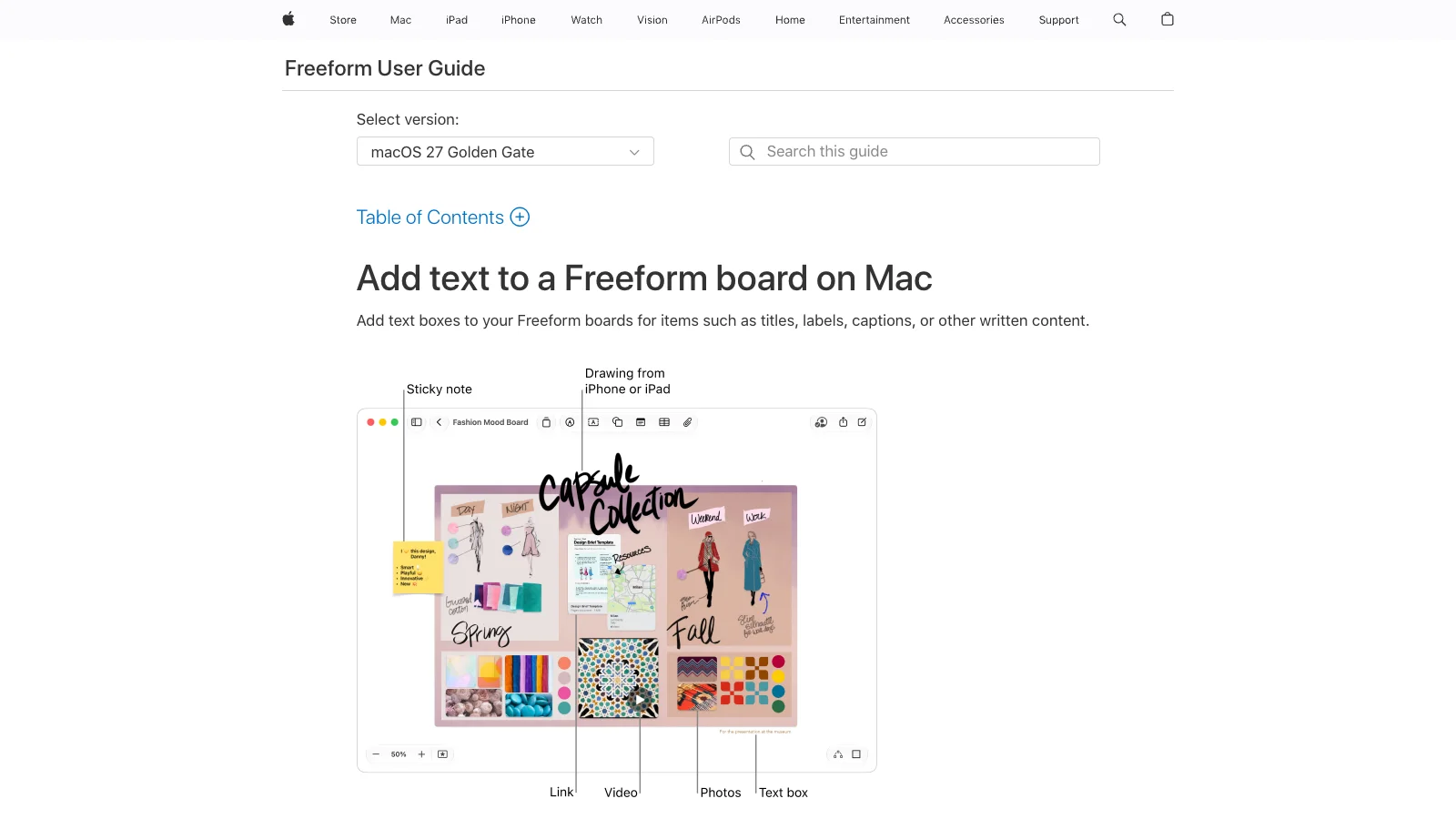
Best for: people and small groups who all use Mac, iPhone and iPad.
Freeform is Apple's own infinite board. It is preinstalled on recent Macs, and boards stay in sync on all your Apple devices through iCloud. You can invite others and work on the same board in real time, with their cursors visible.
- Adding text: click the text box button in the toolbar and start typing. Sticky notes work the same way from the sticky note button. Both support bulleted, numbered and dashed lists. Press Tab to indent and Shift-Tab to outdent.
- Formatting: the text inspector sets font, size, color, alignment and list style. Command-B, Command-I and Command-U work as usual. Option-Command-Plus and Option-Command-Minus change the font size.
- Drawing on the Mac: on macOS 27, choose Insert > Drawing to draw with pens, watercolor and an eraser right on the Mac. On earlier versions, use Insert > Add Sketch to draw on a nearby iPhone or iPad and drop the sketch onto the board.
- Export: File > Export Board as PDF. Freeform has no direct PNG export. Open the PDF in Preview and export it as an image instead.
- Watch out for: Apple does not document handwriting-to-text in Freeform on Mac, and there is no Windows or Android version. Apple's optional Creator Studio subscription is not needed to create, edit or share boards.
2. AFFiNE: whiteboard and docs that work offline
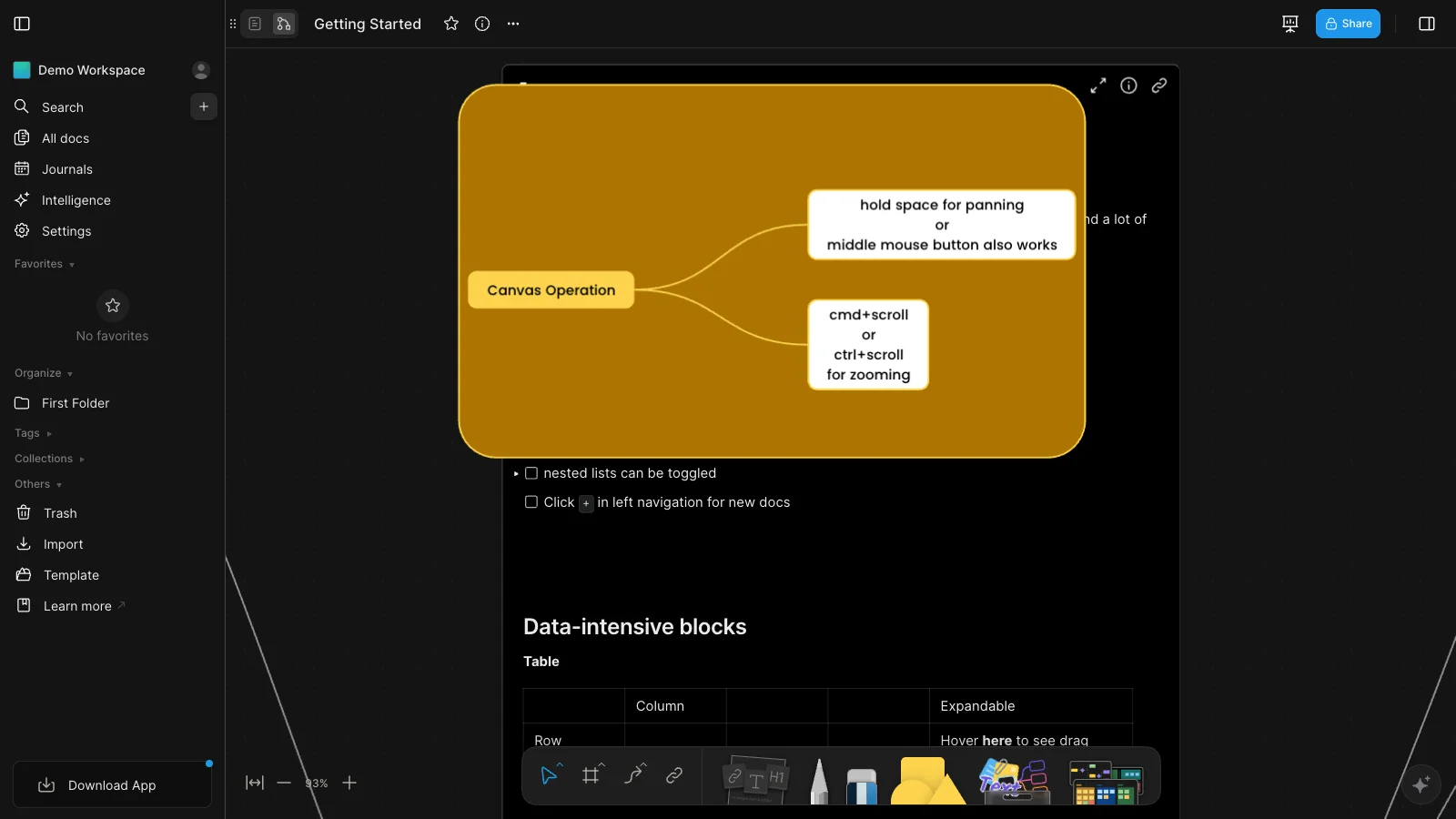
Best for: people who want the board and the written notes it produces in one place, on or off the internet.
AFFiNE has two views of the same content: a document view and Edgeless, an infinite whiteboard. Text on the board is not limited to labels. A Note block holds a full document with headings, lists, tables and links, so meeting notes and the diagram they describe stay together.
- Adding text: press T for a text element, or N for a Note block, then click the canvas. Other shortcuts on Mac include P for the pen, S for shapes, C for connectors and V to select.
- Drawing: the pen and highlighter work with a mouse or trackpad. AFFiNE does not convert handwriting to text.
- Offline and privacy: the Mac app runs on Apple silicon and Intel Macs with macOS 11 or later. Local workspaces stay on your Mac and need no account.
- Price: the Free plan has unlimited local workspaces and cloud workspaces for up to 3 members. Pro costs $6.75 per month billed yearly. See AFFiNE pricing.
- Watch out for: fewer templates and integrations than Miro, and no handwriting recognition. Real-time collaboration needs a cloud workspace.
If you want more free and open-source options, see our list of the best free whiteboard apps.
3. Miro: best for large team workshops
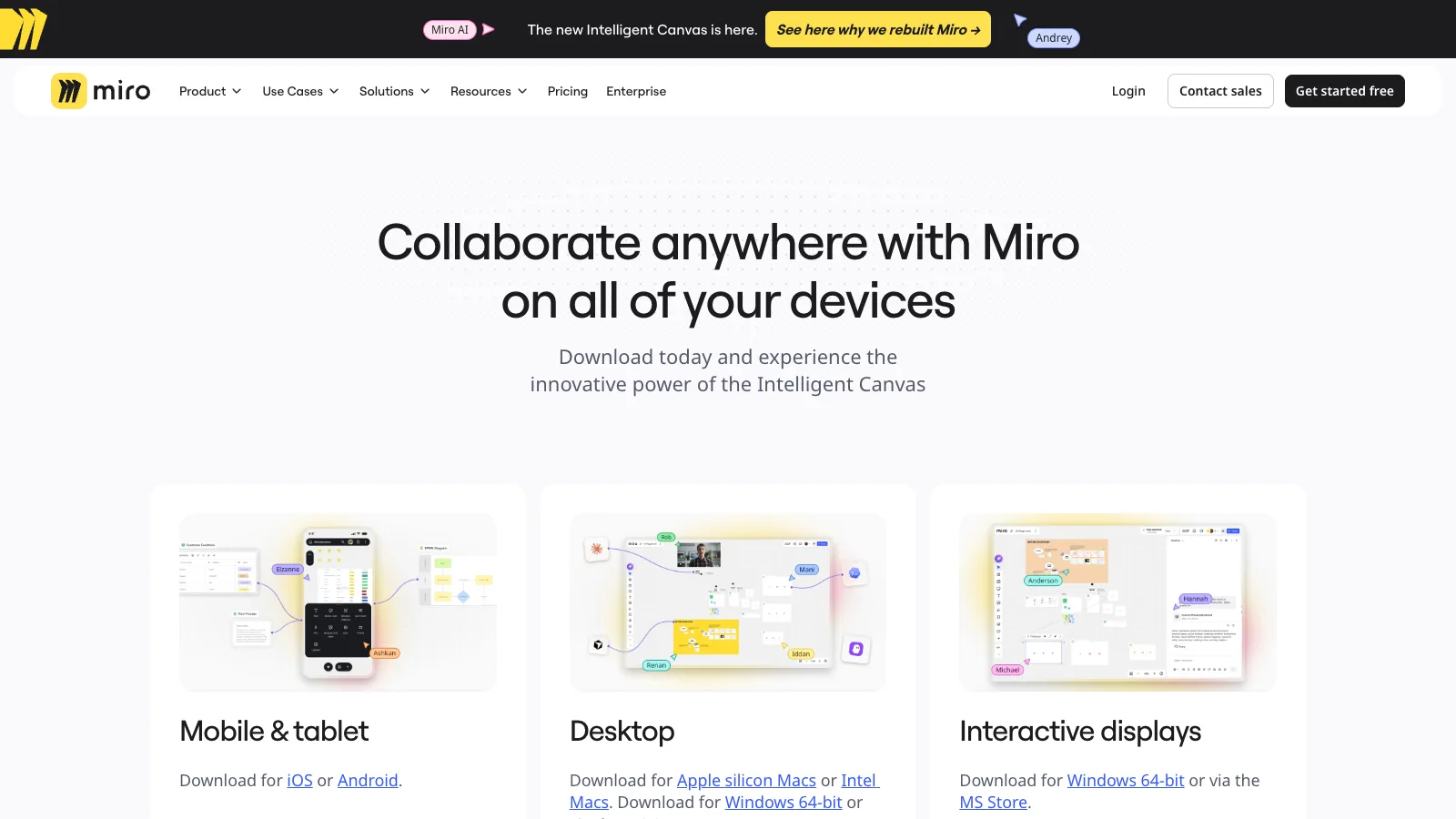
Best for: teams that run workshops, retros and planning sessions with many participants.
Miro has a native Mac desktop app for Apple silicon and Intel Macs running macOS 12 or later. It has the largest template library in this list and many integrations.
- Adding text: press T for text and N for sticky notes. In bulk mode, press Return to add the next sticky note and Esc to stop. P opens the pen.
- Free plan: 3 editable boards. Starter costs $8 per member per month billed yearly and removes the board limit.
- Offline: not supported. Miro says an offline mode "is currently not on our radar" and points to export instead.
- Watch out for: per-member pricing adds up for bigger teams. If you are leaving Miro, see our guide to Miro alternatives.
4. Explain Everything: best for teaching and video lessons
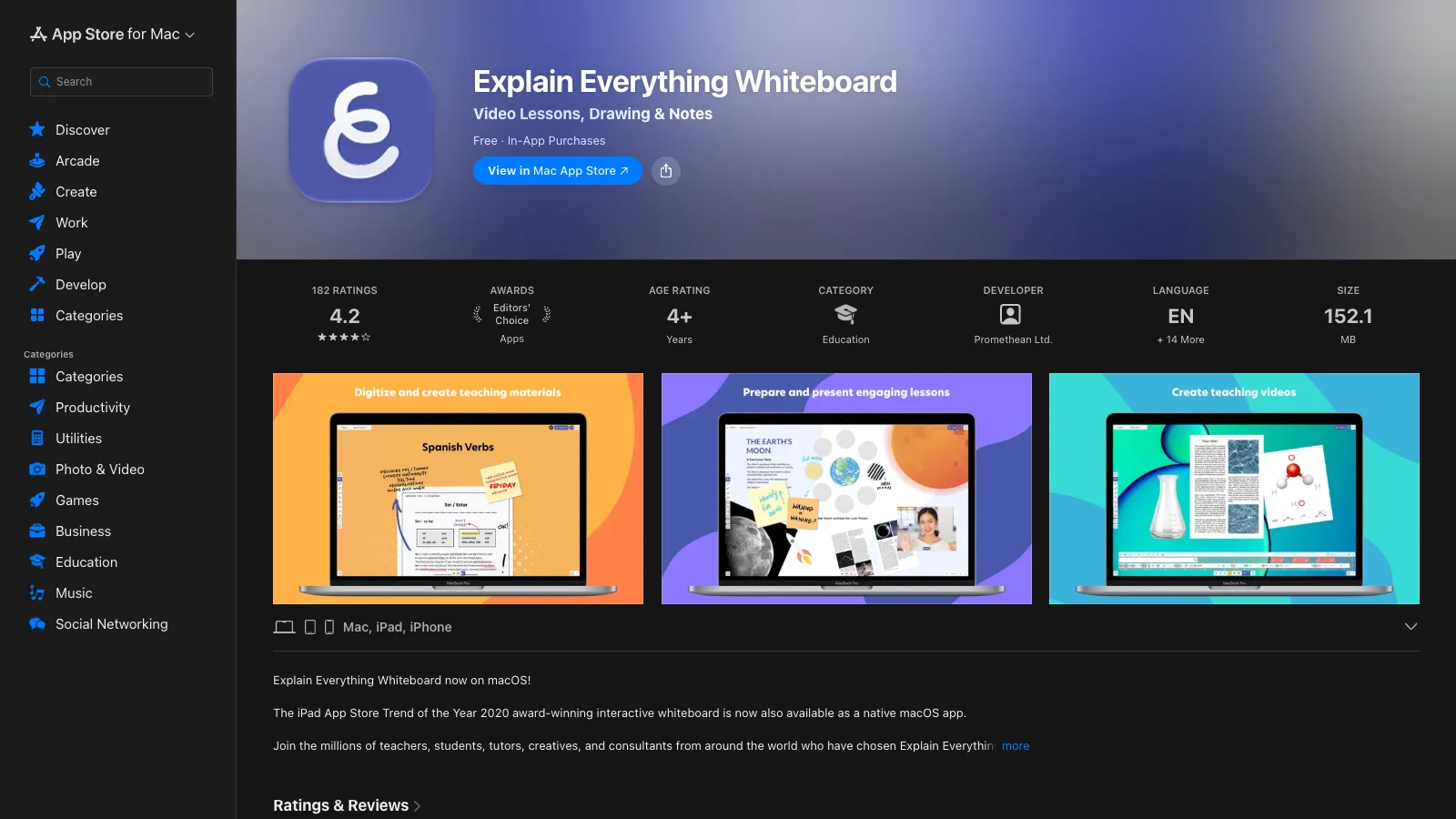
Best for: teachers, tutors and trainers who record lessons on the canvas.
Explain Everything has a native Mac app that needs macOS 11 or later. Its text boxes support fonts, sizes, colors, alignment, superscript, subscript and borders, and the board also takes sticky notes and equations.
- Adding text: press T (or 7) for the text tool and D (or 2) to draw.
- Price: the Free plan limits exported videos to 3 minutes. Pro costs $7.49 per month billed yearly.
- Watch out for: the AI Companion is documented for iPad and iPhone only, and Explain Everything does not document handwriting recognition on Mac.
5. Excalidraw: quick sketches in the browser
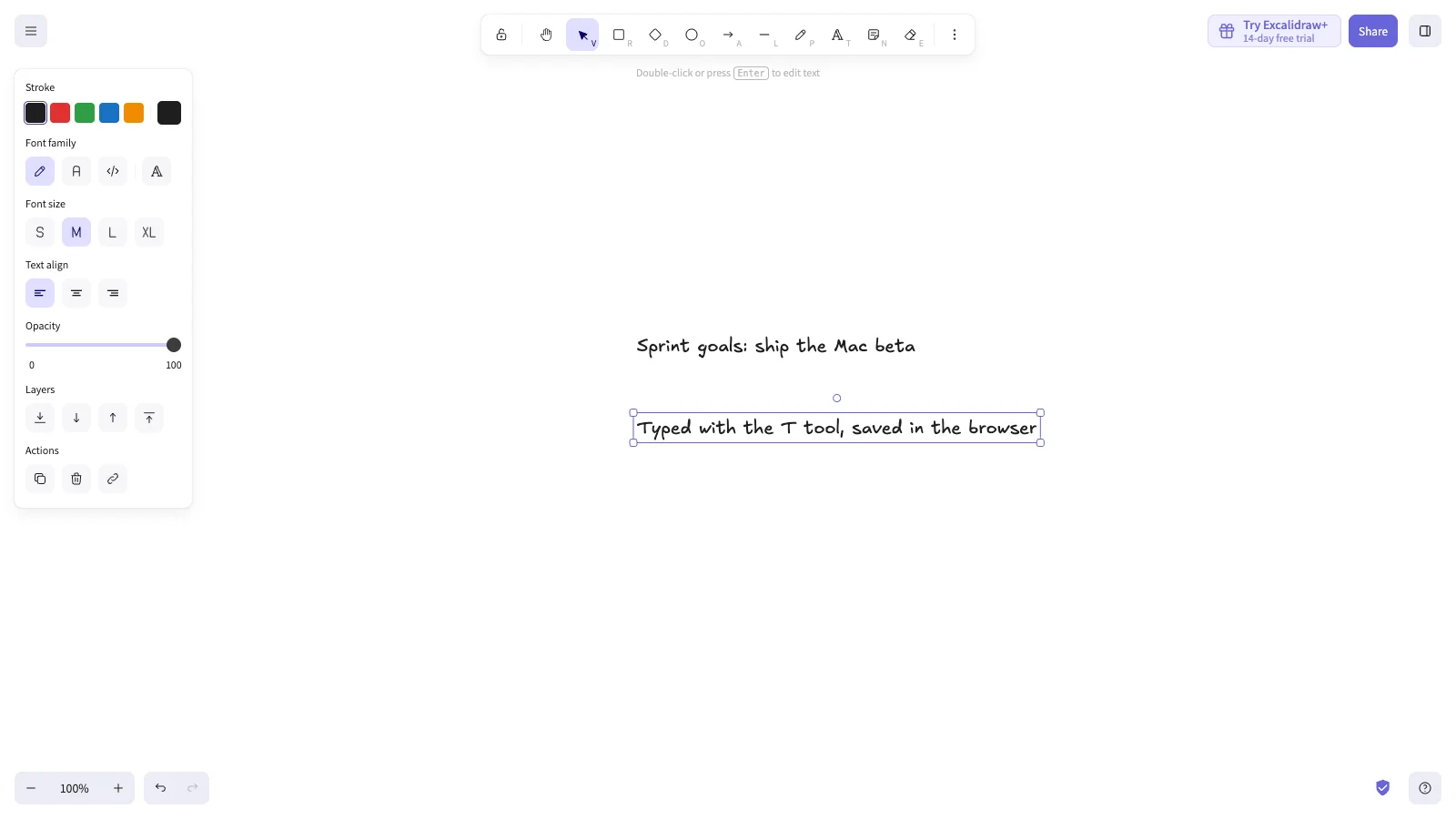
Best for: fast diagrams and sketches you want to start without signing up.
Excalidraw runs in the browser. Its old desktop app was retired around 2020 in favor of an installable web app, which gets its own window and Dock icon on macOS and works offline. Drawings are stored in the browser on your Mac.
- Adding text: press T, click and type, or double-click anywhere on the canvas.
- Price: free with no account, including end-to-end encrypted live collaboration. Excalidraw+ costs $6 per user per month billed yearly.
- Watch out for: clearing the browser's site data deletes boards you have not saved as files. For notes that link to your sketches, see Excalidraw vs Obsidian.
6. MyScript Notes (formerly Nebo): handwriting first
Best for: people who write by hand and want typed, searchable text.
Nebo is now called MyScript Notes. On the Mac it runs as the iPad app, so it needs an Apple silicon Mac and macOS 14 or later. Handwriting-to-text is its core feature, with recognition in 66 languages.
- On a Mac: MyScript says Macs do not support Apple Pencil, so writing with a mouse, trackpad or passive pen "may offer a more limited experience".
- Price: free to download, with paid upgrades in the App Store.
- Watch out for: for daily handwriting, use it on an iPad and open the synced notes on your Mac.
7. Microsoft Whiteboard: web only on Mac
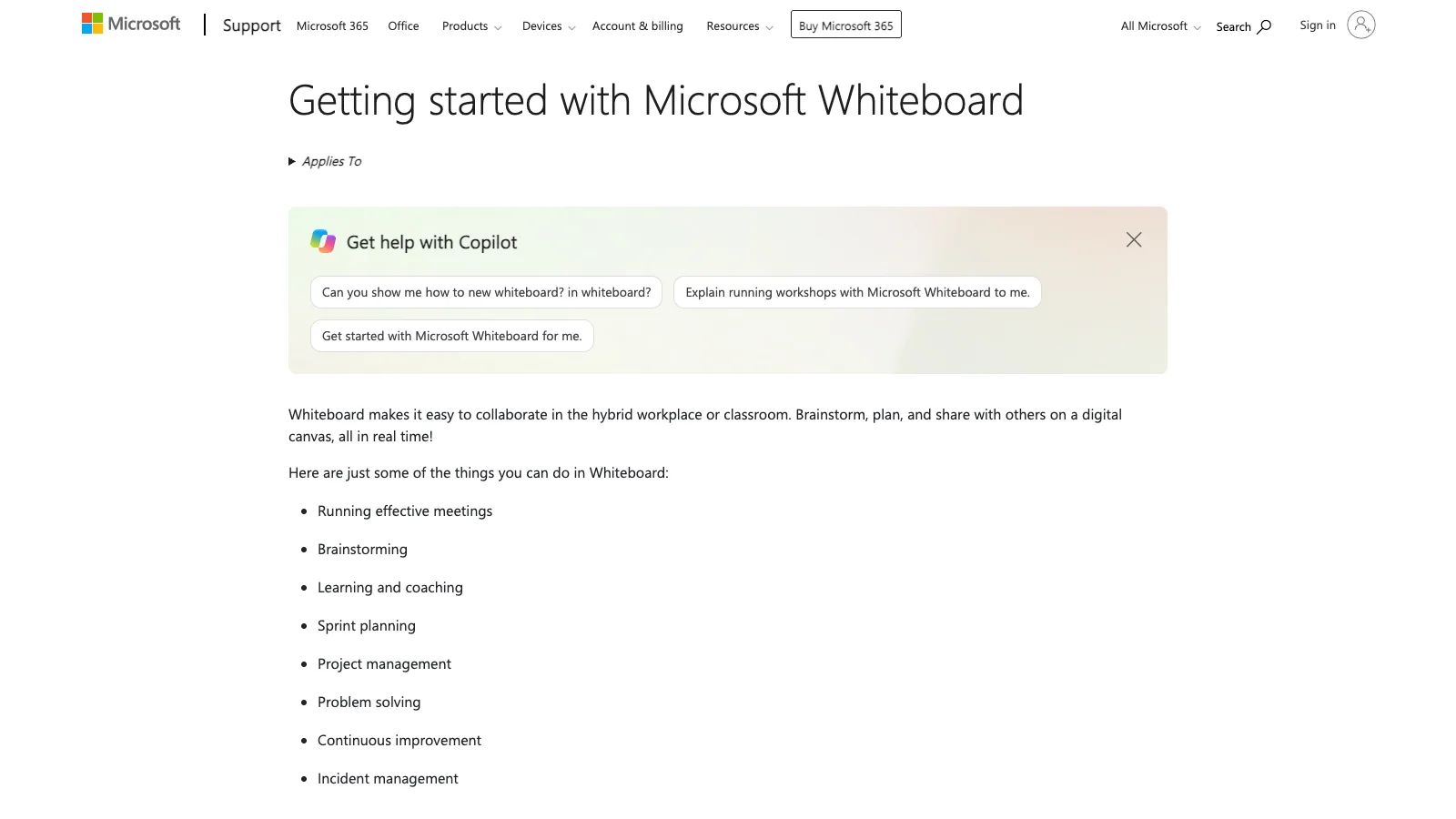
Best for: teams already working in Microsoft 365 and Teams.
Microsoft Whiteboard has no macOS app. On a Mac you use it in a browser at whiteboard.office.com or inside Teams. Microsoft retired the standalone Windows, iOS and Android apps on October 16, 2026. The web and Teams versions continue for work and school accounts.
- Adding text: choose Create > Add text, or right-click the canvas and choose Text. You can change the text color, but Microsoft says the font cannot be changed. Notes come from Create > Add note.
- Watch out for: you need a Microsoft account, and Microsoft does not document an offline mode.
Also worth knowing: Lucidspark also works on a Mac in the browser and hands boards off to Lucidchart. Google Jamboard was shut down on December 31, 2024.
Three ways to add text to a Mac whiteboard
Typing
Typing is the fastest and most reliable method, and every app above supports it. Learn the text shortcut in your app: T works in AFFiNE, Miro, Explain Everything and Excalidraw. In Freeform, use the text box button in the toolbar.
Handwriting
Macs do not support Apple Pencil, so handwriting on a Mac means a mouse, a trackpad or a drawing tablet. You can draw in most of these apps, but only MyScript Notes documents handwriting-to-text on Mac, and it warns the experience is limited. Two Apple features help:
- Continuity Sketch: in Freeform and other supported apps, choose Insert > Add Sketch, draw on your iPhone or iPad, and the sketch appears on the Mac. It needs macOS 10.15 and iPadOS 13 or later.
- Sidecar: use an iPad as a second Mac display and draw with Apple Pencil in Mac apps. It needs macOS 10.15 or later and a supported Mac.
If converting handwriting to text matters most, write on the iPad. Scribble, Apple's handwriting-to-text feature, works on iPad but not on Mac.
Voice dictation
macOS dictation is a system feature, so it works in any text box where you can place a cursor, including whiteboard apps. Click into a text box or sticky note, then press the Microphone key, use the dictation shortcut set in System Settings > Keyboard > Dictation (one option is pressing Fn twice), or choose Edit > Start Dictation. Dictation stops after 30 seconds without speech.
Fixing common text problems on Mac whiteboards
Text is too small or the wrong font
In Freeform, select the text and press Option-Command-Plus, or use the text inspector. In Microsoft Whiteboard, the font cannot be changed, so zoom in and drag the text box handles to resize it. In AFFiNE, put longer text in a Note block, which uses normal document formatting. To keep big boards readable, see our guide to organizing a digital whiteboard.
Text does not appear on your other devices
For Freeform, turn on iCloud for Freeform on every device with the same Apple Account. For AFFiNE, local workspaces stay on one Mac by design. Move the board to a cloud workspace to see it on other devices. Miro and Microsoft Whiteboard save to the cloud, so check that you are signed in to the same account.
Moving board text into Pages, Keynote or a doc
Export the board as a PDF or image and place it in Pages or Keynote. In Freeform, use File > Export Board as PDF. If the text needs to stay editable, keep it in a tool that has documents next to the board, such as AFFiNE, or copy the text out before you export. Our step-by-step guide covers how to export and share a whiteboard.
How we checked these apps
We chose the whiteboard apps Mac users most often compare, plus the two the original version of this guide got wrong (Microsoft Whiteboard and Nebo). We checked each one against the same points: how it runs on macOS, how you add text and sticky notes, drawing and handwriting on a Mac, offline use and price.
- Sources: each vendor's official help center, pricing page or Mac App Store listing, all read on November 4, 2026.
- Screenshots: taken on November 4, 2026 at 1600 × 900. Excalidraw and AFFiNE were used directly in the browser. The other screenshots show each vendor's public page. No account was signed in.
- What we did not do: we did not run long-term tests or measure handwriting accuracy, so try handwriting tools with your own writing before you pay.
- Conflict of interest: AFFiNE makes this blog. We list AFFiNE's gaps, such as no handwriting-to-text, as plainly as everyone else's.
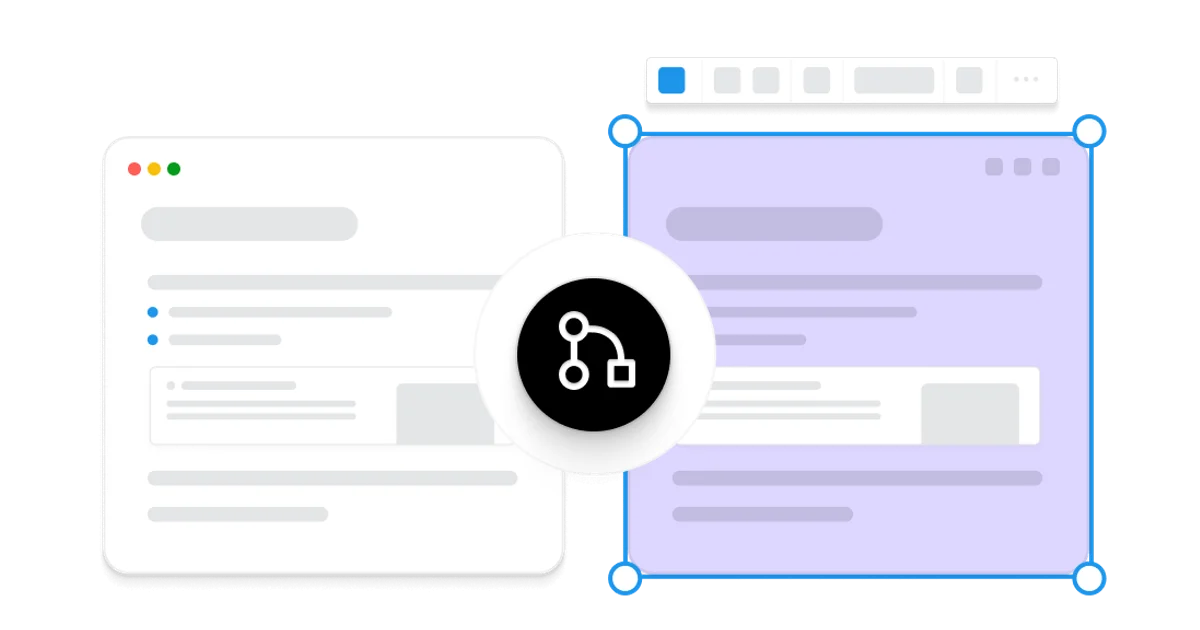
- AI assistance: AI tools helped with research, drafting and the cover illustration. The AFFiNE team reviewed and edited the content.
About the author
Allen is AFFiNE's Content Operations Manager. He writes and maintains AFFiNE's guides to whiteboards and note-taking, including the best free whiteboard apps and Miro alternatives. For each update, Allen rechecks vendor help and pricing pages and records the date for every claim.
Frequently Asked Questions About Whiteboard Apps on Mac
Is there a whiteboard app for Mac?
Yes. Apple Freeform comes free with macOS 13 and later. AFFiNE, Miro and Explain Everything also have native Mac apps, and Excalidraw runs in the browser.
Can you type text on a whiteboard app on Mac?
Yes. Every app in this guide has a text tool, and most also have sticky notes. In AFFiNE, Miro, Explain Everything and Excalidraw, press T to start typing.
Does Microsoft Whiteboard work on Mac?
Only in a web browser at whiteboard.office.com or inside Microsoft Teams. There is no macOS app, and Microsoft retired its standalone Windows, iOS and Android apps on October 16, 2026.
Can I convert handwriting to text on a Mac?
Rarely. Macs do not support Apple Pencil, and Scribble works on iPad, not Mac. MyScript Notes converts handwriting on Apple silicon Macs but warns the experience is limited without a pen.
What is the best free whiteboard app for a MacBook?
Apple Freeform if everyone uses Apple devices. AFFiNE if you want offline boards next to your notes. Excalidraw if you only need quick sketches in the browser.
Do Mac whiteboard apps work offline?
Freeform, AFFiNE local workspaces and the Excalidraw web app work offline. Miro does not support offline use, and Microsoft does not document an offline mode for Whiteboard.
Sources
All accessed November 4, 2026.
- Apple Freeform: add text, sticky notes, drawing, keyboard shortcuts, export as PDF, Mac App Store
- AFFiNE: download, pricing, Edgeless keyboard shortcuts in the source
- Miro: desktop app, shortcuts, system requirements, pricing
- Explain Everything: Mac App Store, insert text, keyboard shortcuts, pricing
- Excalidraw: getting started, retiring the desktop app, Excalidraw+ pricing
- MyScript Notes: product page, compatible devices, Mac App Store
- Microsoft Whiteboard: getting started, add text, standalone app retirement
- macOS: dictation, Continuity Sketch, Sidecar