10 Best Miro Alternatives (Free & Open-Source) in 2026
Short answer: the best Miro alternative depends on what pushed you away from Miro. For a free board that also holds your notes and works offline, start with AFFiNE. For a classic workshop board, pick Mural. If you design in Figma, choose FigJam, which is the cheapest paid option at $3 per seat per month. For quick sketches without signing up, use Excalidraw. If you already pay for Microsoft 365, Zoom, Confluence, Canva or Apple devices, the whiteboard in that tool may be enough. For open-source boards you can run on your own server, see the open-source section below.
Updated November 3, 2026. We checked every free plan, price and screenshot on the official pricing, help and product pages on that date. AFFiNE is our product. We hold it to the same checks as the other nine tools.
Miro alternatives compared: free limits, self-hosting, offline and price
| Tool | Best for | Free plan limit | Self-host | Offline | Cheapest paid plan |
|---|---|---|---|---|---|
| Miro (baseline) | Large workshop boards | 3 editable boards (the three most recent) | No | No | $8/member/mo, billed yearly |
| AFFiNE | Boards that turn into written plans | Unlimited local workspaces; cloud workspaces up to 3 members | Yes, free up to 10 seats per workspace | Yes (desktop, local workspaces) | Pro $6.75/mo, billed yearly |
| FigJam | Figma product teams | 3 FigJam files in the team folder, plus drafts | No | Partial | Collab seat $3/mo yearly ($5 monthly) |
| Mural | Facilitated workshops | 3 editable murals, no member cap | No | No | Team+ $9.99/member/mo yearly ($12 monthly) |
| Lucidspark | Boards that become diagrams | 3 editable boards | No | Partial (open boards in the browser) | Individual $9/mo, billed yearly |
| Microsoft Whiteboard | Microsoft 365 and Teams users | Free with a Microsoft account; no published board limit | No | No documented offline mode | Included with Microsoft 365 |
| Zoom Whiteboard | Boards inside Zoom meetings | 3 boards editable at the same time | No | No | Add-on $5.83/user/mo, billed yearly |
| Confluence Whiteboards | Jira and Confluence teams | Up to 10 users, 3 active whiteboards per user | No (cloud only) | No | Standard $5.78/user/mo |
| Canva Whiteboards | Design-heavy brainstorming | Free plan; no published whiteboard limit | No | Partial (existing designs) | Pro US$144/year for one person |
| Apple Freeform | All-Apple groups | Free on Apple devices | No | Yes (boards on device; sharing needs iCloud) | No Freeform plan |
| Excalidraw | Quick hand-drawn sketches | Free on excalidraw.com, no account | Yes (MIT, Docker image) | Yes (installable web app) | Excalidraw+ $6/user/mo yearly ($7 monthly) |
Prices are in US dollars, before tax, as shown on each vendor's pricing page on November 3, 2026. Prices change often, so check the linked pricing pages before you buy.
Why teams look for a Miro alternative
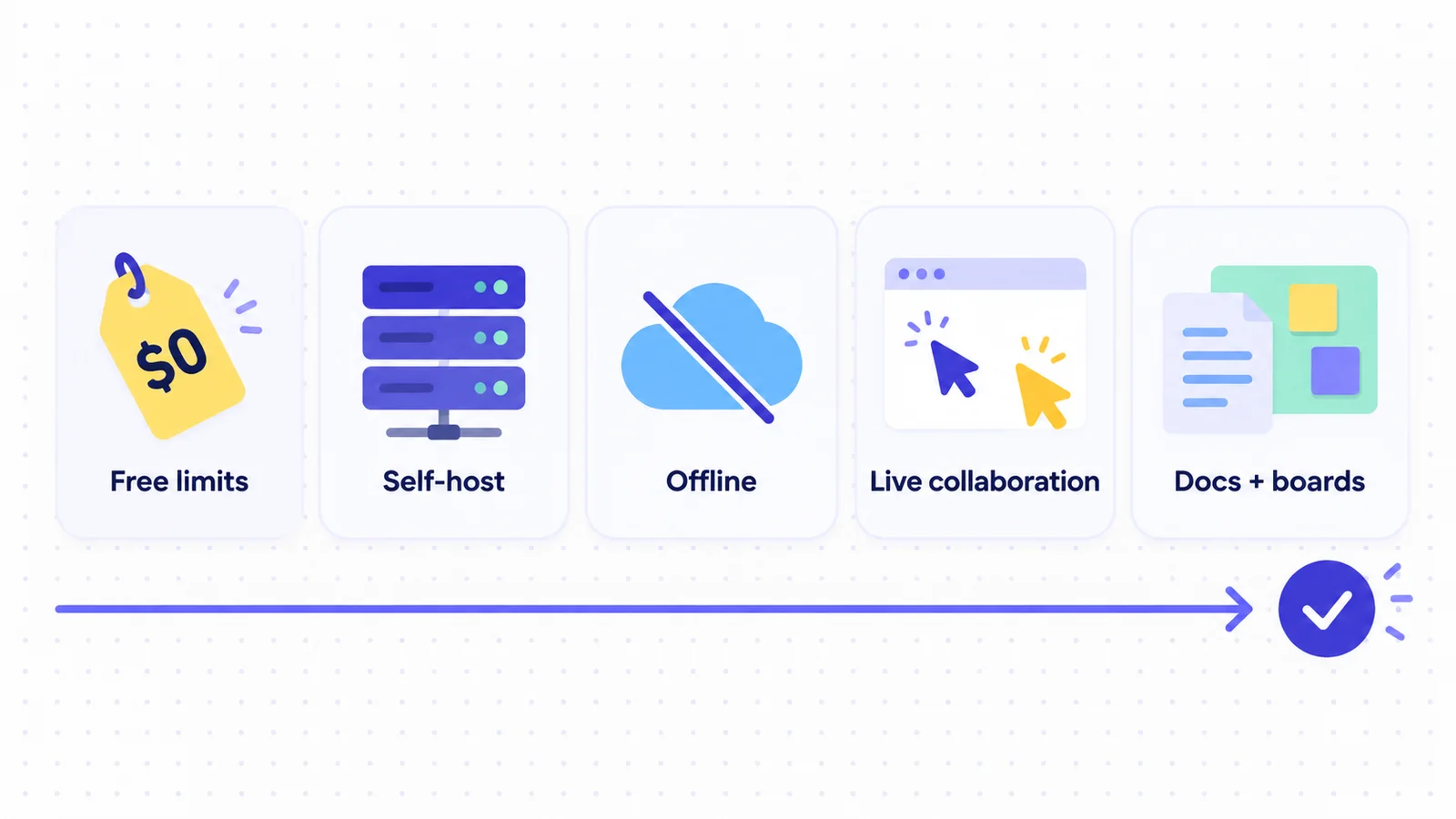
Miro is still a strong default for large, facilitated boards, and it has a deep template library and many integrations. Teams usually leave it for one of four reasons:
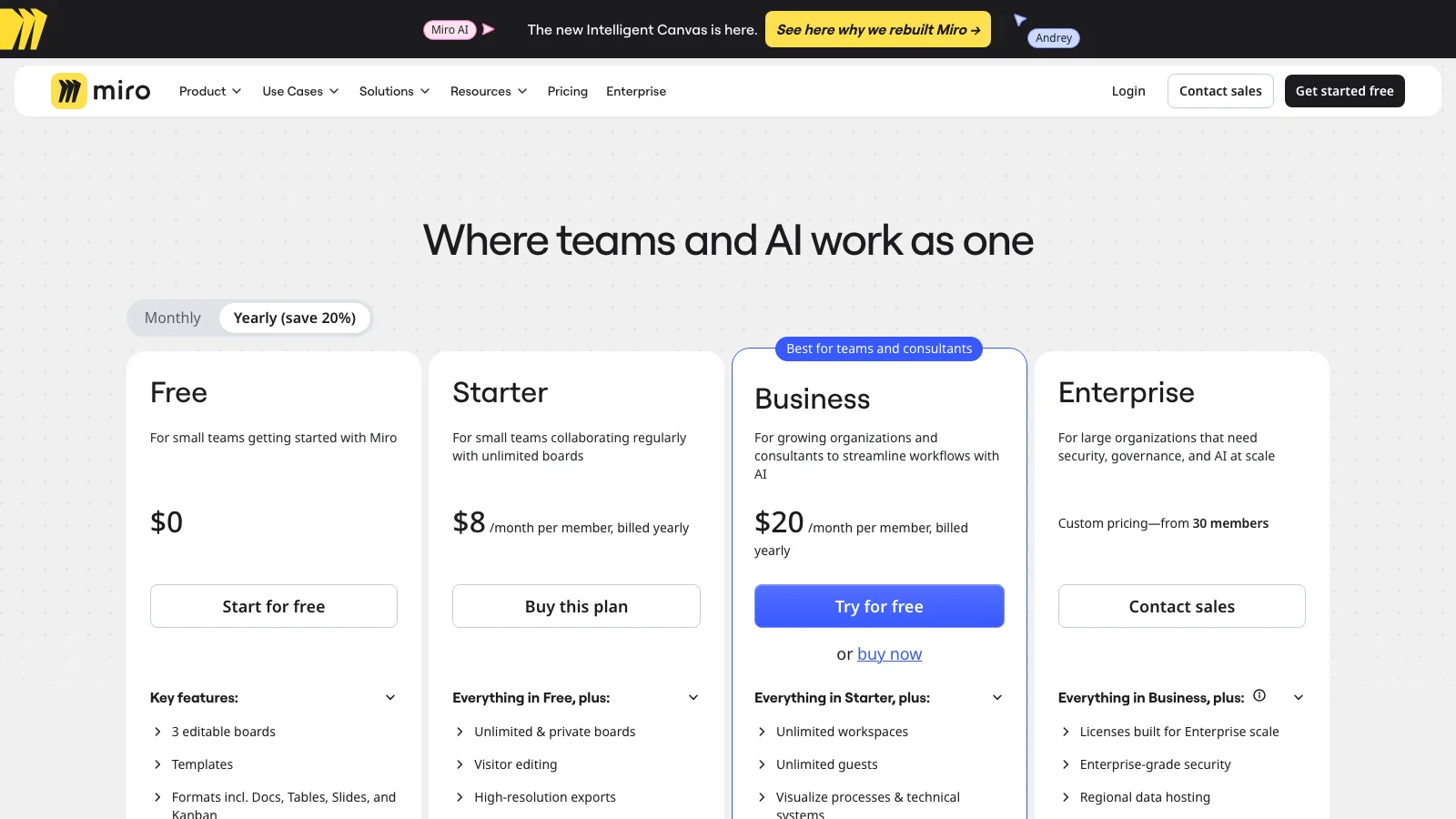
- The 3-board limit. On Miro Free you can create as many boards as you like, but only the three most recently created boards stay editable. Once you create a fourth board, the oldest one becomes read-only.
- Per-member pricing. Starter costs $8 per member per month and Business costs $20 per member per month, both billed yearly. Monthly billing costs more. For a team of 15, Business comes to $3,600 a year.
- No offline mode. Miro's own system requirements say there is no offline mode, even in the desktop app.
- Where the data lives. Miro is cloud-only. Teams that need boards on their own server, or next to their written docs, have to look elsewhere.
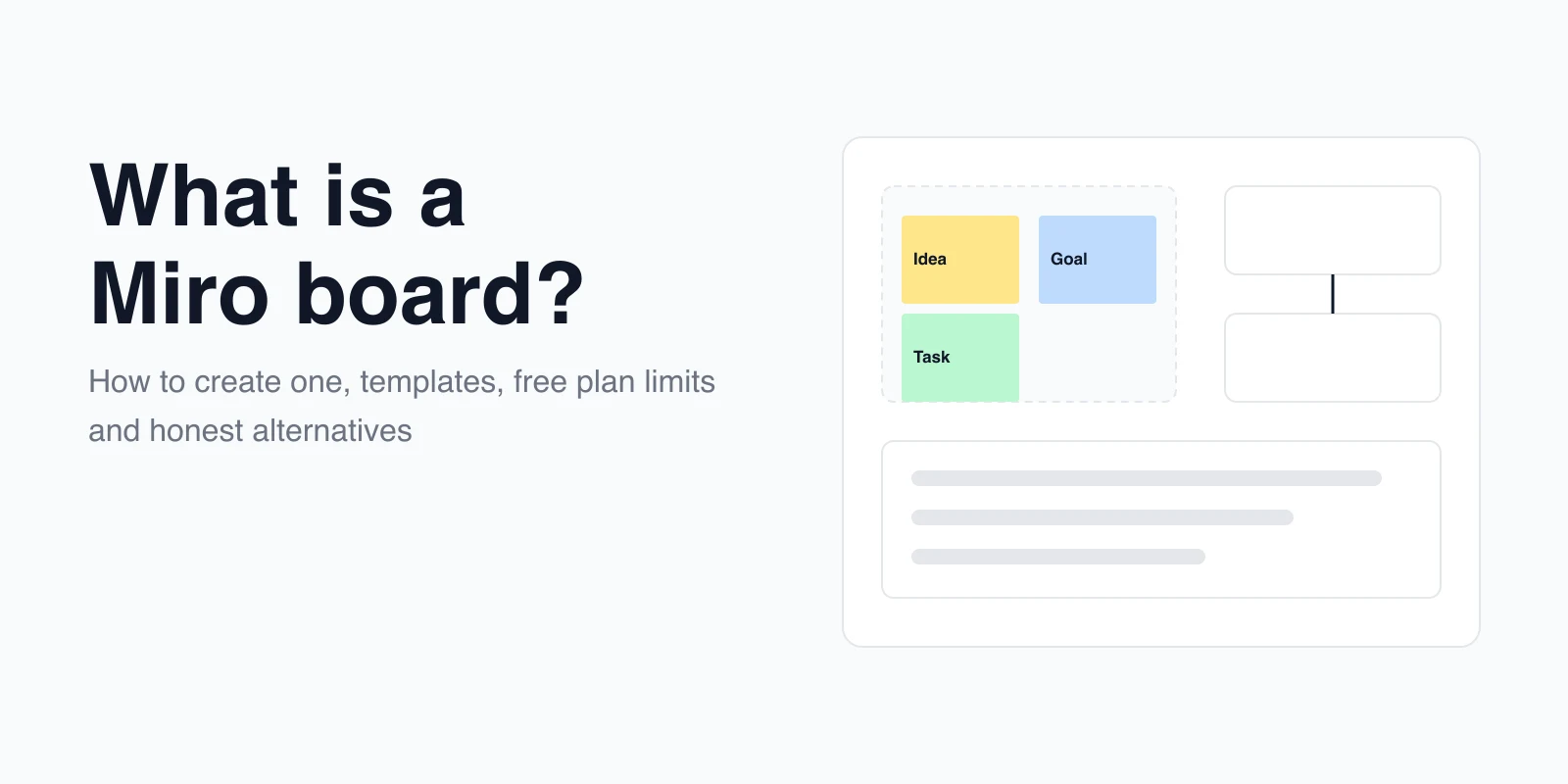
If you only need to understand how Miro boards work before you compare, read what a Miro board is and how to set one up.
The 10 best Miro alternatives, reviewed
Each review covers what the tool is for, its free plan, its cheapest paid plan, and the main limitation compared with Miro. The screenshots come from each vendor's public product page, not from boards behind a login.
1. AFFiNE: whiteboard and docs in one workspace
Best for: teams whose board needs to become a written brief, plan or wiki page.
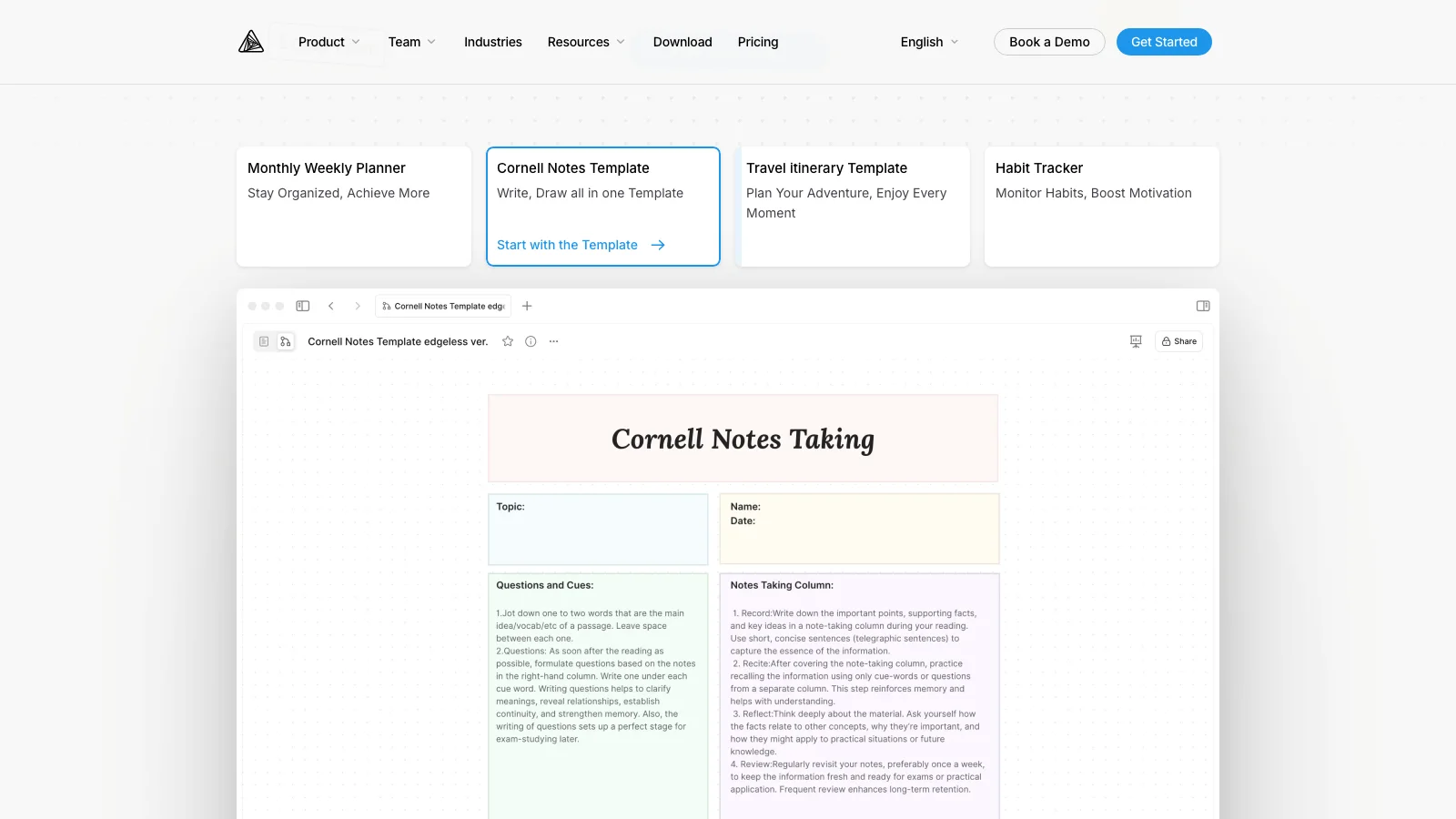
AFFiNE puts documents and an infinite whiteboard (Edgeless mode) on the same blocks. You can open a page as a board and switch back. That lets the sticky notes from a workshop sit next to the decision document they produced. The canvas has sticky notes, shapes, connectors, mind maps, frames, embedded pages and database views. You can also present frames as slides.
- Free plan: unlimited local workspaces on the desktop app. Cloud workspaces allow up to 3 members, with 10 GB of storage.
- Paid: Pro costs $6.75 per month billed yearly, with 100 GB of storage and up to 10 members per workspace. Team costs $10 per seat per month. See AFFiNE pricing.
- Self-host and offline: the desktop app works offline with local workspaces. Self-hosting with the official Docker Compose stack is free for up to 10 seats per workspace. The editor and most client code are MIT-licensed. The server backend uses the source-available AFFiNE EE licence.
- Platforms: web, Windows, macOS, Linux, iOS and Android (download).
- Watch out for: a smaller template library and fewer integrations than Miro. If you self-host, you run HTTPS, backups, upgrades and your own AI provider keys.
2. FigJam: best for teams already in Figma
Best for: product and design teams that already work in Figma.
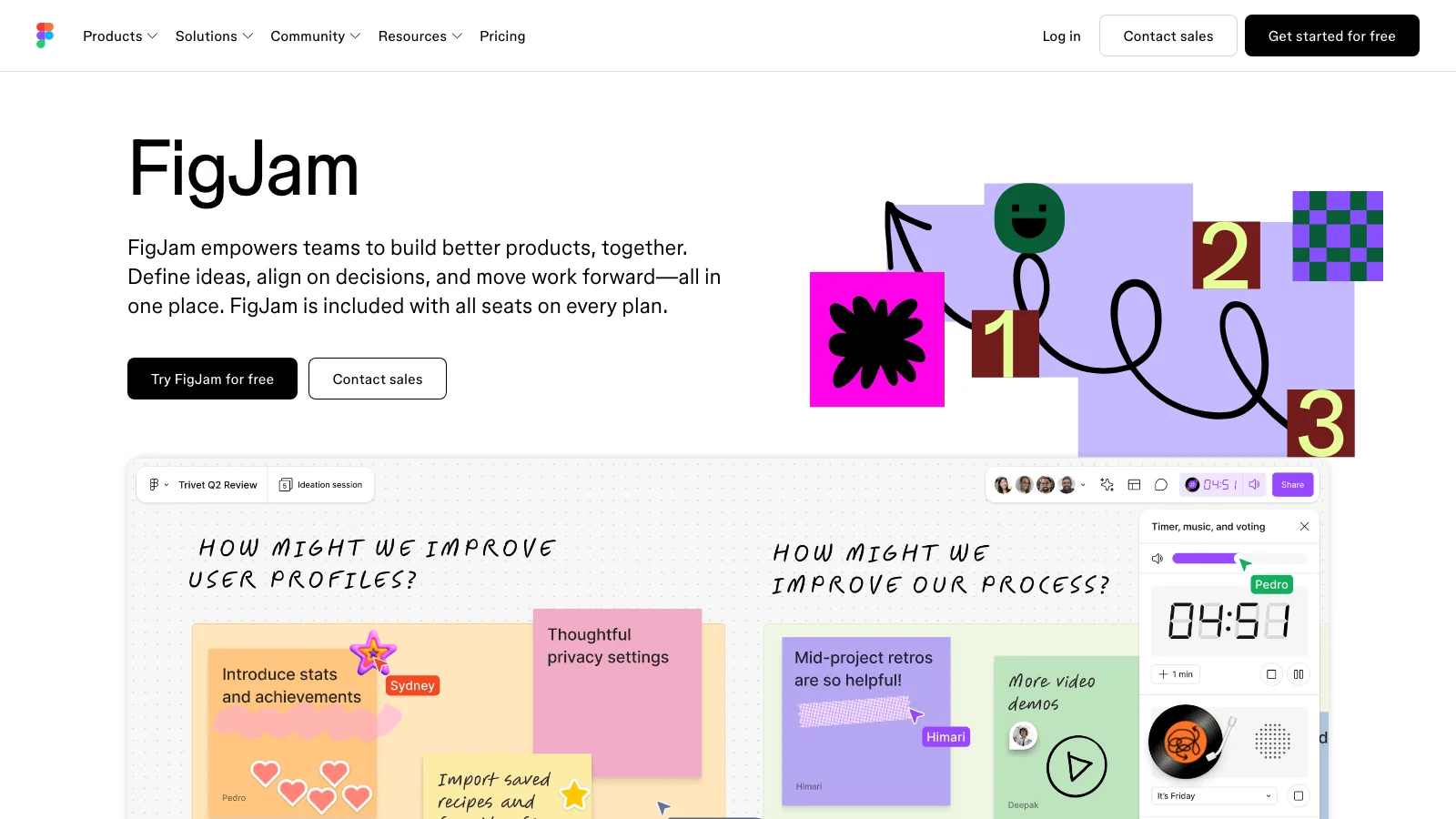
FigJam is Figma's whiteboard, and it is included with every Figma seat. Stamps, voting, timers and widgets make it good for workshops. Boards link straight into Figma Design files. Teams that are rethinking Figma itself can look at these alternatives to Figma.
- Free plan: the Starter plan allows 3 FigJam files in the team folder, plus drafts. People you invite to drafts can only view them.
- Paid: a Professional Collab seat with full FigJam access costs $3 per month billed yearly, or $5 billed monthly. That is the lowest per-person price in this list.
- Self-host and offline: no self-hosting. There is no full offline mode. Changes you make offline are saved in the browser and sync when you reconnect.
- Watch out for: the 3-file cap on Free is tighter than it looks once a team shares one folder.
3. Mural: best for facilitated workshops
Best for: facilitators who run structured workshops, retros and training sessions.
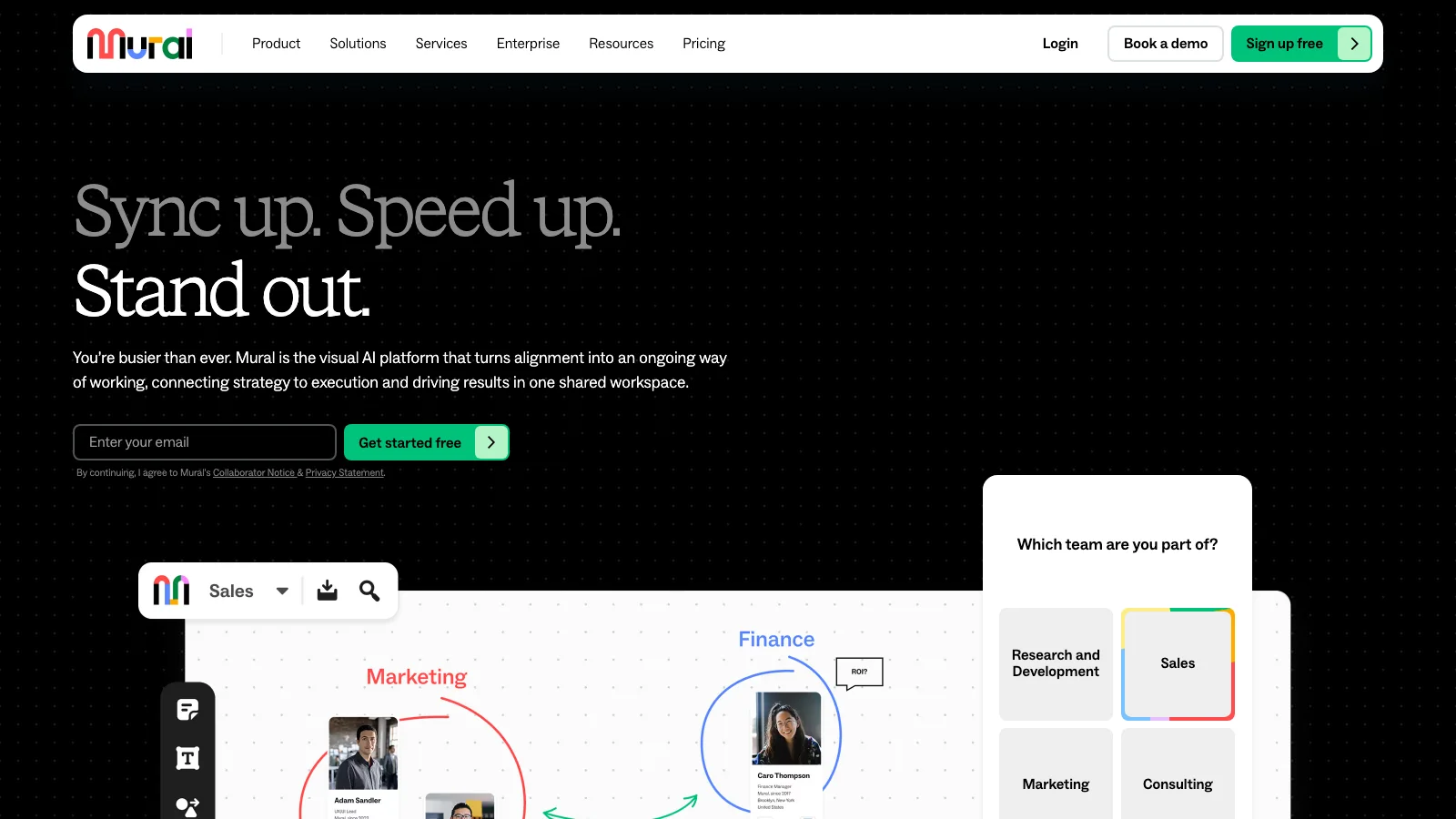
Mural is the closest match to Miro's workshop focus. Facilitator controls include summoning participants, private mode, voting and timers, and these are where it stands out.
- Free plan: no cap on members, but only 3 editable murals.
- Paid: Team+ costs $9.99 per member per month billed yearly, or $12 billed monthly. Business costs $17.99 billed yearly.
- Self-host and offline: neither is offered. The full product runs in the browser. The native apps for iOS, Android and Windows are simplified.
- Watch out for: the same 3-board ceiling as Miro on Free, so switching only to escape the limit will not help.
4. Lucidspark: best when boards become diagrams
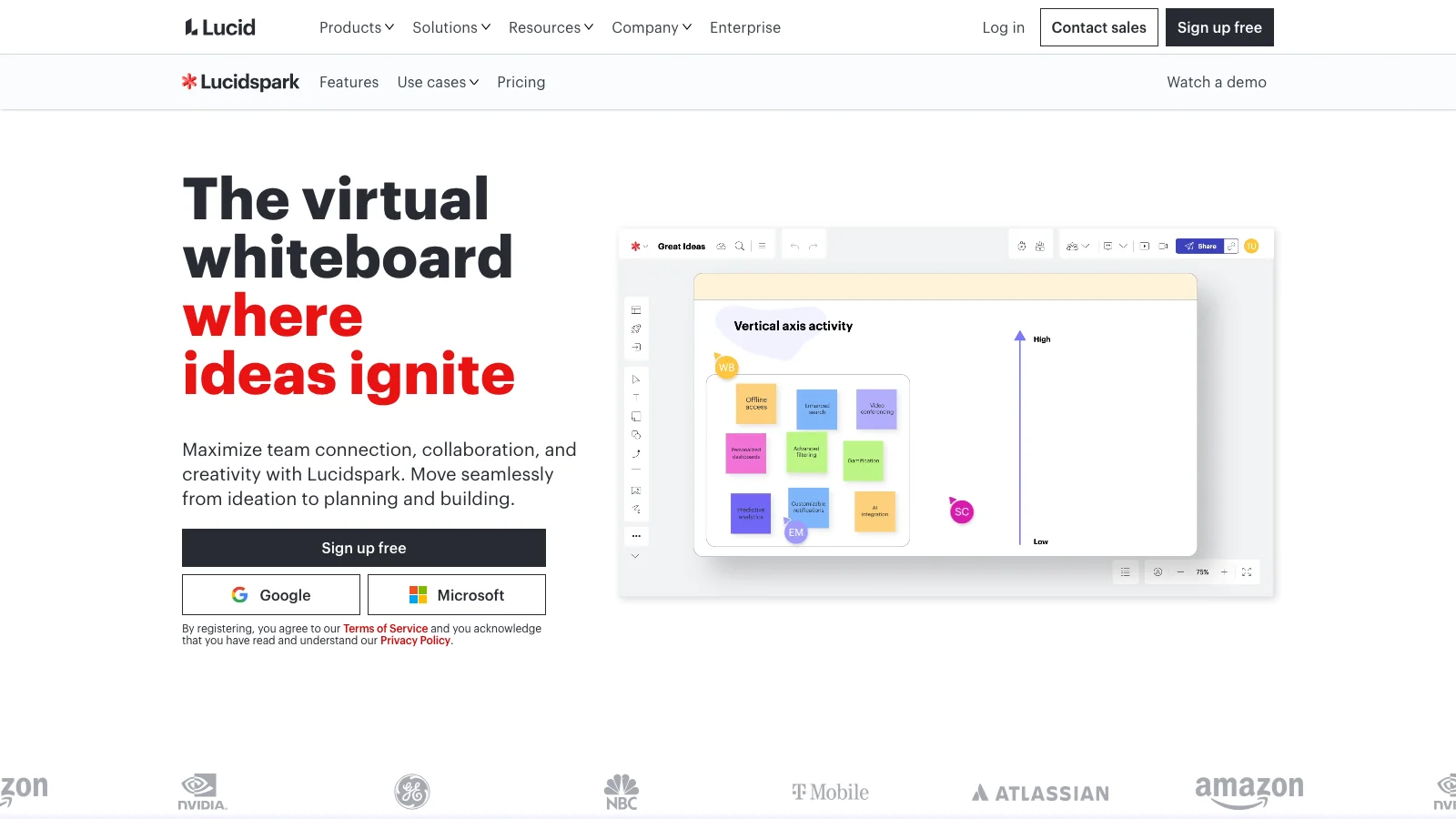
Best for: teams that brainstorm on a board and then formalize the result in Lucidchart.
Lucidspark is Lucid's whiteboard. Its main advantage is the handoff: sticky notes and shapes move into Lucidchart diagrams, and Enterprise plans include both products. If you are really choosing between Lucid's diagramming app and Miro, see our Miro vs Lucidchart comparison.
- Free plan: 3 editable boards, with no limit on shapes per board, plus freehand drawing and commenting.
- Paid: Individual costs $9 per month billed yearly. Team costs $10 per user per month billed yearly. Facilitation tools such as voting and timers need the Team plan.
- Self-host and offline: no self-hosting. You can keep editing a board that is already open in Chrome, Firefox or Edge after you go offline. You cannot open or create boards offline.
- Watch out for: there is no desktop app, and the iOS app is meant for Team and Enterprise users.
5. Microsoft Whiteboard: best for Microsoft 365 and Teams
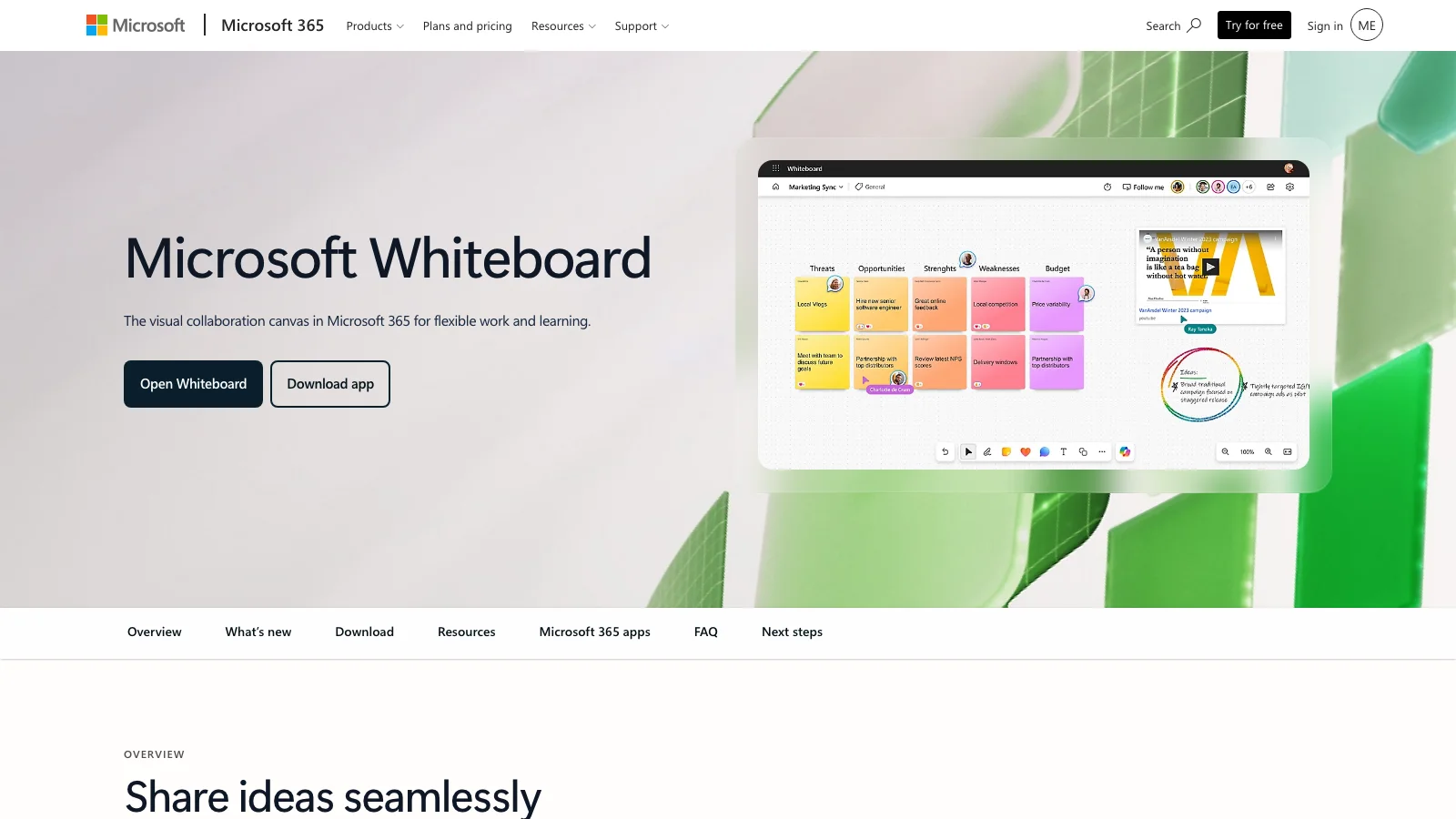
Best for: organizations that already run on Microsoft 365 and Teams.
Microsoft Whiteboard is built into Teams meetings, chats and channels, and it has strong pen and ink support on Windows devices and Surface Hub.
- Free plan: you can sign in with a free Microsoft account or a Microsoft 365 work or school account. Microsoft does not publish board limits.
- Paid: there is no standalone plan. Whiteboard is turned on for eligible Microsoft 365 tenants.
- Self-host and offline: no self-hosting. Boards are stored in OneDrive for Business. Microsoft does not document an offline mode, so plan on a connection.
- Watch out for: far fewer templates and integrations than Miro, and boards are tied to Microsoft accounts.
Looking for Google Jamboard? Google stopped letting users create or edit Jams on October 1, 2024, and existing Jams were converted to PDFs. Google Workspace teams now usually pick FigJam, Miro or one of the tools in this list instead.
6. Zoom Whiteboard: best inside Zoom meetings
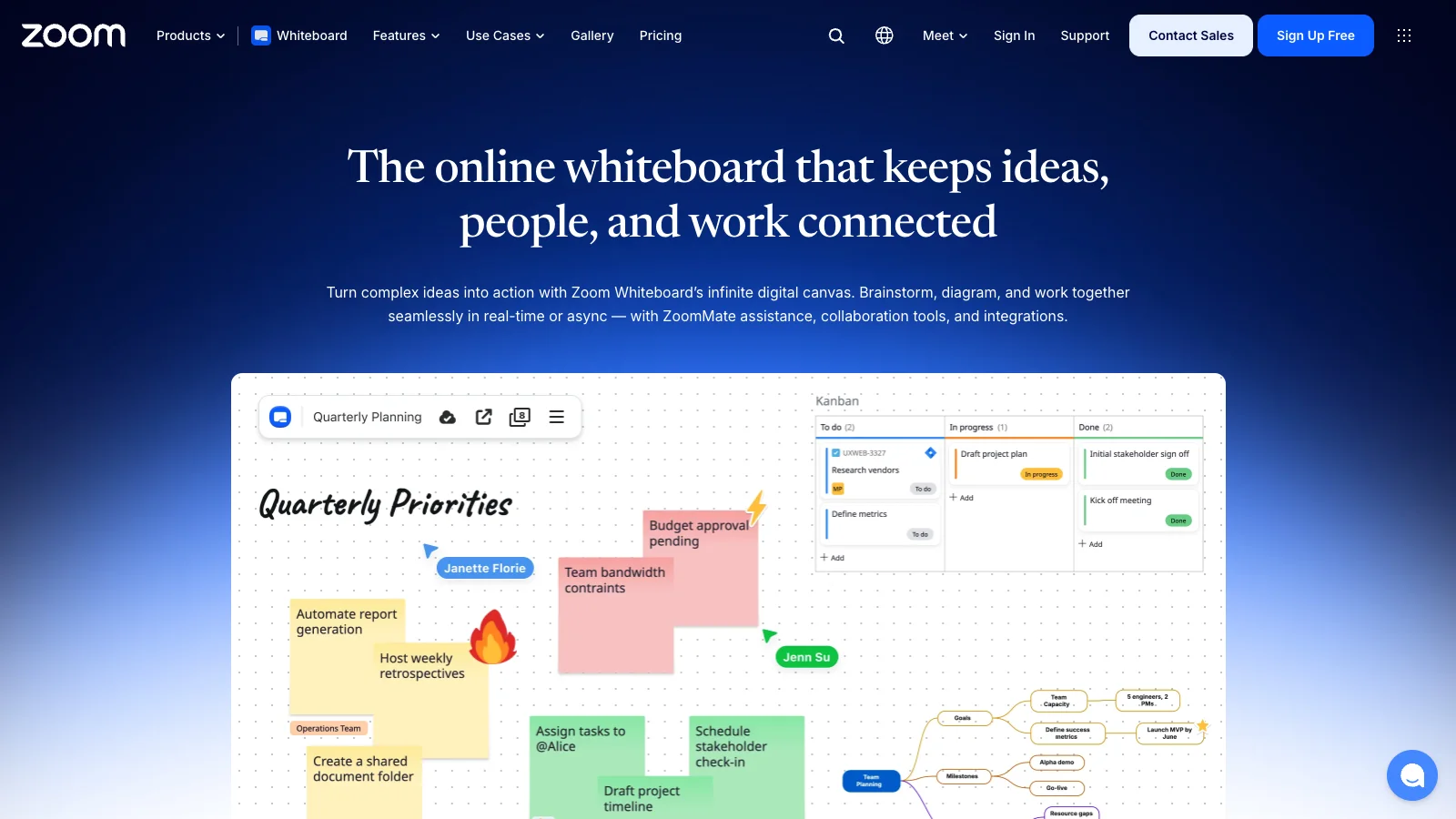
Best for: teams that run most of their meetings in Zoom.
Zoom Whiteboard opens inside a Zoom meeting, so nobody needs another app or link. It also has an importer for Miro, Mural and Visio files, which makes switching easier.
- Free plan: 3 whiteboards editable at the same time on Zoom Basic. Boards can be shared publicly without sign-in.
- Paid: the Whiteboard add-on costs $5.83 per user per month billed yearly. Workplace Pro still has a 3-board limit. Unlimited boards start at Workplace Business.
- Self-host and offline: neither.
- Watch out for: a smaller template library and integration ecosystem than Miro.
7. Confluence Whiteboards: best for Jira and Confluence teams
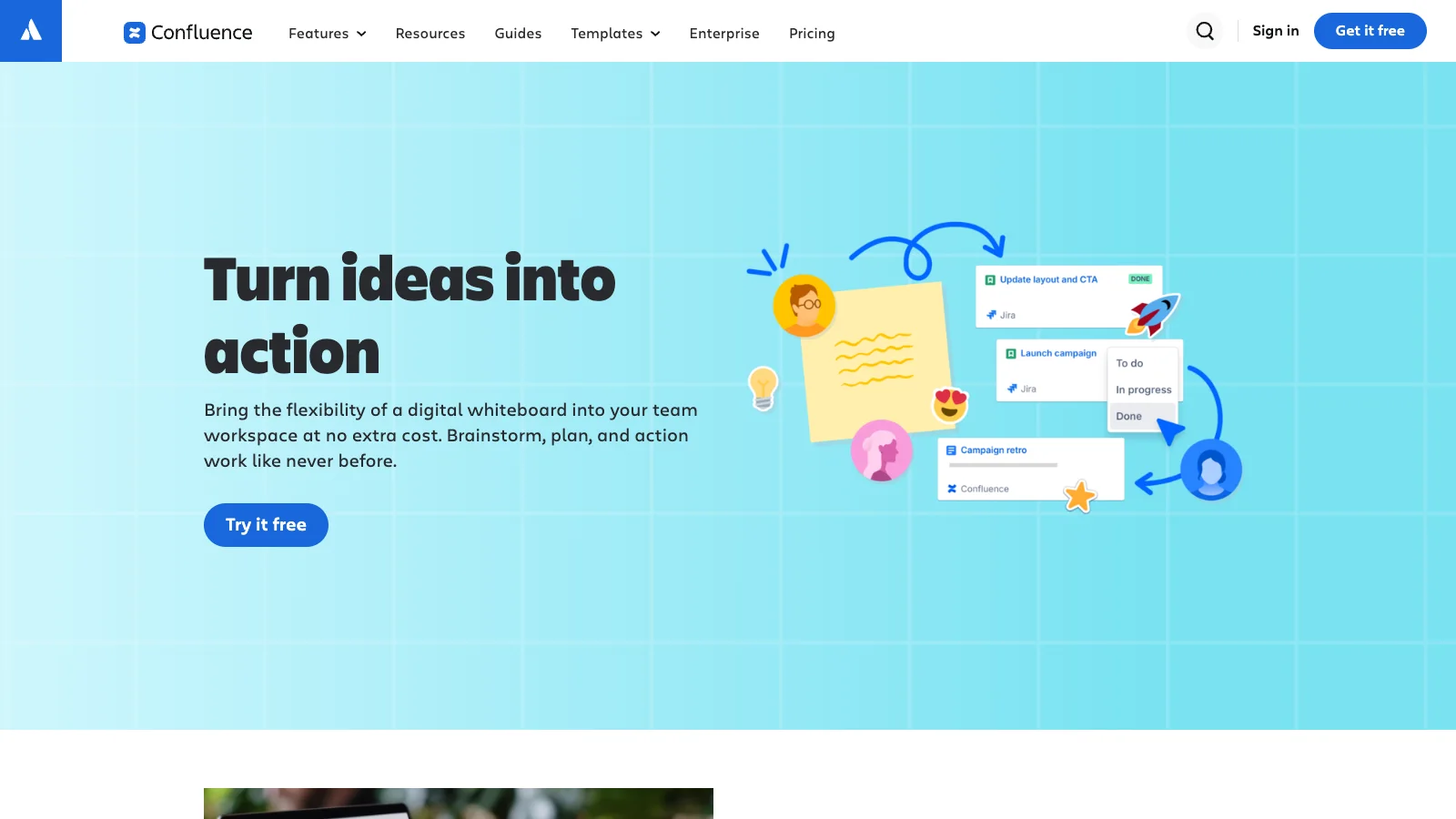
Best for: software teams that plan in Jira and document in Confluence.
Confluence Whiteboards let you turn sticky notes into Jira issues and embed boards in Confluence pages, so planning stays where the work is tracked.
- Free plan: up to 10 users, with up to 3 active whiteboards per user.
- Paid: Standard costs $5.78 per user per month. Premium, at $11.16 per user per month, is the first plan with unlimited whiteboards.
- Self-host and offline: Atlassian says whiteboards are cloud-only, with no plans to bring them to Data Center. There is no offline mode.
- Watch out for: most of the value comes from Jira. Without Jira it is a basic board.
8. Canva Whiteboards: best for visual and marketing teams
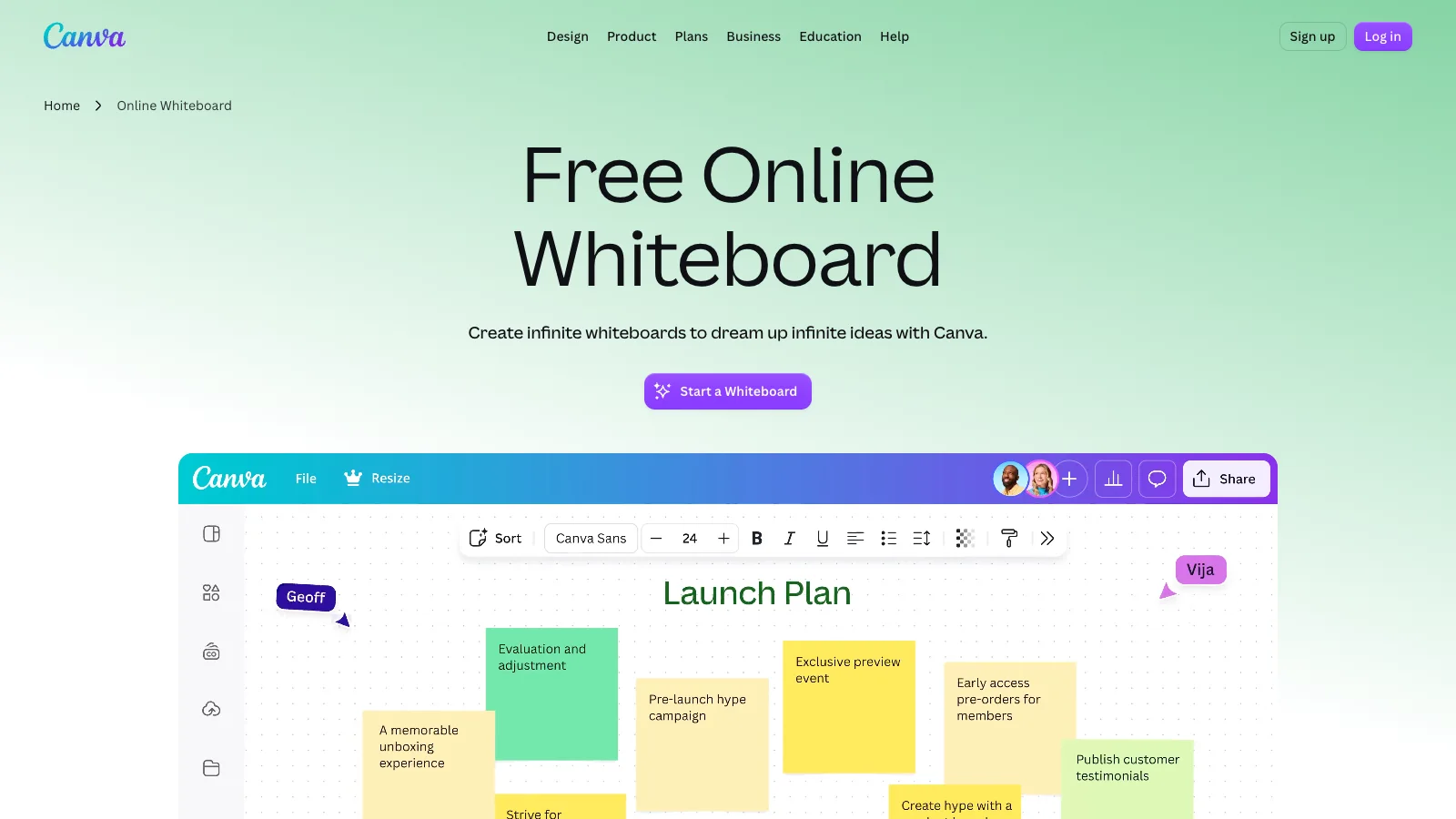
Best for: marketing and content teams whose brainstorms end as designed assets.
Canva Whiteboards live inside Canva's design editor. You can turn a board into a presentation or social post without leaving the tool, and you get Canva's templates, photos and brand kits.
- Free plan: whiteboards are included in Canva Free. Canva does not publish separate whiteboard limits.
- Paid: Canva Pro costs US$144 a year for one person.
- Self-host and offline: no self-hosting. Canva Offline lets you edit existing designs for up to 14 days, but not create new ones, and not in the iOS or iPad apps.
- Watch out for: it is a design tool with a whiteboard added, so facilitation tools are thinner than Miro's.
9. Apple Freeform: best for all-Apple groups
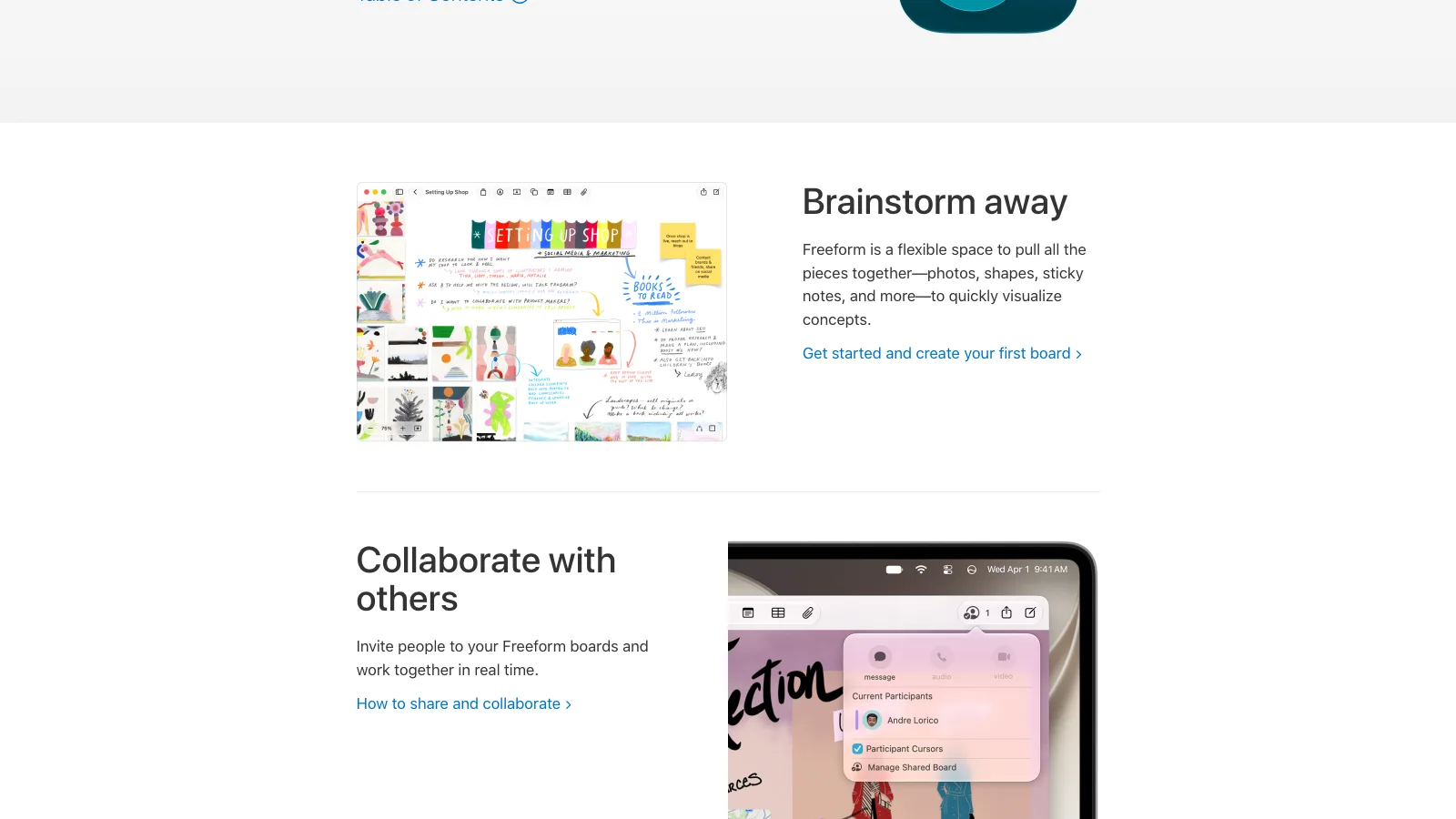
Best for: families, classrooms and small teams where everyone uses an iPhone, iPad or Mac.
Freeform comes preinstalled on Apple devices. It works well with Apple Pencil and accepts almost any file, photo or link on the canvas.
- Free plan: Apple says creating, editing and collaborating on boards in real time does not need a subscription.
- Paid: there is no Freeform plan. Some premium features come with Apple Creator Studio.
- Self-host and offline: no self-hosting. Boards live on your device, and sharing and sync go through iCloud.
- Watch out for: there is no web, Windows or Android version, so anyone outside Apple's devices is left out.
10. Excalidraw: best for quick hand-drawn sketches
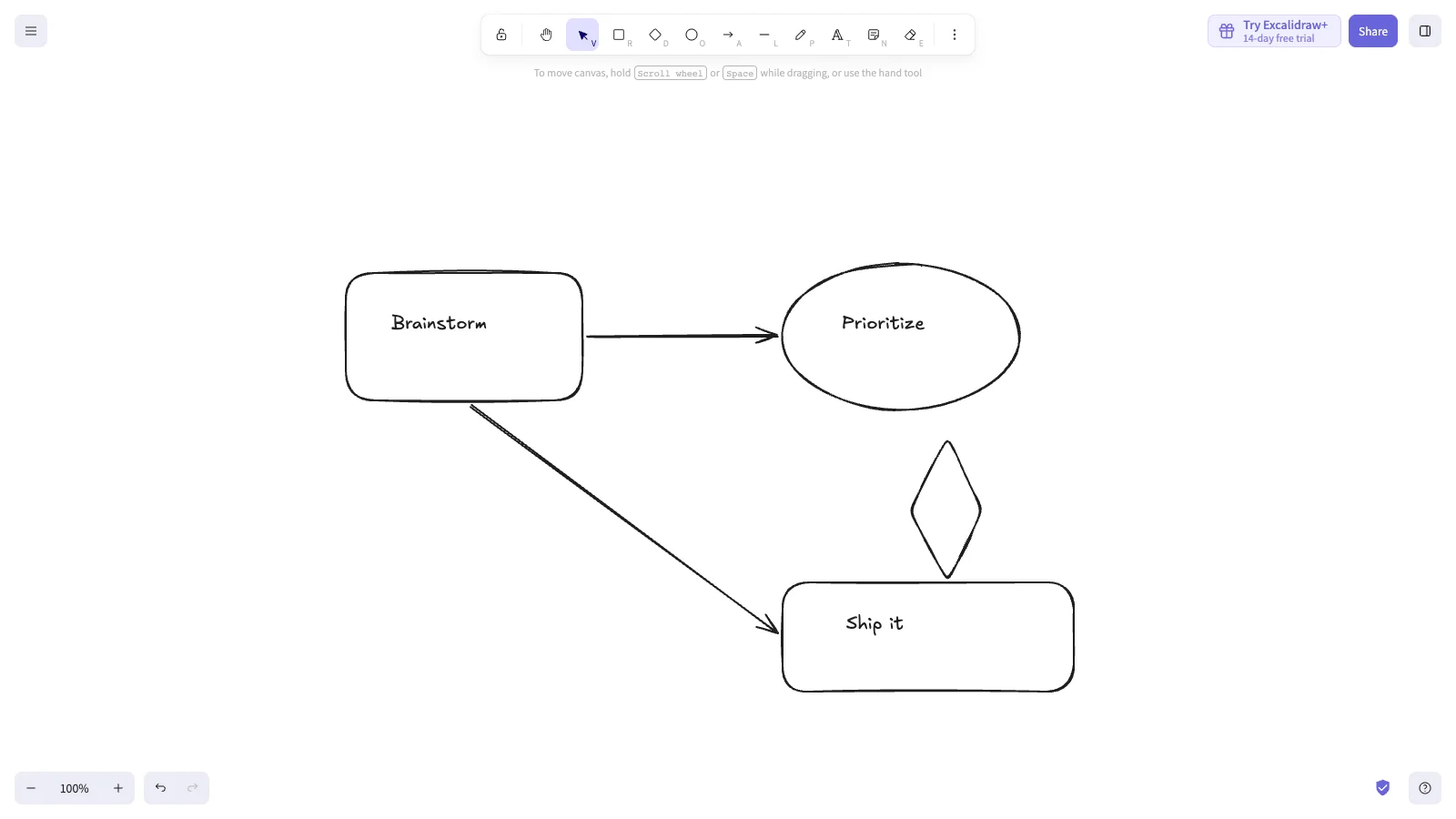
Best for: engineers and writers who want a sketch in seconds, without signing up.
Excalidraw is an open-source canvas with a hand-drawn look. You open excalidraw.com and start drawing. Live sessions are shared through an encrypted link.
- Free plan: free on excalidraw.com with no account. The browser keeps one scene at a time, so export anything you want to keep.
- Paid: Excalidraw+ Plus costs $6 per user per month billed yearly, or $7 billed monthly. It adds saved scenes and workspaces.
- Self-host and offline: MIT-licensed, with an official Docker image. It works offline as an installable web app. Sharing and live collaboration are not included in the self-hosted image.
- Watch out for: it is deliberately minimal, with no templates, voting or timers.
Open-source Miro alternatives
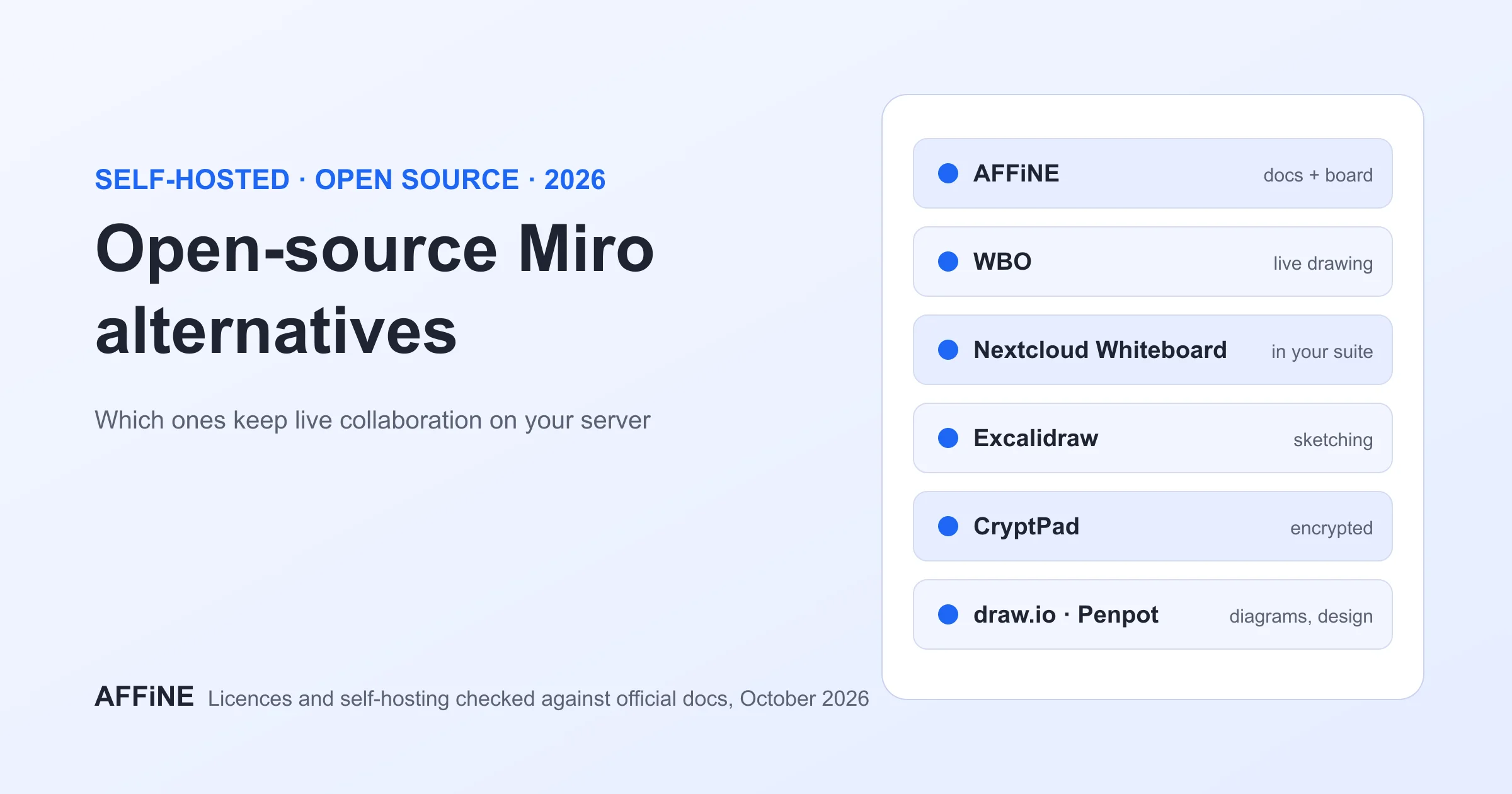
Miro is proprietary, and there is no self-hosted edition. If you need the code, or a board on your own server, these are the open-source options worth a pilot:
| Tool | Licence | Live collaboration when self-hosted | Notes |
|---|---|---|---|
| AFFiNE | MIT editor and client; backend under the AFFiNE EE licence | Yes | Docs and whiteboard together; self-hosting free for up to 10 seats per workspace |
| Excalidraw | MIT | Not in the official image | Needs a separate room server and a custom build for sharing |
| WBO | AGPL-3.0 | Yes, built in | One Docker container; latest release October 29, 2026 |
| Nextcloud Whiteboard | AGPL-3.0-or-later | Yes, with its WebSocket server | For teams already on Nextcloud; latest release October 23, 2026 |
A common trap: tldraw looks open source but is source-available, so production use needs a licence key. For licences, Docker setups, CryptPad, draw.io and Penpot, and the extra services each tool needs, read our guide to open-source, self-hosted Miro alternatives.
How to choose the right Miro alternative
Start from the reason you are leaving Miro, then shortlist two tools and run one real session in each.
- "I need more than 3 free boards." AFFiNE (unlimited local workspaces) or Excalidraw. Apple Freeform works too, if everyone is on Apple devices. Mural, Lucidspark and Zoom keep a 3-board cap on Free.
- "Per-member pricing is too high." FigJam Collab at $3 per seat billed yearly, AFFiNE Pro at $6.75, or the whiteboard you already pay for in Microsoft 365, Zoom or Confluence.
- "We need to work offline." AFFiNE desktop with local workspaces, Excalidraw as an installed web app, or Apple Freeform.
- "Boards must stay on our servers." AFFiNE self-hosted, WBO or Nextcloud Whiteboard. See the open-source section.
- "We run big facilitated workshops." Mural, or FigJam for design teams.
- "The board should become a document." AFFiNE, where the board and the doc are the same page. Confluence Whiteboards also works if your docs already live in Confluence.
Before you commit, check three things: who can edit for free, how guests join without an account, and which export formats your plan includes.
How to move your boards out of Miro
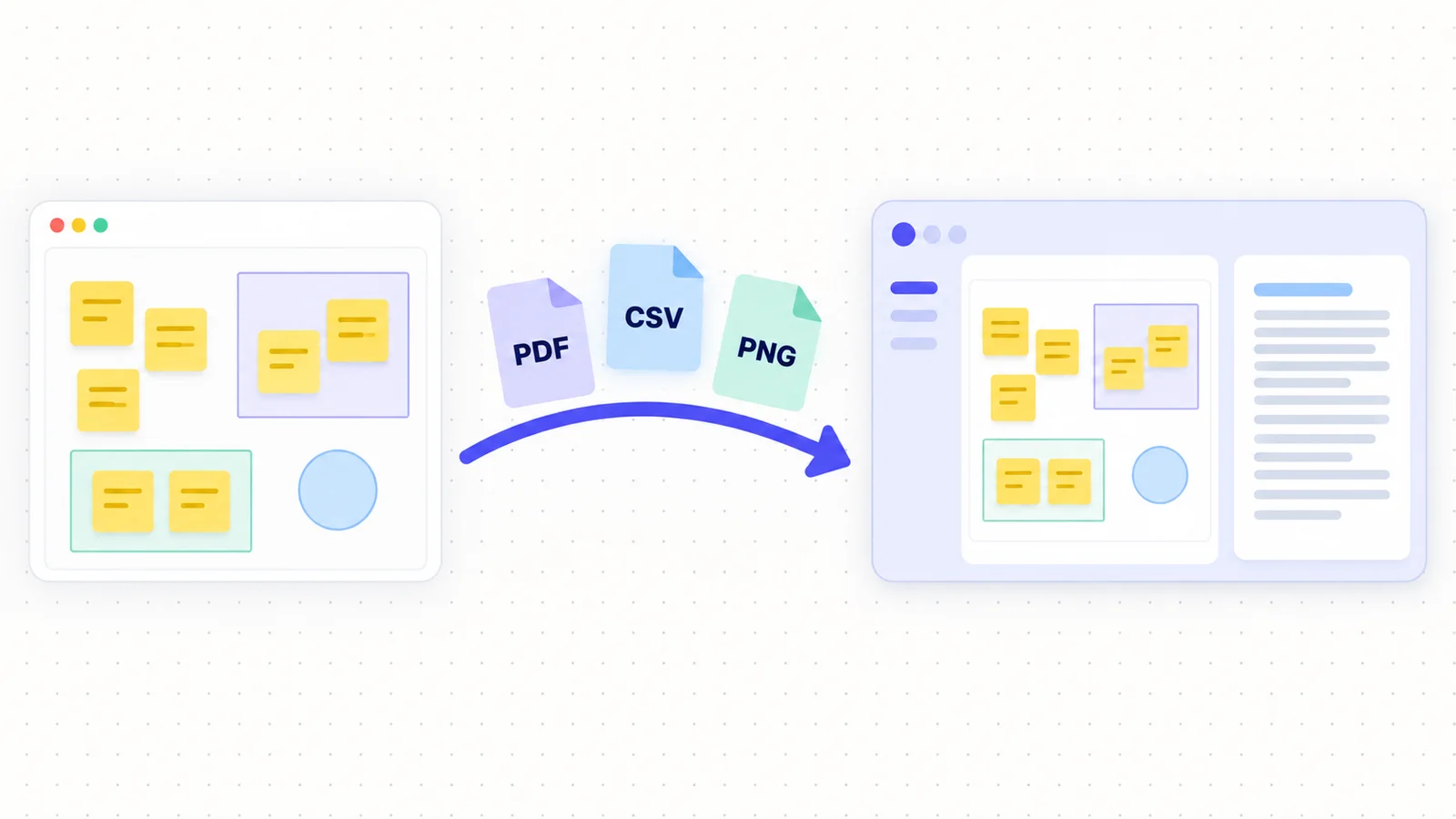
- List active boards. Most teams use only a handful regularly. Archive the rest as exports.
- Export before you downgrade. On Miro Free, image and PDF exports are low resolution with a watermark. Paid plans export at high resolution. CSV export of sticky notes and cards works on all plans (Miro export help).
- Import where you can. Zoom Whiteboard imports Miro boards directly. For other tools, paste CSV rows into sticky notes or a table, and place the PDF or image as a reference layer.
- Rebuild templates, not every board. Recreate the 3 to 5 templates your team reuses, such as the retro, roadmap and kickoff boards, in the new tool first.
- Keep the decision next to the board. Write the outcome on a linked page so it stays searchable. In AFFiNE, you can put it on the same page as the board.
How we evaluated these Miro alternatives
We chose the ten tools that buyers most often compare with Miro. We then scored each one on the same five criteria: free plan limits, cheapest paid price, self-hosting, offline use, and the work it is best at.
- Sources: each tool's official pricing page, help center and product documentation, all read on November 3, 2026. Where a vendor hides a number, such as Microsoft Whiteboard's board limits, the table says so instead of guessing.
- Screenshots: taken on November 3, 2026 at 1600 × 900 from each vendor's public product, pricing or help page. Excalidraw was drawn on locally. No tool was signed into, and no board was shared.
- What we did not do: we did not run timed benchmarks or large load tests, so pilot concurrency and performance with your own team.
- Conflict of interest: AFFiNE makes this blog. We list its limits (cloud workspace members, template library and self-hosting work) as plainly as everyone else's.
- AI assistance: AI tools helped with research, drafting and the illustrations. The AFFiNE team reviewed and edited the content.
We revisit this page when a major plan or price changes. The date at the top shows the last full check.
About the author
Allen is AFFiNE's Content Operations Manager. He writes and maintains AFFiNE's guides to whiteboards, note-taking and knowledge tools, including what a Miro board is and the best free whiteboard apps. For each update, Allen rechecks vendor pricing and help pages and records the access date for every claim.
Frequently Asked Questions About Miro Alternatives
Does Microsoft have a Miro alternative?
Yes. Microsoft Whiteboard is free with a Microsoft account and is built into Microsoft 365 and Teams. It is simpler than Miro, with fewer templates and integrations, and Microsoft does not document an offline mode.
Is there a Google version of Miro?
Not anymore. Google stopped letting users create or edit Jamboard Jams on October 1, 2024. Google Workspace teams now use third-party boards such as FigJam, Miro or AFFiNE.
What is the best free alternative to Miro?
For more than three free boards, AFFiNE (unlimited local workspaces) and Excalidraw (free with no account) are the strongest picks. Apple Freeform is free if everyone uses Apple devices. Mural, Lucidspark and Zoom keep a 3-board cap on their free plans.
Is there an open-source alternative to Miro?
Yes. AFFiNE, Excalidraw, WBO and Nextcloud Whiteboard all publish their source code. Only AFFiNE, WBO and Nextcloud Whiteboard keep live collaboration in their standard self-hosted setups.
Why do users look for Miro alternatives?
The most common reasons are the 3-editable-board limit on Miro Free, per-member pricing of $8 to $20 a month, the lack of an offline mode, and the need to keep boards on their own servers or next to their documents.
How does AFFiNE compare to Miro for visual collaboration?
Miro has more templates, integrations and facilitation tools for large workshops. AFFiNE combines the whiteboard with docs and databases, works offline on the desktop, and can be self-hosted free for up to 10 seats per workspace.
Sources
All accessed November 3, 2026.
- Miro: pricing, system requirements, board export
- AFFiNE: pricing, self-host, licence
- FigJam: Figma pricing, Starter plan, offline use
- Mural: pricing, supported devices
- Lucidspark: pricing, offline editing
- Microsoft Whiteboard: getting started
- Zoom Whiteboard: product page, pricing
- Confluence Whiteboards: product page, pricing
- Canva: pricing, online whiteboard
- Apple Freeform: Freeform user guide
- Excalidraw: Excalidraw+ pricing, GitHub repository
- Google Jamboard: Jamboard end of support
- WBO: GitHub repository. Nextcloud Whiteboard: GitHub repository