The MCP Registry: Discovery, Provenance, and Publishing
The MCP Registry is the official open catalog of MCP server metadata — the upstream source that clients and directories can consume, described by its maintainers as "like an app store for MCP servers." It launched in preview on September 8, 2025 and froze its v0.1 API on October 24, 2025. This guide answers two narrower questions: how do you find servers with verifiable publisher identity, and how do you publish your own?
If you are still choosing what to connect, our curated best MCP servers shortlist is the faster route; this page is for understanding the plumbing underneath — and for shipping into it.
What the registry actually is
Three properties define it, and each one corrects a common misconception:
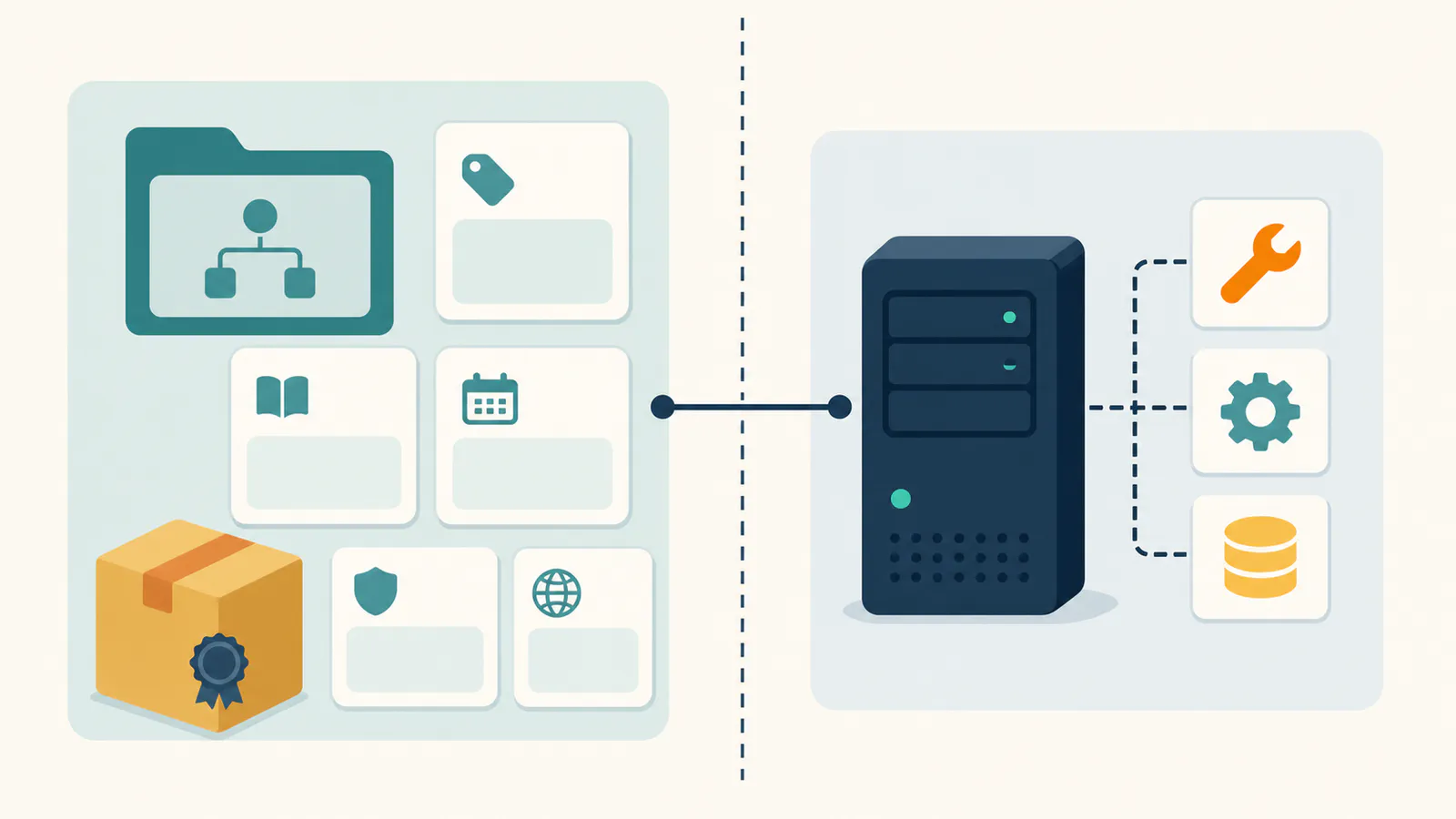
- It is a catalog, not a host. The registry stores metadata — where a server lives, who published it, how to run it — not the server code itself. Servers keep living in npm, PyPI, container registries, or behind hosted endpoints.
- It is upstream infrastructure, not a storefront you browse daily. MCP clients and community directories (PulseMCP, Glama, mcp.so and the like) consume the registry's API and layer their own curation, ratings, and search on top. Publishing once upstream is how a server becomes discoverable everywhere downstream.
- It is open infrastructure. The registry project is public, and its
GET /v0.1/serversAPI supports simple name search and incremental synchronization. Downstream catalogs remain responsible for richer discovery and curation.
Status honesty, since the ecosystem moves fast: v0.1 is frozen, not the same as a guarantee that every preview behavior is permanent. Use the live quickstart and schema on the day you publish instead of copying an old descriptor from a blog post.
How discovery flows (and why provenance matters)
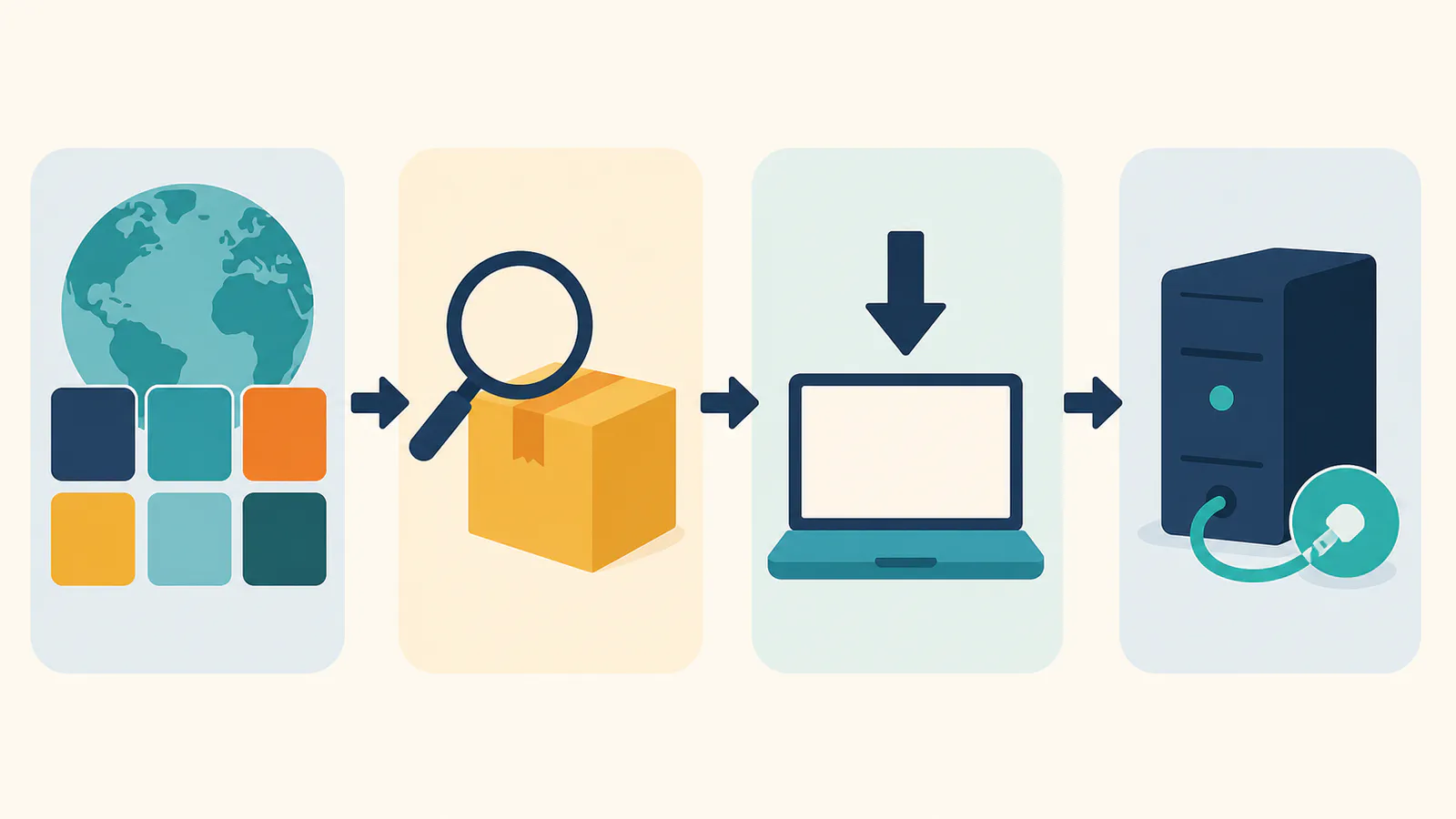
The pipeline is: publisher → registry → subregistries and clients → your assistant. What makes this more than bureaucracy is namespace-verified provenance — the property that makes registry installs safer than pasting commands from forum posts:
io.github.{username}/server-namerequires logging in as that GitHub user to publish.- A reverse-domain namespace such as
com.example/server-namerequires proving control ofexample.comthrough DNS or HTTP verification.
Nobody can publish io.github.microsoft/... without authenticating as the matching GitHub identity, and nobody can publish under your reverse-domain namespace without proving control of the domain. When our MCP security guide says "prefer registry provenance over pasted install commands," this verification chain is the reason.
Using the registry as a consumer
Practical order of operations when you need a server the shortlist does not cover:
- Search the official API or a downstream directory. The official API is authoritative for published metadata; downstream directories add friendlier search and community signals.
- Check the namespace and artifact. A vendor-controlled reverse-domain name or official GitHub namespace is stronger identity evidence than a lookalike under a stranger's account. Confirm that the package or remote URL also points where you expect.
- Do not mistake metadata for a runtime tool audit.
server.jsondeclares identity, version, packages or remote endpoints; it does not guarantee the livetools/list. Start the server in a sandbox or low-privilege profile, inspect its runtime tools, then grant the smallest credential it needs. - Connect with containment. The standard setup takes two minutes in Claude Code; keep writes off unless required, and treat every version or tool-list change as a fresh review.
Publishing your server, step by step
You built something worth sharing — perhaps starting from our build guide. Getting listed looks like this:
- Ship the artifact or remote endpoint first. The registry stores metadata and validates package ownership; it does not host your npm/PyPI package, container, or remote server.
- Generate
server.json. Runmcp-publisher init, then review the generated name, description, version, repository, packages or remotes. For npm, thenamemust match the package'smcpName. - Authenticate for the namespace. Use
mcp-publisher login githubforio.github.*; GitHub OIDC is available for Actions, while reverse-domain namespaces use DNS or HTTP verification. - Publish and verify the official API. Run
mcp-publisher publish, then query the v0.1 API by the full name. Acceptance proves that the descriptor and ownership checks passed — not that downstream directories have synchronized or that the server is safe. - Publish updates as explicit versions. Keep descriptor and package versions aligned, document capability changes, and expect careful consumers to re-inspect the live tool list.
brew install mcp-publisher
mcp-publisher init
mcp-publisher login github
mcp-publisher publish
curl "https://registry.modelcontextprotocol.io/v0.1/servers?search=io.github.your-name/server-name"
What the registry does not solve
Worth knowing before you rely on it:
- Listing is not endorsement. Namespace verification proves who published, not that the code is safe or good. Vetting — tool lists, maintenance activity, permissions — stays on you.
- Absence is not proof that a server is unofficial. Publishing is optional, and authenticated product endpoints may distribute through first-party settings and documentation instead. AFFiNE's built-in server, for example, issues per-workspace credentials in the product. Verify first-party ownership from the vendor's product and docs rather than inferring it from presence or absence in a catalog.
- Preview means motion. Data resets and breaking changes remain possible until GA; automation built on the API should tolerate schema evolution.
FAQ
What is the MCP Registry?
The official open catalog of MCP servers, run by the Model Context Protocol project — an upstream metadata service that clients and community directories consume, described by its maintainers as an app store-like list of servers. It launched in preview in September 2025 with an API freeze that October.
Is the MCP Registry free?
Yes — it is an open-source project with a public API, and publishing costs nothing beyond proving your namespace: a GitHub login for io.github.* names or DNS/HTTP verification for domain names.
How do I publish my server to the MCP Registry?
Ship your package or endpoint, run mcp-publisher init, make the namespace and package metadata match, authenticate for that namespace, and run mcp-publisher publish. Verify acceptance against the official v0.1 API; downstream directory timing is separate.
Does being in the registry mean a server is safe?
No — verification covers publisher identity and metadata, not runtime behavior. server.json does not replace inspecting the live tool list, checking maintenance and install commands, and granting a low-privilege credential, as covered in our MCP security guide.
Does the MCP Registry show every tool a server can run?
No. A registry entry describes identity, version, packages or remote endpoints and installation metadata. The live capability surface comes from the server's runtime tools/list. Inspect that response in a sandbox or low-privilege client before approving the server, and check it again after updates.
Why are some official servers not in the registry?
Because publishing is optional. Some vendors distribute authenticated MCP endpoints through their own product settings and documentation rather than the public registry. Confirm ownership from the vendor itself; a missing listing alone proves neither authenticity nor risk.
The registry turned server discovery from folklore into infrastructure: verified names in, syndicated catalogs out. Use it to vet what you install, use it to ship what you build — and for the knowledge base you already run, the first-party server is one settings page away.