Visio Alternatives: 8 Tools Compared on Price and .vsdx
What changed (Nov 11, 2026): Replaced the cover with a collage of real product screenshots. Replaced the draw.io, SmartDraw, Gliffy and AFFiNE homepage screenshots with dated product views (the draw.io web editor, SmartDraw's swimlane editor, Gliffy in Confluence and AFFiNE's Edgeless whiteboard), described each screenshot in the methodology, and marked Creately's Visio import as a vendor claim.
The best Microsoft Visio alternative depends on whether you still need to exchange .vsdx files with Visio users. If you do, shortlist Lucidchart (its paid plans import and export Visio files) or SmartDraw (imports and exports .vsdx, but has no free plan). If you only need to bring old Visio diagrams over and then keep working elsewhere, draw.io is free and opens .vsdx files. Miro, Creately, Cacoo, Gliffy and AFFiNE fit teams that work on a whiteboard, in Confluence, or next to written docs, but check the .vsdx columns below before you migrate.
Updated November 11, 2026. Disclosure: AFFiNE publishes this blog and is one of the eight tools compared below. We apply the same criteria to it and list its limits, including that it cannot open Visio files. The order of the tools is not a ranking.
Check Visio's own plans before you switch
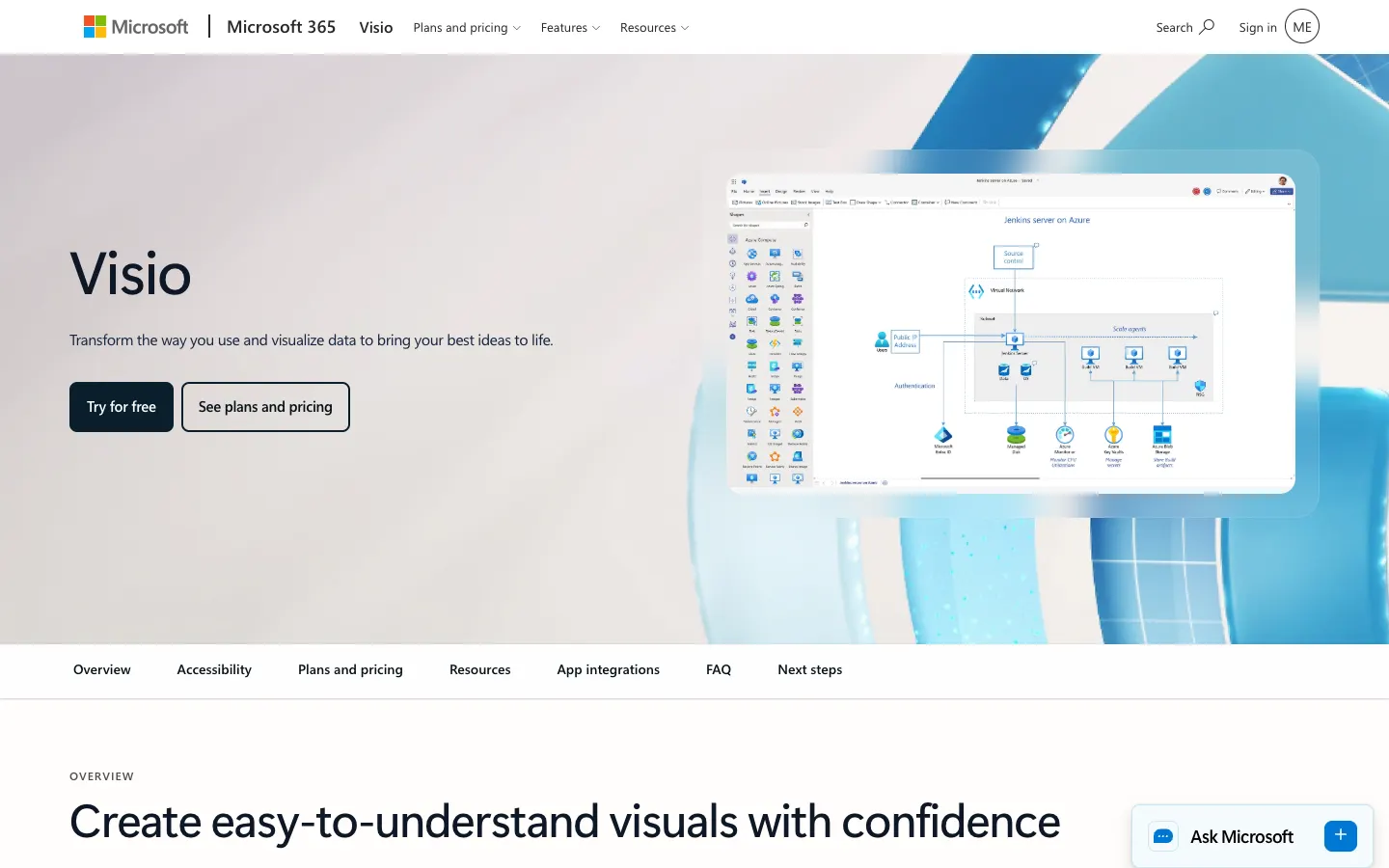
Many people search for a Visio alternative because they assume Visio costs extra. Check this first: if your organization already pays for a Microsoft 365 business, enterprise or education plan, you may already have the Visio web app.
| Option | Price (USD) | What you get |
|---|---|---|
| Visio in Microsoft 365 | Included in Microsoft 365 commercial and education plans, such as Business Basic, Business Standard, Apps for business, E3, E5, F3 and A1–A5 | Visio for the web with basic templates and shapes for flowcharts, basic network diagrams, org charts, Venn and block diagrams. Not available with Microsoft 365 Personal or Family |
| Visio Plan 1 | $5.00 per user/month, paid yearly | Visio web app with additional templates and layout options, plus 2 GB of OneDrive storage |
| Visio Plan 2 | $15.00 per user/month, paid yearly | Everything in Plan 1 plus the Visio desktop app with offline and local file support, 250,000+ shapes, BPMN and IDEF0 content, floor plans and office layouts |
| View only | Free | Upload a Visio file to OneDrive and open it read-only in Visio for the web, or view and print drawings with Visio Viewer |
Microsoft also sells a one-time-purchase edition of Visio on a separate page. On a Mac, Microsoft points users to Visio for the web in Safari or Chrome rather than a desktop app.
A Visio alternative makes sense when one of these is true:
- You have a personal Microsoft 365 plan, which does not include Visio for the web.
- You need a desktop diagramming app on macOS or Linux.
- You share diagrams with people outside your Microsoft 365 tenant, or your team already works in Confluence, Miro or a docs-and-whiteboard workspace.
- You only need flowcharts. In that case, a free online flowchart maker may be simpler than a full Visio replacement.
How we compared these tools
- Sources: We read each vendor's current pricing page and help documentation on November 6, 2026. Every price and limit below links to, or is listed under, the official page we used.
- Criteria: .vsdx import, .vsdx export, the permanent free plan (not a trial), the entry paid price, and the kind of team each tool suits.
- Prices: List prices in US dollars with annual billing unless noted. Taxes, regional pricing, education discounts and introductory offers vary.
- What we did not do: We did not run benchmarks or test import fidelity with our own Visio files. Every vendor warns that complex files may need cleanup after import, so test your own files before you migrate (see the migration checklist below).
- Screenshots: Captured at 1440×900 in a headless browser without signing in to any vendor account. Visio, Lucidchart, Miro, Creately and Cacoo show the official homepage (November 6, 2026). SmartDraw and Gliffy show the product images on their official homepages, draw.io shows its free web editor, and AFFiNE shows its own app in Edgeless mode (all November 7, 2026). The flowcharts in the draw.io and AFFiNE screenshots are simple samples we drew for this article. Each caption names the page it shows.
Visio alternatives compared
| Tool | Permanent free plan | Paid plans from | .vsdx import | .vsdx export | Good fit for |
|---|---|---|---|---|---|
| Lucidchart | 3 editable documents, 75 shapes per document | Individual $9/month; Team $10/user/month | Yes, on paid plans (.vsdx, .vsd, .vdx) | Yes, on paid plans (VSDX, VDX) | Teams that still exchange files with Visio users |
| draw.io | Free web and desktop apps | Free; the Confluence and Jira apps are sold separately | Yes (.vsdx; .vsd in the desktop app) | No | A free, one-way move off Visio |
| SmartDraw | No; free trial only | Individual $10.95/month; Team $10.95/user/month, 3-user minimum | Yes (VSD, VSDX and Visio stencils) | Yes (VSDX) | Visio-heavy companies, floor plans and org charts |
| Miro | 3 editable boards | Starter $8/member/month; Business $20/member/month | Yes, on Starter and above | Enterprise plan only | Workshops that turn into diagrams |
| Creately | Up to 45 shapes per diagram | Pro $5/editor/month; Business $89/organization/month | Vendor claim only: Creately says it imports Visio files; we found no help article documenting it | No (PDF, SVG, PNG, JPEG) | Org charts and process maps |
| Cacoo | Unlimited users, limited sheets, PNG export only | Pro and Team $6/user/month, billed monthly | Yes (.vsd, .vdx, .vsdx) | No (SVG instead) | Low-cost real-time team diagramming |
| Gliffy | Confluence Cloud: free for up to 10 users | $3.80/user/month for 11–100 users | Yes (.vsdx, .vdx) | No (JPEG, PNG, SVG) | Diagrams inside Confluence pages |
| AFFiNE | Free local use; free cloud with 10 GB and 3 members per workspace | Pro $6.75/month; Team $10/seat/month | No | No | Diagrams that live next to notes and specs |
Which Visio alternative should you choose?
| If you need to... | Start with | Why | Watch out for |
|---|---|---|---|
| Keep sending .vsdx files to colleagues who use Visio | Lucidchart or SmartDraw | Both import and export Visio files | Lucidchart's Visio features need a paid plan; SmartDraw has no free plan |
| Replace Visio for free | draw.io | Free web and desktop apps that open .vsdx | No way back to .vsdx |
| Draw inside Confluence | Gliffy, or draw.io for Confluence | Diagrams stay on the Confluence page | Priced per Confluence user |
| Run workshops that end as diagrams | Miro | Whiteboard plus Visio import from Starter | .vsdx export is Enterprise only |
| Build org charts and process maps | Creately | Org chart and BPMN tools on every plan | Free plan caps diagrams at 45 shapes |
| Give a whole team a cheap diagram tool | Cacoo | Free plan allows unlimited users; paid plans are $6/user | Free plan exports PNG only |
| Keep a diagram next to the spec it explains | AFFiNE | Docs and whiteboard in one workspace | Cannot import Visio files; you redraw diagrams |
| Diagram inside an existing Microsoft 365 business plan | Visio in Microsoft 365 | Already included, so no new tool to approve | Basic templates only; advanced diagrams need Plan 1 or Plan 2 |
The 8 Visio alternatives in detail
Lucidchart
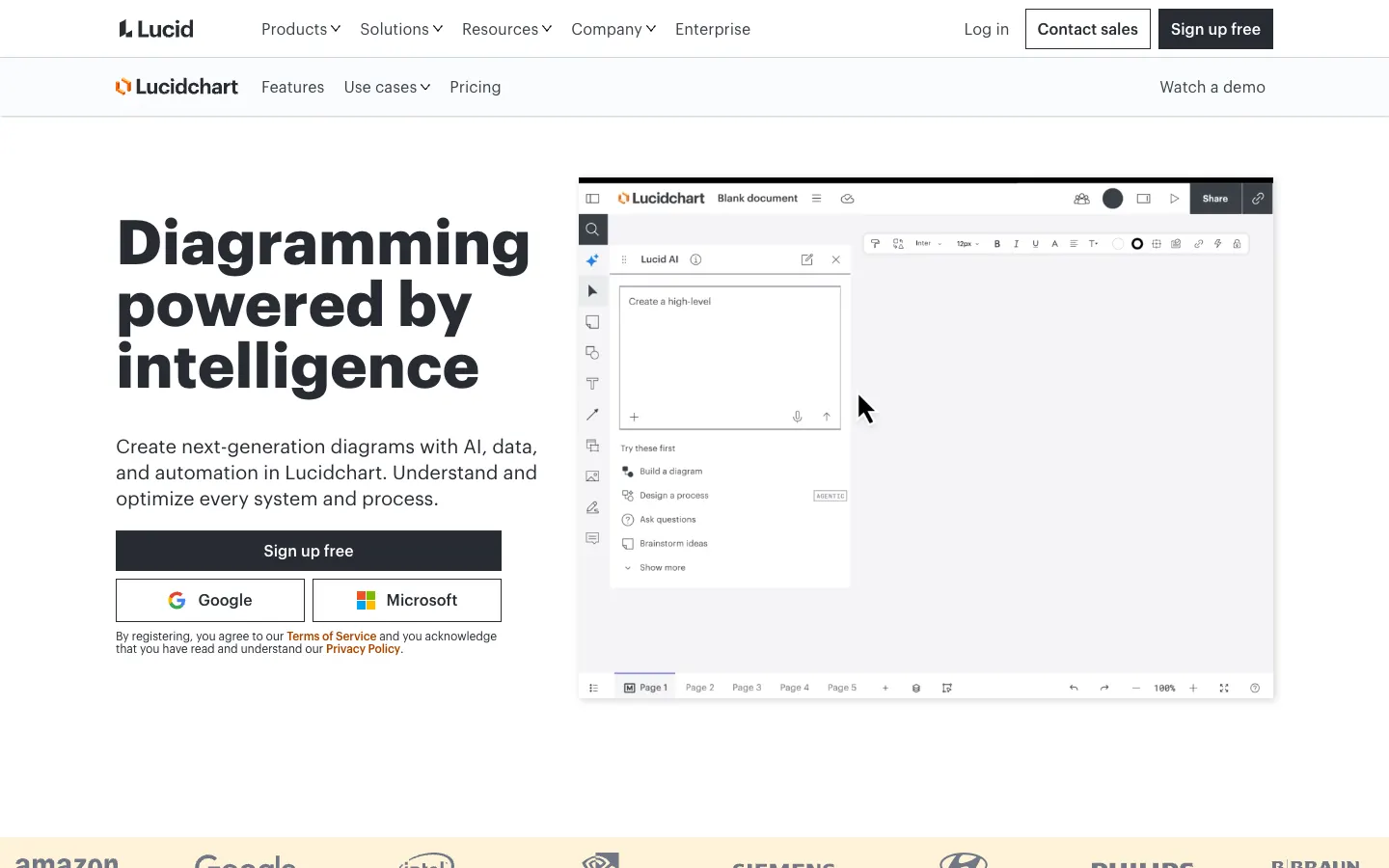
Lucidchart is a browser-based diagramming app from Lucid. Its free plan gives you 3 editable documents, 75 shapes per document and 100 templates. The Individual plan ($9 a month, billed yearly) removes those caps and adds Visio import and export. The Team plan ($10 per user a month, billed yearly) adds revision history and integrations with Microsoft 365, Confluence and Jira.
Lucidchart imports .vsdx files made in Visio 2013 or later, .vsd files from Visio 2007 or later and .vdx files from Visio 2003 or later, and it can export VSDX or VDX files. Lucid recommends ungrouping objects in Visio before you import.
- Choose it if: you need a two-way route between Lucidchart and Visio users.
- Watch out for: the free plan is too small for a real migration, and the 7-day trial asks for payment details at sign-up.
draw.io
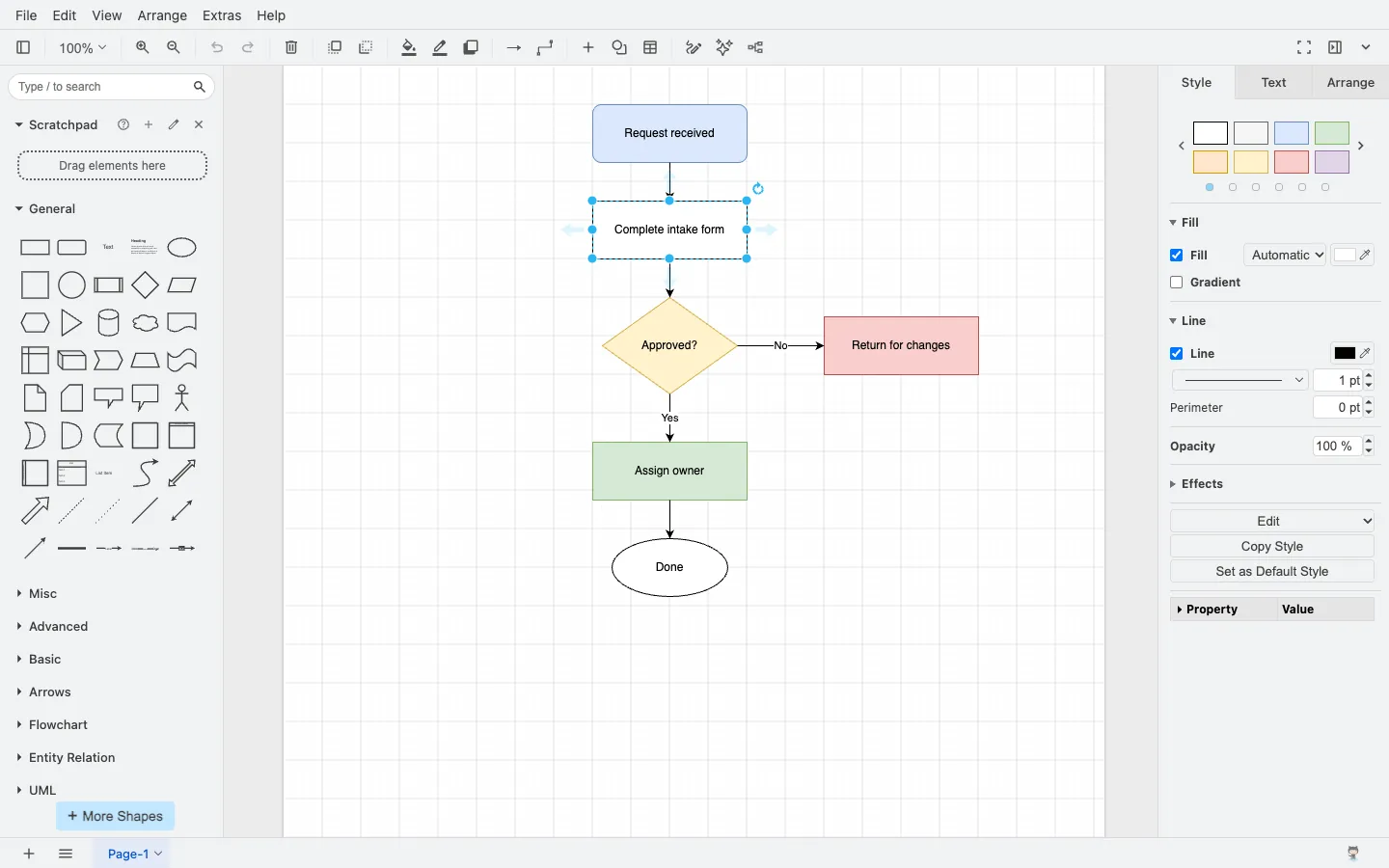
draw.io (formerly diagrams.net) is free, with open-source code, a web app and desktop apps, and no account required. You can import .vsdx diagrams with File > Import or by dragging them onto the canvas. The desktop app also converts older .vsd drawings and .vss stencils on your device. It cannot import Visio 2003–2010 XML files (.vdx), so resave those as .vsdx in Visio 2013 or later first.
The return path is the catch. draw.io's export documentation lists PNG, SVG, JPEG, animated GIF, PDF, HTML, URL, XML and JSON, but not VSDX. In the project's own release discussion, version 26.0.16 is described as the last release with VSDX export. We also use draw.io as the free pick in our data flow diagram maker comparison.
- Choose it if: you want a free Visio replacement and do not need to send .vsdx files back.
- Watch out for: no .vsdx export, and you build some specialized notations from general shapes.
SmartDraw
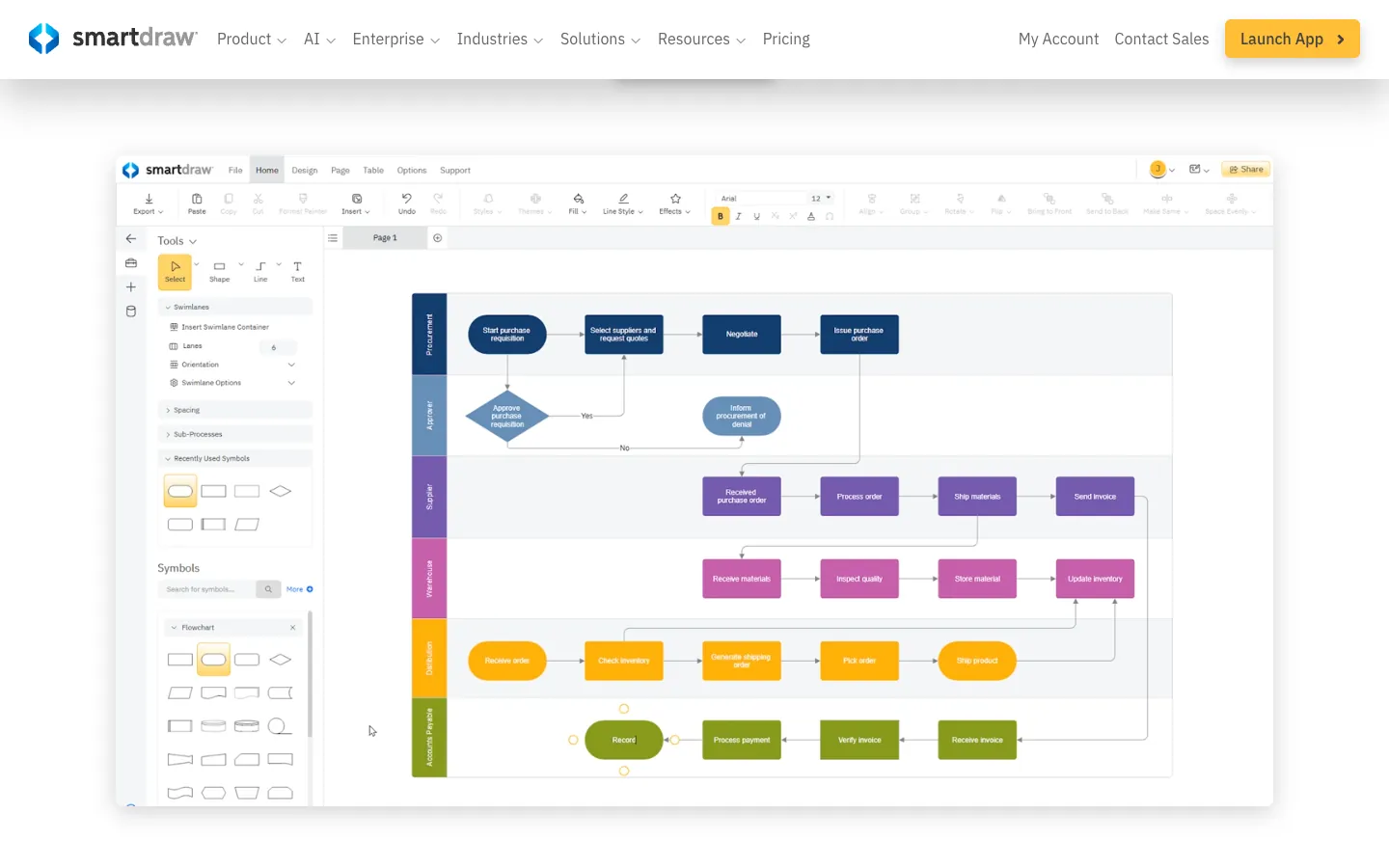
SmartDraw is a web-based diagramming tool with a strong focus on floor plans, org charts and other layouts. The Individual plan lists at $10.95 a month billed annually, and Team lists at $10.95 per user a month billed annually with a 3-user minimum. SmartDraw shows lower introductory prices to new customers. There is a free trial but no permanent free plan.
SmartDraw imports VSD and VSDX files and Visio stencils, and it exports any diagram as VSDX. An earlier version of this article said SmartDraw could not export to Visio format. That is no longer true.
- Choose it if: your company standard is still Visio and you need clean files in both directions.
- Watch out for: you pay from day one, and the Team plan starts at three seats.
Miro

Miro is an online whiteboard with a diagramming toolset. On the Free plan you can create unlimited boards, but only the three most recent stay editable. Starter costs $8 per member a month and Business $20 per member a month, both billed yearly.
Visio import is available on Starter, Business and Enterprise, including bulk import from the dashboard. Miro calls the import one-way: edits are not synced back to Visio. Export as VSDX is limited to the Enterprise plan, and Miro notes that fonts, connector labels and freehand drawings export with limitations.
- Choose it if: your diagrams start as workshops, sticky notes or brainstorming boards.
- Watch out for: no Visio import on Free, and no .vsdx export below Enterprise.
Creately
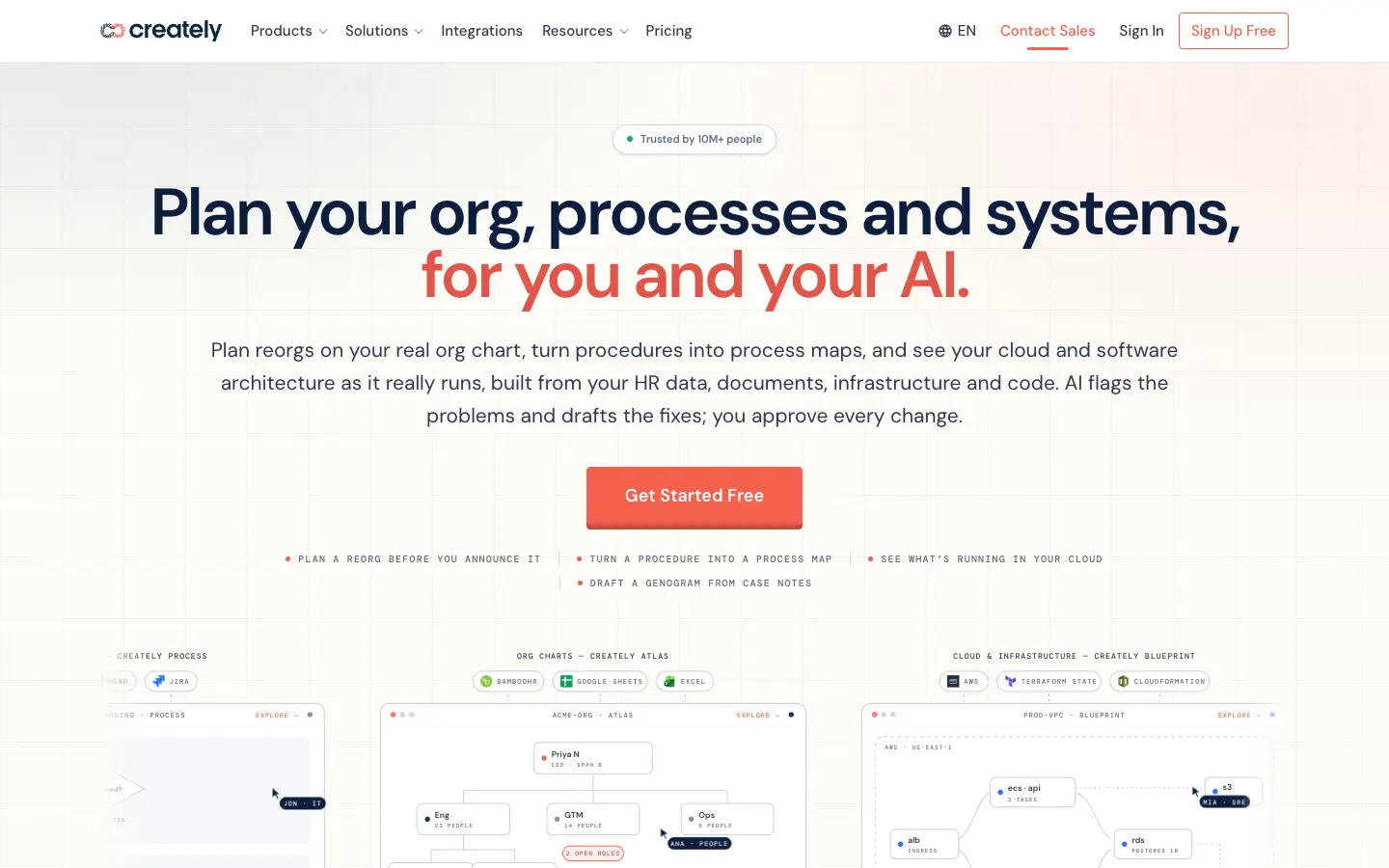
Creately is a visual workspace that has moved toward org planning (Atlas) and process mapping (Process, with BPMN 2.0 and swimlanes). The Free plan includes an infinite canvas, all diagram types and up to 45 shapes per diagram. Pro costs $5 per editor a month billed annually ($60 a year) and adds unlimited shapes and PDF, SVG, PNG and JPEG export. Business costs $89 per organization a month billed annually. The old Team plan is no longer sold to new subscribers.
Creately's own Visio comparison page says you can import existing Visio files. Treat that as a vendor claim: we did not test it, and we could not find a current help article that documents the import steps or the supported file types, so test one of your files on the free plan before you rely on it. Its export formats do not include .vsdx. If you mainly need swimlane process maps, our swimlane diagram guide covers the notation.
- Choose it if: you build org charts or process maps from data.
- Watch out for: the 45-shape cap on the free plan, and no way to send .vsdx files back.
Cacoo
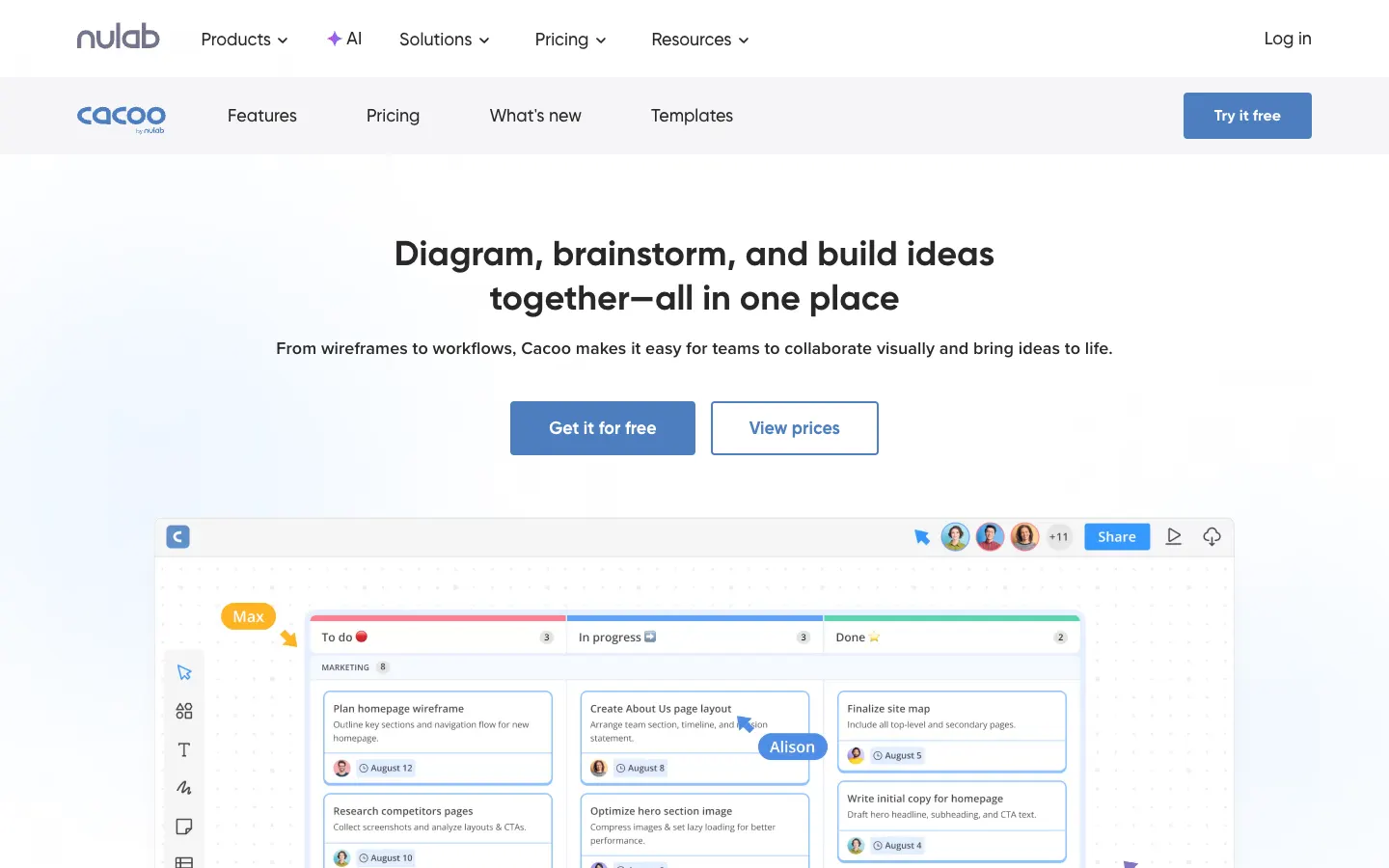
Cacoo is Nulab's online diagramming tool, with real-time editing, in-app chat and video calls. Its Free plan allows unlimited users but only a small number of editable sheets and PNG export only. On November 6, 2026 the pricing page listed 6 sheets in the plan summary and 1 sheet in the comparison table, so check the limit when you sign up. Pro (1 user) and Team (up to 1,000 users) both cost $6 per user a month billed monthly, and annual billing saves 17%. Paid plans come with a 14-day free trial and no credit card.
Cacoo imports Visio files saved as VSD, VDX or VSDX. It does not export to Visio; Nulab suggests exporting SVG instead.
- Choose it if: you want a low-cost tool that a whole team can join.
- Watch out for: the free plan is mainly for trying the tool, and there is no .vsdx export.
Gliffy

Gliffy, now part of Perforce, is best known as a diagram app for Atlassian Confluence. Gliffy Diagrams for Confluence is free for up to 10 users and costs $3.80 per user a month for 11–100 users, billed annually through the Atlassian Marketplace. If a Confluence Cloud license lapses, existing diagrams become read-only.
The Confluence app imports .vsdx and .vdx Visio diagrams, and draw.io diagrams too. In the standalone Gliffy Online, Visio import is only available on paid accounts. Gliffy lists JPEG, PNG and SVG as export formats, not .vsdx.
- Choose it if: your documentation lives in Confluence and diagrams should stay on the page.
- Watch out for: pricing follows your Confluence user count, and there is no .vsdx export.
AFFiNE
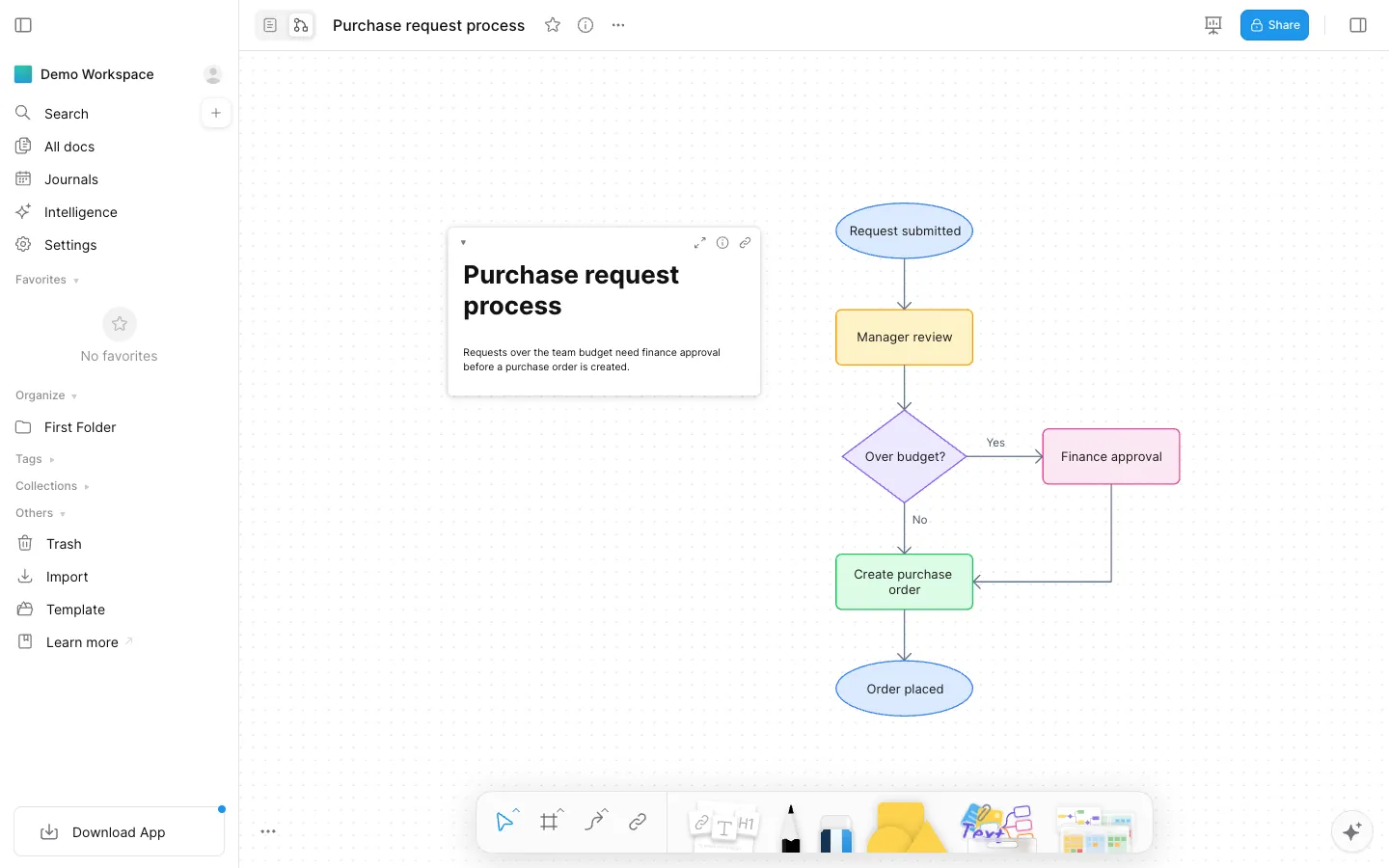
AFFiNE is our product. It combines documents and an Edgeless whiteboard in one local-first workspace, so a flowchart or architecture sketch can sit next to the spec, decisions and tasks it belongs to. According to the pricing page, local workspaces are free and unlimited. The free cloud plan includes 10 GB of storage, a 10 MB file limit, up to 3 members per workspace and 7 days of version history. Pro costs $6.75 a month billed annually, and Team costs $10 per seat a month.
AFFiNE is not a Visio-compatible diagramming suite. It cannot import or export .vsdx files; its import options cover Markdown, HTML, Word (.docx), Notion exports and AFFiNE snapshots. It also has no Visio stencils, data-linked diagrams or BPMN validation. To bring a Visio diagram over, export it from Visio as an image and redraw it on the whiteboard.
- Choose it if: the diagram is part of a written plan, and you want notes, whiteboard and docs in one place.
- Watch out for: you will redraw existing Visio diagrams, so it suits new work better than migrating a large Visio library.
How to migrate from Visio without losing work
- List what you have. Separate .vsdx files from older .vsd and .vdx files. Lucidchart and draw.io both recommend resaving older files as .vsdx in Visio 2013 or later before import.
- Test three real files. Pick your simplest diagram, a typical one, and your most complex one (layers, custom stencils, data-linked shapes, many pages). Import all three into each tool on your shortlist.
- Check what did not survive. Compare fonts, connector routing, layers, shape data and hyperlinks. Miro, for example, says some specialized Visio shapes import as editable shapes but are not in its own shape library.
- Decide whether you need a return path. Of the tools here, only Lucidchart (paid plans), SmartDraw and Miro (Enterprise) export .vsdx. If you will keep sharing files with Visio users, that settles most of the choice.
- Move stencils if you rely on them. Lucidchart, SmartDraw and the draw.io desktop app can import Visio stencils as custom shape libraries.
- Keep a PDF of every original. It gives you a reference if an imported diagram needs to be rebuilt by hand.
For specific diagram types, see our guides to the free ER diagram tools, org chart templates and a direct Miro vs. Lucidchart comparison.
Frequently asked questions
Is there a free version of Microsoft Visio?
Not a full one. Visio for the web is included at no extra cost in Microsoft 365 commercial and education plans, but not in Microsoft 365 Personal or Family. Anyone can view Visio files read-only by uploading them to OneDrive and opening them in Visio for the web, or by using Visio Viewer. Creating and editing outside those plans requires Visio Plan 1 ($5 per user a month) or Plan 2 ($15 per user a month), both paid yearly.
What is the best free alternative to Visio?
For most people, draw.io. It is free, needs no account, runs in the browser and on the desktop, and opens .vsdx files. It no longer exports to .vsdx, so it suits a one-way move. If your team lives in Confluence, Gliffy is free for up to 10 Confluence users.
Which Visio alternatives can open .vsdx files?
In this comparison, Lucidchart (paid plans), draw.io, SmartDraw, Miro (Starter and above), Cacoo and Gliffy document .vsdx import in their help pages. Creately says on its marketing page that it imports Visio files, but we found no help article that documents it, so treat that as a vendor claim. AFFiNE cannot import .vsdx files. Complex files may still need cleanup, so test your own diagrams before you migrate.
Which Visio alternatives can export back to .vsdx?
Lucidchart on paid plans, SmartDraw, and Miro on the Enterprise plan. draw.io, Creately, Cacoo, Gliffy and AFFiNE do not export .vsdx files.
Can I use Visio on a Mac?
Yes, in the browser. Microsoft supports Visio for the web in Safari and Chrome on a Mac if you have a qualifying Microsoft 365 commercial plan or a Visio plan. If you want a desktop app on macOS, draw.io offers one for free.
Can AFFiNE open Visio files?
No. AFFiNE imports Markdown, HTML, Word documents, Notion exports and AFFiNE snapshots, but not .vsd or .vsdx files. To move a Visio diagram into AFFiNE, export it as an image and redraw it on the whiteboard.
Sources
All checked on November 6, 2026:
- Microsoft: Visio plans and pricing, Visio for the web FAQ, Visio in Microsoft 365
- Lucid: Lucidchart pricing, Import files into Lucidchart, Export a Lucid document
- draw.io: Open and import diagrams, Import .vsd files in draw.io Desktop, Export formats, 26.0.16 release discussion
- SmartDraw: Pricing, Visio import, Visio export
- Miro: Pricing, Import Visio diagrams, Export diagrams to Visio
- Creately: Plans, Creately vs. Visio
- Cacoo: Pricing, Import Visio files
- Gliffy: Pricing, Import diagrams in Confluence, Import diagrams in Gliffy Online
- AFFiNE: Pricing