
Ten Signs Your Productivity System Has Become Too Complicated
A good productivity system makes work easier to see, choose, and finish. It should reduce uncertainty, not create another stream of administration. Trouble starts when maintaining boards, labels, dashboards, and automations takes as much attention as the work they were meant to support.
Digital overload can make that boundary hard to notice. You might close a project tracker, answer messages, take a short break on a video chat app, and return only to spend several minutes remembering which tool contains the next action. When finding the work becomes harder than starting it, the system deserves a closer look.
Key takeaways
- Complexity usually accumulates through reasonable additions, not one obviously bad decision.
- Duplicate records, decorative metadata, fragile automations, and long reviews are signals that the system no longer earns its maintenance cost.
- Simplification means preserving commitments, ownership, real deadlines, useful context, and decisions while removing competing sources of truth.
- A lean system should make today's next action visible and make weekly review shorter.
Why productivity systems become overbuilt
Most complicated setups began as sensible ones. A new label made urgent requests more visible. A second board helped a client follow progress. An automation removed a repetitive step. A dashboard gave a manager a quick overview. Each change solved a local problem, but every addition also created something to update, explain, or repair.
The maintenance cost is easy to miss because it arrives in small pieces. One extra field takes seconds to complete. One more integration takes minutes to check. One duplicated deadline seems harmless. Across dozens of projects and hundreds of tasks, those tiny actions become a recurring tax on attention.
More structure can also feel safer. When responsibilities are uncertain, classifying them by project, priority, context, energy, owner, sprint, and strategic theme creates the appearance of control. Yet every new item now requires seven decisions before anyone begins the work.
The goal is not to build the smallest possible setup. It is to use the least structure that still supports reliable decisions.
Ten signs your productivity system is too complicated
1. The same work exists in several places
A task appears on a personal list, a team board, a calendar, meeting notes, and a client tracker. Each copy seems harmless until the status changes. Someone completes the work in one location while four other versions remain open.
Duplication weakens trust. Once people learn that an overdue card might already be finished elsewhere, they stop treating overdue cards as reliable. The system loses authority because no single record answers a basic question: what still needs to happen?
Define one source of truth for each type of commitment. Other surfaces should link to it or display a synchronized view instead of creating independent copies.
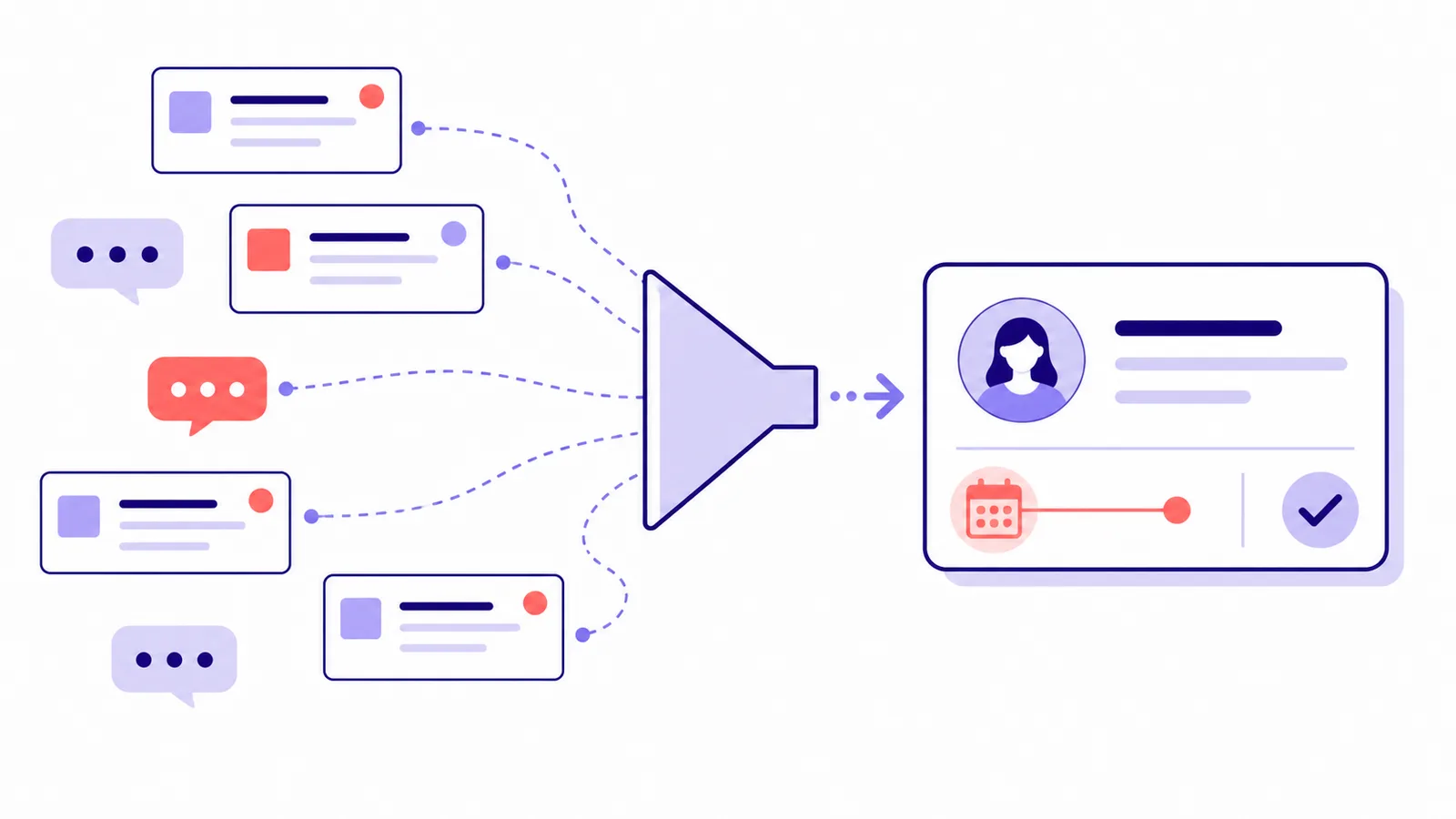
One dependable record is more useful than several polished copies that disagree.
2. Labels require their own rulebook
Labels help when they answer a specific question. Three priority levels can separate urgent commitments from work that can wait. Problems begin when a workspace contains overlapping tags such as important, urgent, focus, high impact, strategic, quick, next, active, and this week.
Different people then interpret the same label differently. One manager uses high priority for work due today; another uses it for projects linked to quarterly goals. A category without one shared meaning adds decoration rather than information.
Use a simple test: removing a field should change a decision. If nobody schedules, delegates, delays, or rejects work differently because of that field, it probably does not belong in the active workflow.
3. Weekly reviews take longer than the planning they improve
A weekly review should restore clarity. If Friday afternoon disappears into checking fourteen boards, repairing dates, clearing old notifications, and recategorizing forgotten tasks, the review has become maintenance work.
Long reviews often expose an oversized active list. Low-value ideas repeatedly return for consideration because nobody scheduled, archived, or rejected them. A useful review focuses on active commitments, deadlines, blocked work, and near-term capacity. Reference material and someday ideas belong outside the operational view.
4. Simple work requires constant tool switching
A five-minute assignment becomes a tour through six applications. The brief is in email, notes live in a document, the deadline is in project software, feedback arrives in chat, and completion requires updating a reporting dashboard.
Each transition forces the worker to recover context: locate the record, interpret another interface, remember the original goal, and return without losing the thread. Consolidation deserves attention when several tools compete to answer the same question.
Map the workflow with five prompts:
- Where does a new request enter?
- Where does its real deadline live?
- Where does execution discussion happen?
- Where is the finished output stored?
- Where does someone read its current status?
If the answers point to competing locations, another integration will not resolve the underlying ambiguity.
5. Dashboards need constant repair
A dashboard earns its place when someone makes a recurring decision from it. It loses value when maintaining filters and database relationships takes more time than the view saves.
Broken dashboards also create false confidence. A manager sees twelve active projects because a filter excludes records without a category, while three real commitments remain invisible. The dashboard looks precise but no longer represents reality.
| Dashboard element | Useful when | Warning sign |
|---|---|---|
| Current priorities | Guides daily selection | Contains twenty “top” priorities |
| Deadlines | Shows real commitments | Dates exist only for sorting |
| Blocked work | Triggers follow-up | Blockers remain untouched |
| Workload view | Supports allocation | Requires manual duplication |
| Completed output | Supports review | Tracks activity instead of results |
If you are intentionally building a personal productivity dashboard, start with the decisions it must support and add only the information required for those decisions.
6. Capturing a task takes too many steps
Capture should be fast. An idea that requires choosing a project, folder, context, priority, effort score, deadline, owner, status, and template before saving creates resistance at the moment the system needs to feel effortless.
People compensate by creating unofficial inboxes. Browser tabs become reminders, chat messages become bookmarks, phone notes become task lists, and paper scraps accumulate beside the keyboard. Scattered capture is often a symptom of an official process that asks too much.
Separate capture from organization. Record the commitment first. Add only the information needed for execution when you process it later.
7. Automations run without saving meaningful time
Automation can remove repetition, but unused workflows often survive because they look sophisticated. A rule creates recurring cards nobody opens. Another sends reminders everyone ignores. A third copies completed records into a database that has not been reviewed for months.
Every automation creates an exception path. Credentials expire, fields change, integrations fail, and someone has to investigate a workflow that was supposed to remove work.
Remove or redesign an automation when:
- Generated tasks remain untouched until they expire.
- Notifications produce no meaningful response.
- People manually verify every automated action anyway.
- Synchronization errors create duplicate records.
- Nobody owns a failed workflow.
- Maintenance takes longer than the manual step it replaced.
Evaluate automation by net time saved, errors reduced, or consistency gained—not by technical cleverness.
8. Priorities stop guiding tradeoffs
A workspace where everything is high priority has no priority system. The same failure appears when P1, P2, critical, urgent, strategic, and focus labels coexist without a shared ranking method.
Real prioritization requires a tradeoff. If three urgent requests enter a day that is already full, something else must move. A tag cannot make capacity appear.
Separate importance from timing. Strategic value explains why work matters. A deadline explains when a commitment is due. Today's plan determines what receives attention now. If choosing among tasks remains difficult, compare a few focused task-management approaches instead of adding more priority labels.
9. Collaboration requires extra status meetings
Status meetings multiply when the shared workspace cannot answer who owns an item, whether work started, what is blocked, or when delivery is expected. Teams reconstruct project history aloud because the written record is not trustworthy.
Meetings still matter for discussion, negotiation, brainstorming, and difficult decisions. Reading task statuses aloud is different: it converts information retrieval into synchronized labor involving the whole group.
A healthy shared system lets people arrive already informed. Conversation can then focus on decisions and obstacles rather than rebuilding the timeline.
10. Choosing what to do feels exhausting
The final warning sign is decision fatigue. Someone opens a task manager and sees 120 items across five priority levels, seven projects, several overdue dates, and a crowded calendar. The system presents information without producing direction.
Old ambitions compete with contractual deadlines. Two-minute errands sit beside strategic projects. Someday ideas appear beside commitments due tomorrow. The setup has stopped filtering reality and become a database of everything the user has considered doing.
A useful daily view should show a small set of executable choices. Time-specific commitments can live on the calendar; a time-blocking template can help protect capacity, but it should not become another place where tasks are independently copied.
How to simplify without losing important work
Simplification does not mean deleting every application or returning to paper. It means reducing the number of decisions between recognizing a responsibility and acting on it.
Choose one home for active commitments
Projects, personal reminders, and delegated work may need different views, but their underlying records need one dependable home. Archived ideas can live in a reference library or someday list outside the daily workflow.
Keep only fields with operational meaning
A lean setup for many knowledge-work teams includes:
- One accountable owner.
- One genuine deadline when a commitment has one.
- One current status that reflects workflow stage.
- One project or area connecting related work.
- One priority signal for near-term selection.
Additional fields can be useful, but each needs a named decision and an owner responsible for keeping it accurate.
Shorten reviews by defining their outcome
A review needs a finish line. Focus on what changed, what became blocked, what is approaching its deadline, and what no longer deserves active status. The process should end with a credible plan, not a perfectly groomed database.
Use lightweight and complex workflows separately
A thirty-field project template designed for a major engagement creates friction when applied to a two-day assignment. Keep a small default workflow and reserve extra governance for work that actually needs it.
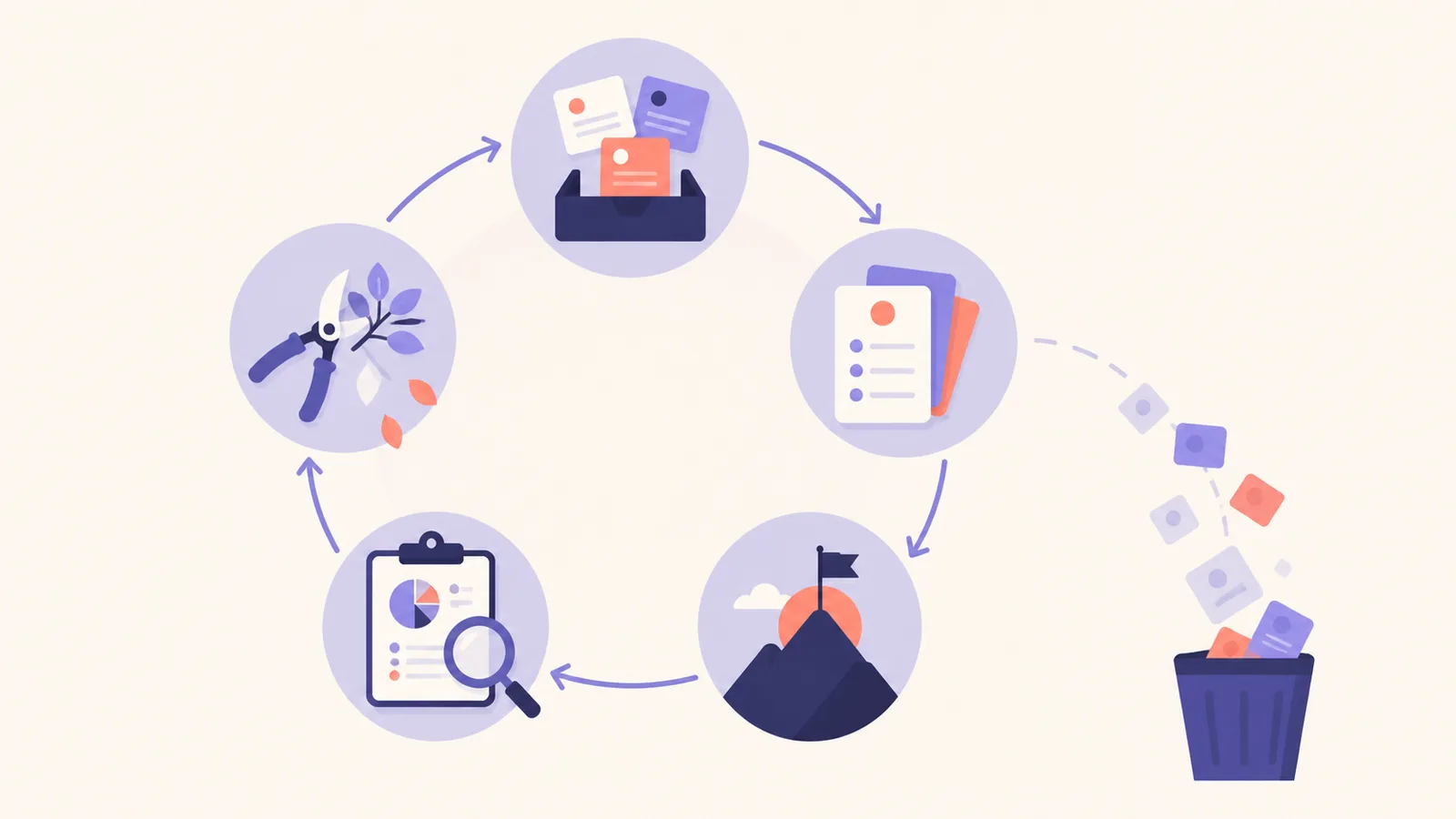
A lean system stays lean by reviewing and pruning structure, not only tasks.
A seven-day productivity-system cleanup
You do not need to redesign everything at once. Use a bounded cleanup that produces evidence before you make larger changes.
Day 1: Inventory active tools
List every place where tasks, deadlines, status, and project discussion live. Note which question each tool is supposed to answer.
Day 2: Name the source of truth
Choose one authoritative location for active commitments. Decide how calendars, chat, documents, and client views will reference it.
Day 3: Remove duplicate records
Close, archive, or link competing copies. Keep a short reconciliation list for anything that cannot move immediately.
Day 4: Prune fields and labels
Remove metadata that does not change a recurring decision. Write one-sentence definitions for the fields that remain.
Day 5: Audit automations
Review recent runs, failures, and human verification work. Disable rules that do not produce measurable value.
Day 6: Rebuild the daily and weekly views
Create one small daily view for executable work and one weekly view for commitments, deadlines, blockers, and capacity.
Day 7: Run a real review
Use the simplified system for an actual weekly review. Record how long it takes, what information is missing, and which removed elements nobody needed.
Keep the system lean as work changes
Complexity returns gradually. New projects introduce special fields, new managers request dashboards, and temporary processes become permanent. A lightweight maintenance rule prevents those additions from accumulating indefinitely.
Before adding another tool, tag, automation, view, or recurring meeting, name the decision it improves. After several weeks, review whether it still earns its place. If nobody can identify the value, remove it.
Your workflow should also be allowed to evolve. The setup that serves a solo freelancer with five clients will not look identical to the system used by a twenty-person team. Growth can justify more structure, but every added layer still needs a clear job.
Tools can help when they reduce fragmentation. AFFiNE brings documents, visual planning, and connected workspace context together, which can make it easier to keep planning close to execution. The important test is the same for any platform: does the setup help people make and complete better decisions with less maintenance?
A system that gets out of the way
The best productivity setup is rarely the most impressive one. Its value appears when a founder sees the next important commitment, a manager understands where a project stands, or a freelancer begins client work without first reorganizing a board.
Duplicate tasks, excessive tags, decorative dashboards, fragile automations, sprawling reviews, and unnecessary status meetings consume attention that belongs to real work. A simpler approach preserves what matters—commitments, ownership, real deadlines, current priorities, useful context, and clear status—and asks everything else to justify the attention it demands.
Frequently asked questions
How do I know whether my productivity system is too complicated?
Look for recurring maintenance that does not improve a decision: duplicate tasks, overlapping labels, long reviews, broken dashboards, ignored automations, extra status meetings, and difficulty identifying the next action.
How many productivity tools should I use?
There is no universal number. Use as many tools as have distinct responsibilities, but define one source of truth for active commitments and avoid keeping independent copies of the same task, deadline, or status.
Should I delete all labels and automations?
No. Keep labels that change scheduling, delegation, or prioritization, and keep automations that save net time, reduce errors, or improve consistency. Remove elements whose maintenance cost exceeds their practical value.
What information should every active task contain?
Most active tasks need a clear action and enough context to start. Team commitments often also need one accountable owner, one real deadline when applicable, a current status, and a project or area.
How often should I simplify my productivity system?
Use the weekly review to remove stale work, then run a deeper tool, field, and automation audit whenever reviews become noticeably longer or the system stops giving reliable answers.
