Visual Note-Taking Apps: Milanote Alternatives and Free Limits
Find a visual workflow for your notes, compare free Milanote alternatives and check sharing, offline access and export with the same sample project.

Disclosure: AFFiNE publishes this article, and AFFiNE is one of the tools it covers. How we review products
Updated October 18, 2026. This guide compares official product documentation; it is not a hands-on speed or usability benchmark. AFFiNE publishes the article and makes one of the products. There are no numerical product ratings, and the order below is not a ranking.
What are some free alternatives to Milanote? Shortlist AFFiNE for documents and a visual canvas, Obsidian Canvas for a local collection of linked notes, or Miro Free for a small shared board workflow. These solve different parts of Milanote's job. Compare image collection, card arrangement, sharing and export with the same small project before moving an archive.
How many boards can you have on Milanote for free? Milanote lists unlimited shared boards, with a free allowance of 100 notes, images or links and 10 file uploads. The 100-item allowance is not a 100-board limit. A board-heavy project can still reach its content allowance. Milanote plans, checked October 18, 2026.
Download the fictional visual-project trial pack. It contains a creative brief, source cards, a decision note and blank checks you can reuse in any shortlisted app.
What are visual note-taking apps?
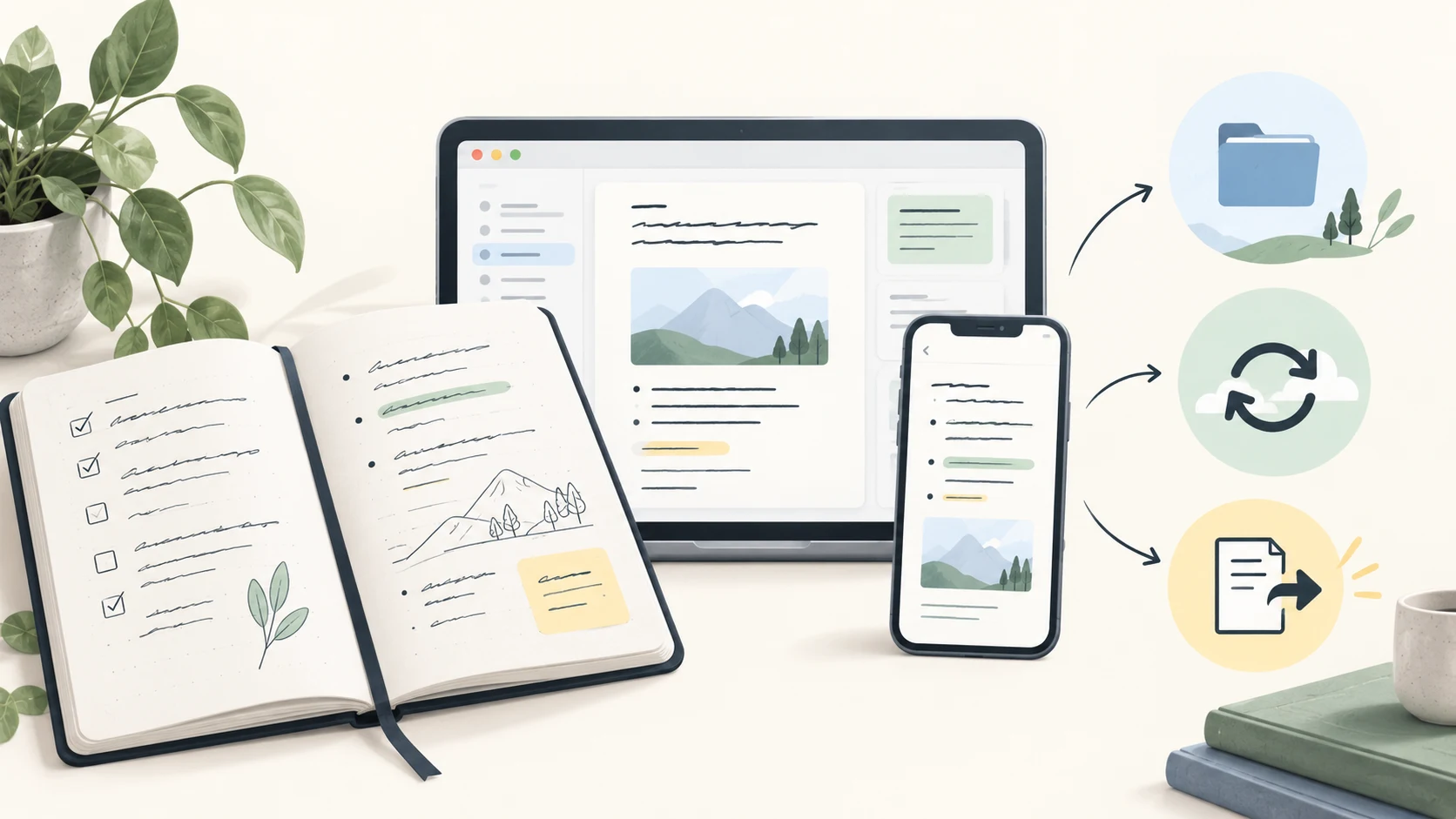
Visual note-taking apps let you organize ideas through position, connections, cards or diagrams alongside written notes. The important distinction is between a moodboard, a linked research notebook and a collaborative whiteboard. A product can support more than one, but the workflows are not interchangeable.
| Workflow | Useful candidates | What to verify |
|---|---|---|
| Images, references and a creative brief | Milanote, AFFiNE | Can you retain source URLs and export a readable brief? |
| Connected research notes | Obsidian, Heptabase, Logseq | Are notes reusable across views, and how do backups work? |
| Group brainstorming | Miro, AFFiNE, ClickUp | What can collaborators edit, and which plan includes that access? |
| Personal collection and rediscovery | mymind, Google Keep, Napkin | Does the tool support the media and organization you need? |
How visual notes differ from a document
A document provides a reading order. A canvas helps you decide which ideas belong together. For a project that needs both, check whether the visual arrangement and the written conclusion can remain connected.
An exported PDF or image can preserve appearance without preserving editable cards or relationships. A Markdown export can preserve text while dropping spatial layout. “Exports available” is therefore only the beginning of a portability check.
Ten tools and their current fit
1. AFFiNE: a document with an Edgeless canvas
AFFiNE is a candidate when a visual planning session needs to produce a written brief. Keep source notes and the decision in the document, then use its whiteboard to arrange supporting ideas. This workflow suits people who do not want a separate tool just to write the explanation of a board.
Free boundary: local document and Edgeless editing are free; Cloud sharing, storage and AI have separate allowances. Consult current plans. Offline: test a local desktop workspace with the attachments you need. Sharing: verify the selected workspace and guest permissions. Exit: check text exports and visual exports separately; a rendered board does not prove editable card transfer to Milanote.
The editor is MIT-licensed, with separate licenses for backend/enterprise components. Local editing does not mean that optional Cloud sync or AI runs entirely on your device. See the repository and privacy policy.
2. Obsidian: linked Markdown with Canvas
Obsidian Canvas arranges notes, media and webpages on a visual surface. It is a feature of Obsidian, useful for personal research that already lives in local Markdown files.
Free boundary: the core app is free for personal and commercial use. Optional Sync starts at US$4 per user/month billed annually or $5 monthly; Publish is a separate service. Offline: local notes are the starting point; online embeds still need their source. Sharing: choose a suitable sharing method instead of assuming Canvas is a public team board. Exit: keep the .canvas file together with the notes and media it references.
3. Heptabase: research cards and whiteboards
Heptabase focuses on understanding research through linked cards and whiteboards, with features including PDF annotation and offline access. It is a candidate for sustained research rather than just collecting a few inspiration images.
Check before choosing: its current paid plan and trial terms, access to needed files offline, collaborator permissions and the output of its export. A trial is not evidence of a permanent free plan. Use one source note in two different boards to see whether its organization suits how you revisit research.
4. Miro: shared visual workshops
Miro fits brainstorming and collaborative diagrams. Its Free plan includes three editable boards. Free boards are accessible to all team members, and the plan has no guest or visitor roles; check whether that access and the available export options suit a client handoff.
Choose it when: the live board is the central activity. Check first: whether you also need a separate written project record, which participants can edit and how the board will be archived. Do not infer that paid presentation, export or administration features are included because a board can be created for free.
5. ClickUp: visual work linked to tasks
ClickUp is a broader work-management product with documents, tasks and visual tools. It is relevant when the outcome of a board must become assigned work.
Choose it when: your team already organizes projects in ClickUp or needs its task model. Check first: plan limits for the exact whiteboard, mind map, storage and permission features. A free account does not establish that every visual workflow is available without limits.
6. Google Keep: lightweight collection
Google Keep suits short notes, images and lists. It can be enough when “visual notes” means a small collection of reference cards rather than an editable mind map.
Choose it when: quick capture matters more than spatial relationships. Check first: whether its organization, export and device-specific offline behavior cover your workflow. Do not treat a collection of cards as an infinite canvas with diagram connectors.
7. mymind: personal visual retrieval
mymind collects notes, images, bookmarks and articles with search and automatic organization. Its product model is personal: the official site explicitly rejects collaboration as a core feature.
Choose it when: you want to save and rediscover references. Check first: subscription terms, export, AI processing and whether you actually need to hand an editable board to someone else. Personal collection and client collaboration are different requirements.
8. Milanote: creative moodboards and briefs
Milanote is a direct fit for organizing creative references into boards and sharing them. Its free plan allows 100 notes, images or links, 10 uploads and unlimited shared boards. Paid individual access is listed at US$9.99/month billed annually or $12.50 monthly.
Offline: Milanote's mobile documentation says an internet connection is required to view and edit boards. Exit: its export guide lists PDF, PNG, Word, Markdown and text, plus a ZIP of board images/files. Home boards cannot be exported directly. Check whether layout or reusable text is the output you need.
Staying on Milanote Free can be sensible for a small project that fits these allowances. Choose an alternative when a specific limitation affects your work, not simply because another tool also has a free button.
9. Napkin: a changed product, now focused on text ideas
Napkin.one now describes an iPhone app for collecting and revisiting text ideas. Its official site says the desktop prototype closed on June 30, 2026. The current product does not support images or bulk note imports, so the older recommendation of it as a desktop visual canvas is no longer appropriate.
Choose it when: personal text capture and reflection are the task. Do not choose it for: an image moodboard, editable team canvas or migration of an existing notebook archive. This is Napkin.one, not another product with a similar name.
10. Logseq: linked outlining with a version check
Logseq combines outlining and linked knowledge. Its file-graph and newer database versions differ; the repository describes the database version as beta and newer mobile/real-time collaboration components as alpha.
Choose it when: outlining is your primary thinking method. Check first: which release supports your needed visual tools, where it stores data and how that version backs up and exports. Do not assume every release shares the same whiteboard, file and sync behavior.
A practical free Milanote-alternative shortlist
If your question is “Is there a free app like Milanote?”, start with the task you need to keep:
| Need | First candidate to try | Important difference from Milanote |
|---|---|---|
| Write a brief and arrange its ideas visually | AFFiNE | Document/canvas workflow; verify sharing and export under your chosen plan |
| Keep research notes and a canvas locally | Obsidian Canvas | Local files; collaboration needs a deliberate setup |
| Run a small collaborative board session | Miro Free | Three editable boards and plan-specific permissions |
| Keep a small existing creative project | Milanote Free | You may already fit the item/upload allowances |
These are conditional recommendations based on published capabilities. They are not measured winners. For nonvisual notebooks, compare free note-taking apps by offline, sync and export requirements.
Try the same fictional project in two apps
The download pack describes a fictional neighborhood reading event. It contains three Markdown notes, a source-card CSV and blank worksheets. It is an original exercise, not a customer case study or a native export from any product.
- Collect: create three source cards and add two images you own. Preserve the source URL or filename and why each reference matters.
- Arrange: group them into audience, format and logistics. Write one sentence explaining each connection.
- Decide: turn the arrangement into a short brief with a decision, an owner and an open question.
- Share: check the intended viewer's permissions with a non-sensitive copy. Do not publish private notes just to test sharing.
- Export: save both a readable board and the editable text/files that matter. Open them outside the app.
- Check offline: disconnect and reopen the material on the device you actually use. Record what was available, partial or unavailable.
Record app version, plan, device and date in the visual-workflow checklist. Its result fields are intentionally blank: the useful evidence is what happens in your own workflow.