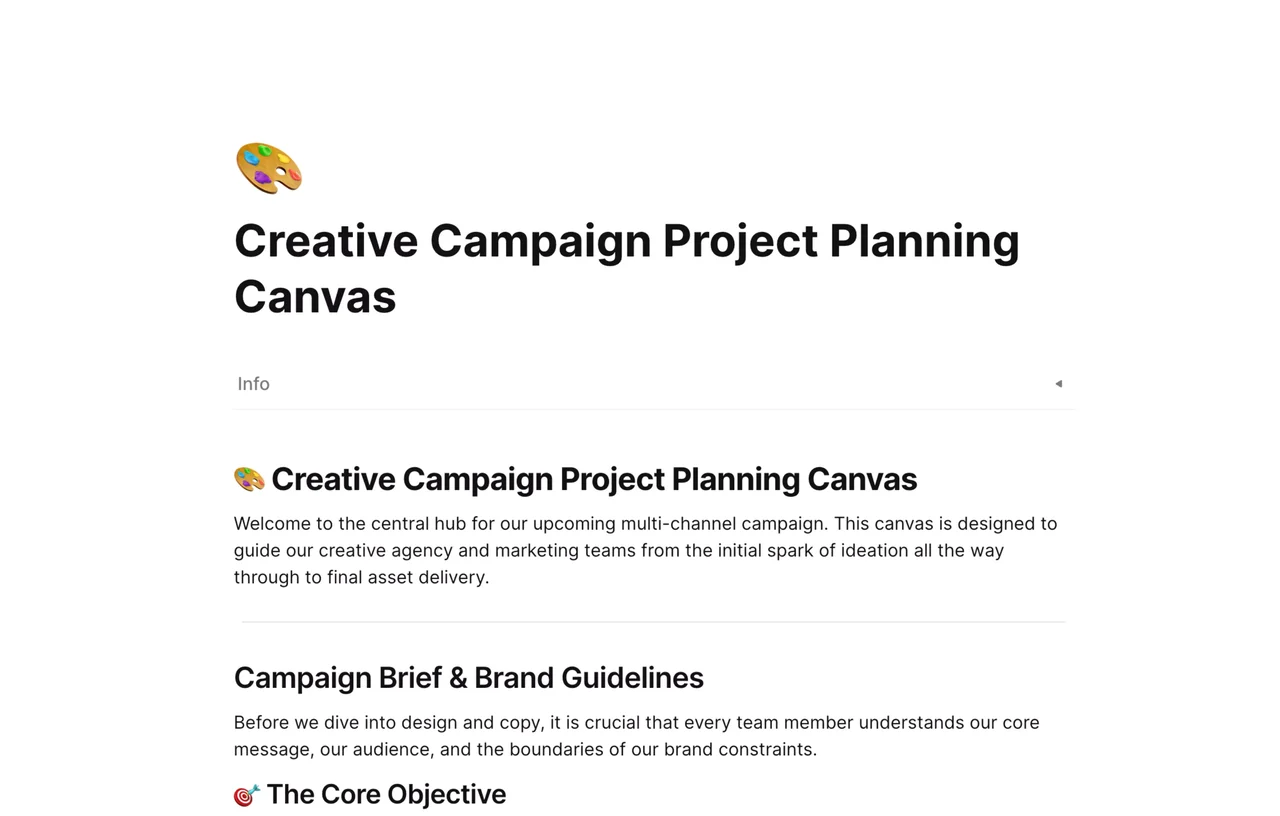
A campaign brief template is a fill-in document that records a marketing campaign's goals, audience, messages, timeline, and success measures before work begins, so everyone involved works from the same plan. This AFFiNE template gives you a numbered page layout that starts with a Campaign Overview (name, description, launch date, end date) and an Objectives & Goals checklist with example goals you can edit.
What's included in this template
- 1. Campaign Overview: fields for Name, Description, Launch Date, and End Date.
- 2. Objectives & Goals: a "What do we want to achieve?" checklist with Increase brand awareness, Drive website traffic, Generate leads, Boost sales, and Improve customer engagement.
- Specific Goals: bullet placeholders with an example of a measurable goal ("Increase website visits by 30% in Q2").
- Further numbered sections below the goals for the rest of the brief, all in plain editable text.
- An AFFiNE page you can comment on, share, and link to other campaign docs.
When to use a campaign brief template
- Product launches where marketing, sales, and product teams need the same dates and messages.
- Agency or freelancer work when you need the client to approve goals and scope before creative starts.
- Seasonal or promotional campaigns that repeat each year and benefit from a consistent format.
- Multichannel campaigns where email, social, paid ads, and content must share one objective.
How to use this campaign brief template in AFFiNE
- Duplicate the template. Click Use this template to copy the brief into your AFFiNE workspace.
- Fill in the overview. Add the campaign name, a one-paragraph description, and the launch and end dates.
- Choose your objectives. Check the goals that apply and delete the rest, so the campaign has a clear focus.
- Write specific goals. Replace the placeholders with measurable targets that include a number and a deadline.
- Complete the remaining sections. Describe the audience, key message, channels, budget, and owners in the sections that follow.
- Get sign-off. Share the page with stakeholders, collect comments, and record approval before production starts.
Tips for writing a clear campaign brief
- Keep it short enough to read in a few minutes; link to research instead of pasting it in.
- Write one main message the audience should remember, then supporting points.
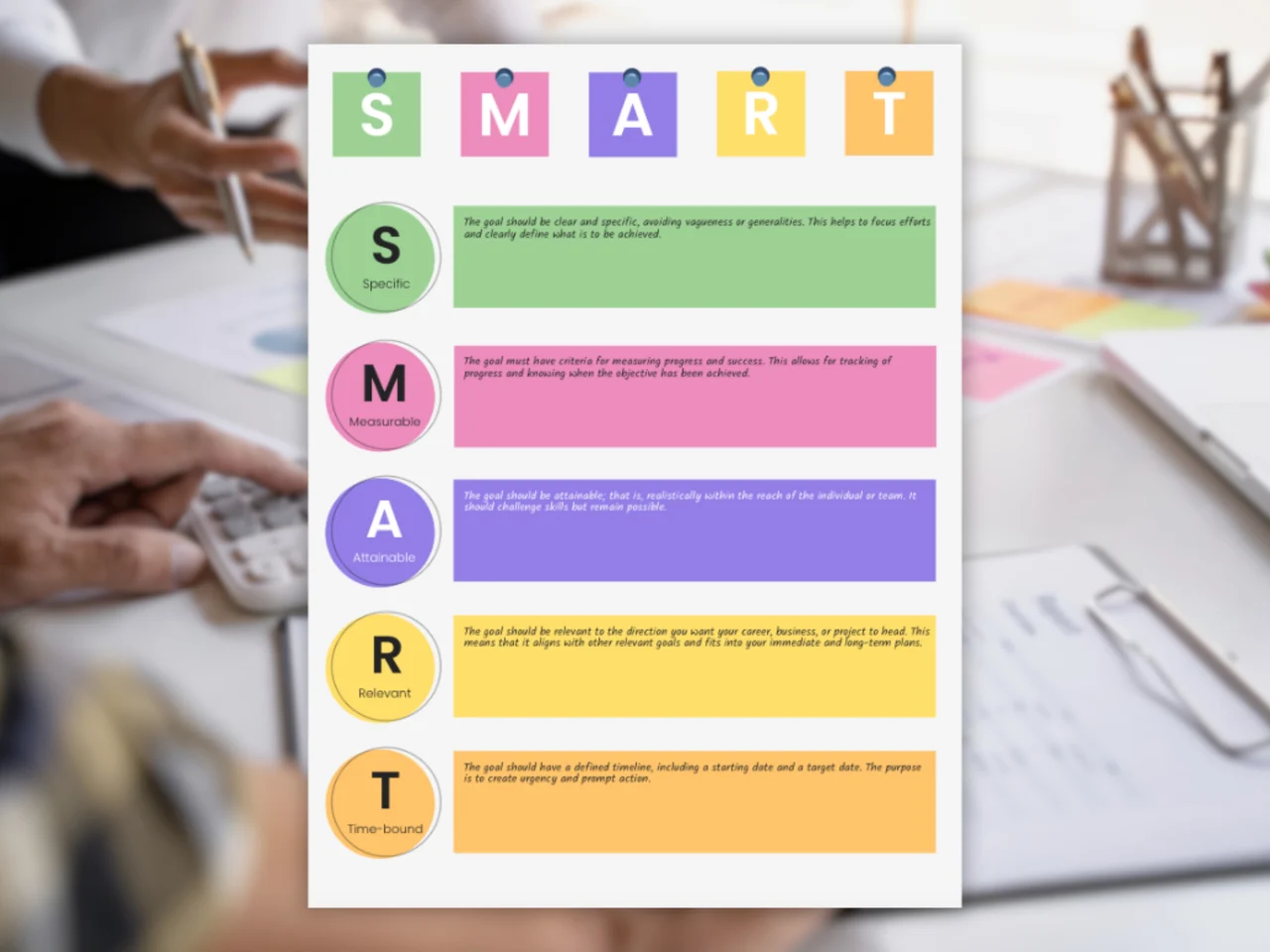
- Use measurable goals. The SMART goal template can help you turn "more traffic" into a specific target.
- Name an owner for each deliverable and a single approver for the brief.
A campaign brief usually sits inside a wider plan. Use the marketing plan template for the yearly view, or condense a brief into a one-pager. For planning advice, read our guide to writing a marketing action plan.
Frequently asked questions
What should a campaign brief include?
A campaign brief usually includes an overview, objectives, target audience, key message, channels, timeline, budget, and how success will be measured. This template starts with the overview and objectives and leaves room for the rest.
What is the difference between a campaign brief and a creative brief?
A campaign brief covers the whole campaign, including goals, channels, budget, and timing. A creative brief is narrower and guides the design or copy for specific assets within that campaign.
How long should a campaign brief be?
Most briefs fit on one or two pages. Include what the team needs to make decisions and link to supporting research rather than adding it in full.
Who writes the campaign brief?
The campaign owner, often a marketing manager or account lead, writes the brief and shares it with stakeholders for review and approval.