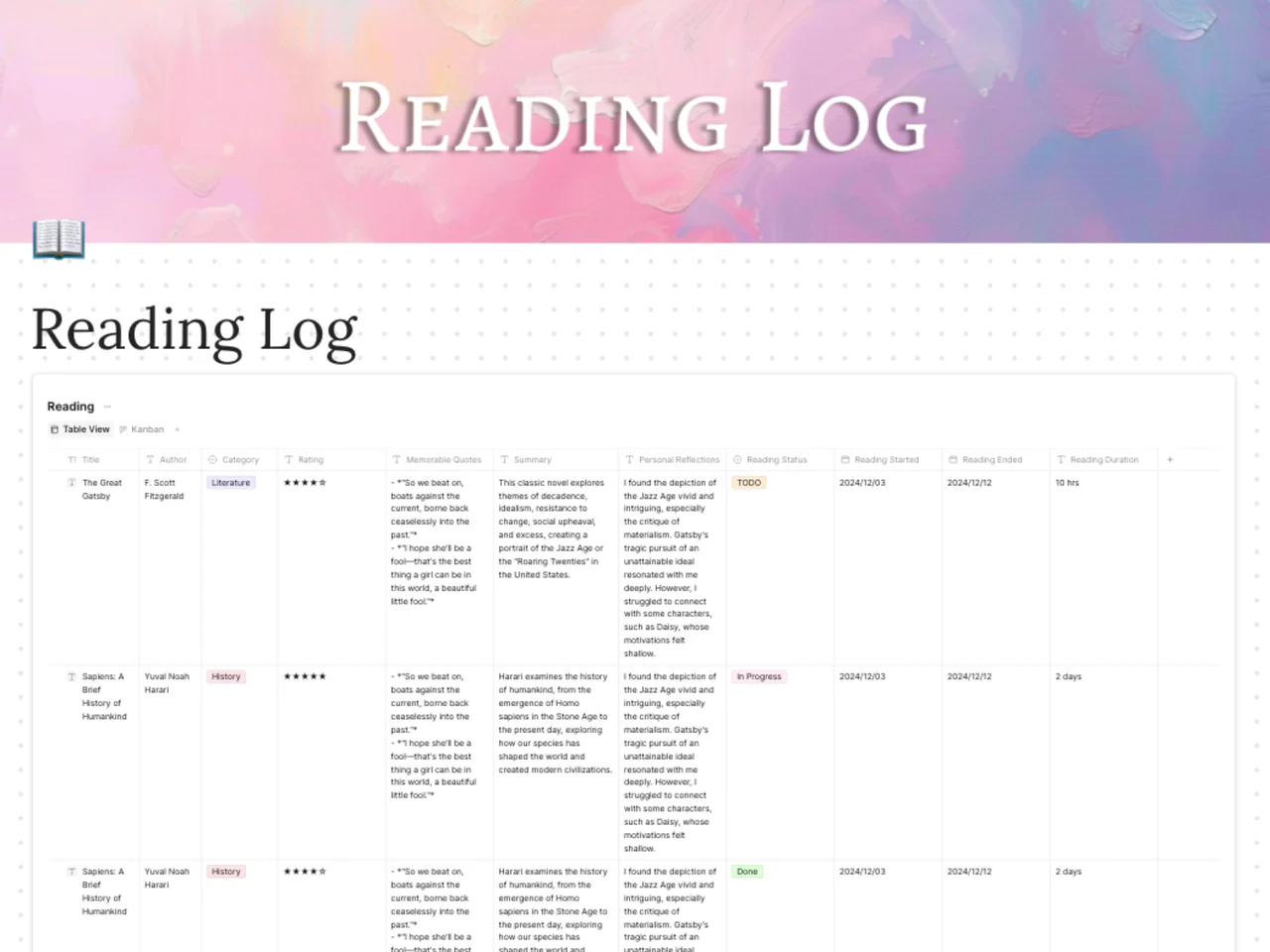
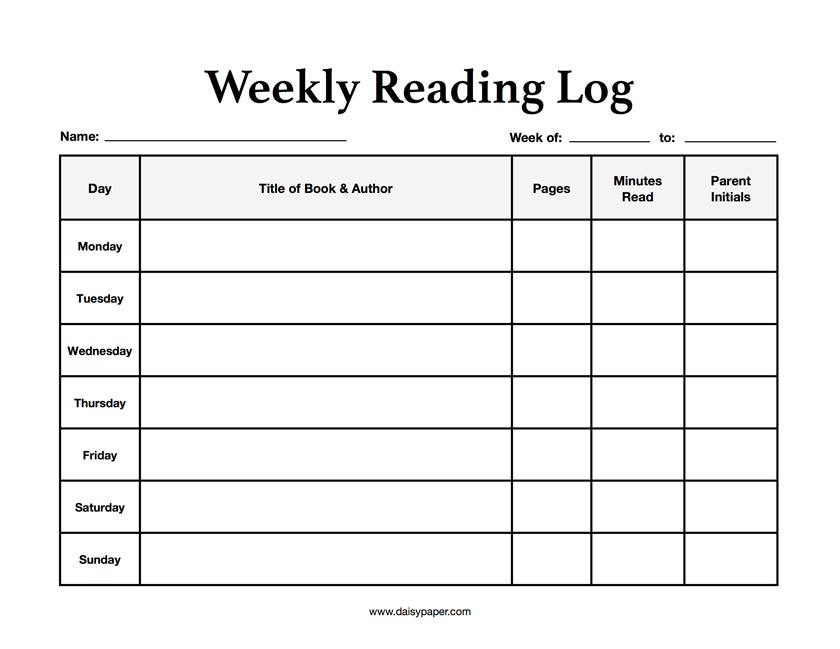
A reading log is a record of the books you read, with details such as title, author, dates, rating, and your notes on each book. This AFFiNE reading log template gives you a ready-made database with columns for title, author, category, rating, memorable quotes, summary, personal reflections, reading status, start and end dates, and reading duration. You can switch between a Table view and a Kanban view to see what is to-read, in progress, or done.
What's included in this template
- A "Reading" database with a Table view and a Kanban view.
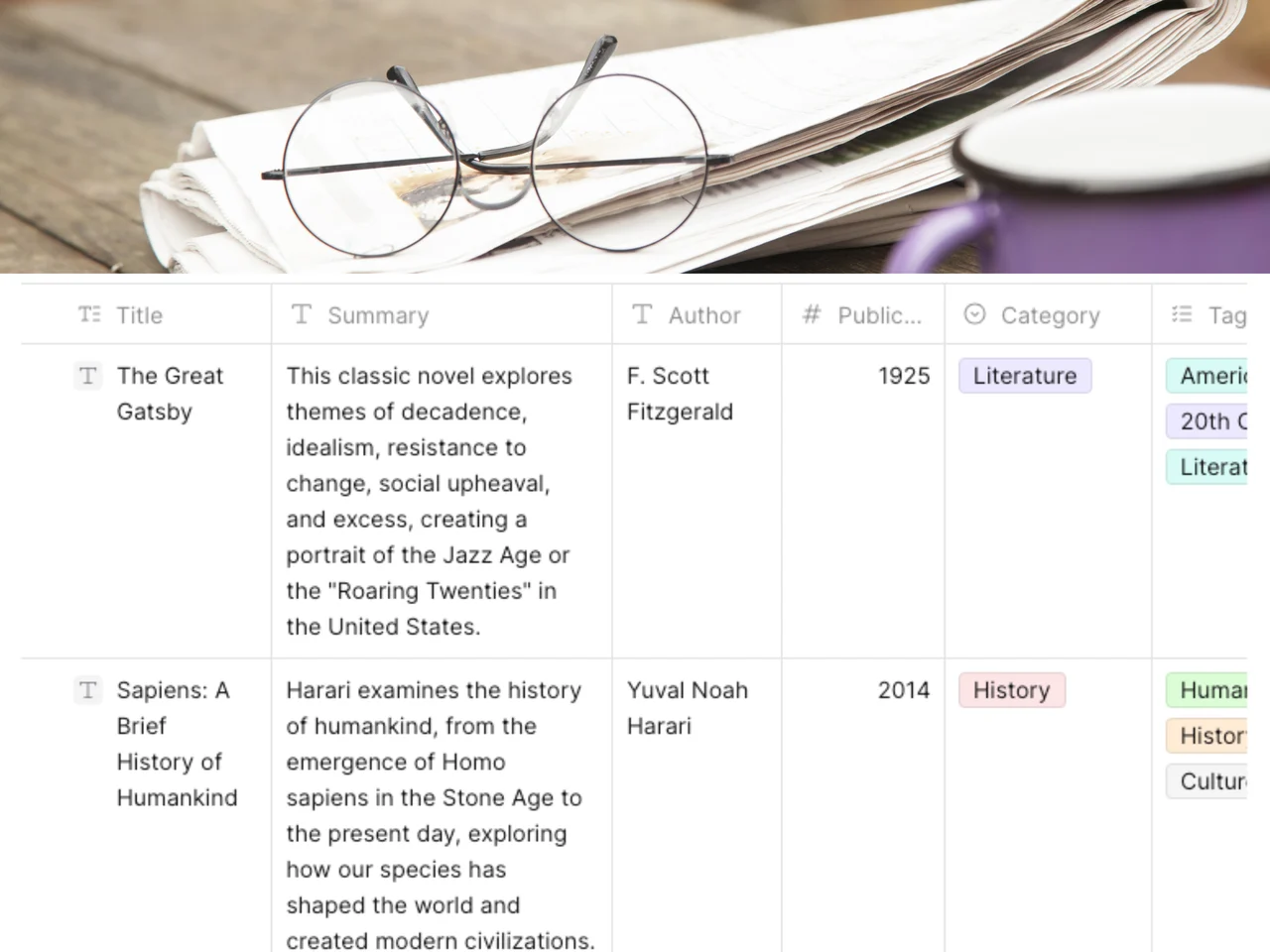
- Columns for Title, Author, and Category (for example Literature or History).
- A star Rating column.
- Memorable Quotes, Summary, and Personal Reflections columns for notes on each book.
- A Reading Status column with TODO, In Progress, and Done options.
- Reading Started, Reading Ended, and Reading Duration columns to track time.
- Sample rows you can edit or delete.
Who it's for
- Adult readers keeping a yearly book list or working through a reading challenge.
- Students tracking assigned reading and writing short summaries for class.
- Teachers and parents following a child's reading over a term.
- Book clubs collecting quotes and reflections before each meeting.
- Lifelong learners building a searchable library of book notes.
How to use this reading log in AFFiNE
- Duplicate the template. Click "Use this template" to copy the reading log into your AFFiNE workspace.
- Clear the sample rows. Delete or overwrite the example books so the log starts empty.
- Add a book. Enter the title, author, and category, and set the status to TODO.
- Track your progress. Move the book to In Progress when you start and add the start date.
- Capture notes as you read. Add quotes, a short summary, and your reflections in the matching columns.
- Finish and rate it. Set the status to Done, add the end date and rating, and use the Kanban view to see your progress at a glance.
Tips for keeping a reading log
- Write a one- or two-sentence summary right after you finish, while the book is fresh.
- Use the Category column consistently so you can sort and group by genre later.
- Add a quote only if you would want to find it again.
- Review your log monthly to spot patterns in what you enjoy and what you abandon.
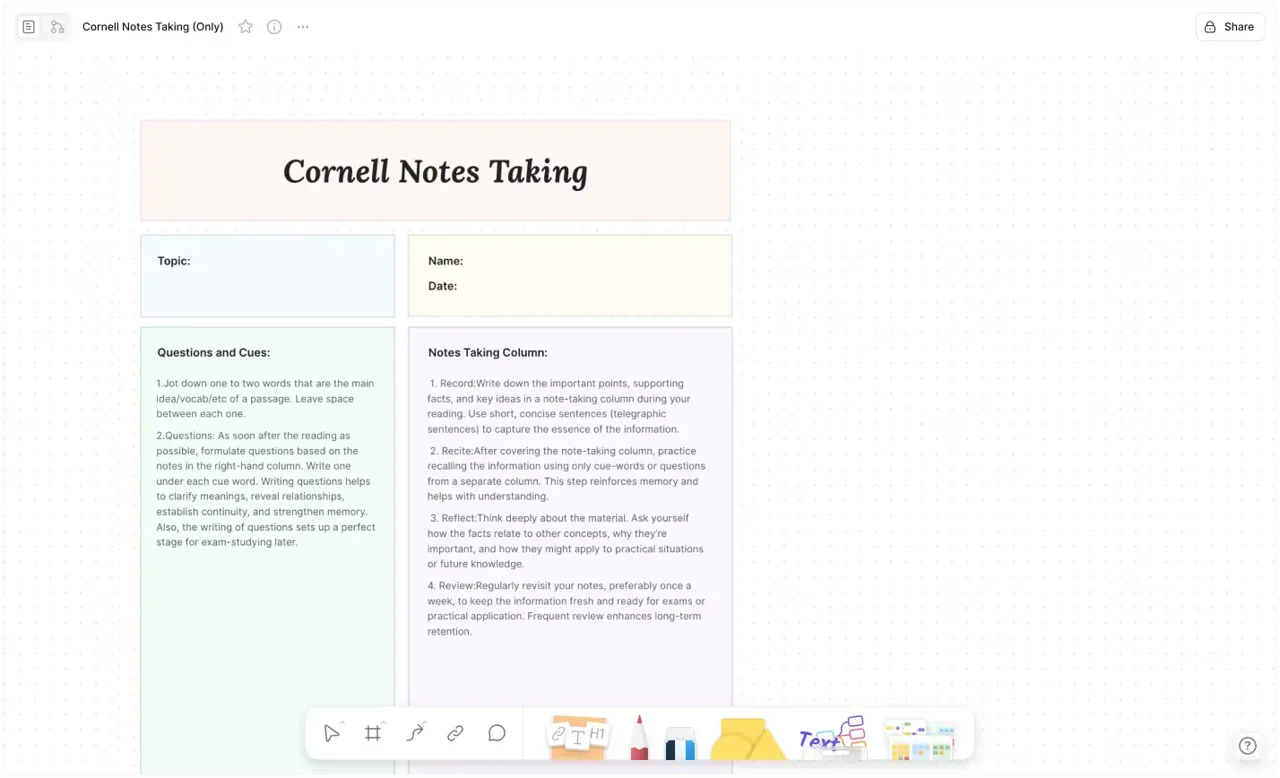
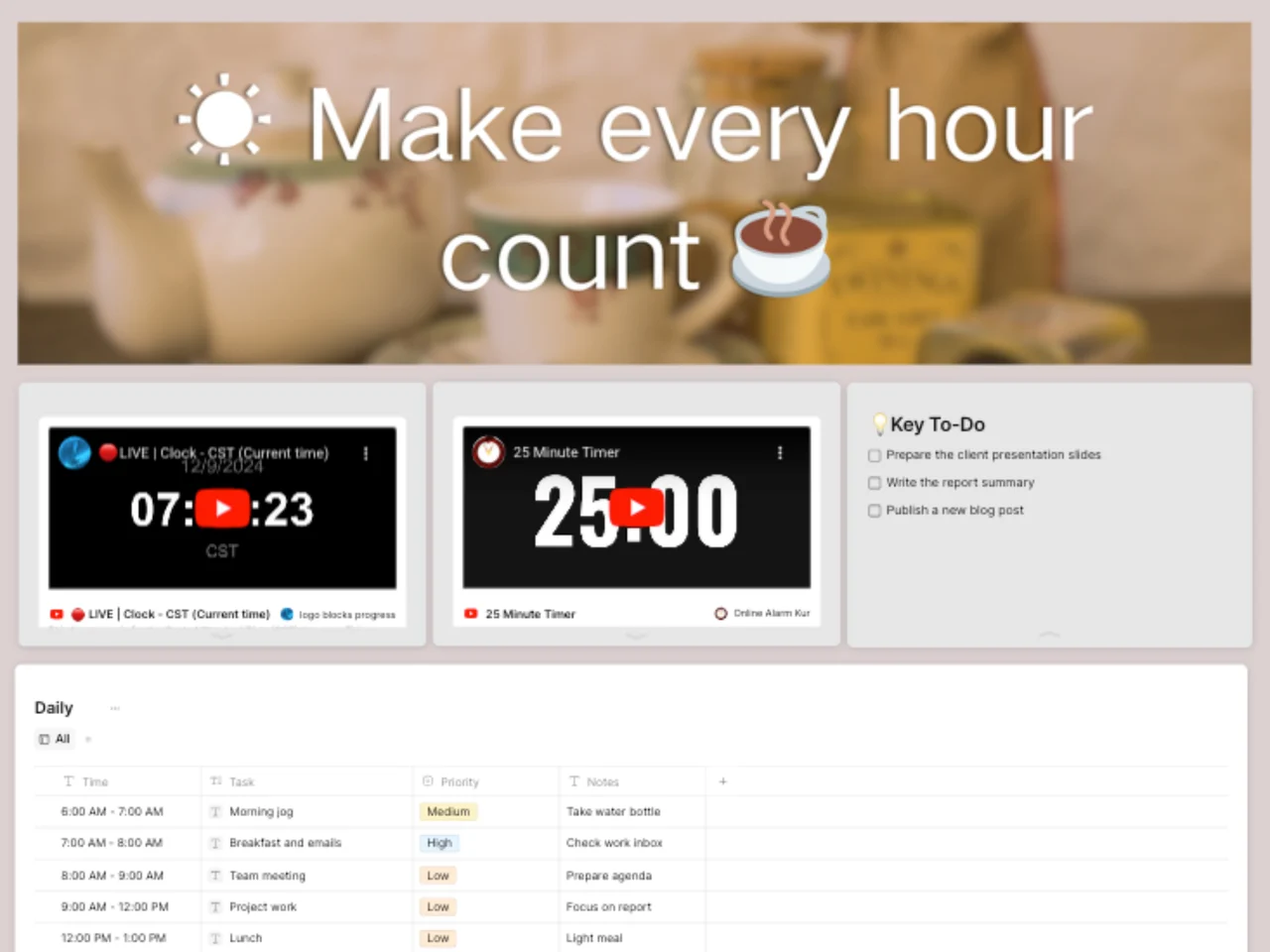
For more ideas, read this reading log review guide and the academic reading list template guide. If you study from your reading, pair the log with the Academic Reading List Template or take chapter notes with the Cornell Notes Template. More planning layouts are in the digital planner template collection.
Frequently asked questions
What should be included in a reading log?
A useful reading log includes the title, author, dates started and finished, and a rating. Many readers also add a summary, favorite quotes, and personal reflections, which this template includes.
How do you keep a reading log?
Add each book when you start it, update the status as you read, and write a short summary and rating when you finish. Reviewing the log regularly helps you notice patterns and set goals.
Is a reading log the same as a reading journal?
Not quite. A reading log is mainly a list for tracking what and when you read, while a reading journal focuses on longer reflections. This template combines both by adding quote and reflection columns to the log.
Can I print this reading log?
Yes. You can export the page from AFFiNE as a PDF or PNG and print it. It is not offered as a separate Word or PDF download.