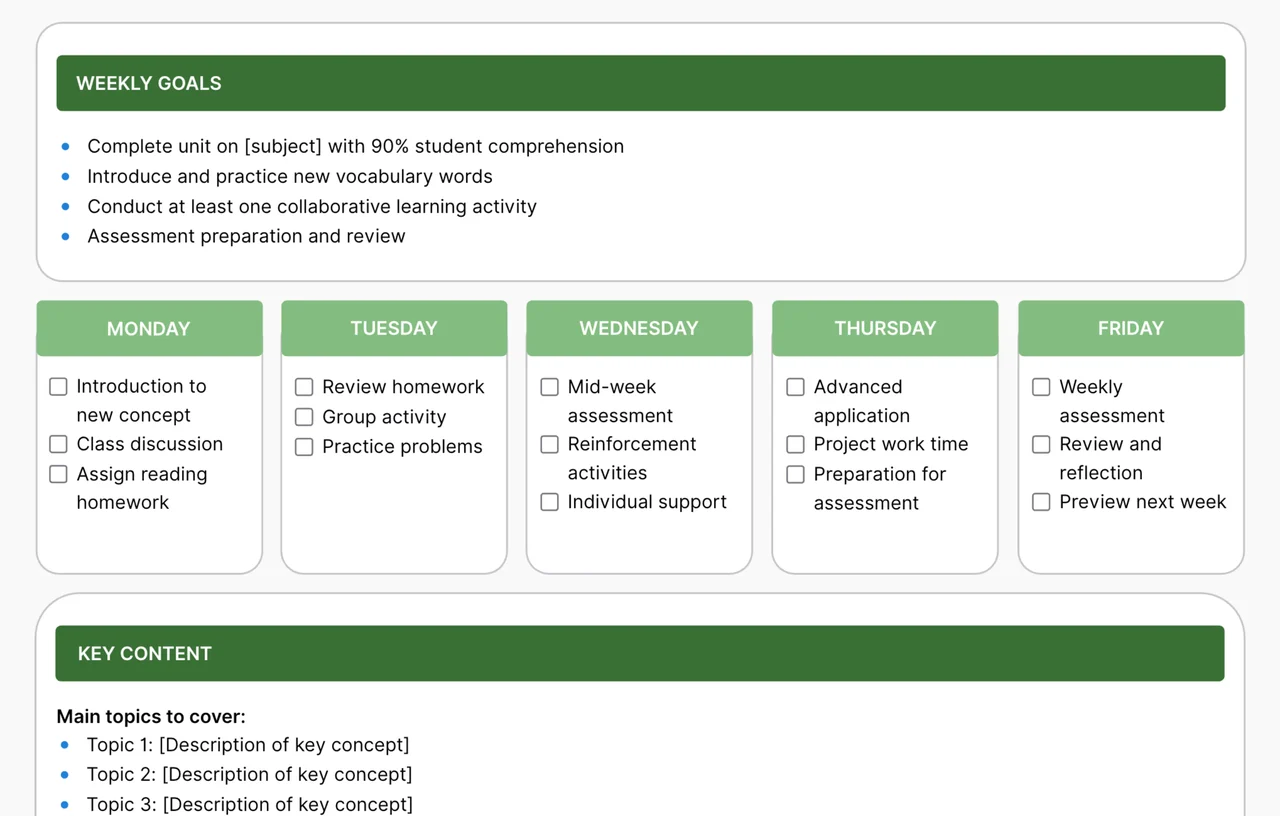
A weekly lesson planner is a one-page layout that maps a teacher's goals, daily activities, and key content for a full school week. This AFFiNE template is an editable whiteboard with a Weekly Goals box, five day columns from Monday to Friday with checkbox activities, and a Key Content section for the main topics you plan to cover.
What's included in this template
- Weekly Goals: a bulleted list with sample goals, such as completing a unit, introducing new vocabulary, running a collaborative activity, and preparing for an assessment.
- Monday to Friday columns: checklist items you can tick off as you teach, prefilled with a sample flow:
- Monday: introduction to a new concept, class discussion, assign reading homework.
- Tuesday: review homework, group activity, practice problems.
- Wednesday: mid-week assessment, reinforcement activities, individual support.
- Thursday: advanced application, project work time, preparation for assessment.
- Friday: weekly assessment, review and reflection, preview next week.
- Key Content: a "Main topics to cover" list with placeholder topics and descriptions.
Who it's for
- Classroom teachers who want to see the whole week on one screen instead of five separate daily plans.
- New teachers who need a sample weekly rhythm of introduce, practice, check, apply, and review.
- Tutors and homeschool parents planning one subject across a week.
- Instructional coaches or teams who want to share a weekly plan and discuss it together.
How to use this weekly lesson planner in AFFiNE
- Copy the template. Click Use this template to open the planner on an AFFiNE whiteboard in your workspace.
- Set your weekly goals. Replace the sample goals with two to four measurable goals tied to your unit or standards.
- Plan each day. Edit the checklist items in each column so the week moves from introducing new material to practice, checking for understanding, and review.
- List the key content. Fill in the main topics, vocabulary, or skills students should learn this week.
- Add materials and notes. Place sticky notes, links, or images next to a day for handouts, slides, or reminders.
- Check off and reuse. Tick items as you teach, note what to move to next week, then duplicate the board for the following week.
Tips for weekly lesson planning
- Plan backward from Friday. Decide what students should show by the end of the week, then build the days that lead there.
- Leave buffer time. A lighter Thursday or Friday gives you room to reteach when a lesson runs long.
- Keep goals measurable. "Students can explain the water cycle with a diagram" is easier to check than "learn about water."
Frequently asked questions
What should be included in a weekly lesson plan?
Most weekly plans include learning goals for the week, a day-by-day sequence of activities, the key content or standards covered, materials, and how you will check understanding. This template covers goals, daily activities, and key content, and you can add materials on the whiteboard.
How do I make a weekly lesson plan?
Start with the goals students should reach by the end of the week, break the content into daily steps, plan a quick check for understanding during the week, and finish with review. Then list the materials each day needs.
Can I use this weekly lesson planner for multiple subjects?
Yes. Duplicate the day columns or the whole board for each subject, or add a subject label to each checklist item if you teach several subjects in one class.
Is this weekly lesson planner printable?
It opens in AFFiNE as an editable whiteboard. You can export the board as a PDF or PNG from AFFiNE and print that file.
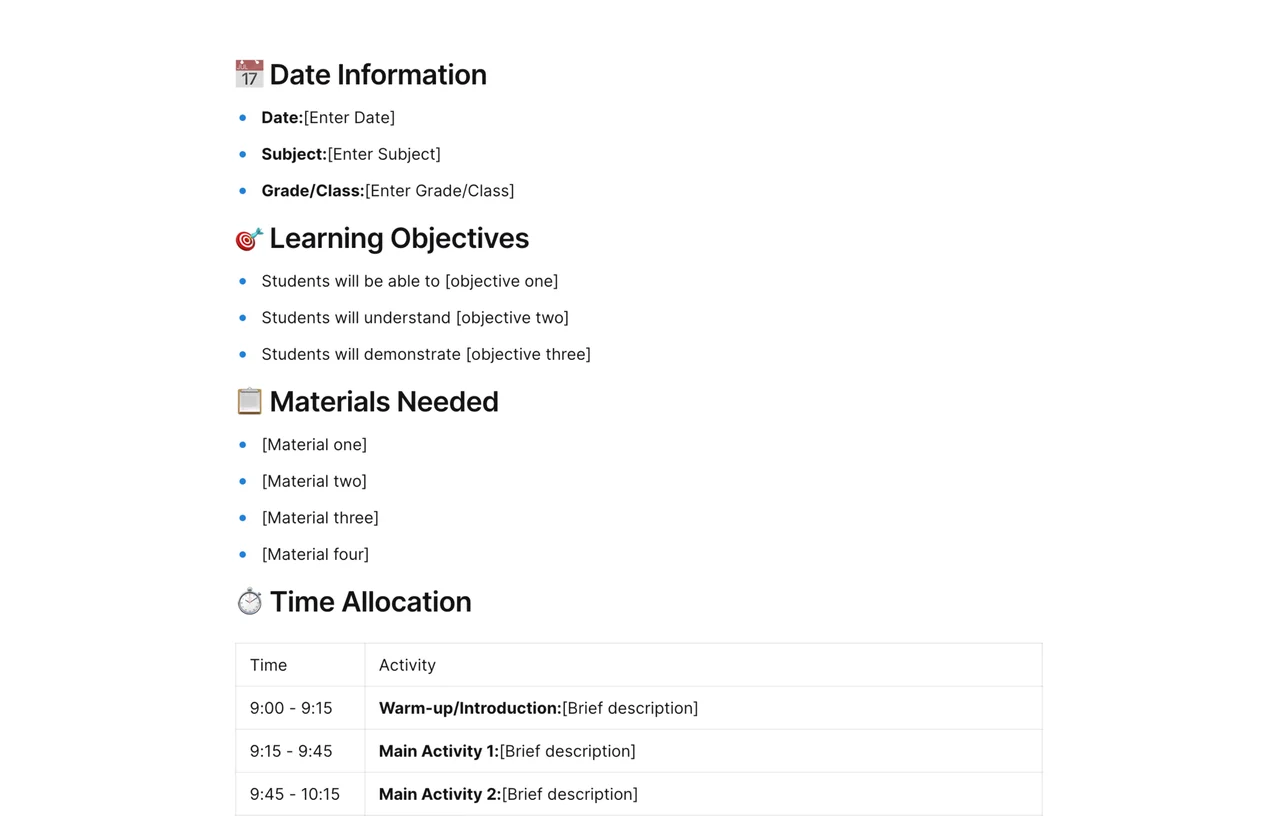
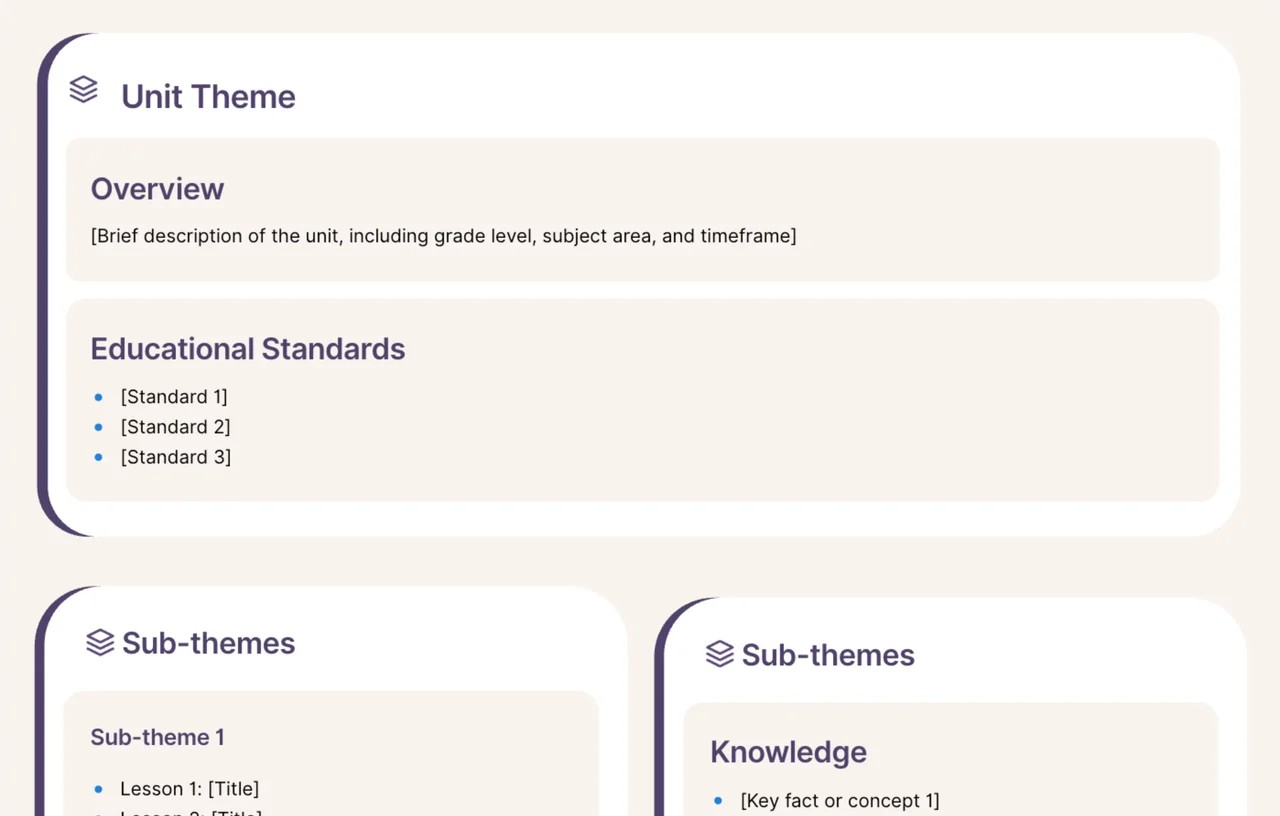
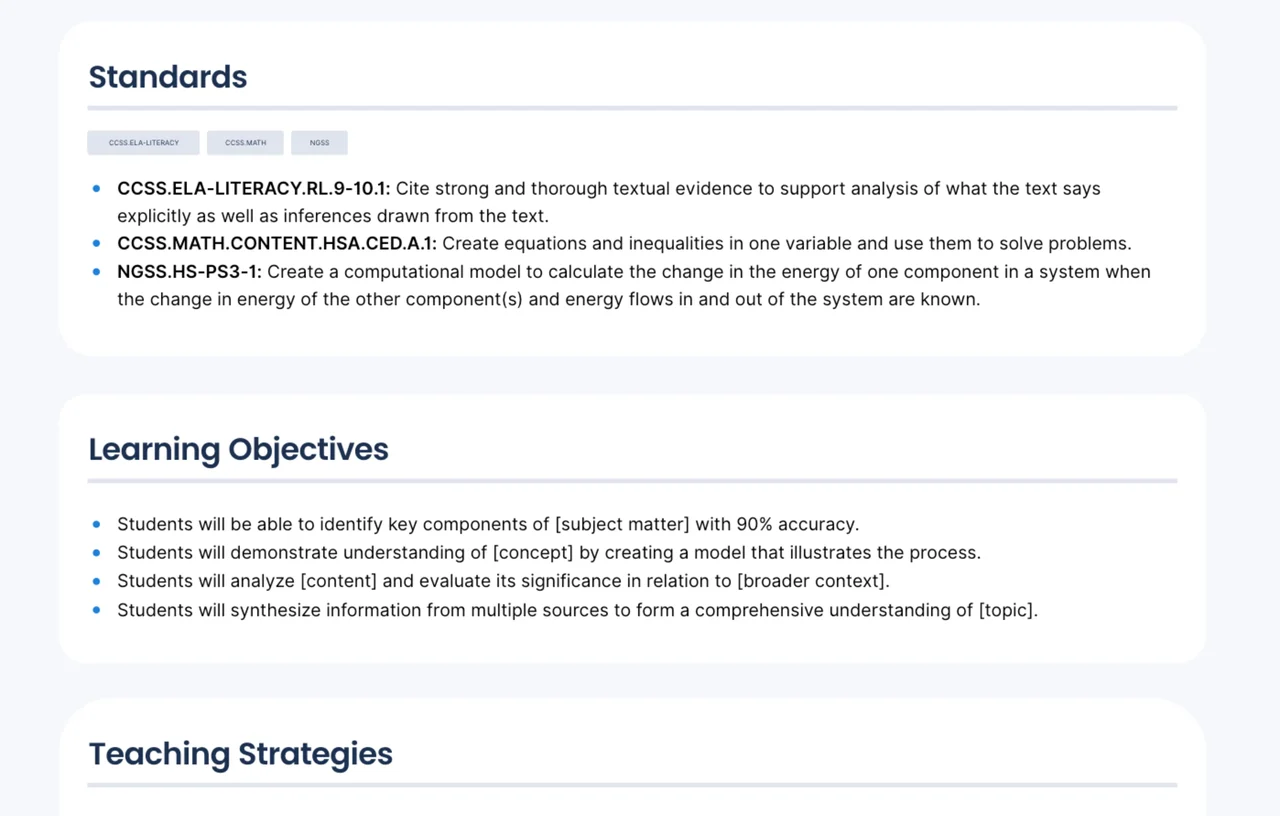
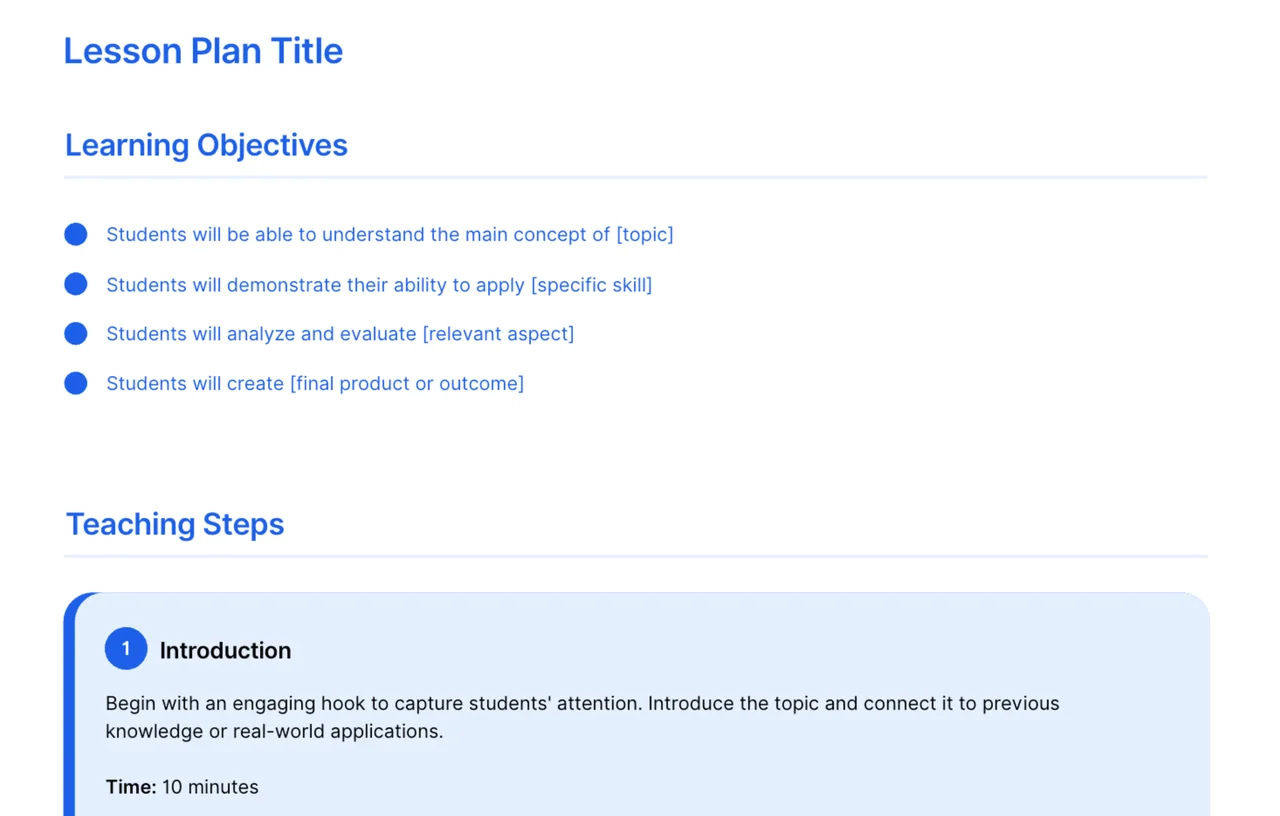
Find more lesson plan templates, plan single lessons in detail with the daily lesson plan outline, read how to write a lesson plan, or compare free lesson plan templates for teachers.