SharePoint Alternatives 2026: 10 Tools by Use Case
What changed (Nov 14, 2026): Rewrote the guide around the part of SharePoint each tool replaces: files and document libraries (Google Workspace, Box, Zoho WorkDrive), records and workflows (Hyland Alfresco), self-hosting (Nextcloud), team wikis (Confluence, Notion, AFFiNE) and intranets (Staffbase, Simpplr). Added Microsoft's 2026 changes, including the retirement of standalone SharePoint Online Plan 1 and Plan 2 and the July 2026 Microsoft 365 price increase, a comparison table, selection method, regulated-industry checks, migration steps, FAQs and sources. Removed copied text about Gemini and ChatGPT, the duplicated Basecamp section and the Slack text under Jira, moved Slack, Trello, Jira, Basecamp and Airtable to a short not-a-replacement note, moved AFFiNE out of first place with a disclosure and its limits, and added dated screenshots and a new cover.
The right SharePoint alternative depends on which part of SharePoint you are replacing. For shared files and document libraries, look at Google Workspace, Box or Zoho WorkDrive. For records, retention and document workflows, look at Hyland Alfresco. If the data has to stay on your own servers, Nextcloud is the closest self-hosted match. For team wikis and knowledge bases, Confluence, Notion and AFFiNE are easier to write in than SharePoint pages. For a company intranet that reaches every employee, Staffbase and Simpplr are built for that job. Most teams that leave SharePoint end up with two of these tools, not one.
Updated November 14, 2026. Disclosure: AFFiNE publishes this blog and is one of the ten tools compared below. We apply the same criteria to it and list its limits, including that it is not a document management system and does not plug into Microsoft 365. The order of the tools follows the job they replace and is not a ranking.
What changed with SharePoint's own plans in 2026
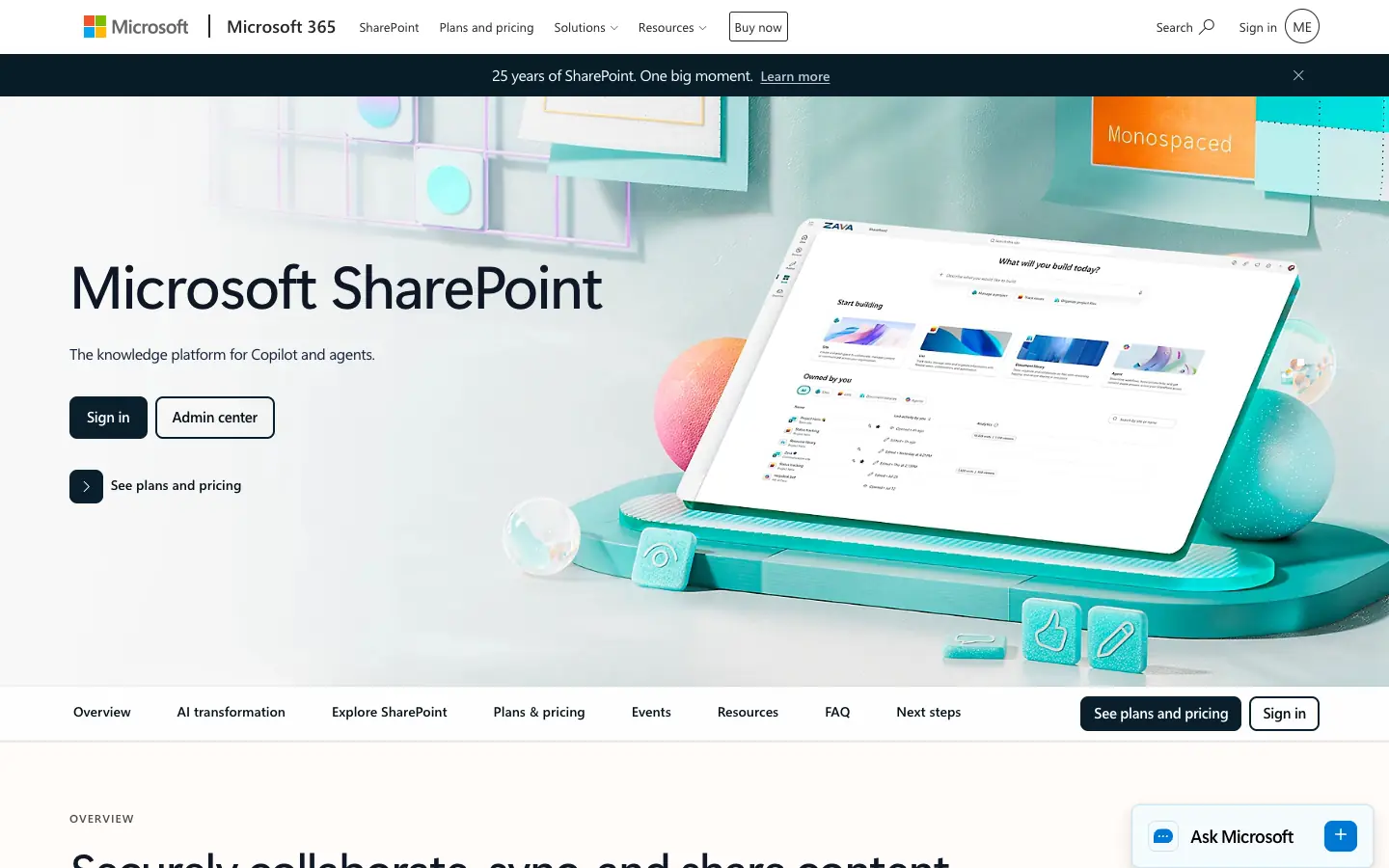
Check this before you plan a move. Two Microsoft changes this year affect the cost of staying on SharePoint:
- Standalone SharePoint plans are being retired. Microsoft is retiring SharePoint Online (Plan 1) and (Plan 2), the plans that sold SharePoint without the rest of Microsoft 365. New customers could not buy them after May 31, 2026. Existing customers can renew until January 2027, and the plans stop working in December 2029. After that, SharePoint comes only as part of a Microsoft 365 suite.
- Microsoft 365 prices went up on July 1, 2026. Business Basic, the cheapest plan that includes SharePoint, rose from $6.00 to $7.00 per user/month, and Business Standard rose from $12.50 to $14.00.
| Plan that includes SharePoint | Price (USD, annual commitment) | Notes |
|---|---|---|
| Microsoft 365 Business Basic | $7.00 per user/month | Web and mobile Office apps, Teams, Exchange email, SharePoint and OneDrive; $5.40 without Teams |
| Microsoft 365 Business Standard | $14.00 per user/month | Adds desktop Office apps; Microsoft also sells a version with Copilot for $23.50 |
| Microsoft 365 Business Premium | $22.00 per user/month | Adds device management and security; $32.00 with Copilot |
| Microsoft 365 E3 / E5 | $39.00 / $60.00 per user/month | Enterprise plans with no 300-user cap |
| SharePoint (Plan 1) and (Plan 2) | No longer sold to new customers | Renewals end in January 2027; service ends in December 2029 |
Business plans are limited to 300 users. If you run SharePoint on your own servers, note that SharePoint Server 2016 and 2019 reached the end of support on July 14, 2026. The remaining on-premises version is SharePoint Server Subscription Edition.
A SharePoint alternative makes sense when one of these is true:
- Your team does not use Microsoft 365 for email and Office files, so you would pay for a suite just to get SharePoint.
- You were on a standalone SharePoint plan and must choose a new home for that content before your 2027 renewal.
- People do not write in SharePoint pages, so your wiki or intranet has gone stale.
- Your content has to stay on infrastructure you control, and you do not want to run SharePoint Server.
Which part of SharePoint are you replacing?
SharePoint is several products in one. Match each job you use it for to a tool built for that job:
| What you use SharePoint for | What SharePoint does there | Alternatives in this guide |
|---|---|---|
| Shared files and document libraries | Folders, versions, check-out, sharing links, OneDrive sync | Google Workspace, Box, Zoho WorkDrive, Nextcloud |
| Records, retention and document workflows | Metadata, retention labels, approvals | Hyland Alfresco; see our enterprise content management software guide |
| Team wiki and knowledge base | Site pages, page libraries, search | Confluence, Notion, AFFiNE |
| Company intranet and news | Home site, news posts, audience targeting | Staffbase, Simpplr, or Confluence's company hub (Premium) |
| On-premises or self-hosted | SharePoint Server Subscription Edition | Nextcloud, Alfresco Community Edition, AFFiNE self-hosted |
How we chose and checked these tools
- Scope: Each tool had to replace at least one of the SharePoint jobs above for a team, not only for one person. That is why chat apps and task boards are not on the main list (see the end of this guide).
- Sources: We read each vendor's own pricing page, product page or release notes on November 13 and 14, 2026. Microsoft's dates come from its Partner Center announcement and its 2026 pricing update. The sources are listed at the end.
- Prices: US list prices for the entry plan, as shown on the vendor's site. Some vendors show a lower annual price and a higher monthly one; we note which. Taxes, regional prices and introductory discounts vary.
- What we did not do: We did not run a migration or benchmark search and sync speed. Staffbase and Simpplr do not publish prices, so we could not compare their cost.
- Screenshots: Taken at 1440x900 in a headless browser on November 14, 2026, without signing in. Each shows the vendor's public product page or homepage, and each caption names the page.
SharePoint alternatives compared
| Tool | Replaces SharePoint for | Free option | Paid plans from | Self-hosting |
|---|---|---|---|---|
| Google Workspace | Files, shared drives, Google Sites pages | No free business plan (14-day trial) | Business Starter $7 per user/month | No |
| Box | Files and secure external sharing | Individual: 10 GB, 250 MB uploads, 1 user | Business Starter $5 per user/month yearly, 3-user minimum | No |
| Zoho WorkDrive | Team folders and file sharing | 5 GB individual plan | Starter $2.50 per user/month yearly, 3-user minimum | No |
| Hyland Alfresco | Document management, records, workflows | Community Edition, open source (LGPL-3.0) | Quote only | Yes |
| Nextcloud | Files, sharing, office editing, on premises | Nextcloud Hub, free to self-host (AGPL) | Enterprise from €71.29 per user/year (100+ users) | Yes |
| Confluence | Team wiki and knowledge base | Up to 10 users, 2 GB storage | Standard $5.78 per user/month | No (Cloud only) |
| Notion | Team wiki, docs and databases | Free plan; limited blocks for multi-member teams | Plus $10 per seat/month | No |
| AFFiNE | Team wiki, docs and whiteboards | 10 GB cloud, 3 members per workspace; unlimited local use | Team $10 per seat/month | Yes |
| Staffbase | Intranet, employee app, internal comms | No | Quote only | No |
| Simpplr | AI intranet, news, enterprise search | No | Quote only | No |
Files and document libraries
Google Workspace
Google Workspace replaces SharePoint's file storage with Google Drive and shared drives, and its site pages with Google Sites. It suits teams that already work in Gmail and Google Docs and want files, editing and simple team sites without Microsoft 365.
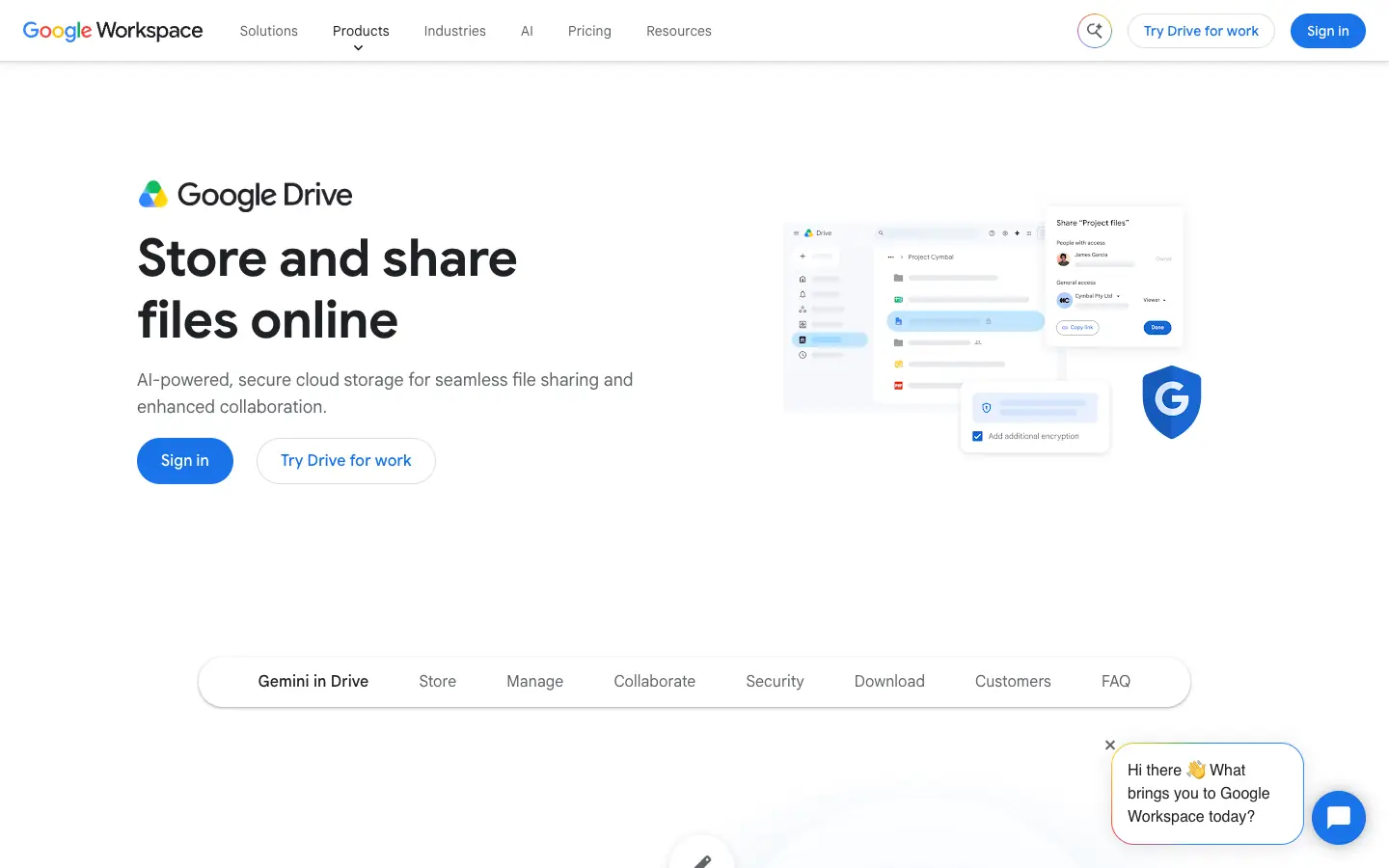
- What it replaces: Document libraries (shared drives), co-authoring, and basic intranet pages (Google Sites).
- Pricing: Business Starter $7, Business Standard $14 and Business Plus $22 per user/month at list price. Google is currently showing an introductory discount for new customers. Business plans are capped at 300 users.
- Storage: 30 GB per user on Business Starter, pooled across the organization; 2 TB on Business Standard.
- Limits to know: Business Starter includes only "fundamental" shared drive features; Google lists advanced shared drive features from Business Standard up. Google Sites is a simple page builder, not a full intranet with news targeting.
Box
Box is a cloud content platform built around secure file sharing, including with people outside your company. It is a common SharePoint replacement when the main job is a document library that partners, clients or contractors also need to reach.
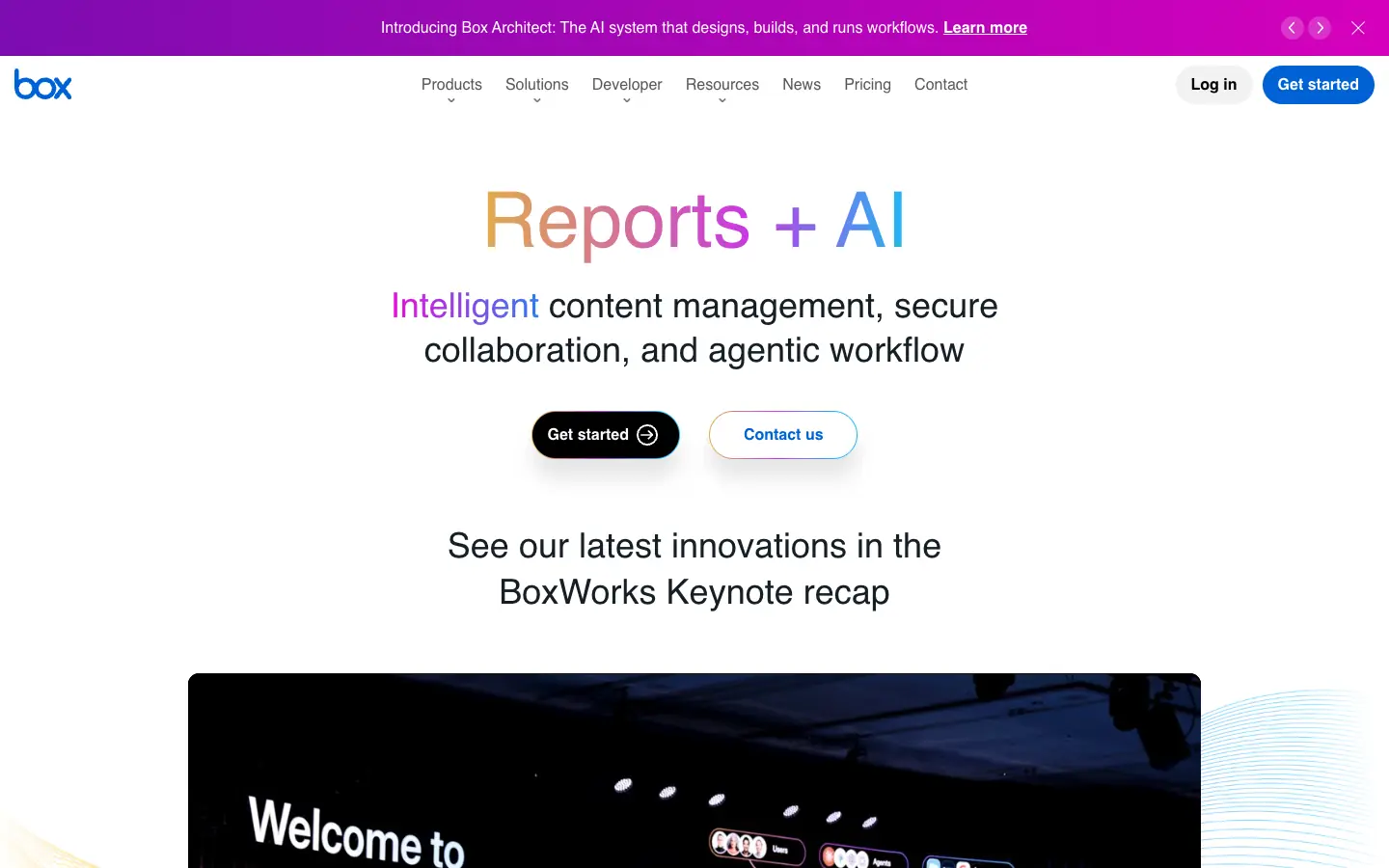
- What it replaces: Document libraries, external sharing, e-signatures (Box Sign) and file workflows.
- Pricing: Free Individual plan with 10 GB and a 250 MB upload limit for one user. Business Starter costs $5 per user/month billed yearly ($7 monthly), with a 3-user minimum, up to 10 users and 100 GB of storage. Business costs $15 per user/month billed yearly ($20 monthly) and adds unlimited storage.
- Limits to know: The free plan keeps one version of each file, and Business Starter keeps 25. Box has no wiki or page editor, so pair it with a knowledge base tool if you also used SharePoint pages.
Zoho WorkDrive
Zoho WorkDrive is Zoho's team file storage. It is the lowest-priced paid option here and fits small and mid-sized companies, especially those that already use other Zoho apps.
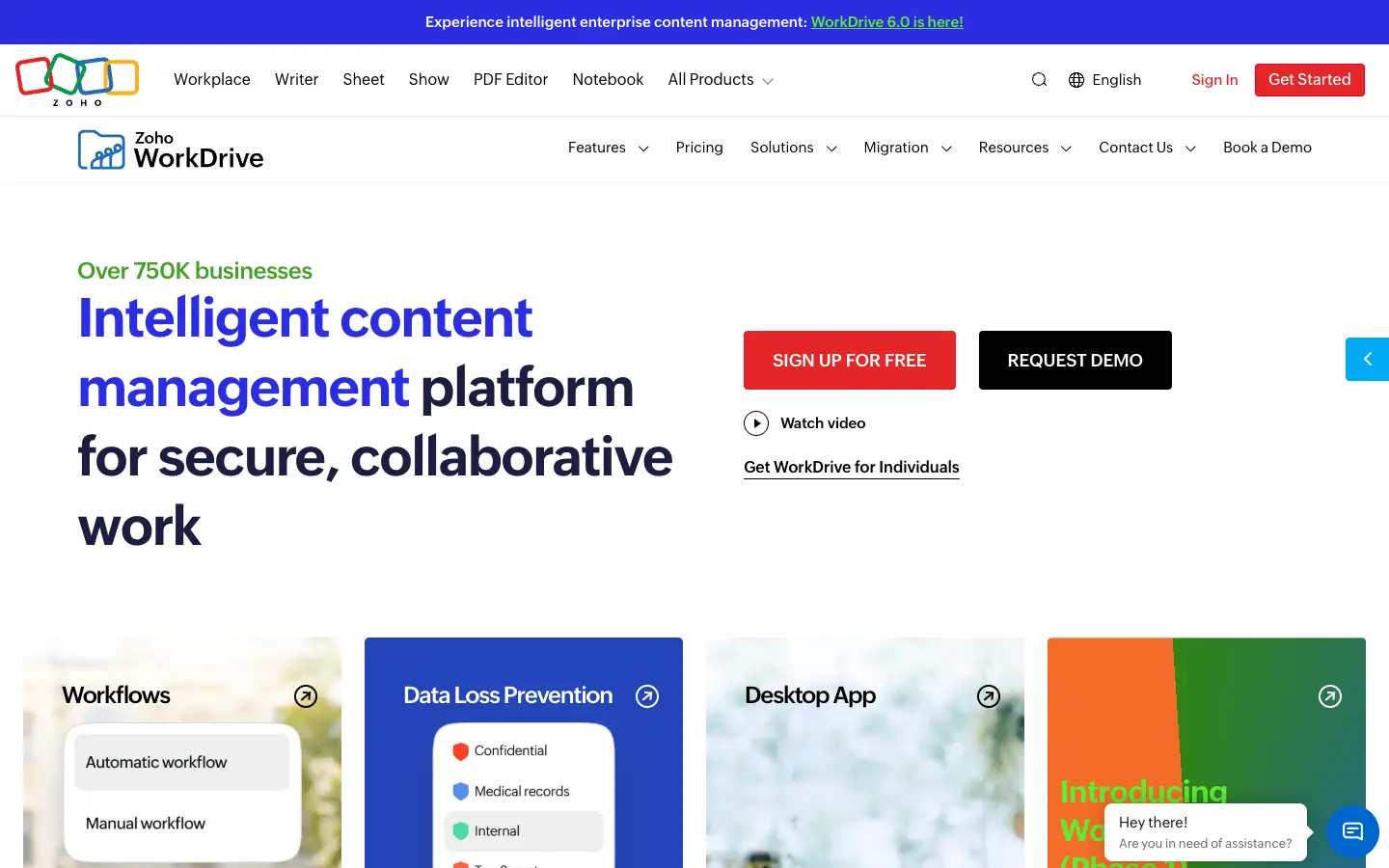
- What it replaces: Team folders, file sharing, external sharing links and file activity history.
- Pricing: A free plan with 5 GB is available for individuals. Team plans need at least 3 users: Starter $2.50, Team $4.50 and Business $9 per user/month billed yearly ($3, $6 and $11 billed monthly). Starter includes 1 TB of team storage for 3 to 10 users. There is a 15-day free trial.
- Limits to know: Features such as a custom domain and an exportable admin audit trail are listed only on the Business plan. Like Box, it has no wiki or intranet pages.
Records, retention and document workflows
Hyland Alfresco
Alfresco is still sold and developed. It now appears under Hyland as Hyland Alfresco, with a content services platform, process automation and Alfresco Governance Services for records and retention. It is the closest match here for organizations that use SharePoint as a document management system with metadata, retention rules and approval workflows.
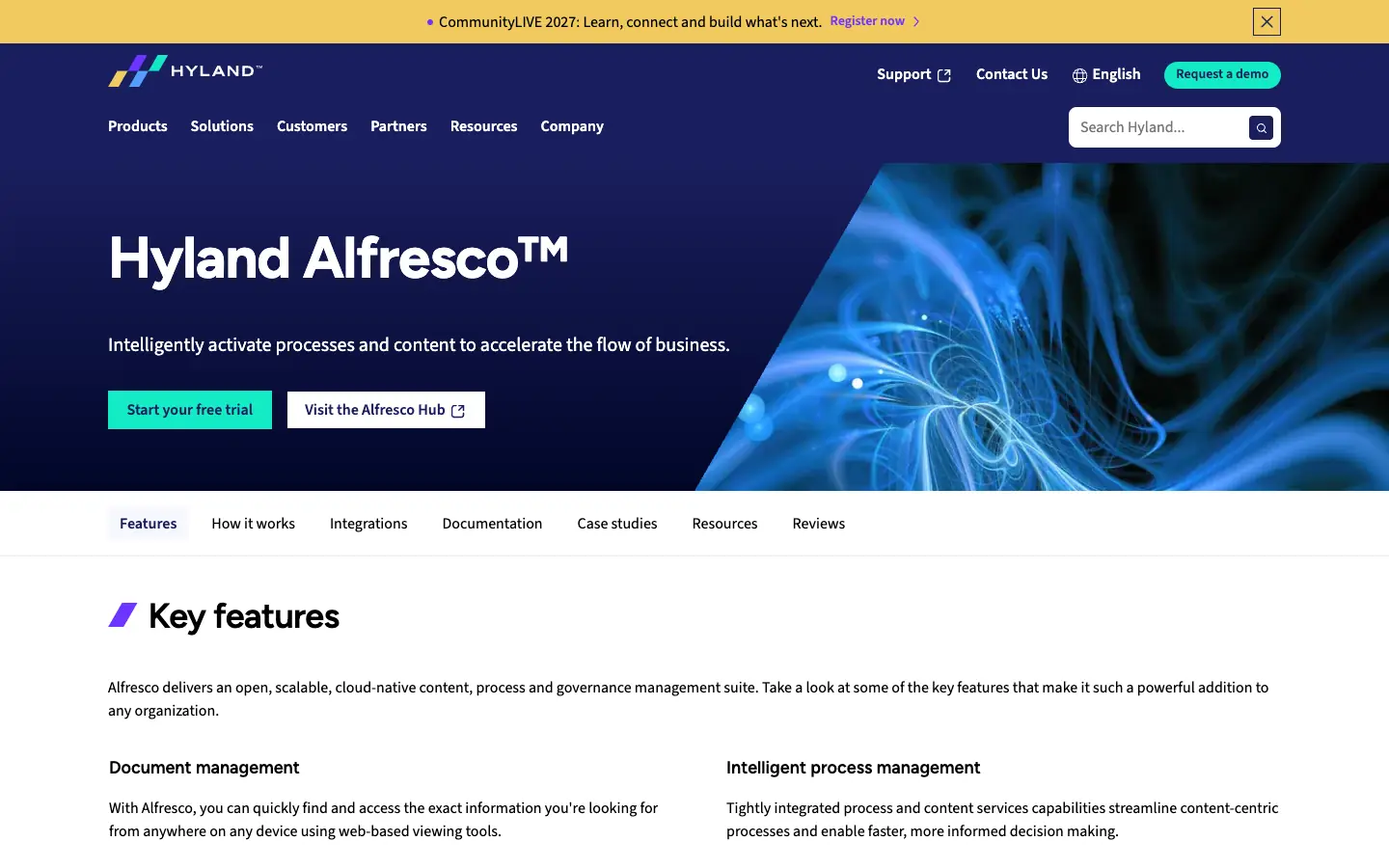
- What it replaces: Document management, records management, retention and workflows. It also has an on-premises option.
- Pricing: Alfresco Content Services Community Edition is open source (LGPL-3.0) and free to download and run yourself. Hyland does not publish prices for the commercial editions, so you need to request a quote.
- Limits to know: It is an enterprise content platform that needs administrators and infrastructure. In Community Edition 26.2 (July 2026), the old Solr search service is no longer supported, and the new OpenSearch-based search ships as binaries only for now. It is not a wiki or an intranet.
Self-hosted and on-premises
Nextcloud
Nextcloud Hub is an open source collaboration suite that you run on your own server or with a hosting provider. It bundles Files, Talk, Groupware (mail, calendar, contacts) and Office editing, so it covers much of what organizations ran SharePoint Server for, with full control over where the data lives.
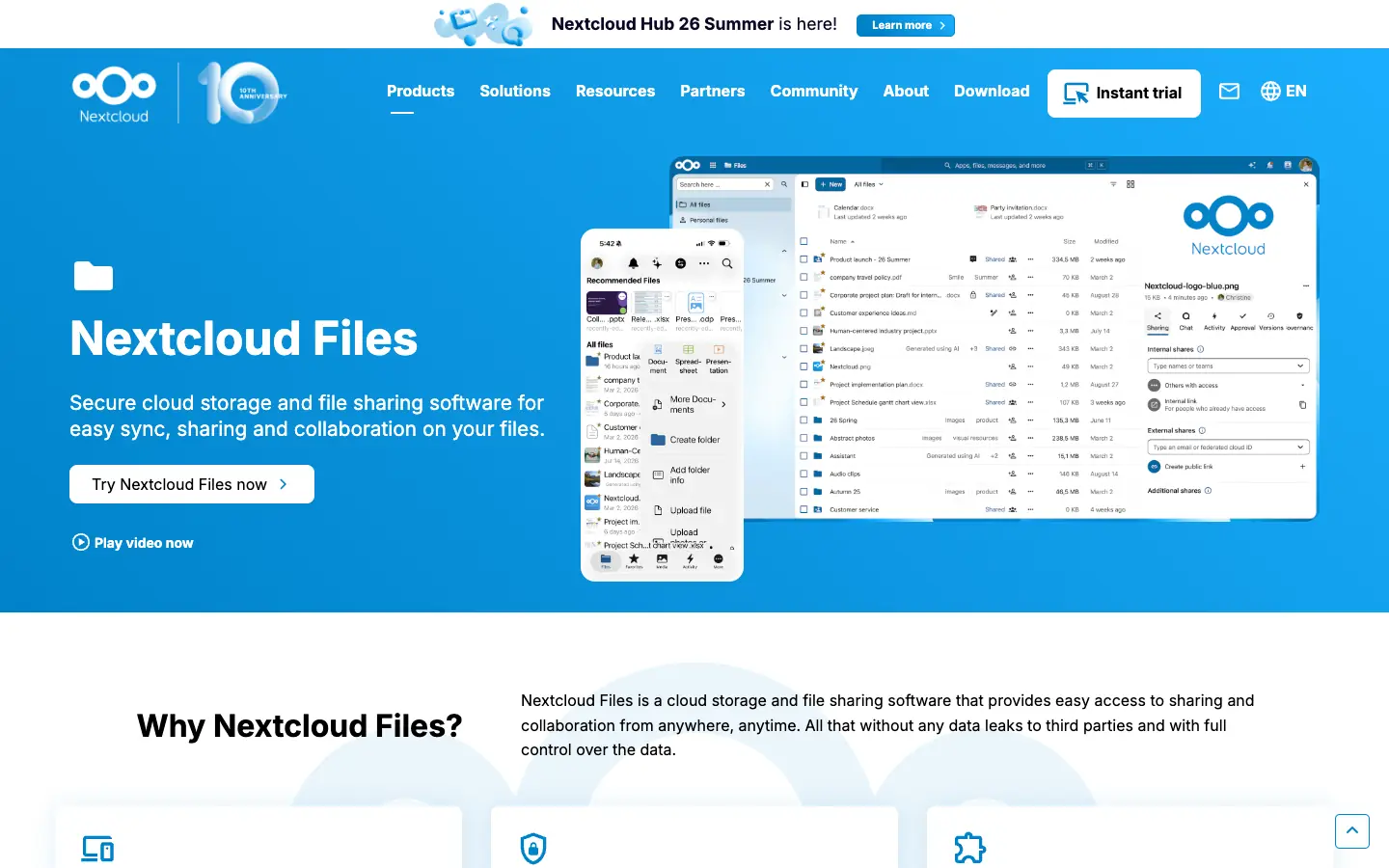
- What it replaces: File sync and share, document libraries, office co-editing and on-premises SharePoint.
- Pricing: The software is free to self-host under the AGPL. Enterprise subscriptions with support start at 100 users: Standard costs €71.29 per user/year. For fewer than 100 users, Nextcloud points to Nextcloud One, a managed service hosted in Germany.
- Limits to know: Someone has to run, update and back up the server. Nextcloud is file-centric; it does not have SharePoint-style intranet news pages.
Team wiki and knowledge base
If you used SharePoint mainly for pages and documentation, start here. For a deeper comparison, see our knowledge base software buyer's guide and wiki vs. knowledge base.
Confluence
Confluence is Atlassian's team wiki. Pages live in spaces with a page tree, version history and templates, and it connects closely with Jira. It suits teams that want structured documentation and already use, or plan to use, Atlassian tools.
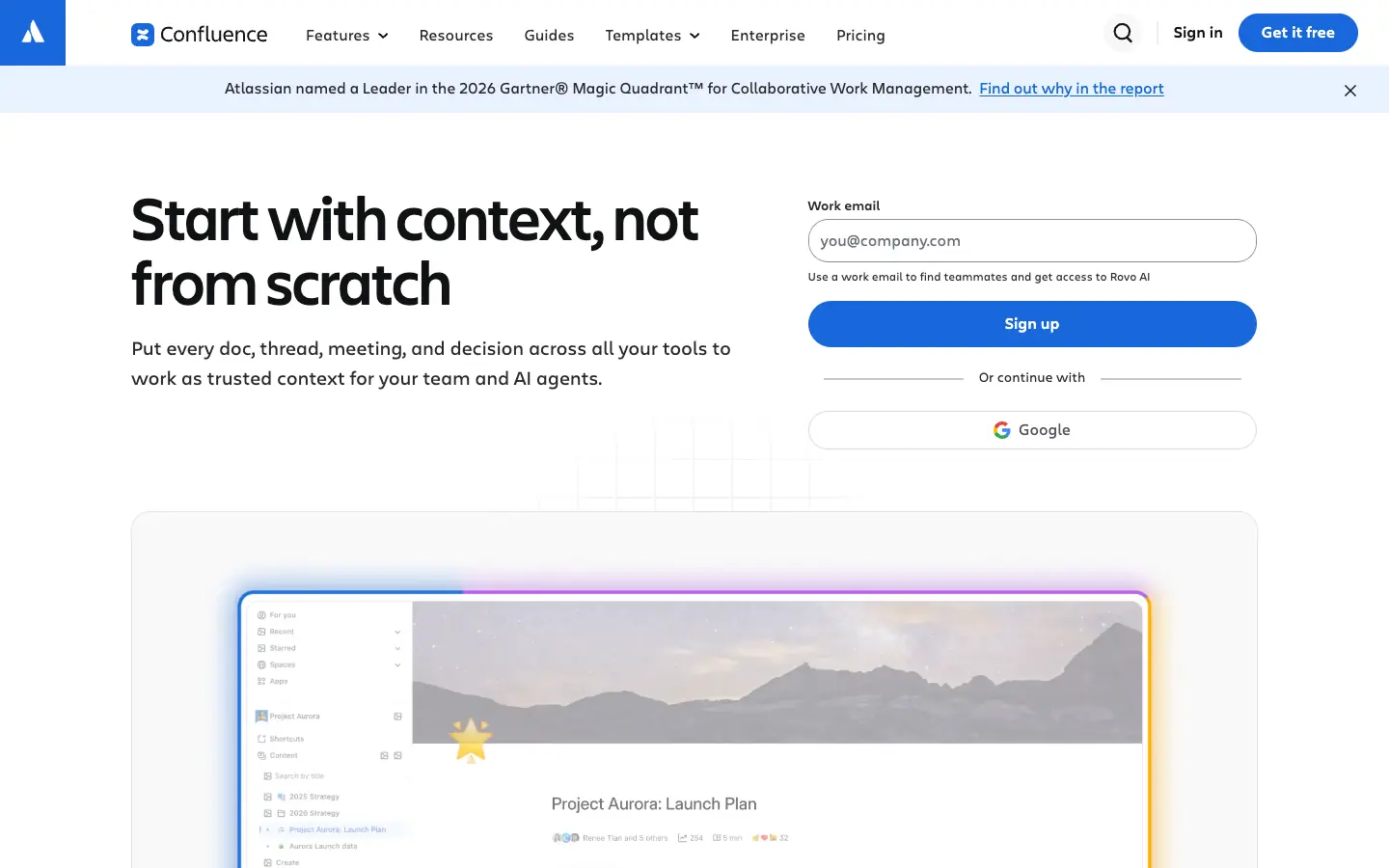
- What it replaces: SharePoint site pages, wikis and documentation; the company hub covers basic intranet news.
- Pricing: Free for up to 10 users with 2 GB of storage. Standard costs $5.78 and Premium $11.16 per user/month, as listed on Atlassian's pricing page. The company hub ("dynamic intranet") is listed on Premium.
- Limits to know: The Free plan does not allow space or page permissions, which matters if you are moving permissioned SharePoint sites. Atlassian stopped selling Confluence Data Center to new customers on March 30, 2026, so new customers get Confluence Cloud only. If you need a self-hosted wiki instead, see our Confluence alternatives and self-hosted wiki guides.
Notion
Notion combines pages, wikis and databases in one workspace. It fits teams that want a flexible knowledge base and lightweight databases in place of SharePoint pages and lists.
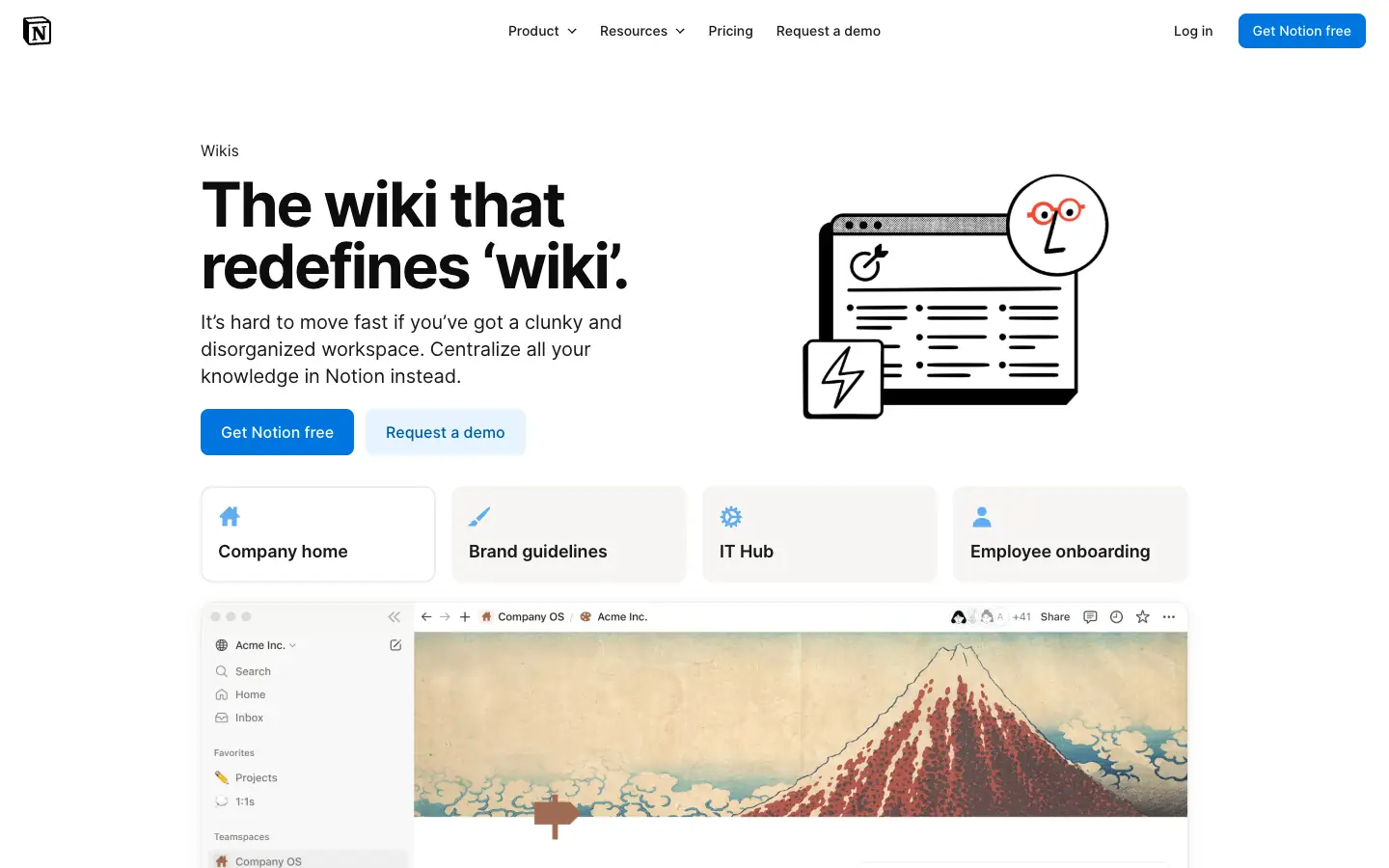
- What it replaces: Site pages, wikis, simple lists (as databases) and project docs.
- Pricing: Free plan available. Plus costs $10 and Business $20 per seat/month, as listed on Notion's pricing page.
- Limits to know: On the Free plan, a workspace with several members can add only a limited number of blocks before it must upgrade, and uploads are capped at 5 MB per file. Private teamspaces that others cannot discover are a Business plan feature. Notion is cloud-only and is not a file server.
AFFiNE
AFFiNE is our product. It is an open source workspace that combines docs, whiteboards and databases, with a local-first app and an option to self-host the server. It fits small teams that use SharePoint pages as a team wiki or project notebook and want to write and diagram in the same place, or that need a self-hosted knowledge base.
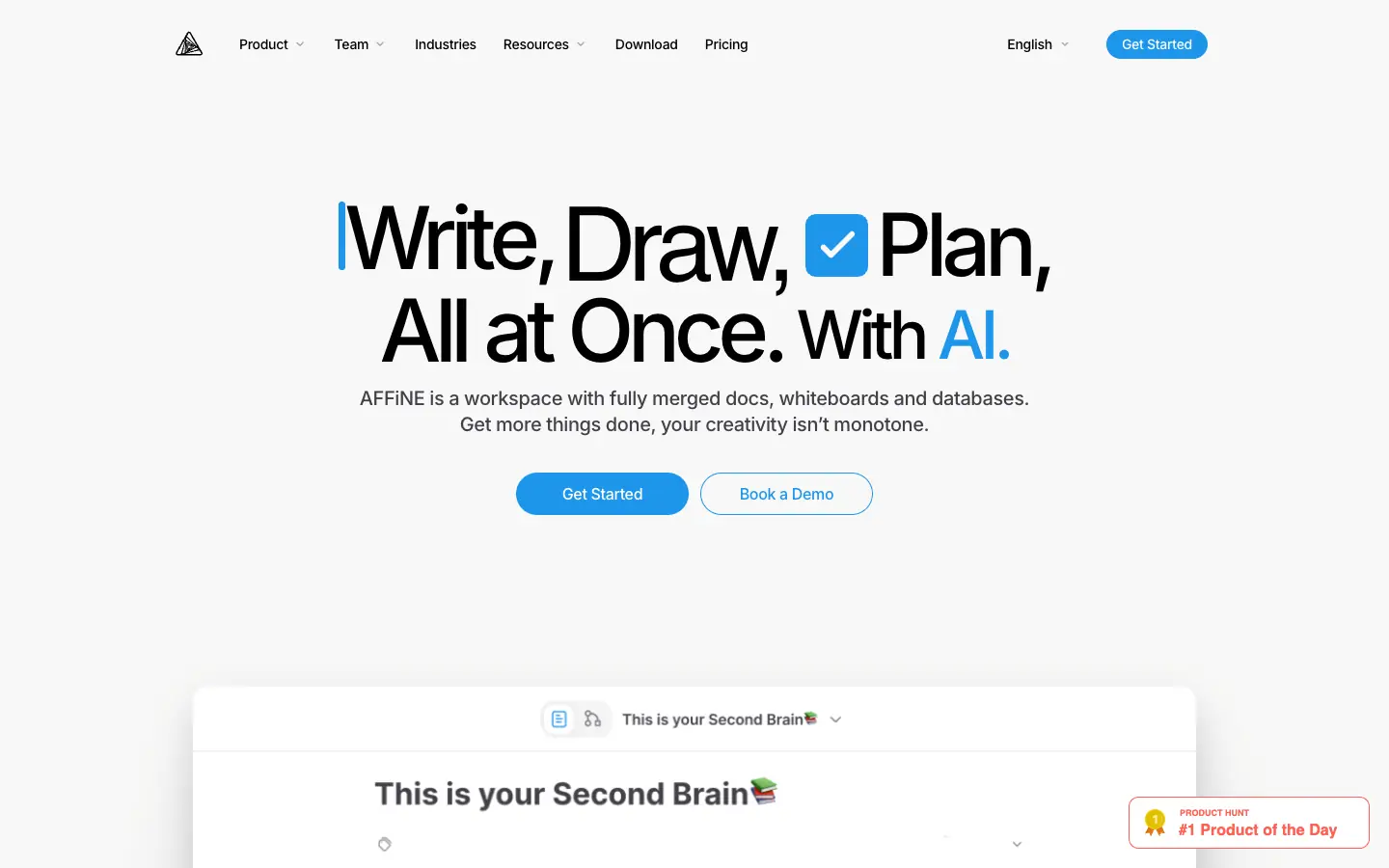
- What it replaces: Team wiki and knowledge base pages, meeting notes, project docs and diagrams.
- Pricing: Local workspaces are free and unlimited. AFFiNE Cloud Free includes 10 GB of storage, up to 3 members per workspace, a 10 MB file size limit and 7 days of version history. Pro costs $6.75 per month billed yearly for individuals, and Team costs $10 per seat/month with 100 GB plus 20 GB per seat. You can also self-host AFFiNE with Docker Compose.
- Licensing: The editor and client code are under the MIT license; the server backend is source-available under its own license, so check its terms before you build a commercial service on it.
- Limits to know: AFFiNE is not a document management system. It has no document libraries with check-out, retention labels or records management, and it does not integrate with Microsoft 365. The 10 MB file limit on the free cloud plan rules it out as a file share. Use it for pages and knowledge, next to a file tool from the first group.
Company intranet and internal communications
Staffbase
Staffbase is an employee communications platform with an intranet, a mobile employee app, email newsletters and targeted campaigns. It is built for organizations that need to reach frontline staff who do not sit at a computer.
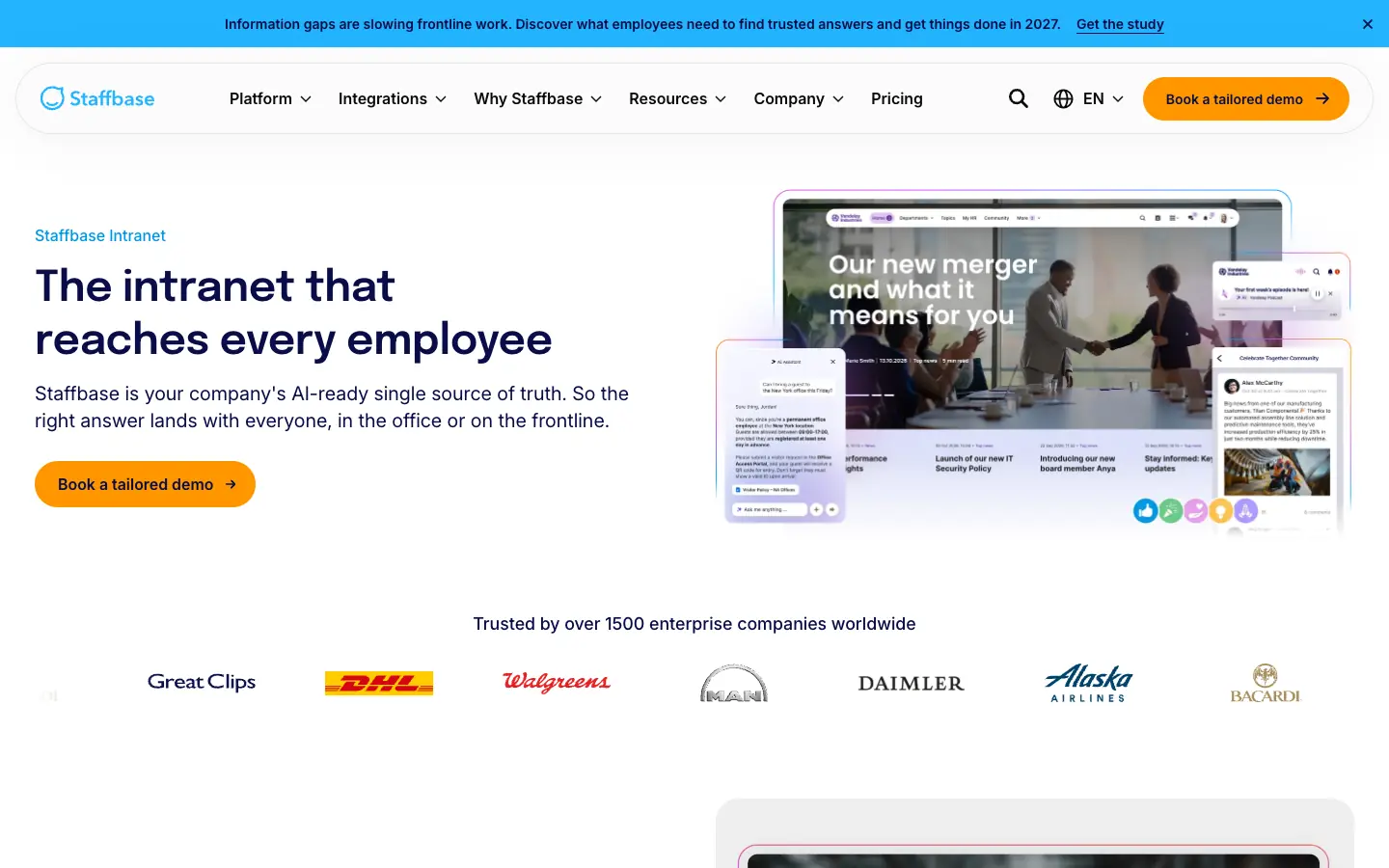
- What it replaces: SharePoint home sites, news posts and internal communications.
- Pricing: Quote only. Staffbase says it does not publish prices because they depend on the number and type of employees you need to reach.
- Limits to know: Staffbase says most of its customers use it alongside Microsoft 365 rather than instead of it. It replaces the intranet layer, not file storage.
Simpplr
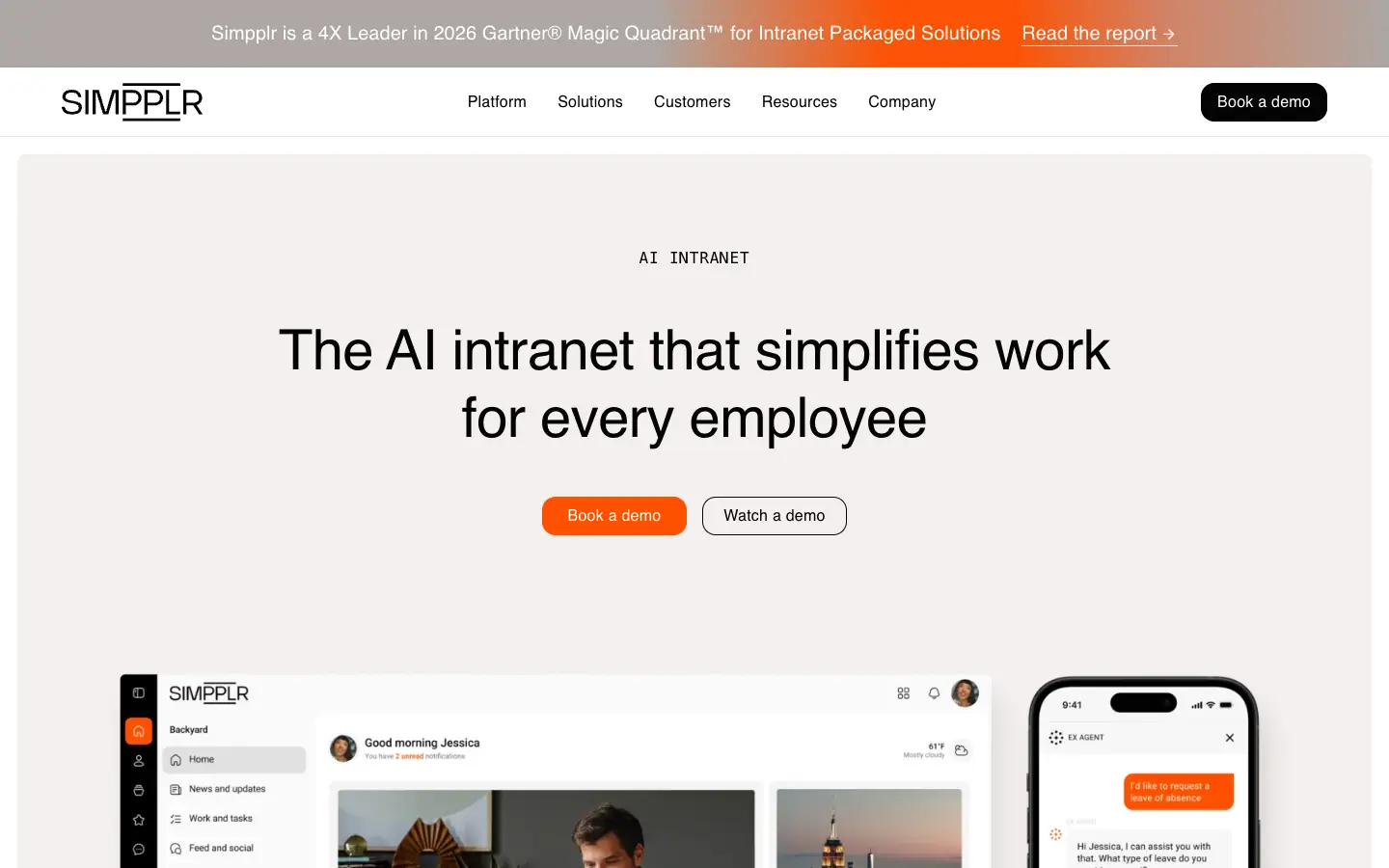
Simpplr is an AI-powered intranet with news, employee recognition, enterprise search and AI answers. Simpplr says it was named a Leader in Gartner's 2026 Magic Quadrant for Intranet Packaged Solutions.
- What it replaces: SharePoint intranet sites, news and company-wide search.
- Pricing: Quote only, based on company size, complexity and support level.
- Limits to know: Like Staffbase, it is an intranet and communications layer. Plan where documents will be stored, and check which content sources its search connects to.
Tools that are not SharePoint replacements
Earlier versions of this guide listed Slack, Trello, Jira, Basecamp and Airtable. They are useful, but none of them replaces SharePoint on its own:
- Slack is team chat. It shares files in conversations but has no document library.
- Trello and Jira are boards and issue trackers for tasks, not places to store and govern documents.
- Basecamp is project management with message boards and per-project files. It can replace SharePoint project sites for small teams, not a company document library.
- Airtable can replace SharePoint lists, but not document libraries or pages. If those lists mostly hold customer records, dedicated CRM software is usually a better fit than a general-purpose database.
SharePoint alternatives for regulated industries
Insurance, financial services, healthcare and public sector teams often use SharePoint because it sits inside a Microsoft 365 tenant that is already approved for compliance. Before you move regulated content, check four things with each vendor:
- Data location: where the content is stored, and whether you can self-host it (Nextcloud, Alfresco and AFFiNE can be self-hosted).
- Retention and records: whether the tool can hold documents for a set period and stop them from being deleted. Of the tools here, Hyland Alfresco is built for this with Alfresco Governance Services.
- Audit trail: whether admins can export a log of who opened, changed or shared what. In Zoho WorkDrive, for example, the exportable admin audit trail is listed only on the Business plan.
- Permissions: whether you can restrict access below the site level. Confluence Free, for example, does not support space or page permissions.
Ask for the vendor's current certifications in writing. We did not verify any certifications for this guide.
How to migrate off SharePoint
- Inventory what you have. List your sites, document libraries, lists and pages, along with their owners and any folders or files with unique permissions.
- Assign each job to a destination. Files to a file platform, pages to a wiki, news to an intranet. Do not try to force everything into one tool.
- Map permissions to groups. Rebuild access with groups in the new tool, not one person at a time.
- Check what your migration method carries over. Version history, metadata columns, created and modified dates and authors do not always survive an export. Test with one library first.
- Plan for broken links. Links to SharePoint URLs inside documents, emails and bookmarks will stop working. Keep a redirect list or a read-only SharePoint site for a transition period.
- Move lists separately. SharePoint lists map better to a database (Airtable, Notion or AFFiNE databases) than to a folder of files. Lists used for customer relationship management (CRM Software) usually belong in a CRM instead.
- Watch the deadline. If you are on a standalone SharePoint plan, it cannot be renewed from January 2027, so finish the move before your renewal date.
Frequently asked questions
Is there a free alternative to SharePoint?
Yes, depending on the job. For self-hosted file sharing, Nextcloud Hub and Alfresco Community Edition are free open source software, but you pay for your own servers and administration. For a team wiki, Confluence is free for up to 10 users and AFFiNE has a free cloud plan for workspaces of up to 3 members. For files, Box and Zoho WorkDrive have free plans, but only for individual users.
What is the best open source SharePoint alternative?
For files and document sharing, Nextcloud is the most complete open source option. For document management with records and workflows, Alfresco Community Edition is the closest match. For pages and team knowledge, AFFiNE's editor is MIT-licensed and the full stack can be self-hosted. See our self-hosted wiki guide for more wiki options.
Can I still buy SharePoint Online Plan 1?
Not as a new customer. Microsoft stopped selling standalone SharePoint Online Plan 1 and Plan 2 to new customers after May 31, 2026. Existing customers can renew until January 2027, and the plans are fully retired in December 2029. Today, SharePoint comes with Microsoft 365 plans, starting with Business Basic at $7 per user/month.
What is the best SharePoint alternative for a knowledge base?
Confluence if you want a structured wiki that works closely with Jira, Notion if you want pages and databases in one place, and AFFiNE if you want docs and whiteboards together or need to self-host. Our corporate wiki guide covers how to set one up so people keep it current.
Is board management software worth it compared with SharePoint or email?
For a formal board of directors, often yes. Board portals are built for board packs, meeting agendas, approvals and access limited to directors, which you would otherwise have to set up and maintain yourself in SharePoint or by email. A small advisory board that meets a few times a year can usually manage with a permissioned folder. None of the tools in this guide is a board portal.
Can AFFiNE replace SharePoint?
Only part of it. AFFiNE can replace SharePoint pages used as a team wiki, knowledge base or project notebook, and you can self-host it. It cannot replace SharePoint document libraries, retention policies or Microsoft 365 integration, so most teams would pair it with a file platform such as Google Workspace, Box, Zoho WorkDrive or Nextcloud.
Sources
All checked on November 13 and 14, 2026:
- Microsoft: SharePoint plans and pricing, Partner Center announcements, January 2026 (standalone SharePoint plan retirement), Microsoft 365 pricing and packaging updates, Products ending support in 2026
- Google: Workspace pricing, Google Sites
- Box: Pricing
- Zoho: WorkDrive pricing, WorkDrive plan comparison
- Hyland: Alfresco platform, Alfresco Community download, Community Edition 26.2 release notes, alfresco-community-repo license
- Nextcloud: Pricing, Nextcloud Hub
- Atlassian: Confluence pricing, Data Center end of life
- Notion: Pricing
- AFFiNE: Pricing, Self-host AFFiNE, License
- Staffbase: Pricing, Homepage
- Simpplr: Pricing, Homepage