Free Risk Assessment Templates (2026): Excel, Word, Examples
What changed (Nov 11, 2026): Replaced the cover with one built from real renders of the Excel and Word downloads and screenshots of the HSE, Smartsheet, ProjectManager and ClickUp template pages; added rendered previews of the Excel and Word files, dated screenshots of all eight third-party template pages, and a current screenshot of the AFFiNE web app.
A risk assessment template is a form or spreadsheet for recording what could go wrong, how likely it is, how bad it would be, what controls are already in place, and what else needs to be done, by whom and by when. This page gives you a free Excel workbook with a 5 × 5 risk matrix, a Word form and CSV files, 16 worked examples for workplace safety, IT, projects and events, and eight more free templates from other publishers that we checked on November 6, 2026.
Disclosure: AFFiNE publishes this page and makes a workspace app. The downloads below are plain Excel, Word and CSV files and do not need AFFiNE. The templates are starting points, not legal advice: filling one in does not by itself show compliance with any law, regulation or standard.
Free risk assessment template downloads
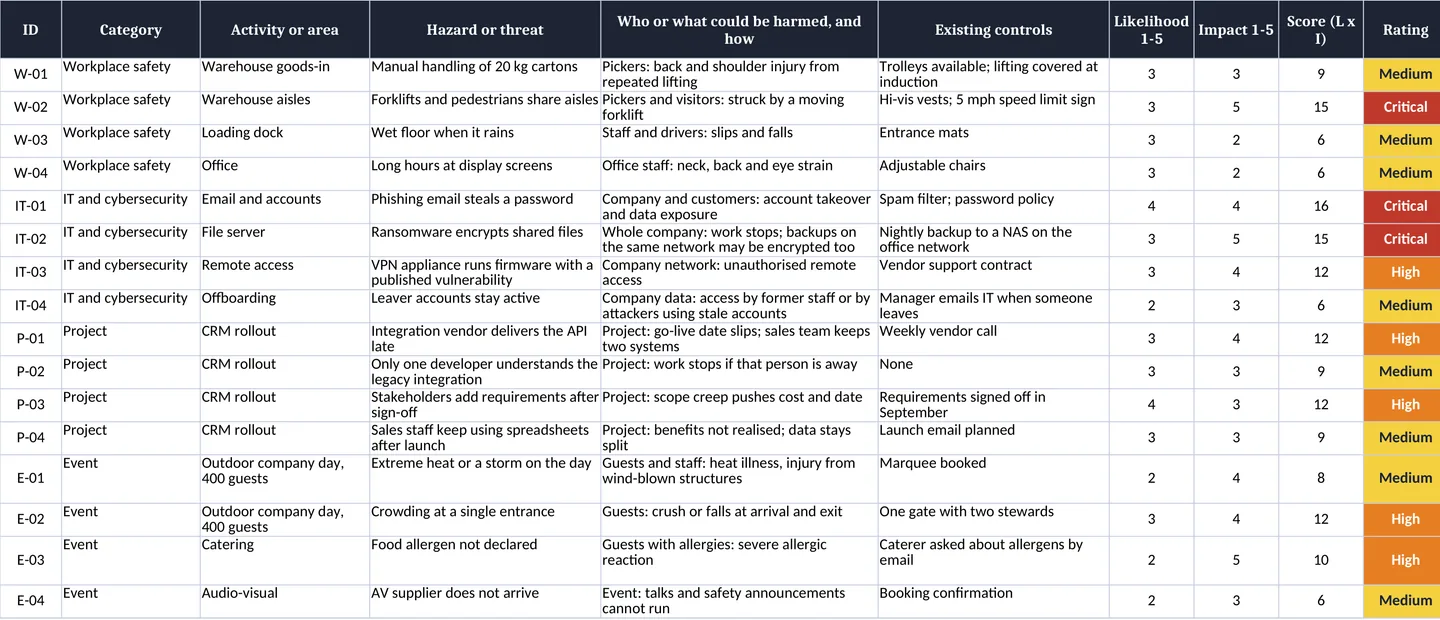
All files are free, need no sign-up, and contain the same 20 columns. The example rows describe fictional organizations.
- Excel workbook (.xlsx): a blank 30-row assessment sheet that calculates score and rating, residual risk columns, 1–5 dropdown checks, a colour-coded 5 × 5 matrix with scale definitions, and an Examples sheet with 16 worked rows.
- Word form (.docx): a landscape, print-friendly form with hazard, who might be harmed, existing controls, L, I, score, further action, owner, due date and a review log, plus the matrix and scales on page 2.
- Blank CSV and example CSV: the same columns for Google Sheets, Numbers or any tool that imports CSV.
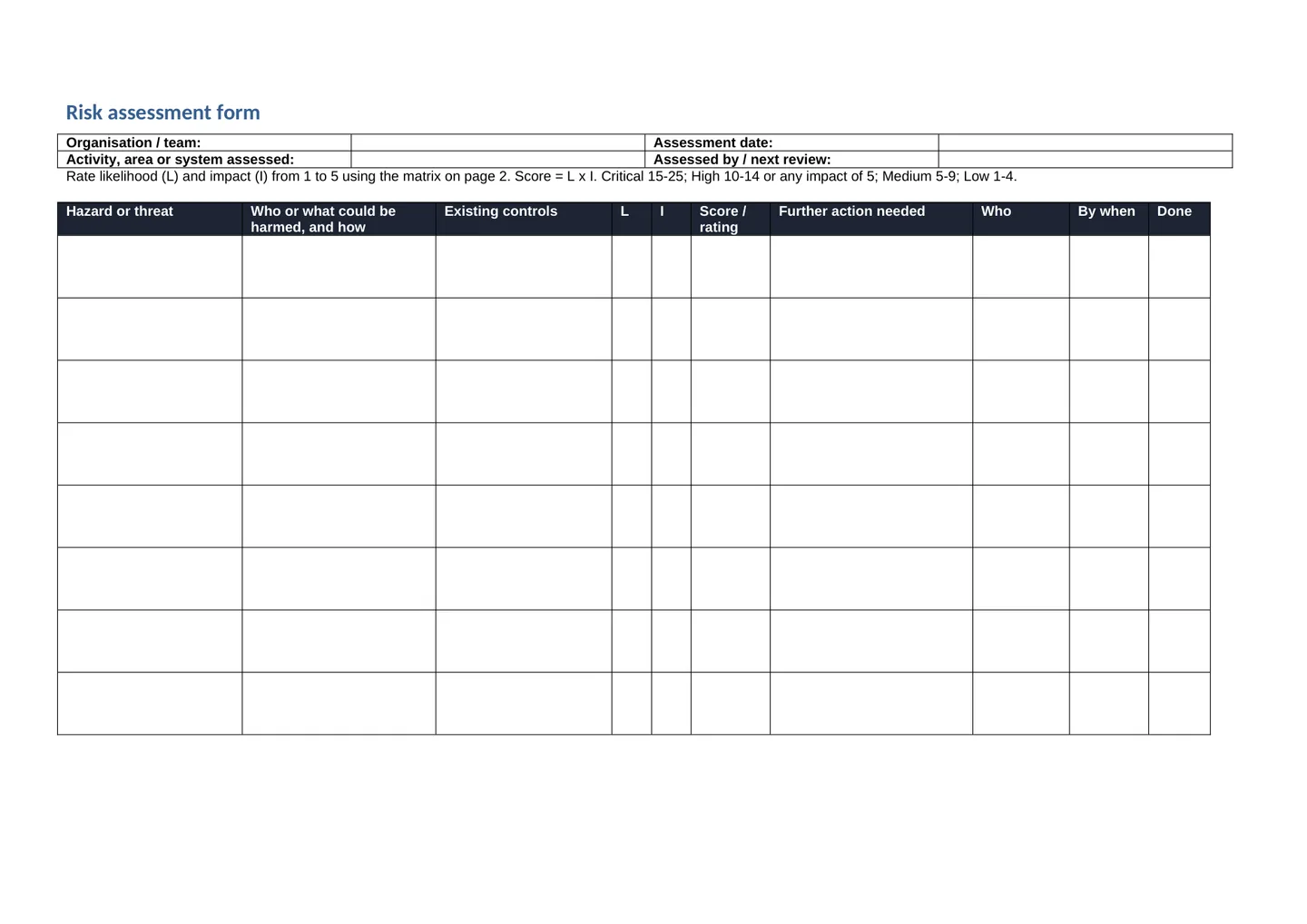
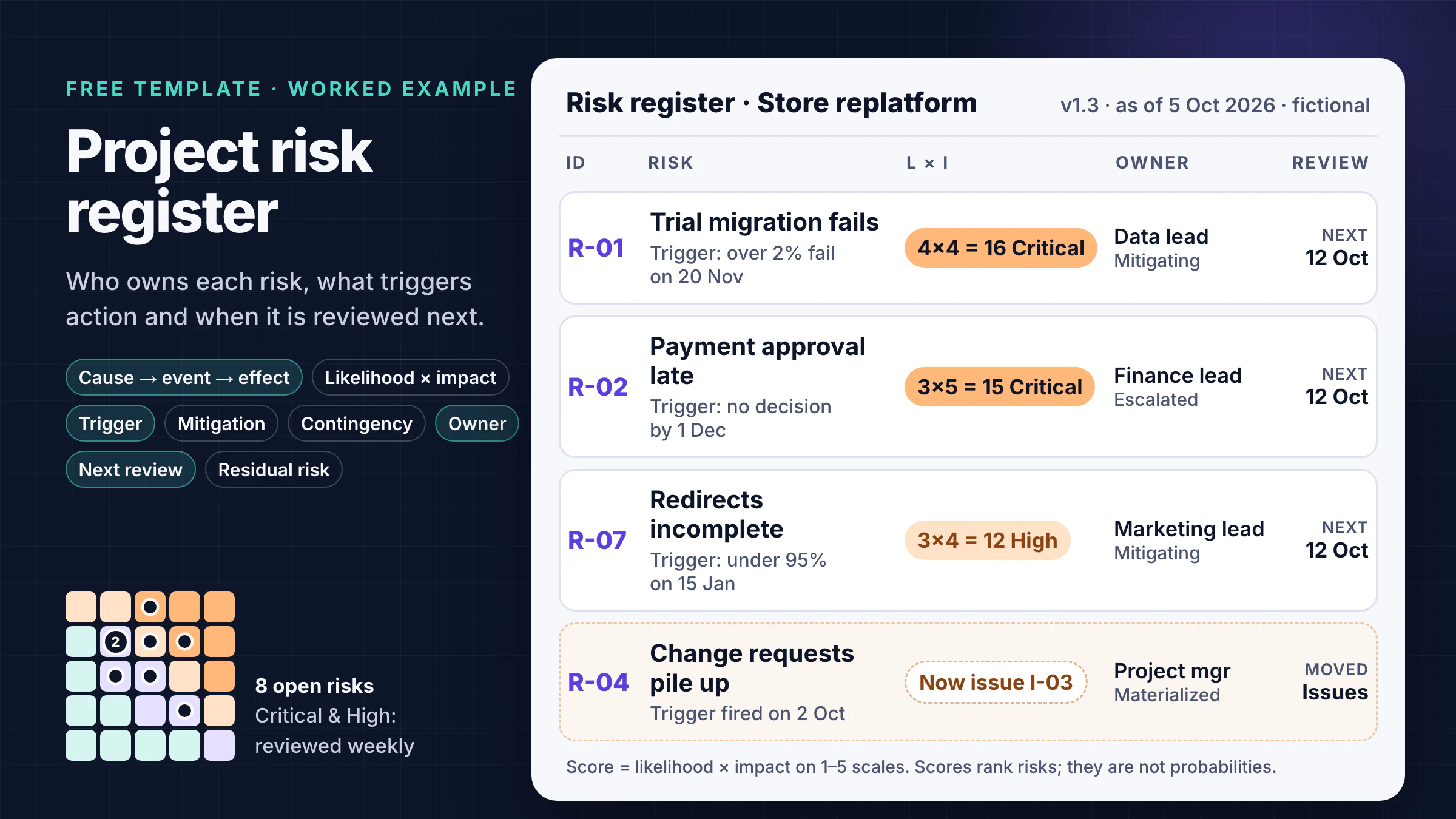
If you need to track project risks over months rather than assess one activity, use our risk register template instead; it adds triggers, response types, contingency and escalation.
Risk assessment template you can copy
Paste this table into any document or spreadsheet. One row is one hazard or threat.
| ID | Hazard or threat | Who or what could be harmed, and how | Existing controls | L (1–5) | I (1–5) | Score / rating | Further action | Owner | Due | Residual L × I | Next review |
|---|---|---|---|---|---|---|---|---|---|---|---|
| W-02 | Forklifts and pedestrians share aisles | Pickers and visitors: struck by a moving forklift | Hi-vis vests; 5 mph speed limit sign | 3 | 5 | 15 Critical | Marked walkways; barriers at aisle ends; banksman at loading bay | Operations manager | 2026-11-20 | 1 × 5 = 5 High | 2026-11-20 |
What each column is for
- Hazard or threat: the thing that could cause harm, written specifically ("forklifts and pedestrians share aisles", not "warehouse").
- Who or what could be harmed, and how: people for safety assessments; systems, data, money or deadlines for IT, project and event assessments.
- Existing controls: what is already in place today, so the rating reflects reality rather than a blank slate.
- Likelihood (L) and impact (I): ratings from 1 to 5 using the scales below. The score is L × I.
- Further action, owner, due date: the extra control, one named person, and a date. An action without an owner rarely happens.
- Residual L × I: the expected rating once the further action is in place. If it is still High or Critical, the action is not enough.
- Next review: when you will check the controls again.
5 × 5 risk matrix: likelihood × impact
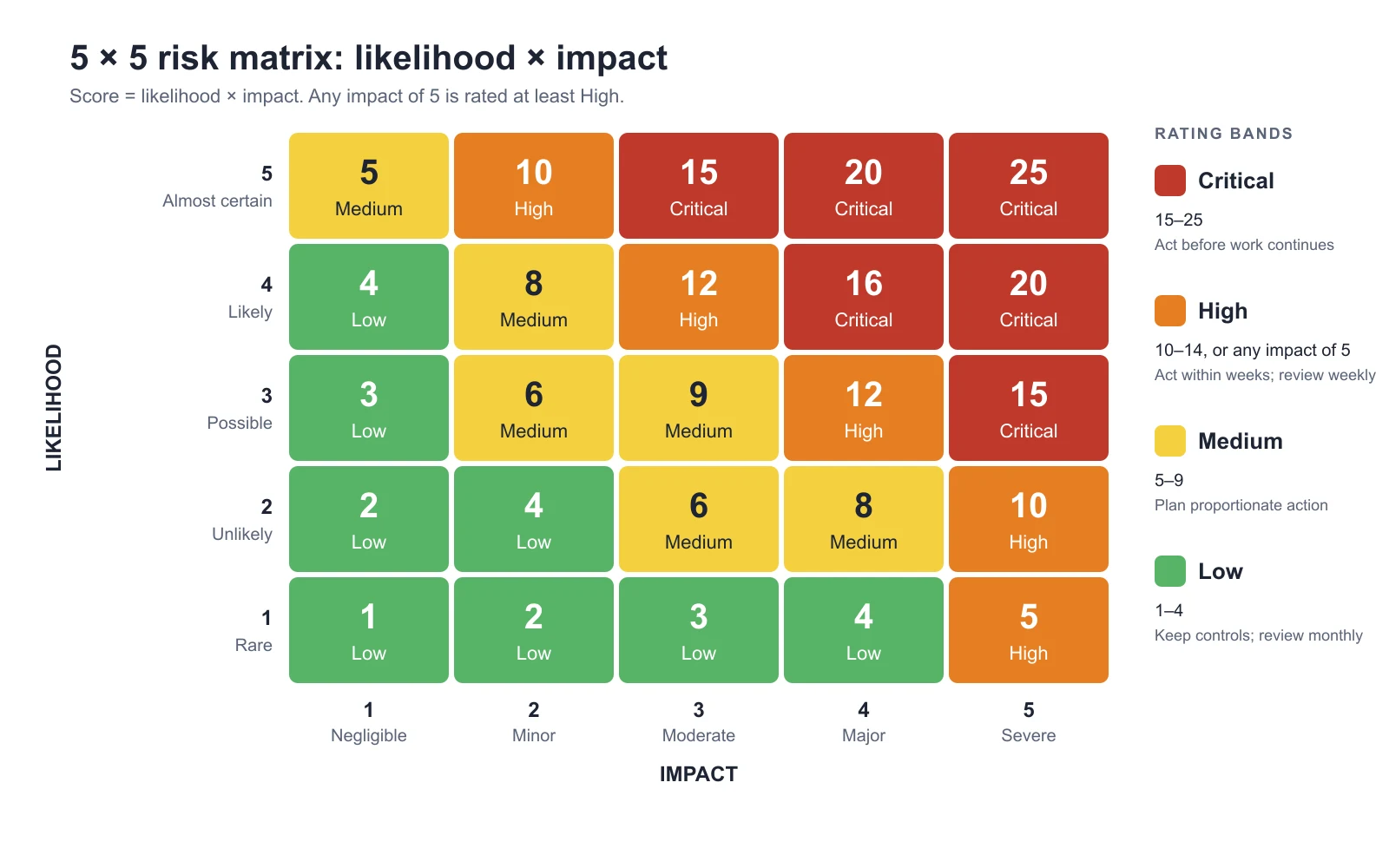
Agree the scales before anyone rates a risk, then keep them fixed so ratings stay comparable. The impact wording below is an example; set your own thresholds for injury, money, data and time.
| Rating | Likelihood | Impact (example wording) |
|---|---|---|
| 1 | Rare. Not expected; no history here or in comparable work. | Negligible. No injury or first aid only; minor delay or cost the team absorbs. |
| 2 | Unlikely. Has happened once in comparable work. | Minor. Minor injury; small internal data issue; delay or cost within tolerance. |
| 3 | Possible. Has happened several times, or one warning sign is present. | Moderate. Injury needing medical treatment; limited data exposure; a milestone missed. |
| 4 | Likely. Two or more warning signs are present. | Major. Serious injury or ill health; reportable data breach; a fixed date or key objective missed. |
| 5 | Almost certain. Already happening or expected before the next review. | Severe. Fatality or permanent disability; large breach or outage; the project or event fails. |
| Rating band | Score (L × I) | Suggested response |
|---|---|---|
| Critical | 15–25 | Stop or act before the work continues; tell the person accountable within 2 working days. |
| High | 10–14, or any impact of 5 | Act within weeks; review weekly until the residual rating drops. |
| Medium | 5–9 | Plan proportionate action; review every two weeks or at the next scheduled check. |
| Low | 1–4 | Keep existing controls; review monthly or when something changes. |
The "any impact of 5 is at least High" rule stops a rare but catastrophic hazard (1 × 5 = 5) from sitting in the same band as a frequent nuisance. Remember that 1–5 ratings are ordered labels, not measurements: a score of 16 is not "twice as risky" as 8. Use the score to sort and discuss, not as a probability.
How to do a risk assessment in 5 steps
The UK Health and Safety Executive (HSE) describes managing workplace risk as five steps: identify hazards, assess the risks, control the risks, record your findings, and review the controls (HSE). The same sequence works for IT, project and event risks.
- Identify hazards or threats. Walk the area, read incident and near-miss records, and ask the people who do the work. HSE also asks you to think about non-routine work such as maintenance and cleaning. In the US, OSHA's recommended practices include workplace inspections, investigating incidents and near misses, and considering emergency and non-routine situations (OSHA).
- Assess the risks. For each hazard, decide who might be harmed and how, note existing controls, and rate likelihood and impact. OSHA describes determining "the severity and likelihood of incidents that could result for each hazard identified" and using it to prioritize corrective actions.
- Control the risks. First ask whether you can remove the hazard altogether. If not, reduce it: redesign the job, substitute materials or equipment, reduce exposure, then add practical measures and protective equipment. OSHA calls this ordering a "hierarchy of controls" (OSHA).
- Record your findings. Write down the hazards, who might be harmed and what you are doing about them. In Great Britain, HSE says employers with 5 or more employees must record their significant findings.
- Review the controls. Check that controls work, and review when staff, processes, substances or equipment change, or after an accident or near miss. Then update the record.
For organization-wide risk management beyond one assessment, ISO 31000:2018 gives general principles and guidelines; ISO's page says the 2018 edition was last reviewed and confirmed in 2023 and remains current (ISO). ISO says the standard cannot be used for certification; it is guidance, and this template does not implement it.
Risk assessment examples by industry
These 16 rows are fictional and come from the Examples sheet in the workbook and the example CSV. Each table shows the initial and residual rating so you can see what the further action is expected to achieve.
Workplace health and safety example (warehouse and office)
| ID | Hazard | Who could be harmed, and how | L × I | Further action | Residual |
|---|---|---|---|---|---|
| W-01 | Manual handling of 20 kg cartons | Pickers: back and shoulder injury | 3 × 3 = 9 Medium | Move heavy lines to waist-height shelves; two-person lift above 20 kg | 2 × 3 = 6 Medium |
| W-02 | Forklifts and pedestrians share aisles | Pickers and visitors: struck by a forklift | 3 × 5 = 15 Critical | Marked walkways; barriers; banksman at the loading bay | 1 × 5 = 5 High |
| W-03 | Wet floor at the loading dock | Staff and drivers: slips and falls | 3 × 2 = 6 Medium | Repair canopy gutter; spill kit and signs | 2 × 2 = 4 Low |
| W-04 | Long hours at display screens | Office staff: neck, back and eye strain | 3 × 2 = 6 Medium | Workstation self-assessments; planned breaks | 2 × 2 = 4 Low |
W-02 stays High after the action because the impact of a forklift strike is still severe; only separating people from vehicles completely would lower it. HSE publishes six example risk assessments, including an office, a warehouse and factory maintenance. HSE warns not to copy an example and put your company name on it, because your own hazards and controls will differ.
IT and cybersecurity risk assessment example
| ID | Threat | What could be harmed, and how | L × I | Further action | Residual |
|---|---|---|---|---|---|
| IT-01 | Phishing email steals a password | Company and customers: account takeover, data exposure | 4 × 4 = 16 Critical | Phishing-resistant MFA; security keys for admins; report-phish button | 2 × 4 = 8 Medium |
| IT-02 | Ransomware encrypts shared files | Whole company: work stops; on-network backups encrypted too | 3 × 5 = 15 Critical | Offline or immutable backup copy; quarterly timed restore test | 2 × 5 = 10 High |
| IT-03 | VPN firmware with a published vulnerability | Network: unauthorized remote access | 3 × 4 = 12 High | Patch within 7 days of a critical advisory; alert on admin logins | 1 × 4 = 4 Low |
| IT-04 | Leaver accounts stay active | Company data: access through stale accounts | 2 × 3 = 6 Medium | Offboarding checklist triggered from HR; monthly account review | 1 × 3 = 3 Low |
For information systems, NIST Special Publication 800-30 Revision 1, Guide for Conducting Risk Assessments (September 2012), frames risk in terms of threats, vulnerabilities, likelihood and impact (NIST CSRC). It was written for US federal information systems; many private organizations use it as a reference.
Project risk assessment example (CRM rollout)
| ID | Risk | Effect on the project | L × I | Further action | Residual |
|---|---|---|---|---|---|
| P-01 | Integration vendor delivers the API late | Go-live slips; sales keeps two systems | 3 × 4 = 12 High | Contract milestone for the API; build against a mock API | 2 × 4 = 8 Medium |
| P-02 | One developer understands the legacy integration | Work stops if that person is away | 3 × 3 = 9 Medium | Pair a second developer; write a runbook | 2 × 3 = 6 Medium |
| P-03 | Requirements added after sign-off | Scope creep pushes cost and date | 4 × 3 = 12 High | Change control with an impact estimate and sponsor decision | 2 × 3 = 6 Medium |
| P-04 | Sales staff keep using spreadsheets | Benefits not realized; data stays split | 3 × 3 = 9 Medium | Role-based training; team champions; usage report in week 2 | 2 × 3 = 6 Medium |
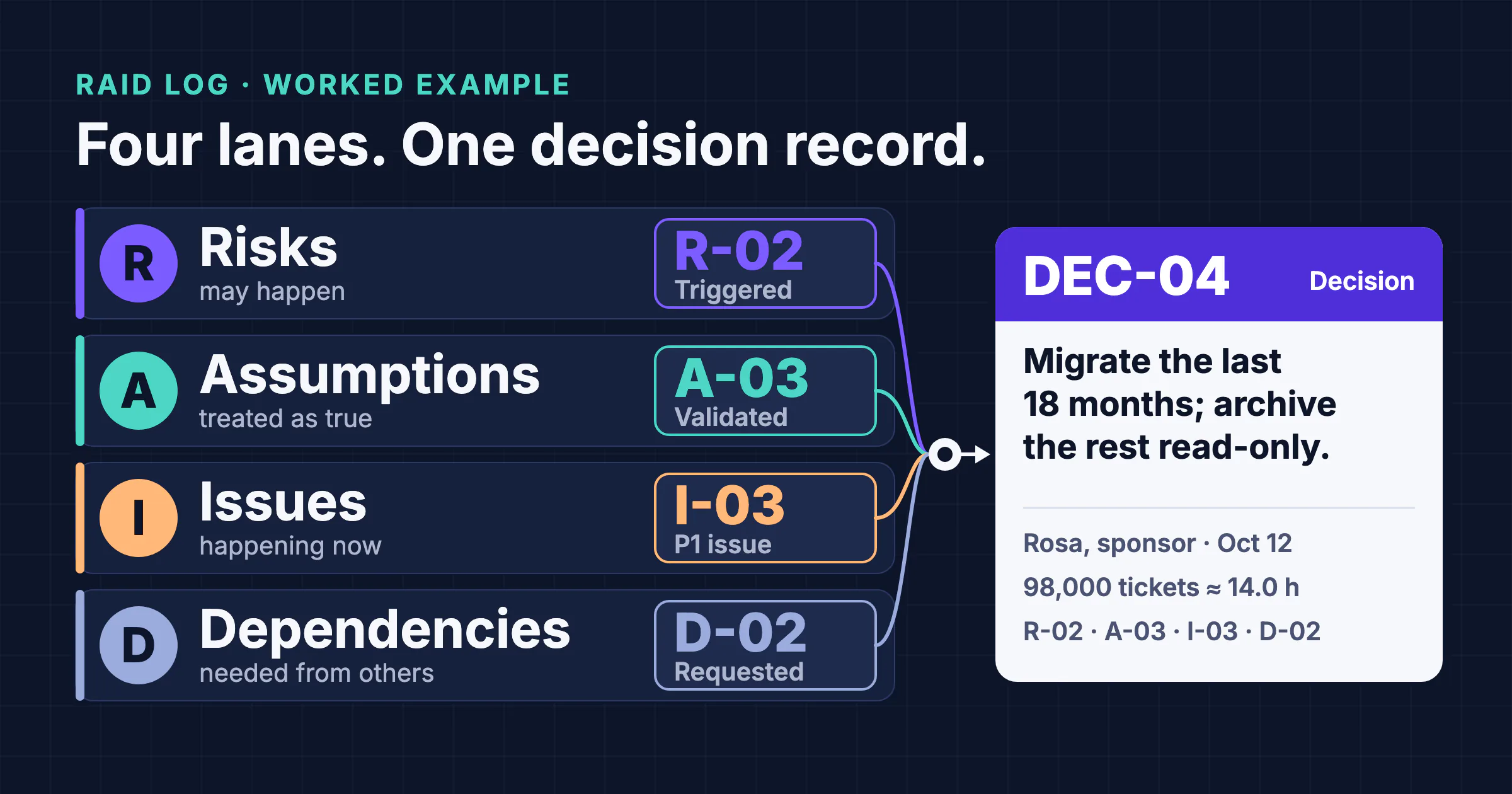
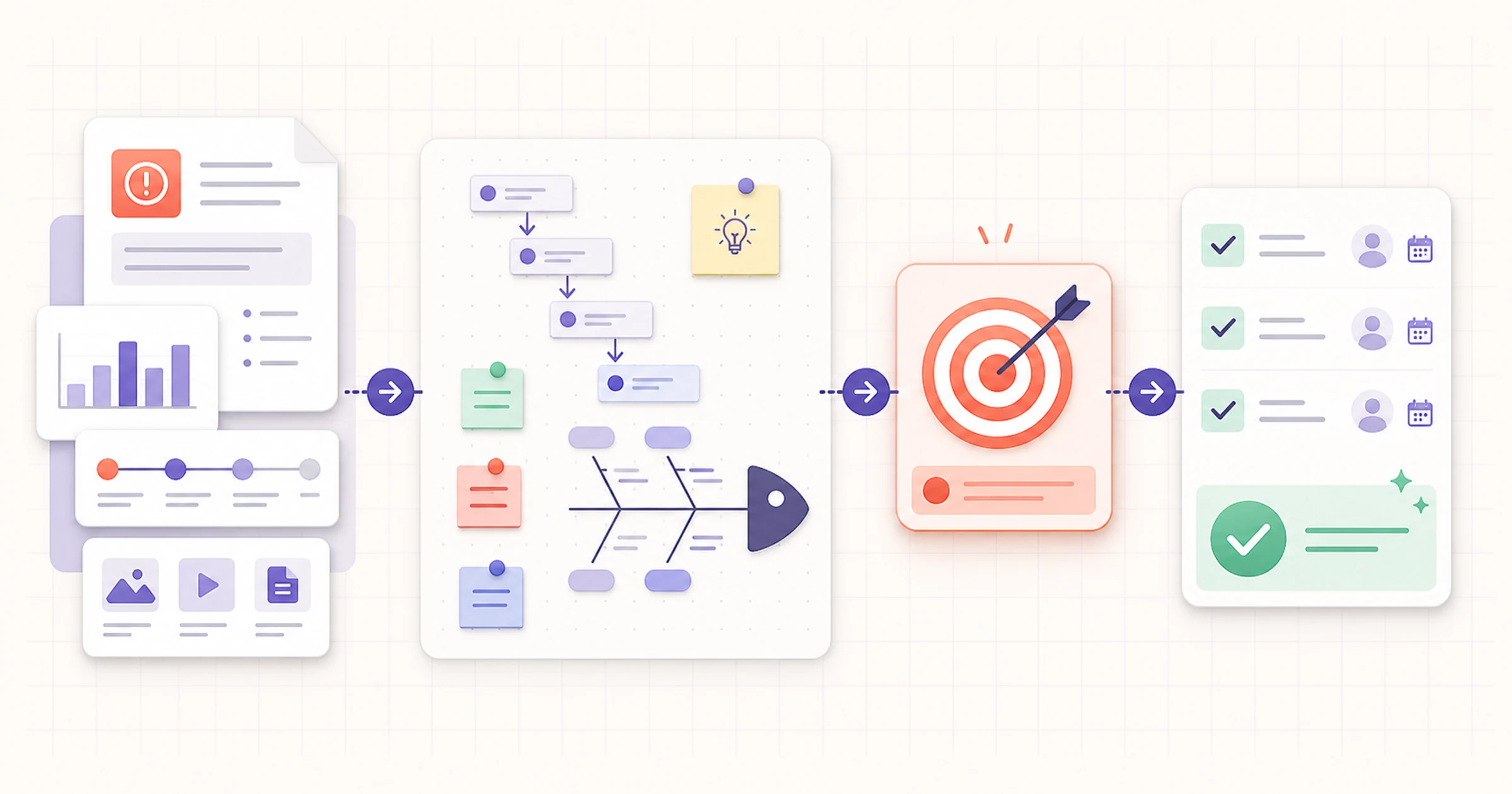
Project risks change week to week, so move them into a living risk register or a RAID log once the initial assessment is done. When a risk turns into a real problem, use a root cause analysis template to find out why.
Event risk assessment example (outdoor company day, 400 guests)
| ID | Hazard | Who could be harmed, and how | L × I | Further action | Residual |
|---|---|---|---|---|---|
| E-01 | Extreme heat or a storm on the day | Guests and staff: heat illness, injury from wind-blown structures | 2 × 4 = 8 Medium | Forecast checks at 72 h and 24 h; shade and water; indoor fallback; written cancel criteria | 2 × 2 = 4 Low |
| E-02 | Crowding at a single entrance | Guests: crush or falls at arrival and exit | 3 × 4 = 12 High | Second entrance; more stewards; staggered arrival times | 2 × 3 = 6 Medium |
| E-03 | Food allergen not declared | Guests with allergies: severe allergic reaction | 2 × 5 = 10 High | Written allergen matrix; labelled dishes; first aider briefed | 1 × 5 = 5 High |
| E-04 | AV supplier does not arrive | Event: talks and safety announcements cannot run | 2 × 3 = 6 Medium | Signed contract with arrival time; backup supplier; portable PA | 1 × 3 = 3 Low |
HSE keeps a separate event safety section for organizers; venues and local authorities may also ask for their own forms.
8 more free risk assessment templates
We opened each publisher page on November 6, 2026 to confirm that it loads, which formats it offers, and whether it needs an account. We did not test every file in the larger collections.
| Template | Publisher | Formats | Best for | Account needed? |
|---|---|---|---|---|
| Risk assessment template and examples | UK HSE | Word, OpenDocument; example PDFs | Small, low-risk workplaces | No |
| Free risk assessment templates | Smartsheet | Excel, Word, PDF (varies) | Workplace, construction, project, travel and event forms | No for direct file links; Smartsheet versions need an account |
| Free IT risk assessment templates | Smartsheet | Excel, Word, PDF, Google Docs and Sheets (varies) | IT checklists, risk analysis and policy | No for direct file links |
| Free risk matrix templates | Smartsheet | Excel, Word, PDF, PowerPoint, Google Sheets (varies) | 3 × 3, 5 × 5 and probability–impact matrices | No for direct file links |
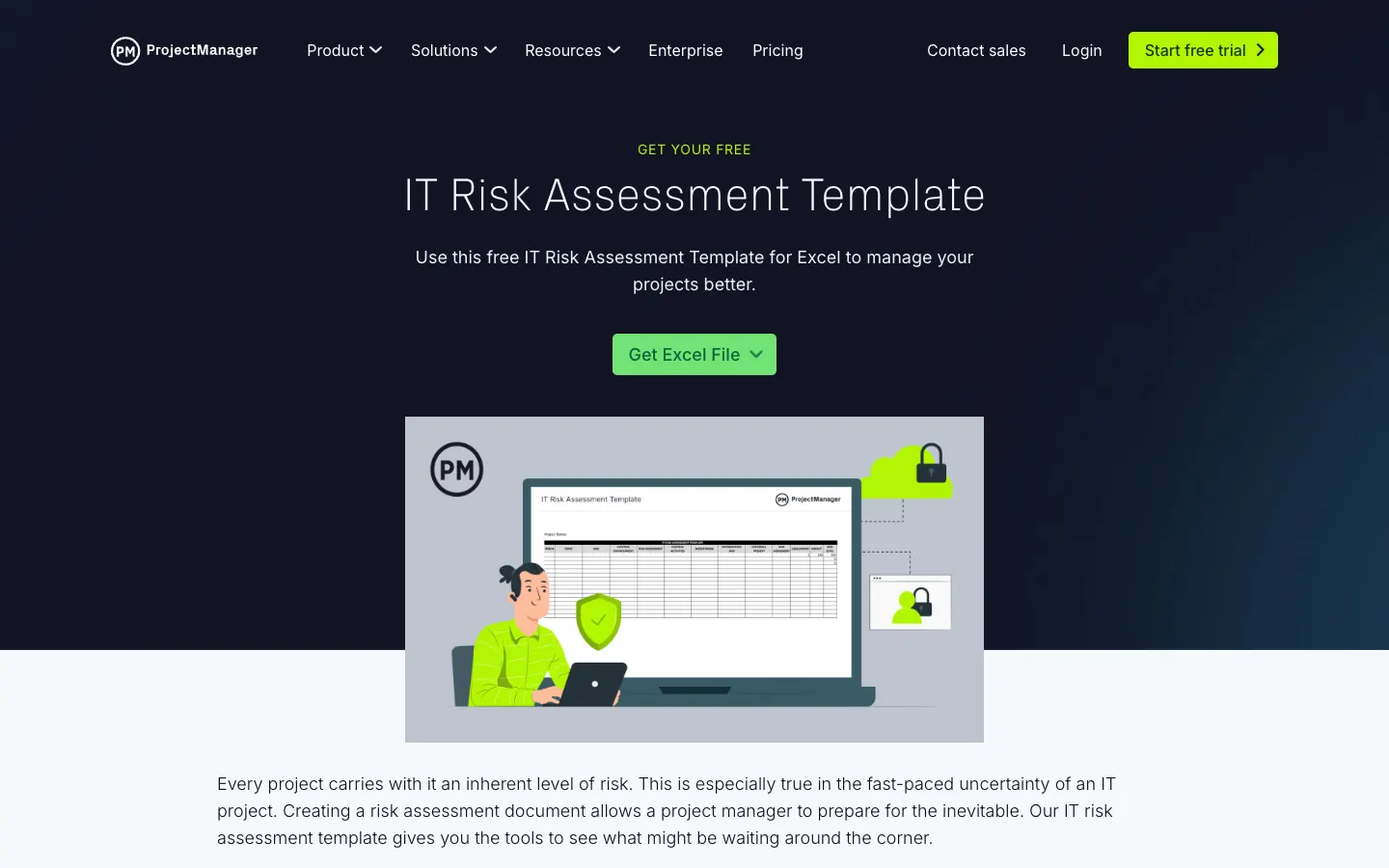
| Risk matrix template for Excel | ProjectManager | Excel | A single project risk matrix | Download button on the page; we did not test the download flow |
| IT risk assessment template | ProjectManager | Excel | IT assets, threats, vulnerabilities and controls | Download button on the page; we did not test the download flow |
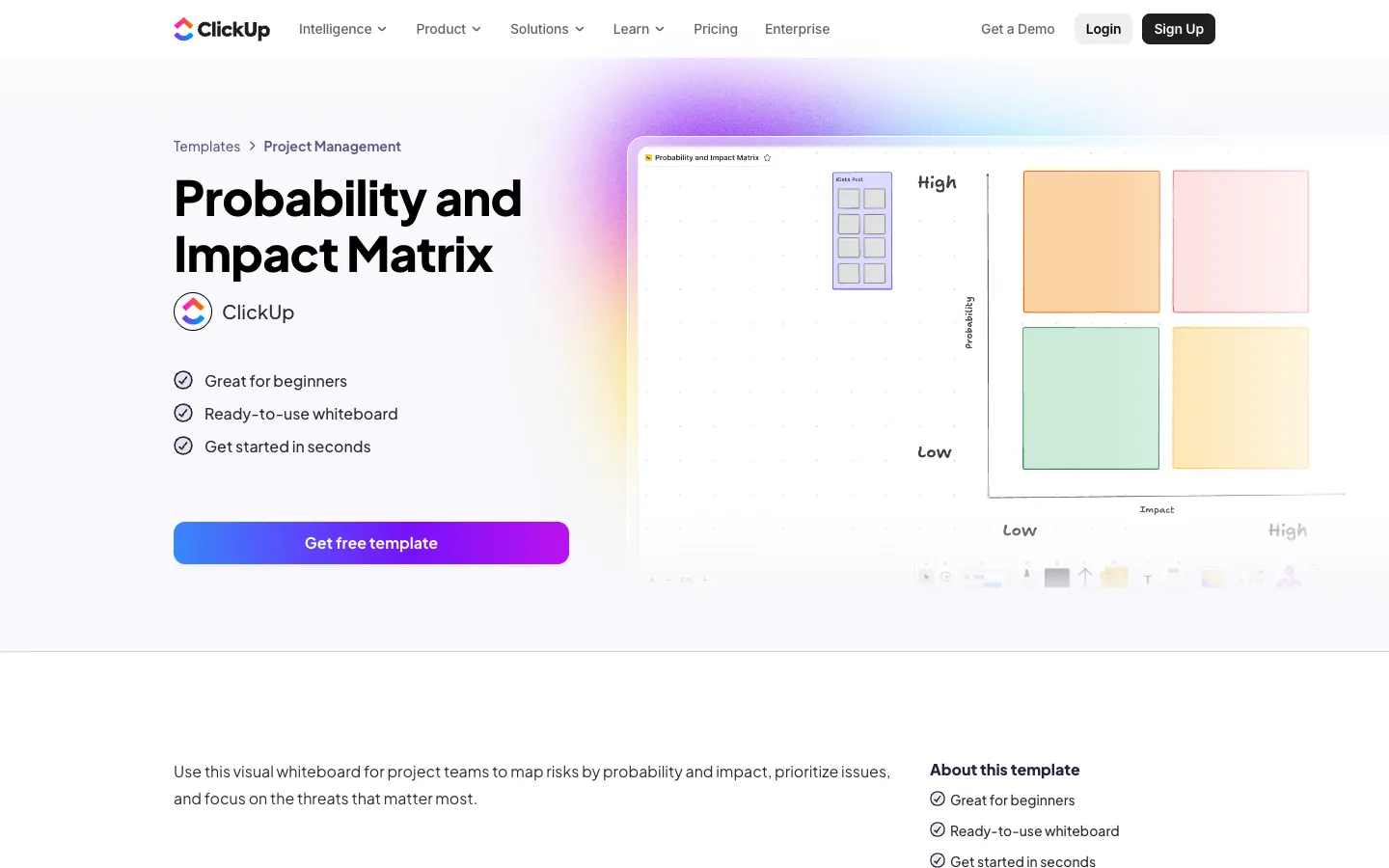
| Probability and impact matrix | ClickUp | ClickUp whiteboard | Running a visual risk workshop | Yes, a ClickUp account |
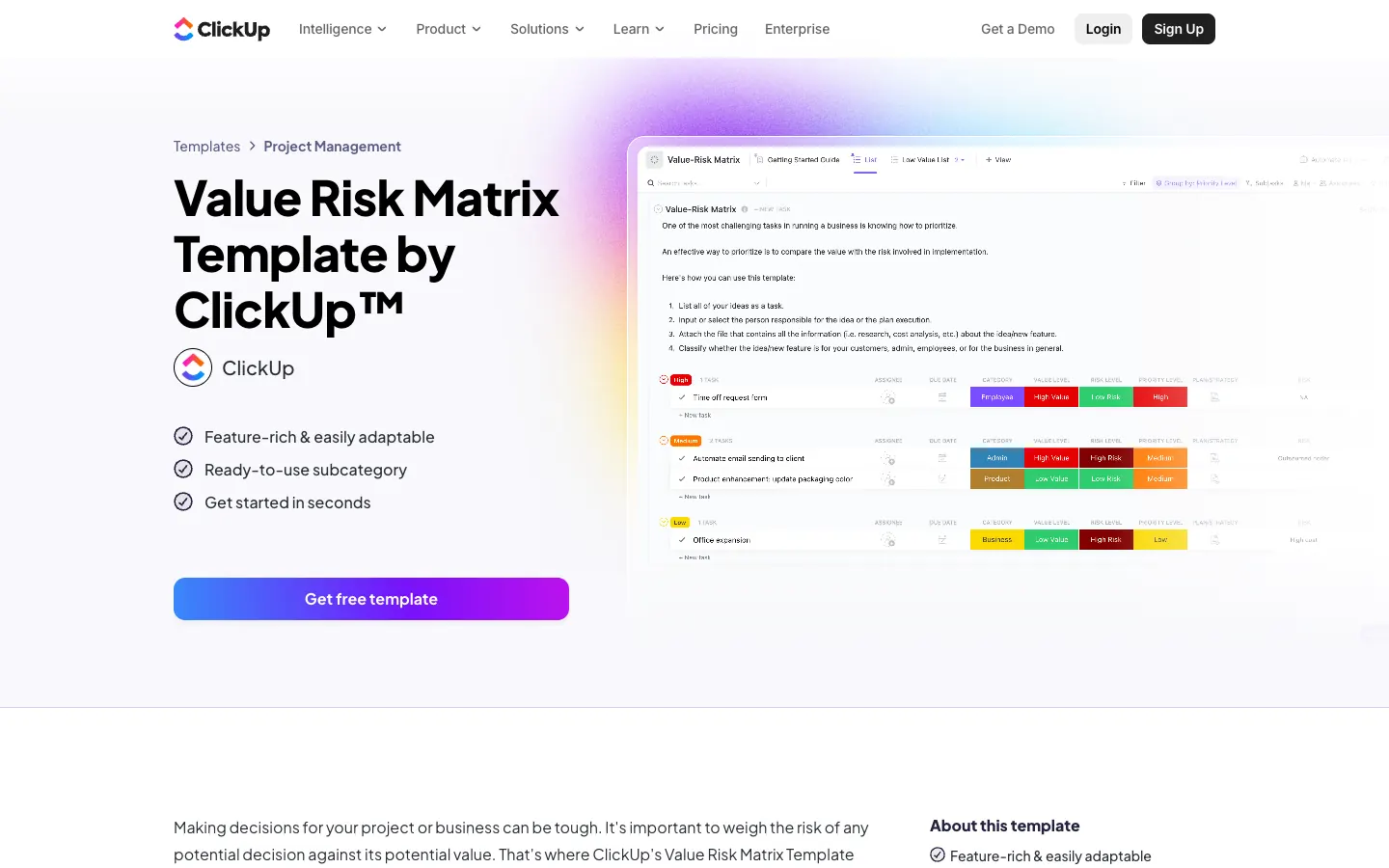
| Value risk matrix | ClickUp | ClickUp List with custom fields | Weighing the value and risk of initiatives | Yes, a ClickUp account |
1. HSE risk assessment template and examples
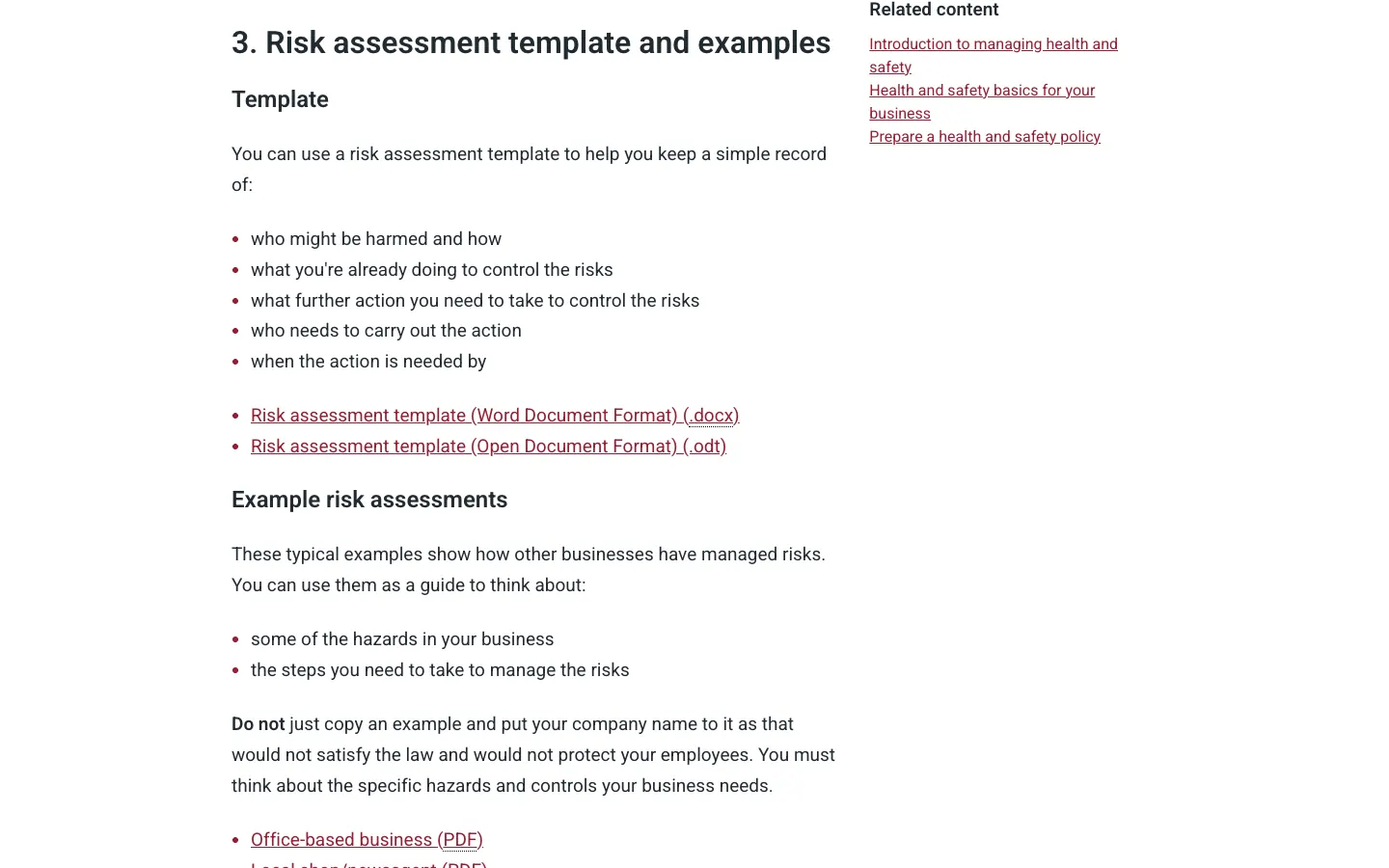
The HSE template records who might be harmed and how, what you are already doing, what further action is needed, who carries it out and by when. It comes as a Word or OpenDocument file, with six worked examples for an office, a local shop, food preparation, motor vehicle repair, factory maintenance and a warehouse. It has no scoring matrix: HSE's approach asks you to judge how likely and how serious harm is, and to act on it. Use it if you are a small UK employer and want the format HSE itself publishes.
2. Smartsheet free risk assessment templates
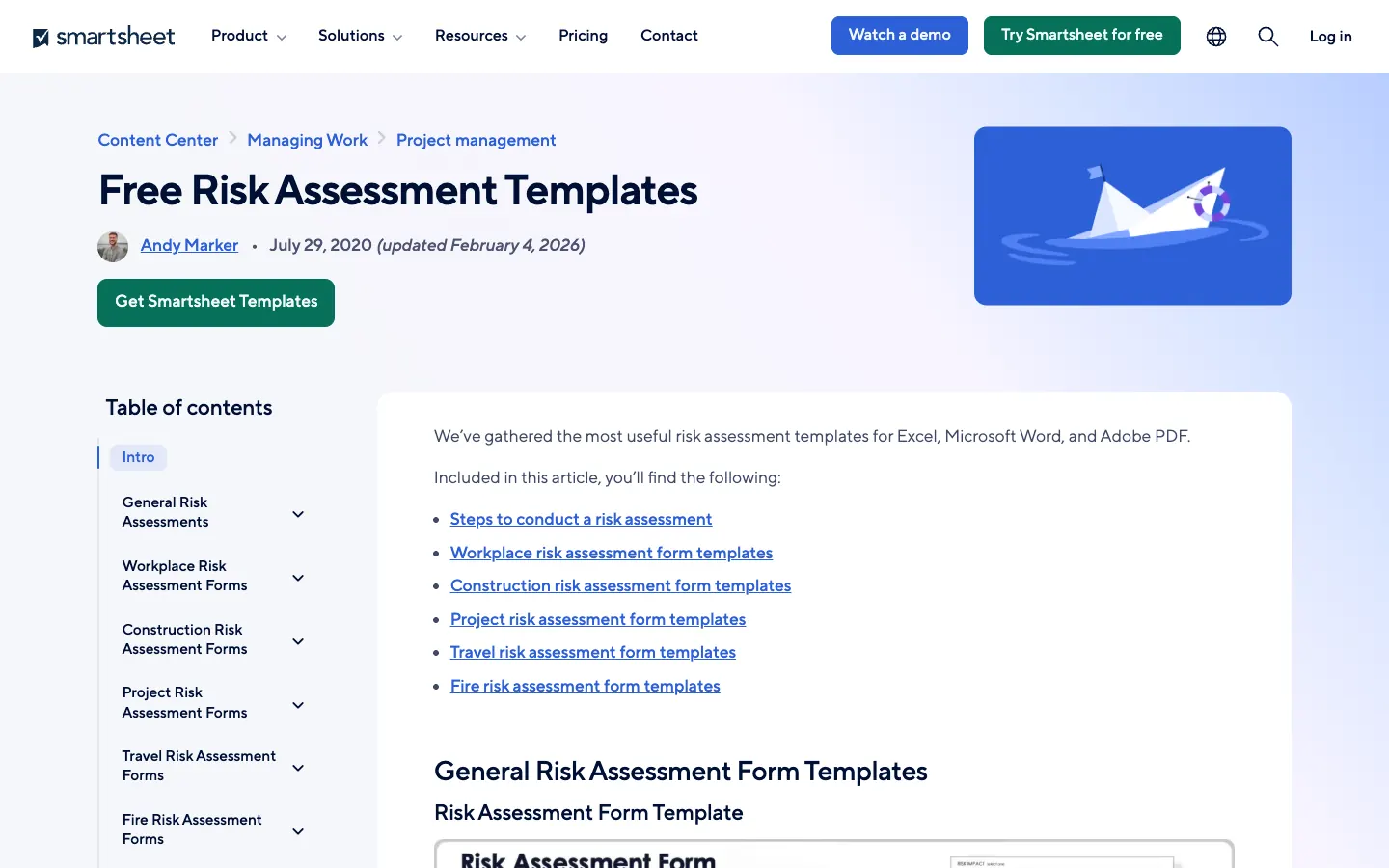
Smartsheet's collection (updated February 4, 2026) groups forms by workplace, construction, project, travel and event use. Many have direct Excel, Word or PDF links; the event risk assessment template, for example, splits risks into planned activities, environmental, industrial and technical categories. Good for finding an industry-specific starting layout.
3. Smartsheet free IT risk assessment templates
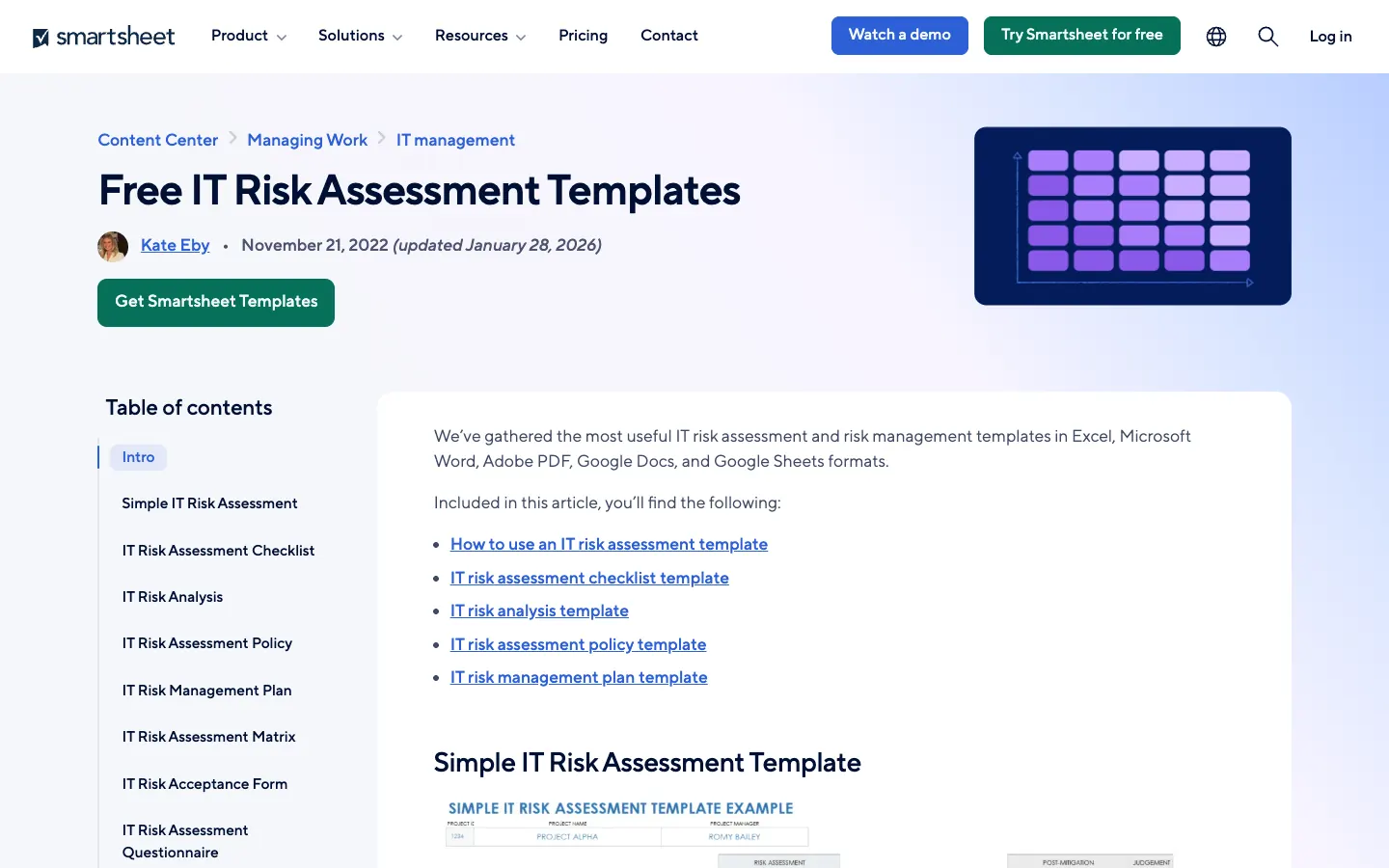
This collection (updated January 28, 2026) covers an IT risk assessment checklist, risk analysis, a policy template and a risk management plan, in Excel, Word, PDF and Google formats. Use it alongside the IT example above if you need a policy document as well as a register.
4. Smartsheet free risk matrix templates
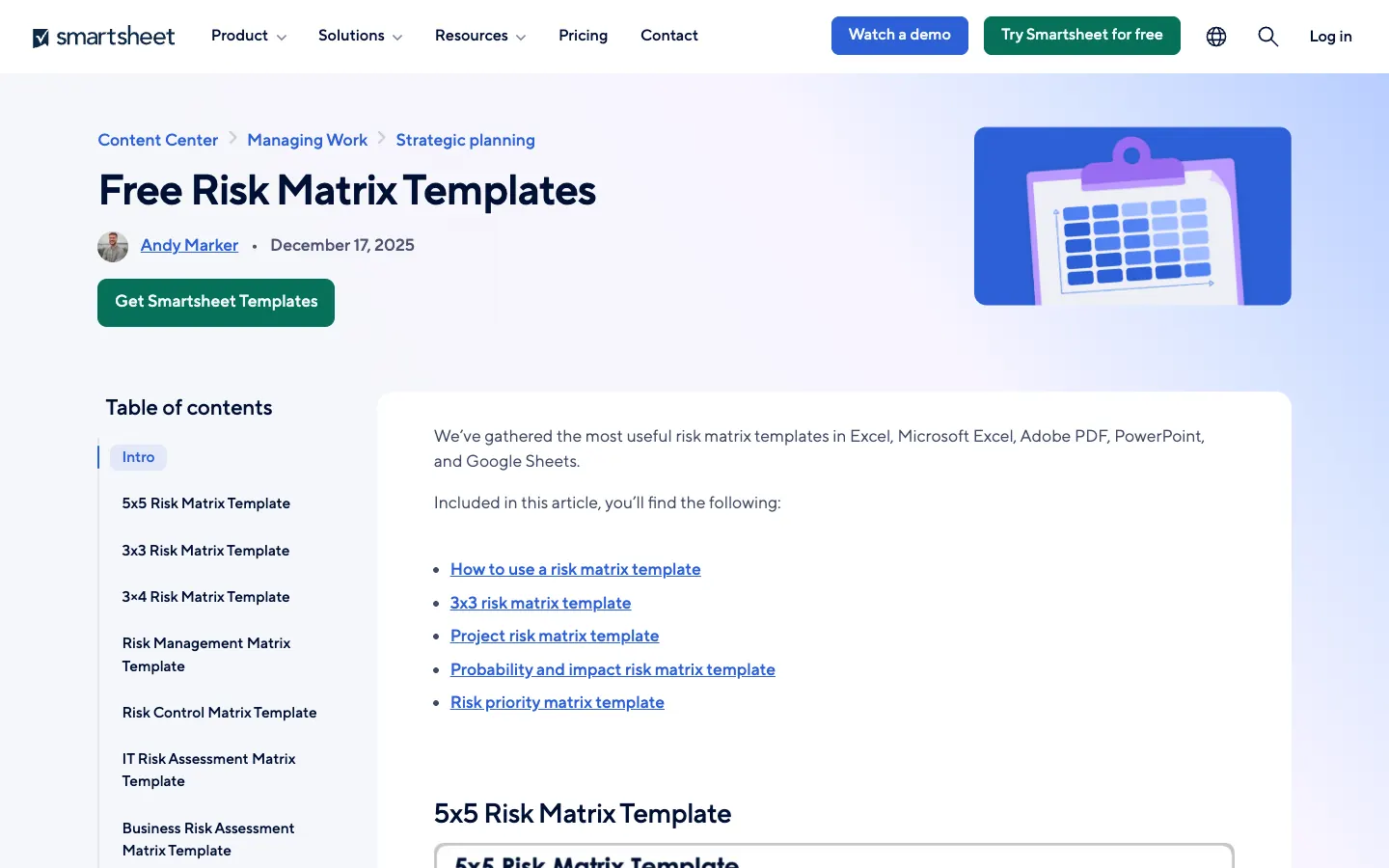
A set of 5 × 5, 3 × 3, project, probability–impact and risk priority matrices published December 17, 2025, most with Excel, Word, PowerPoint and PDF links. Useful if your organization prefers a 3 × 3 or 4 × 4 grid instead of the 5 × 5 matrix in our download.
5. ProjectManager risk matrix template for Excel
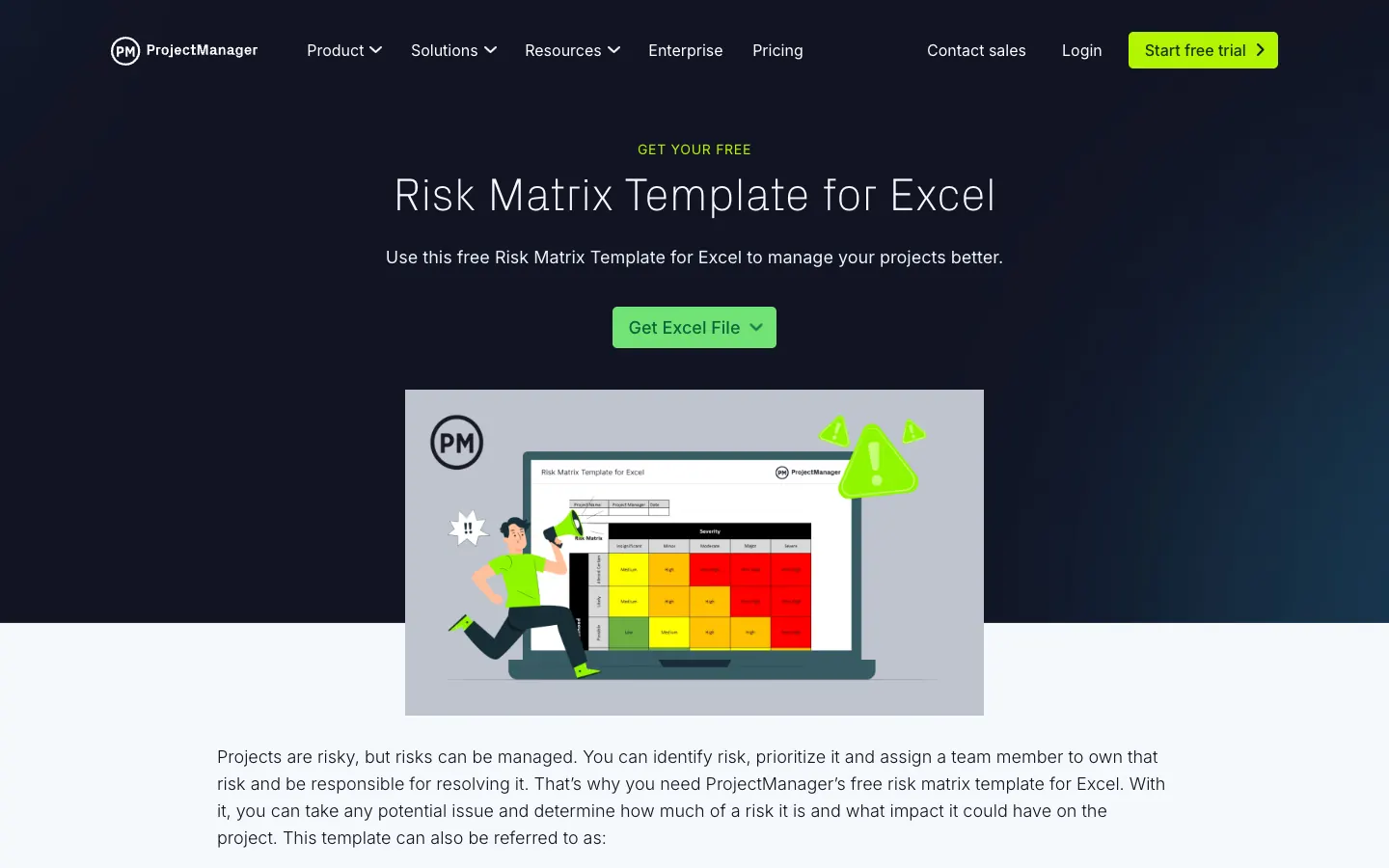
A single-sheet Excel grid with likelihood from rare to almost certain and severity from insignificant to severe, colour-coded green, yellow, orange and red. It is a matrix only, so pair it with a list of risks and owners.
6. ProjectManager IT risk assessment template
An Excel template for listing IT assets, threats, vulnerabilities, likelihood and the controls needed. It is aimed at IT projects and service continuity rather than workplace safety.
7. ClickUp probability and impact matrix
A whiteboard template for mapping risks by probability and impact in a workshop. It suits teams that already use ClickUp; you need a ClickUp account to copy it.
8. ClickUp value risk matrix
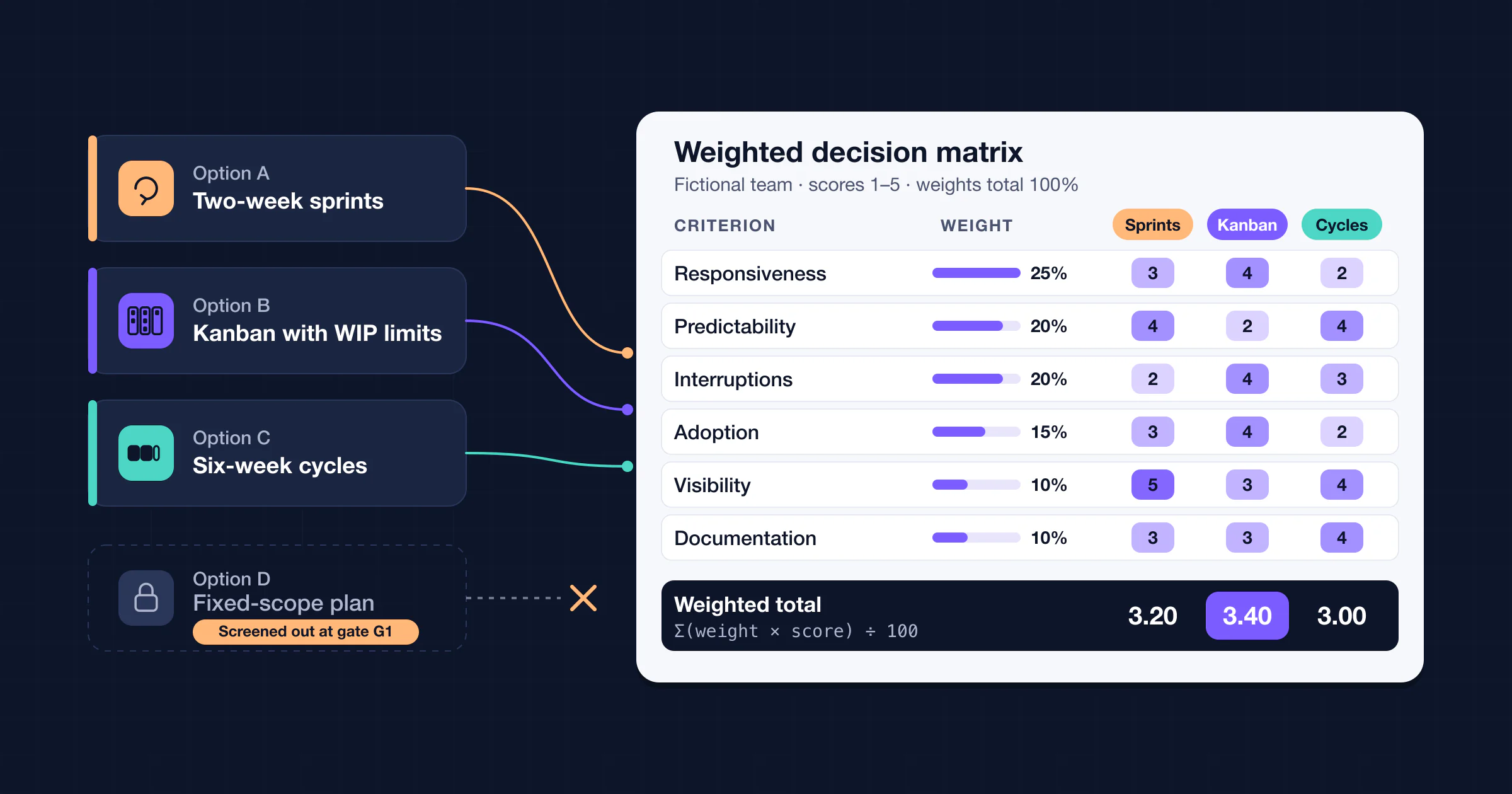
A ClickUp List template with custom fields for value level, risk level and priority, plus several views. It is a decision tool for comparing initiatives rather than a hazard assessment, so use it for portfolio choices; for a structured comparison outside ClickUp, see our decision matrix template.
Which risk assessment template should you use?
| If you need to… | Start with |
|---|---|
| Record a simple workplace assessment for a small UK business | HSE template, or our Word form |
| Score and sort many hazards with a 5 × 5 matrix | Our Excel workbook |
| Import rows into Google Sheets, Numbers or a database | Our blank or example CSV |
| Assess IT systems and cybersecurity threats | Our IT example plus Smartsheet's or ProjectManager's IT templates |
| Plan an event | Our event example plus Smartsheet's event risk assessment form |
| Track project risks over months | Our risk register template |
| Run a visual risk workshop | ClickUp's probability and impact matrix, or a whiteboard of your choice |
Risk assessment vs. risk register vs. risk matrix
- A risk assessment looks at one activity, workplace, system or event at a point in time and decides what controls are needed.
- A risk register is a living list of risks for a project or organization, with owners, triggers, responses and review dates. See our risk register template.
- A risk matrix is the likelihood × impact grid both of them use to rate and sort risks.
Keeping risk assessments in AFFiNE
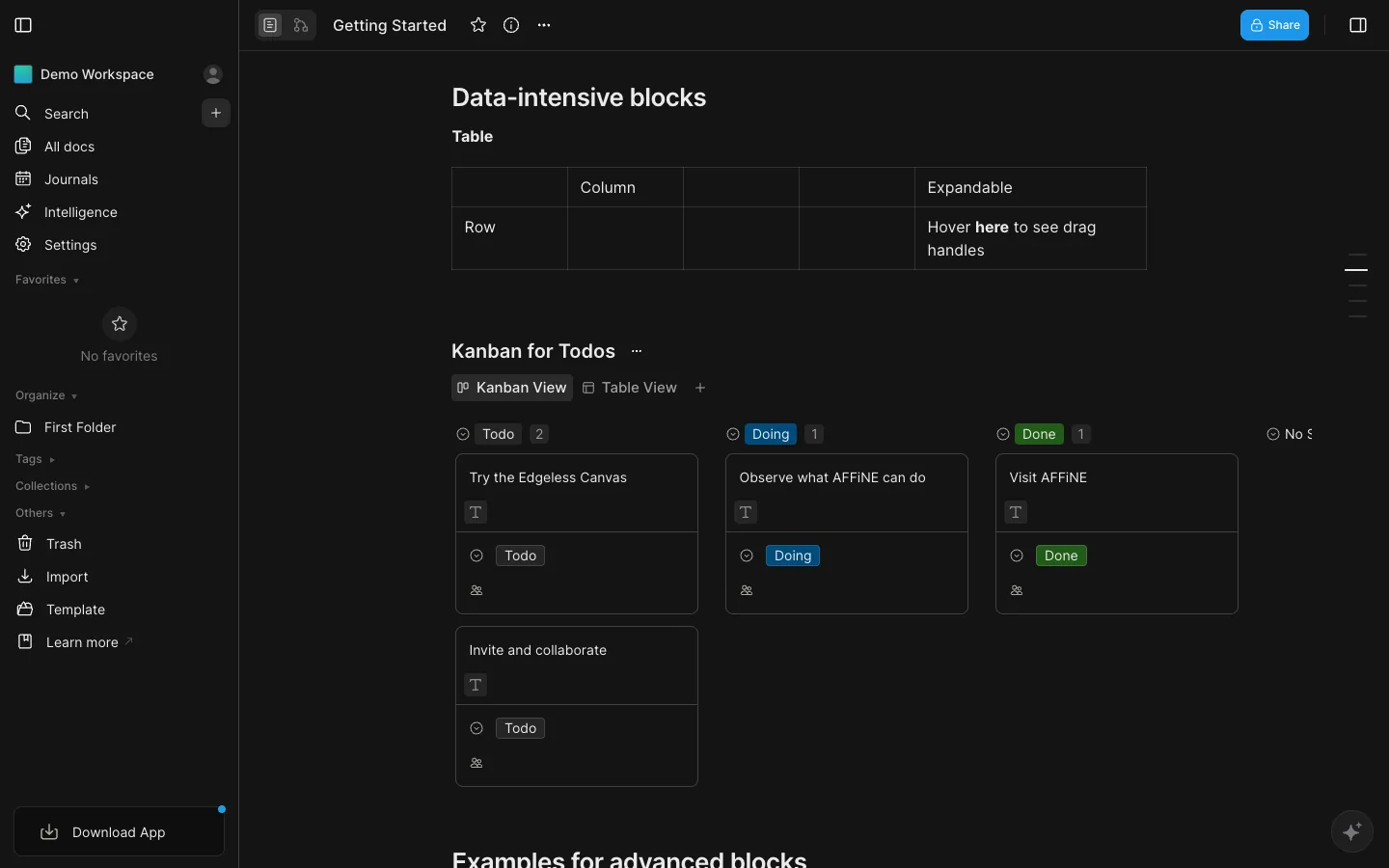
AFFiNE is our product. It has no ready-made risk assessment template, and its database columns do not calculate formulas, so do the scoring in the downloaded workbook. You can keep the written assessment in an AFFiNE page, with a database in table view for the rows (number columns for L, I and score, select columns for rating and status, a date column for the next review), and use the Edgeless whiteboard for the hazard-spotting workshop. AFFiNE's import options do not include CSV, so you would type or paste the rows in. We did not test this setup in the app for this article. Any spreadsheet or document tool works equally well with these files.
How we made and checked this page
- Downloads. All four files are generated by a script from one data set, so the workbook, the CSV files and the example tables on this page match. We reopened the workbook and the Word file with openpyxl and python-docx, previewed them in macOS Quick Look, rendered them with LibreOffice for the previews above (November 7, 2026), and rechecked every example score and rating against the rule above. The workbook stores calculated results so previews show them, and it recalculates on open. We did not test the files in Microsoft Excel, Word or Google Sheets.
- Third-party templates. Checked on November 6, 2026 by opening each publisher page; the screenshots were taken on November 7, 2026 in a signed-out browser at 1440 × 900, and the page addresses were rechecked on November 11, 2026. The AFFiNE screenshot was taken on November 11, 2026. We removed the templates listed in earlier versions of this page that no longer loaded (two ClickUp template pages) or did not match the topic (a WPS self-evaluation form and an accounting assessment).
- Regulatory references. HSE, OSHA, ISO and NIST pages were read on November 6, 2026. Rules differ by country and sector; check the regulator that applies to you.
Sources
All accessed November 6, 2026.
- UK Health and Safety Executive, Managing risks and risk assessment at work: steps needed to manage risk (page updated October 16, 2026) — the five steps; recording findings with 5 or more employees; when to review.
- UK Health and Safety Executive, Risk assessment template and examples — Word and ODT template, six example assessments, "do not just copy an example".
- UK Health and Safety Executive, Managing risks: overview — the minimum duties under the Management of Health and Safety at Work Regulations 1999.
- US Occupational Safety and Health Administration, Hazard identification and assessment and Hazard prevention and control, part of OSHA's Recommended Practices for Safety and Health Programs.
- International Organization for Standardization, ISO 31000:2018 Risk management — Guidelines.
- National Institute of Standards and Technology, SP 800-30 Rev. 1, Guide for Conducting Risk Assessments.
Frequently asked questions
What should a risk assessment template include?
At minimum: the hazard or threat, who or what could be harmed and how, existing controls, a likelihood and impact rating, further action with an owner and due date, and a review date. HSE's own template records who might be harmed, what you are already doing, what further action is needed, who does it and when.
What are the 5 steps of a risk assessment?
HSE lists them as identify hazards, assess the risks, control the risks, record your findings, and review the controls. The same steps work for IT, project and event risk assessments.
Is a 5 × 5 risk matrix required by law?
No regulator cited on this page requires a 5 × 5 matrix. HSE asks employers to judge how likely and how serious harm could be and to control the risk; a matrix is one common way to do that consistently. Choose the grid size your organization can apply the same way every time.
Do I have to write my risk assessment down?
In Great Britain, HSE says employers with 5 or more employees must record their significant findings. Other countries and sectors have their own rules, so check with the regulator that applies to you. Even when it is not required, a written record makes reviews much easier.
How often should a risk assessment be reviewed?
Review it when something changes (new staff, processes, substances or equipment), after an accident or near miss, and on a regular schedule. The bands in our matrix suggest weekly reviews for High and Critical risks and monthly reviews for Low risks; adjust these to your situation.
What is the difference between a risk assessment and a risk register?
A risk assessment evaluates one activity or area at a point in time. A risk register is an ongoing list of risks across a project or organization, with owners and review dates. Many teams carry the significant findings from their assessments into a register.