How to Secure Your Team Knowledge Base: IT Security Best Practices
The Importance of Securing Collaborative Knowledge Bases
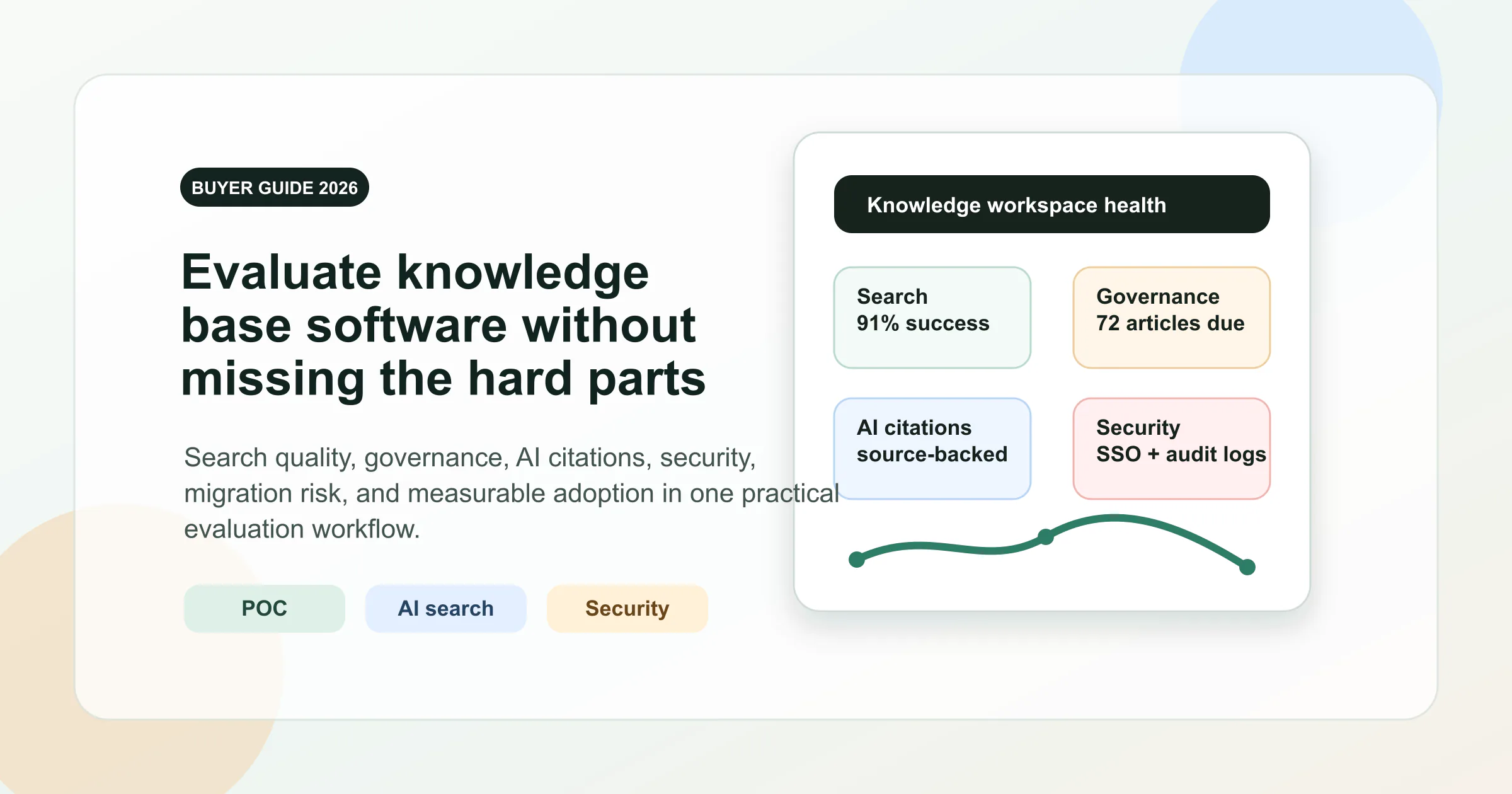
Intent split: This security guide supports the broader knowledge base software evaluation page. Use it when access control, audits, and compliance are the deciding factors.
In today’s fast-paced business environment, collaborative workspaces are essential for teams to share ideas, documents, and critical information efficiently. Knowledge bases-a centralized repository of information-empower teams to access and contribute valuable insights that drive innovation and productivity. However, as these platforms grow in use and complexity, they become prime targets for cyber threats. Securing your team’s knowledge base is no longer optional; it is a critical component of your IT security strategy.
Recent studies highlight the urgency of this issue. According to IBM’s Cost of a Data Breach Report 2026, the global average cost of a data breach reached $4.99 million, a 12% increase over the previous year. That cost underlines the need for robust practices, especially when managing collaborative knowledge bases that multiple users access daily.
Collaborative knowledge bases are at the heart of modern teamwork, enabling real-time information sharing and decision-making. But this convenience comes with risks. A single vulnerability can compromise the entire system, leading to data leaks, intellectual property theft, or operational disruptions. Verizon’s 2026 Data Breach Investigations Report found a human element, such as social engineering or a user mistake, in 62% of breaches, up slightly from 60% the year before. This further stresses the importance of combining technological safeguards with employee awareness.
One effective approach to mitigate these risks is partnering with specialists who understand the intricacies of collaborative environments. On the security side, that means firms that harden access and monitor for threats. On the growth side, this can involve specialist agencies that focus on the sector. Jumpfactor Marketing, for example, is a digital marketing agency built specifically for managed IT and cybersecurity providers, helping those firms grow their businesses. Pairing the right security help with the right industry expertise gives organizations a stronger foundation for their knowledge base.
Understanding Common Security Risks in Collaborative Workspaces
Collaborative platforms introduce several unique security risks. Unauthorized access, accidental data leaks, and insider threats are some of the most common challenges. When teams use shared credentials or fail to update permissions regularly, sensitive information can easily be exposed. Moreover, third-party integrations, while enhancing functionality, often expand the attack surface, creating additional vulnerabilities.
Beyond external partnerships, internal policies must address these risks comprehensively. For instance, enforcing strict password policies, limiting file sharing to authorized personnel, and conducting regular security audits are essential steps. The risk of insider threats-whether malicious or accidental-can be minimized by monitoring user activities and implementing least-privilege access principles.
The same access-control discipline should extend to authentication, where teams can prevent password-based account breaches by combining safer credentials, stronger sign-in proof, monitoring, and protected recovery.
Best Practices for Securing Your Knowledge Base
1. Implement Role-Based Access Control (RBAC)
Not every team member requires full access to the entire knowledge base. Implementing RBAC ensures users can only view or edit information relevant to their role. This minimizes the risk of accidental or malicious data exposure. RBAC also simplifies permission management, especially in large teams or organizations with complex hierarchies. Decide these access groups while you structure the team knowledge base, not after content has already been shared.
By segmenting access, organizations can reduce the attack surface and limit the blast radius if an account is compromised. For example, a marketing team member should not have editing rights to financial data, and vice versa. Regularly reviewing and updating these roles ensures that access remains aligned with current responsibilities.
Look for a tool that lets you set access at more than one level. AFFiNE, for example, has workspace roles (Owner, Admin, Collaborator) and separate document roles (Owner, Manager, Editor, Commenter, Reader), as defined in its open-source role model.
2. Use Multi-Factor Authentication (MFA)
MFA adds an extra layer of security beyond just passwords. By requiring a second verification step, such as a biometric scan or a one-time code, you significantly reduce the chances of unauthorized access. In a 2019 security blog post, Microsoft said MFA can block over 99.9% of account compromise attacks.
Implementing MFA for all users accessing the knowledge base, especially administrators, is a straightforward yet highly effective defense measure. It can prevent attackers from using stolen credentials or brute-force attacks to gain entry. If your knowledge base supports single sign-on, you can enforce MFA once at your identity provider. Self-hosted AFFiNE, for example, supports Google, GitHub, and OIDC sign-in; in that setup, the MFA policy lives in your identity provider, not in AFFiNE.
3. Regularly Audit User Permissions and Activity
Routine audits help identify outdated permissions and unusual access patterns that could signal a breach. Establishing automated alerts for suspicious activity can enable swift responses before damage occurs. User behavior analytics tools can detect anomalies such as access from unusual locations or times, multiple failed login attempts, or bulk data downloads.
Auditing also involves reviewing which users still require access and removing those who no longer do, such as former employees or contractors. This practice helps maintain a clean and secure environment. On a self-hosted AFFiNE instance, administrators can import accounts from a CSV file, generate password reset links, and ban or delete users from the Admin Panel, which makes offboarding a documented step rather than an afterthought.
4. Encrypt Data at Rest and in Transit
Data encryption ensures that information remains unreadable to unauthorized users, whether it’s stored on servers or transmitted across networks. Encryption protocols like TLS and AES are industry standards that safeguard sensitive content.
Encryption protects against eavesdropping and data interception, especially important when teams access the knowledge base remotely or via cloud services. Do not assume a knowledge base is end-to-end encrypted. Ask the vendor exactly what is encrypted in transit and at rest, and who holds the keys. If you self-host, these duties move to your team: in AFFiNE’s self-hosting guide, for example, HTTPS is set up through a reverse proxy such as Nginx or Caddy, and storage encryption depends on how you configure your own database and file storage.
5. Train Your Team on Security Awareness
Human error remains a leading cause of data breaches. Providing ongoing cybersecurity training educates employees on recognizing phishing attempts, managing passwords securely, and understanding the importance of protecting the knowledge base. Training should be interactive and updated regularly to reflect the latest threat landscape.
Phishing deserves special attention. Educating teams on spotting and reporting suspicious messages reduces the chance that a stolen password becomes a knowledge base breach.
6. Partner with Reliable Security Providers
Collaborating with trusted IT security companies can enhance your defense mechanisms, and the hard part is knowing which provider to trust. For instance, CloudSecureTech is an independent directory that background checks, rates, and verifies IT, cybersecurity, and AI providers across North America, so businesses can compare them on real data and shortlist the right one. Using a vetted, vendor-neutral resource like this helps organizations choose a security partner that fits their needs.
These partnerships often provide access to advanced tools such as threat intelligence, incident response teams, and compliance management, which may be beyond the capacity of in-house IT departments.
Leveraging Technology to Enhance Knowledge Base Security
Adopting advanced security technologies is crucial for protecting your collaborative workspace. Artificial intelligence (AI) and machine learning can monitor user behavior in real time, detecting anomalies that may indicate insider threats or compromised accounts. These technologies can also automate routine security tasks, freeing up IT staff to focus on strategic initiatives.
Additionally, automated backup solutions ensure data integrity and availability in case of ransomware attacks or accidental deletions. Regular backups, stored securely and tested for restorability, are vital components of a resilient knowledge base infrastructure. Back up everything a restore needs: for self-hosted AFFiNE, the backup and restore guide covers the PostgreSQL database, uploaded files, and configuration, and notes that a database-only restore does not bring back uploaded file contents.
Cloud-based knowledge bases offer scalability and accessibility but require stringent security configurations. Misconfigured sharing settings, overly broad default permissions, and forgotten integrations are customer-side controls, so review them whenever you deploy or change a cloud-based collaborative tool.
To mitigate these risks, organizations should adopt cloud security best practices such as enabling encryption, configuring firewalls, and enforcing identity and access management policies. Following identity governance best practices helps organizations maintain appropriate access levels, reduce unnecessary permissions, and improve control over sensitive information. Regular penetration testing and vulnerability assessments can uncover weaknesses before attackers do.
Building a Culture of Security in Collaborative Workspaces
Technology alone cannot guarantee security. Organizations must foster a culture where information protection is a shared responsibility. Encourage transparent communication about security policies and create clear protocols for reporting suspicious activities. Leadership commitment to security can motivate teams to prioritize best practices consistently.
Regularly updating and testing incident response plans ensures preparedness for potential breaches. Simulated phishing exercises and tabletop scenarios help teams practice their roles during a security event, minimizing panic and confusion. These exercises can reveal gaps in response procedures and improve coordination among departments.
Moreover, incentivizing secure behavior and recognizing employees who contribute to security efforts can reinforce positive habits. Security champions within teams can act as liaisons between IT and end-users, facilitating ongoing education and support.
Conclusion
Securing your team’s knowledge base requires a comprehensive approach that combines technology, processes, and people. By implementing best practices such as RBAC, MFA, encryption, and regular audits, organizations can significantly reduce vulnerabilities in their collaborative workspaces. Partnering with specialized providers can further strengthen your security posture, ensuring that your knowledge assets remain protected against ever-evolving cyber threats.
In an era where data is a strategic asset, investing in IT security for your collaborative tools is not just prudent-it’s essential for sustaining innovation and maintaining trust with clients and stakeholders. With robust security measures in place, teams can collaborate confidently, knowing their knowledge base is safeguarded against current and future challenges.