LinkedIn Marketing SOP: How to Build One Your Team Uses
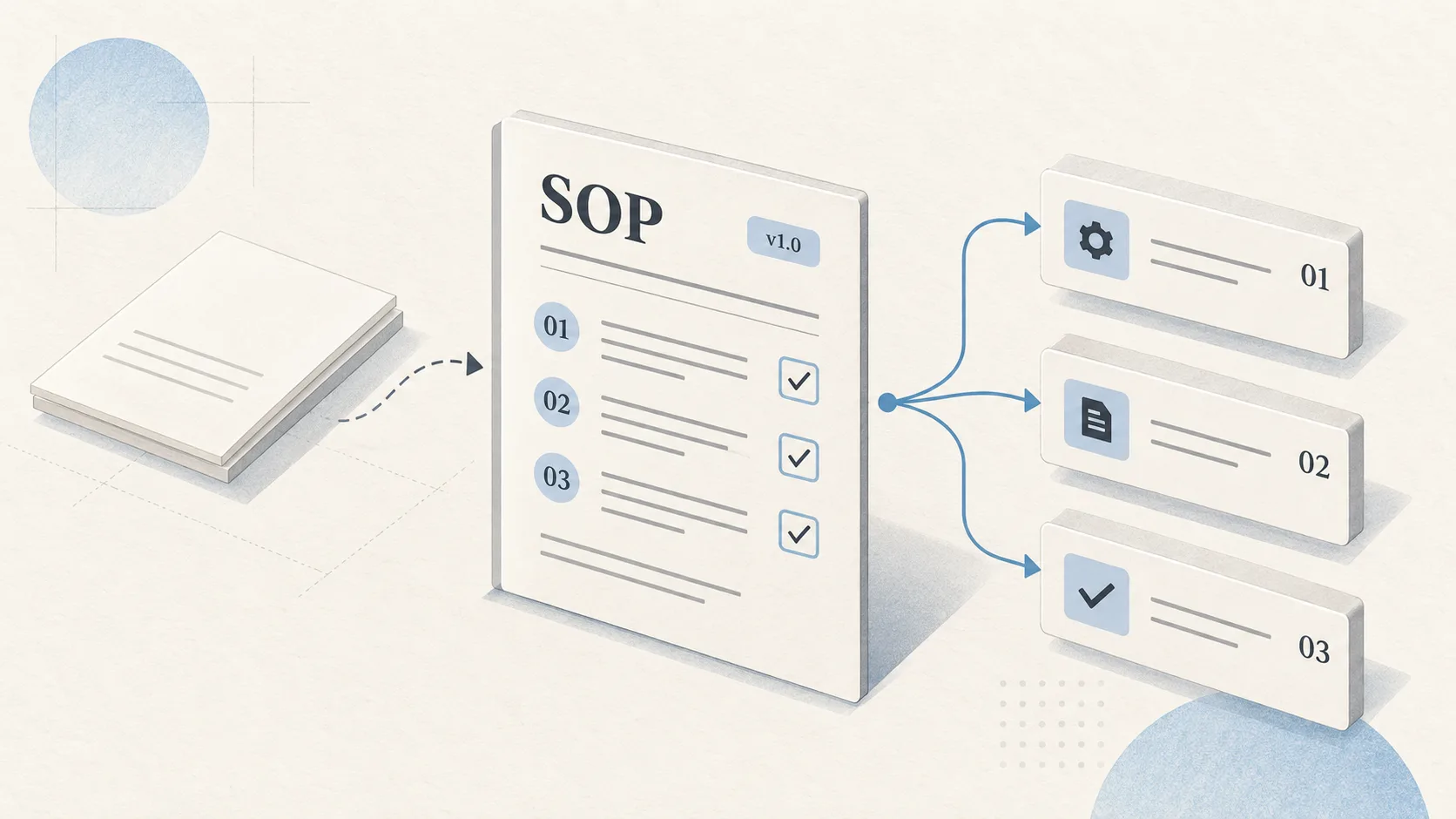
A LinkedIn marketing SOP is a written procedure that tells a team who owns each part of LinkedIn marketing, what steps every campaign follows, and how results get reviewed.
Marketing managers, founders, and operations leads at B2B companies use it to keep campaigns consistent when people change roles, leave, or join. Without one, account knowledge lives in a single person's head, and every handoff resets the work.
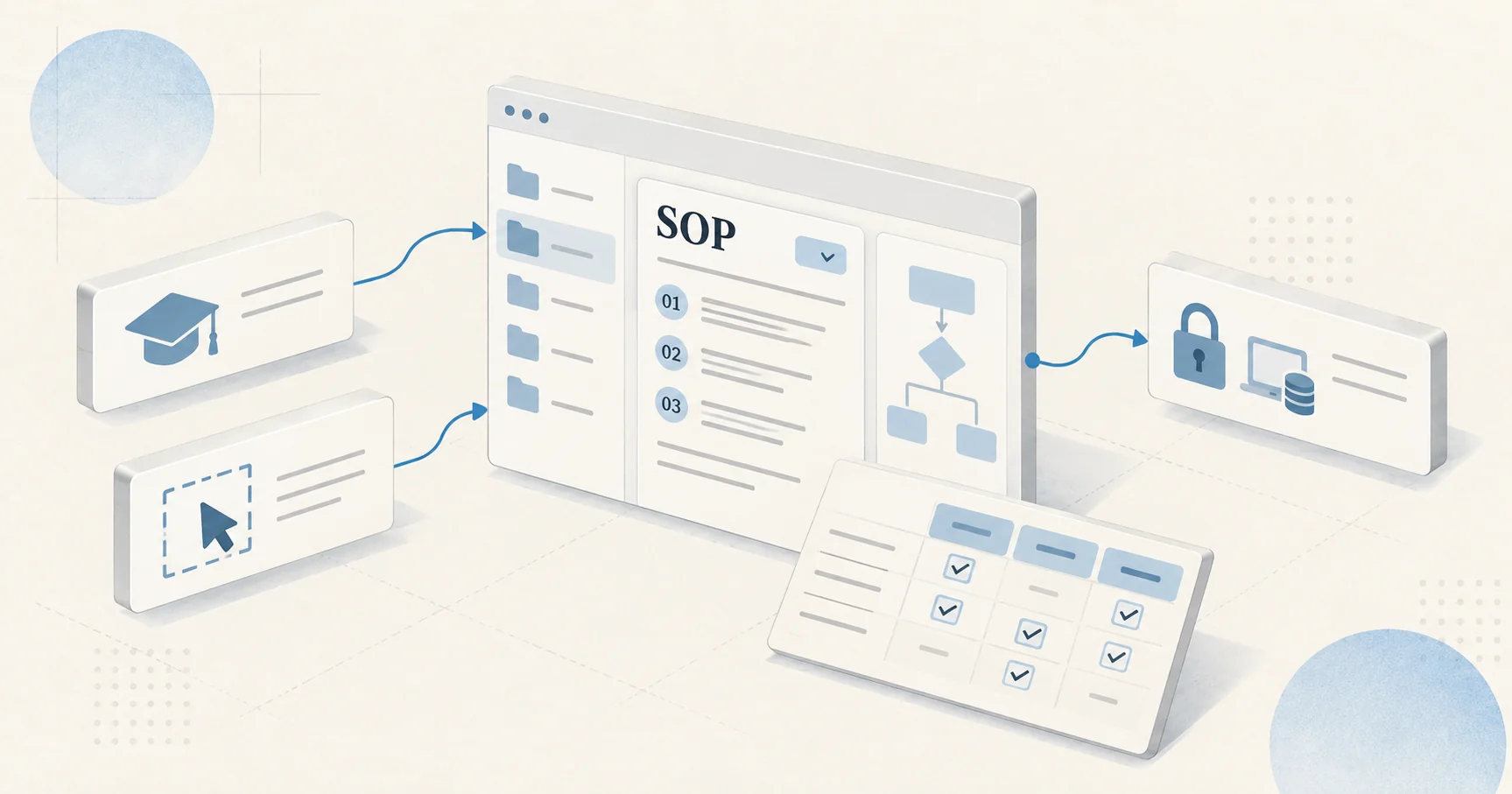
The document matters most when outside help is involved. A LinkedIn marketing agency or freelancer can only follow the process that exists on paper, and a team without one re-explains goals, access, and approval rules every quarter. A workable SOP has four parts: ownership and access, audience mapping, a launch checklist, and a review rhythm.
Key takeaways
- Name an owner and a backup for every Campaign Manager role, and keep account manager and billing admin in-house.
- Map the whole buying group in an audience table instead of targeting a single job title.
- Run every campaign through a yes-or-no launch checklist with a second-person approval.
- Hold a fixed weekly review on qualified leads and pipeline, and log every change with who approved it.
Assign Owners and Access Levels for the LinkedIn Ad Account
A LinkedIn marketing SOP starts with named owners, because access problems stall campaigns faster than creative problems do. Campaign Manager assigns each user a role, including billing admin, account manager, campaign manager, and creative manager.
LinkedIn's Help Center states that only an account manager can edit another user's permissions, that a billing admin must first hold the account manager role, and that switching the billing admin puts the ad account on hold until the new billing admin enters updated billing information. Those rules belong in the SOP.
List each role, the person who holds it, and a named backup. Add an offboarding step that reassigns billing before an admin leaves the company. Give outside partners the lowest role that fits their work, such as campaign manager or creative manager, and keep account manager and billing admin in-house.
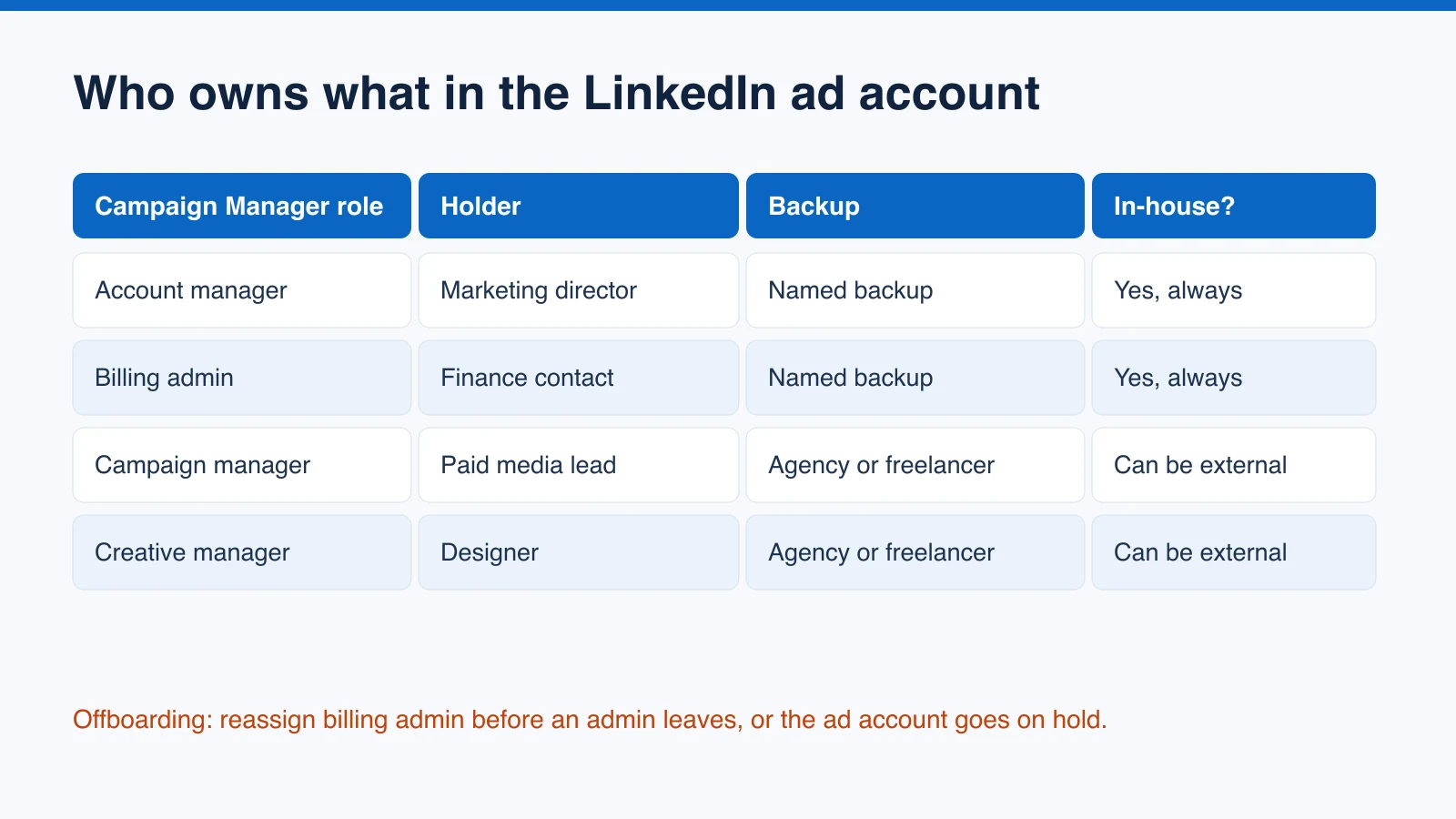
In a five-person team, the marketing director holds account manager, the paid media lead holds campaign manager, the designer holds creative manager, and a finance contact holds billing admin, with a written backup for each. Record where approvals happen and who can pause spend, so a missed message on a Friday never leaves a broken campaign running all weekend.
Map the Buying Group Before Choosing LinkedIn Audiences
Audience mapping turns LinkedIn targeting from a job-title guess into a documented plan. Gartner's survey of 632 B2B buyers, published in May 2025, found that buying groups range from five to 16 people across as many as four functions. A single-title audience reaches one voice in that group.
The SOP should hold an audience table with one row per role: the title and seniority to target, the concern that role brings to a purchase, the asset that answers it, and the ad format that carries it.
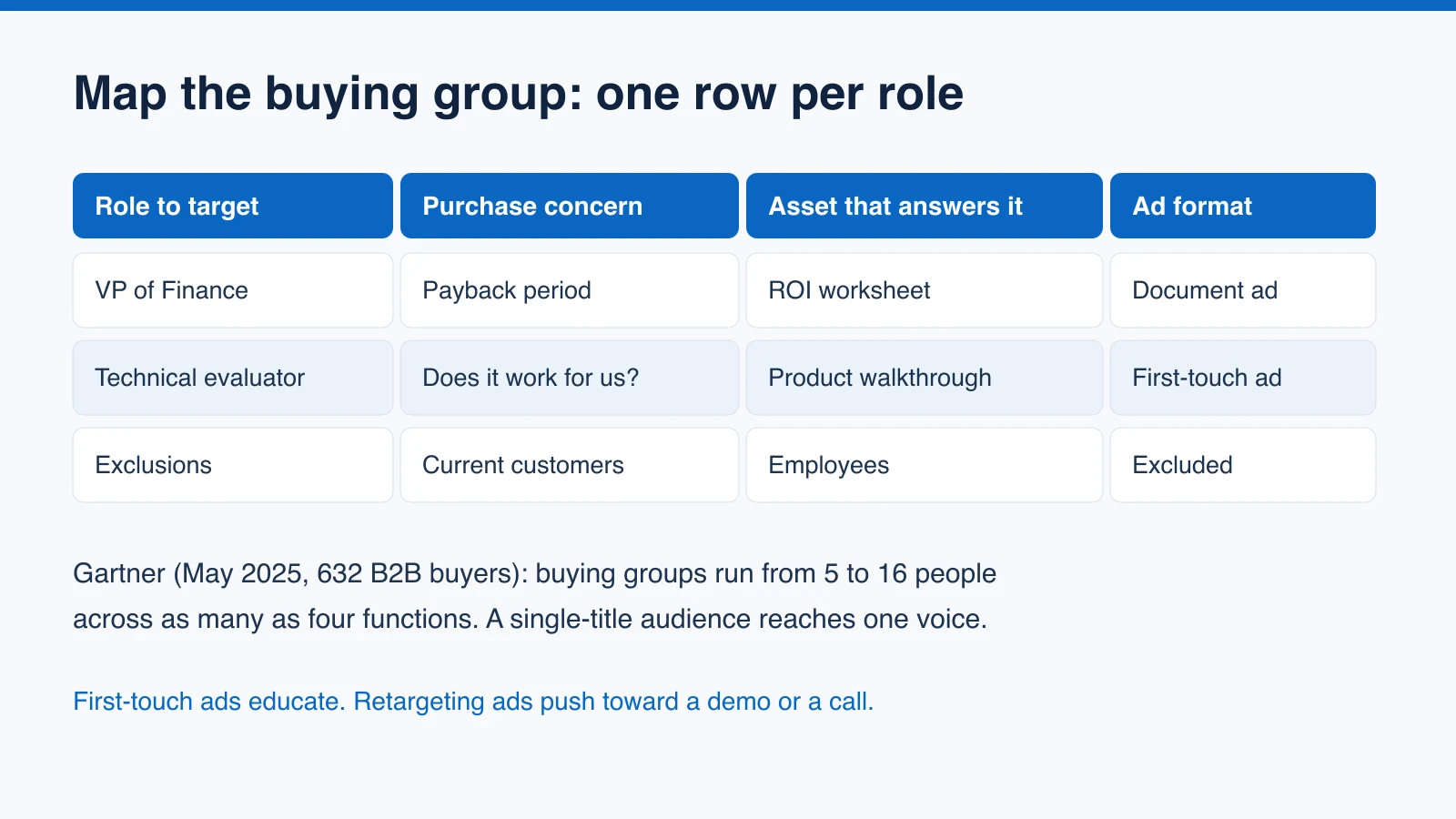
A finance approver needs a cost case, while a technical evaluator needs a product walkthrough. A sample row reads: VP of Finance, worried about payback period, served by an ROI worksheet, delivered as a document ad. Match each asset to a stage as well: first-touch ads educate, and retargeting ads push toward a demo or a call. Record exclusions in the same table, starting with current customers and employees, so prospecting campaigns do not spend on people who already buy.
Write a Launch Checklist That Catches Expensive Mistakes
A launch checklist keeps LinkedIn campaigns from going live with preventable errors. Each item is a yes-or-no check with an owner:
- The campaign objective matches the business goal.
- The audience matches the mapped roles.
- Exclusion lists are applied.
- Conversion tracking fires on a test submission.
- UTM parameters follow the naming convention.
- Budget and end date are set.
- At least two creative variations are ready.
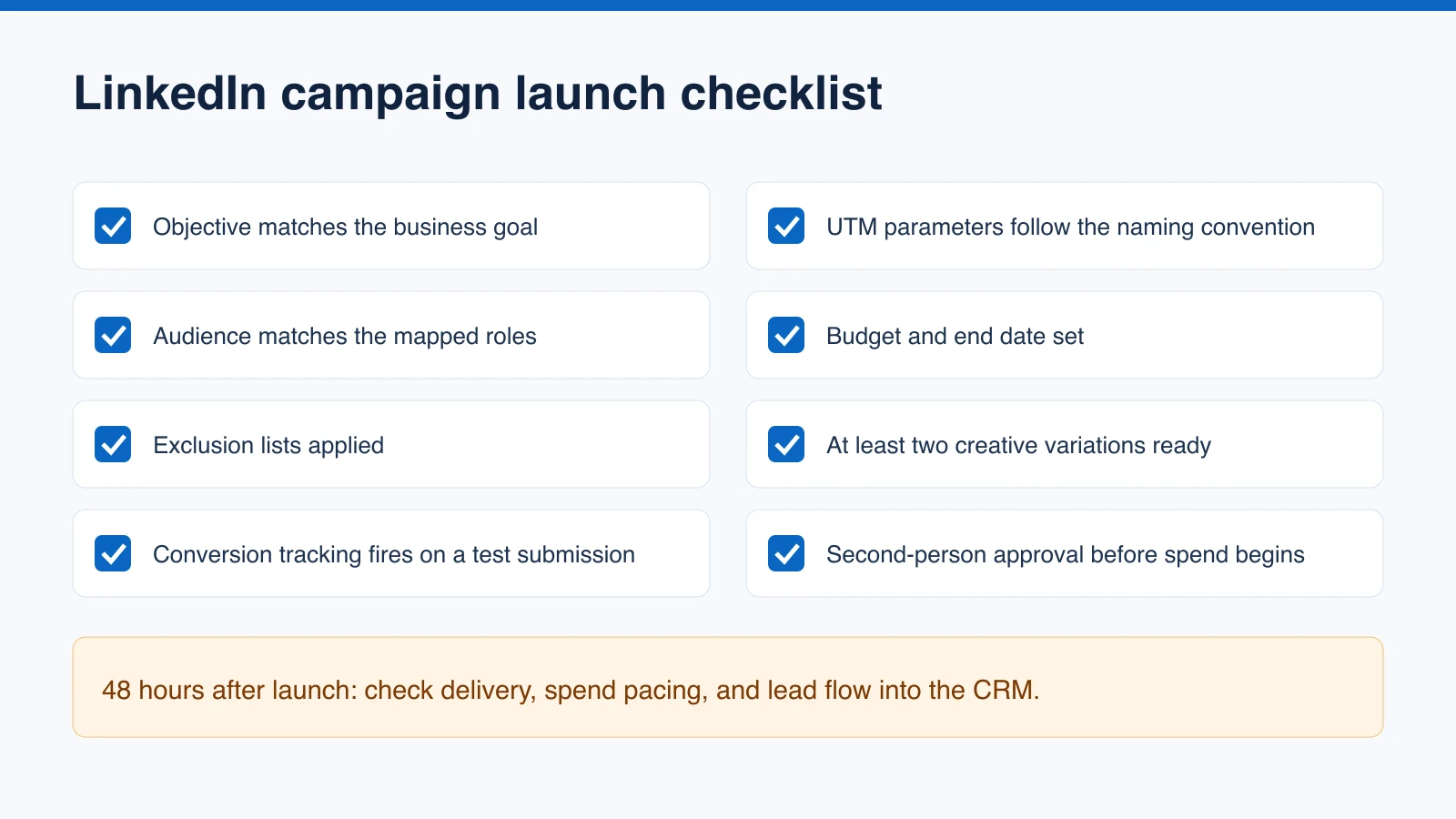
Add an approval line so a second person reviews the campaign before spend begins, and schedule a check 48 hours after launch to confirm delivery, spend pacing, and lead flow into the CRM. One missed exclusion, such as current customers sitting inside a prospecting audience, wastes budget from the first day. Name the person allowed to pause a live campaign if any check fails.
Store the checklist as a template that gets copied for every campaign rather than edited in place, so each launch leaves a record of what was checked. A reusable SOP template makes that copy step quick.
Set a Weekly Review and a Decision Log
A review rhythm turns LinkedIn results into decisions. Book a fixed 30-minute weekly slot with a standing agenda: budget pacing, cost per qualified lead, the share of leads that become sales-qualified, and revenue attributed to LinkedIn where the CRM shows it.
Report on qualified leads and pipeline, not impressions and reach, and keep the agenda identical each week so trends stay comparable.
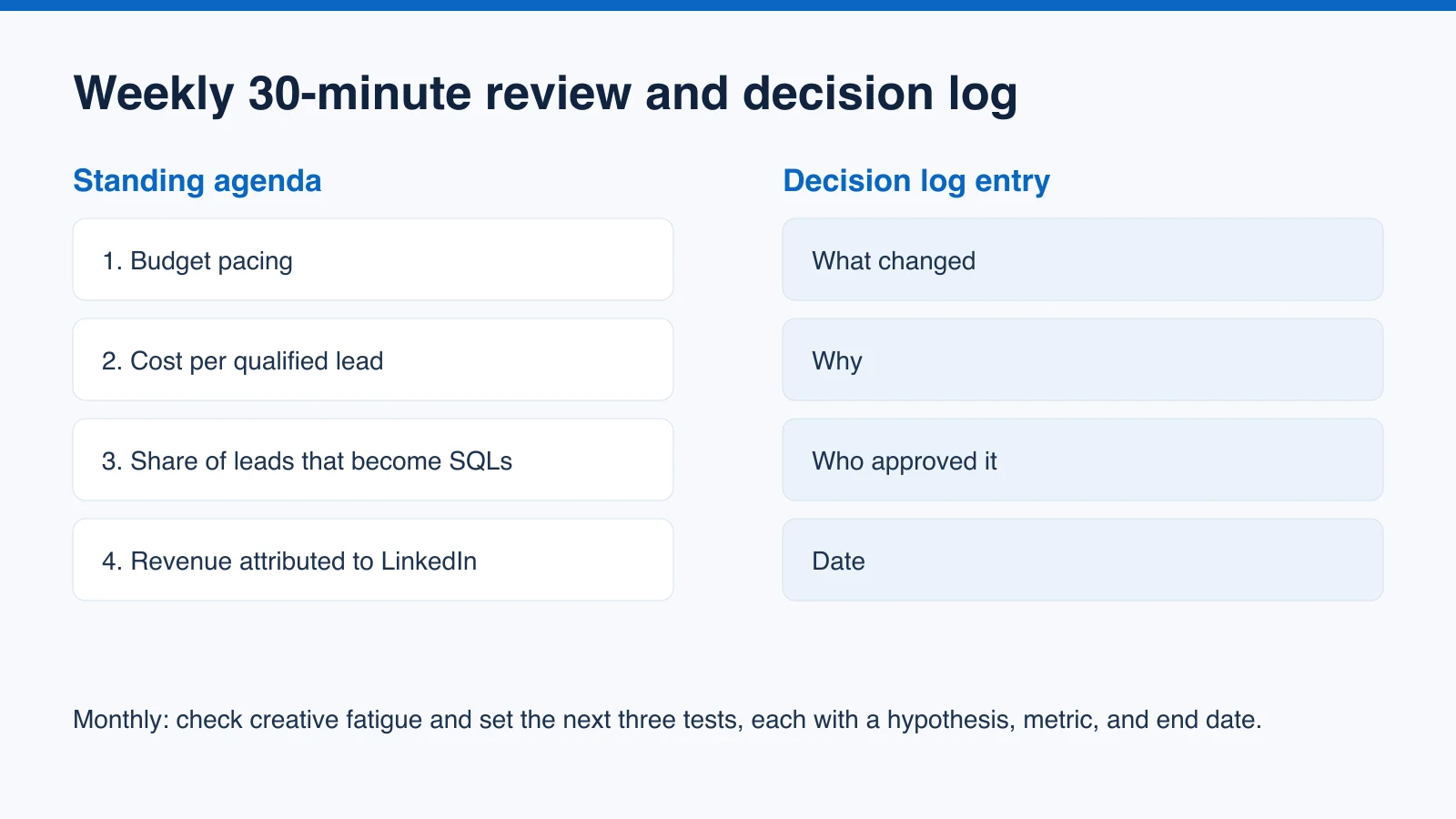
Log every change in a decision record with four fields: what changed, why, who approved it, and the date. The log answers the first question every new team member and outside partner asks: why the account looks the way it does. It also protects good campaigns from being paused after one bad week, because the record shows what was tested and what the goal was.
Once a month, extend the meeting to check for creative fatigue and set the next three tests, each written as a hypothesis with a success metric and an end date.
Keep the SOP Current
A LinkedIn marketing SOP earns its place only if people use it. Assign the document one owner, a version number, and a quarterly review date. Test it on someone who has never seen the account, whether a new hire or an outside partner, and note every point where they stall. Each stall marks a missing step.
Start small: write the ownership table this week, add the launch checklist before the next campaign, and build the audience table and review agenda over the following month. A short SOP that the team follows beats a long one nobody opens. Store it where the team already works, keep it searchable, and link each campaign record back to the checklist it passed.
Frequently Asked Questions
What should a LinkedIn marketing SOP include?
Four parts: ownership and access for each Campaign Manager role, an audience table that maps the buying group, a launch checklist for every campaign, and a weekly review with a decision log.
Which LinkedIn ad account roles should stay in-house?
Keep account manager and billing admin in-house. Give outside partners the lowest role that fits their work, such as campaign manager or creative manager.
What happens if the billing admin changes?
According to LinkedIn's Help Center, switching the billing admin puts the ad account on hold until the new billing admin enters updated billing information. Plan that reassignment in your offboarding step before an admin leaves.
How often should a LinkedIn marketing SOP be reviewed?
Review campaign results weekly, check creative fatigue monthly, and review the SOP document itself quarterly, with one owner and a version number.