15 Knowledge Management Tools To Stop Losing Work Forever
What changed (Nov 06, 2026): Merged the shared-knowledge-app guide after its 301: added five team wiki apps (Superhuman Docs/Coda, Obsidian, Roam Research, Google Workspace, Microsoft 365), a team needs table, knowledge sharing habits and three FAQs; rechecked every price on vendor pages; dropped Dropbox Paper and Quire. Later the same day: moved six project management tools into a short section, promoted the team wiki apps into the main 15 and added Slab, added a How We Chose section, shortened the AFFiNE entry and replaced its pricing screenshot with checked prices, and wrote descriptive image alts.
Have you ever scrambled to find study materials during exam week, struggled to organize information for a work project, or wished for a place to store your fleeting creative ideas? Or perhaps you've searched in vain for that lost notebook with a brilliant story idea?
If managing and finding information has been a challenge for you, this guide can help. We'll introduce you to 15 knowledge management software and tools, from personal note apps to team wikis and knowledge bases, with both free options and paid plans. Six project management tools that also store documents follow the main list, in a shorter section.
What are Knowledge Management Tools?
Knowledge management tools are software solutions that help you capture, store, organize, and retrieve information, for yourself or for a whole team. Whether you're a student organizing notes for an exam, a project manager tracking critical data, or a writer capturing bursts of creativity, these tools simplify your workflow. If you mainly need a tool for your own notes, see our guide to personal knowledge management tools.
They support various data types, from text documents to multimedia files, and offer features like advanced search, tagging, and categorization. This saves time and makes it less likely that a valuable insight gets lost. Having your essential information in one accessible, easily navigable space makes it easier to build on what you already know.
Why are Knowledge Management Tools Important?
Knowledge management tools offer a broad spectrum of benefits that enhance personal efficiency and facilitate teamwork:
-
Boost Efficiency and Productivity: Organize all essential information, from academic notes to project details, in one centralized location, streamlining access and reducing time spent searching for data.
-
Centralize Information: Create a single source of truth for critical data, ensuring consistency, accuracy, and easy retrieval, which simplifies decision-making processes.
-
Enhance Collaboration: Enable effective teamwork by providing a shared platform where team members, regardless of location, can access, edit, and manage documents and projects collaboratively.
-
Promote Continuous Learning: Support an ongoing learning environment by making educational resources and professional development materials readily accessible, integrating learning into daily routines.
How We Chose These Tools
We included a tool in the main list only if its main job is to capture, organize, or share knowledge: notes, documents, wiki pages, or a searchable knowledge base. Task and project trackers are covered separately in a short section after the list. Each entry is described from the vendor's official site, and prices and free-plan details were checked against each vendor's official pricing page on November 6, 2026. We did not run timed tests or score the tools, and prices change often, so confirm the current plan before you buy.
Disclosure: AFFiNE is our product, which is why it appears first. The rest of the list is grouped by use, not ranked: team wikis and knowledge bases (2-6), personal note apps (7-9), linked-note tools (10-11), office suites (12-13), and flexible tools that many teams use to store knowledge (14-15).
15 Best Knowledge Management Tools in 2026
1. AFFiNE
AFFiNE is an open-source, local-first workspace that combines documents, whiteboards, and databases. You can write notes in a doc, map ideas on an edgeless whiteboard, and track related work in a database view, all in the same workspace.
Key Features:
-
Docs and whiteboards in one place: Write structured docs, or use the edgeless whiteboard for text, shapes, images, and drawings.
-
Databases: Turn blocks into table or kanban views with properties such as date, progress, and links.
- Real-time collaboration: Several people can edit the same doc or whiteboard at the same time.
- Local-first storage: Workspace data can live on your device, with optional cloud sync. Start from the AFFiNE template gallery if you don't want a blank page.
Pricing Plans:
-
Starting Price: Free (10 GB cloud storage, up to 3 members per workspace); Pro ($6.75/month), Team ($10/seat/month), billed annually; Believer ($499.99 one-time payment for lifetime personal Pro use)
-
AI: AFFiNE AI add-on ($8.90/month, billed annually)
-
Free Version: Available
2. Notion
Notion is one of the best-known tools in this category. It is an all-in-one workspace where you can build custom databases, wikis, and project boards, which makes it a common choice for both personal notes and team wikis.
Key Features:
-
Create customizable databases, wikis, and project boards in one platform.
-
Collaborate in real-time with team members, share ideas, and track progress.
-
Personalize workspace with templates, layouts, and integrations.
Pricing Plans:
-
Starting Price: Free; Plus ($10/seat/month), Business ($20/seat/month), Enterprise (custom pricing)
-
Free Trial: Not available
-
Free Version: Available
3. Confluence
Confluence is Atlassian's content collaboration tool for team wikis, documentation, and knowledge bases. Pages sit in spaces with permissions, so it suits teams that need a structured page tree.
Key Features:
-
Create, share, and collaborate on documents, wikis, and knowledge bases.
-
Track changes, comment on pages, and receive notifications for updates.
-
Integrate with other Atlassian products such as Jira.
Pricing Plans:
-
Starting Price: Free for up to 10 users; Standard ($5.78/user/month), Premium ($11.16/user/month), billed monthly; Enterprise (custom pricing)
-
Free Trial: Available
-
Free Version: Available
4. Guru
Guru is a knowledge platform for sharing verified answers across a company. Its browser extension and integrations bring answers into the apps where people already work.
Key Features:
-
Capture and centralize institutional knowledge from various sources.
-
Share knowledge with team members through browser extensions and integrations.
-
Access AI-powered suggestions for relevant information at the right time.
Pricing Plans:
-
Starting Price: Custom quote; Guru now sells sales-led packages that bundle the platform with setup and advisory support
-
Free Trial: Not listed on the official pricing page
-
Free Version: Not listed on the official pricing page
5. Slab
Slab is a knowledge base for teams that organizes posts into Topics instead of deep folder trees. Unified Search returns results from Slab content and from the tools you connect to it, and posts can be marked as verified.
-
Best for: teams that want a dedicated, easy-to-browse company knowledge base
-
Pricing: Free for up to 10 users; Startup ($6.67/user/month) and Business ($12.50/user/month), billed annually; Enterprise (custom pricing, at least 100 users)
6. Superhuman Docs (formerly Coda)
Superhuman Docs is the new name for Coda. Grammarly renamed itself Superhuman in October 2025, and Coda joined its product suite. It works like a doc that holds connected tables, buttons, and automations, so one team hub can carry meeting notes, a project tracker, and a decision log.
-
Best for: team hubs and wikis that need live tables and light automation
-
Pricing: Free plan; Pro ($12 per Doc Maker per month) and Business ($33 per Doc Maker per month), billed annually; Enterprise (custom pricing)
7. Evernote
Evernote is a long-standing note app for jotting down ideas, saving web clippings, and organizing your thoughts. It is built for capturing information quickly and finding it later with search.
Key Features:
-
Capture and organize notes, images, and audio.
-
Sync across devices for access to information on the go.
-
Search for content within notes using advanced search capabilities.
Pricing Plans:
-
Starting Price: Free; Starter ($8.25/month), Advanced ($20.83/month), billed annually
-
Free Trial: Available (7 days)
-
Free Version: Available
8. Microsoft OneNote
Microsoft OneNote is a digital notebook for ideas, drawings, and meeting notes. It organizes content into notebooks, sections, and pages, syncs across your devices, and supports shared notebooks for collaboration.
Key Features:
-
Take notes, draw, and annotate documents.
-
Organize content using notebooks, sections, and pages for efficient navigation.
-
Sync notes across devices and share with others for collaborative editing.
Pricing Plans:
-
Starting Price: Free
-
Free Trial: Not applicable
-
Free Version: Available
9. Google Keep
A note-taking service developed by Google, designed for note-taking, organizing, and task management. Google Keep is a simple place to keep track of everything from grocery lists to project ideas, with colorful notes that you can share with others.
Key Features:
-
Take quick notes, create to-do lists, and set reminders.
-
Collaborate with others in real-time on shared notes and lists.
-
Access notes across devices with automatic synchronization.
Pricing Plans:
-
Starting Price: Free
-
Free Trial: Not applicable
-
Free Version: Available
10. Obsidian
Obsidian stores notes as local Markdown files and connects them with backlinks and a graph view. It is a personal tool first, but shared vaults through Obsidian Sync and public sites through Obsidian Publish let a small team or a community share one knowledge base.
-
Best for: privacy-minded teams and individuals who want plain files they control
-
Pricing: Free; Sync ($4 per user per month) and Publish ($8 per site per month), billed annually; an optional Commercial license costs $50 per user per year
-
Platforms: Windows, macOS, Linux, iOS, Android
11. Roam Research
Roam Research popularized networked notes built from daily pages and bidirectional links. Graphs can be private or public and shared with unlimited collaborators, which suits research groups that think in linked notes rather than folders.
-
Best for: researchers and writers who develop ideas through links
-
Pricing: Pro ($15 per month or $165 per year) with a 31-day free trial; Believer ($500 for five years)
-
Platforms: Web, macOS, Windows, Linux, iOS, Android
12. Google Workspace
Google Workspace is the default for many teams that already write in Google Docs and keep files in Google Drive. Google Sites can turn those documents into a simple internal site. The Gemini assistant is included in Gmail on Business Starter and in Docs, Meet, and more from Business Standard.
-
Best for: teams that already work in Docs and Drive
-
Pricing: Business Starter ($7), Business Standard ($14), and Business Plus ($22) per user per month on an annual plan; 14-day free trial
13. Microsoft 365
Microsoft 365 business plans combine SharePoint team sites, OneDrive file storage, and Teams, with OneNote (listed above) for shared notebooks. Business Premium also includes Microsoft Loop workspaces. It suits organizations that need Microsoft's identity, security, and compliance controls.
-
Best for: organizations standardized on Microsoft tools
-
Pricing: Business Basic from $7 per user per month paid yearly ($8.40 with monthly billing); higher Business plans add desktop apps and more security features
14. Airtable
Airtable combines the simplicity of a spreadsheet with the structure of a database, and many users treat it as a flexible alternative to Microsoft Access. Related records can be linked together, which makes it useful for structured knowledge such as content libraries, research logs, or product catalogs.
Key Features:
-
Low-code application development platform
-
Native AI components and dynamic AI functionality
-
Relational databases that sync in real-time with other systems
Pricing Plans:
-
Starting Price: Free; Team ($20/seat/month), Business ($45/seat/month), billed annually
-
Free Trial: Available
-
Free Version: Available
15. Slack
Slack is a team chat app where you can talk in channels, share files, and collaborate in real time. It is not a knowledge base on its own, but its searchable message history is where many team answers start, and knowledge tools such as Guru bring their answers into it.
Key Features:
-
Communicate and collaborate with team members through channels and direct messages.
-
Share files, integrate with other tools, and search for information easily.
-
Customize notifications and settings for personalized experience.
Pricing Plans:
-
Starting Price: Free; Pro ($7.25/user/month), Business+ ($15/user/month), billed annually
-
Free Trial: Available
-
Free Version: Available
Project Management Tools That Also Store Knowledge
These six tools are built for tasks and projects rather than for knowledge bases, but each lets a team keep documents, comments, or files next to the work. Choose one if most of your team's knowledge lives inside projects; otherwise, pair it with a tool from the main list.
Jira
Jira plans and tracks software work with scrum and kanban boards, customizable workflows, and dashboards. Teams often pair it with Confluence for documentation.
- Pricing: Free for up to 10 users; Standard ($8.48/user/month), Premium ($15.56/user/month), billed monthly; Enterprise (custom pricing)
Wrike
Wrike manages tasks, deadlines, and Gantt-chart timelines, with customizable workflows and automation for repetitive steps.
- Pricing: Free; Team ($10/user/month), Business ($25/user/month), billed annually; enterprise tiers (custom pricing)
ClickUp
ClickUp keeps tasks, documents, and conversations in one place, with views you can adjust to each team's workflow.
- Pricing: Free; Core ($9/user/month), Business ($17/user/month), billed yearly; Enterprise (custom pricing)
Trello
Trello organizes work on Kanban-style boards, lists, and cards. Cards can carry labels, due dates, comments, and attachments.
- Pricing: Free for up to 10 collaborators per Workspace; Standard ($5/user/month), Premium ($10/user/month), Enterprise ($17.50/user/month), billed annually
Asana
Asana tracks tasks, projects, and portfolios, with dependencies and timeline and calendar views.
- Pricing: Free; Starter ($10.99/user/month), Advanced ($24.99/user/month), billed annually; Enterprise (custom pricing)
Zoho Projects
Zoho Projects combines task lists, timelines, and milestones with discussion forums, chat, and file sharing.
- Pricing: Free for up to 5 users; Premium ($4/user/month), Enterprise ($9/user/month), Ultimate ($14/user/month), billed annually; 15-day free trial
How to Choose a Knowledge Sharing Tool for Your Team
Knowledge sharing is the part of knowledge management that moves what one person knows to the rest of the team. It covers explicit knowledge, such as documented processes and specs, and tacit knowledge, such as the judgment people build through experience and usually pass on through mentoring, reviews, and conversation. Use the table below to match your team's main need to a starting point from the list.
| If your team needs | Start with |
|---|---|
| A structured wiki with page permissions | Confluence, Notion |
| A simple company knowledge base organized by topic | Slab |
| Docs that double as trackers and team hubs | Superhuman Docs, Notion |
| Verified answers inside Slack and the browser | Guru |
| Linked notes and a knowledge graph | Obsidian, Roam Research |
| Docs, whiteboards, and databases in one workspace | AFFiNE, Notion |
| One suite for email, files, and documents | Google Workspace, Microsoft 365 |
| A free plan for a small team | Confluence, Slab |
A tool will not create a knowledge sharing culture on its own. Three habits matter more than the app you pick:
-
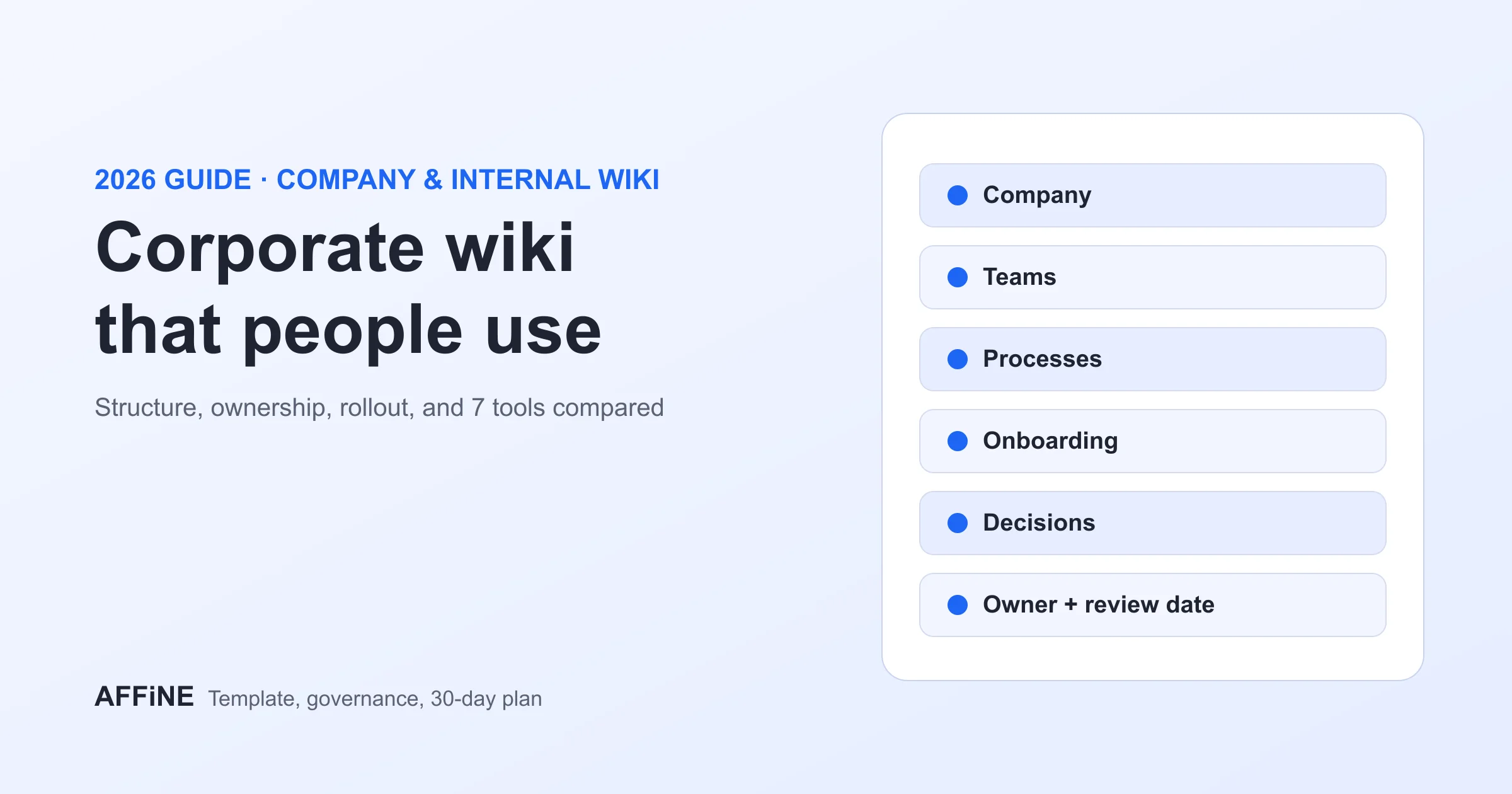
Give every important page an owner and a review date, so outdated answers get fixed instead of copied.
-
Write down decisions and the reasons behind them, not only the final result. That turns tacit knowledge into something searchable.
-
Answer repeat questions with a link to a page, and create the page if it does not exist yet.
For a step-by-step rollout, see our guides to building a corporate wiki and running a knowledge base software pilot for teams.
Which Option Suits You The Best?
For personal notes, start with a capture tool such as Evernote, Google Keep, or OneNote, or with Obsidian if you want linked notes in plain files. For a team knowledge base, start with Notion, Confluence, Guru, or Slab; if your team already works in Google Workspace or Microsoft 365, try the wiki and site tools in that suite first. If projects and knowledge sit together in your work, a tool that combines docs, boards, and databases, such as AFFiNE, ClickUp, or Airtable, saves switching between apps. Whichever you choose, pilot it with one team for two weeks and check whether people find answers faster before you roll it out.
Frequently Asked Questions
What is the difference between knowledge management and knowledge sharing?
Knowledge management covers the whole cycle of capturing, organizing, storing, and finding information. Knowledge sharing is the part of that cycle where knowledge moves between people, for example through a team wiki, shared notes, or mentoring. Most tools in this list support both, but Confluence, Notion, Guru, Slab, and Superhuman Docs are built mainly for sharing across a team.
What happened to Dropbox Paper?
Dropbox Paper still exists, but it now lives inside Dropbox. Paper docs are stored as .paper files on dropbox.com next to your other files, and they follow the same sharing settings and version history as other Dropbox files. Because it is now a document type inside Dropbox rather than a separate knowledge tool, it is not listed here.
Which knowledge management tool is free for a small team?
Confluence Free and Slab Free each support up to 10 users, and AFFiNE's Free plan allows up to 3 members per workspace. Notion, Google Keep, Microsoft OneNote, and Obsidian also have free versions. If your team mainly tracks projects, Trello Free supports up to 10 collaborators per Workspace and Zoho Projects Free supports up to 5 users. Check each free plan's storage, permission, and history limits before you move a whole team onto it.