Figma Alternatives 2026: 9 Tools Compared by Price
What changed (Nov 14, 2026): Rewrote the comparison around current UI design, prototyping, wireframing and website tools. Removed InVision (shut down December 31, 2024) and described Adobe XD as in maintenance mode, citing Adobe. Rewrote the UXPin entry, added Penpot, Sketch, Lunacy, Axure RP, Uizard and Balsamiq, and rechecked every price and free-plan limit on official sites. AFFiNE left the list and now appears only in a planning section with a disclosure. Added Figma's own plans, a comparison table, a choose-by-need table, methodology, FAQs, sources, dated screenshots and a new cover.
The best Figma alternative depends on what you use Figma for. For UI design on a budget, start with Penpot (its cloud plan is free and the code is open source) or Lunacy (a free desktop app for Windows, macOS and Linux). If your team works on Macs and wants a native app, look at Sketch. For realistic, code-backed prototypes, compare UXPin and Axure RP. Uizard turns prompts and screenshots into editable mockups, Balsamiq and Moqups cover quick low-fidelity wireframes, and Framer is the pick when the design should end up as a live website.
Updated November 14, 2026. Prices and free-plan limits were checked on each vendor's official site that day. Disclosure: AFFiNE publishes this blog. AFFiNE is not a UI design tool, so it is not one of the nine tools compared; it appears once below, in the section on planning work before you open a design tool. The order of the tools is not a ranking.
Check Figma's own plans first
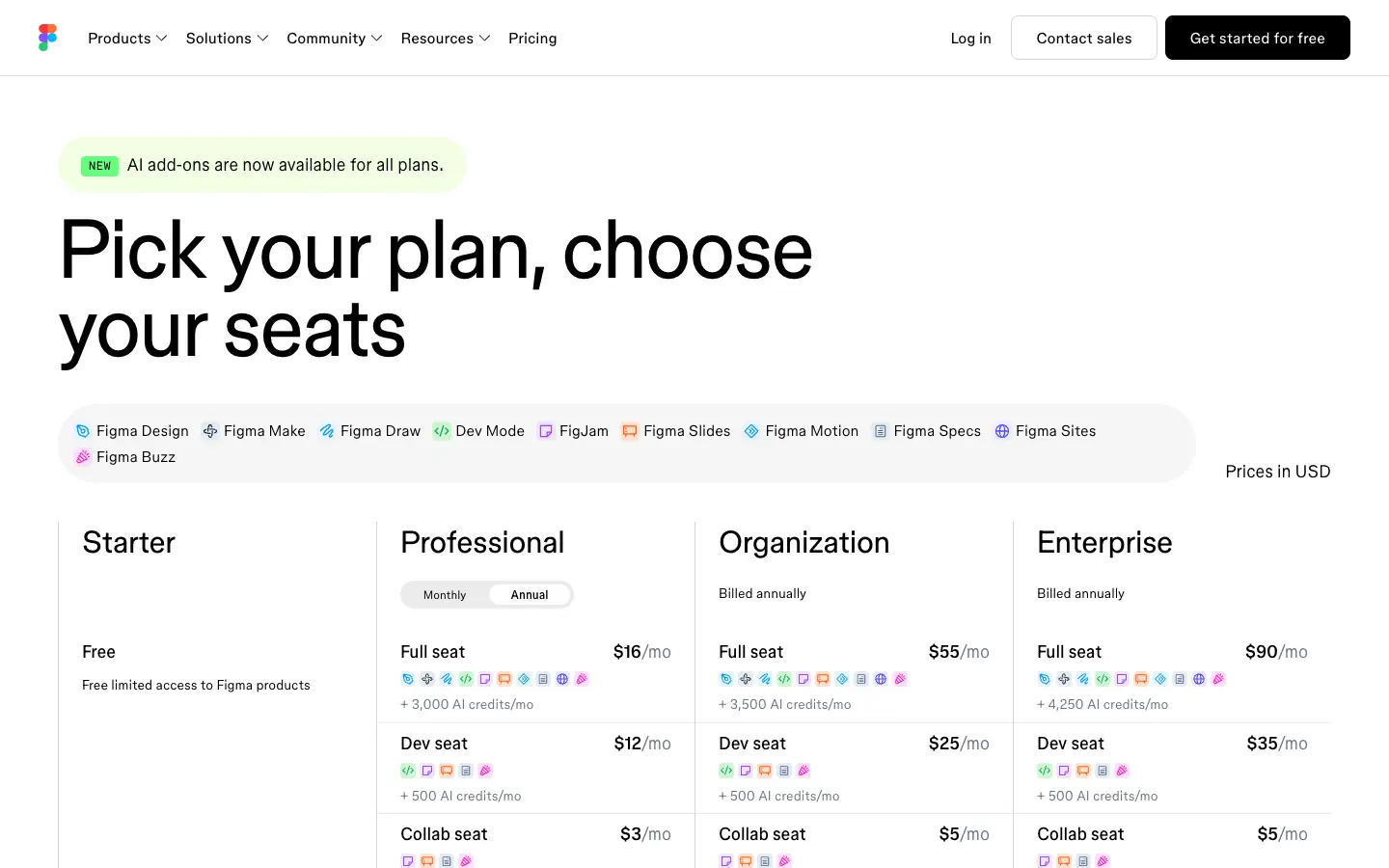
Many people look for a Figma alternative because of price, so it helps to know what Figma itself costs today. On November 14, 2026, Figma's pricing page listed:
| Figma plan | Price (USD) | Notes |
|---|---|---|
| Starter | Free | Unlimited drafts, UI kits and templates, a daily and monthly cap on AI credits |
| Professional | Full seat $16/month, Dev seat $12/month, Collab seat $3/month (annual price shown) | Unlimited files and projects for one team, team libraries, advanced prototyping |
| Organization | Full seat $55/month, billed annually | Shared libraries across teams, centralized admin |
| Enterprise | Full seat $90/month, billed annually | Custom workspaces, design system APIs, SCIM |
If the free Starter plan already covers your work, you may not need to switch. A Figma alternative makes more sense when you want to self-host or own your files, need an app that works fully offline, want lower per-seat costs for a whole team, or mainly need something narrower than Figma, such as wireframes, code-based prototypes or a published website.
How we compared these tools
- Sources: We read each vendor's official pricing page and product page on November 14, 2026. Every price below is listed under Sources at the end of the article.
- Criteria: whether there is a permanent free plan (not just a trial), the entry paid price, the platforms it runs on, and the kind of design work it fits.
- Prices: List prices in US dollars as shown on the vendor's site. Several vendors show the annual-billing price by default, and some show local currencies or seasonal discounts depending on where you are, so check the page yourself before you buy.
- Which tools made the list: tools you can use today for UI design, prototyping, wireframing or website design. InVision has shut down and Adobe XD is in maintenance mode, so both are covered in a separate section instead of the comparison.
- What we did not do: We did not run benchmarks, test file import between tools, or sign up for paid plans. Feature descriptions come from the vendors' own pages.
- Screenshots: Captured at 1440×900 in a headless browser without signing in. They show official pricing pages or homepages, plus Lunacy's browser editor, which opens without an account. Each caption names the page.
Figma alternatives compared
| Tool | Best for | Platforms | Permanent free plan | Paid plans from (USD) |
|---|---|---|---|---|
| Penpot | Open-source UI design, self-hosting | Web; self-host on your own server | Yes: Professional cloud plan, up to 8 team members, 10 GB | Unlimited $7/editor/month, capped at $175/month |
| Sketch | Native Mac UI design | macOS app, web app for viewing and handoff | No; 30-day free trial | Standard $12/editor/month billed yearly; Mac-only license $120 |
| Lunacy | Free desktop UI design | Windows, macOS, Linux, browser | Yes; the design tool itself is free | Paid Icons8 plans add premium graphics |
| Framer | Designing and publishing websites | Web | Yes: Framer subdomain, 1 GB bandwidth | Basic $10/month per site; extra editors $20/month |
| UXPin | Code-based, interactive prototypes | Web | Yes, limited to 2 prototypes; 14-day trial of paid plans | Core $29/seat/month billed annually ($49 monthly) |
| Axure RP | Complex prototypes with logic and documentation | Windows and macOS app | No; 30-day free trial | Pro $29/user/month (annual price shown) |
| Uizard | AI-generated mockups from prompts and screenshots | Web | Yes: 2 projects, 3 AI generations a month | Pro $12/month billed annually |
| Balsamiq | Low-fidelity wireframes | Web | No; 14-day free trial | Starter $16/editor/month billed annually |
| Moqups | Wireframes, diagrams and mockups in one app | Web | Yes: 2 projects, 400 objects | Starter $9/month billed annually ($12 monthly) |
Which Figma alternative should you choose?
| If you want to... | Start with | Why | Watch out for |
|---|---|---|---|
| Pay as little as possible for a whole team | Penpot | The cloud Professional plan costs $0; the paid Unlimited plan is capped at $175/month | The free plan allows up to 8 team members and 10 GB |
| Self-host your design tool | Penpot | Open source, with a free self-hosted edition | You run and update the server yourself |
| Work offline in a native app | Sketch (Mac) or Lunacy (Windows, macOS, Linux) | Both are desktop apps that work without a connection | Sketch is Mac-only; Lunacy has a smaller ecosystem of plugins and community files |
| Build prototypes from real code components | UXPin | Prototypes use coded components and logic | No full free plan for team work |
| Prototype complex flows with conditions and specs | Axure RP | Conditional logic, dynamic content and documentation in one file | Steeper learning curve, desktop app |
| Turn an idea or screenshot into a first mockup | Uizard | AI generates screens and themes you can edit | The free plan has 3 AI generations a month |
| Agree on structure before visual design | Balsamiq or Moqups | Deliberately low-fidelity wireframes | Not for pixel-perfect UI |
| Publish the design as a live website | Framer | Design and hosting in one tool | Priced per site, not per designer |
UI design tools closest to Figma
Penpot
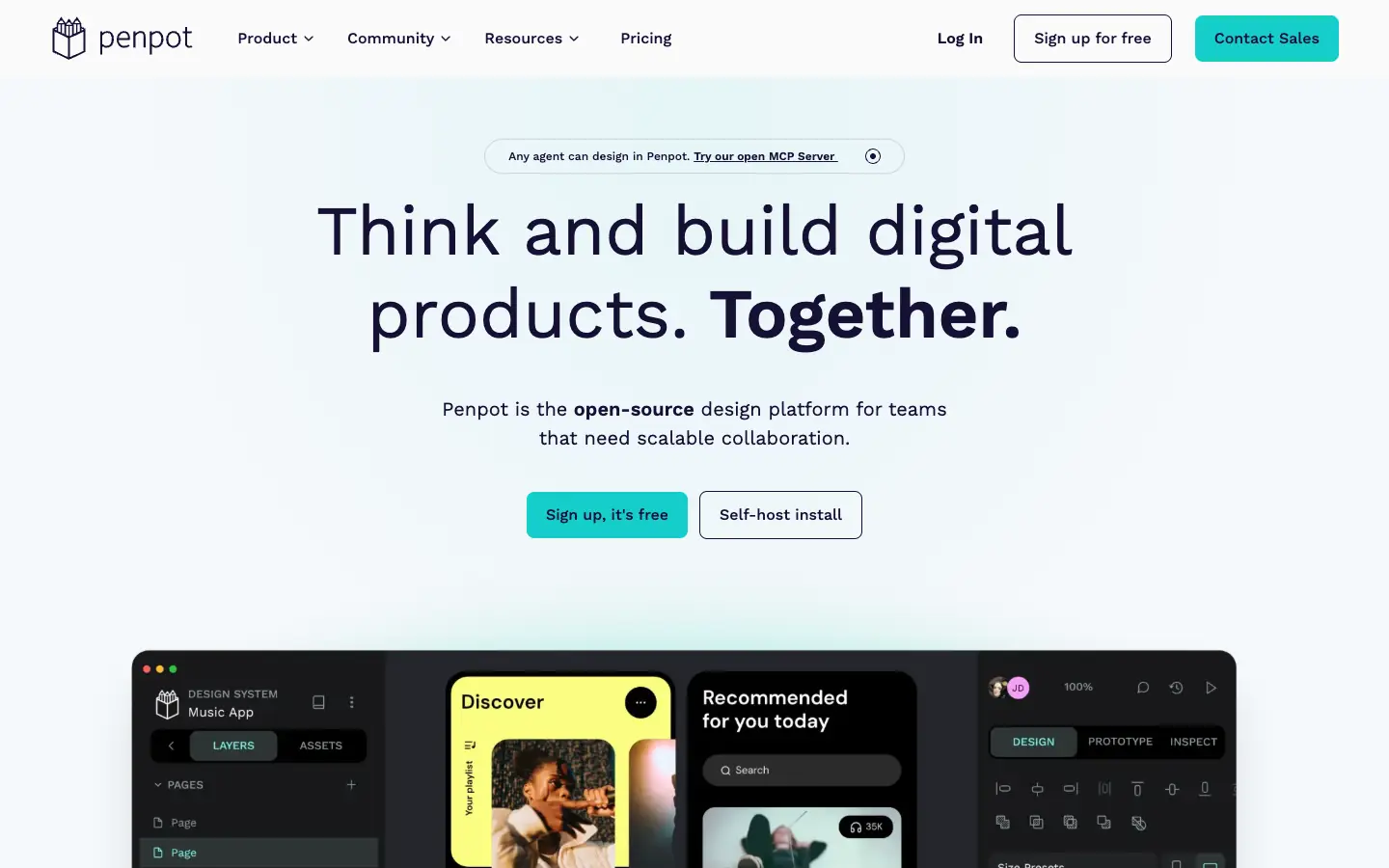
Penpot is the closest thing to an open-source Figma. It runs in the browser, supports components, design systems, prototyping and developer inspection, and you can self-host it on your own server. On the cloud pricing page, the Professional plan costs $0 and allows up to 8 team members with unlimited viewers, 10 GB of storage and 7 days of autosaved versions. Unlimited costs $7 per editor a month, capped at $175 a month whatever the team size, with 25 GB of storage and 30 days of history. Enterprise costs $25 per member a month. The self-hosted edition is free.
- Choose it if: you want a free or self-hosted design tool for a team.
- Watch out for: the free cloud plan's 8-member limit, and self-hosting needs a Linux server and Docker knowledge.
Sketch
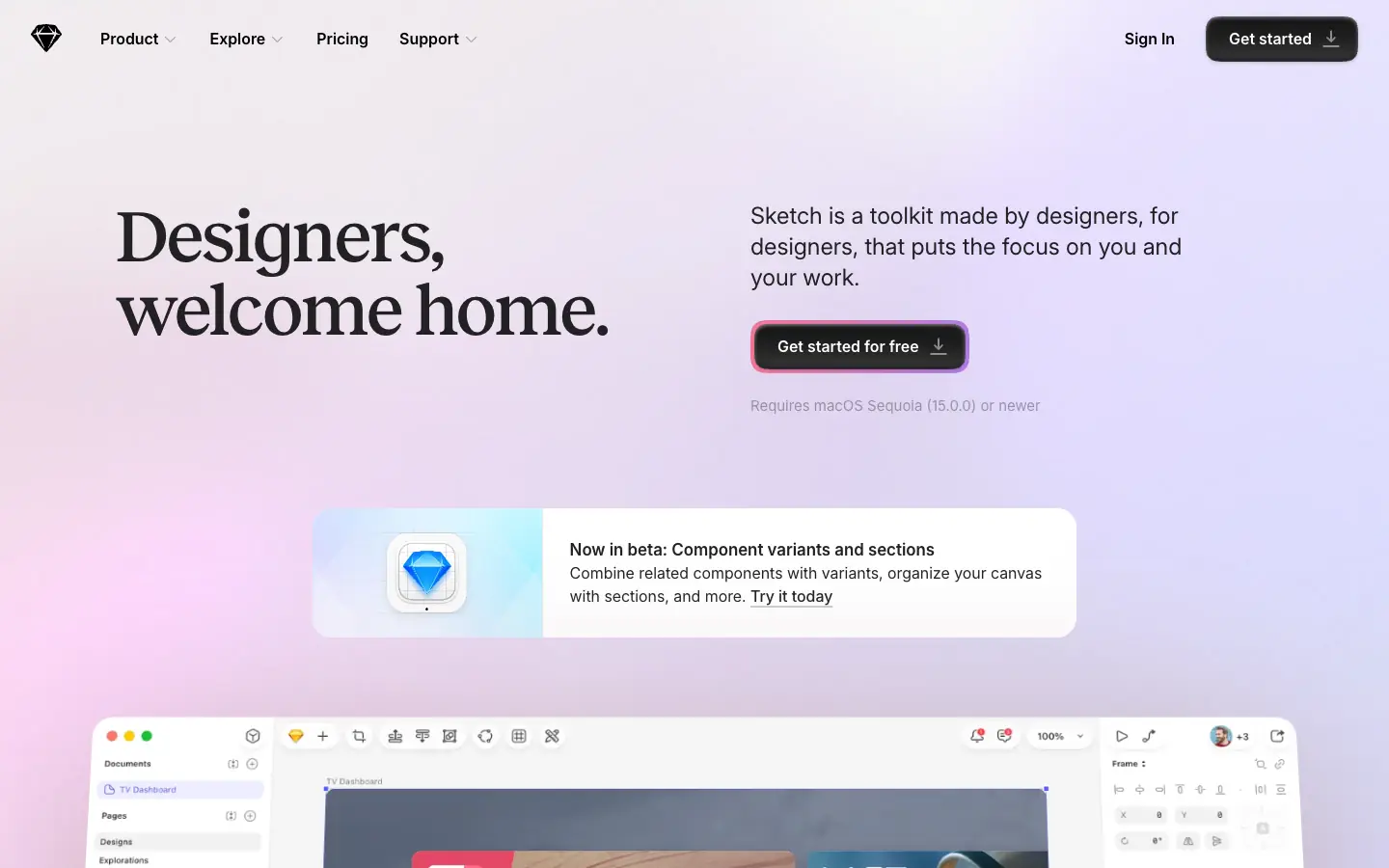
Sketch is a native Mac design app with real-time collaboration, prototyping and a web app where viewers can comment and inspect designs for free. The homepage says it requires macOS Sequoia (15.0) or newer. According to the pricing page, there is a 30-day free trial and no free plan. Standard costs $12 per editor a month billed yearly, Professional $24 and Enterprise $44. If you do not need collaboration, a Mac-only license costs $120 per seat and includes one year of updates.
- Choose it if: your designers work on Macs and want a native, offline-capable app.
- Watch out for: there is no Windows or Linux editor, and the trial is the only free option.
Lunacy
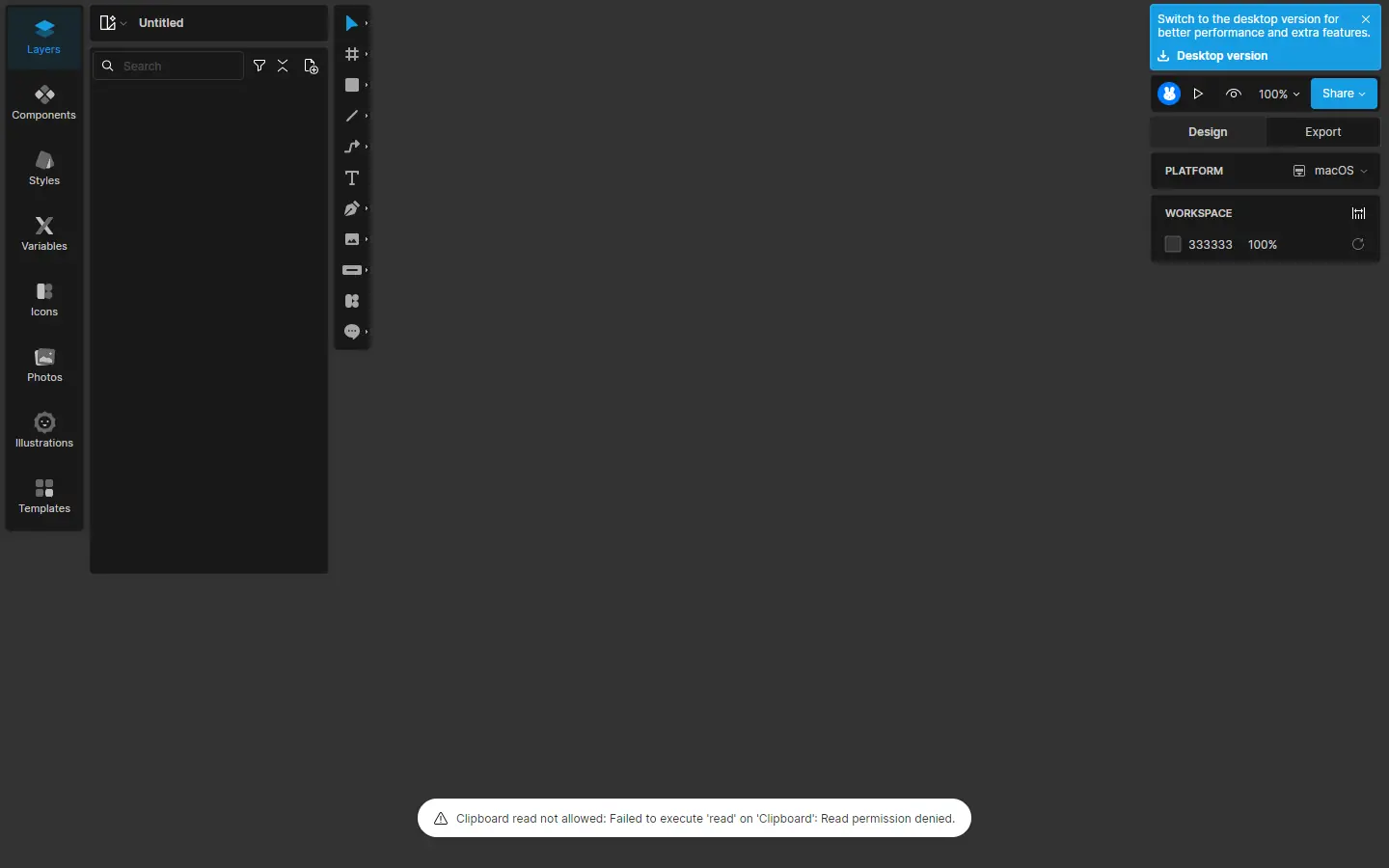
Lunacy is a free design app from Icons8 for Windows, macOS and Linux, and it now also runs in the browser. It has auto layout, components and variables, prototyping, real-time collaboration and an offline mode, plus built-in icons, photos and illustrations. Icons8 also advertises a free Figma-to-.sketch converter. Icons8's own comparison page describes Lunacy as "100% free as a tool" and says paid users get editable, high-resolution Icons8 graphics in the app.
- Choose it if: you want a free, offline-capable UI design app, especially on Windows or Linux.
- Watch out for: a smaller community and plugin ecosystem than Figma, so check the features your team relies on.
Prototyping tools
UXPin
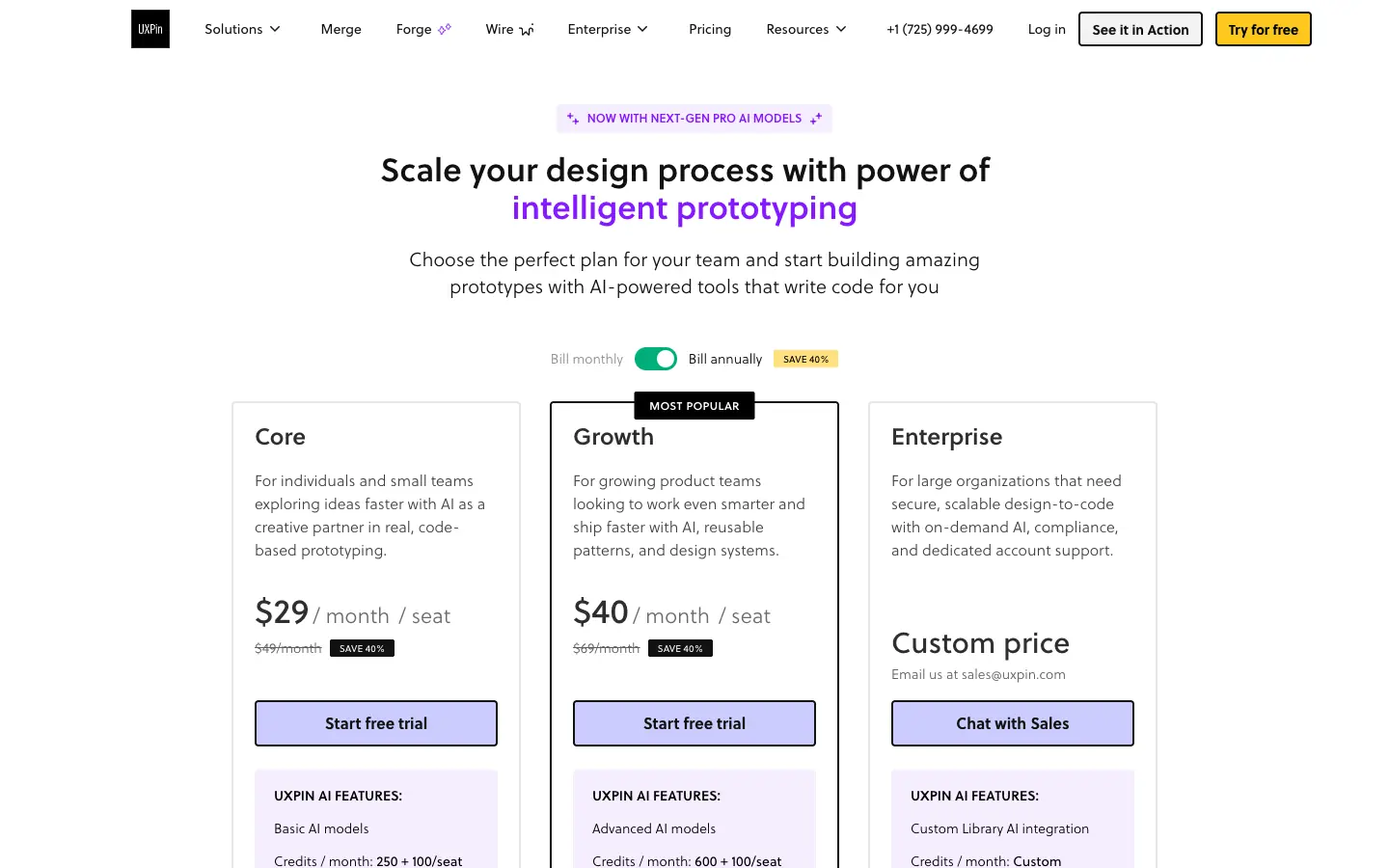
UXPin is a prototyping tool built around code-based components, conditional logic, variables and expressions, with an AI assistant that generates layouts. Its pricing page lists a Free tier limited to 2 prototypes, Core at $29 per seat a month billed annually ($49 billed monthly) and Growth at $40 per seat a month billed annually ($69 billed monthly). Growth adds design systems, patterns, roles and Storybook integration; Enterprise adds Git integration. Paid plans start with a 14-day free trial and no credit card.
- Choose it if: you want prototypes that behave like the real product and stay close to your component code.
- Watch out for: the free tier is only for trying it, and design-system features start on Growth.
Axure RP
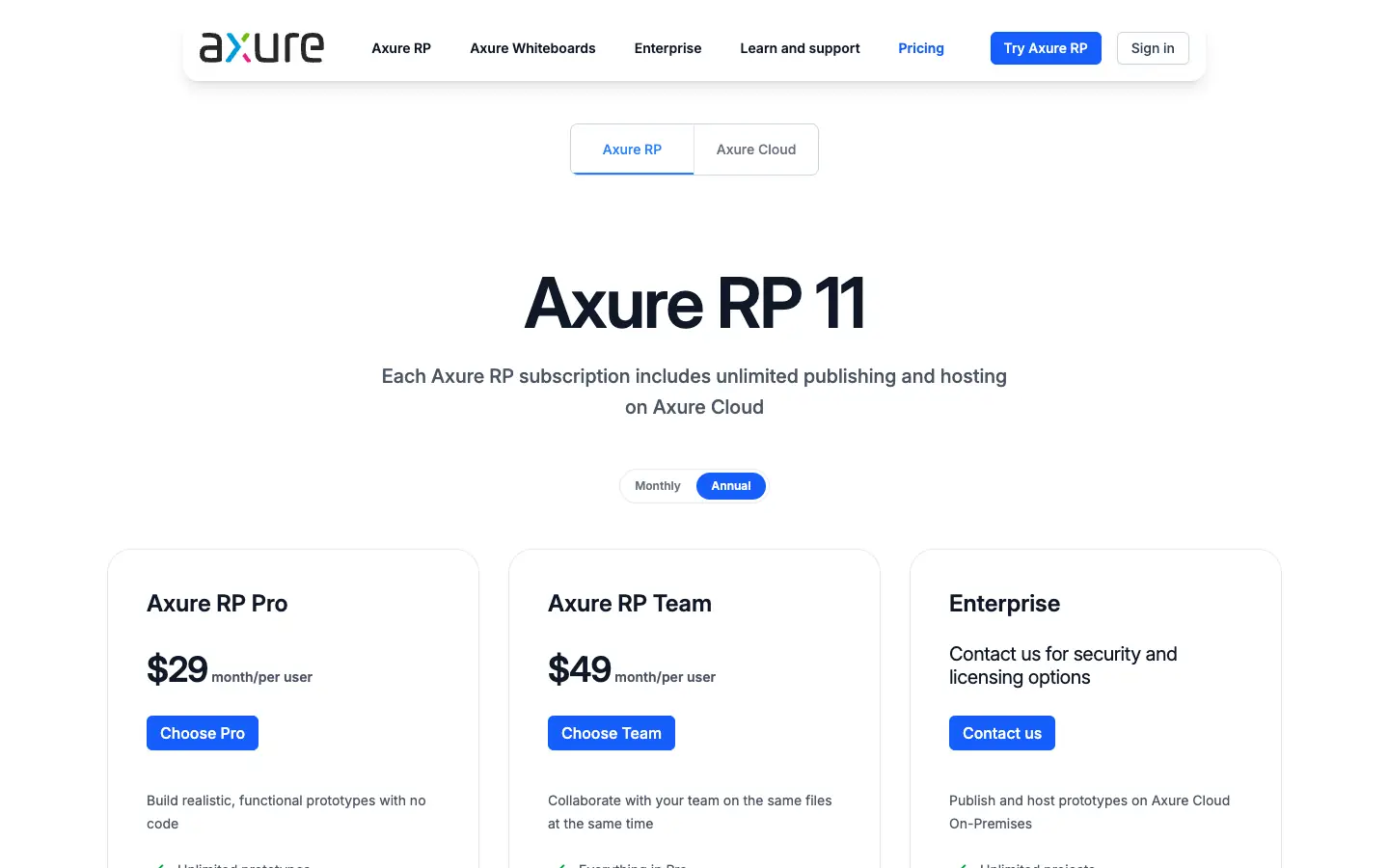
Axure RP is a desktop app for Windows and macOS for detailed, functional prototypes without code: conditions, dynamic panels, data-driven content, plus wireframes, diagrams and documentation. Axure RP 11 is sold by subscription only. The pricing page lists Pro at $29 and Team (adds co-authoring and revision history) at $49 per user a month, with annual billing selected by default. Every subscription includes publishing to Axure Cloud. There is a 30-day free trial, and qualified students and teachers can request a free education license.
- Choose it if: you prototype complex enterprise flows that need logic and written specs.
- Watch out for: the learning curve, and it is not built for polished visual design.
AI mockup generator
Uizard
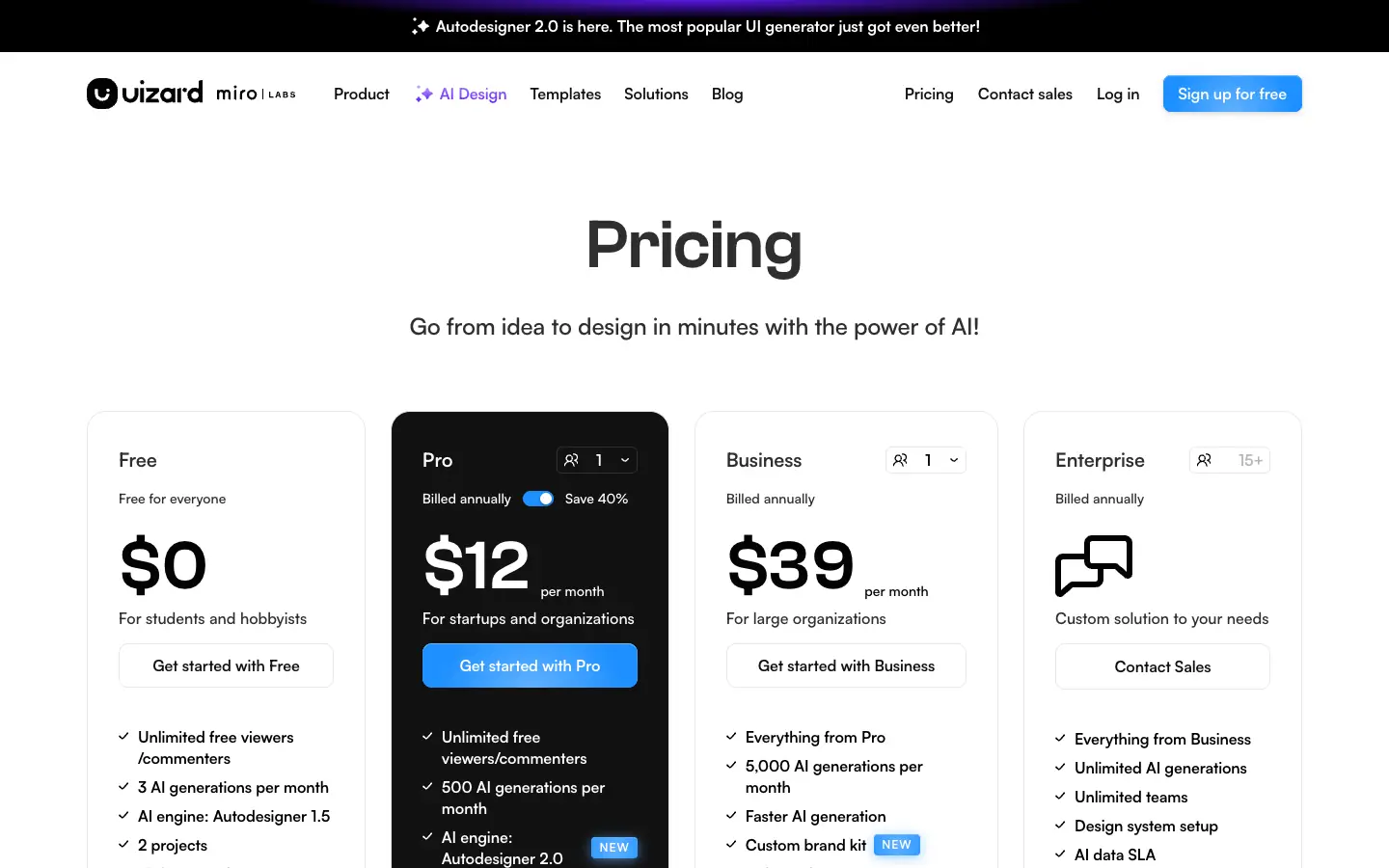
Uizard, part of Miro since 2024, generates editable app and web screens from a text prompt (Autodesigner), turns screenshots into editable mockups and digitizes hand-drawn wireframes. On the pricing page, the Free plan includes 2 projects, 3 AI generations a month and unlimited viewers. Pro costs $12 a month billed annually, with 500 AI generations a month and React and CSS handoff. Business costs $39 a month billed annually.
- Choose it if: product managers or founders need a first mockup fast, before a designer refines it.
- Watch out for: AI output still needs design work, and the free plan is small.
Low-fidelity wireframing tools
Balsamiq
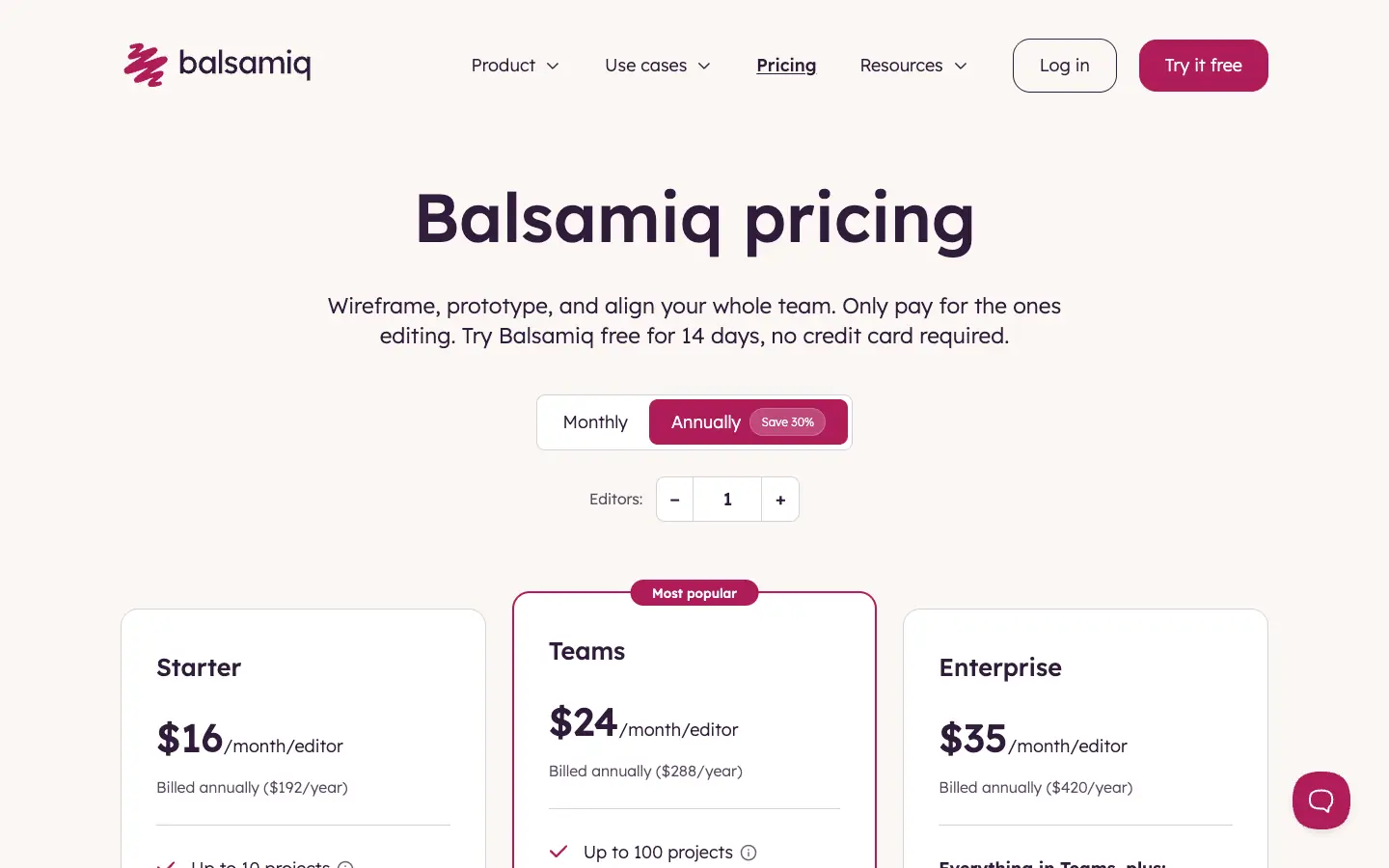
Balsamiq makes deliberately sketch-style wireframes, so reviewers focus on layout and flow rather than colors and fonts. It now includes Balsamiq AI and an MCP server. According to the pricing page, there is a 14-day free trial and no permanent free plan. Starter costs $16 per editor a month billed annually (up to 10 projects), Teams $24 (up to 100 projects) and Enterprise $35. Reviewers who only view and comment are free.
- Choose it if: you want to agree on structure with stakeholders before visual design starts.
- Watch out for: it is not meant for high-fidelity UI, so you still need a design tool afterwards.
Moqups
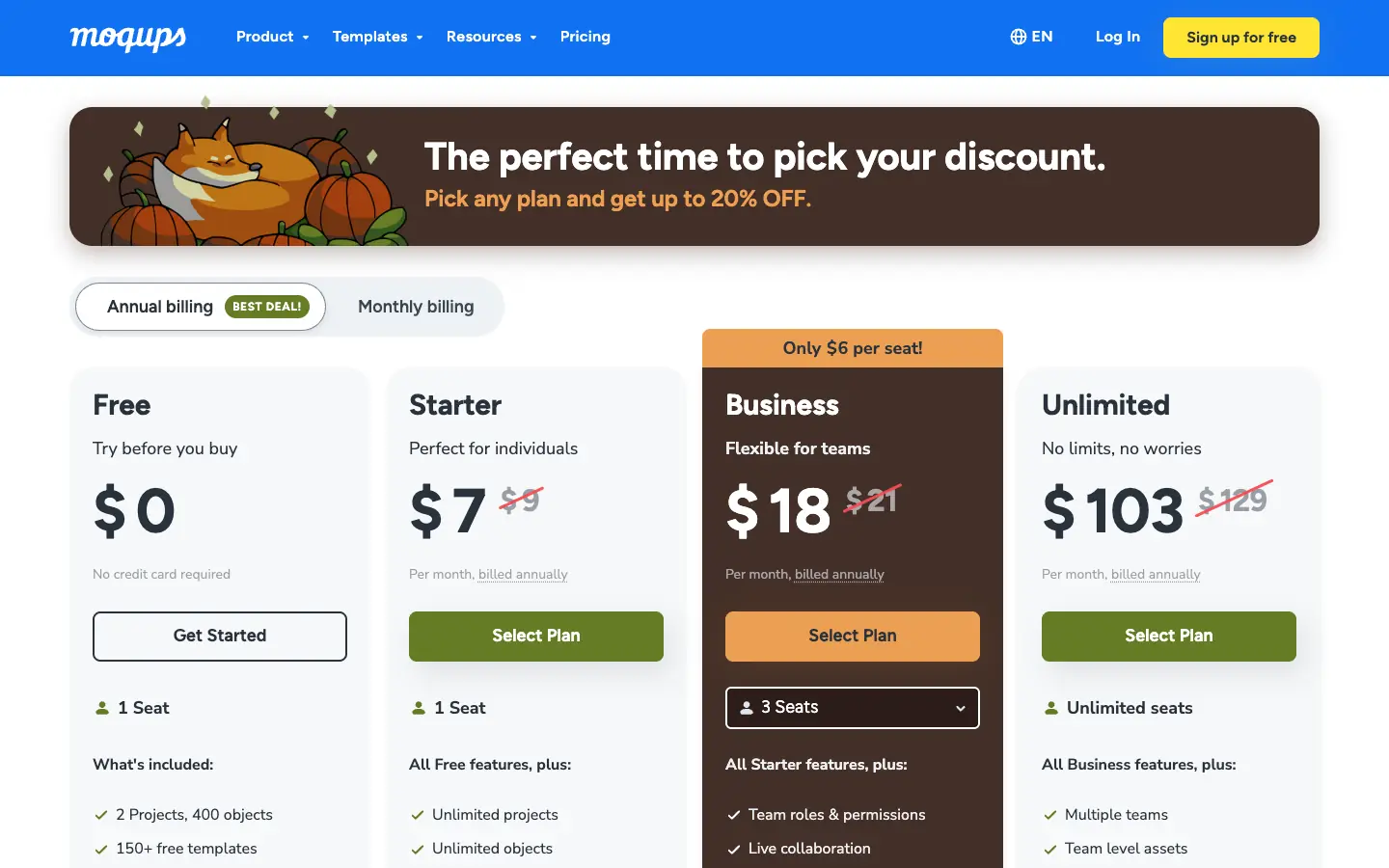
Moqups combines wireframes, mockups, diagrams, prototypes and a whiteboard in one browser app. The Free plan allows 2 projects and 400 objects per project. Starter (one seat) lists at $9 a month billed annually or $12 billed monthly, and Business lists at $21 a month billed annually for its starting seat option. On November 14, 2026, a seasonal discount lowered those prices further.
- Choose it if: you want wireframes and flow diagrams in the same tool at a low per-seat cost.
- Watch out for: live collaboration and team roles start on the Business plan.
Website design tool
Framer
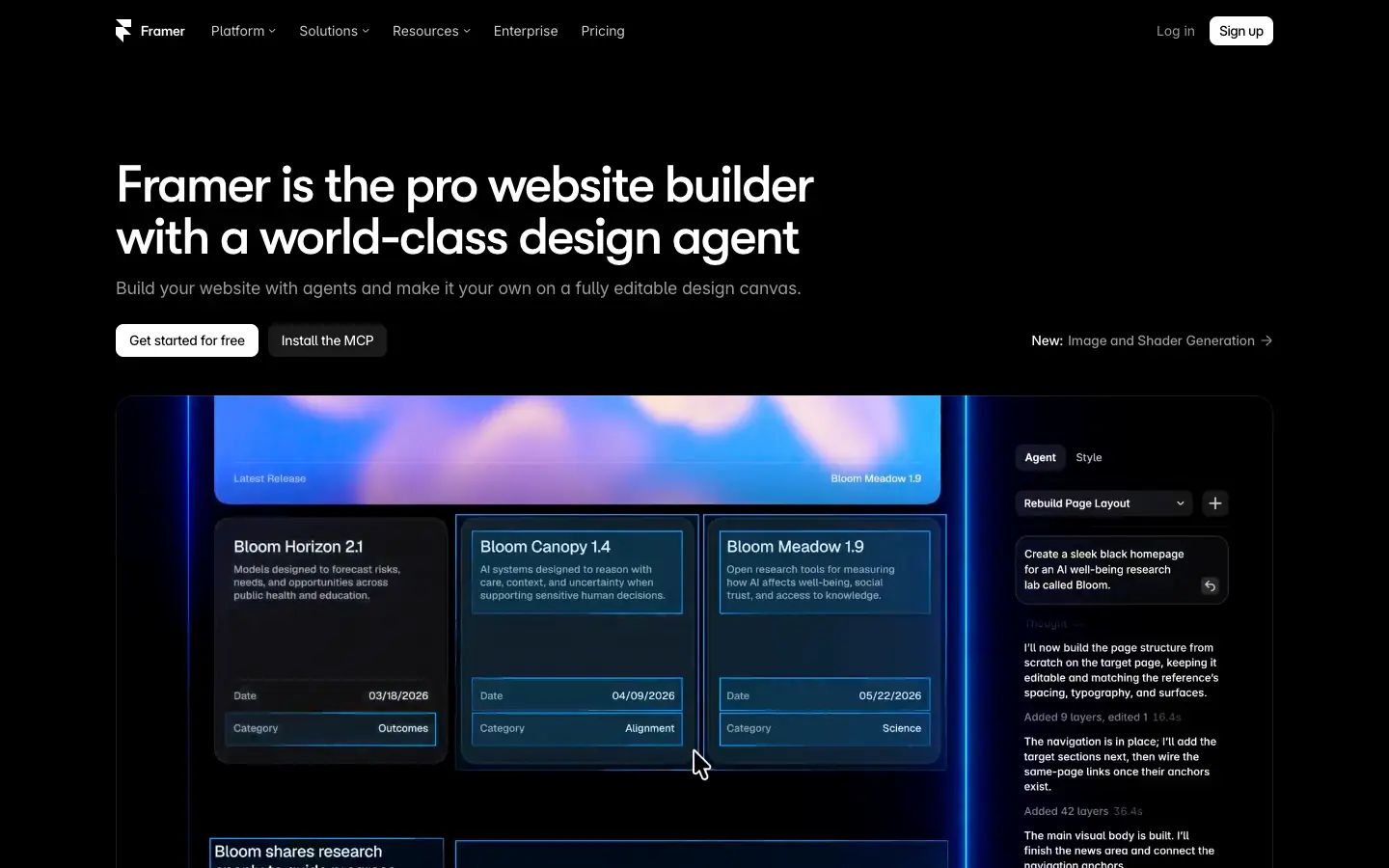
Framer started as a prototyping tool and is now mainly a website builder: you design on a canvas, add CMS content and publish to Framer's hosting. The pricing page lists a Free plan with a Framer domain and 1 GB of bandwidth, Basic at $10 a month and Pro at $30 a month, priced per site. Additional editors cost $20 a month, and viewers are free.
- Choose it if: the design you are making is a marketing site, portfolio or landing page you want to publish.
- Watch out for: it is not a general-purpose app UI design tool, and costs grow with sites and editors.
InVision and Adobe XD: retired or in maintenance mode
InVision shut down its design collaboration services on December 31, 2024. Users were told to export anything they wanted to keep, because documents were deleted after the shutdown. Its Freehand whiteboard had already moved to Miro, and on November 14, 2026 invisionapp.com redirected to miro.com. If you are looking for an InVision alternative today, UXPin, Axure RP or Penpot cover its prototyping and handoff work, and an online whiteboard covers Freehand.
Adobe XD is still listed in Adobe's help center, but Adobe's official FAQ says: "Adobe XD continues to be in maintenance mode. This means that we're not investing in ongoing development or shipping new features within the product." Adobe says it will keep fixing bugs and security issues for existing customers and will give "a significant notice period" before support ends. We do not recommend starting new projects in XD.
Before you open a design tool: plan on a whiteboard
A lot of product design happens before anyone draws a screen: user flows, sitemaps, sticky-note workshops and the written requirements behind them. That is the job of FigJam inside Figma, and of online whiteboards outside it, not of the UI design tools above.
AFFiNE, which publishes this blog, is one option for that stage. It combines documents and an Edgeless whiteboard in one local-first workspace, so a flow sketch can sit next to the spec and decisions it belongs to. It has no vector UI design tools, components, interactive prototypes or developer handoff, so it does not replace Figma or the tools above; you would hand the plan over to one of them. For more choices at this stage, see our comparisons of online whiteboard tools, open-source Miro alternatives and Excalidraw alternatives.
Frequently asked questions
Who are Figma's biggest competitors?
For UI design, Figma's main competitors are Sketch, Penpot and Lunacy. For prototyping they are UXPin and Axure RP, and for publishing websites from a design canvas the best-known is Framer. Adobe XD used to be a major competitor, but Adobe says XD is in maintenance mode and is not getting new features.
Is there a free Figma alternative?
Yes. Penpot's cloud Professional plan is free (up to 8 team members and 10 GB of storage) and its self-hosted edition is free, and Lunacy is a free design app for Windows, macOS, Linux and the browser. Uizard, UXPin, Moqups and Framer also have free plans, but with tighter limits on projects, prototypes or sites.
What is the cheapest Figma alternative for a small team?
Penpot is the cheapest in this comparison: its cloud Professional plan costs $0 for up to 8 team members, and the paid Unlimited plan costs $7 per editor a month, capped at $175 a month. Lunacy costs nothing as a design tool. Check each vendor's current page, because prices change and some sites show local prices.
What replaced InVision?
InVision shut down its design collaboration services on December 31, 2024, and invisionapp.com now redirects to Miro. Former users have moved to tools such as Figma, Penpot, UXPin and Axure RP for prototyping and handoff, and to online whiteboards for the Freehand workshops.
Is Adobe XD discontinued?
Not formally, but Adobe's FAQ says XD is in maintenance mode: Adobe is not investing in new development or features, and it only fixes bugs and security or privacy issues for existing customers. Adobe says it will give significant notice before ending support.
Does Sketch work on Windows?
No. The Sketch editor is a Mac app, and the homepage says it requires macOS Sequoia (15.0) or newer. Windows and Linux users can view, comment on and inspect Sketch documents in the web app, or use Lunacy, which is a desktop design app for Windows, macOS and Linux.
Sources
All checked on November 14, 2026:
- Figma: Pricing
- Penpot: Cloud pricing, Self-host pricing
- Sketch: Pricing, Homepage and system requirement
- Lunacy: Product page, Lunacy comparison
- Framer: Pricing
- UXPin: Pricing
- Axure: Pricing, Download and free trial
- Uizard: Pricing, Uizard joins Miro
- Balsamiq: Pricing
- Moqups: Pricing
- Adobe: Adobe XD common questions
- InVision: Silicon Republic, "UX design company InVision is shutting down this year" (January 5, 2024)