A citation generator is a tool that turns details about a source, such as the author, title, and publication year, into a formatted reference in a style like APA, MLA, Chicago, or Harvard. This AFFiNE template is an input form for one source: you fill in fields for the author, title, year, source type, and publication details, check the citation style you need, and then ask AFFiNE AI to format the reference. The template does not format citations by itself; the formatting is done by AFFiNE AI, a separate feature of the AFFiNE app.
What's included in this template
- An "Input Fields" list: Author(s), Title, Publication Year, Publisher, Publication Place, Journal Name, Volume, Issue Number, Page Numbers, DOI, Website Name, URL, and Access Date.
- A Source Type checklist: Book, Journal Article, Website, or Other.
- A "Select Citation Style" checklist: APA (7th Edition), MLA (9th Edition), Chicago (Author-Date), and Harvard.
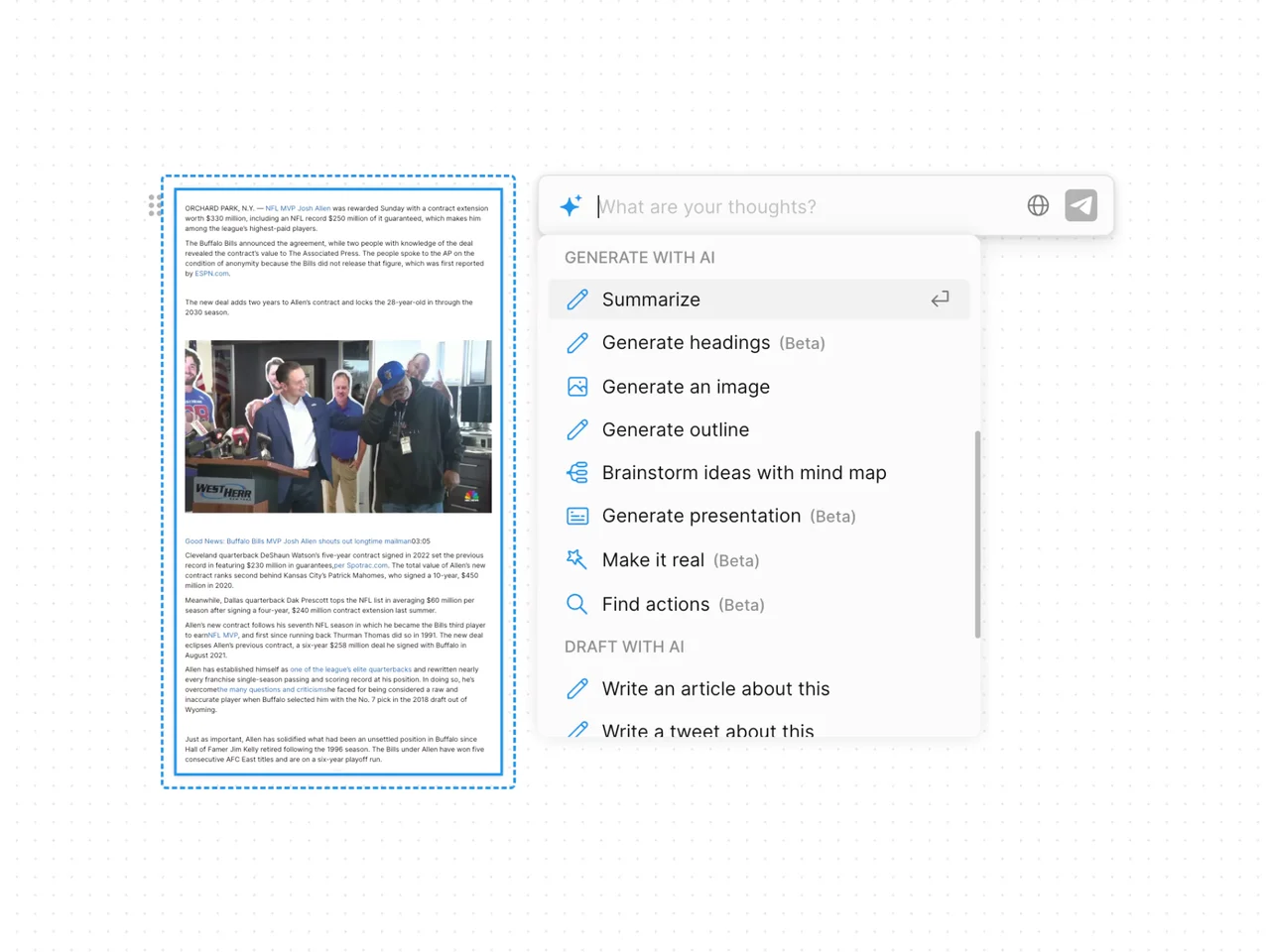
- An example of the AFFiNE AI menu ("Continue with AI") used on the filled-in block.
When to use a citation generator
- Research papers and essays that require a reference list or works cited page.
- Theses and long projects where you collect source details as you read and format them later.
- Switching styles, for example when a course requires MLA but a journal asks for APA.
- Annotated bibliographies, where each formatted reference is followed by your notes.
How to use this citation generator in AFFiNE
- Copy the template. Click Use this template to add the page to your AFFiNE workspace.
- Fill in the source details. Complete every field that applies, especially author, title, year, and DOI or URL.
- Check the source type and style. Tick one source type and the citation style your instructor or publisher requires.
- Ask AFFiNE AI to format it. Select the block, open the AI menu, choose Continue with AI, and ask for the reference in the checked style.
- Verify the reference. Compare the result with an official style guide and fix capitalization, italics, and punctuation.
- Build your list. Copy each verified reference into your bibliography and sort it as the style requires.
Tips for accurate citations
- Collect source details when you first read a source, not at the end of the project.
- Use the DOI for journal articles when one exists.
- Treat any generated citation as a draft. The Purdue OWL advises students to use citation machines responsibly and check results against the style manual.
- Keep one style throughout a paper.
Frequently asked questions
What is a citation generator?
A citation generator takes source information and outputs a formatted reference in a chosen style. In this template, you enter the details in a form and AFFiNE AI produces the formatted reference.
Which citation styles does this template cover?
The style checklist includes APA (7th Edition), MLA (9th Edition), Chicago (Author-Date), and Harvard. You can add another style to the checklist and ask AFFiNE AI for it.
Are generated citations always correct?
No. Automated and AI-generated citations can contain errors, especially in capitalization, author names, and missing fields. Always check them against the official style guide before you submit.
No. The template collects your source details; AFFiNE AI does the formatting when you ask it to, and AI usage depends on your AFFiNE account and plan.
For style-specific help, read our guides to MLA citation generators and APA annotated bibliography templates. You can also pair this page with the academic reading list template or the summary generator template.