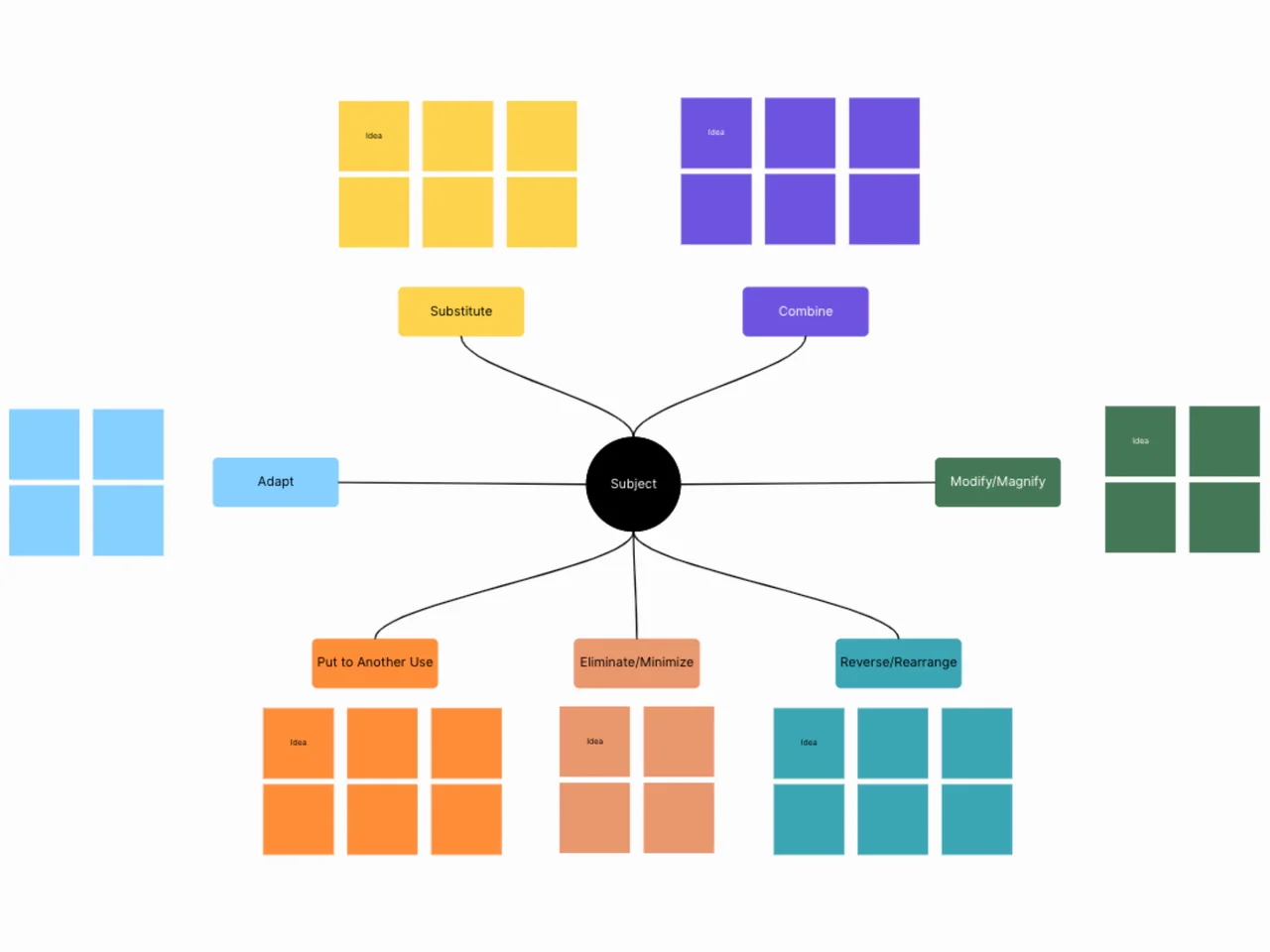
A SCAMPER technique template is a brainstorming worksheet that asks seven kinds of questions about an existing product, service, or process: Substitute, Combine, Adapt, Modify, Put to another use, Eliminate, and Reverse. This AFFiNE template is an edgeless whiteboard with a section for each SCAMPER prompt, so you can capture ideas for each angle on one canvas and compare them afterward.
What's included in this template
- A space to describe the product, service, or process you want to improve.
- Substitute: what materials, steps, people, or parts could you swap?
- Combine: what could you merge with another product, feature, or process?
- Adapt: what idea from another context could you borrow?
- Modify: what could you enlarge, shrink, or change in shape or frequency?
- Put to another use: who else could use it, or where else could it work?
- Eliminate: what could you remove or simplify?
- Reverse: what could you reorder, flip, or do the opposite way?
SCAMPER was described by educator Bob Eberle in 1971, building on Alex Osborn's brainstorming checklist questions (Toolshero, Wikipedia).
When to use a SCAMPER technique template
- Product improvement: you have a working product and want new feature or variant ideas.
- Process redesign: a workflow is slow and you need specific angles to rethink it.
- Marketing and content: you want fresh twists on an existing campaign or format.
- Workshops and classes: teaching creative thinking with prompts people can follow.
How to use this SCAMPER template in AFFiNE
- Duplicate the template. Click "Use this template" to copy the whiteboard into your workspace.
- Describe the subject. Write the product or process and the goal of the session in the starting space.
- Answer each prompt in turn. Spend a few minutes on each letter and add every idea as a sticky note.
- Hold judgment until the end. Collect ideas first, including odd ones, before discussing them.
- Shortlist the strongest ideas. Mark or group the ideas worth testing and note the next step for each.
Tips for better SCAMPER sessions
- Pick a concrete subject. "Our onboarding email" works better than "our marketing."
- You do not have to use the letters in order; skip ones that do not fit.
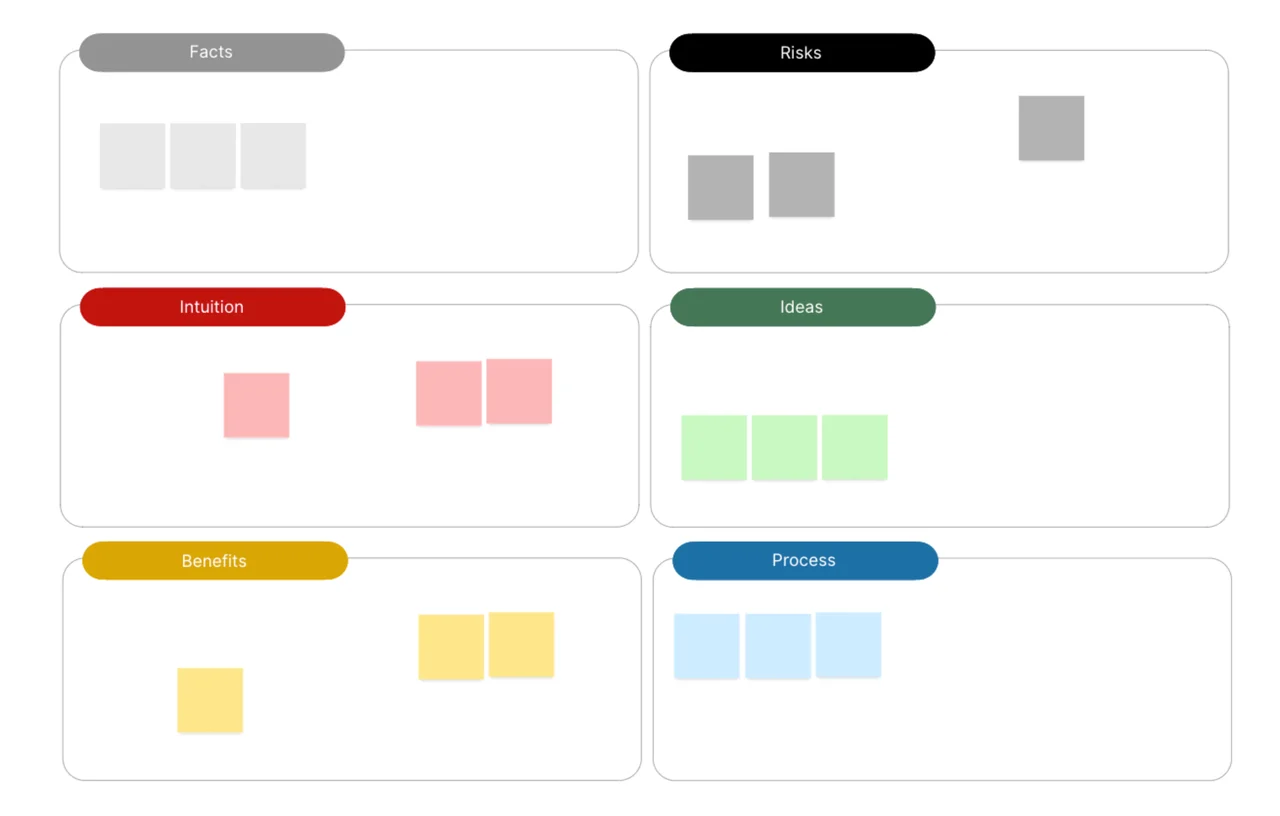
- Evaluate the shortlist with the Six Thinking Hats template, or test it with the design thinking template.
Frequently asked questions
What does SCAMPER stand for?
Substitute, Combine, Adapt, Modify (sometimes Magnify or Minify), Put to another use, Eliminate, and Reverse (or Rearrange).
Who created the SCAMPER technique?
Bob Eberle introduced the SCAMPER acronym in 1971, based on idea-spurring questions from Alex Osborn, the advertising executive who popularized brainstorming.
Can SCAMPER be used for something brand new?
It works best on something that already exists, since every prompt modifies a current product, process, or idea. For a blank-page problem, start with research or open brainstorming first.
Is SCAMPER better alone or in a group?
Both work. Alone it is a quick checklist; in a group, a shared board lets everyone add ideas to each prompt at the same time.
Explore more creative thinking templates or read top proven brainstorming techniques.