How to Build a Smarter Digital Routine for Work and Everyday Life
Your phone knows where you are, when you go to bed, and what you bought last week. Your laptop remembers dozens of passwords. Between them, your devices hold most of your working life — and somehow the file you need is still in the wrong folder, the message you meant to answer is buried, and fifteen browser tabs are open "for later."
Digital tools are supposed to make life easier. Used without a plan, they leave us feeling more scattered than ever. The answer is not necessarily another app or a complicated system. What most people are missing is a smart digital routine: a small set of standing habits that decide where things go, when you look at them, and what is allowed to interrupt you.
This guide walks through how to build one, habit by habit — no new software required.
Key takeaways
- Give each kind of digital task one home — one messaging hub, one folder structure, one notes app — so nothing important lives "somewhere."
- Check email in two or three scheduled blocks instead of all day. An inbox is a delivery point, not a to-do list.
- Keep a single capture place for ideas, lists, and reminders, and review it on a schedule you trust.
- Turn off every notification that is not a person who genuinely needs you today.
- Protect the routine with small defaults: a VPN on public Wi-Fi, a boring home screen, and a 15-minute weekly reset.
Why a Routine Beats Another Productivity App
Most digital clutter is not a tool problem. It is a decision problem.
Every time a message arrives, you decide whether to answer it now. Every time you save a file, you decide where it goes. Every time an idea shows up, you decide where to put it. Made one at a time, those decisions drain attention all day long — and when you are tired, the default is always "leave it wherever it landed."
A routine makes those decisions once, in advance. Messages get answered at set times. Files have a known home. Ideas go to one place. The point is not discipline for its own sake; it is spending your limited attention on work and life instead of on sorting.
That is also why a new app rarely fixes the problem on its own. A tool amplifies whatever structure you already have. Add structure first, and even the basic apps you already own start working noticeably better.
Give Every Digital Task a Home
One reason digital life becomes messy is that everything seems to happen everywhere.
Work messages arrive in your email. Family texts land in two different chat apps. Shopping reminders keep appearing on your screen. Important files are saved in random folders — some on the desktop, some in downloads, some in a cloud drive you forgot you had. Your best move is to give every common task a regular place:
- Conversations. Pick one hub per context — one app for work threads, one for personal messages — and let the others be occasional. When someone reaches you on the wrong channel, move the conversation rather than answering everywhere.
- Files. Build a shallow folder structure with a handful of top-level folders (for example: Work, Money, Home, Archive). A simple tree you actually use beats an elaborate taxonomy you abandon in a week.
- Browser tabs. Tabs are not a filing system. If a page matters, capture the link in your notes or bookmarks and close the tab. If it does not, close it anyway.
Where you connect matters as much as where you save. If part of your routine happens in cafes, airports, or hotel lobbies, make secure connection a default rather than a case-by-case decision: a quick VPN download means you can switch on an encrypted connection before using public Wi-Fi, so an open network never gets a plain-text look at your traffic. Set it up once, and it becomes one more decision you never have to make again.
Stop Treating Your Inbox Like a To-Do List
Your inbox is not your personal task manager — it just behaves like one.
If you open your email every few minutes, each glance causes a small interruption. You click a link, remember something else, follow that thread, and before you know it an hour is gone. Worse, tasks that live only in an inbox get pushed down by whatever arrives next, so the most recent request always looks like the most important one.
Two changes break the pattern:
- Batch your email. Set up time blocks to check emails instead of monitoring the inbox all day. Once in the morning and once before finishing work is enough for most people. Close the tab in between, and remember that not every message needs an instant reply.
- Move tasks out of the inbox. When an email requires real work, capture the task in your notes or planner and archive the message. Simple email filters can handle the rest — newsletters, receipts, and notifications can skip the inbox entirely and wait in a folder until your next scheduled pass.
Your inbox becomes what it was always meant to be: a delivery point you visit on your terms.
Have One Place to Record Your Thoughts and Ideas
Good ideas rarely arrive while you are sitting at your desk. They show up while you are cooking dinner, waiting for the bus, or out on a walk. Without a routine, they end up scattered across sticky notes, text messages to yourself, and half-remembered intentions.
The fix is a single, frictionless capture place. You can use a basic notes app or one of the many note-taking apps that 2026 offers. The specific tool matters far less than using it consistently: shopping lists, reminders, rough plans, and quick ideas all go to the same place instead of five different ones.
Two habits make capture actually work:
- Lower the friction. The capture spot should be reachable in seconds from your phone's home screen. If saving a thought takes four taps, you will stop doing it.
- Review on a schedule. A capture place you never revisit is just another junk drawer. Skim it during your weekly reset, turn anything actionable into a task, and delete the rest without guilt.
If you want capture and organization in the same workspace, AFFiNE combines notes, documents, and whiteboards, so a quick thought can grow into a project plan without being copied between apps.
Make Your Phone Less Demanding
Another pillar of a smart digital routine is making your phone quieter.
Start with notifications. Shopping apps, games, and social media do not need to reach you in real time — those alerts can all wait. Keep interruptions for actual people: calls and messages from the contacts who might genuinely need you today. Everything else can be checked when you decide to check it.
Then make the home screen boring. Keep the tools you use on purpose — camera, maps, notes, calendar — on the first screen, and move infinite feeds into a folder a few swipes away, or off the phone entirely. Deleting an app is reversible; the hours it absorbs are not.
These changes look tiny. Their effect is not. Each notification you silence is a decision you stop making dozens of times a day, and each removed icon is one less doorway into a feed you did not plan to open.
Close the Loop with a Weekly Reset
Even a good system decays: downloads pile up, tabs accumulate, and the capture list grows. A short weekly reset keeps the routine healthy without turning maintenance into a project.
Block fifteen minutes at the same time each week — Friday afternoon or Sunday evening works well — and run the same small loop:
- Empty the downloads folder and clear the desktop into their proper folders.
- Close every browser tab, saving the few that still matter to your notes.
- Skim your capture list; schedule what is actionable and delete what is stale.
- Glance at the week ahead in your daily planner so Monday starts with a plan instead of a scramble.
Consistency matters more than thoroughness here. If you want help making the reset stick, treat it like any other habit — a habit tracker that shows an unbroken chain of weekly resets is surprisingly good motivation.
Common Mistakes to Avoid
- Rebuilding everything at once. A full digital overhaul feels productive and rarely survives the first busy week. Change one default at a time and let it settle.
- Tool-hopping. Switching apps every month resets your habits to zero. Pick tools that are good enough and give the routine time to compound.
- Chasing inbox zero as an identity. The goal is scheduled attention, not an empty inbox. Some days the inbox stays full, and the routine still works.
- Keeping notifications "just in case." If a notification has never changed what you did in the next five minutes, it does not need to exist.
Conclusion
A smart digital routine is not about using better technology. It is about making the technology you already own work for you quietly, in the background.
Give every task a home. Visit your inbox on a schedule. Capture ideas in one place. Silence what does not matter, connect safely wherever you are, and spend fifteen minutes a week keeping the system honest. None of these steps is impressive on its own — together, they clear enough space to focus on the parts of work and life that actually matter.
FAQ
What is a smart digital routine?
A smart digital routine is a set of standing habits that decide in advance where your digital tasks live and when you handle them: one home for conversations, files, and notes, scheduled blocks for email, minimal notifications, and a short weekly reset. It replaces dozens of small daily decisions with defaults you set once.
Do I need new apps to build a digital routine?
No. A digital routine is about structure, not software. Most people can build one with the email client, notes app, and folders they already have. Choose a different tool only when a real gap appears in your routine, not as a substitute for building the routine itself.
How often should I check my email?
For most people, two or three scheduled blocks a day are enough: for example, once in the morning, once after lunch, and once before finishing work. Batching email into set times cuts the constant interruptions of an always-open inbox, and truly urgent matters tend to reach you through faster channels anyway.
How long does it take for a digital routine to stick?
Expect a few weeks of deliberate practice before the routine feels automatic. Start with the single change that removes the most friction — usually batching email or silencing notifications — and add the next habit once the first one no longer takes effort. A weekly reset helps the whole system survive busy periods.
Related Articles
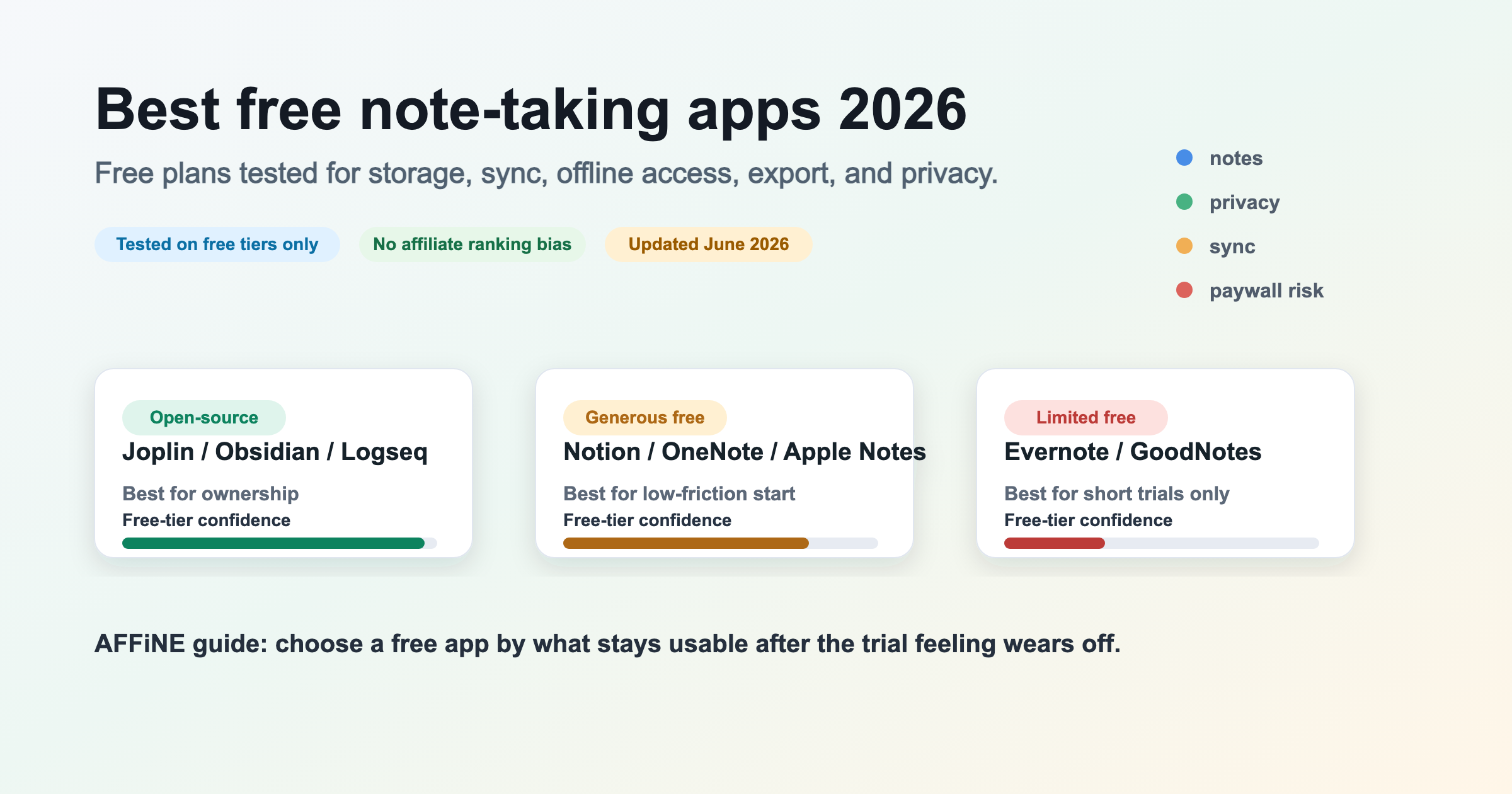
10 Best Free Note-Taking Apps 2026 (Tested Free Plans)
11 Best Free Daily Planner Apps for 2026 (Visual, Simple & Aesthetic)
8 Best Habit Tracker Apps Compared for 2026: Streaks & Free Plans

How To Create Email Filters That Sort Your Inbox on Autopilot