Time Management Software: 10 Time Trackers Compared
What changed (Nov 14, 2026): Rewrote the guide around time tracking software: rechecked free plans and prices for every tool on official pricing pages, added Clockify, My Hours and Timely, grouped the list by how time is recorded, and added a comparison table, methodology, a choose-by-situation table, FAQs, sources and dated screenshots. Moved Asana and Trello to Also considered, took AFFiNE out of the numbered list with a disclosure, corrected the Harvest description and retitled the guide.
Time management software, in the sense most buyers mean when they search for it, records where working hours actually go: timers, timesheets, billable rates and reports. That is a different job from planning your day or managing a task list, and mixing the two is how teams end up with a project tool that cannot produce a timesheet.
Short answer: if you bill clients by the hour, start with Toggl, Clockify, Harvest or My Hours. If you want time captured in the background instead of starting timers, look at TimeCamp, Time Champ or Timely. If your team already plans projects in one place and wants hours logged next to the tasks, ProofHub, Hive or Scoro keep both in one system.
This guide was rewritten on November 14, 2026. Every free plan, price and plan limit below was checked on the vendor's official pricing page that day.
Disclosure: AFFiNE publishes this article. AFFiNE is a docs, whiteboard and planning workspace and does not track time, so it is not in the numbered list. We mention it once, near the end, as a place to plan the week you then track, and we say what it does not do.
Time management software compared
| Tool | Best for | How time is tracked | Free plan | Paid plans from | Checked |
|---|---|---|---|---|---|
| Toggl | Freelancers and small teams who want one-click timers | Manual and real-time timers, calendar integrations | Free for up to 3 users | $9 per user a month, billed annually (Starter) | Nov 14, 2026 |
| Clockify | Teams that want a usable free tier | Timer, timesheet, auto tracker and kiosk | Free for up to 5 users, unlimited tracking | $3.99 per seat a month, billed annually (Basic) | Nov 14, 2026 |
| Harvest | Billing clients from tracked hours | Timers and timesheets, invoices built from time | 1 seat and 2 active projects | $9 per seat a month, billed annually (Pro) | Nov 14, 2026 |
| My Hours | Small teams that need timesheets and approvals | Timer or manual entries, timesheet periods | Free for up to 5 users | $4 per user a month, billed annually (Basic) | Nov 14, 2026 |
| TimeCamp | Automatic timesheets on a small budget | Desktop app records activity and fills timesheets | Free forever plan | $3.99 per user a month, billed annually (Starter) | Nov 14, 2026 |
| Time Champ | Employee time, attendance and productivity tracking | Automatic tracking with attendance and activity data | Free trial, no free plan | $3.90 per user a month on annual billing (Starter) | Nov 14, 2026 |
| Timely | Consultancies that want hands-off tracking | Automatic tracking of apps and websites, AI-drafted entries | 14-day free trial, no free plan | $9 per user a month, billed yearly (Starter, up to 5 users) | Nov 14, 2026 |
| ProofHub | Teams that want flat pricing with tasks and timesheets | Timers, timesheets and time estimates on tasks | 14-day free trial, no free plan | $45 a month flat for unlimited users, billed annually (Essential) | Nov 14, 2026 |
| Hive | Project teams that want hours logged next to tasks | Time tracking on tasks, Timesheets add-on | Free for up to 10 workspace members | $5 per user a month (Starter) | Nov 14, 2026 |
| Scoro | Agencies running time, billing and projects in one system | Time tracker inside a professional services suite | 14-day free trial, no free plan | $17 per user a month for a two-app combination, minimum 5 users | Nov 14, 2026 |
Notes on the table: prices are in US dollars as shown to a US visitor, and several vendors show local currencies elsewhere. "Billed annually" prices are lower than the monthly price; the monthly price for each tool is listed in its section. Plans and limits change often, so confirm on the vendor's page before you buy.
How we chose these tools
We started from what people searching for time management software are shown: dedicated time trackers, employee time tracking tools, and project tools with built-in timesheets. For each tool we read the official product, pricing and help pages on November 14, 2026, noted what the free plan includes and what the first paid plan costs, and took the screenshots in this article from the vendors' public websites the same day. We did not run paid trials of every product and we do not publish scores.
The list is grouped by how time gets recorded, because a freelancer starting a timer, a manager reviewing attendance, and an agency billing from project budgets need different tools. The numbers follow those three groups; they are not a ranking within the market.
We looked at five things:
- Capture: manual timers, timesheets, automatic background tracking, or a kiosk for shared devices.
- Billing and payroll: billable rates, invoices, approvals and exports.
- Reporting: whether you can see hours by client, project, person and week.
- Privacy: whether the tool records screenshots or app activity, and whether that can be switched off.
- Cost at your team size: the free plan's user limit and the per-user or flat price after it.
Time management software vs. time tracking, task and schedule tools
This page covers tools that record time. If you are looking for methods such as time blocking, Pomodoro or the Eisenhower matrix, our guide to time management techniques and tools covers those. If you mainly need to assign and finish work, compare task management apps instead. If you schedule people into shifts, see our comparison of work schedule and shift planning apps.
Many teams use one tool from each group: a planner or task manager for what should happen, and a time tracker for what did happen.
Freelancers and small teams: timers, timesheets and invoices
1. Toggl
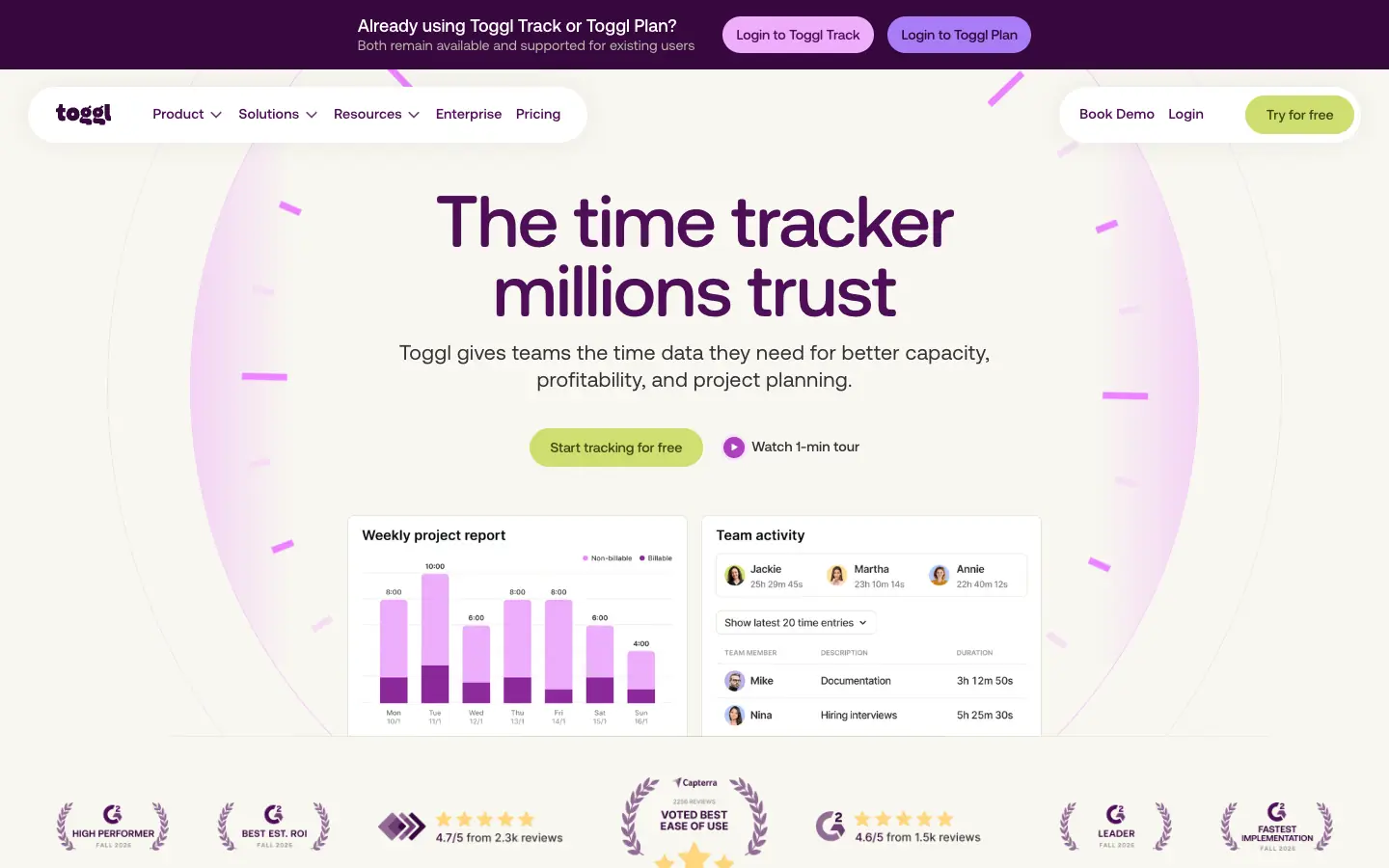
Toggl is the time tracker many freelancers try first, because starting a timer takes one click and the free plan is usable on its own. Toggl has merged Toggl Track and Toggl Plan into a single product called Toggl; existing Toggl Track and Toggl Plan accounts remain available and supported. The free plan covers up to 3 users with manual and real-time timers, focus mode, Google and Outlook calendar integrations, simple tasks and boards, and personal reports.
Key features:
-
One-click and manual timers with calendar integrations
-
Billable rates, timeline views and team reports on paid plans
-
Timesheet approvals, profitability reports and Jira and Asana integrations on Premium
Pros of Toggl
-
Very little setup before your first tracked hour
-
States that it does not use screenshots or surveillance-style monitoring
Cons of Toggl
-
The free plan stops at 3 users
-
Billable rates and team reports need a paid plan
Pricing: Free for up to 3 users. Starter costs $9 per user a month billed annually ($12 monthly) and Premium $16 billed annually ($24 monthly), each with a 30-day trial.
2. Clockify
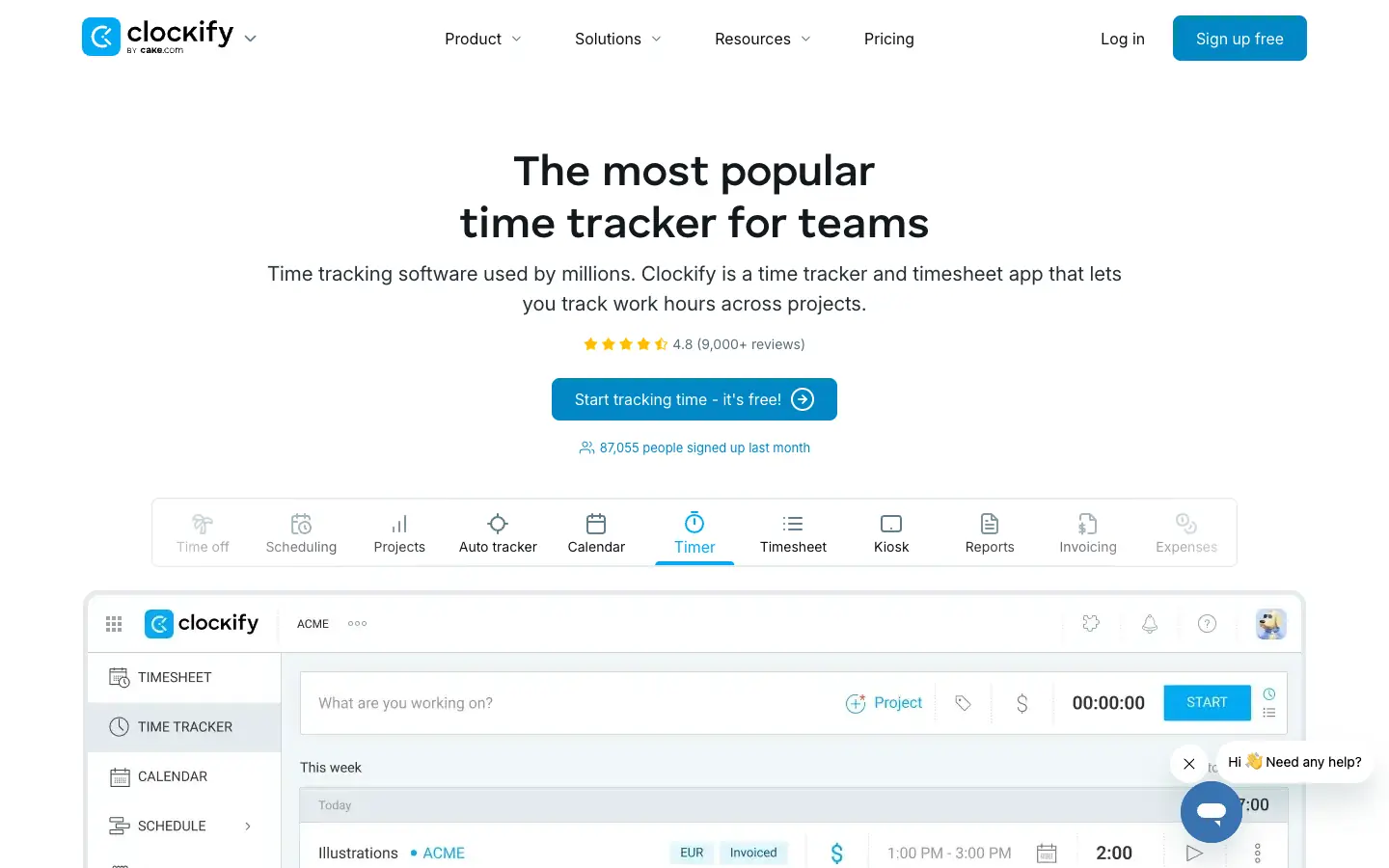
Clockify, from CAKE.com, covers the basics on its free plan: unlimited tracking with a timer, timesheet, auto tracker, calendar, Pomodoro timer, idle detection, mobile and desktop apps, and reports. The free plan is now for up to 5 users, so older reviews that call it free for unlimited users are out of date.
Key features:
-
Timer, weekly timesheet and calendar views of tracked time
-
Kiosk mode for shared devices, with QR code sign-in
-
Timesheet approvals, invoicing and expenses on paid plans
Pros of Clockify
-
Low per-seat prices once you outgrow the free plan
-
Many ways to enter time, including a kiosk for teams without their own computers
Cons of Clockify
-
Every active or invited user takes a paid seat on paid plans
-
The number of plans and add-ons takes some reading to compare
Pricing: Free for up to 5 users. Basic costs $3.99 per seat a month billed annually ($4.99 monthly), Standard $5.49 ($6.99), Pro $7.99 ($9.99) and Enterprise $11.99 ($14.99), with a 7-day trial of paid features.
3. Harvest
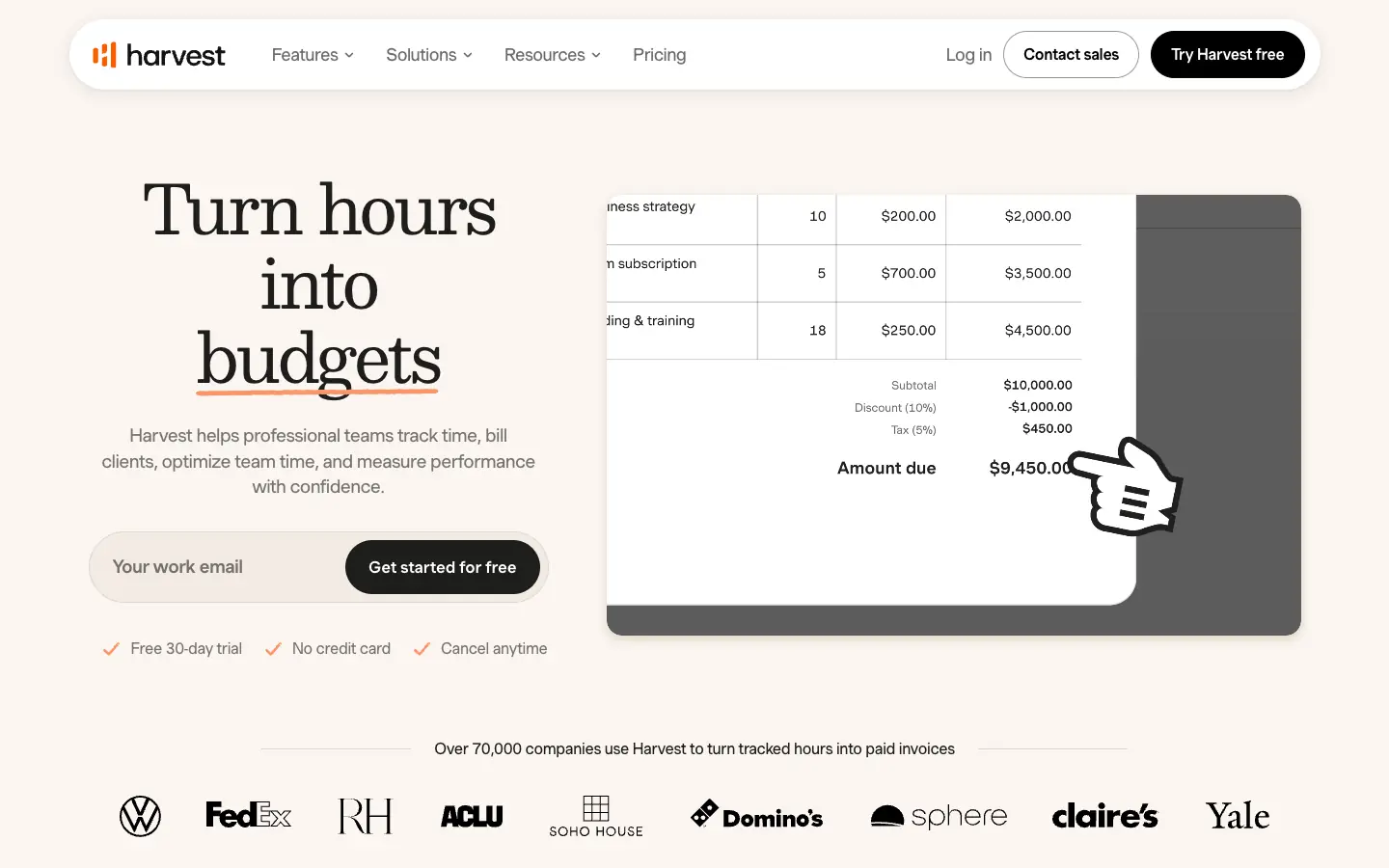
Harvest is a time tracker built around getting paid. You track time with timers or timesheets, set project budgets, and turn billable hours into invoices. It connects to tools such as Asana, Trello, Jira, Slack, Google Calendar, Outlook, QuickBooks Online, Xero and Stripe, so you can start a timer from the task you are already working in.
Key features:
-
Timers and weekly timesheets with billable and non-billable hours
-
Invoices and estimates built from tracked time
-
Profitability reports and timesheet approvals on Premium
Pros of Harvest
-
A short path from tracked hours to a sent invoice
-
Integrations with common project and accounting tools
Cons of Harvest
-
The free plan is limited to 1 seat and 2 active projects
-
It records the time you enter; it does not track activity in the background
Pricing: Free for 1 seat and 2 active projects; on the free plan, invoices cannot be emailed or exported as PDFs unless you connect Stripe. Pro costs $9 per seat a month billed annually ($11 monthly) and Premium $14 billed annually ($17.50 monthly), with a 30-day trial.
4. My Hours
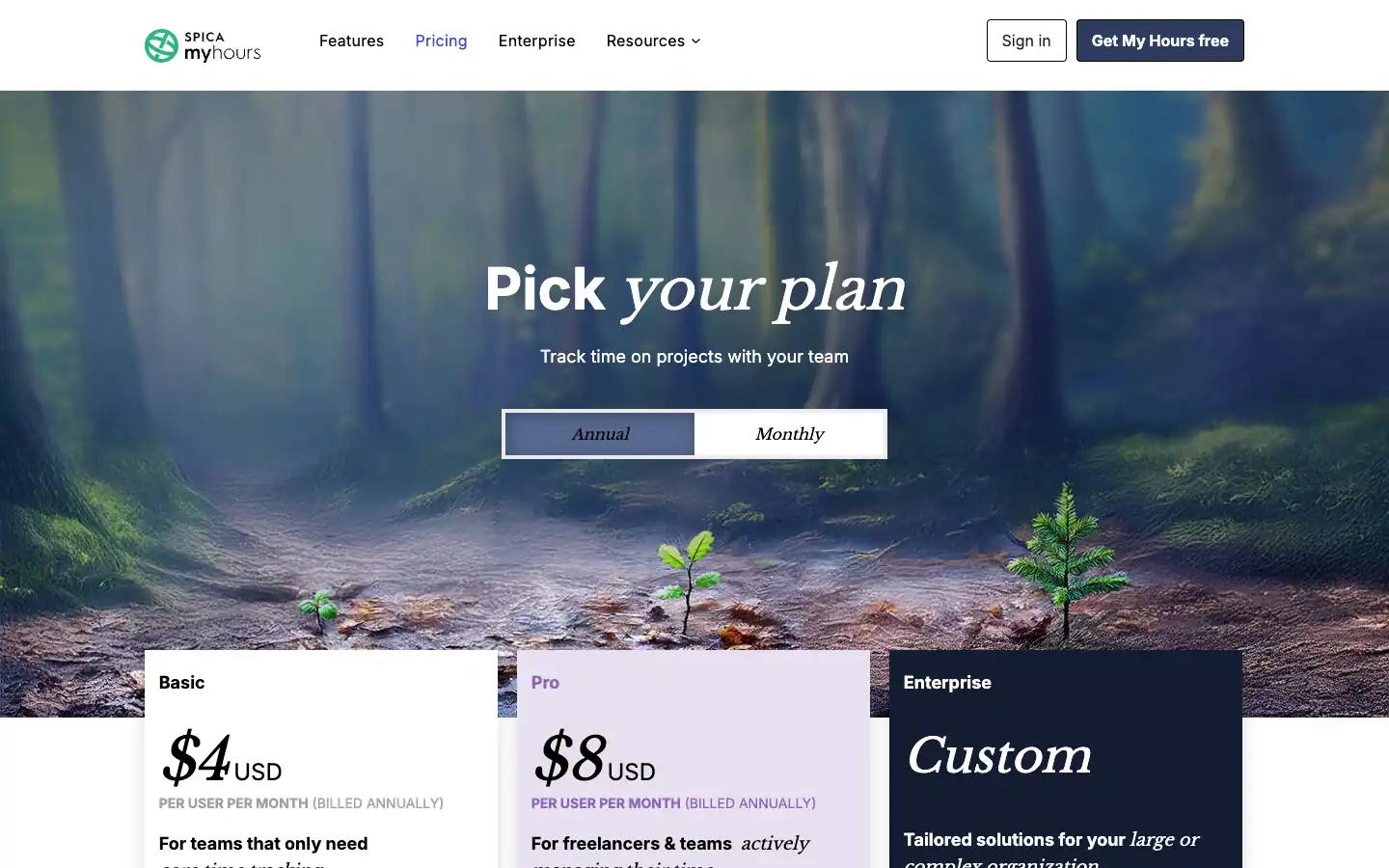
My Hours, from Spica, is a project time tracker that has been around since 2002. It is a straightforward pick for small teams that need timesheets by week, two weeks, half-month or month, billable rates and approvals without paying for a larger suite.
Key features:
-
Timer or manual entries, with a timeline view of the day
-
Timesheet periods and timesheet submission with comments
-
Rates, budgets and approval workflow with an audit log on Pro
Pros of My Hours
-
The free plan covers a team of up to 5 users
-
Low per-user prices after that
Cons of My Hours
-
Approvals, rates and budgets need the Pro plan
-
No automatic background tracking
Pricing: Free for up to 5 users. Basic costs $4 per user a month billed annually ($5 monthly) and Pro $8 billed annually ($9 monthly), with a 14-day Pro trial.
Automatic and employee time tracking
5. TimeCamp
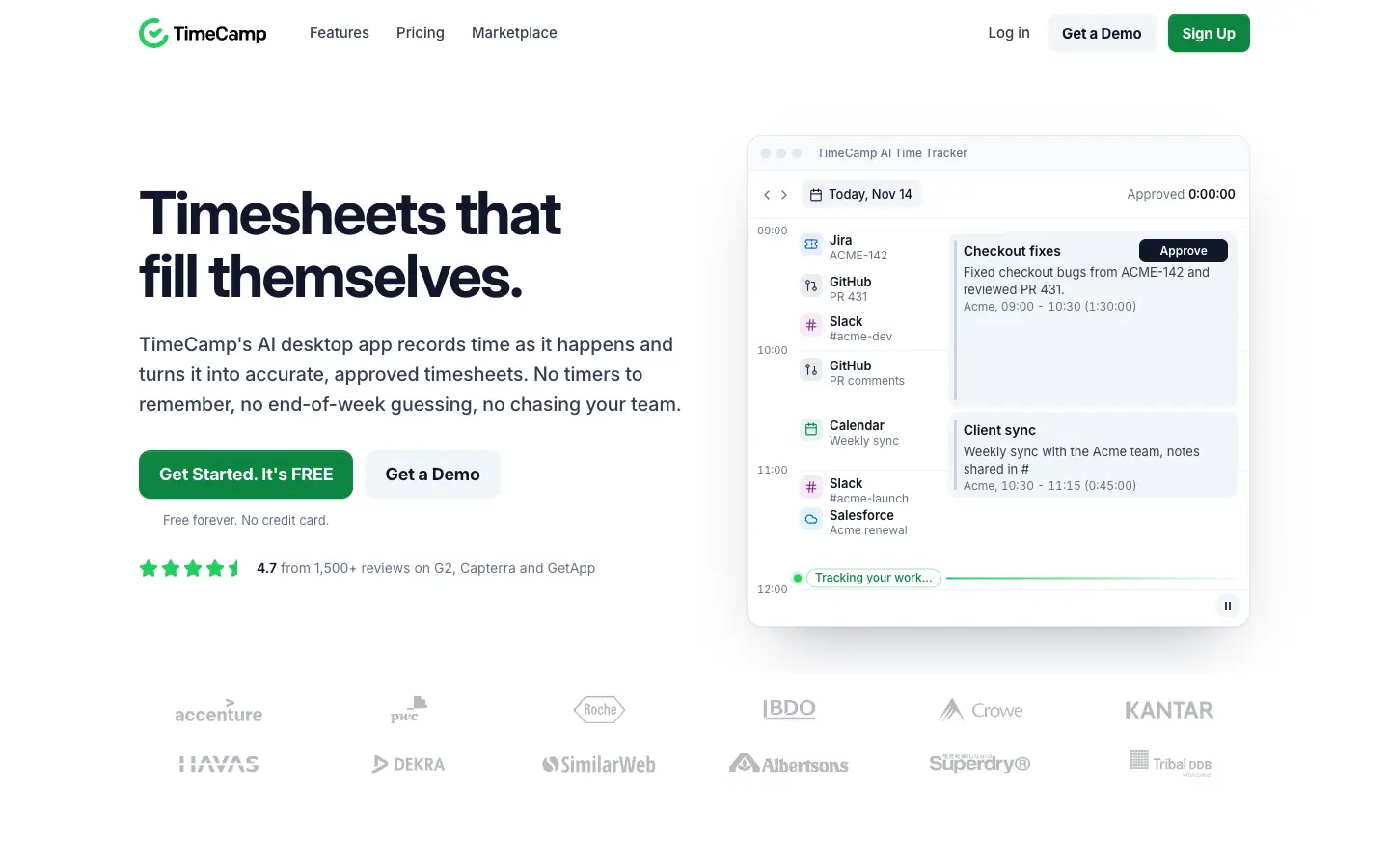
TimeCamp's desktop app records time as you work and turns that activity into timesheet entries you approve, so nobody has to remember to start a timer. It also covers billable and non-billable time, attendance, timesheet approvals, invoicing and project profitability.
Key features:
-
Automatic time tracking from a desktop app
-
Attendance tracking and timesheet approvals
-
Billable rates, invoices and profitability reports
Pros of TimeCamp
-
A free forever plan and low paid prices
-
Fills timesheets from real activity instead of memory
Cons of TimeCamp
-
AI time entry suggestions are billed by token usage on top of the plan price
-
Automatic tracking needs clear rules about what is recorded and who can see it
Pricing: Free forever plan. Starter costs $3.99 per user a month billed annually ($5.49 monthly), Premium $6.99 ($9.99) and Ultimate $9.99 ($13.99). TimeCamp estimates AI time entry suggestions at about $6 per user a month, billed separately by usage.
6. Time Champ

Time Champ provides employee time tracking, attendance management, productivity monitoring, timesheet management, and workforce analytics capabilities. It helps businesses track working hours, monitor productivity patterns, manage attendance, and gain better visibility into employee activity. Time Champ is designed to improve workforce efficiency with automated time tracking, productivity insights, detailed reports, and tools for managing remote and hybrid teams.
Key features:
-
Automatic time tracking
-
Employee attendance and activity tracking
-
Detailed productivity reports
Pros of Time Champ
-
Automated time and productivity tracking
-
Comprehensive workforce insights and reporting
Cons of Time Champ
-
May require some time to explore all available features
-
Advanced settings can take time for new users to configure
7. Timely
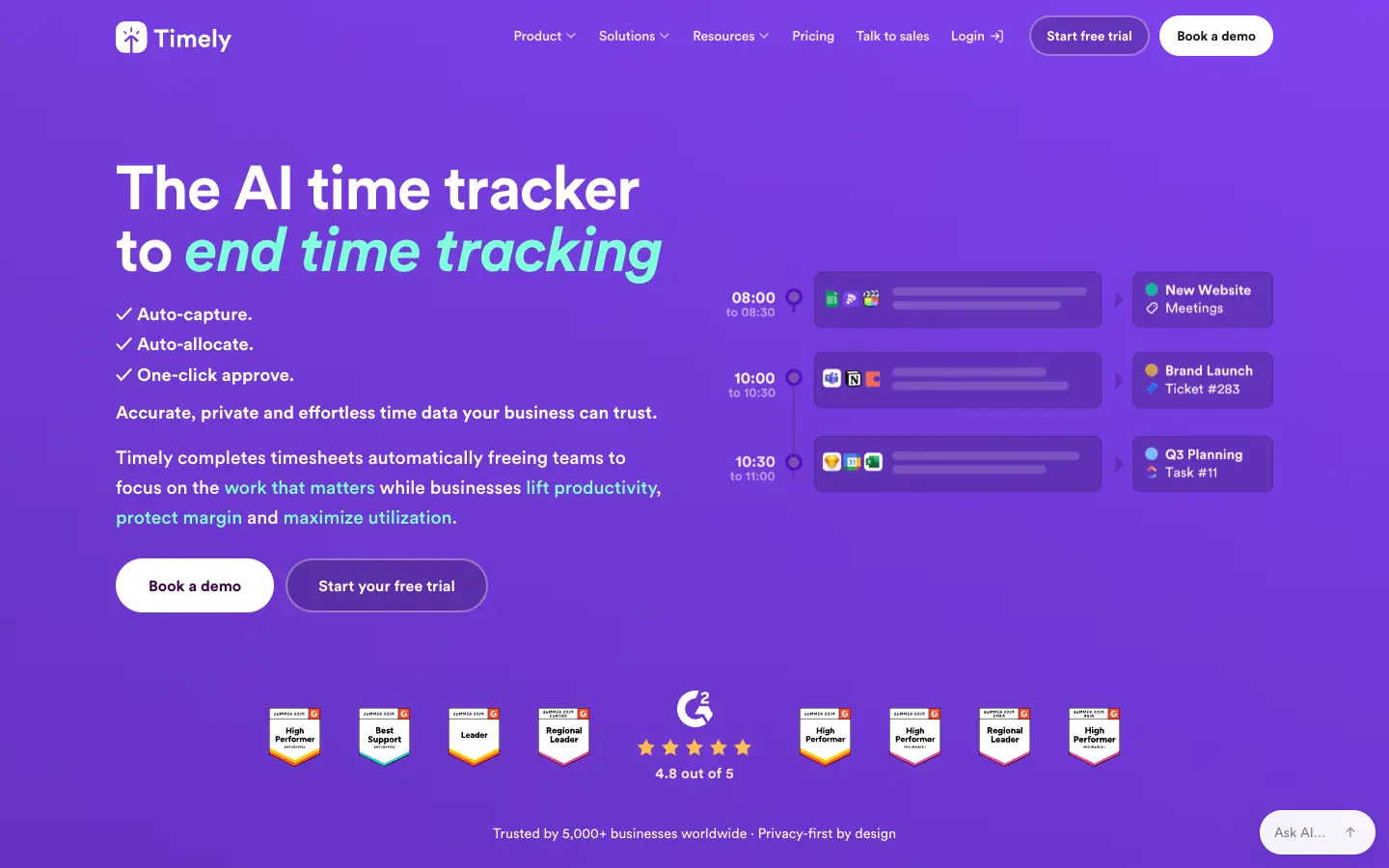
Timely tracks the apps and websites you use in the background, then uses AI to group that activity into draft time entries for you to review. It is aimed at consultancies, agencies and SaaS teams that bill or report by project and want less timesheet admin.
Key features:
-
Automatic tracking of time spent in apps and websites
-
AI categorization of tracked time into projects
-
Budgets, team management and planning on Premium
Pros of Timely
-
Very little manual entry once projects are set up
-
Clear per-user pricing with a yearly discount
Cons of Timely
-
No free plan, only a 14-day trial
-
Starter is capped at 5 users and 20 projects
Pricing: Starter costs $9 per user a month billed yearly ($11 monthly), Premium $16 ($20) for up to 50 users, and Unlimited $22 ($28). All plans start with a 14-day free trial.
Time tracking inside project management
8. ProofHub
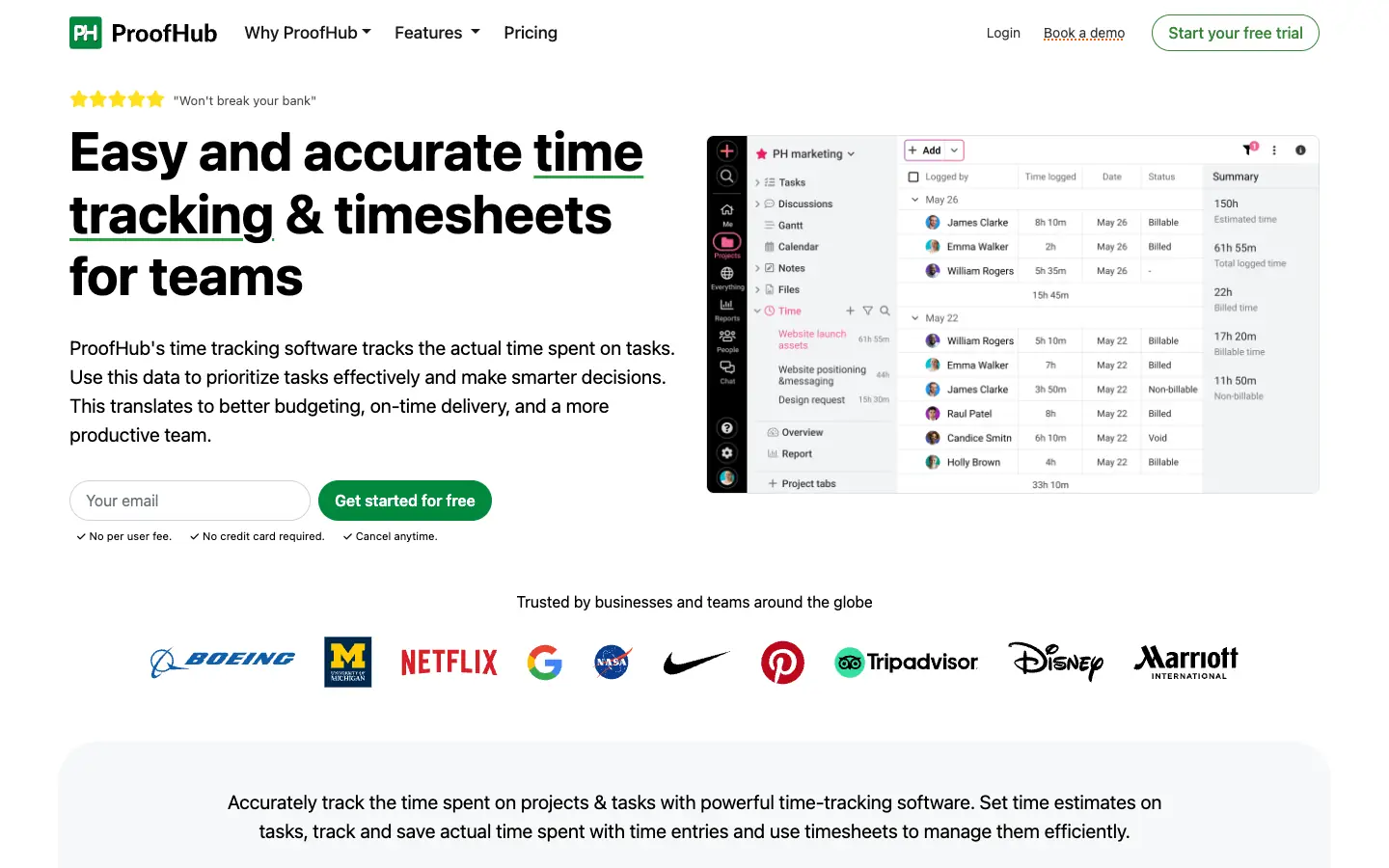
ProofHub is a project management and collaboration tool with timers, timesheets and time estimates on tasks. Its pricing is flat rather than per user, which can make it cheaper than per-seat time trackers for larger teams that also need tasks, Gantt charts, chat and files.
Key features:
-
Timers and timesheets on tasks, with billable and non-billable statuses
-
Time estimates with alerts when tracked time goes over
-
Time-logged reports across projects, exportable to CSV
Pros of ProofHub
-
No per-user fee, so adding people does not raise the price
-
Tasks, timesheets and reports in one place
Cons of ProofHub
-
No free plan, only a 14-day trial
-
The Ultimate Control price shown first is a limited-time offer that rises after three months
Pricing: Essential costs $45 a month billed annually ($50 monthly). Ultimate Control costs $89 a month for the first three months when billed annually, then $135 a month ($99, then $150, when billed monthly). Check ProofHub's plan comparison for which features each plan includes.
9. Hive
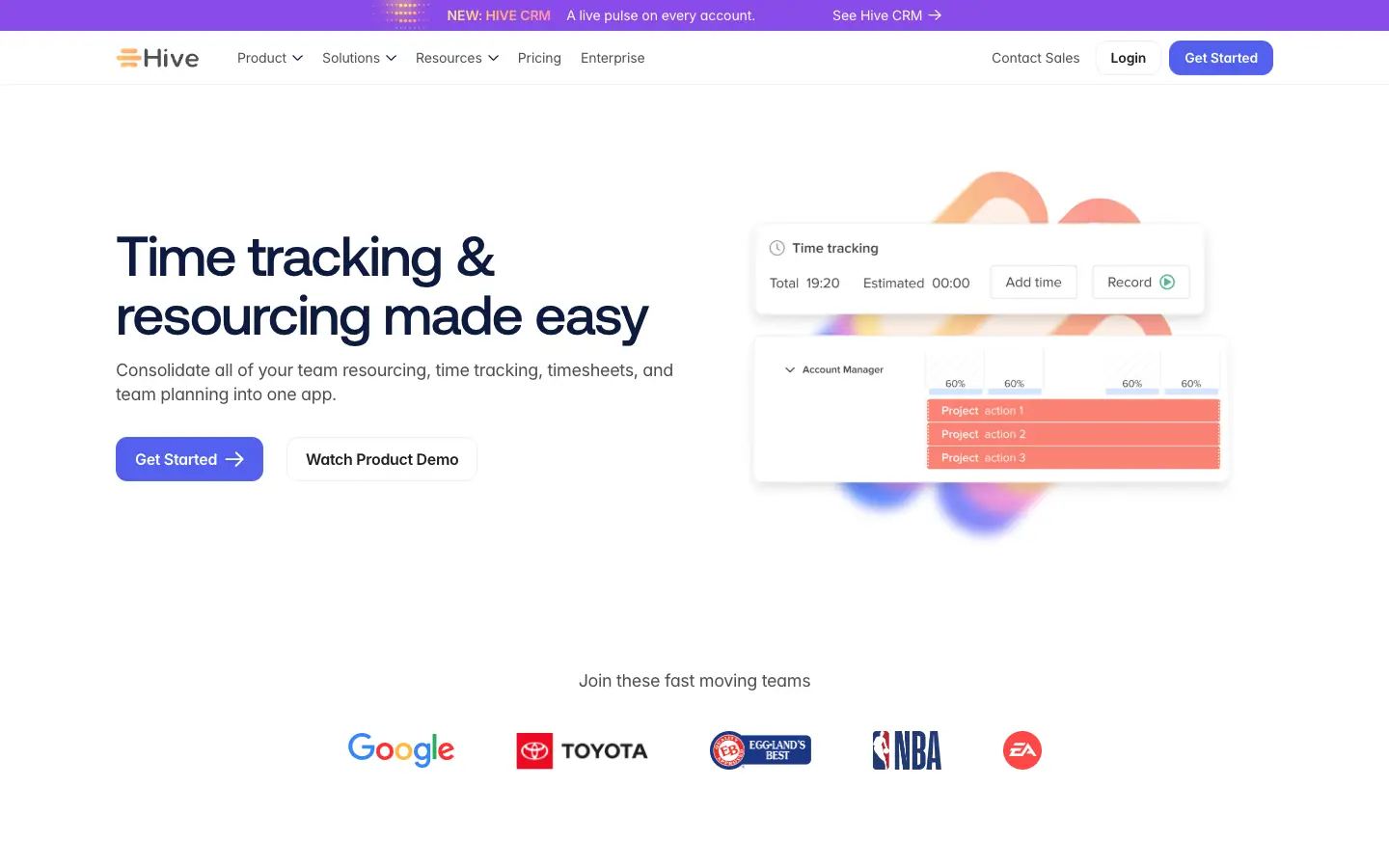
Hive is a project management tool that keeps time tracking, timesheets and team resourcing next to the tasks. It suits project teams that want hours logged against the work in the same app rather than in a separate tracker.
Key features:
-
Time tracking on tasks and projects
-
Timesheets and team resourcing as paid add-ons
-
Multiple project views, notes, chat and AI credits
Pros of Hive
-
Free plan for up to 10 workspace members
-
Time data sits next to project plans and resourcing
Cons of Hive
-
Timesheets and resourcing cost extra on top of the plan price
-
The free plan has 200 MB of storage
Pricing: Free for up to 10 workspace members. Starter is listed at $5 and Teams at $12 per user a month; the pricing page has a monthly and yearly switch with up to 33% off for yearly billing. The Timesheets and Team resourcing add-ons are each $5 per user a month.
10. Scoro
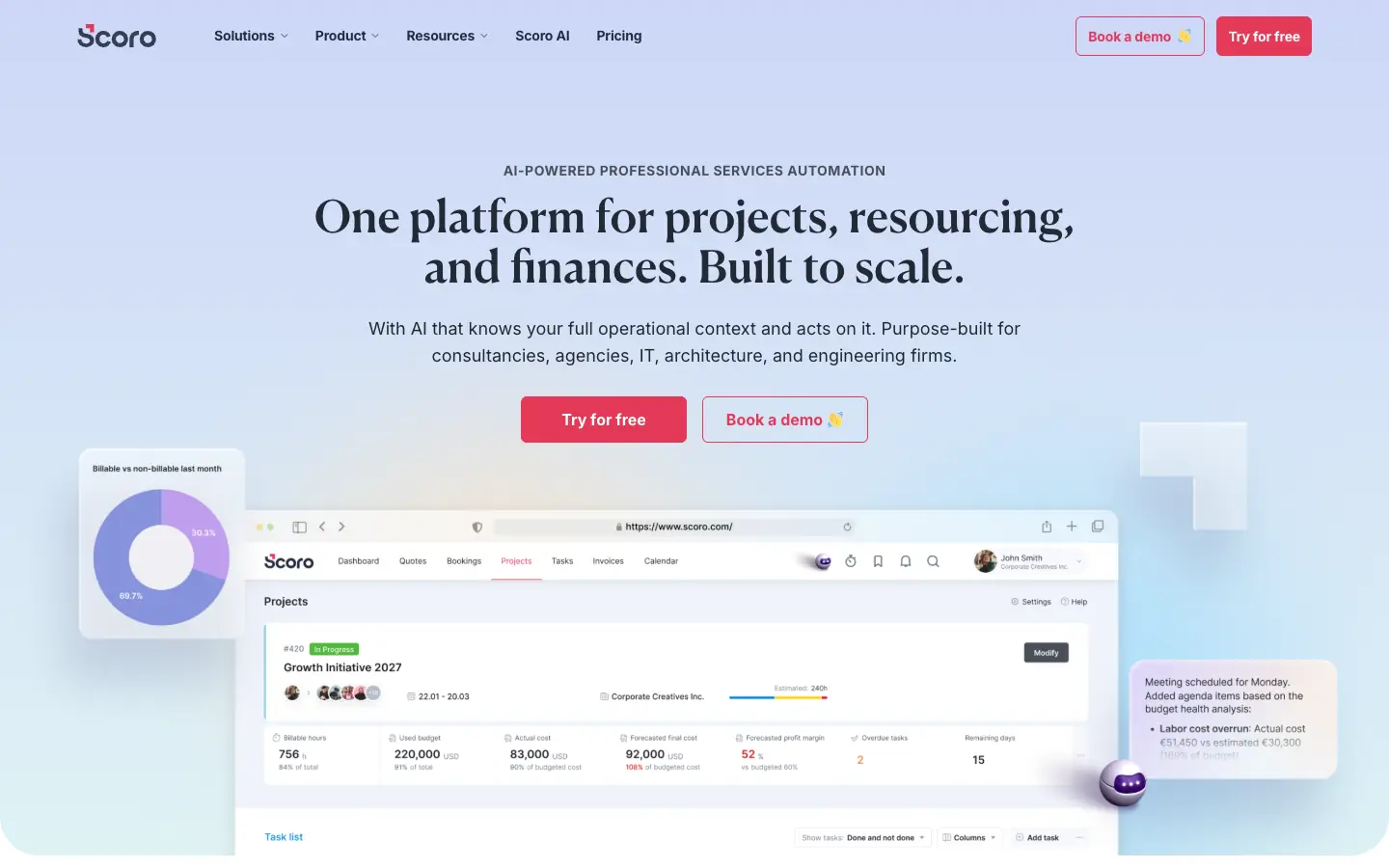
Scoro is professional services automation software for agencies and consultancies. Its Track app handles time and labor cost tracking, and it combines with apps for tasks, project delivery, resourcing, quotes and invoicing, so logged hours can flow into invoices and profitability reports.
Key features:
-
Time tracker and work reports in the Track app
-
Invoices from logged hours, with scheduled invoices and reminders
-
Resourcing, budgets and CRM in the same system
Pros of Scoro
-
Time, projects and finances in one connected system
-
You pay only for the apps you combine
Cons of Scoro
-
Minimum of 5 user seats
-
More setup than a standalone time tracker
Pricing: Combinations start at $17 per user a month for two apps, such as Track and Invoice, with a minimum of 5 users. Annual billing is 13 to 17% cheaper, depending on currency and combination. There is a 14-day free trial.
Also considered: Asana and Trello
Earlier versions of this guide listed Asana and Trello. Both are task managers first, so we moved them out of this list. If your team already plans in either one, connect a time tracker to it: Harvest, for example, lets you start timers from Asana tasks and Trello cards. For more options in that category, see our Trello alternatives.
Which time management software should you choose?
| Situation | Start with |
|---|---|
| You bill clients by the hour and want invoices from tracked time | Harvest, or Toggl Starter for billable rates |
| You need a free plan for a small team | Clockify or My Hours (up to 5 users), or Toggl (up to 3 users) |
| You forget to start timers | TimeCamp, Time Champ or Timely |
| You manage attendance and working hours for a remote team | Time Champ or TimeCamp |
| Your team already plans projects and wants hours in the same tool | ProofHub, Hive or Scoro |
| You want to plan your week before you track it | A time-blocking template, plus any tracker above |
Where AFFiNE fits: planning the time you track
AFFiNE does not have timers, timesheets, billable rates or invoices, so it does not replace any tool above. Where it helps is the planning side: laying out a week of time blocks on a whiteboard, keeping a weekly review doc next to your project notes, or setting priorities before you start the clock. Our time blocking templates, weekly schedule templates and Eisenhower matrix template are good starting points.
If you only need a countdown for a focus session, AFFiNE's free online timer and 25-minute timer run in the browser. They are countdowns, not trackers: they do not record or report your hours.
AFFiNE's free plan includes unlimited local workspaces, 10 GB of cloud storage and up to 3 members per workspace; Pro costs $6.75 a month billed annually (AFFiNE pricing). If attention is the bigger problem than measurement, our guide to planner apps for ADHD covers tools built for that, and freelancers can read our guide to project management for freelancers for the planning and client side of billable work.
Frequently asked questions
What is time management software?
Time management software helps you see and control where working time goes. In practice most products in this category are time trackers: they record hours with timers, timesheets or automatic tracking, then report them by client, project or person for billing, payroll or planning. Calendars, planners and task managers help with time management too, but they do not record the hours you actually worked.
What is the best free time management software?
For a small team, Clockify and My Hours are free for up to 5 users, and Toggl is free for up to 3 users. TimeCamp has a free forever plan with automatic tracking, and Harvest is free for 1 seat and 2 active projects. Timely, ProofHub, Scoro and Time Champ offer free trials instead of free plans. These limits were checked on November 14, 2026.
Is there a free online time management tool that works in a browser?
Yes. Toggl, Clockify, Harvest and My Hours all run in a web browser and have free plans, with desktop and mobile apps as options. If you only need a countdown for focus sessions rather than a record of your hours, a browser timer such as AFFiNE's free online timer is enough.
Which tools help monitor workflow efficiency and cycle time?
Time trackers show how many hours went into each task, project or client, which is the input for efficiency reports. Toggl Premium compares actual time with estimates, and Hive, ProofHub and Scoro keep tracked time next to the tasks and project plans. Cycle time itself, the time a task takes from start to finish, is usually measured in a project or issue tracker, so pair one with a time tracker if you need both.
What time tracking software works for AV engineers and other on-site technicians?
Look for mobile apps and a way to log time away from a desk. Clockify has mobile apps and a kiosk mode for shared devices, and My Hours offers daily tracking reminders in its mobile app. Harvest suits technicians who bill clients for project hours. If your crews work in shifts, compare work schedule apps with a built-in time clock as well.
Is employee monitoring the same as time tracking?
No. Time tracking records how long people work on what. Employee monitoring adds data such as app and website activity, idle time or screenshots. Time Champ and TimeCamp include activity tracking; Toggl says it does not use screenshots or surveillance-style monitoring. If you track employees, tell them what is recorded and check the privacy and labor rules where they work.
Does AFFiNE track time?
No. AFFiNE is a workspace for docs, whiteboards and databases. It has no timer, timesheet or billing features. You can use it to plan time blocks and weekly reviews, alongside one of the time trackers in this guide.
Sources
All checked on November 14, 2026:
- Toggl: pricing page at toggl.com/pricing (plans and free-plan user limit) and homepage
- Clockify: Pricing, Kiosk
- Harvest: Pricing, Free plan limits, Integrations
- My Hours: Pricing
- TimeCamp: Pricing
- Time Champ: pricing page at timechamp.io/pricing (plans and free trial)
- Timely: Pricing
- ProofHub: Pricing, Time tracking
- Hive: Pricing, Time tracking
- Scoro: Pricing
- AFFiNE: Pricing
Update note (November 14, 2026): rewrote the guide around time tracking software. We rechecked every free plan and price, added Clockify, My Hours and Timely, moved Asana and Trello to "Also considered", took AFFiNE out of the numbered list because it does not track time, corrected the Harvest description, noted that Toggl Track and Toggl Plan are now one product called Toggl, and added a comparison table, methodology, FAQs, sources and dated screenshots.