Free ER Diagram (ERD) Template for Database Design
Free entity relationship diagram template with entities, attributes, and crow's foot relationships ready to edit. Design database schemas visually.
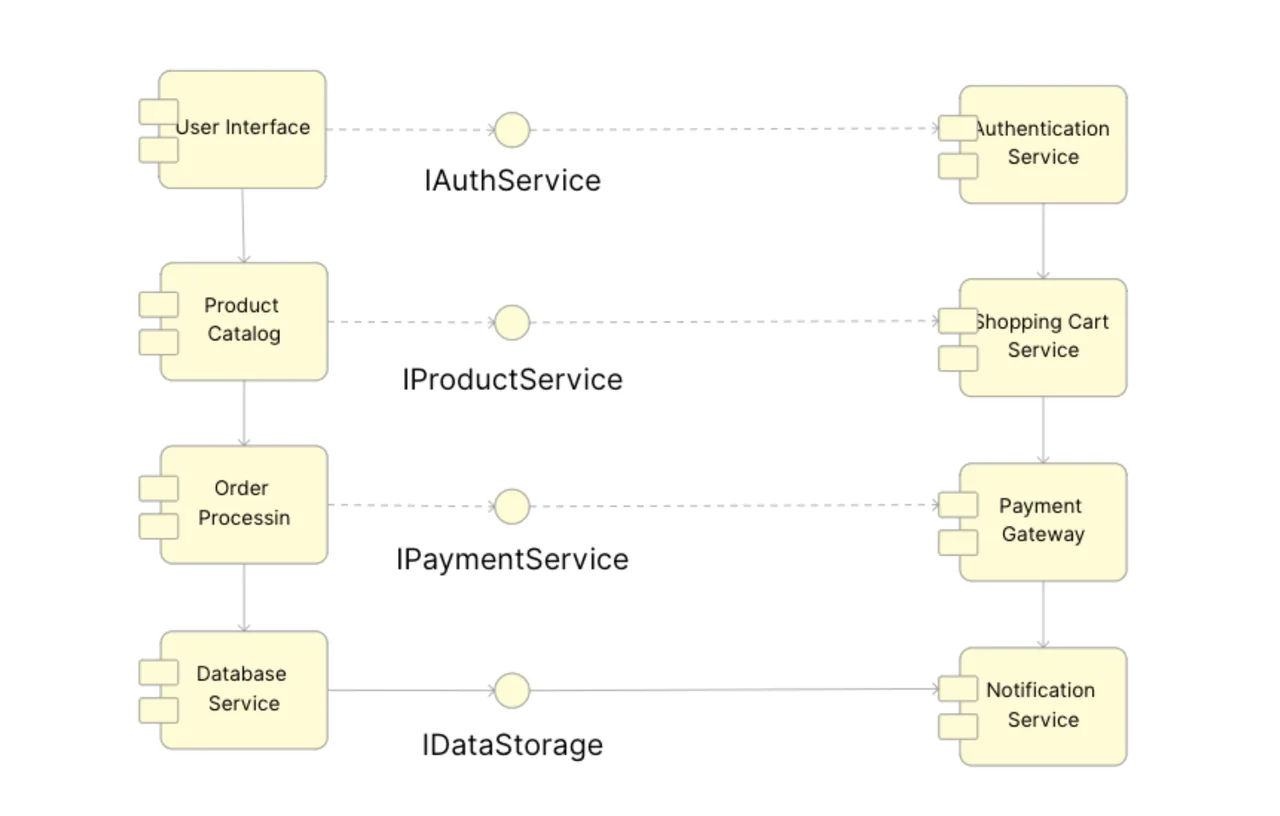
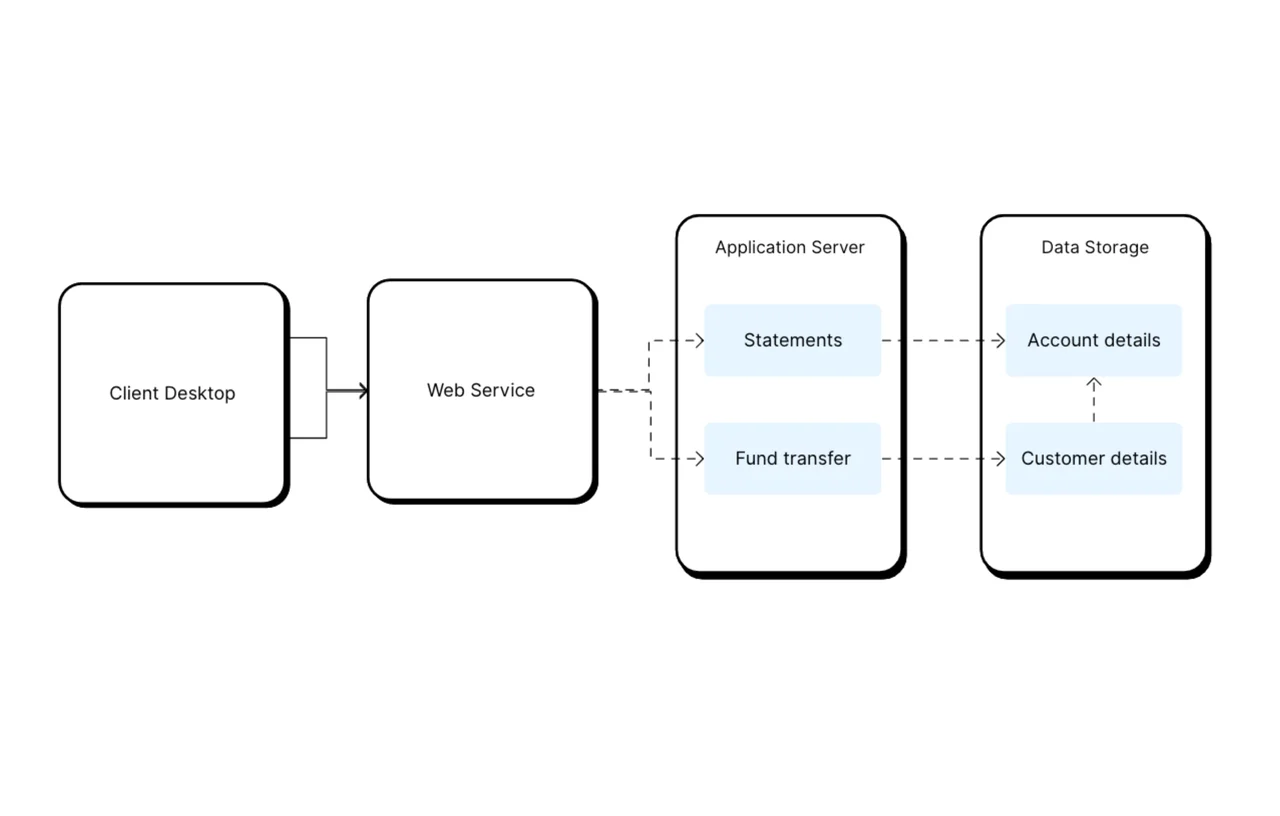
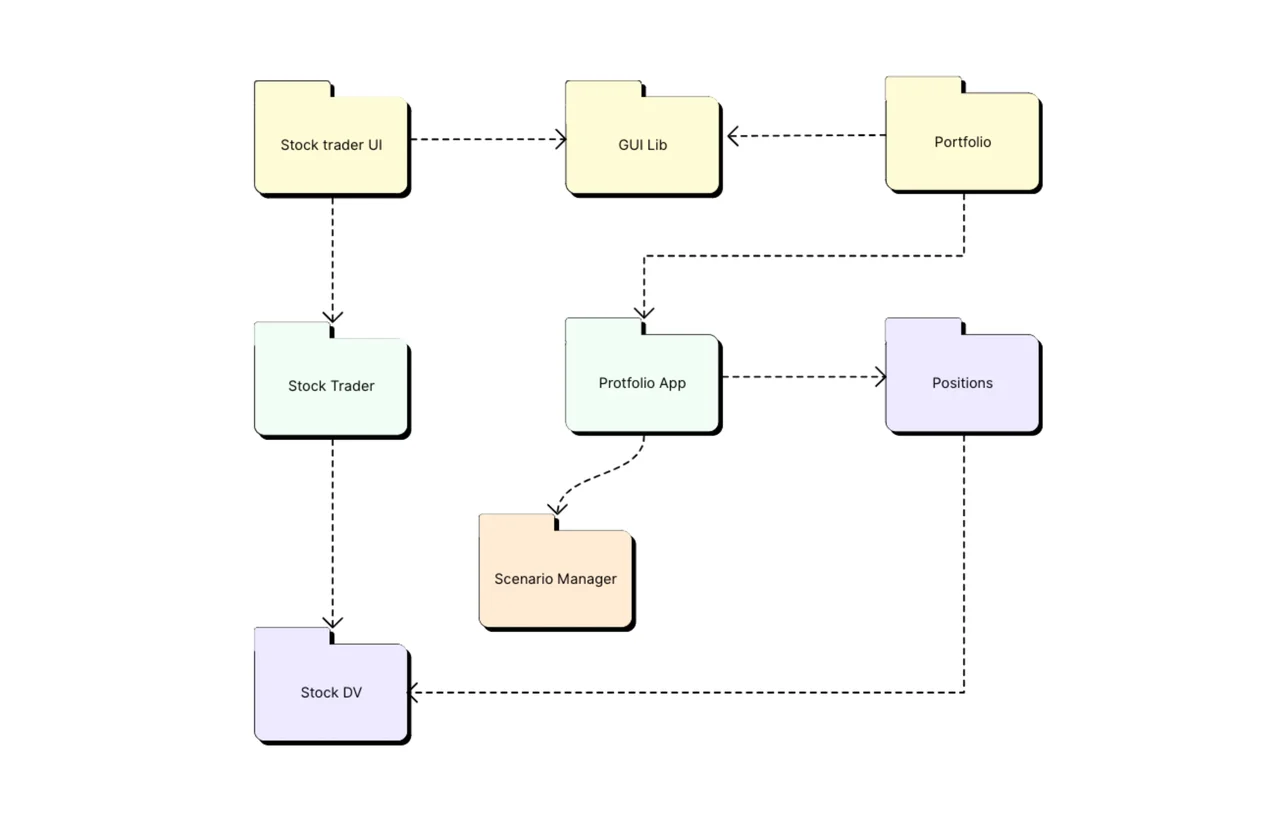
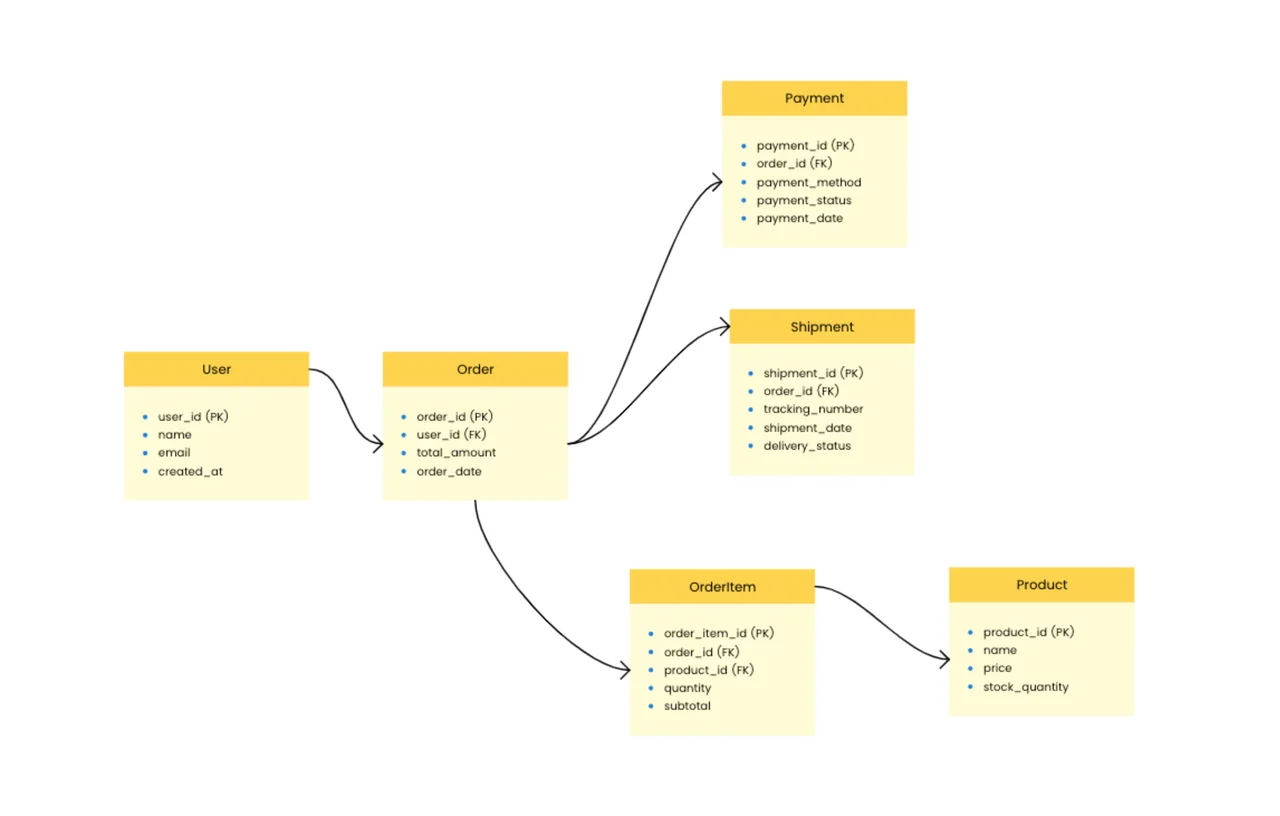
Our Entity-Relationship Diagram (ERD) template is an effective visual tool for mapping out database architecture and relationships between data components. This template is ideal for database architects, system designers, and developers. It allows you to generate clear, complete data models that serve as the foundation for effective database implementation. Whether you're creating a new system or describing an existing database schema, this ERD template makes data modeling less difficult.
An ERD converts abstract data concepts into understandable visual representations, making it simpler to see how different data items link and interact. Mapping entities, properties, and connections allows you to rapidly discover and address any design issues before they are implemented, saving significant development time and resources.
Using an ERD guarantees that your database structure adheres to recommended standards for relational database architecture. The template assists you in appropriately defining primary and foreign keys, establishing suitable relationship types (one-to-one, one-to-many, and many-to-many), and effectively organizing characteristics, resulting in a strong database design that performs optimally and scales well.
ERDs are a crucial communication tool for technical and non-technical team members. Entity-relationship diagrams' visual form makes complicated database structures more approachable to business analysts, project managers, and clients, allowing for improved cooperation and guaranteeing that the final database design fulfills all system and business requirements.
Duplicate the template and list the entities first — the nouns your system stores, like User, Order, and Product.
Add key attributes to each entity, marking the primary key.
Draw relationships between entities and mark cardinality at each end — one-to-one, one-to-many, many-to-many.
Resolve many-to-many relationships with a junction entity carrying both foreign keys.
Review with a real query in mind: if answering it needs an attribute or a join you have not drawn, the model is telling you something.
An entity relationship diagram maps what a database stores (entities and attributes) and how records connect (relationships with cardinality). It is the standard way to design a schema before writing migrations, and to document one after.
Crow's foot marks cardinality with line endings: a single stroke for one, a three-pronged "crow's foot" for many, and a circle for optional. This template uses it because it stays readable even on large schemas.
Yes — reverse-map the tables you have into entities and draw the foreign keys as relationships. Teams often discover undocumented joins and orphaned tables in the process, which is half the value of drawing the diagram at all.