Best Notes App for Laptop and Phone (2026): 10 That Sync
What changed (Nov 14, 2026): Rewrote the guide around syncing notes between a laptop and a phone: quick picks by device pair, ten apps including Simplenote, Samsung Notes and Standard Notes, a dated screenshot of each, sync, offline and conflict tables and free-plan device limits checked on vendor pages, a 15-minute sync test, and corrected AFFiNE pricing and encryption claims.
If you write a note on your phone and need it on your laptop an hour later, almost any notes app can do that. The differences show up in four places: when your laptop and phone run different systems, when a free plan limits how many devices can sync, when you edit offline, and when the same note changes on both devices before they sync.
Short answer: for a free notebook on a Windows laptop or a Mac and any phone, start with Microsoft OneNote. For plain-text notes that sync free on every system, including Linux, pick Simplenote. If your phone is Android and you mostly capture on it, Google Keep is the fastest, but on a laptop it only runs in a browser. If both devices are Apple, Apple Notes is already enough. For shared notes, pick Notion; for local Markdown files, pick Obsidian or Joplin; for end-to-end encrypted notes on every device, pick Standard Notes. If you want notes, documents and a whiteboard in one workspace, try AFFiNE. For a wider comparison that is not limited to syncing, see our best note-taking apps by use case.
Checked by Allen, AFFiNE content team, on November 14, 2026. We read each app's official pricing, sync, offline and conflict help pages and captured a dated screenshot of each vendor page. This is a documentation-based comparison: we did not run timed sync tests and we do not publish scores, so the 15-minute sync test below shows how to check an app on your own laptop and phone. Disclosure: AFFiNE publishes this blog, and AFFiNE makes one of the products in this guide. We list it last and describe what it does not do.
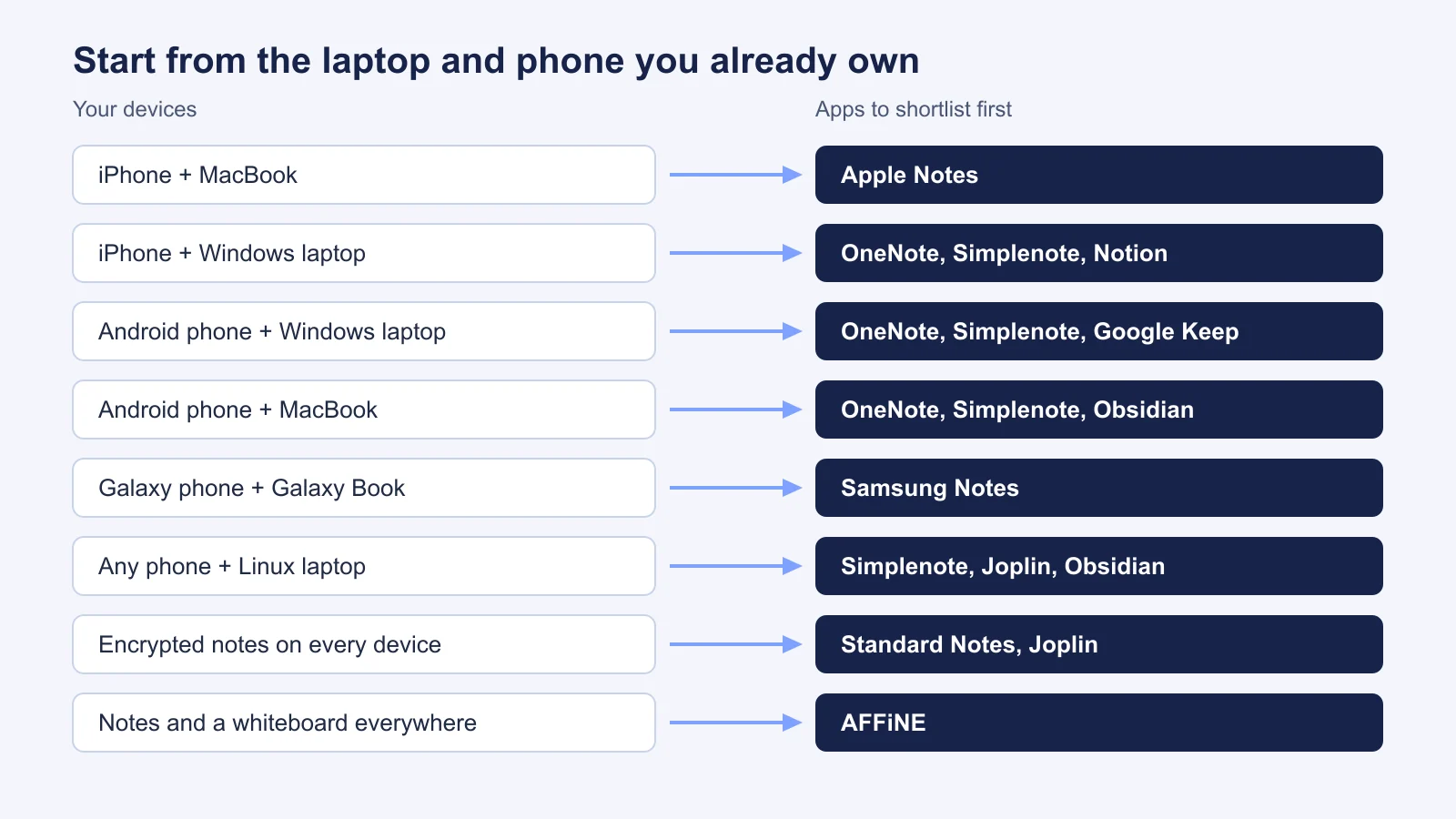
Quick Picks: Best Notes App for Each Laptop and Phone Pair
| Your laptop and phone | Start with | Why |
|---|---|---|
| iPhone + MacBook | Apple Notes | Built in, free, syncs through iCloud with no setup. |
| iPhone + Windows laptop | Microsoft OneNote | Free native apps on both, synced through OneDrive. Apple Notes only works in a browser on Windows. |
| Android phone + Windows laptop | Microsoft OneNote or Google Keep | OneNote for notebooks; Keep for quick notes you read in a laptop browser. |
| Android phone + MacBook | Simplenote | Free native apps on both, with real-time sync and no paid tier. |
| Galaxy phone + Galaxy Book | Samsung Notes | Syncs through Samsung Cloud. The Windows app is optimized for Galaxy Books only. |
| Any phone + Linux laptop | Simplenote, Joplin or Obsidian | All three have native Linux apps. |
| Shared notes on every device | Notion | Real-time editing for groups. Offline pages must be marked on each device. |
| Encrypted notes on every device | Standard Notes | End-to-end encryption by default and unlimited device sync on the free plan. |
| Notes, documents and a whiteboard | AFFiNE | Docs and an Edgeless whiteboard in one local-first workspace, on every system. |
How We Checked These Apps
We started from the apps that show up most often when people ask which notes app syncs between a phone and a computer, and kept the ones with a real app on at least one laptop system and one phone system. Then we read the official pages for each one on November 14, 2026, and answered the same six questions:
- Where does it run? Native apps on Windows, Mac, Linux, iPhone and Android, or only a browser.
- How does it sync? The vendor's cloud, your own cloud storage, plain files, or end-to-end encrypted sync.
- What does the free plan allow? Device limits, storage and note limits that stop laptop and phone sync.
- Can you edit on the phone offline? And does the change sync when the phone reconnects?
- What happens when one note changes on two devices? Merge, a conflict copy, or a choice you make by hand.
- How fast is capture on the phone? Widgets, share sheet, voice notes.
Where a vendor does not document something, such as conflict handling in Apple Notes or Google Keep, we say so instead of guessing. Each app section includes a screenshot of the vendor's own page, captured the same day. Prices change often, so check the vendor page before you pay.
What Matters When Notes Move Between a Laptop and a Phone
- The weakest device decides. An app with a great phone app and only a browser version on your laptop (Google Keep on any laptop, Apple Notes on Windows) will feel slower every day. Check both of your devices before anything else.
- Free plans can block the second device. Evernote Free allows one connected device, and AFFiNE Cloud Free allows three login devices. OneNote, Google Keep and Apple Notes share your account's cloud storage, so a full mailbox or photo library can stop notes from syncing.
- There are three kinds of sync. Cloud apps (OneNote, Keep, Apple Notes, Notion, Simplenote) sync through the vendor's servers with no setup. File-based apps (Obsidian, Joplin) keep notes on your device and sync through a service you choose. Encrypted sync (Standard Notes, Obsidian Sync, Joplin with encryption on) means the server cannot read your notes.
- Offline on the phone is not automatic everywhere. Notion works offline only for pages marked "Available offline" on each device, unless you are on a Business or Enterprise plan. Google Keep works offline in its phone apps but not on a computer.
- Conflicts are where notes get lost. If you edit the same note on your laptop and phone before they sync, OneNote and Joplin keep both versions for you to merge, Standard Notes keeps a duplicate note, and Obsidian Sync merges Markdown changes automatically. Check version history before you trust any app with notes you cannot rewrite.
- Capture happens on the phone. A home screen widget, a share sheet entry or a voice note decides whether you use the app at all. Our best free note-taking apps guide goes further into free-plan limits, offline access and export.
The 10 Best Notes Apps for Laptop and Phone in 2026
1. Microsoft OneNote - best free notebook for Windows or Mac and any phone
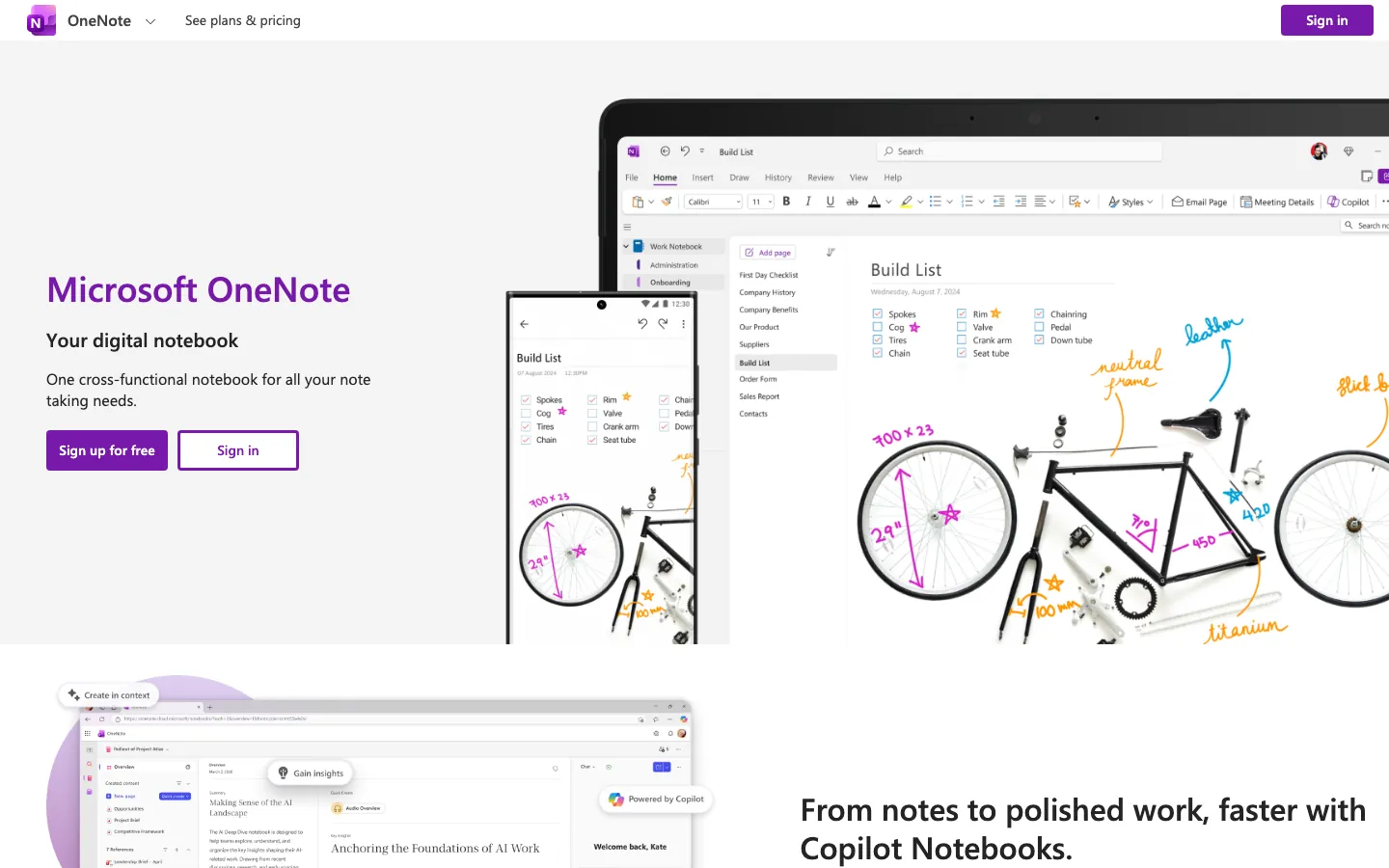
OneNote is a free digital notebook with apps for Windows, Mac, iPhone, iPad and Android, plus a web version. Notebooks hold sections, sections hold pages, and each page can mix typing, ink, images and audio. Everything syncs through OneDrive with a free Microsoft account, which makes OneNote the safest first try when your laptop and phone come from different companies.
On Android, the OneNote widget creates text, audio or picture notes from the home screen, and Sticky Notes from Windows also show up in OneNote on your phone. On iPhone and iPad, changes made offline sync automatically when you are back online.
Sync and conflicts: if the same page changes on two devices before they sync, OneNote keeps both. A yellow bar appears, the other version opens as a separate page with the differences in red, and you copy what you need before deleting the copy. Microsoft also warns against syncing notebooks with the OneDrive desktop app or Dropbox; let OneNote sync them itself.
Strengths
- Free native apps on Windows, Mac, iPhone, iPad and Android.
- Typing, handwriting, audio and images on the same page.
- Conflicting edits are kept as a copy instead of being overwritten.
Limits
- The free Microsoft account includes 5 GB of cloud storage, shared with Outlook and OneDrive files, and one notebook can be up to 2 GB.
- No Linux app; on Linux you use OneNote on the web.
- No Markdown export and no end-to-end encryption (you can password-protect sections).
Pricing: free. Microsoft 365 Personal adds storage for $99.99 per year in the US.
Best fit: a Windows laptop or a Mac with an iPhone or Android phone. If you outgrow it, see our OneNote alternatives.
2. Simplenote - best free plain-text sync on every system
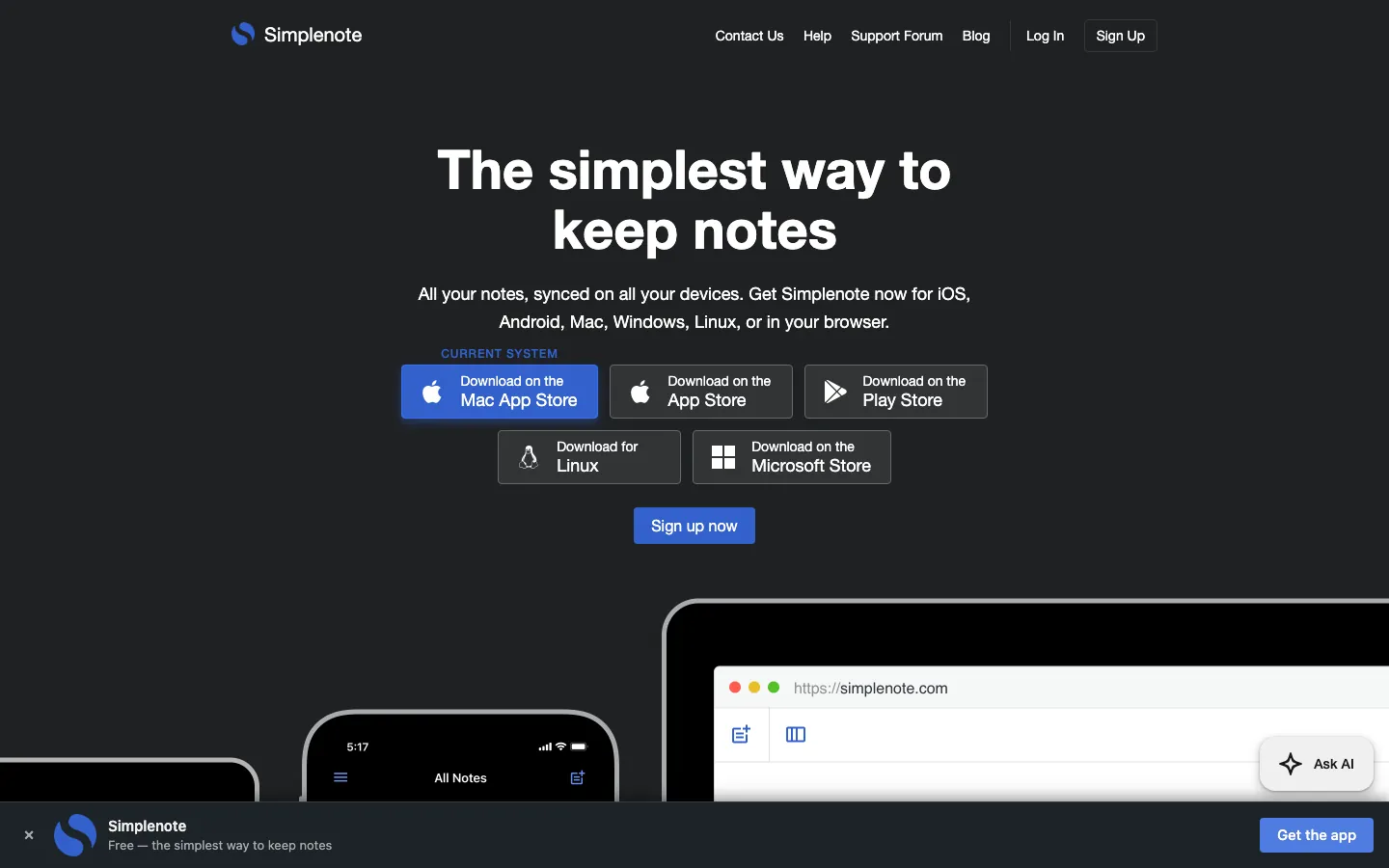
Simplenote does one thing: plain-text notes that sync in real time between its apps for iPhone, Android, Mac, Windows, Linux and the web. Apps, sync, backups and sharing are all free, and there is no paid tier. Simplenote states no note limit beyond fair use.
The native apps work offline once your notes have downloaded, and changes sync when you reconnect. The web app needs to be installed as a Progressive Web App to work offline. Every change is backed up, and most apps let you view earlier versions of a note, which is the main protection if two devices edit the same note. You can turn on Markdown for individual notes and share a note with other Simplenote users or as a read-only web link.
Strengths
- Free sync on every major laptop and phone system, including Linux.
- Fast to open and simple to learn.
- Version history in most apps.
Limits
- Text only: you cannot add images or attachments.
- Notes are encrypted in transit but not at rest, and Simplenote advises against storing sensitive information.
- The iPhone app was last updated in November 2024, while the Android and desktop apps were updated in 2026. The Mac App Store version cannot export notes yet.
Pricing: free.
Best fit: lists, drafts and reference notes on a mixed set of devices, such as an Android phone and a MacBook, or any phone and a Linux laptop.
3. Google Keep - best quick capture on an Android phone
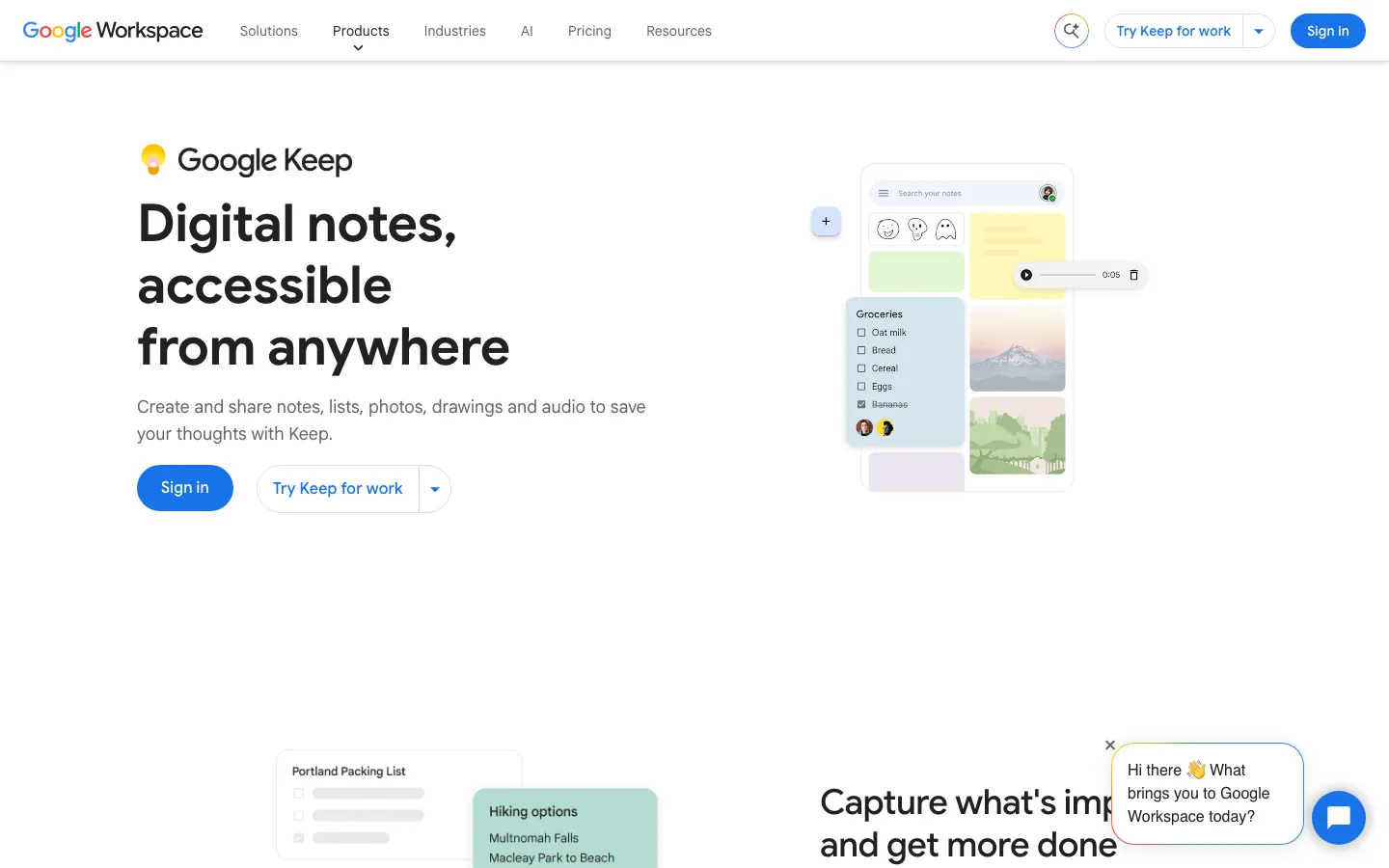
Google Keep is a board of short notes, checklists, photos and voice notes with reminders and labels. It is free with a Google account and runs on Android, iPhone and the web. On Android, three widgets let you add or edit notes from the home screen, and voice recordings are built in.
The laptop side is weaker. Keep has no desktop app: Google ended the Chrome app in early 2021 and points users to keep.google.com. Keep works offline in the phone apps, but not on a computer, so you need a connection to read your notes on a laptop.
Strengths
- Very fast capture on Android, including widgets and voice notes.
- Reminders, labels and shared checklists.
- Free, using your Google account storage.
Limits
- On a laptop it is a website only, with no offline access.
- No notebooks or folders beyond labels, and basic formatting.
- No end-to-end encryption; export goes through Google Takeout. Google does not document how Keep handles conflicting edits.
Pricing: free, using the 15 GB of storage shared across a Google account. Google One plans start at $1.99 per month for 100 GB.
Best fit: Android users who capture on the phone and read or clean up notes in a laptop browser.
4. Apple Notes - best when both devices are Apple
Apple Notes comes with every iPhone, iPad and Mac and syncs through iCloud with no setup. It handles checklists, tables, scanned documents, sketches, shared notes and locked notes. On iPhone, you can start a Quick Note from Control Center or from the Share sheet, and you can record audio with a transcript.
Outside Apple devices, the picture changes. On a Windows laptop or an Android phone, you open Notes at icloud.com in a browser. iCloud for Windows syncs photos, files, passwords and bookmarks, but not Notes. iCloud.com also shows only notes stored in iCloud, not notes saved "On My iPhone".
Strengths
- Free, fast and built into iPhone, iPad and Mac.
- End-to-end encryption when Advanced Data Protection is turned on.
- Markdown import and export on macOS 26 and later.
Limits
- No app for Windows or Android; you use icloud.com in a browser.
- Uses your iCloud storage, which is 5 GB on the free tier.
- Apple does not document how Notes handles the same note edited on two devices.
Pricing: free. iCloud+ starts at $0.99 per month for 50 GB in the US.
Best fit: an iPhone and a MacBook. To share notes with people on other devices, see how to share notes on iPhone.
5. Samsung Notes - best for a Galaxy phone and a Galaxy Book
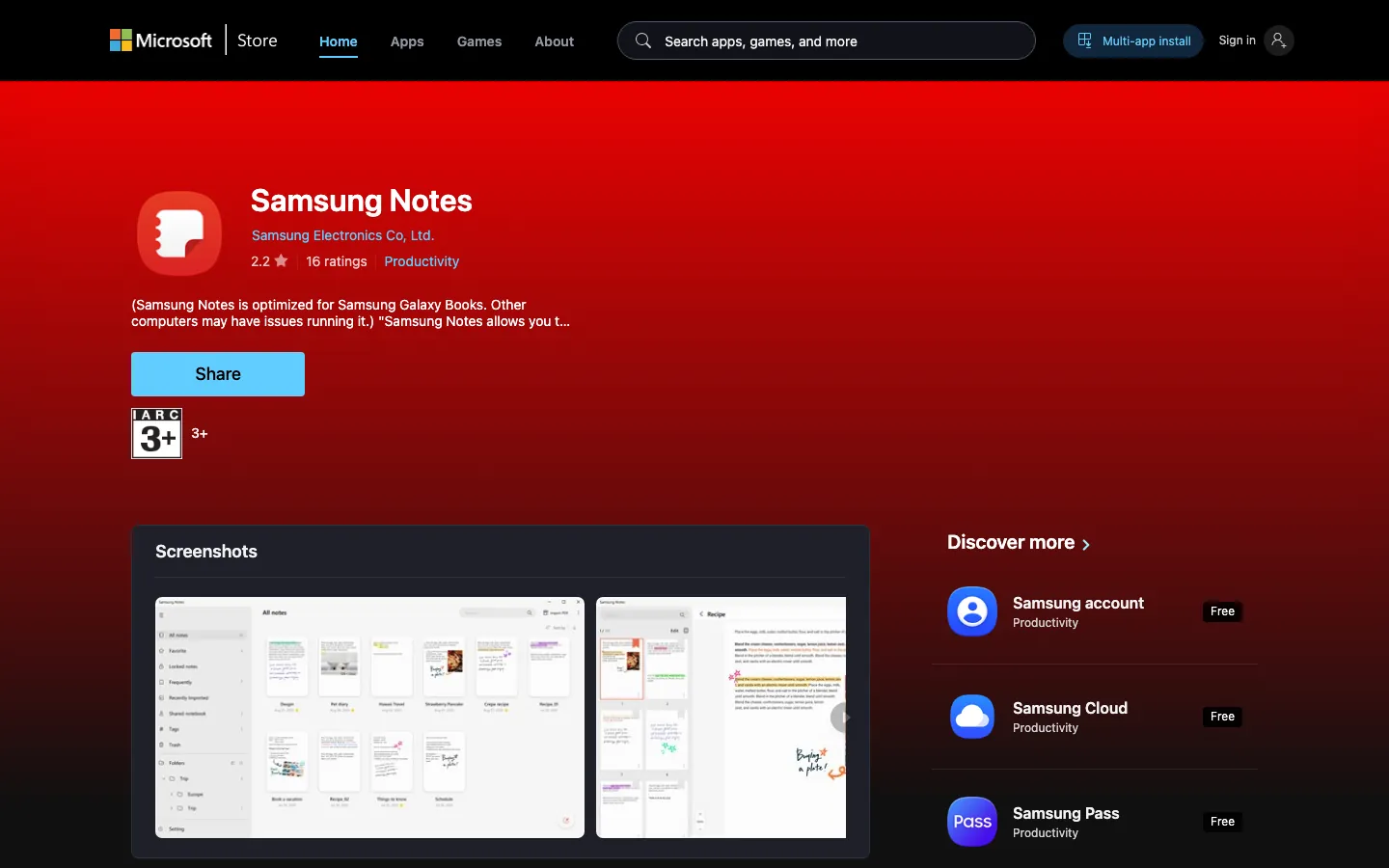
Samsung Notes is the notes app on Galaxy phones and tablets, with typing, handwriting, PDF markup and audio. It syncs through Samsung Cloud with your Samsung account, including to the Samsung Notes app for Windows.
That Windows app is the catch. Samsung says it is optimized for Galaxy Book laptops only and may not work on other Windows computers, and the Microsoft Store listing says the same. Samsung Notes used to sync to Microsoft OneNote, but Samsung now says that feature is no longer available and is not on devices with One UI 9, even though some older Samsung help pages still describe it.
Strengths
- Built into Galaxy phones and tablets, with strong S Pen handwriting.
- Free sync through Samsung Cloud.
- Exports to PDF, Word, PowerPoint, image and text files.
Limits
- The Windows app is meant for Galaxy Books; other laptops may not run it.
- Samsung does not list an iPhone, Mac or web version.
- The OneNote sync option has been discontinued.
Pricing: free with a Samsung account.
Best fit: people whose phone and laptop are both Samsung. If your laptop is not a Galaxy Book, use OneNote or Simplenote instead.
6. Notion - best for shared notes across devices
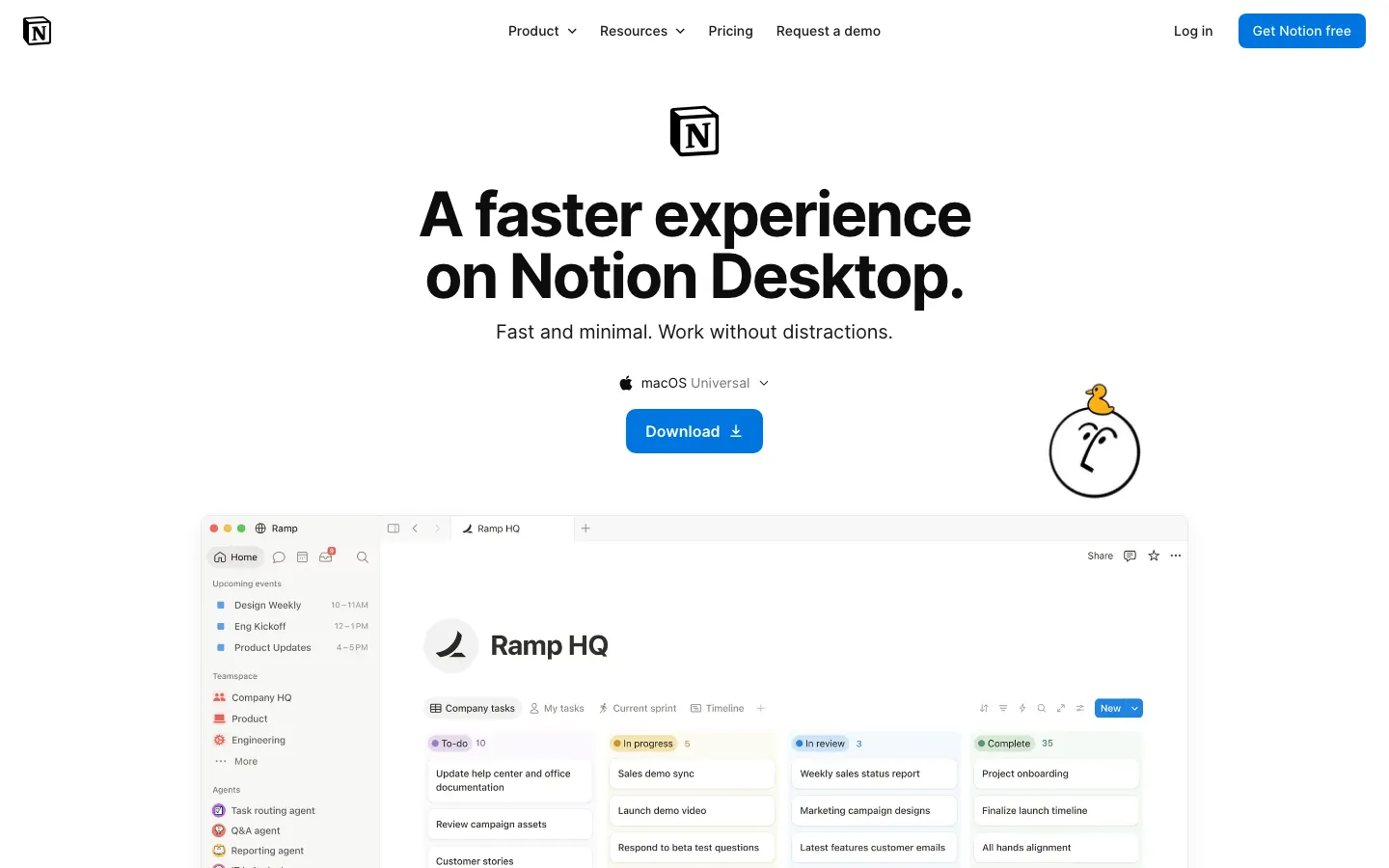
Notion runs on Windows, Mac, iPhone, Android and the web, and syncs through Notion's cloud. It is built for shared pages, databases and team wikis, so it is the strongest choice here when other people edit the same notes from their own laptops and phones.
Offline needs setup. On every plan you can view, edit and create pages offline in the desktop and mobile apps, but only after you turn on "Available offline" for each page, on each device. Recent and favorite pages download automatically only on Business and Enterprise plans. Offline changes sync when you reconnect; Notion says text merges automatically, while images and other non-text changes sometimes need a quick review.
Strengths
- Real-time editing, comments and permissions for groups.
- Databases and linked pages for structured notes.
- Home screen widgets on iPhone and Android, and page history (7 days on the free plan).
Limits
- Offline pages must be marked on each device on the Free and Plus plans.
- Free plan uploads are limited to 5 MB per file.
- No Linux app and no end-to-end encryption.
Pricing: free for individuals. Plus starts at $10 per seat per month.
Best fit: shared notes on an iPhone and a Windows laptop, or any team that mixes devices. Read our Notion offline mode guide before you rely on it while travelling.
7. Obsidian - best for local Markdown files on every device
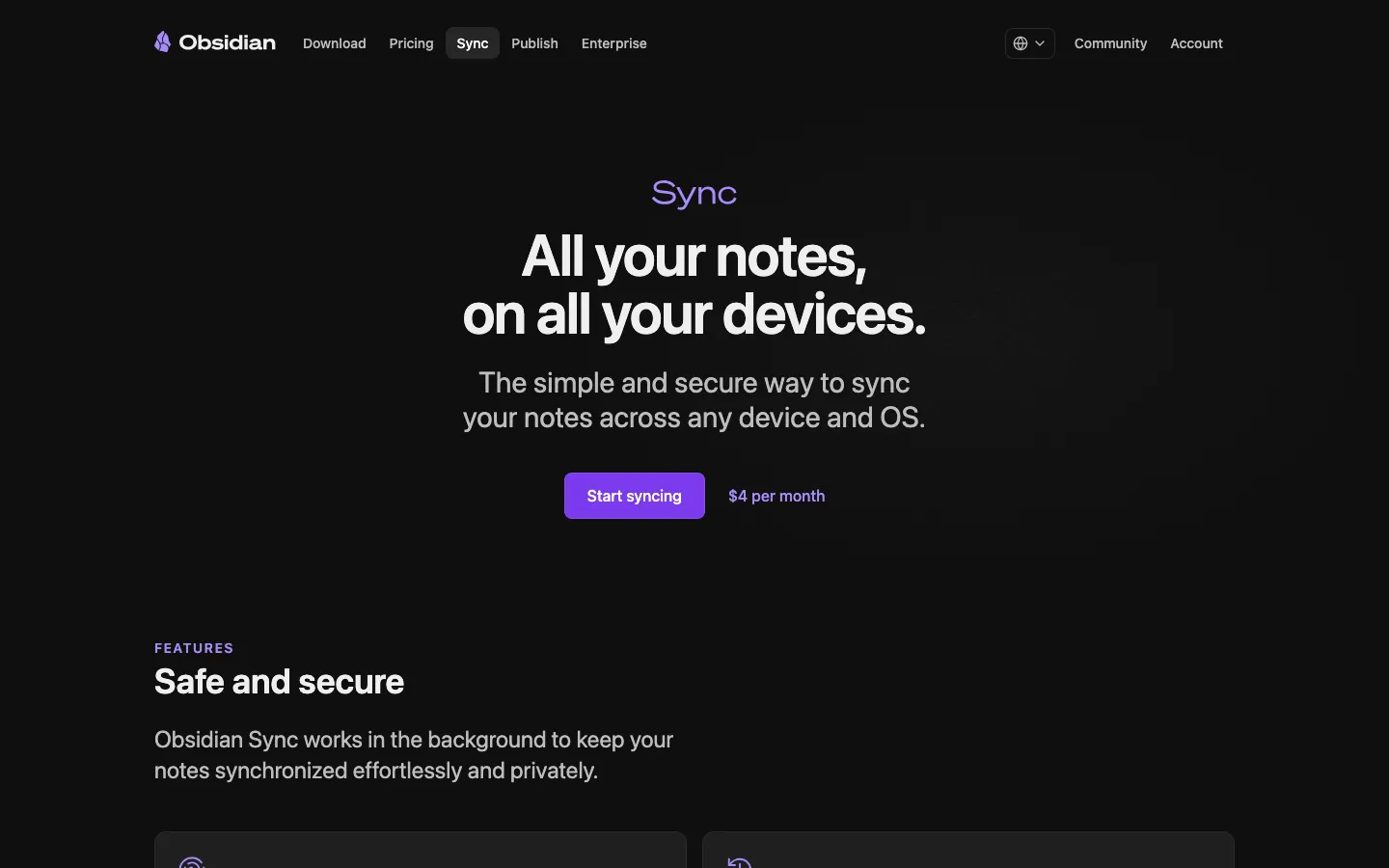
Obsidian keeps every note as a Markdown file in a folder on your device, with apps for Windows, Mac, Linux, iPhone and Android. Because the notes are files, the app itself does not need a connection, and you can leave without exporting anything.
Getting the same notes onto your phone is the part you have to choose. Obsidian lists four ways: its paid Obsidian Sync, a cloud drive such as iCloud, OneDrive or Google Drive, Syncthing, or Git. Obsidian recommends iCloud only when every device is Apple and warns that iCloud Drive on Windows may duplicate or corrupt files. So for an iPhone and a Windows laptop, Obsidian Sync is the safe option.
Sync and conflicts: Obsidian Sync encrypts end to end by default (AES-256-GCM). When the same Markdown note changes on two devices, Sync merges the changes automatically by default; since version 1.9.7 you can choose to create a conflict file instead. Sync keeps version history for 1 month on Standard and 12 months on Plus.
Strengths
- Free app with notes stored as plain files you own.
- Backlinks, graph view and a large plugin ecosystem.
- Native apps on all five major systems, including Linux.
Limits
- Reliable phone sync usually means paying for Obsidian Sync.
- Do-it-yourself sync (cloud drives, Syncthing, Git) takes setup and care.
- On iPhone, Quick Capture needs iOS 26 and Obsidian 1.14; widgets need iOS 18.
Pricing: the app is free. Obsidian Sync costs $4 per month billed annually ($5 monthly).
Best fit: an Android phone with a MacBook, or any phone with a Linux laptop, when you want notes as files. Compare it with cloud tools in Obsidian vs Notion, or see Obsidian alternatives.
8. Joplin - best open-source app that syncs through your own cloud
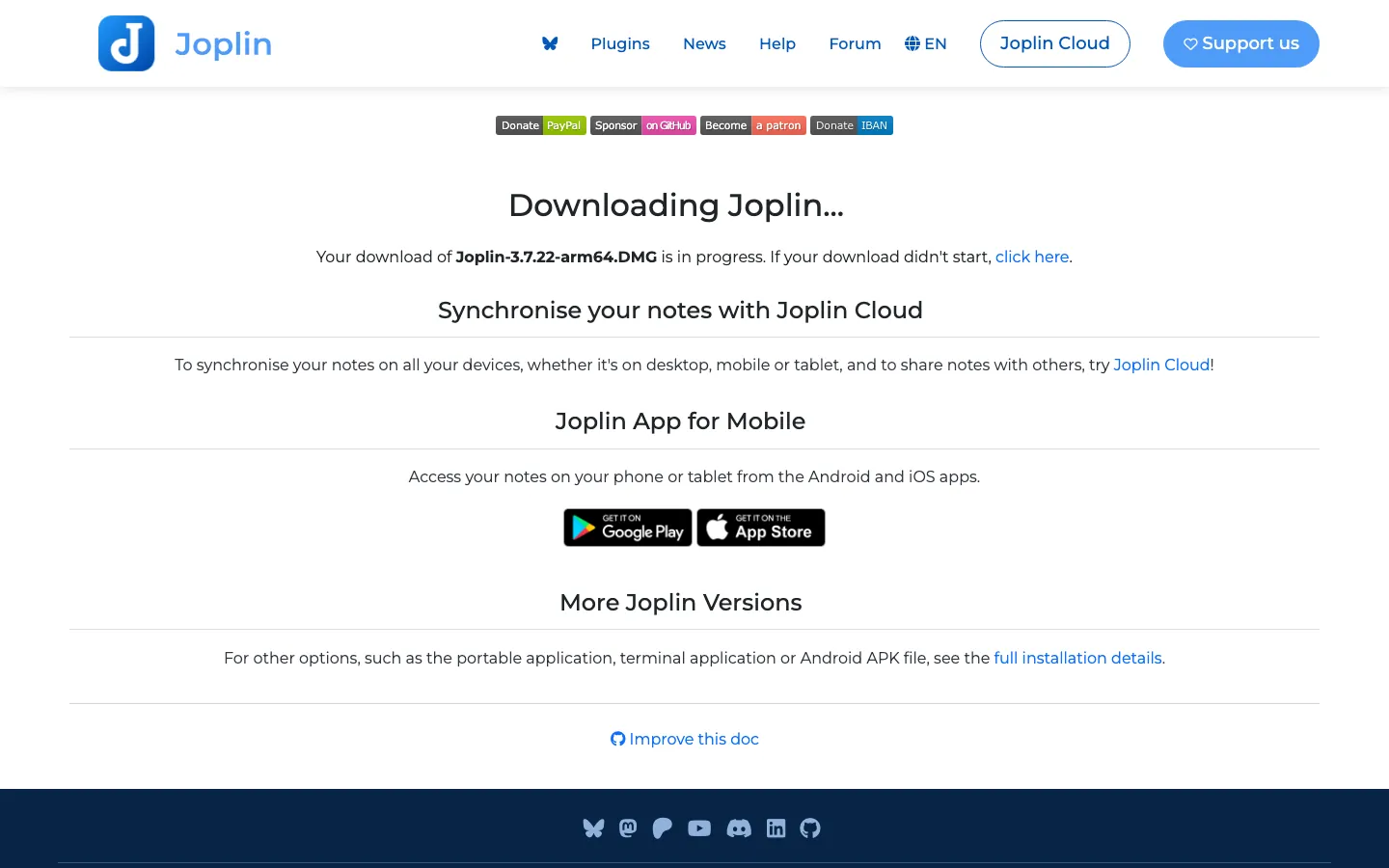
Joplin is a free, open-source notes app with notebooks, tags, to-dos and a web clipper, for Windows, Mac, Linux, iPhone and Android. Notes are Markdown and live on your device. To get them onto your phone, you connect a sync target: Joplin Cloud, Dropbox, OneDrive, Nextcloud, WebDAV, S3 or a local folder.
You can turn on end-to-end encryption for sync, on each device. If the same note changes on two devices, Joplin moves your local version into a conflicts notebook and keeps the other version, so nothing is lost and you merge by hand. Joplin also saves note history every 10 minutes and keeps it for 90 days by default; you view it in the desktop app.
Strengths
- Free and open source on all five major systems.
- Sync through a cloud account you already have, with optional end-to-end encryption.
- Conflicts and note history protect against lost edits.
Limits
- The interface is functional rather than polished.
- Encryption must be turned on per device, and a forgotten master password cannot be recovered.
- The web app and notebook sharing need Joplin Cloud.
Pricing: the app is free. Joplin Cloud Basic costs €2.40 per month billed annually.
Best fit: a Linux or Windows laptop and an Android phone, when you want your own storage and no vendor lock-in.
9. Standard Notes - best for end-to-end encrypted notes on every device
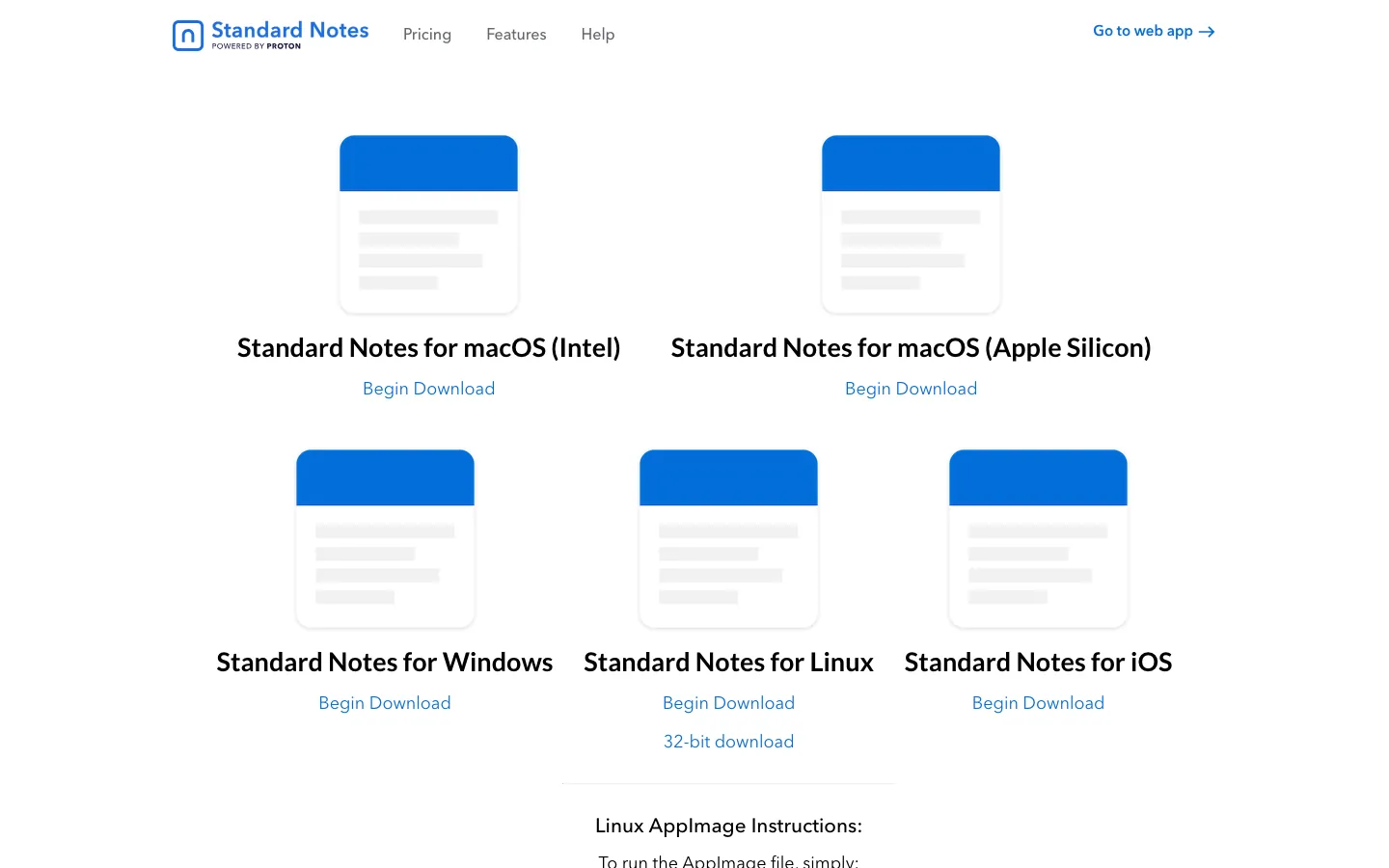
Standard Notes encrypts every note end to end by default, and its free plan syncs across unlimited devices. Apps cover the web, Windows, Mac, Linux, iPhone and Android, so it fits any laptop and phone pair.
Because the server cannot read your notes, it cannot merge edits. When the same note changes on two devices, the app keeps both versions as duplicate notes for you to clean up. Notes you have already synced stay available offline, and offline changes sync when you reconnect.
Strengths
- End-to-end encryption on every plan, including free.
- Unlimited device sync on the free plan.
- Apps on all five major systems plus the web.
Limits
- The free plan is plain text; richer editors are paid.
- Free version history covers only the current device; history across devices is paid.
- Conflicts create duplicates that you merge by hand.
Pricing: free. Productivity costs $90 per year, with sale prices that vary.
Best fit: journals, client notes and anything private that has to be on both your laptop and your phone. For the trade-offs of cloud storage, see the hidden risks of cloud note-taking.
10. AFFiNE - best for notes, documents and a whiteboard on every device
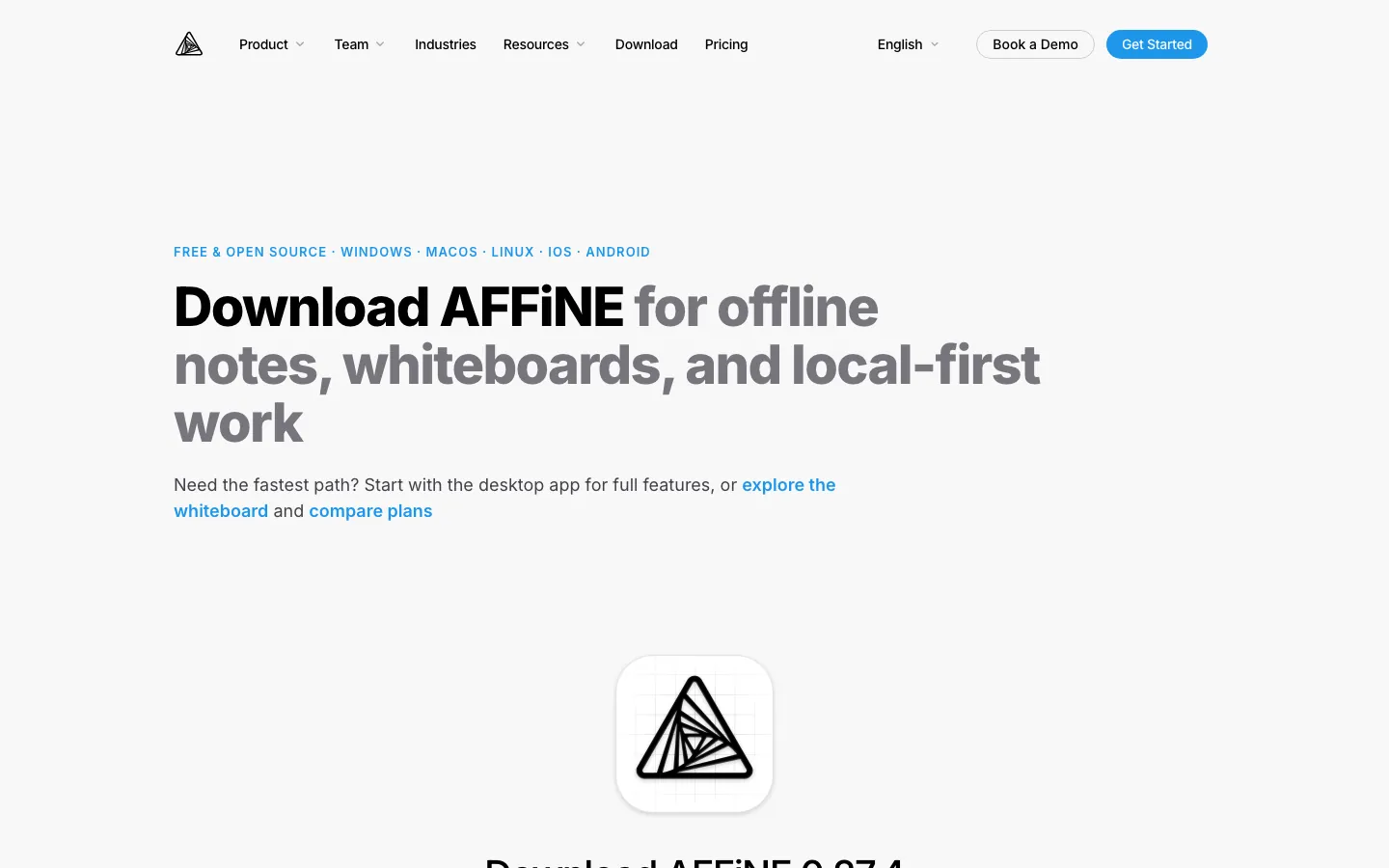
AFFiNE is the product made by the company that publishes this blog. It combines documents, an Edgeless whiteboard and databases in one workspace, with apps for the web, Windows, Mac, Linux, iPhone and Android.
AFFiNE is local-first. The desktop app works completely offline with local workspaces, and nothing syncs unless you sign in to AFFiNE Cloud. Cloud workspaces sync between your laptop and phone through AFFiNE Cloud. Sync is built on CRDTs (a Yjs-compatible engine), which are designed to merge edits from different devices instead of creating conflict copies. We could not find AFFiNE documentation on offline editing in the mobile apps, so test it before you rely on your phone without a connection.
Strengths
- Notes, long documents and a whiteboard in the same workspace.
- Local workspaces on the laptop with unlimited local docs.
- Apps on all five major systems, including Linux.
Limits
- Cloud Free allows 3 login devices, 10 GB of storage, 10 MB per file, 3 members per workspace and 7 days of version history.
- No end-to-end encryption yet.
- Phone capture is less mature than Keep or Apple Notes, and the plugin ecosystem is smaller than Obsidian's.
Pricing: free for local use and Cloud Free. Pro costs $6.75 per month billed annually, with 100 GB of storage and 30 days of version history. AFFiNE AI is a separate add-on at $8.90 per month billed annually. See AFFiNE pricing.
Best fit: students and small teams whose notes turn into plans, diagrams or boards, on a mix of laptops and phones. You can import your Notion workspace to compare it with your current setup.
Sync, Offline and Conflicts Compared
| App | Laptop apps | Phone apps | How it syncs | Offline on the phone | Same note edited on two devices |
|---|---|---|---|---|---|
| Microsoft OneNote | Windows, Mac (web on Linux) | iPhone, Android | OneDrive | Yes, syncs on reconnect | Keeps a conflict page to merge by hand |
| Simplenote | Windows, Mac, Linux | iPhone, Android | Simplenote cloud | Yes | Version history to restore text |
| Google Keep | Browser only | Android, iPhone | Google account | Yes (not on a computer) | Not documented |
| Apple Notes | Mac (browser on Windows) | iPhone (browser on Android) | iCloud | Not documented | Not documented |
| Samsung Notes | Galaxy Book (Windows) | Galaxy phones | Samsung Cloud | Not documented | Not documented |
| Notion | Windows, Mac | iPhone, Android | Notion cloud | Pages marked offline | Text merges; non-text may need review |
| Obsidian | Windows, Mac, Linux | iPhone, Android | Obsidian Sync or your own | Yes, local files | Sync merges; conflict file optional |
| Joplin | Windows, Mac, Linux | iPhone, Android | Joplin Cloud or your cloud | Local notes | Local copy moved to a conflicts notebook |
| Standard Notes | Windows, Mac, Linux | iPhone, Android | Encrypted cloud | Synced notes | Keeps duplicate notes |
| AFFiNE | Windows, Mac, Linux | iPhone, Android | AFFiNE Cloud | Not documented for mobile | CRDT merge |
"Not documented" means we could not find the answer on the vendor's own pages on November 14, 2026.
Free Plans and Device Limits
Prices are US list prices on November 14, 2026, unless shown in euros.
| App | Free laptop and phone sync | Free plan limits | First paid upgrade |
|---|---|---|---|
| Microsoft OneNote | Yes | 5 GB shared OneDrive storage; 2 GB per notebook | Microsoft 365 Personal, $99.99/year |
| Simplenote | Yes | Text only; no stated note limit | None, fully free |
| Google Keep | Yes, laptop in a browser | 15 GB shared Google storage | Google One from $1.99/month |
| Apple Notes | Yes on Apple devices; browser elsewhere | 5 GB iCloud storage | iCloud+ from $0.99/month |
| Samsung Notes | Galaxy devices only | Samsung Cloud with a Samsung account | None listed |
| Notion | Yes | 5 MB uploads; offline pages marked by hand | Plus from $10/seat/month |
| Obsidian | Only through your own cloud drive, Syncthing or Git | Local notes, no limit | Obsidian Sync, $4/month billed annually |
| Joplin | Yes, through your own cloud account | Depends on your cloud storage | Joplin Cloud Basic, €2.40/month billed annually |
| Standard Notes | Yes, unlimited devices | Plain-text notes | Productivity, $90/year |
| AFFiNE | Yes, with Cloud Free | 3 login devices, 10 GB, 10 MB per file | Pro, $6.75/month billed annually |
| Evernote (not in our list) | One device only | 50 notes, 1 notebook | Starter, $99/year for 3 devices |
Evernote is still a strong archive and web clipping tool, but its free plan cannot sync a laptop and a phone. If you are leaving it, see our Evernote alternatives.
Which App for Your Laptop and Phone?
iPhone and Windows laptop
Apple Notes only opens in a browser on Windows, so pick an app with a real Windows app. OneNote is the free all-round choice, Simplenote is the lightest, and Notion is best when other people edit the same notes. Use Obsidian Sync rather than iCloud Drive if you want Obsidian on this pair.
Android phone and Windows laptop
OneNote works well on both, and its Android widget plus Sticky Notes on Windows make capture quick. If you mostly jot short notes on the phone, Google Keep is faster to open, but on the laptop it runs only in a browser and not offline. Joplin is the open-source option if you want to sync through your own OneDrive or Dropbox.
Android phone and MacBook
Simplenote and OneNote both have free native apps on Mac and Android. Obsidian works well too, using Obsidian Sync or a cloud drive you already pay for. Apple Notes is not an option on Android beyond a browser.
iPhone and MacBook
Apple Notes is already on both and syncs through iCloud with no setup. Choose something else only if you also need Windows or Android later, need shared team notes (Notion), or want notes as Markdown files (Obsidian with iCloud, which Obsidian supports on Apple devices).
Linux laptop and any phone
OneNote, Notion, Apple Notes and Samsung Notes have no Linux app. Simplenote, Joplin, Obsidian, Standard Notes and AFFiNE all have native Linux apps and phone apps for iPhone and Android.
A 15-Minute Sync Test Before You Commit
Sync problems rarely show up on day one. This test finds most of them on your own laptop and phone before you move hundreds of notes.
- Install and sign in with the same account on both devices. Create a note on the phone and see how long it takes to appear on the laptop.
- Edit offline. Turn on airplane mode on the phone, add a line and a checklist item, then reconnect. Check that both changes reach the laptop.
- Force a conflict. Take both devices offline, change the same sentence differently on each, then reconnect both. Note whether the app merges the text, keeps a copy, or silently keeps one version.
- Restore from history. Open version history and bring back the text you lost in step 3, if any.
- Try your capture path: the widget, the share sheet or a voice note you will use every day.
- Test the exit. Export a few notes from the laptop and open them in another app.
Keep the app that passes steps 2 to 4. A note that disappears in a test will disappear in real life too.
Frequently Asked Questions
What is the best notes app for a laptop and phone?
For most people with mixed devices, Microsoft OneNote is the best free notes app for a laptop and phone, because it has native apps on Windows, Mac, iPhone and Android and keeps conflicting edits as a copy. Simplenote is the best free choice for plain-text notes on every system, Apple Notes is best when both devices are Apple, and Standard Notes is best for encrypted notes.
What is the best free notes app that syncs between an iPhone and a Windows laptop?
Microsoft OneNote and Simplenote both have free native apps for iPhone and Windows and sync without extra setup. Notion's free plan also works if you want shared pages. Apple Notes only works in a browser at icloud.com on Windows, because iCloud for Windows does not sync Notes.
Can I use Apple Notes on a Windows laptop?
Only in a web browser. Sign in at icloud.com and open Notes. iCloud for Windows does not include Notes, and iCloud.com shows only notes stored in iCloud, not notes saved on your iPhone.
Does Google Keep have a desktop app?
No. Google ended the Keep Chrome app in early 2021, so on a laptop you use keep.google.com in a browser. Keep works offline in its Android and iPhone apps but not on a computer.
Which notes app syncs between an Android phone and a PC?
OneNote, Google Keep, Simplenote, Notion, Joplin, Obsidian, Standard Notes and AFFiNE all have Android apps and work on a Windows PC. Samsung Notes syncs a Galaxy phone with a PC only if the PC is a Galaxy Book, and its sync to OneNote has been discontinued.
Which notes apps work offline on a phone?
Simplenote, Obsidian, Joplin and Standard Notes work offline on a phone and sync changes when you reconnect. OneNote syncs offline changes on iPhone and iPad when you are back online, and Google Keep works offline in its phone apps. Notion works offline only for pages you mark as available offline on each device.
What happens if I edit the same note on my laptop and phone before they sync?
It depends on the app. OneNote and Joplin keep both versions for you to merge, Standard Notes keeps duplicate notes, Obsidian Sync merges Markdown changes automatically, Notion merges text automatically, and AFFiNE uses CRDTs to merge edits. Apple and Google do not document what Apple Notes and Google Keep do, so use version history and the 15-minute test above.
Sources and Update Notes
- Platforms, sync and offline, checked November 14, 2026: OneNote sync, OneNote sync conflicts, OneNote offline on iPhone and iPad, OneNote for Android features, Sticky Notes on other devices, OneDrive notebook size limits, Microsoft storage FAQ, Simplenote help, Google Keep on a computer, Google Keep widgets, Notes on iCloud, Notes on iCloud.com, iCloud for Windows, Samsung Notes for PC, Samsung Notes OneNote sync notice, Samsung Notes in the Microsoft Store, Notion offline guide, Notion page history, Obsidian sync options, Obsidian Sync security, Obsidian Sync conflicts, Obsidian on iOS, Joplin sync, Joplin encryption, Joplin conflicts, Joplin note history, Standard Notes offline, Standard Notes duplicates, Standard Notes version history, AFFiNE workspaces, AFFiNE download and the AFFiNE source code.
- Prices and free plans, checked November 14, 2026: Microsoft OneNote, iCloud+ plans, Google One plans, Notion pricing, Obsidian pricing, Joplin Cloud plans, Standard Notes plans, Evernote plans and AFFiNE pricing.
- Update note (November 14, 2026): rewrote this guide around syncing notes between a laptop and a phone. Added quick picks by device pair, Simplenote, Samsung Notes and Standard Notes, a dated screenshot of each app, sync, offline and conflict tables checked on vendor pages, free-plan device limits and a 15-minute sync test. Removed general UI and pricing-model sections, corrected the AFFiNE pricing and encryption claims, and replaced the FAQ.
- Original version (April 28, 2024): a general guide to choosing a cross-device notes app, with an eight-app comparison table.