Visual Creative Assignment Tracker

A creative project tracker for AFFiNE with a mood and reference board for palettes and imagery, plus space to track deliverables, stages, and feedback.

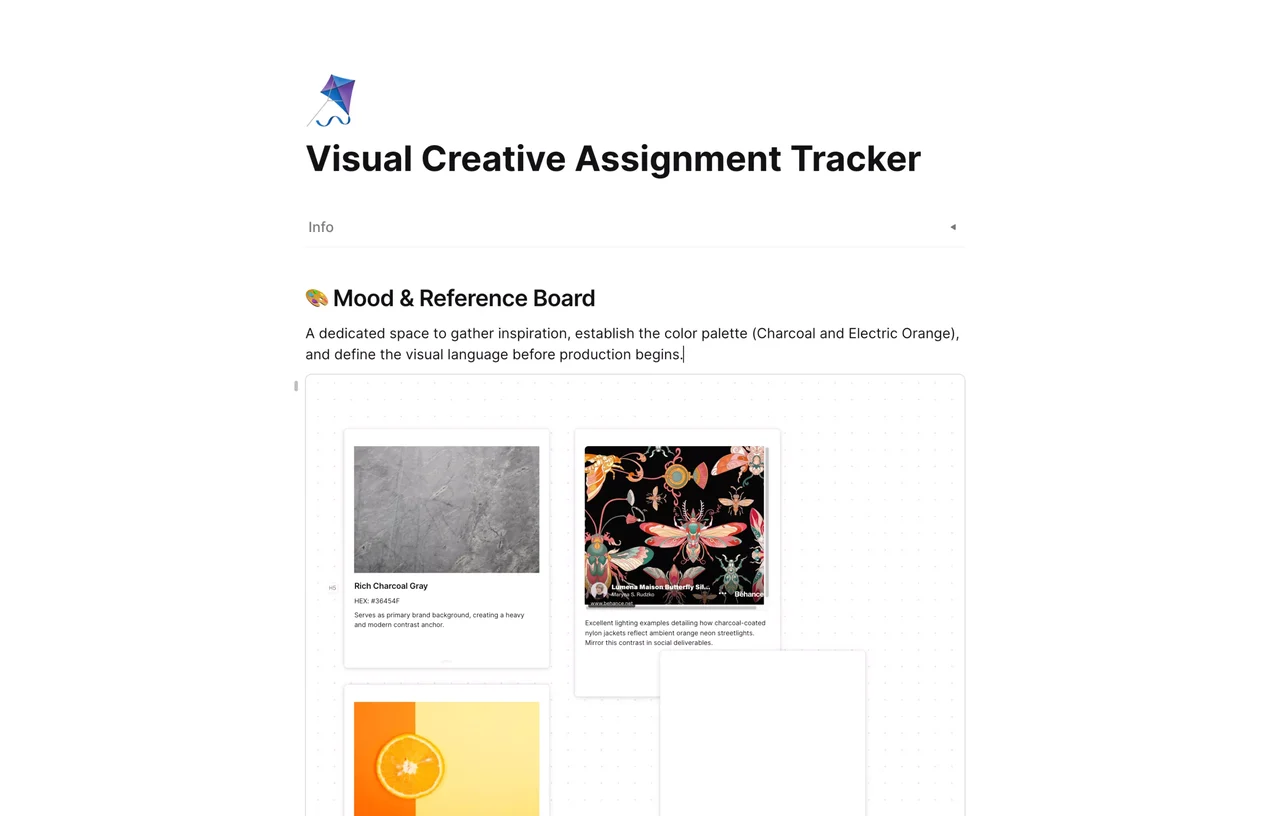
Mood and reference board in AFFiNE with color swatch cards, HEX codes, and reference images for a creative project

A creative project tracker is a workspace that keeps the visual references, deliverables, deadlines, and feedback for a design or content project in one place. This AFFiNE template starts with a mood and reference board for color palettes and imagery, so you define the visual direction before production begins, then gives you space to track assignments and revisions below it.

What's included in this template

  • Info block at the top for project details such as client or course, owner, and dates.
  • Mood & Reference Board: a canvas area with reference cards for colors (with HEX codes), textures, and example images, each with a short note on how to use it.
  • A sample palette (charcoal and electric orange) you can replace with your own.
  • Space below the board to list deliverables, track their stage, and log feedback and revisions.

Who it's for

  • Graphic and brand designers who start every job with a mood board.
  • Content and social media creators planning a series of visual assets.
  • Design and art students tracking assignments with visual briefs.
  • Small creative teams that want references and task status on the same page.

How to use this creative project tracker in AFFiNE

  1. Duplicate the template. Click Use this template to add it to your AFFiNE workspace.
  2. Fill in the project info. Add the client or course, the owner, and the key dates.
  3. Build your mood board. Replace the sample cards with your own images, color swatches, and HEX codes, and add a one-line note to each.
  4. List your deliverables. Add each asset with its due date and stage, such as Sketch, Draft, Review, or Final.
  5. Record feedback. Note comments and revision requests under the matching deliverable so the history stays in one place.
  6. Review and export. Check the tracker at each milestone and export to PDF or PNG when you need to share it.

Tips for tracking creative projects

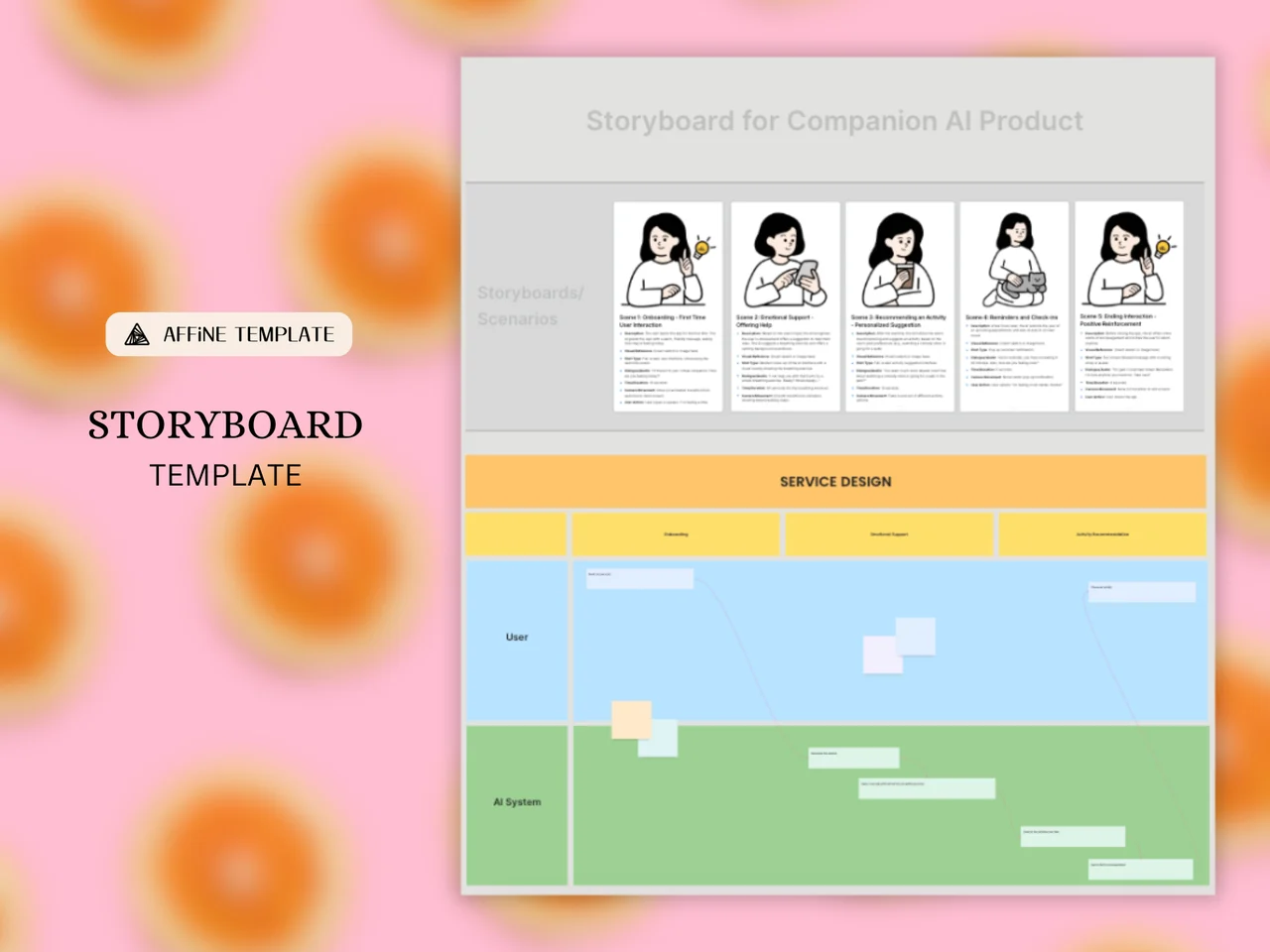
Lock the visual direction before you start producing assets; changing the palette halfway through costs the most time. Keep each feedback round dated and short, and limit the number of revision rounds up front. If the project needs shot-by-shot planning, use the storyboard template alongside this one. For moving work through stages, see how to move from a canvas calendar to a kanban board.

Frequently asked questions

What is the difference between a creative project tracker and a regular project tracker?

A creative project tracker keeps visual references such as mood boards, palettes, and drafts next to the task list. A regular tracker usually lists only tasks, owners, and dates.

Can I add my own images to the mood board?

Yes. You can drag images, links, and color cards onto the board, then move and resize them freely on the canvas.

Should I make a mood board before starting a design project?

Usually, yes. A mood board helps you and your client agree on colors, style, and tone before production, which reduces revision rounds later.

Is this creative project tracker free?

Yes. It is free to use in AFFiNE, and you can export it to PDF, PNG, or Markdown.

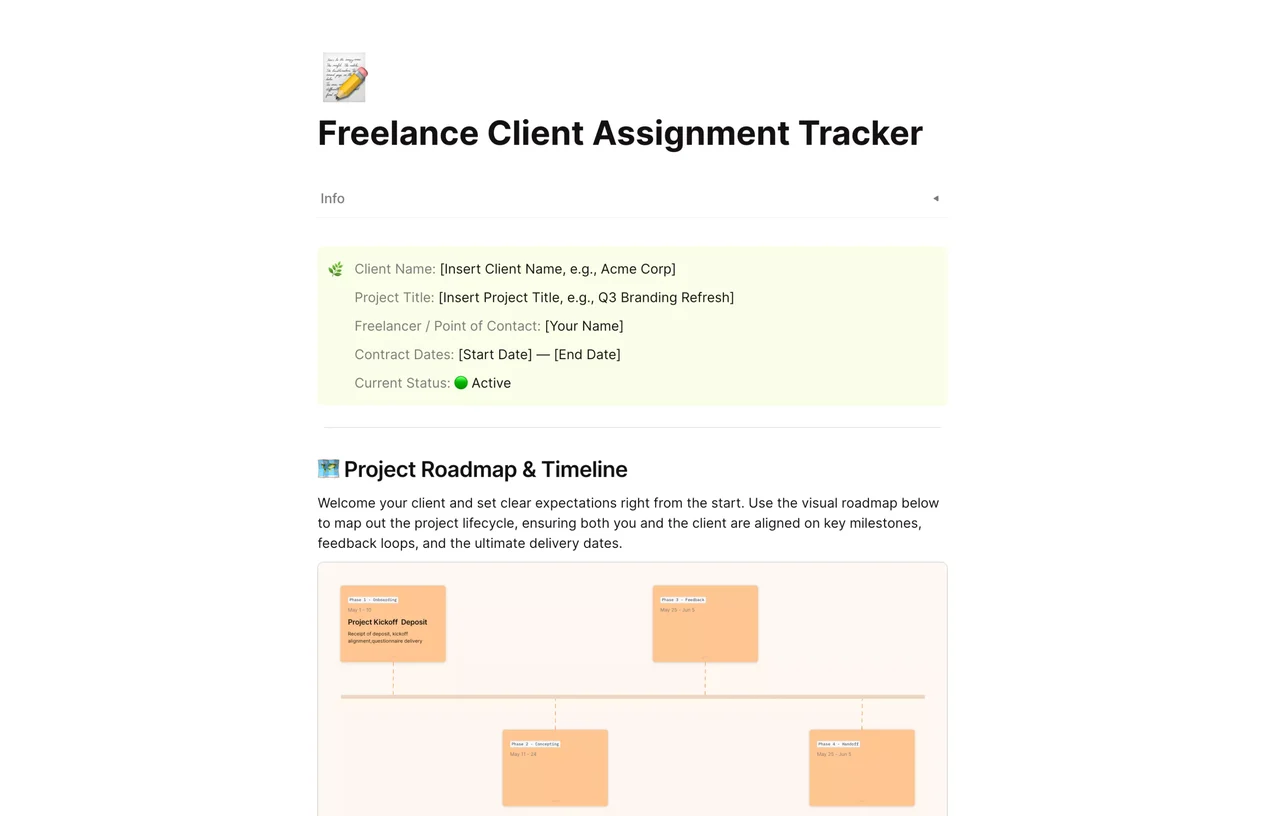
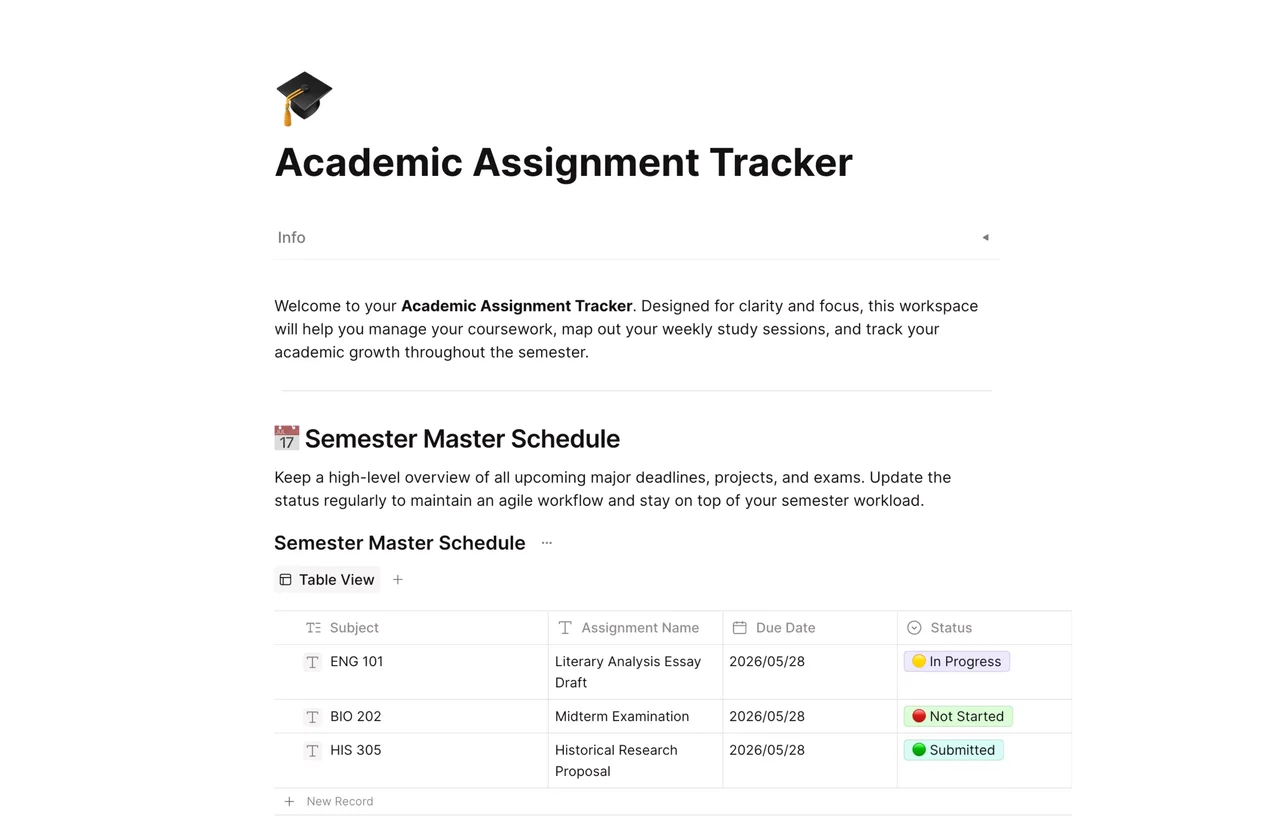
Browse more assignment tracker templates, or try the freelance client assignment tracker for client-facing work.
Get more things done, your creativity isn't monotone